2 Best Open-Source Alternatives to Open WebUI in 2026
By Noahlast updated
Compared: open-source alternatives to Open WebUI
| Alternative | Best for | Standout | Biggest weakness | Learning curve | Price |
|---|---|---|---|---|---|
| Open WebUIreference | individuals, startups, and regulated organizations that want a self-hosted, vendor-independent chat interface for local or API-based AI models | Full self-hosted control over AI model routing and chat data, connecting to local runners like Ollama or cloud providers such as OpenAI and Anthropic, with air-gapped and data-residency deployment options for regulated industries. | The core product is source-available rather than a standard OSI open-source license, since the Open WebUI License requires preserving Open WebUI branding unless an Enterprise license is purchased, and self-hosting requires ongoing maintenance of Docker/Ollama infrastructure that a hosted chatbot service does not. | Moderate | Free |
| Ollama | developers who want to run open-weight LLMs locally for privacy, offline use, or air-gapped applications, with optional cloud access for models too large to run on local hardware | Local inference stays entirely on-device by default with no telemetry, and the same CLI/API surface extends to paid cloud models when a task needs more compute than local hardware provides. | Local model quality and speed are bounded by the user's own hardware (RAM, GPU/VRAM), so running larger models still requires either capable hardware or upgrading to the paid cloud tier, and Max plan signups are currently paused while Ollama adds capacity. | Low | Free tier · paid from $20/mo |
| AnythingLLM | developers and privacy-sensitive teams that want document chat and agents running on their own hardware, with no per-token bill and no files leaving the machine | One install bundles a local model runner, a document knowledge base, and tool-using agents with no account or API key, including a meeting assistant that transcribes and summarizes calls on-device without a bot joining the call. | Mobile is Android-only — there is no iOS app — and the newer Magic features that make AnythingLLM work system-wide are capped by daily usage limits unless you buy a Desktop Pro license whose price appears nowhere on anythingllm.com or docs.anythingllm.com. Answer quality is also bounded by whatever model your own hardware can run, which varies far more than a fixed cloud model. | Moderate | Free tier · paid from $50/mo |
 Open WebUI
 Ollama
 AnythingLLM
1.Ollama — best Open WebUI alternative for developers who want to run open-weight LLMs locally for privacy, offline use, or air-gapped applications, with optional cloud access for models too large to run on local hardware
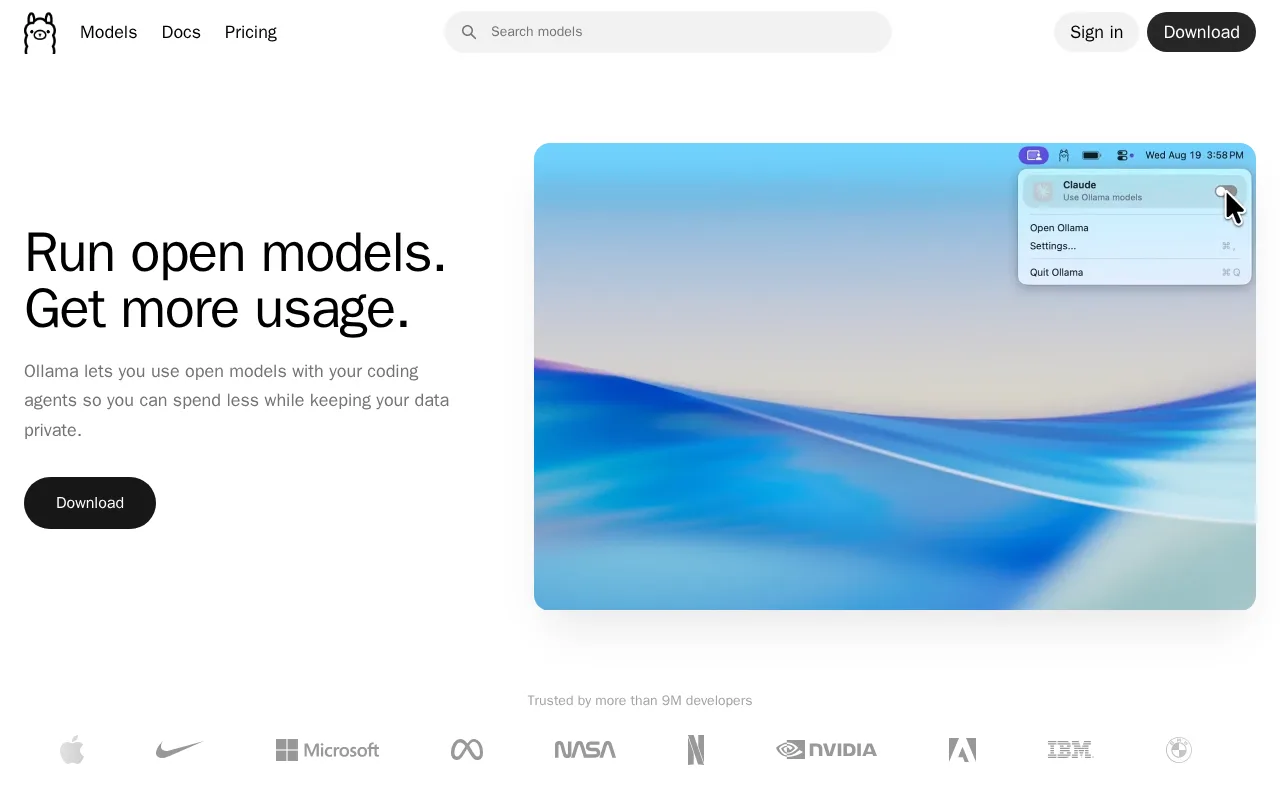
Ollama is the best Open WebUI alternative for developers who want to run open-weight LLMs locally through a simple CLI and REST API rather than Open WebUI's browser-based chat interface. Ollama is MIT-licensed and free to run entirely offline, matching Open WebUI's own free-to-self-host Community tier, and it holds a 5.0/5 rating from 40 Product Hunt reviews, well above Open WebUI's own 4.0/5 from 5 reviews. Ollama integrates with 40,000+ community tools and editors directly through its CLI (ollama run llama3) and REST API, while Open WebUI is itself commonly used as a chat frontend layered on top of an Ollama backend, meaning many Open WebUI users are already running Ollama underneath. An optional Pro cloud tier at $20/month adds access to larger models when local hardware isn't enough, a capability Open WebUI's own product doesn't provide directly since it only routes to backends like Ollama or cloud APIs. Open WebUI is still the better choice for anyone who specifically wants a full browser-based chat UI with RBAC, audit logs, and a 478,000+ member community library of prompts and tools: Ollama's product is a runtime and API, not a chat interface, so teams that want a polished multi-user web UI would still need to pair Ollama with a frontend like Open WebUI itself.
Compared to Open WebUI: a CLI and REST API (ollama run llama3) instead of a browser-based chat interface, MIT-licensed and fully open source versus Open WebUI's source-available branding requirement, integrates with 40,000+ community tools and editors directly
Wins:MIT-licensed and fully open source, unlike Open WebUI's source-available Open WebUI License, which requires preserving branding unless an Enterprise license is purchased · Integrates directly with 40,000+ community tools and editors through its CLI and REST API, without requiring a separate chat frontend · Holds a 5.0/5 rating from 40 Product Hunt reviews, above Open WebUI's own 4.0/5 from 5 reviews
Loses:No built-in multi-user browser chat interface with RBAC or audit logs; Ollama is a runtime and API, not a full chat UI the way Open WebUI is · No community library of shared prompts and tools comparable to Open WebUI's 478,000+ member community · Air-gapped and data-residency-controlled deployment options aren't described in Ollama's own materials the way Open WebUI specifically targets regulated industries with them
Pros
- Core local runtime is free, open source (MIT), and requires no account to run models offline.
- No telemetry from local inference; data never leaves the device unless a cloud model is explicitly used.
- Simple CLI and REST API make it easy to integrate into existing developer tools and 40,000+ community integrations.
- Cloud tier extends the same interface to larger models when local hardware isn't enough.
Cons
- Local performance depends entirely on the user's own hardware; larger models need significant RAM or GPU VRAM to run well.
- Max plan ($100/month) is currently paused for new signups while Ollama adds capacity.
- Cloud usage limits reset on 5-hour and 7-day cycles, which can be restrictive for bursty workloads compared to flat monthly quotas.
- Team plan has a 5-seat minimum ($125/month), which is a meaningful jump for very small teams.
Pricing: Free tier · paid from $20/mo — Both offer a free core product; Ollama's local runtime is free with an optional $20/month Pro cloud tier, while Open WebUI's Community edition is free to self-host with custom Enterprise pricing for SSO, RBAC, and branding removal (verified undefined NaN, NaN)
2.AnythingLLM — best Open WebUI alternative for developers and privacy-sensitive teams that want document chat and agents running on their own hardware, with no per-token bill and no files leaving the machine
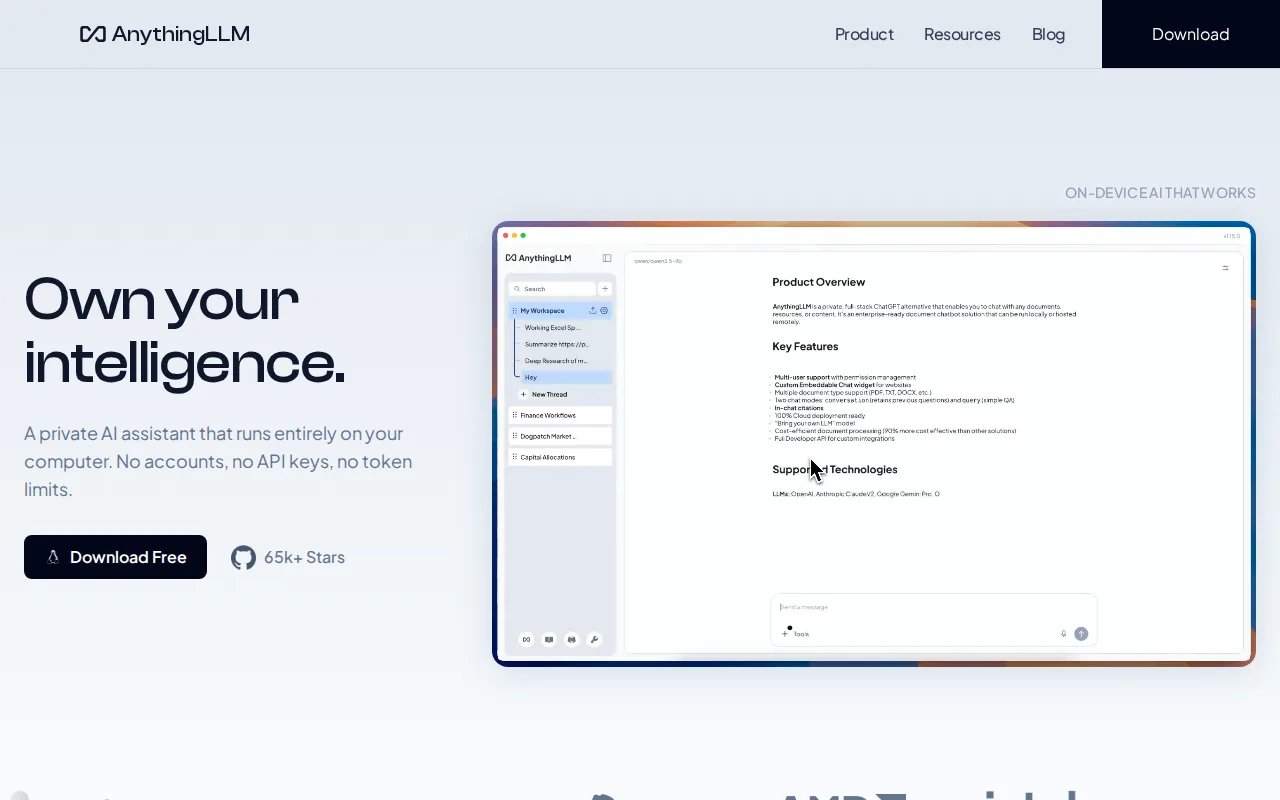
AnythingLLM is listed as an alternative to Open WebUI, but almost none of its product details have been published: no pricing, platform list, feature description, or external rating is on record, only its name and website, anythingllm.com. That gap makes a substantive, checkable comparison to Open WebUI impossible to write honestly here, so anyone who wants AnythingLLM's actual pricing, platform support, or feature set should check anythingllm.com directly rather than relying on this page. What is verifiable is Open WebUI itself: it is free to self-host via a one-command Docker or pip install, released under a source-available Open WebUI License, and it holds a 4.0/5 rating from 5 Product Hunt reviews, with a community of 478,000+ members sharing prompts and tools. Anyone deciding between the two based on confirmed information should default to Open WebUI, since its licensing, deployment model, and community size are all documented, while AnythingLLM's equivalent details weren't available. This entry can be filled in once AnythingLLM's pricing and feature details are published.
Compared to Open WebUI: no verified pricing, platform, or feature data published yet, listed only by name and website (anythingllm.com), no external rating on record versus Open WebUI's 4.0/5 from 5 Product Hunt reviews
Loses:No pricing, platform, or feature details are published for AnythingLLM, unlike Open WebUI's fully documented self-hosted Community and Enterprise tiers · No external rating is on record for AnythingLLM, versus Open WebUI's 4.0/5 from 5 Product Hunt reviews
Pros
- MIT-licensed on GitHub with more than 66,000 stars and over 5 million Docker pulls, and free to self-host for unlimited users.
- The desktop app runs with no account, no API key, and no token limits; documents, embeddings, and chat history stay on the machine.
- Works with local runtimes (Ollama, LM Studio, LocalAI, KoboldCPP) and cloud providers (OpenAI, Anthropic, Google Gemini, Groq, Mistral, OpenRouter) behind the same interface.
- The meeting assistant transcribes and summarizes calls entirely on-device, with no bot joining the meeting.
- Self-hosted deployments include multi-user tenant isolation, fine-grained admin controls, and white-labeling without a paid tier.
Cons
- No iOS app; the mobile client ships only on Google Play and as a manual APK download.
- The Magic features have daily free-usage caps, and the Desktop Pro subscription that lifts them has no price published on the site or in the docs.
- AnythingLLM Cloud starts at $50/month for the whole instance and still requires you to bring your own LLM API key, so the model bill is separate.
- Output quality depends on which local model your hardware can run, so results are less predictable than a hosted assistant on a fixed model.
Pricing: Free tier · paid from $50/mo (verified undefined NaN, NaN)