5 Best Alternatives to ON1 Photo RAW for Windows in 2026
By Noahlast updated
All 5 ON1 Photo RAW alternatives
Compared: ON1 Photo RAW alternatives that run on Windows
| Alternative | Best for | Learning curve | Price |
|---|---|---|---|
| ON1 Photo RAWreference | photographers who want a full RAW-to-export editing workflow without a recurring subscription, either standalone or as a Lightroom/Photoshop plugin | Moderate | From $99.99 one-time |
| Adobe Lightroom | photographers who shoot in volume and want cloud-synced, non-destructive edits and AI-assisted culling across every device | Moderate | Free tier · paid from $11.99/mo |
| Capture One | portrait, fashion, product, and commercial photographers who need tethered shooting and fine-grained color grading beyond what Lightroom offers | Steep | Custom pricing |
| Luminar Neo | photography hobbyists who want AI-assisted, single-slider editing tools like sky replacement and background removal without paying an ongoing Adobe-style subscription | Low | From $129 one-time |
| DxO PhotoLab | photographers who want DeepPRIME's high-ISO noise reduction and automated lens corrections without paying a monthly subscription | Moderate | From $149.99 one-time |
| Affinity | designers and photographers who want Photoshop/Illustrator-level editing tools without paying a subscription, and don't need AI generative features | Moderate | Free tier · paid from $18/mo |
 ON1 Photo RAW
 Adobe Lightroom
 Capture One
 Luminar Neo
 Affinity
1Adobe Lightroom — best ON1 Photo RAW alternative for photographers who shoot in volume and want cloud-synced, non-destructive edits and AI-assisted culling across every device
Adobe Lightroom is the best ON1 Photo RAW alternative for photographers who shoot in volume and want cloud-native catalog sync that carries the same edit history across desktop, web, and mobile, a workflow ON1 Photo RAW's standalone desktop app doesn't offer. Lightroom's AI tools — Generative Remove, Assisted Culling, Lens Blur — automate tasks ON1 Photo RAW's AI-based masking and sky replacement handle differently, and Lightroom holds a 4.8/5 rating from 327 Capterra reviews, evidence ON1 Photo RAW's own listing doesn't carry since ON1 has no external ratings at all. Lightroom also includes a free mobile app for basic editing without a subscription. ON1 Photo RAW is still the better choice for photographers who want to avoid a recurring subscription entirely: Lightroom starts at $11.99/month billed annually with no perpetual-license option, so the running cost eventually exceeds ON1 Photo RAW's one-time $99.99 purchase, and the base 1TB of included cloud storage fills up fast for RAW shooters, with additional storage a separate paid add-on. Capterra reviewers also report lag and sync slowdowns once Lightroom catalogs grow large, and cancelling an annual-billed-monthly plan within the first year can trigger an early termination fee, costs ON1 Photo RAW's one-time purchase model doesn't carry.
Compared to ON1 Photo RAW: cloud-native catalog sync across desktop/web/mobile ON1's standalone app doesn't offer, 4.8/5 rating from 327 reviews vs no external ratings, $11.99/month subscription with no perpetual-license option vs ON1's one-time $99.99 purchase
Wins:Cloud-native catalog sync carries the same edit history across desktop, web, and mobile automatically, unlike ON1's standalone desktop app · 4.8/5 rating from 327 Capterra reviews vs ON1 Photo RAW's no external ratings at all · Free mobile app covers basic editing without a subscription
Loses:Subscription-only starting at $11.99/month with no perpetual-license option, so running cost eventually exceeds ON1 Photo RAW's one-time $99.99 purchase · Base 1TB of included cloud storage fills up fast for RAW shooters, with additional storage a separate paid add-on · Cancelling an annual-billed-monthly plan within the first year can trigger an early termination fee
Pros
- Non-destructive, catalog-based editing that syncs across desktop, web, and mobile automatically.
- AI tools like Generative Remove and Assisted Culling cut down time spent on repetitive photo triage.
- Free mobile app covers basic editing without a subscription.
- Lightroom Classic (included) gives desktop-only photographers local file control instead of cloud storage.
Cons
- 1TB of included cloud storage fills up fast for photographers shooting RAW in volume; extra storage costs more.
- Performance and sync can lag with large catalogs, per user reviews.
- Cancelling an annual-billed-monthly plan within the first year can trigger an early termination fee.
- Full editing power requires understanding Lightroom's catalog model, which trips up first-time users.
Pricing: Free tier · paid from $11.99/mo — $11.99/month subscription (no perpetual option) vs ON1 Photo RAW's one-time $99.99 purchase (or $169.99 for MAX) (verified )
2Capture One — best ON1 Photo RAW alternative for portrait, fashion, product, and commercial photographers who need tethered shooting and fine-grained color grading beyond what Lightroom offers
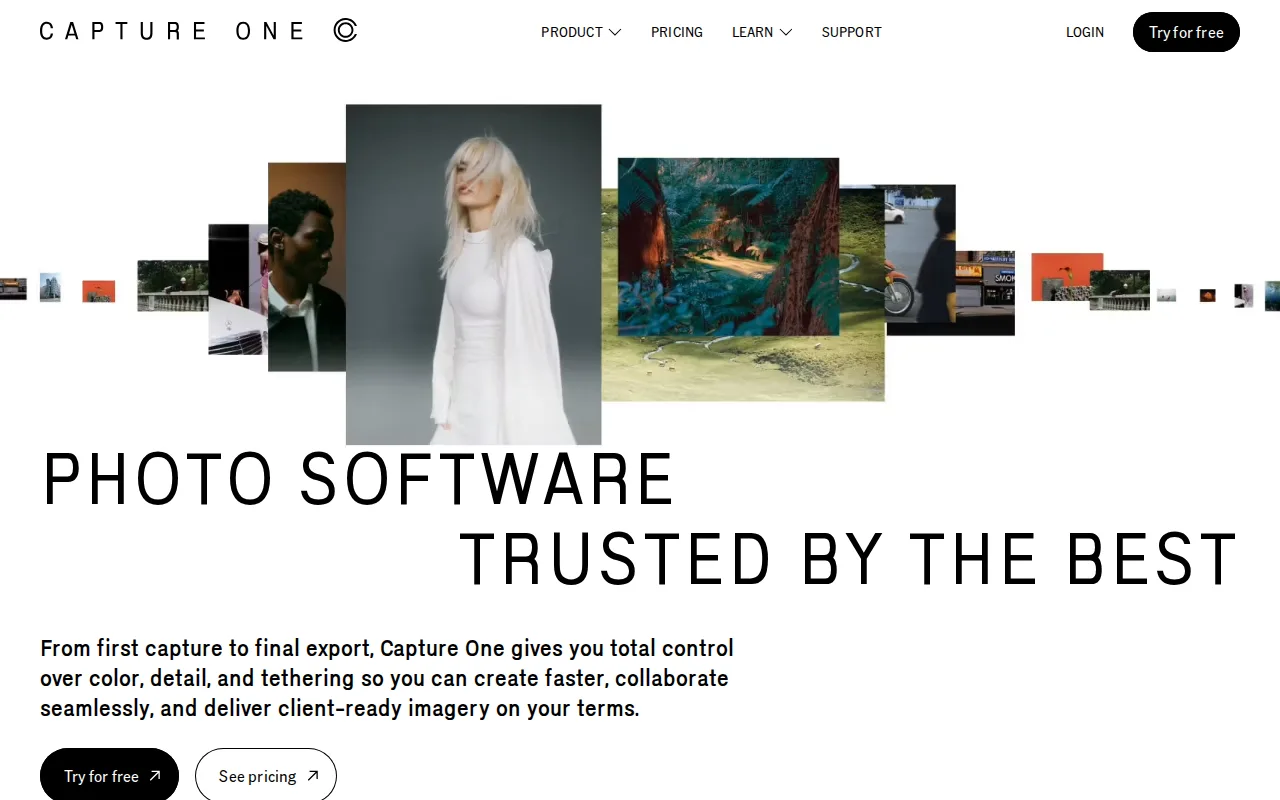
Capture One is the best ON1 Photo RAW alternative for portrait, fashion, product, and commercial photographers who need tethered capture support for 550+ camera models and more granular color grading than ON1 Photo RAW's editing toolset offers. Capture One Live and its Studio tier let a remote art director or client watch a tethered shoot in real time, a live-collaboration workflow ON1 Photo RAW doesn't have. Capture One holds a 4.7/5 rating from 66 Capterra reviews, evidence ON1 Photo RAW's own listing doesn't carry since ON1 has no external ratings at all. Like ON1 Photo RAW, Capture One also sells a Pro perpetual license option for photographers who don't need every yearly update, alongside its four subscription tiers. ON1 Photo RAW is still the better choice for buyers who want to know the price before committing: Capture One's own pricing page renders every dollar figure through an interactive calculator rather than static page text, so exact subscription and perpetual-license prices aren't confirmable without navigating the calculator, unlike ON1 Photo RAW's clearly published $99.99 and $169.99 one-time prices. Reviewers also cite a steeper learning curve for Capture One's color and layer-based editing tools than more mainstream competitors.
Compared to ON1 Photo RAW: tethered capture for 550+ camera models and Studio-tier live collaboration ON1 doesn't offer, 4.7/5 rating from 66 reviews vs no external ratings, pricing hidden behind an interactive calculator vs ON1's published $99.99/$169.99 one-time prices
Wins:Tethered capture support for 550+ camera models, deeper than ON1 Photo RAW's editing-focused toolset · Capture One Live and the Studio tier let a remote art director or client watch a tethered shoot in real time · 4.7/5 rating from 66 Capterra reviews vs ON1 Photo RAW's no external ratings at all
Loses:Pricing is not shown as static page text; every dollar figure requires navigating an interactive calculator, unlike ON1 Photo RAW's clearly published $99.99 and $169.99 one-time prices · Steeper learning curve for color and layer-based editing tools, per reviewer reports · No Android app; mobile support is iPad/iPhone only
Pros
- Tethered shooting support for 550+ camera models, deeper than most competitors.
- More granular color grading and correction tools than Adobe Lightroom.
- Offers both subscription and perpetual license options, unlike most modern creative software.
- Five years of continuous subscription converts to a free perpetual license.
Cons
- Steeper learning curve than Lightroom, reviewers say, especially for color and layer-based editing tools.
- Pricing runs higher than Lightroom once Studio or All in One tiers are needed for collaboration or mobile.
- Exact subscription and perpetual license prices are not shown as static text on Capture One's own pricing page, requiring an interactive calculator to compare.
- No Android app; mobile support is iPad/iPhone only.
Pricing: Custom pricing — Exact subscription and perpetual-license prices require an interactive calculator vs ON1 Photo RAW's published one-time $99.99 (Photo RAW) and $169.99 (MAX) (verified )
3Luminar Neo — best ON1 Photo RAW alternative for photography hobbyists who want AI-assisted, single-slider editing tools like sky replacement and background removal without paying an ongoing Adobe-style subscription
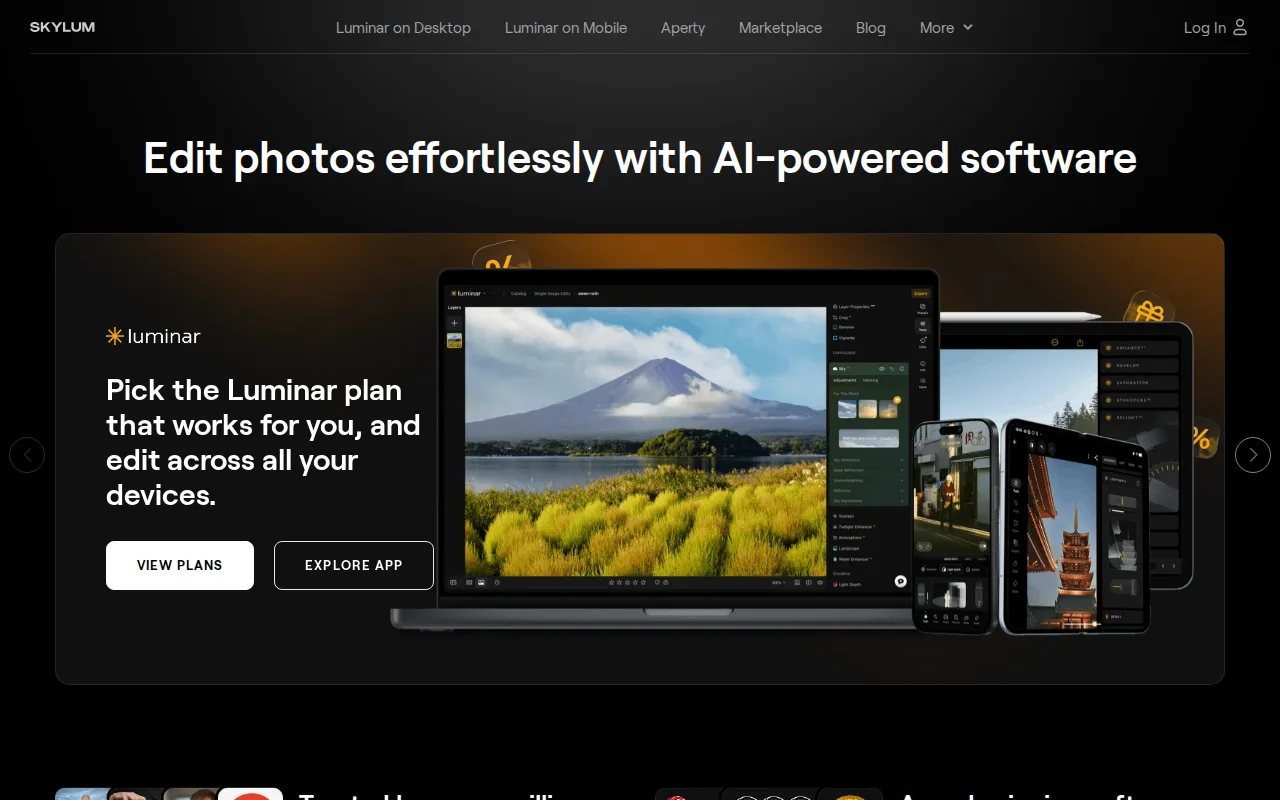
Luminar Neo is the best ON1 Photo RAW alternative for hobbyists who want single-slider AI tools — Sky Replacement, background removal, portrait retouching — without learning a manual, layers-based workflow, a simpler entry point than ON1 Photo RAW's more traditional editing toolset. Both are sold as one-time perpetual licenses rather than subscriptions: Luminar Neo's Desktop Only plan starts at $129, close to ON1 Photo RAW's own $99.99 Photo RAW price, and both include a year of included AI-tool updates before an optional annual renewal. Luminar Neo's All Platforms and Max bundles add mobile apps for iOS, Android, and ChromeOS plus Apple Vision Pro support, broader platform reach than ON1 Photo RAW's Windows- and macOS-only desktop coverage. Neither product carries a Capterra, G2, or Product Hunt rating, so third-party evidence is equally thin on both sides. ON1 Photo RAW is still the better choice for buyers who want a cleaner, one-time-payment pitch: Luminar Neo's AI tools run on a 365-day license cycle that requires a separate Luminar Prime renewal ($33-$59/year) to keep working past the first year, softening the 'pay once' framing more than ON1 Photo RAW's own MAX-or-Photo-Studio upsell does, and AI-driven edits can look overprocessed on some images without careful slider tuning.
Compared to ON1 Photo RAW: single-slider AI tools (Sky Replacement, background removal) vs a more traditional editing toolset, Desktop Only at $129 close to ON1's $99.99, broader mobile reach (iOS/Android/ChromeOS/Vision Pro) vs ON1's Windows/macOS-only coverage
Wins:Single-slider AI tools (Sky Replacement, background removal, portrait retouching) offer a simpler entry point than ON1 Photo RAW's more traditional editing toolset · All Platforms and Max bundles add mobile apps for iOS, Android, and ChromeOS plus Apple Vision Pro support, broader reach than ON1 Photo RAW's Windows/macOS-only desktop coverage · Desktop Only starts at $129, in the same one-time-purchase range as ON1 Photo RAW's own $99.99 Photo RAW price
Loses:AI tools require a separate Luminar Prime renewal ($33-$59/year) to keep working past the first year, softening the 'pay once' pitch more than ON1's own upsell path · AI-driven edits can look overprocessed on some images without careful slider tuning, a common complaint among more experienced editors · Carries no Capterra, G2, or Product Hunt rating, the same lack of third-party evidence as ON1 Photo RAW's own unrated listing
Pros
- One-time perpetual license option avoids Adobe's mandatory ongoing subscription for the core desktop app.
- Single-slider AI tools (Accent AI, Sky Replacement, background removal) make complex edits accessible without a manual layers-based workflow.
- Cross-platform coverage including iOS, Android, ChromeOS, and Apple Vision Pro on higher-tier bundles.
- Includes a large library of presets, LUTs, overlays, and skies, plus bundled photography courses.
Cons
- AI tools require a 365-day license renewal through Luminar Prime ($33-$59/year) to stay current after the first year, softening the 'pay once' pitch.
- Pricing display leans on frequent 'up to 50% off' discounting from list prices, making it harder to judge the real baseline cost.
- Lacks the depth of professional-grade manual retouching and color-grading tools found in Photoshop or Capture One.
- AI-driven edits can look overprocessed on some images without careful slider tuning, a common complaint among more experienced photo editors.
Pricing: From $129 one-time — Desktop Only at $129 one-time vs ON1 Photo RAW's $99.99 Photo RAW; both require an optional annual renewal ($33-$59/year Luminar Prime vs ON1's $79.99/year MAX subscription option) to keep AI features current (verified )
4DxO PhotoLab — best ON1 Photo RAW alternative for photographers who want DeepPRIME's high-ISO noise reduction and automated lens corrections without paying a monthly subscription
DxO PhotoLab is the best ON1 Photo RAW alternative for photographers who want DeepPRIME's high-ISO noise reduction and automated DxO Optics Modules lens corrections applied during RAW conversion, capabilities widely regarded as best-in-class and a sharper focus than ON1 Photo RAW's broader masking-and-effects toolset. Like ON1 Photo RAW, DxO PhotoLab sells as a one-time perpetual license with no subscription requirement: Essential costs $149.99 (or $84.99 upgrading from PhotoLab 7 or 8), close to ON1 Photo RAW's own $99.99-$169.99 range. DxO PhotoLab holds a 4.4/5 rating from 14 Capterra reviews and roughly a 4-star average across more than 800 Trustpilot reviews, more third-party evidence than ON1 Photo RAW's own listing, which carries no external ratings at all. ON1 Photo RAW is still the better choice for buyers who want a single edition covering the full workflow at the lower price point: DxO PhotoLab's camera and lens support list is smaller than Adobe's or Capture One's, its Elite edition costs $90 more than Essential for local adjustments and haze removal that ON1 Photo RAW includes in its base Photo RAW edition, and DxO PhotoLab has no web or mobile version, Windows and macOS desktop only, matching but not exceeding ON1 Photo RAW's own desktop-only reach.
Compared to ON1 Photo RAW: DeepPRIME AI denoising widely regarded as best-in-class vs a broader masking-and-effects toolset, 4.4/5 rating from 14 Capterra reviews plus 800+ Trustpilot reviews vs no external ratings, Elite edition costs $90 more than Essential for features ON1 bundles at its base price
Wins:DeepPRIME AI denoising is widely regarded as best-in-class for high-ISO RAW files, a sharper focus than ON1 Photo RAW's broader toolset · 4.4/5 rating from 14 Capterra reviews plus a roughly 4-star average across 800+ Trustpilot reviews vs ON1 Photo RAW's no external ratings at all · Automated DxO Optics Modules apply lens and camera-body corrections without manual profile hunting
Loses:Camera and lens support list is smaller than Adobe's or Capture One's · Elite edition costs $90 more than Essential for local adjustments and haze removal that ON1 Photo RAW includes in its base Photo RAW edition · No web or mobile version, Windows and macOS desktop only, matching but not exceeding ON1 Photo RAW's own desktop-only reach
Pros
- DeepPRIME denoising is widely regarded as best-in-class for high-ISO RAW files.
- One-time purchase with no subscription, unlike Adobe Lightroom.
- Automated DxO Optics Modules apply lens and camera-body corrections without manual profile hunting.
- PureRAW add-on lets DeepPRIME processing plug into an existing Lightroom or Capture One workflow.
Cons
- Camera and lens support list is smaller than Adobe's or Capture One's.
- No permanently free tier; only a time-limited trial before purchase.
- Elite edition costs $90 more than Essential for local adjustments and haze removal that competitors often include at their base tier.
- No mobile or web version; Windows and macOS desktop only.
Pricing: From $149.99 one-time — Essential at $149.99 ($84.99 upgrade) and Elite at $239.99 ($119.99 upgrade), one-time, vs ON1 Photo RAW's $99.99 Photo RAW and $169.99 MAX one-time prices (verified )
5Affinity — best ON1 Photo RAW alternative for designers and photographers who want Photoshop/Illustrator-level editing tools without paying a subscription, and don't need AI generative features
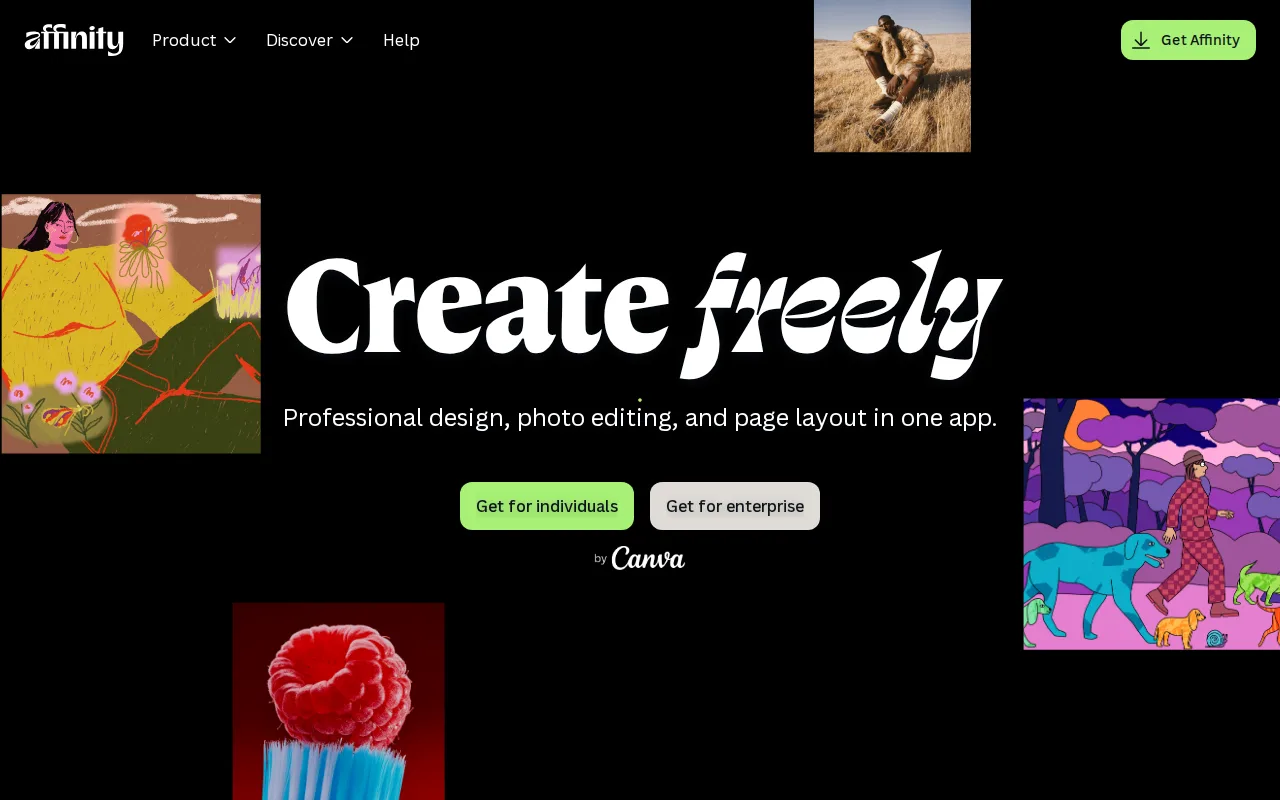
Affinity is the best ON1 Photo RAW alternative for photographers and designers who want a professional-grade editing suite entirely free, with no one-time purchase or subscription required for the core app, unlike ON1 Photo RAW's $99.99-$169.99 one-time pricing. Affinity unifies Vector, Pixel, and Layout studios that were formerly three separate paid apps into one free application requiring only a free Canva account, no credit card, to access everything in the base app. Affinity Photo holds a 4.8/5 rating from 99 Capterra reviews, more third-party evidence than ON1 Photo RAW's own listing, which carries no external ratings at all. AI-based masking is one area where the two diverge in approach: Affinity's optional generative AI tools (Generative Fill, Expand, AI image generation) require a separate Canva Pro subscription at $14.99/month, while ON1 Photo RAW bundles its AI-based masking and sky replacement into the one-time purchase price with no recurring cost. ON1 Photo RAW is still the better choice for RAW-focused photographers who want a dedicated RAW workflow and cataloging tool: Affinity has no iPad app yet, it's listed as coming soon rather than available, has no Linux support, and its 2026 rebrand merging three separate apps into one changes workflows for users of the older per-app Affinity Designer/Photo/Publisher versions.
Compared to ON1 Photo RAW: entirely free core app vs $99.99-$169.99 one-time pricing, 4.8/5 rating from 99 Capterra reviews vs no external ratings, generative AI tools gated behind a $14.99/month Canva Pro subscription vs ON1's AI features bundled into the one-time price
Wins:Entirely free core app with no time limit or feature gate, vs ON1 Photo RAW's $99.99-$169.99 one-time pricing · 4.8/5 rating from 99 Capterra reviews vs ON1 Photo RAW's no external ratings at all · Unifies vector, raster, and layout editing in one app, more scope than ON1 Photo RAW's photo-focused toolset
Loses:Generative AI tools (Fill, Expand, AI image generation) require a separate $14.99/month Canva Pro subscription, while ON1 Photo RAW bundles its AI-based masking and sky replacement into the one-time purchase price · No iPad app yet; it's listed as coming soon rather than available, and there's no Linux support · No dedicated RAW workflow and cataloging tool the way ON1 Photo RAW's Photo RAW is purpose-built for
Pros
- Full professional design suite (vector, raster, layout) free with no time limit or feature gate on the core tools.
- Requires only a free Canva account, no credit card, to unlock everything in the base app.
- Backed by Canva's infrastructure and update cadence rather than a small independent studio.
- Optional Canva Pro AI features integrate directly inside the same app rather than requiring a separate tool.
Cons
- Generative AI features are gated behind a paid Canva plan (Canva Pro costs $18/month or $144/year).
- No iPad app yet; it is listed as coming soon rather than available.
- No Linux support.
- The October 2025 relaunch merged three apps into one and moved sign-in to Canva accounts, while the older Affinity V2 apps remain a separate product with separate Serif accounts.
Pricing: Free tier · paid from $18/mo — $0 free core app vs ON1 Photo RAW's $99.99 Photo RAW/$169.99 MAX one-time purchase; Affinity's optional Canva Pro AI add-on costs $14.99/month, a recurring cost ON1 Photo RAW's bundled AI tools don't require (verified )