5 Best Alternatives to NocoDB for Web in 2026
By Noahlast updated pricing verified
Compared: NocoDB alternatives that run on Web
| Alternative | Best for | Learning curve | Price |
|---|---|---|---|
| NocoDBreference | teams wanting an Airtable-style spreadsheet interface over a real MySQL/Postgres database, self-hosted for free with no record caps | Moderate | Free tier · paid from $12/mo |
| Airtable | Small-to-midsize teams that need a relational database with a spreadsheet UI to run project trackers, content calendars, or lightweight CRMs without writing code. | Moderate | Free tier · paid from $20/mo |
| Baserow | teams that want an Airtable-like no-code database with the option to self-host for free under MIT, avoiding per-user fees at scale | Moderate | Free tier · paid from $10/mo |
| Teable | teams and developers who want Airtable-style no-code database editing backed by real PostgreSQL, with the option to self-host for free instead of relying on a vendor's cloud | Moderate | Free tier · paid from $10/mo |
| Supabase | developers who want a Postgres-based backend (auth, storage, realtime, auto-generated APIs) they can self-host later, rather than committing to a proprietary NoSQL platform like Firebase | Moderate | Free tier · paid from $25/mo |
| Google Sheets | individuals and small teams who need real-time collaborative spreadsheets synced to cloud storage, without paying for software or managing file versions manually | Low | Free tier · paid from $8.40/mo |
 NocoDB
 Airtable
 Baserow
 Teable
 Supabase
 Google Sheets
1Airtable — best NocoDB alternative for small-to-midsize teams that need a relational database with a spreadsheet UI to run project trackers, content calendars, or lightweight CRMs without writing code.
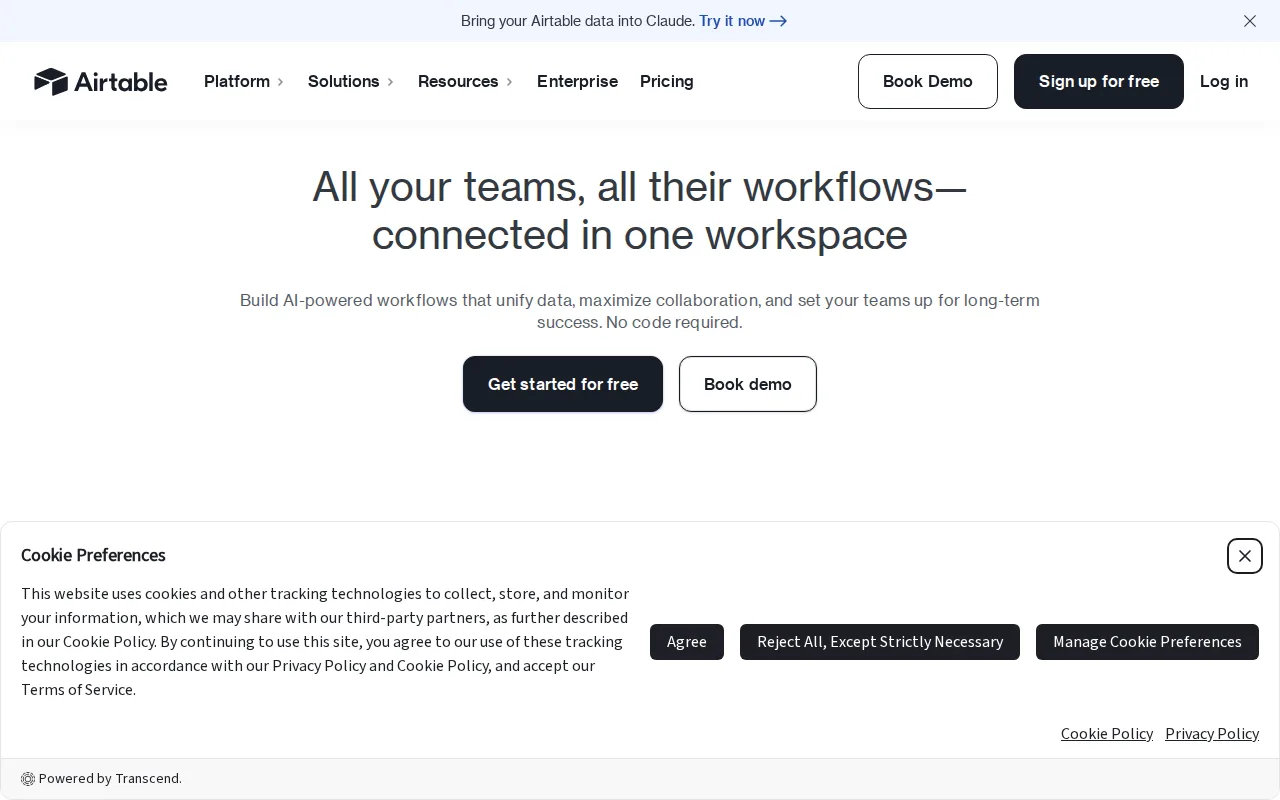
Airtable is the best NocoDB alternative for teams that want a polished, template-rich no-code database without managing self-hosted infrastructure, since Airtable is a managed SaaS product with an Interface Designer for building internal apps directly on top of stored data. Airtable's free plan is comparable to NocoDB's free cloud tier, and Team costs $20/user/month, more than NocoDB's Plus tier at $12/user/month, but Airtable holds a 4.6/5 rating from 2,900 G2 reviews and 4.7/5 from 2,100 Capterra reviews, deeper review evidence than NocoDB's 2 Product Hunt reviews. Linked records, typed fields, and built-in automations plus Interface Designer cover more of the internal-tool use case out of the box than NocoDB's spreadsheet-over-database model. NocoDB is still the better choice for teams that want to connect an existing MySQL or PostgreSQL database directly: NocoDB's self-hosted Community edition is free forever with unlimited records, storage, and seats under the Sustainable Use License, while Airtable imposes record limits per base and its per-seat pricing climbs steeply as team size grows, with no self-hosting option at all.
Compared to NocoDB: Interface Designer builds internal apps directly on stored data, a 4.6/5 rating from 2,900 G2 reviews vs NocoDB's 2 Product Hunt reviews, Team plan at $20/user/month vs NocoDB's Plus tier at $12/user/month
Wins:Interface Designer turns bases into shareable internal apps without extra tooling · 4.6/5 rating from 2,900 G2 reviews and 4.7/5 from 2,100 Capterra reviews, far deeper review evidence than NocoDB's · Larger, longer-established template and integration ecosystem
Loses:No self-hosting option at all, unlike NocoDB's free, unlimited-record self-hosted Community edition · Record limits apply per base, unlike NocoDB's self-hosted edition with no record cap · Team plan at $20/user/month costs more per seat than NocoDB's cloud Plus tier at $12/user/month
Pros
- Relational linking between tables goes well beyond what a flat spreadsheet like Google Sheets can do
- Built-in automations, interfaces, and reporting reduce the need for separate tools for simple internal apps
- Free plan is usable for individuals and very small teams before any payment is required
- Native integrations with Slack, Google Drive, Salesforce, Jira, and Zendesk plus a documented REST API for custom work
Cons
- Per-editor seat pricing gets expensive fast once a team grows past a handful of active editors
- Free and Team tiers cap records and attachments per base, forcing upgrades as data volume grows
- Enterprise-grade features (SSO, advanced RBAC, unlimited workspaces) are locked behind custom-quoted Enterprise Scale pricing
- Complex bases with many linked tables and automations can become hard to navigate for new users
Pricing: Free tier · paid from $20/mo — Free tier, then $20/user/month (Team) vs NocoDB's free self-hosted Community edition or $12/user/month cloud Plus (verified )
2Baserow — best NocoDB alternative for teams that want an Airtable-like no-code database with the option to self-host for free under MIT, avoiding per-user fees at scale
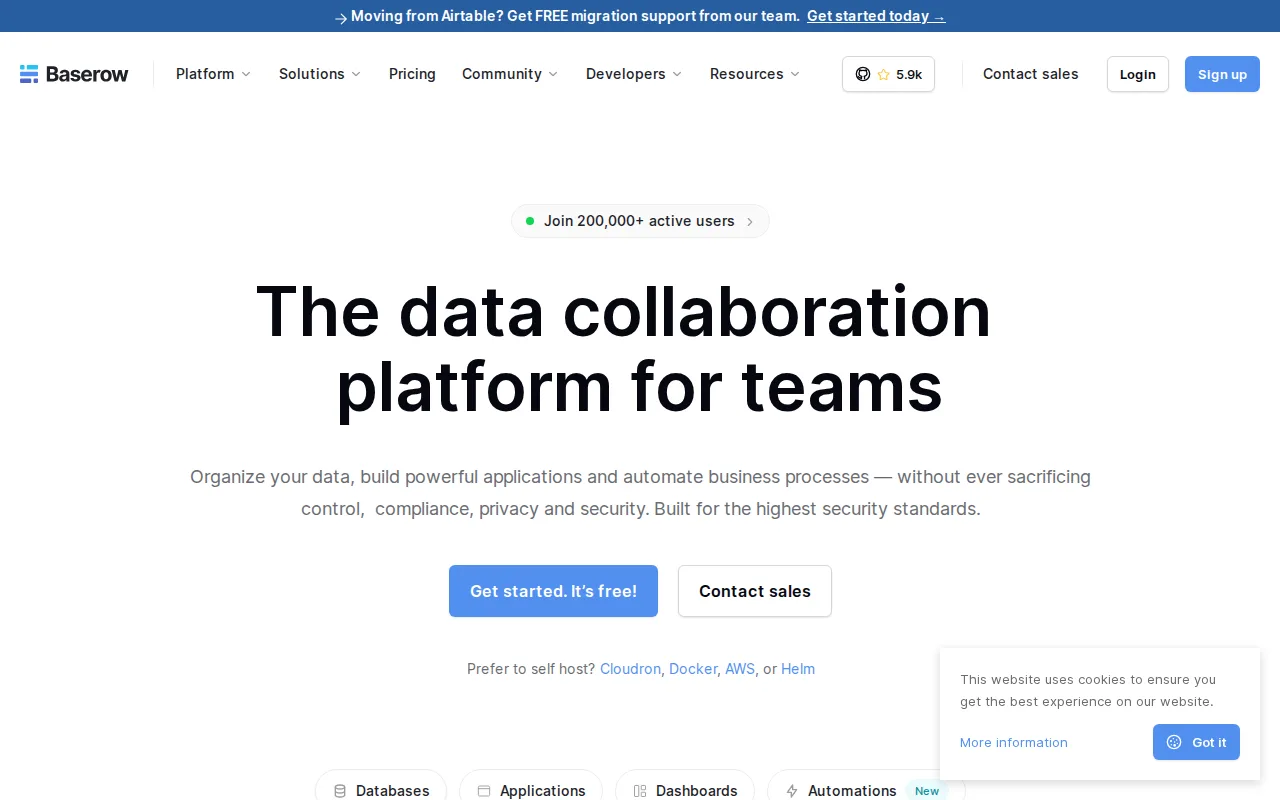
Baserow is the best NocoDB alternative for teams that specifically want an OSI-approved open-source license instead of NocoDB's Sustainable Use License, which is source-available fair-code rather than fully open source. Baserow's MIT-licensed core is free to self-host via Docker with no per-user fee, matching NocoDB's own free self-hosted model, and its paid cloud Premium tier costs $10/user/month, close to NocoDB's Plus tier at $12/user/month. Baserow holds a 4.7/5 rating from 69 Capterra reviews and 5.0/5 from 6 Product Hunt reviews, more review evidence than NocoDB's 2 Product Hunt reviews. Multiple view types (Grid, Kanban, Calendar, Timeline, Form, Gallery, Survey) match or exceed NocoDB's own view set. NocoDB is still the better choice for teams that want to connect an existing MySQL or PostgreSQL database directly rather than build one from scratch: NocoDB's self-hosted Community edition has no record, storage, or seat limits and over 63,000 GitHub stars, while Baserow's free cloud tier caps at 3,000 rows and its premium features (AI assistant, advanced permissions, audit logs) are withheld from the free self-hosted edition unless paired with a commercial license.
Compared to NocoDB: an OSI-approved MIT license vs NocoDB's Sustainable Use License, a 4.7/5 rating from 69 Capterra reviews vs NocoDB's 2 Product Hunt reviews, cloud Premium at $10/user/month vs NocoDB's Plus tier at $12/user/month
Wins:MIT-licensed core is genuinely OSI-approved open source, unlike NocoDB's source-available Sustainable Use License · 4.7/5 rating from 69 Capterra reviews and 5.0/5 from 6 Product Hunt reviews, more review evidence than NocoDB's · Cloud Premium tier is slightly cheaper at $10/user/month vs NocoDB's Plus tier at $12/user/month
Loses:Free cloud tier caps at 3,000 rows per workspace, tighter than NocoDB's unlimited self-hosted Community edition · Premium features (AI assistant, advanced permissions, audit logs) are withheld from the free self-hosted edition without a commercial license · Doesn't connect directly to an existing MySQL or PostgreSQL database the way NocoDB does
Pros
- MIT-licensed core is genuinely free to self-host with no per-user fees.
- Multiple view types (Grid, Kanban, Calendar, Timeline, Form, Gallery, Survey) cover most no-code database use cases.
- Automations and an app builder are included alongside the core database, reducing the need for separate tools.
- GDPR, HIPAA, and SOC 2 compliance available on the managed cloud offering.
Cons
- Premium features like the Kuma AI assistant, advanced permissions, and audit logs are withheld from the free self-hosted edition.
- Row and storage limits on the Free and Premium cloud tiers (3,000 and 50,000 rows respectively) can be restrictive for larger datasets.
- Enterprise pricing is not published and requires a sales conversation.
- Smaller third-party integration and template ecosystem than Airtable's much larger, longer-established marketplace.
Pricing: Free tier · paid from $10/mo — Free self-hosted core, then $10/user/month (Premium cloud) vs NocoDB's free self-hosted Community edition or $12/user/month cloud Plus (verified )
3Teable — best NocoDB alternative for teams and developers who want Airtable-style no-code database editing backed by real PostgreSQL, with the option to self-host for free instead of relying on a vendor's cloud
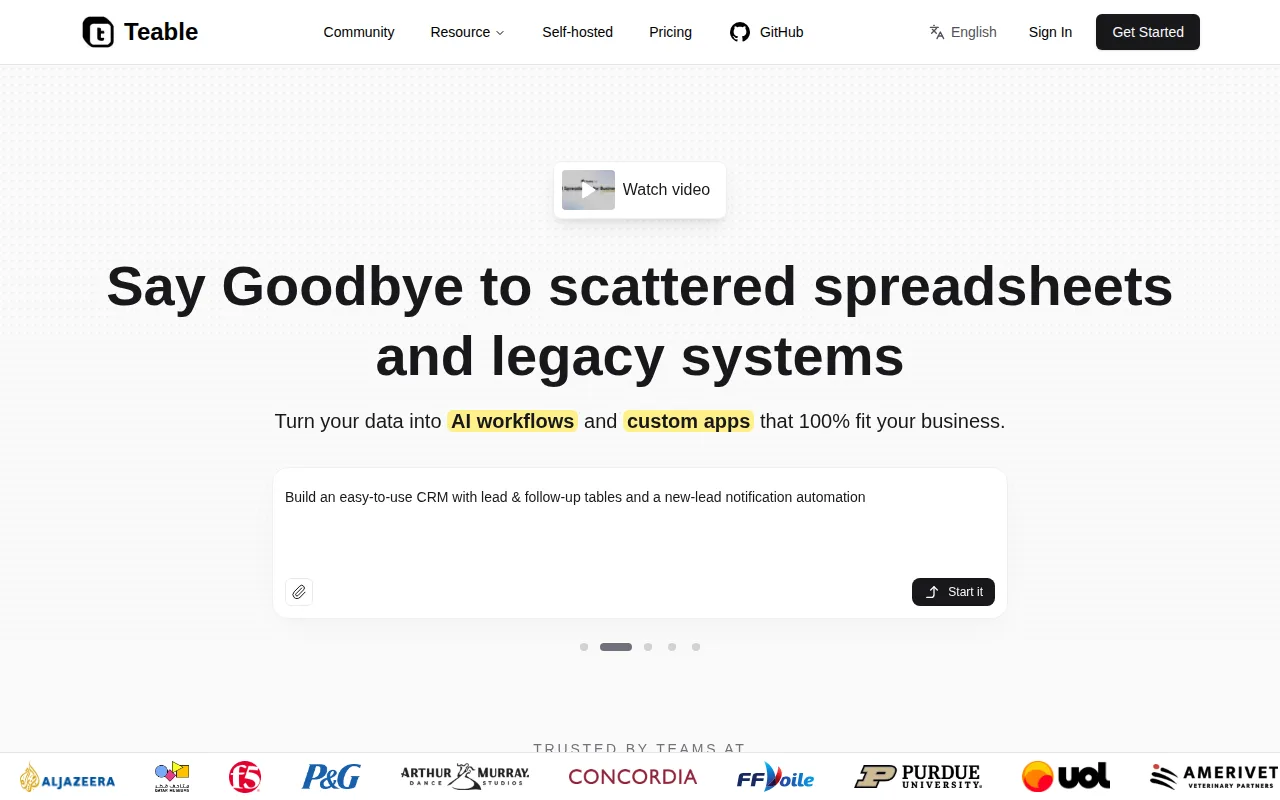
Teable is the best NocoDB alternative for teams that want an Airtable-style grid built on a real PostgreSQL database with AI fields and an AI chat assistant baked in, features NocoDB's connect-to-existing-database model doesn't include natively. Teable is fully open source under AGPL-3.0 with 21.7K GitHub stars, fewer than NocoDB's own 63,000-plus, but Teable's license is a stronger OSI-approved open-source claim than NocoDB's Sustainable Use License. Teable's Cloud Pro tier costs $10/seat/month billed annually, matching NocoDB's Plus tier price exactly, and its free Cloud plan includes 1,000 rows and 1GB attachments per seat. Teable has no external rating on record, the same gap NocoDB's own 2-review Product Hunt score barely closes. NocoDB is still the better choice for teams that want to layer a spreadsheet interface directly on top of an existing MySQL or PostgreSQL database they already run: NocoDB's self-hosted Community edition has no record cap and over 63,000 GitHub stars of community activity, while Teable's AI features (AI field, AI chat, CuppyClaw agent) are gated behind paid Cloud tiers even though its core codebase is open source.
Compared to NocoDB: a real PostgreSQL database under the spreadsheet interface with built-in AI fields, an AGPL-3.0 open-source license vs NocoDB's Sustainable Use License, Cloud Pro at $10/seat/month matching NocoDB's Plus tier price
Wins:Runs on a real PostgreSQL database, giving more scale and query flexibility than NocoDB's connect-only model · AI field, AI chat, and CuppyClaw agent are built directly into the spreadsheet-database grid · Fully open source under AGPL-3.0, an OSI-approved license unlike NocoDB's Sustainable Use License
Loses:No external rating on record, the same gap NocoDB itself has with only 2 Product Hunt reviews · AI features are limited to paid Cloud tiers even though the core codebase is open source · Free Cloud tier's 1,000-row cap is tighter than NocoDB's unlimited self-hosted Community edition
Pros
- Fully open source (AGPL-3.0) and free to self-host, avoiding per-seat costs entirely for teams willing to run their own instance.
- Built on real PostgreSQL, giving more scale and query flexibility than typical proprietary no-code databases.
- Free Teable Cloud tier is usable for small real projects, not just a sandbox demo.
- AI fields, AI chat, and automation workflows built directly into the spreadsheet-database grid.
Cons
- AI features are limited to paid Cloud tiers even though the core codebase is open source.
- Self-hosting requires managing updates, scaling, and backups yourself instead of a fully managed vendor.
- Free Cloud tier's 1,000-row and 1GB attachment limits are restrictive for anything beyond small projects.
- Smaller third-party integration and template ecosystem than the more established Airtable.
Pricing: Free tier · paid from $10/mo — Free self-hosted or Cloud free tier, then $10/seat/month (Pro) vs NocoDB's free self-hosted Community edition or $12/user/month cloud Plus (verified )
4Supabase — best NocoDB alternative for developers who want a Postgres-based backend (auth, storage, realtime, auto-generated APIs) they can self-host later, rather than committing to a proprietary NoSQL platform like Firebase
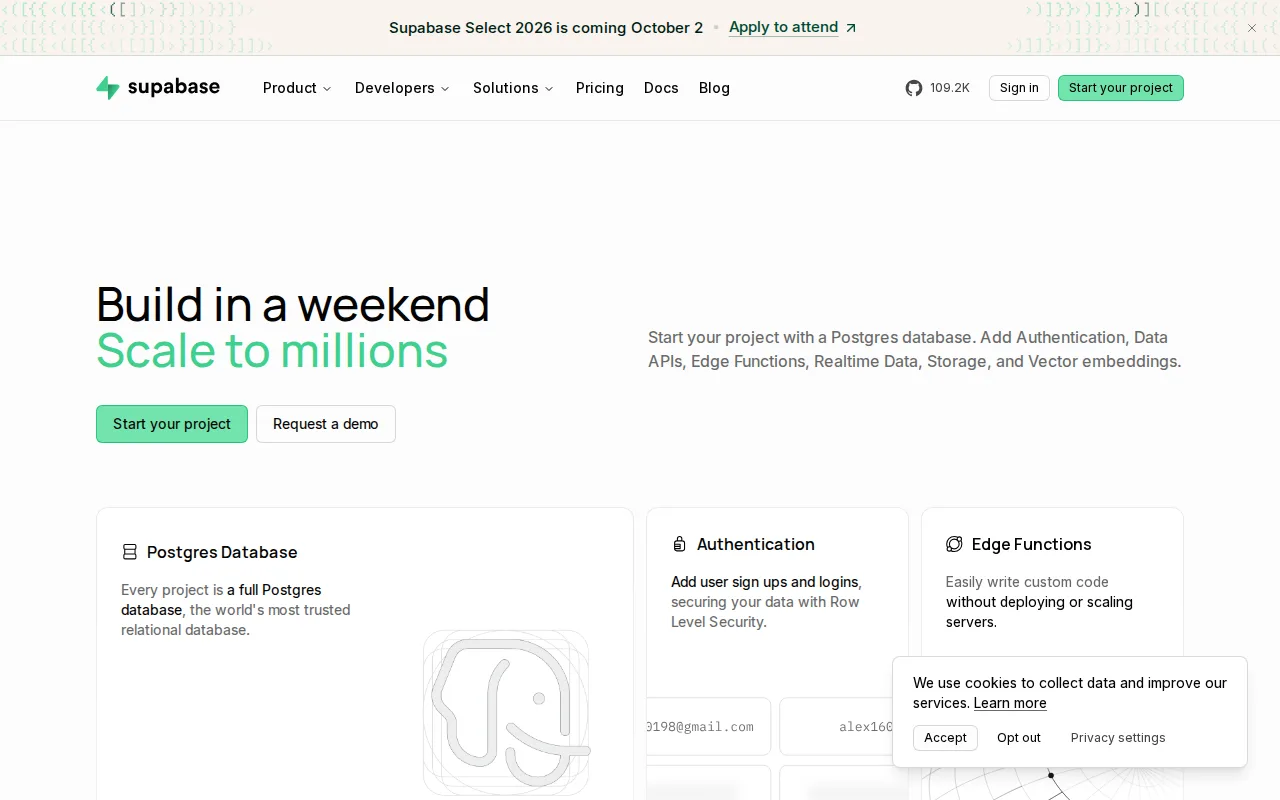
Supabase is the best NocoDB alternative for developers who want a complete backend platform built on Postgres, bundling authentication, S3-compatible storage, realtime sync, and edge functions alongside the database, well beyond NocoDB's focus on a spreadsheet interface over data. Supabase's core stack is Apache-2.0 licensed and self-hostable from a GitHub repository with more than 108,000 stars, over 60,000 more stars than NocoDB's own 63,000. Pricing starts free (2 projects, 500MB database, 50,000 monthly active users) and Pro is $25/month, pricier than NocoDB's $12/user/month Plus tier but covering a full backend rather than a data view. Supabase holds a 5.0/5 rating from 861 Product Hunt reviews, far more review evidence than NocoDB's 2. Auto-generated REST, GraphQL, and Realtime APIs from the schema go beyond what NocoDB's grid interface offers. NocoDB is still the better choice for non-technical teams that want a simple, spreadsheet-style interface over data with no coding: Supabase's Row Level Security and API-first design have a steeper learning curve than NocoDB's Grid/Kanban/Gallery views, and Supabase compute is billed per project, so accounts running several projects stack charges NocoDB's flat per-user pricing avoids.
Compared to NocoDB: a full backend platform (auth, storage, realtime, edge functions) beyond NocoDB's spreadsheet interface, over 108,000 GitHub stars vs NocoDB's 63,000, a 5.0/5 rating from 861 Product Hunt reviews vs NocoDB's 2
Wins:Bundles authentication, storage, realtime sync, and edge functions alongside the database, not just a spreadsheet view · Over 108,000 GitHub stars on the self-hostable Apache-2.0 core, well beyond NocoDB's 63,000 · 5.0/5 rating from 861 Product Hunt reviews, far deeper review evidence than NocoDB's 2
Loses:Steeper learning curve than NocoDB's simple Grid/Kanban/Gallery spreadsheet interface, especially Row Level Security for non-technical users · Compute is billed per project, so multiple projects stack charges beyond the flat $25/month Pro fee, unlike NocoDB's flat per-user pricing · No built-in Kanban, Gallery, or Calendar spreadsheet views the way NocoDB provides directly
Pros
- Full Postgres database rather than a proprietary NoSQL store, so existing SQL skills and extensions like pgvector and PostGIS carry over directly.
- Auto-generates REST, GraphQL, and Realtime APIs from the schema, with Row Level Security for per-row authorization.
- Apache-2.0-licensed core stack is self-hostable, avoiding hard vendor lock-in.
- Free tier includes unlimited API requests, 50,000 monthly active users, and a 500MB database with no time limit on the account.
Cons
- Compute is billed per project, so accounts running several projects stack recurring charges beyond the flat $25/month Pro fee.
- MAU overage ($0.00325/user past 100,000) and egress overage ($0.09/GB past 250GB) can produce unpredictable invoices at scale.
- Free-tier projects pause automatically after 1 week of inactivity.
- Row Level Security has a steeper learning curve than Firebase's simpler client-side security rules for teams new to SQL.
Pricing: Free tier · paid from $25/mo — Free tier, then $25/month (Pro) vs NocoDB's free self-hosted Community edition or $12/user/month cloud Plus (verified )
5Google Sheets — best NocoDB alternative for individuals and small teams who need real-time collaborative spreadsheets synced to cloud storage, without paying for software or managing file versions manually
Google Sheets is the best NocoDB alternative for individuals and small teams who need a genuinely free, real-time collaborative spreadsheet without setting up a database connection at all. Every Google Account includes Sheets for free with 15GB of shared storage, no self-hosting or Docker deployment required, unlike NocoDB's self-hosted Community edition, which still needs the team to manage its own infrastructure to get unlimited use for free. True real-time multi-user editing with live cursors is built in, and built-in Gemini AI generates formulas and summarizes data ranges directly in the sheet. Business use requires a Google Workspace plan starting around $8.40/user/month, comparable to NocoDB's Plus tier at $12/user/month. Google Sheets has no external rating on record, the same gap NocoDB's own 2-review Product Hunt score barely closes. NocoDB is still the better choice for teams that need real database features: NocoDB connects directly to an existing MySQL or PostgreSQL database and offers Kanban, Gallery, Form, and Calendar views over that data, while Google Sheets' performance degrades noticeably on very large or formula-heavy sheets and it has no linked-record or relational-database model at all.
Compared to NocoDB: free real-time collaborative editing built into every Google Account, no self-hosting or Docker deployment required, Google Workspace business plans from $8.40/user/month vs NocoDB's Plus tier at $12/user/month
Wins:Genuinely free for personal use with no self-hosting or database setup required at all · True real-time multi-user editing with live cursors, no configuration needed · Built-in Gemini AI generates formulas and summarizes data ranges directly in the sheet
Loses:No relational database, linked records, or Kanban/Gallery/Calendar views the way NocoDB provides over a real database · Performance degrades noticeably on very large or formula-heavy sheets, unlike a database-backed tool · No external rating on record, the same gap NocoDB itself has with only 2 Product Hunt reviews
Pros
- Free for personal use with any Google Account, no software purchase required.
- True real-time multi-user editing with live cursors, unlike file-lock-based collaboration in older spreadsheet tools.
- Built-in Gemini AI generates formulas and summarizes data ranges directly in the sheet.
- Apps Script enables custom automation and add-ons without external tooling.
Cons
- Performance slows noticeably on very large or formula-heavy spreadsheets compared to desktop Excel.
- Full functionality requires an internet connection; offline mode is limited and must be enabled per file in Chrome.
- Advanced statistical and financial functions lag behind Excel's depth.
- Business use requires a paid Google Workspace plan for pooled storage and admin controls beyond the free 15GB.
Pricing: Free tier · paid from $8.40/mo — Free for personal use, then Google Workspace from $8.40/user/month vs NocoDB's free self-hosted Community edition or $12/user/month cloud Plus