5 Best Alternatives to Microsoft Teams for macOS in 2026
By Noahlast updated pricing verified
All 5 Microsoft Teams alternatives
Compared: Microsoft Teams alternatives that run on macOS
| Alternative | Best for | Learning curve | Price |
|---|---|---|---|
| Microsoft Teamsreference | organizations already using Microsoft 365 that need chat, video meetings, and calling tightly integrated with Word, Excel, Outlook, and SharePoint, from small teams under 300 people up to large enterprises | Moderate | Free tier · paid from $4/mo |
| Slack | teams that need organized, searchable chat with channels, quick huddles, and workflow automation, from small teams on the free tier up to large enterprises needing compliance controls | Low | Free tier · paid from $8.75/mo |
| Zoom | hybrid teams that need reliable HD video meetings, phone, and chat under one login, from solo users on the free plan up to 1,000-participant company town halls | Low | Free tier · paid from $14.16/mo |
| Discord | gaming and hobbyist communities that want an always-on voice hangout with unlimited free members, rather than a scheduled-meeting or formal workplace chat tool | Moderate | Free tier · paid from $2.99/mo |
| Webex | organizations already inside the Cisco ecosystem (phones, networking, security) that want video meetings, calling, and messaging from one vendor instead of stitching together Zoom, a separate phone system, and a separate contact center | Moderate | Free |
| Google Workspace | businesses, schools, and startups standardizing on browser-based email and real-time collaborative documents instead of desktop Office software | Low | From $7/mo |
 Microsoft Teams
 Slack
Slack Zoom
Zoom Discord
 Webex
Webex Google Workspace
1Slack — best Microsoft Teams alternative for teams that need organized, searchable chat with channels, quick huddles, and workflow automation, from small teams on the free tier up to large enterprises needing compliance controls
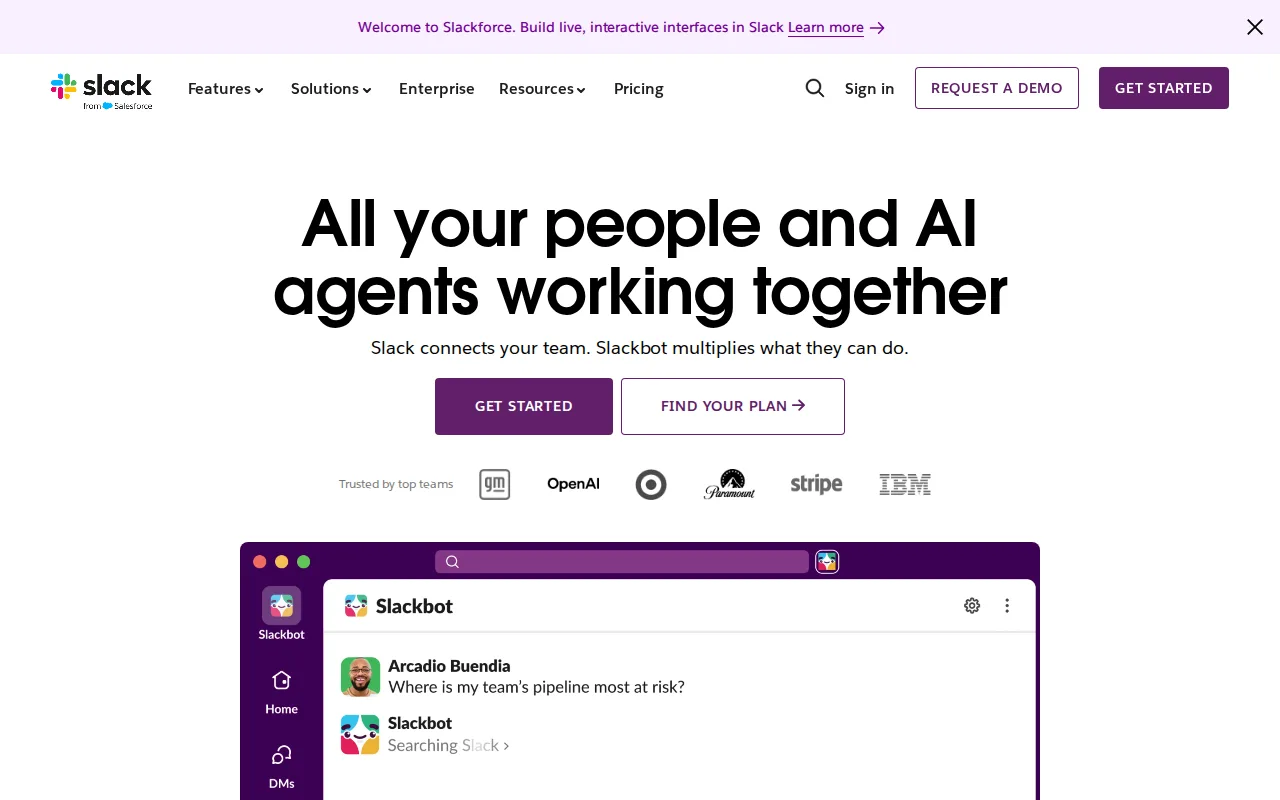
Slack is the best Microsoft Teams alternative for teams that want channel-based, searchable communication with a much larger third-party app ecosystem. Slack's Pro tier costs $8.75/user/month ($7.25/month billed annually), comparable to Microsoft Teams Essentials' $4/user/month but with unlimited message history included, while Microsoft Teams' free tier caps group video calls at 60 minutes and Slack's free tier caps message history at 90 days instead of call length. Slack connects to 1.7 million actively used third-party apps weekly, including native Salesforce CRM and Google Drive integration, a far larger ecosystem than Microsoft Teams' primarily Microsoft-first integrations. Slack holds a 4.7/5 rating from 24,182 Capterra reviews, well above Microsoft Teams' 4.5/5 from 11,129 reviews, and Capterra reviewers consistently praise Slack's ease of use where Microsoft Teams reviewers report recurring crashes and sync failures. Microsoft Teams is still the better choice for organizations already standardized on Microsoft 365: Teams integrates natively with SharePoint, OneDrive, Word, Excel, and PowerPoint in a way Slack doesn't replicate, and Slack's compliance features (SAML, data loss prevention, legal holds) are reserved for the custom-priced Enterprise+ tier rather than being available at the $18/user/month Business+ tier.
Compared to Microsoft Teams: unlimited message history on Pro vs Teams' free-tier caps on call length, 1.7 million weekly active app integrations vs Teams' Microsoft-first ecosystem, higher Capterra rating (4.7/5 vs 4.5/5)
Wins:Pro tier unlocks unlimited message history and apps at $8.75/user/month, addressing the free tier's 90-day history cap · 1.7 million weekly active third-party app integrations, including native Salesforce and Google Drive, versus Teams' narrower ecosystem · 4.7/5 rating from 24,182 Capterra reviews vs Microsoft Teams' 4.5/5 from 11,129 reviews, with reviewers citing fewer reliability complaints
Loses:No native integration with SharePoint, OneDrive, Word, Excel, or PowerPoint the way Microsoft Teams has · Compliance features like SAML, data loss prevention, and legal holds are reserved for the custom-priced Enterprise+ tier, not Business+ · Per-user pricing at the $18/user/month Business+ tier adds up for larger teams
Pros
- Organized, searchable channel-based messaging that scales better than a flat group-chat model.
- Huge third-party integration ecosystem, including native Salesforce CRM and Google Drive integration.
- Built-in Huddles provide quick audio/video calls without a separate meeting tool.
- AI-powered search, summarization, and workflow automation available on Business+.
Cons
- Free tier's 90-day message history is limiting for active teams.
- Advanced compliance features (SAML, DLP, legal holds) require the custom-priced Enterprise+ tier.
- Per-user pricing adds up for larger teams, especially at the $18/user/month Business+ tier.
- Some advanced AI features are gated behind Business+ rather than included in Pro.
Pricing: Free tier · paid from $8.75/mo — $8.75/user/month Pro vs Microsoft Teams' $4/user/month Essentials (verified )
2Zoom — best Microsoft Teams alternative for hybrid teams that need reliable HD video meetings, phone, and chat under one login, from solo users on the free plan up to 1,000-participant company town halls
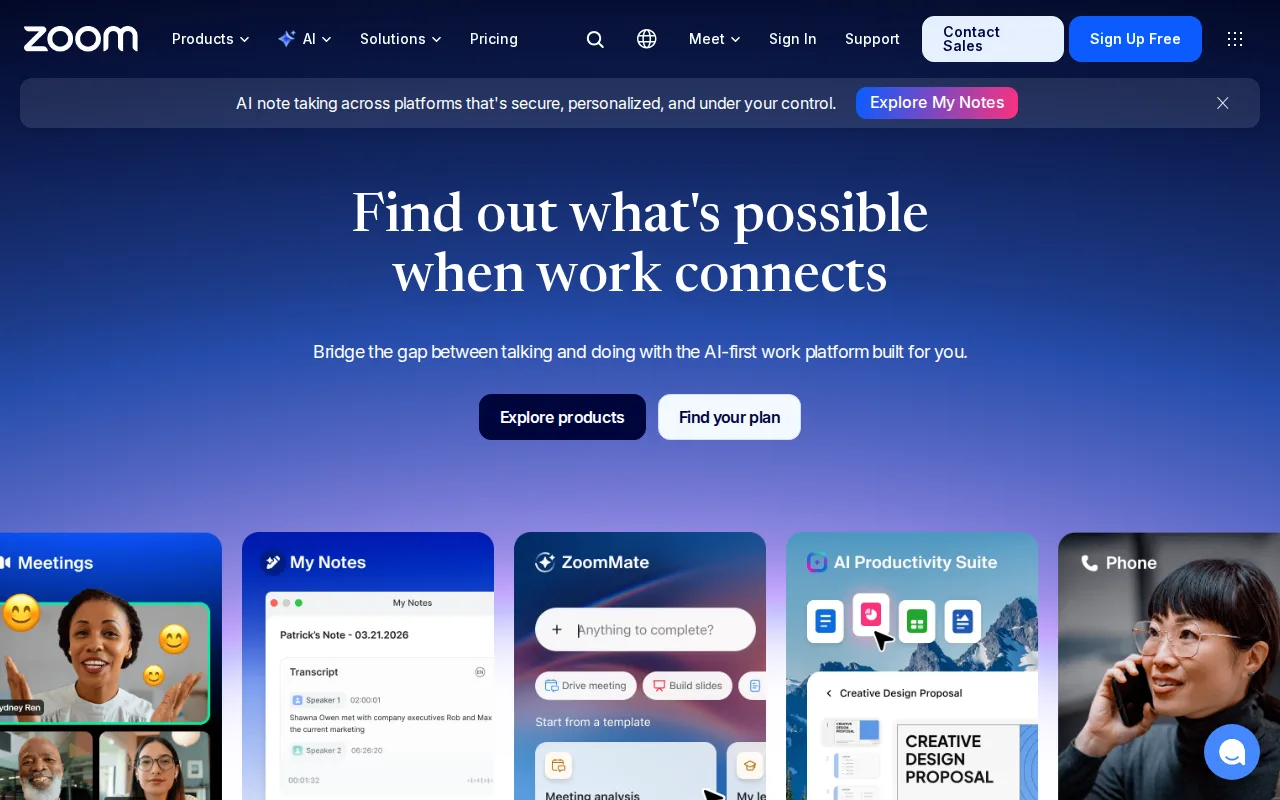
Zoom is the best Microsoft Teams alternative for hybrid teams that prioritize reliable, high-quality video meetings and automatic AI meeting summaries. Zoom's free Basic plan allows unlimited 1:1 meetings and group meetings for up to 100 participants (capped at 40 minutes), a larger participant cap than Microsoft Teams' free tier, and Zoom's AI Companion generates meeting summaries, smart chapters, and follow-up suggestions free on every paid plan, similar in scope to Teams' Copilot-generated meeting notes but included without a $23.50/user/month Microsoft 365 Business Standard bundle. Zoom holds a 4.6/5 rating from 14,659 Capterra reviews, above Microsoft Teams' 4.5/5 from 11,129 reviews, and Zoom ships a native Linux client, which Microsoft Teams does not offer. Microsoft Teams is still the better choice for organizations that need deep integration with Word, Excel, PowerPoint, Outlook, and SharePoint inside the same app: Zoom's own pricing page no longer publishes exact per-tier dollar amounts for Pro ($14.16/user/month) and Business ($18.33/user/month), pushing buyers toward sales calls or third-party trackers, and Zoom Phone, large-meeting capacity, and webinars are separate paid add-ons rather than bundled the way Teams Phone options are.
Compared to Microsoft Teams: 100-participant free-tier meetings vs Teams' free-tier limits, AI Companion summaries included free on paid plans without a Microsoft 365 bundle, native Linux client Teams doesn't offer
Wins:Free Basic plan supports up to 100 meeting participants, versus Microsoft Teams' free-tier constraints · AI Companion generates meeting summaries and follow-ups free on paid plans, without requiring a $23.50/user/month Microsoft 365 Business Standard bundle · Native Linux client, which Microsoft Teams does not offer at all
Loses:No native integration with Word, Excel, PowerPoint, Outlook, or SharePoint the way Microsoft Teams has · Zoom's own pricing page no longer publishes exact Pro ($14.16/user/month) and Business ($18.33/user/month) dollar amounts, requiring a sales call or third-party source to confirm · Zoom Phone, large-meeting capacity, and webinars are separate paid add-ons on top of the base license
Pros
- AI Companion (meeting summaries, smart chapters, follow-up suggestions) is included free on paid plans rather than a paid add-on.
- Consistently reliable HD video and audio even on weaker connections, thanks to adaptive bandwidth handling.
- One platform covers meetings, phone (Zoom Phone), team chat, whiteboard, and docs instead of stitching together separate tools.
- Native apps for Windows, macOS, Linux, iOS, and Android, including a full Linux client many competitors skip.
Cons
- Free Basic plan limits group meetings to 40 minutes, forcing an upgrade for most recurring team calls.
- Exact Pro and Business pricing is no longer published on Zoom's own site, requiring a sales conversation or third-party source to confirm.
- Zoom Phone, large-meeting capacity, and webinar capabilities are separate paid add-ons on top of the base per-user license.
- Business Plus was folded into a bundled add-on rather than sold as its own standalone tier, complicating plan comparisons.
Pricing: Free tier · paid from $14.16/mo — $14.16/user/month Pro vs Microsoft Teams' $4/user/month Essentials
3Discord — best Microsoft Teams alternative for gaming and hobbyist communities that want an always-on voice hangout with unlimited free members, rather than a scheduled-meeting or formal workplace chat tool

Discord is the best Microsoft Teams alternative for communities and informal teams that want an always-on voice hangout with unlimited free members rather than a scheduled-meeting workplace chat tool. Discord's free tier has no cap on servers, members, or message history, and voice channels have no time limit, unlike Microsoft Teams' free tier, which caps group video calls at 60 minutes. Persistent voice channels let anyone in a server drop in without scheduling a call, a fundamentally different model from Teams' meeting-invite structure, and Discord holds a 4.6/5 rating from 540 Capterra reviews. Microsoft Teams is by far the better choice for professional business communication: Discord reviewers note it lacks the compliance, SSO, and formal admin auditing that workplace tools like Teams provide, server moderation depends heavily on volunteer admins and third-party bots rather than enterprise controls, and Discord has no native integration with Word, Excel, PowerPoint, or SharePoint the way Microsoft Teams does. Discord's Nitro tier, starting at $2.99/month, adds cosmetic and file-size perks rather than business features.
Compared to Microsoft Teams: unlimited free members and message history vs Teams' 60-minute free-tier call cap, persistent drop-in voice channels vs scheduled meetings, no compliance or SSO controls Teams offers on paid tiers
Wins:Free tier has unlimited servers, members, and message history with no time-limited voice calls, vs Microsoft Teams' 60-minute free-tier group call cap · Persistent voice channels let people join casually without scheduling, unlike Teams' meeting-invite model · Nitro tier starts at just $2.99/month for cosmetic and file-size perks, far below Teams' $4/user/month Essentials for business features
Loses:Lacks compliance, SSO, and formal admin auditing that Microsoft Teams provides on paid tiers · No native integration with Word, Excel, PowerPoint, or SharePoint the way Microsoft Teams has · Server moderation depends on volunteer admins and third-party bots rather than built-in enterprise controls
Pros
- Free tier has unlimited servers, members, and message history with no time-limited voice calls.
- Persistent voice channels let people join and leave communication casually, without scheduling.
- Deep gaming integrations (rich presence, direct game invites, low-latency streaming).
- Highly customizable via roles, permissions, and a large ecosystem of third-party bots.
Cons
- Not designed for professional/business communication; lacks the compliance, SSO, and formal admin auditing of workplace chat tools.
- Server moderation quality varies widely since it depends on volunteer admins and bots rather than built-in enterprise controls.
- Nitro pricing and perks (server boosts, file limits) can be confusing to new users trying to understand what's actually included.
- Anyone with a username can attempt to message or find users by default, raising privacy concerns some reviewers flag.
Pricing: Free tier · paid from $2.99/mo (verified )
4Webex — best Microsoft Teams alternative for organizations already inside the Cisco ecosystem (phones, networking, security) that want video meetings, calling, and messaging from one vendor instead of stitching together Zoom, a separate phone system, and a separate contact center
Webex is the best Microsoft Teams alternative for organizations that want a generous free tier for larger meetings before committing to a paid plan. Webex's free tier allows unlimited meetings up to 40 minutes each with up to 100 attendees, more attendees than Microsoft Teams' free tier permits, plus unlimited whiteboards, local recording, and Cisco's built-in noise cancellation. Webex holds a 4.4/5 rating from 7,410 Capterra reviews, and its Enterprise tier scales to 1,000 attendees with an AI Assistant for meeting summaries and follow-ups, plus FedRAMP-authorized security for government and regulated customers. Microsoft Teams is still the better choice for organizations already inside the Microsoft 365 ecosystem or that want transparent published pricing: Cisco doesn't publish per-user pricing for the mid-tier Webex Suite plan on its public pricing page, requiring a self-serve checkout or sales conversation, whereas Microsoft Teams' tiers, including Essentials at $4/user/month, are listed directly, and Webex lacks Teams' native SharePoint, OneDrive, and Office app integration.
Compared to Microsoft Teams: free tier supports up to 100 attendees vs Teams' free-tier limits, FedRAMP-authorized security on Enterprise, unpublished mid-tier Webex Suite pricing vs Teams' listed per-tier rates
Wins:Free tier supports up to 100 meeting attendees, more generous than Microsoft Teams' free-tier caps · Enterprise tier includes FedRAMP-authorized security for government and regulated customers, alongside an AI Assistant for summaries · Unlimited whiteboards and local recording included free, without requiring a paid Teams Essentials upgrade
Loses:Cisco doesn't publish per-user pricing for the mid-tier Webex Suite plan, unlike Microsoft Teams' listed $4/user/month Essentials rate · No native integration with SharePoint, OneDrive, Word, Excel, or PowerPoint the way Microsoft Teams has · Free tier still caps individual meetings at 40 minutes, pushing active users toward a paid plan quickly
Pros
- Free tier supports up to 100 meeting attendees, more generous than many competitors' free plans.
- Deep integration with Cisco's broader collaboration and networking hardware for organizations already using Cisco infrastructure.
- AI Assistant and FedRAMP-authorized security available at the Enterprise tier for regulated and government customers.
- Single platform covers meetings, calling, messaging, webinars, and whiteboarding instead of requiring separate tools.
Cons
- Mid-tier Webex Suite pricing isn't published; users must start checkout or contact sales to see the real monthly cost.
- Free tier caps individual meetings at 40 minutes, pushing active users toward a paid plan quickly.
- Interface and admin console are frequently described as more complex than Zoom's for smaller teams without dedicated IT support.
Pricing: Free (verified )
5Google Workspace — best Microsoft Teams alternative for businesses, schools, and startups standardizing on browser-based email and real-time collaborative documents instead of desktop Office software
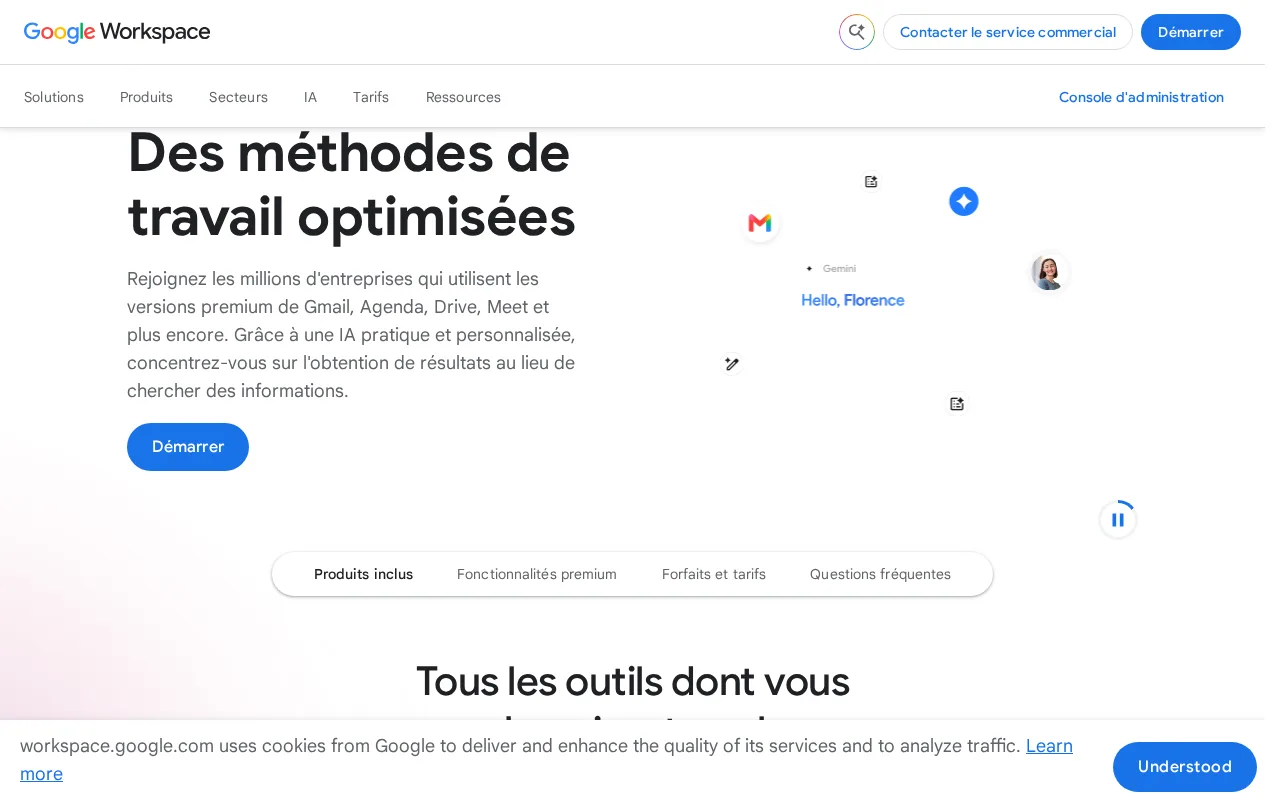
Google Workspace is the best Microsoft Teams alternative for organizations that want chat and video meetings bundled with browser-native Gmail, Docs, and Sheets rather than Microsoft's desktop-first Office stack. Google Workspace's Business Starter tier starts at $7/user/month, cheaper than the $7/user/month Microsoft 365 Business Basic tier needed to add Exchange email and SharePoint on top of Teams, and every paid Workspace tier bundles Gemini AI writing and meeting-note features at increasing depth without a separate Copilot add-on. Google Meet supports up to 100 participants on Business Starter, scaling to 500 on Business Plus, and Google Workspace holds a 4.7/5 rating from 17,667 Capterra reviews, above Microsoft Teams' 4.5/5 from 11,129 reviews. Microsoft Teams is still the better choice for organizations that need deep desktop-app integration or unlimited free 1:1 messaging: Google Workspace has no free tier at all (Microsoft Teams does), no official native Linux desktop client, and its offline editing and power-user spreadsheet features lag behind Microsoft's desktop Word and Excel, which stay fully synced with Teams chat and files.
Compared to Microsoft Teams: Gemini AI bundled into every paid tier without a separate Copilot add-on, Meet scales to 500 participants on Business Plus, higher Capterra rating (4.7/5 vs 4.5/5)
Wins:Gemini AI writing and meeting features are bundled into every paid tier, without requiring a separate $23.50/user/month Microsoft 365 Business Standard plan for Copilot · Google Meet scales to 500 participants on Business Plus, more than Microsoft Teams' free-tier meeting caps · 4.7/5 rating from 17,667 Capterra reviews vs Microsoft Teams' 4.5/5 from 11,129 reviews
Loses:No permanently free tier at all, unlike Microsoft Teams' free plan for small teams · No official native Linux desktop client for Drive sync · Offline editing and power-user spreadsheet features lag behind Microsoft's desktop Word and Excel, which stay integrated with Teams files
Pros
- Real-time collaborative editing across Docs, Sheets, and Slides with automatic saving.
- Gemini AI features are bundled into every paid tier rather than sold as a separate add-on.
- Tight integration across Gmail, Drive, Calendar, and Meet under one admin console.
- Transparent, published per-user pricing with no mandatory onboarding fee.
Cons
- Offline and power-user editing features lag behind Microsoft 365's desktop Excel and Word.
- No official native Linux desktop client for Drive sync.
- Google Meet participant caps and storage limits are hard-capped per tier, forcing plan upgrades.
- Lowest advertised per-user price requires annual billing; flexible monthly billing costs about 20% more.
Pricing: From $7/mo — $7/user/month Business Starter vs Microsoft Teams' $7/user/month Microsoft 365 Business Basic (Teams plus Exchange and SharePoint)