4 Best Free Alternatives to Microsoft 365 in 2026
By Noahlast updated pricing verified
All 5 Microsoft 365 alternatives
Compared: free alternatives to Microsoft 365
| Alternative | Best for | Standout | Biggest weakness | Learning curve | Price |
|---|---|---|---|---|---|
| Microsoft 365reference | individuals and families who want the full desktop-grade Office apps plus generous cloud storage and Copilot AI synced across multiple devices, rather than free browser-only Office | A single subscription bundles full desktop-grade Word, Excel, PowerPoint, and Outlook with 1TB+ of cloud storage per person and Copilot AI built into every app, shareable across up to 6 people on Family and Premium. | There's no ongoing free tier and no mid-priced perpetual-license option: the only non-subscription path is the feature-limited $179.99 Office Home 2024, which never receives feature upgrades, so most users are locked into a recurring subscription indefinitely to keep desktop app access. | Low | From $9.99/mo |
| LibreOffice | individuals, schools, and organizations that want a full office suite without a subscription and can work without native real-time cloud co-authoring | A complete six-application office suite (including a desktop database tool in Base, which neither Microsoft nor Google offer at the consumer level) that is entirely free and open source with no feature paywall. | No native real-time multi-user co-authoring in the way Microsoft 365 or Google Workspace offer it, and complex documents with heavy Microsoft-specific formatting (advanced macros, certain chart types, some fonts) can render or convert imperfectly when round-tripped through .docx/.xlsx/.pptx. | Low | Free |
| WPS Office | students, freelancers, and budget-conscious users who need Microsoft-compatible document, spreadsheet, and presentation editing without a Microsoft 365 subscription | The Sharing plan lets multiple people split one subscription at $2.49/user/month billed annually, each getting their own account and 20GB of storage, cheaper per seat than individual Pro+ subscriptions. | AI tools carry daily usage limits even on the paid Pro+ tier, and the free version has drawn past criticism for bundled-installer behavior and data-handling practices, a concern for privacy-sensitive users. | Low | Free tier · paid from $2.49/mo |
| OnlyOffice | organizations that need Microsoft Office-compatible editing but want the option to self-host on their own servers under an open-source license | AGPL 3.0-licensed source code that organizations can audit and self-host, combined with a DocSpace pricing model that charges only for admin seats while unlimited regular users join free. | Business Cloud pricing is per-admin rather than per-user, which can be confusing to compare against competitors, and users switching from Microsoft Office report formatting fidelity issues on complex documents with heavy macros or advanced layout. | Moderate | Free tier · paid from $20/mo |
| Zoho Workplace | Small and midsize teams that want business email, office documents, chat, and video meetings from a single vendor at a lower per-seat cost than Google Workspace or Microsoft 365. | One subscription and one admin console cover email (Mail), documents (Writer, Sheet, Show), chat (Cliq), meetings (Meeting), and file storage (WorkDrive) instead of stitching together separate vendors. | Individual Zoho apps like Writer and Sheet have a smaller third-party integration ecosystem and less mature real-time co-editing and file-format fidelity than Google Docs/Sheets or Microsoft 365, which creates friction for teams with heavy Word or Excel workflows. | Moderate | Pricing not verified |
 Microsoft 365
 LibreOffice
 WPS Office
 OnlyOffice
 Zoho Workplace
1.LibreOffice — best Microsoft 365 alternative for individuals, schools, and organizations that want a full office suite without a subscription and can work without native real-time cloud co-authoring
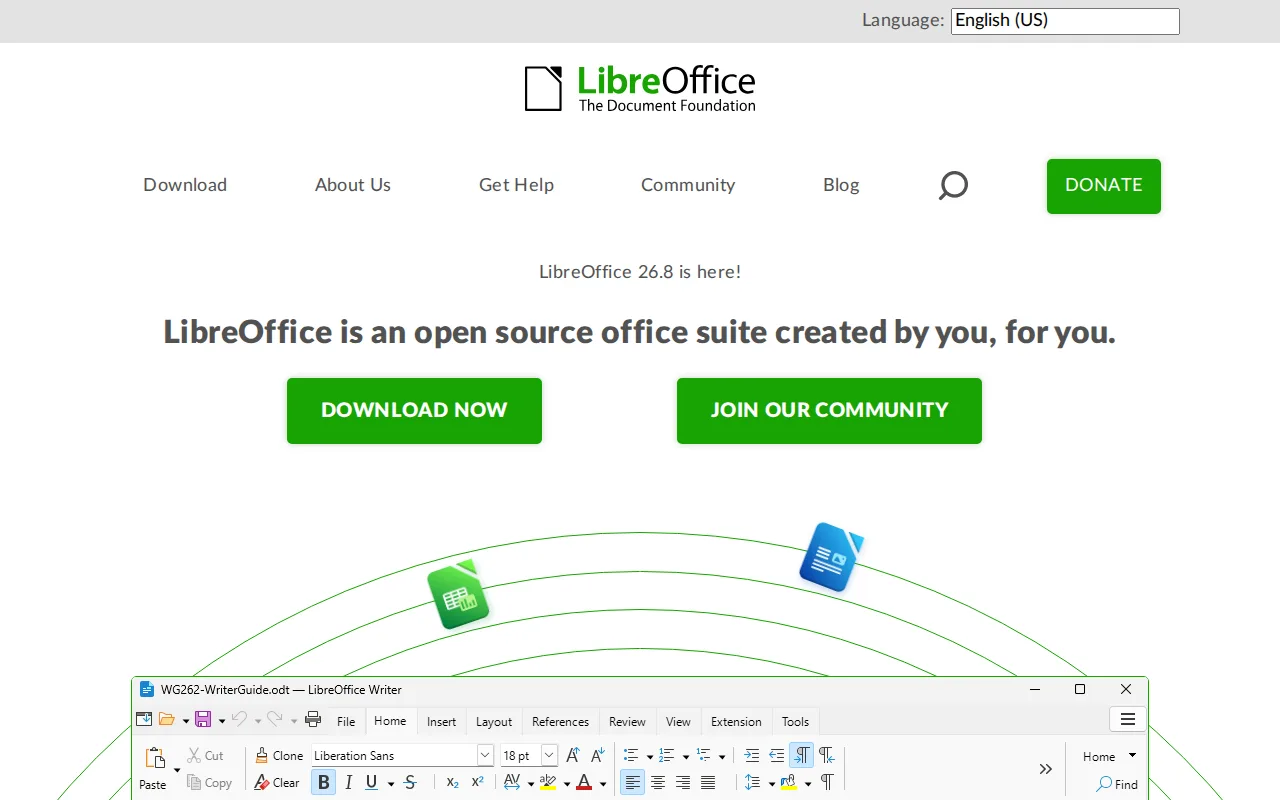
LibreOffice is the best Microsoft 365 alternative for anyone who wants to stop paying a subscription and can work without cloud co-authoring. LibreOffice is free with no paid tier, no account requirement, and no feature gating, which saves the $99.99/year Microsoft 365 Personal costs, and it is six applications rather than the four or five in a Microsoft 365 consumer plan: Writer, Calc, Impress, Draw for vector graphics and diagrams, Base for desktop databases, and Math for formulas. It reads and writes .docx, .xlsx, and .pptx alongside its native OpenDocument formats, and it runs on Linux as well as Windows and macOS, shipping as the default suite on many Linux distributions where Microsoft 365 has no Linux client. Development is funded by The Document Foundation under the MPL-2.0 license with parts under GPL and LGPL. Microsoft 365 remains the better choice for teams and mobile users. LibreOffice has no native real-time co-authoring, so simultaneous multi-user editing is not built in, and it has no official iOS or Android apps, where Microsoft 365 covers web, Windows, macOS, iOS, and Android. Complex Microsoft-format documents with advanced macros, certain chart types, and some fonts can lose fidelity in conversion, there is no bundled cloud storage against Microsoft 365's 1TB per person, and no Copilot AI of any kind.
Compared to Microsoft 365: $0 with no paid tier against Microsoft 365 Personal's $99.99/year, six applications including Base and Draw against the Microsoft 365 consumer bundle, and a native Linux build Microsoft 365 does not offer
Wins:Free with no subscription, no account, and no feature paywall, saving the $99.99/year Microsoft 365 Personal costs · Six applications (Writer, Calc, Impress, Draw, Base, Math), including a desktop database tool and a vector graphics app the Microsoft 365 consumer plans do not include · Runs natively on Linux and ships as the default suite on many Linux distributions, a platform Microsoft 365 does not cover
Loses:No native real-time co-authoring, so simultaneous multi-user editing is not built in the way it is across Microsoft 365 · No official iOS or Android apps, where Microsoft 365 covers web, Windows, macOS, iOS, and Android · No bundled cloud storage against Microsoft 365's 1TB per person and no Copilot AI, and complex .docx/.xlsx/.pptx files with advanced macros or charts can lose fidelity
Pros
- Completely free with no subscription, account, or feature paywall, including a desktop database app (Base) most competitors omit.
- Open source (MPL-2.0/GPL/LGPL) with an active community and frequent releases.
- Broad Microsoft Office format compatibility (.docx, .xlsx, .pptx) for opening and editing existing Office files.
- Runs on Windows, macOS, and Linux, and is the default suite on many Linux distributions.
Cons
- No native real-time cloud co-authoring like Microsoft 365 or Google Workspace, so simultaneous multi-user editing isn't built in.
- Complex Microsoft-format documents (advanced macros, some chart and font rendering) can lose fidelity when converted.
- No official mobile apps for iOS/Android under the LibreOffice brand.
- Interface and default styling feel dated compared to Microsoft Office or Google Workspace.
Pricing: Free — $0 with no subscription or paid tier vs Microsoft 365 Personal's $9.99/month ($99.99/year) (verified undefined NaN, NaN)
2.WPS Office — best Microsoft 365 alternative for students, freelancers, and budget-conscious users who need Microsoft-compatible document, spreadsheet, and presentation editing without a Microsoft 365 subscription
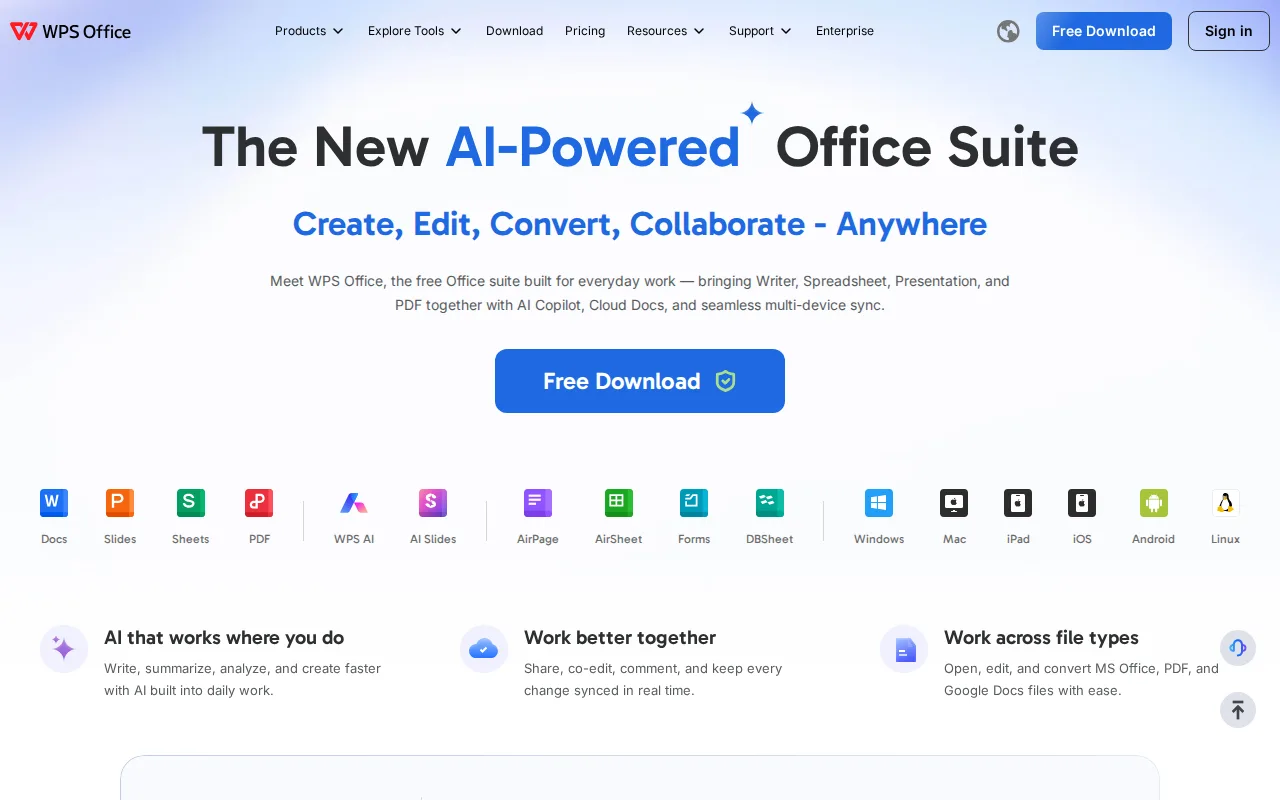
WPS Office is the best Microsoft 365 alternative for students, freelancers, and budget-conscious users who need native .docx, .xlsx, and .pptx editing without a Microsoft subscription. Kingsoft's free WPS Standard tier is a usable product rather than a trial, covering 47 file formats and 46 languages with a PDF reader and 1GB of cloud storage and no credit card, where Microsoft 365 has no free tier at any price. WPS Pro+ is $5.83/month billed annually ($69.99/year), $30/year less than Microsoft 365 Personal's $99.99, and adds full PDF editing and conversion, e-signatures, unlimited templates, and 20GB of storage. The Sharing plan drops the per-seat cost to $2.49/user/month billed annually, so four people cost $9.96/month, under the price of a single Microsoft 365 Personal seat. WPS Office also runs on six platforms including Linux, one more than Microsoft 365's five. Microsoft 365 is still the better choice for heavy spreadsheet work, for storage, and for AI. WPS Office holds 4.5/5 from 1,537 Capterra reviews against Microsoft 365's 4.6/5 from 14,143, its cloud storage tops out at 20GB against Microsoft 365's 1TB per person, its AI tools carry daily usage limits even on paid Pro+, and its advanced Excel macro compatibility is less complete than Microsoft's own suite. The free version has also drawn past scrutiny over bundled-installer behavior and data-handling practices.
Compared to Microsoft 365: a genuinely free tier where Microsoft 365 has none, $5.83/month billed annually against Microsoft 365 Personal's $9.99/month, and six supported platforms including Linux against Microsoft 365's five
Wins:Free WPS Standard tier covering 47 file formats and 46 languages with no credit card, where Microsoft 365 offers no free tier at any price · Pro+ at $5.83/month billed annually ($69.99/year) is $30/year cheaper than Microsoft 365 Personal, and the Sharing plan drops to $2.49/user/month billed annually · Runs on Windows, macOS, Linux, iOS, Android, and the web, one platform more than Microsoft 365, and includes full PDF editing and e-signatures on Pro+
Loses:4.5/5 from 1,537 Capterra reviews against Microsoft 365's 4.6/5 from 14,143, a lower score on roughly a tenth of the review volume · Cloud storage tops out at 1GB free and 20GB on Pro+, against the 1TB per person Microsoft 365 Personal and Family include · AI tools carry daily usage limits even on paid Pro+, advanced Excel macro compatibility is less complete, and the free version has drawn past scrutiny over bundled-installer behavior and data handling
Pros
- Free tier is genuinely usable, not just a trial, with native DOCX/XLSX/PPTX compatibility.
- Available across Windows, Mac, Linux, Android, iOS, iPad, and web, more platform coverage than most competitors.
- Pro+ pricing at $5.83/month is well below a Microsoft 365 Personal subscription.
- Sharing plan offers a lower per-seat cost than buying individual Pro+ accounts for a household or small team.
Cons
- AI tools have daily usage limits even after paying for Pro+.
- Free version has drawn past scrutiny over bundled-installer behavior and data-privacy practices.
- Full PDF editing and e-signatures are locked behind the paid Pro+ tier.
- Advanced spreadsheet and macro compatibility with Excel is less complete than Microsoft's own suite, per user reports.
Pricing: Free tier · paid from $2.49/mo — $5.83/month billed annually ($69.99/year) for Pro+, or $2.49/user/month on the Sharing plan, vs Microsoft 365 Personal's $9.99/month ($99.99/year) (verified undefined NaN, NaN)
3.OnlyOffice — best Microsoft 365 alternative for organizations that need Microsoft Office-compatible editing but want the option to self-host on their own servers under an open-source license
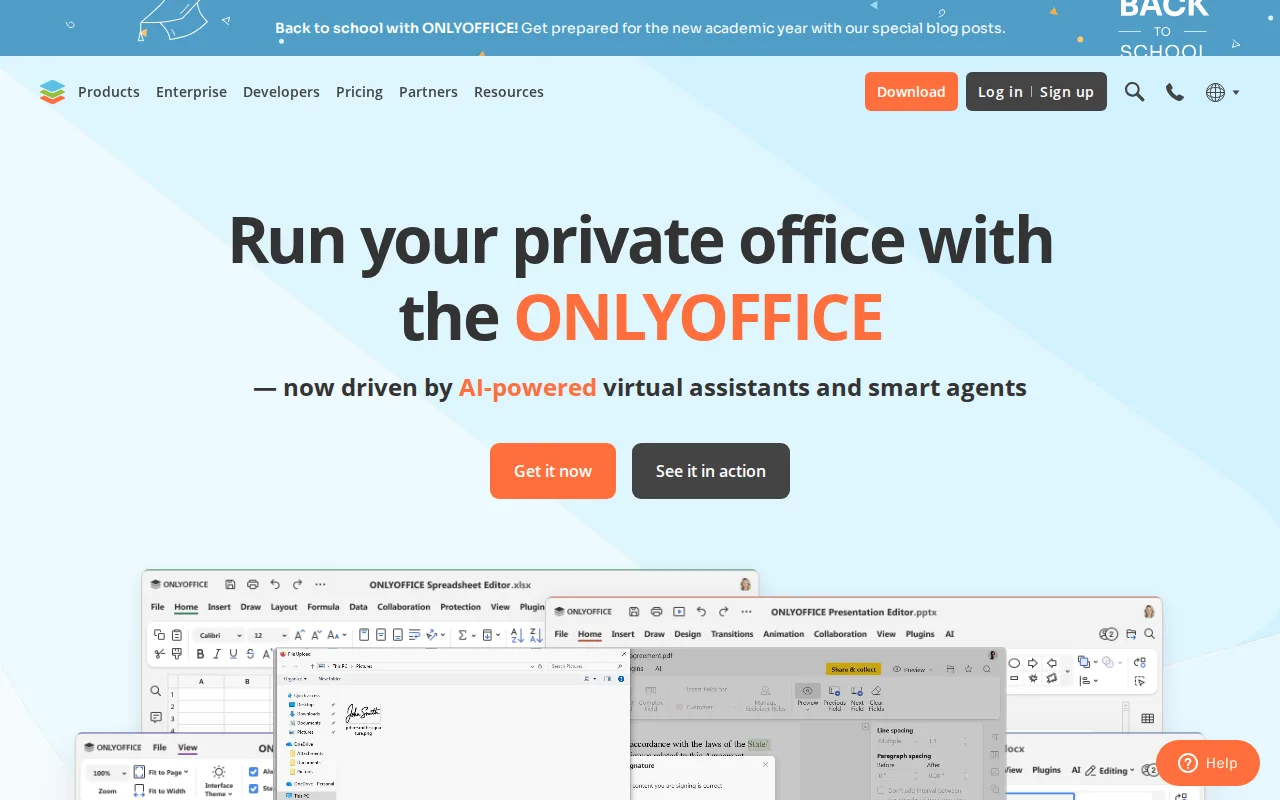
ONLYOFFICE is the best Microsoft 365 alternative for organizations that need Microsoft-compatible editing but cannot put documents in a vendor's cloud. ONLYOFFICE publishes its source under the AGPL 3.0 license on GitHub, and both the desktop editors and the Community Server are free to self-host on an organization's own infrastructure, an option Microsoft 365 offers no equivalent to. Its hosted DocSpace platform prices by admin rather than by user: the Startup tier is free with up to 3 admins, unlimited users and guests, 2GB per space and up to 12 rooms, and Business Cloud is $20/admin/month (discounted from $30) with 250GB per admin, unlimited rooms, and unlimited regular users invited free. For a 20-person group that is $20/month on one admin seat, where Microsoft 365 has no consumer plan covering more than the six people on Family at $12.99/month. Co-editing tracks changes at character level, and built-in AI handles content generation, translation, and text extraction from scanned documents. Microsoft 365 is still the better choice for individuals and for complex documents. ONLYOFFICE holds 4.5/5 from only 324 Capterra reviews against Microsoft 365's 4.6/5 from 14,143, users switching from Microsoft Office report fidelity loss on documents with heavy macros or advanced layout, free DocSpace gives just 2GB per space against Microsoft 365's 1TB per person, and Enterprise on-premises pricing is unpublished and billed per connection.
Compared to Microsoft 365: AGPL 3.0 source you can self-host on your own servers, a free DocSpace Startup tier where Microsoft 365 has no free plan, and per-admin pricing at $20/admin/month with unlimited regular users invited free
Wins:AGPL 3.0 source on GitHub with free self-hosted desktop editors and Community Server, so documents can stay entirely on-premises · Free DocSpace Startup plan (3 admins, unlimited users and guests, 2GB per space, 12 rooms) where Microsoft 365 has no free tier · DocSpace Business Cloud charges $20/admin/month with unlimited regular users free, so a 20-person group runs on one paid seat, and native apps cover Windows, macOS, Linux, iOS, and Android plus 40+ integrations including Nextcloud and Moodle
Loses:4.5/5 from just 324 Capterra reviews against Microsoft 365's 4.6/5 from 14,143, a far thinner evidence base · Documents with advanced Word or Excel formatting and macros can lose fidelity, a recurring report from users switching off Microsoft Office · Free DocSpace gives 2GB per space and Business Cloud 250GB per admin, against Microsoft 365's 1TB per person, and Enterprise on-premises pricing is unpublished and billed per connection
Pros
- AGPL 3.0 source code available on GitHub; fully self-hostable for organizations that need to keep data on-premises.
- DocSpace charges only for admin seats, with unlimited regular users invited free.
- Native apps across Windows, macOS, Linux, iOS, and Android, plus 40+ third-party integrations including Nextcloud and Moodle.
- Real-time co-editing with character-level change tracking and built-in AI content tools.
Cons
- Complex documents with advanced Word/Excel formatting or macros can lose fidelity when opened in ONLYOFFICE.
- Enterprise on-premises pricing is not published; requires a sales conversation.
- Per-admin pricing model on Business Cloud takes more effort to compare against per-user competitors.
- DocSpace's interface is less polished than Google Workspace or Notion for non-technical teams.
Pricing: Free tier · paid from $20/mo — Free DocSpace Startup (3 admins, 2GB per space) or $20/admin/month with unlimited free users, vs Microsoft 365 Personal's $9.99/month for one person with 1TB (verified undefined NaN, NaN)
4.Zoho Workplace — best Microsoft 365 alternative for small and midsize teams that want business email, office documents, chat, and video meetings from a single vendor at a lower per-seat cost than Google Workspace or Microsoft 365.
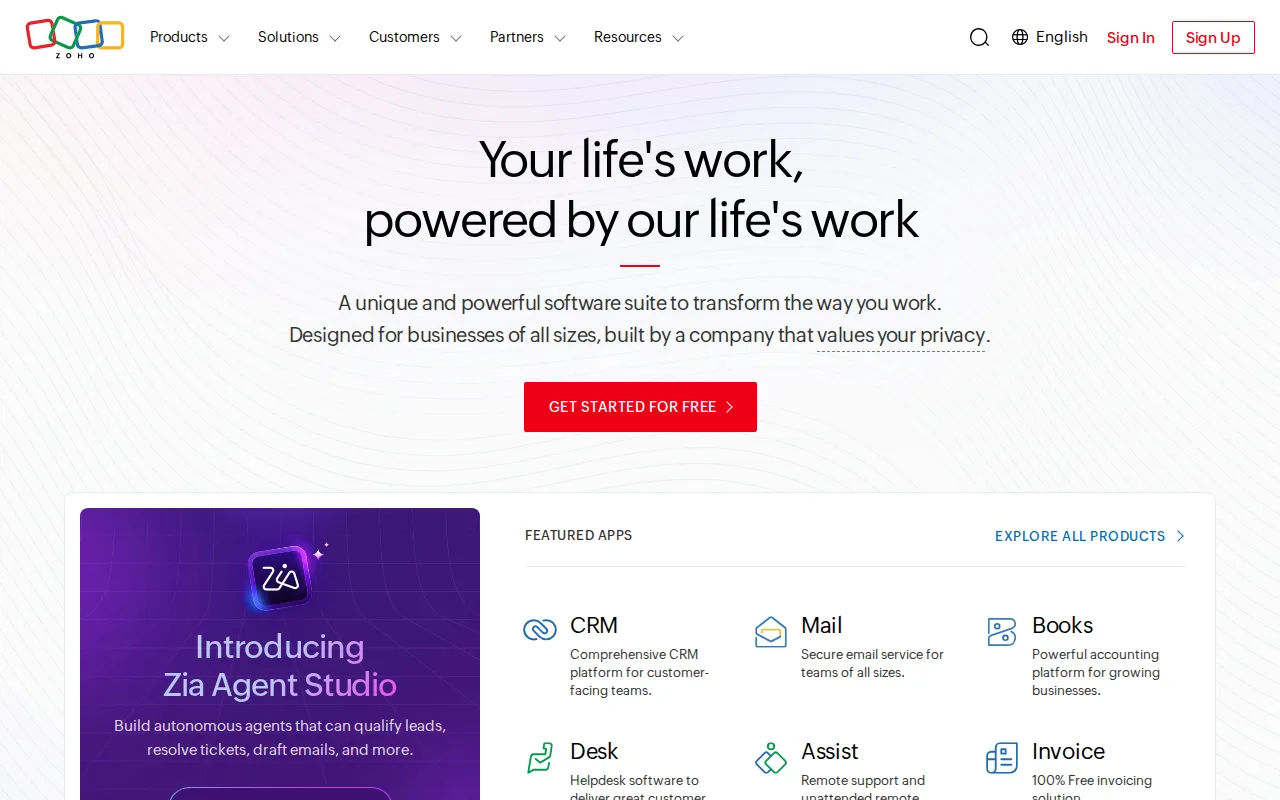
Zoho Workplace is the best Microsoft 365 alternative for small and midsize teams that want business email, documents, chat, video meetings, and file storage from a single vendor under one admin console. Zoho Workplace bundles Mail, the Writer, Sheet, and Show editors, Cliq for team chat, Meeting for video calls, and WorkDrive for storage, and it lists a free tier where Microsoft 365 has none at any price. Zoho Corporation has been in business more than 29 years with over 130 million users across 55-plus products, and it states that it does not sell customer data and earns revenue from license fees rather than advertising, which is a different business model from Microsoft 365's. The catch is that the cost comparison cannot be completed from the data here: Zoho Workplace publishes no pricing tiers on record and its current per-seat price and storage limits could not be verified, so there is no figure to set against Microsoft 365 Personal's published $9.99/month or Family's $12.99/month for six people. Microsoft 365 is the better-documented choice on every other count as well. Document fidelity in Writer, Sheet, and Show can lag Microsoft Office on complex files, the third-party integration and plugin ecosystem is smaller, admins juggle several separate Zoho consoles rather than one unified settings panel, and Zoho Workplace has no external review rating on record against Microsoft 365's 4.6/5 from 14,143 Capterra reviews.
Compared to Microsoft 365: a free tier where Microsoft 365 has none, business email, chat, video meetings, and file storage bundled alongside the document apps under one admin console, and no published per-seat price on record to compare against Microsoft 365's $9.99/month
Wins:Lists a free tier, where Microsoft 365 has no free plan at any price point · One subscription and one admin console cover Mail, Writer, Sheet, Show, Cliq chat, Meeting video calls, and WorkDrive storage, backed by Zoho's 55+ app catalog for add-ons such as CRM and Books · No advertising-based business model: Zoho states it does not sell customer data and earns revenue from license fees only
Loses:Current pricing and storage limits could not be verified, so there is no published figure to compare against Microsoft 365 Personal's $9.99/month or Family's $12.99/month for six people · Document fidelity in Writer, Sheet, and Show can lag Microsoft Office on complex files, and the third-party integration and plugin ecosystem is smaller · No external review rating on record, against Microsoft 365's 4.6/5 from 14,143 Capterra reviews, and admins manage several separate Zoho consoles rather than one unified settings panel
Pros
- Bundles email, docs, chat, video meetings, and cloud storage into one subscription and one admin console
- Generally priced below Google Workspace and Microsoft 365 at entry tiers
- No advertising-based business model; Zoho states it does not sell customer data
- Backed by Zoho's broader 55+ app catalog (CRM, Books, Desk, Bigin) for add-on needs
Cons
- Smaller third-party integration and plugin ecosystem than Microsoft 365 or Google Workspace
- Office document fidelity in Writer, Sheet, and Show can lag Microsoft Office for complex files
- Admins juggle several separate Zoho app consoles (Mail, WorkDrive, Cliq, Meeting) rather than one unified settings panel
- Current pricing and storage limits could not be verified on Zoho's site this session; confirm exact numbers before buying
Pricing: Pricing not verified