3 Best Free Alternatives to Lunacy in 2026
By Noahlast updated
Compared: free alternatives to Lunacy
| Alternative | Best for | Standout | Biggest weakness | Learning curve | Price |
|---|---|---|---|---|---|
| Lunacyreference | designers and non-designers who want a free, native desktop vector and UI design tool with built-in AI features instead of a browser-only or per-seat subscription app | Native free desktop app for Windows, macOS, and Linux with AI tools (background removal, upscaling, art generation) and Icons8's icon and illustration libraries built directly into the editor. | Full use of the built-in AI features and Icons8's premium asset library depends on Icons8's separate paid subscription, so the 'free' core app is really a funnel into a paid ecosystem for anyone using AI tools or premium assets at real volume; it also has a smaller plugin and community ecosystem than Figma. | Low | Free |
| Figma | design and product teams that need real-time multiplayer editing and a shared design-to-development handoff, from solo freelancers on the free tier up to large enterprises managing design systems across many teams | True real-time multiplayer editing across design, prototyping, whiteboarding (FigJam), and dev handoff (Dev Mode), all in the same browser-based file with no manual save or merge conflicts. | Figma requires an active internet connection for full functionality, and paid tiers are priced per seat by role (full/dev/collab), which reviewers say gets expensive to manage at scale; it also lacks native CMYK color profiles and 300dpi print export, so print-focused design work still requires a separate tool. | Moderate | Free tier · paid from $16/mo |
| Canva | marketers, small business owners, and social media managers who need on-brand graphics fast without hiring a designer or learning Illustrator or Photoshop | The template-first workflow combined with Magic Resize, which reformats one design across dozens of platform-specific sizes automatically. | Designs can't be exported as editable source files (no .psd or .ai export), so work started in Canva is effectively locked into Canva, and premium templates and the full content library sit behind the Pro paywall. | Low | Free tier · paid from $18/mo |
| Affinity Designer | Mac and Windows users who want a full vector, raster, and page-layout design suite without any subscription cost | Combines vector, raster photo editing, and page layout in one free app with no in-app purchases or subscription for individuals | The standalone Designer, Photo, and Publisher products were discontinued in October 2025 and folded into a single app tied to a Canva account for sign-in and AI features, and a dedicated unified iPad app had still not shipped as of mid-2026, leaving iPad users on the older Designer 2 app in the meantime. | Moderate | Free |
 Lunacy
 Figma
Figma Canva
Canva Affinity Designer
1.Figma — best Lunacy alternative for design and product teams that need real-time multiplayer editing and a shared design-to-development handoff, from solo freelancers on the free tier up to large enterprises managing design systems across many teams
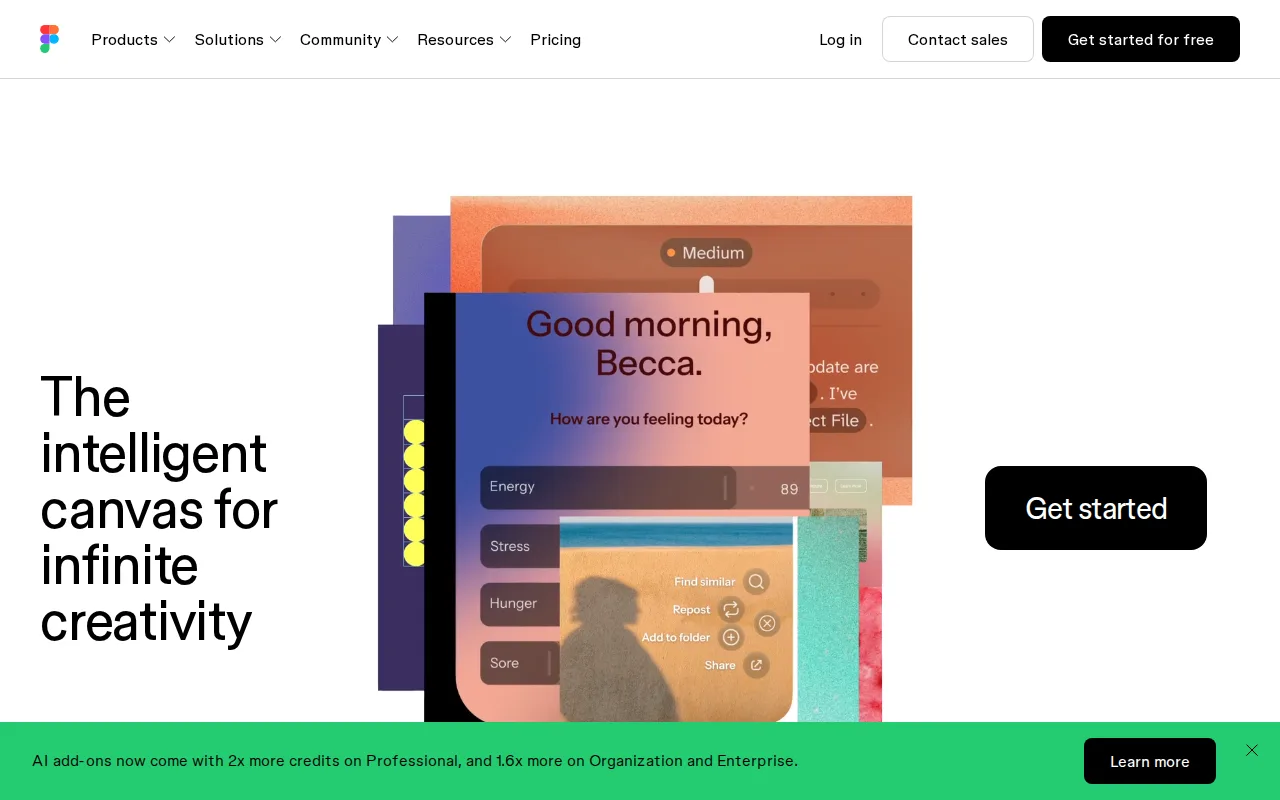
Figma is the best Lunacy alternative for design and product teams who need true real-time multiplayer editing across design, prototyping, whiteboarding, and developer handoff, a level of live collaboration Lunacy's listing doesn't document to the same degree. Figma reports about 95% of the Fortune 500 uses the product, and it holds a 4.7/5 rating from 874 Capterra reviews, far more evidence than Lunacy's own 4.7/5 from just 26 reviews. The free Starter plan includes unlimited drafts and 150 AI credits/day, while Professional runs $16/month per full seat, adding unlimited files and Dev Mode for engineering handoff, a dedicated inspection tool beyond Lunacy's built-in AI features. Lunacy remains the better choice for anyone who wants a free, installable native desktop app across Windows, macOS, and Linux with no per-seat subscription at any tier: Figma requires an active internet connection for full functionality, unlike Lunacy's native desktop build, and Figma's per-seat, per-role pricing (full/dev/collab) can get expensive to manage at scale in a way Lunacy's entirely free core app avoids.
Compared to Lunacy: true real-time multiplayer editing across design, prototyping, and dev handoff, 4.7/5 from 874 Capterra reviews vs Lunacy's 4.7/5 from 26, Professional seats start at $16/month vs Lunacy's free core app
Wins:4.7/5 rating from 874 Capterra reviews, far more evidence than Lunacy's 4.7/5 rating from just 26 reviews · True real-time multiplayer editing across design, prototyping, whiteboarding (FigJam), and dev handoff (Dev Mode), a collaboration depth Lunacy's listing doesn't document to the same degree · Free Starter plan includes 150 AI credits/day and unlimited drafts, matching Lunacy's own free core app while adding built-in AI generation credits
Loses:Requires an active internet connection for full functionality, unlike Lunacy's native desktop build for Windows, macOS, and Linux · Per-seat, per-role pricing (full/dev/collab) starting at $16/month can get expensive to manage at scale, unlike Lunacy's entirely free core app · No direct in-app access to a dedicated icon, photo, and illustration library the way Lunacy integrates Icons8's assets
Pros
- Real-time multiplayer collaboration works reliably even with many simultaneous editors in one file.
- Free Starter tier is genuinely usable for solo designers with unlimited drafts and basic AI credits.
- Dev Mode gives engineers direct, inspectable access to design specs, reducing handoff friction.
- Broad plugin and integration ecosystem plus FigJam and Slides extend it beyond pure UI design.
Cons
- Requires an internet connection for full editing; offline work is limited.
- No native CMYK color profile or 300dpi export, so print design work needs a separate tool.
- Per-seat, per-role pricing (full/dev/collab) can be confusing and adds up quickly for larger teams.
- Organization and Enterprise tiers are annual-billing only, reducing flexibility for smaller teams.
Pricing: Free tier · paid from $16/mo — $16/month Professional (full seat) vs Lunacy's $0 core app; Figma's free Starter tier caps at 3 collaborative files, a limit Lunacy's free desktop app doesn't share (verified undefined NaN, NaN)
2.Canva — best Lunacy alternative for marketers, small business owners, and social media managers who need on-brand graphics fast without hiring a designer or learning Illustrator or Photoshop
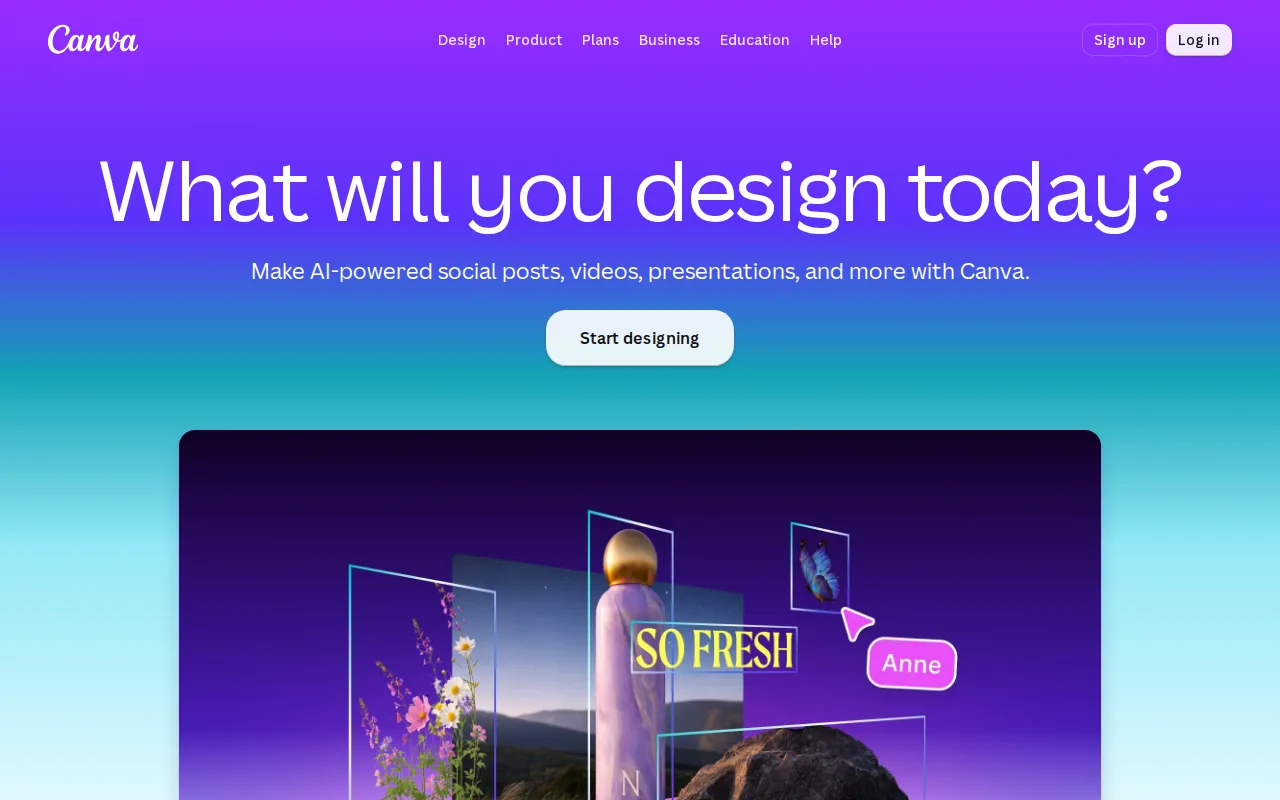
Canva is the best Lunacy alternative for marketers, small business owners, and non-designers who want ready-made templates rather than Lunacy's blank-canvas vector and UI design tools. Canva's free plan includes 2M+ templates and 5GB of storage, similar in spirit to Lunacy's own free core app, and Canva holds a 4.7/5 rating from 13,411 Capterra reviews, by far the largest review volume among Lunacy's listed alternatives and vastly more than Lunacy's own 4.7/5 from 26 reviews. Magic Resize adapts one design to dozens of platform-specific formats automatically, a template-first workflow Lunacy's vector-editing approach doesn't replicate. Canva Pro costs $18/month (about $12/month billed annually) and adds premium templates, brand kits, and background removal, similar to some of Lunacy's own AI features (background removal, upscaling) that also require an Icons8 subscription at volume. Lunacy remains the better choice for anyone doing actual UI or interface design work: Canva has no Dev Mode or design-system component libraries for developer handoff, and designs can't be exported as editable source files like .psd or .ai, locking work into Canva's own editor in a way Lunacy's native desktop app doesn't.
Compared to Lunacy: template-driven workflow for marketers rather than UI design, 4.7/5 from 13,411 Capterra reviews (the largest sample here) vs Lunacy's 4.7/5 from 26, no Dev Mode or editable source-file export
Wins:4.7/5 rating from 13,411 Capterra reviews, by far the largest review volume among Lunacy's listed alternatives · Magic Resize adapts one design to dozens of platform-specific formats automatically, a template-first workflow Lunacy's vector-editing approach doesn't replicate · 2M+ templates on the free plan let non-designers produce usable graphics in minutes, without Lunacy's vector-tool learning curve
Loses:No Dev Mode or component-library system for developer handoff, unlike more UI-focused tools · No export to editable source formats like .psd or .ai; designs are effectively locked to Canva's own editor, unlike Lunacy's native desktop files · Not built for interface design or interactive prototyping the way Lunacy's vector and UI design boards are
Pros
- Template library and drag-and-drop editor let non-designers produce usable graphics in minutes.
- Magic Resize adapts one design to many platform-specific formats automatically.
- Business plan's brand kits and approval workflows keep team output on-brand without a design lead reviewing everything.
- Bundles docs, presentations, and a website builder alongside design, reducing the number of separate tools a small team needs.
Cons
- No export to editable source formats like .psd or .ai; designs are effectively locked to Canva's own editor.
- Most premium templates, stock assets, and AI features require the Pro or Business paid tier.
- Mobile app is noticeably more limited than the desktop/web editor.
- Some users report confusing billing transitions between the free trial and paid subscription.
Pricing: Free tier · paid from $18/mo — $18/month Pro (about $12/month billed annually) vs Lunacy's $0 core app
3.Affinity Designer — best Lunacy alternative for mac and Windows users who want a full vector, raster, and page-layout design suite without any subscription cost
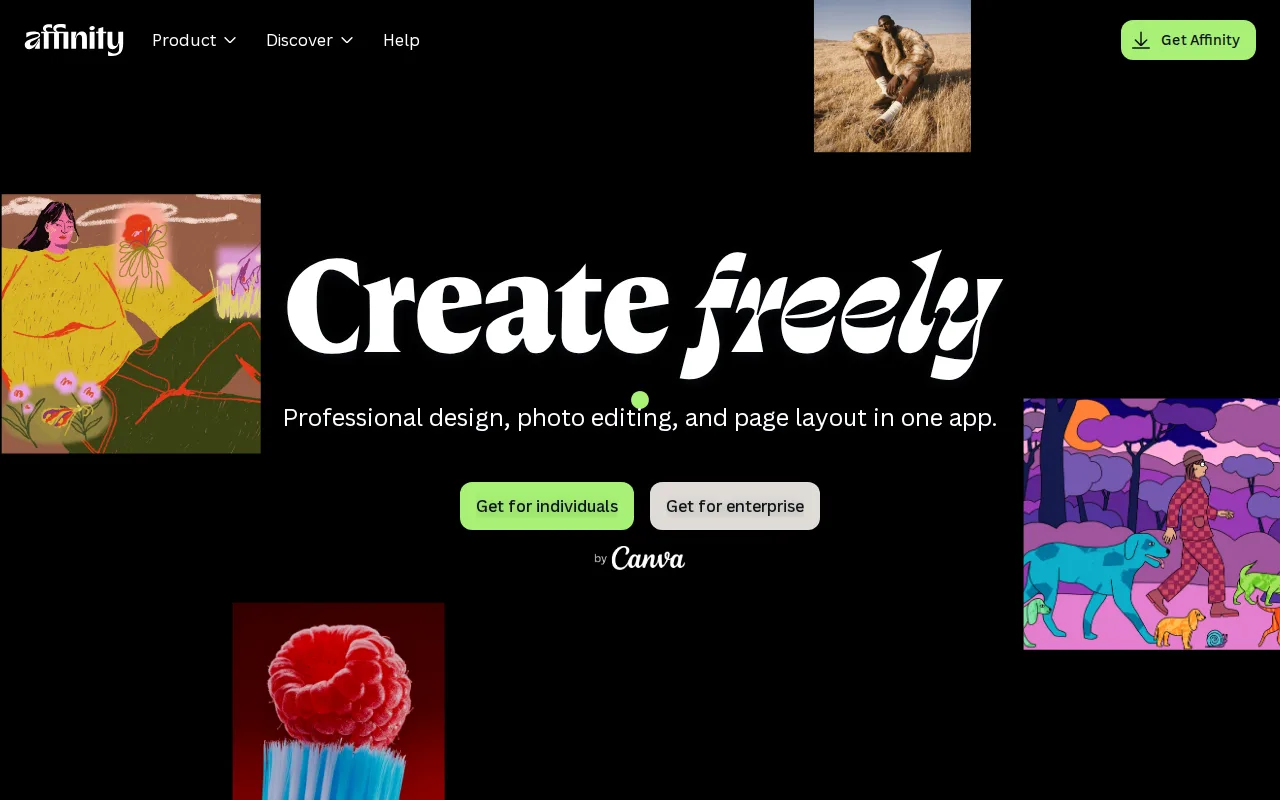
Affinity Designer is the best Lunacy alternative for Mac and Windows users who want vector illustration bundled with raster editing and page layout in one free app, extending beyond Lunacy's vector-and-UI-only focus. Since Canva's 2024 acquisition, the unified Affinity app (merging the former Designer, Photo, and Publisher studios) became completely free for Mac and Windows in October 2025, matching Lunacy's own free core app while adding page-layout tools Lunacy doesn't include. It holds a 4.7/5 rating from 455 Capterra reviews (recorded under its legacy WebPlus X4 listing), far more evidence than Lunacy's own 4.7/5 from just 26 reviews. Both apps need only a free account to access the base app — Affinity a Canva account, Lunacy no account at all for core editing — and generative AI features in each route through a separate paid ecosystem (Canva Pro for Affinity, Icons8 subscriptions for Lunacy). Lunacy remains the better choice for anyone who wants native Linux support: Affinity has no Linux version at all, unlike Lunacy which runs on Windows, macOS, and Linux, and a unified Affinity iPad app still hadn't shipped as of mid-2026.
Compared to Lunacy: adds vector, raster, and page-layout studios in one free app, 4.7/5 from 455 Capterra reviews vs Lunacy's 4.7/5 from 26, no native Linux support unlike Lunacy's Windows/macOS/Linux coverage
Wins:Full vector, raster, and page-layout toolset free for Mac and Windows, extending beyond Lunacy's vector-and-UI-only focus · 4.7/5 rating from 455 Capterra reviews, far more evidence than Lunacy's own 4.7/5 rating from just 26 reviews · Imports PSD, AI, IDML, and DWG files with layer structure preserved, broader format support than Lunacy's listing documents
Loses:No native Linux support, unlike Lunacy which runs natively on Windows, macOS, and Linux · Generative AI features require signing in with a Canva account, a separate paid ecosystem similar to how Lunacy's heavier AI use draws on Icons8 subscriptions · Unified iPad app still hadn't shipped as of mid-2026, while Lunacy's desktop-only scope doesn't carry that same pending-platform gap
Pros
- Full vector, raster, and page-layout toolset is free for Mac and Windows with no subscription or feature gate.
- Imports PSD, AI, IDML, and DWG files with layer structure preserved.
- Runs natively on Apple Silicon and Intel Macs plus mid-range Windows PCs.
- No recurring cost compared to Adobe Illustrator's subscription model.
Cons
- Standalone Affinity Designer was discontinued in October 2025 in favor of the merged Affinity app, so the product name now refers to a feature set inside a different app.
- Unified iPad app still had not shipped as of mid-2026, well over a year after the relaunch was announced.
- Generative AI features require a Canva account and may depend on Canva's own paid tiers.
- No official Linux support.
Pricing: Free — $0 core app vs Lunacy's $0 core app — both free, though heavier AI usage on either routes through a separate paid ecosystem (Canva Pro for Affinity, Icons8 subscriptions for Lunacy) (verified undefined NaN, NaN)