4 Best Alternatives to Affinity Designer in 2026
By Noahlast updated pricing verified

From our data: Two of the four alternatives compared here — Inkscape and Lunacy — match Affinity Designer's $0 core-app pricing, while Adobe Illustrator starts at $22.99/month and CorelDRAW's price isn't published as static text; on reviews, Adobe Illustrator's 8,657 Capterra reviews are more than 19 times Affinity Designer's own 455, and more than five times CorelDRAW's 1,525, the next-largest sample among the alternatives.
 Adobe Illustrator
 CorelDRAW
 Inkscape
 Lunacy
How we picked
- Pricing was independently verified on-site for three of the four alternatives — Adobe Illustrator, Inkscape, and, indirectly, Affinity Designer's own $0 pricing — while CorelDRAW's subscription and perpetual-license prices carry no verification timestamp because the vendor's pricing page loads dollar figures dynamically rather than as static text.
- Two of the four alternatives are free with no required subscription — Inkscape ($0, GPL 2.0-or-later) and Lunacy ($0 core app, freemium for premium AI/assets) — matching Affinity Designer's own $0 core-app pricing; Adobe Illustrator and CorelDRAW are the only two paid options in this comparison.
- Review volume spans two orders of magnitude: Adobe Illustrator's 8,657 Capterra reviews are more than five times CorelDRAW's 1,525 and over 330 times Lunacy's 26, while Affinity Designer's own listing carries 455 Capterra reviews recorded under its legacy WebPlus X4 page.
- Learning curve is recorded for all four alternatives and for Affinity Designer itself (moderate); Adobe Illustrator is the only one rated steep, a real signal reflected directly in the differences below rather than an inferred claim.
Paid placement never alters editorial rank — read the full methodology.
Affinity Designer alternatives at a glance
| Alternative | Best for | Learning curve | Price |
|---|---|---|---|
| Affinity Designerreference | Mac and Windows users who want a full vector, raster, and page-layout design suite without any subscription cost | Moderate | Free |
| Adobe Illustrator | professional designers producing logos, icons, and print-ready vector artwork who need Pantone-accurate color and Creative Cloud integration | Steep | From $22.99/mo |
| CorelDRAW | graphic designers, sign makers, and print production shops on Windows or Mac who want a vector-first alternative to Adobe Illustrator, with the option of a one-time perpetual license instead of a forced subscription | Moderate | Custom pricing |
| Inkscape | individuals and small studios who need a full-featured vector editor for logos, icons, and illustrations without paying for Adobe Illustrator or Affinity Designer | Moderate | Free |
| Lunacy | designers and non-designers who want a free, native desktop vector and UI design tool with built-in AI features instead of a browser-only or per-seat subscription app | Low | Free |
 Affinity Designer
1Adobe Illustrator — best Affinity Designer alternative for professional designers producing logos, icons, and print-ready vector artwork who need Pantone-accurate color and Creative Cloud integration
Adobe Illustrator is the best Affinity Designer alternative for professional designers who need industry-standard vector precision, Pantone-accurate color, and deep integration with Photoshop and InDesign. Illustrator's Pen-tool-based path system and AI features like Generative Shape Fill and Concept to Vector, which turn sketches or prompts into editable vector paths, go beyond what Affinity Designer's vector studio currently offers. Illustrator holds a 4.8/5 rating from 8,657 Capterra reviews, more than 19 times Affinity Designer's own 455 reviews (recorded under its legacy WebPlus X4 listing). The single-app plan costs $22.99/month billed annually, a real recurring cost against Affinity Designer's $0 core app price. Affinity Designer remains the better choice for anyone who wants a full vector, raster, and page-layout suite with no subscription at all: Affinity Designer is completely free for Mac and Windows with no in-app purchases for individuals, while Illustrator has no perpetual-license option, access stops the moment a subscription lapses, and cancelling an annual-billed-monthly plan within the first year can trigger an early termination fee tied to Adobe's 2024 FTC settlement.
Compared to Affinity Designer: 4.8/5 from 8,657 Capterra reviews vs Affinity Designer's 455, subscription-only from $22.99/month vs Affinity Designer's $0 core app, AI-assisted vector tools (Generative Shape Fill, Concept to Vector) Affinity Designer doesn't include
Wins:4.8/5 rating from 8,657 Capterra reviews, more than 19 times Affinity Designer's 455 reviews · Generative Shape Fill and Concept to Vector turn sketches or prompts into editable vector paths, a capability Affinity Designer's vector studio doesn't include · Deep Creative Cloud integration shares fonts, assets, and files with Photoshop and InDesign
Loses:No perpetual license; access ends the moment a subscription lapses, unlike Affinity Designer's free, no-subscription core app · Cancelling an annual-billed-monthly plan within the first year can trigger an early termination fee · Steep learning curve for anyone without prior vector-drawing experience, versus Affinity Designer's moderate curve
Pros
- Industry-standard vector precision with a Pen tool and path system professionals rely on for print and brand work.
- Deep integration with Photoshop, InDesign, and Creative Cloud libraries for shared fonts and assets.
- AI tools like Generative Shape Fill and Concept to Vector speed up early-stage concepting.
- iPad app supports Apple Pencil for on-the-go vector sketching that syncs to desktop.
Cons
- No one-time-purchase option; access stops the moment the subscription lapses.
- Cancelling an annual-billed-monthly plan within the first year can trigger an early termination fee.
- Steep learning curve for anyone without prior vector-drawing experience.
- Can be demanding on older hardware, especially with large multi-artboard files.
Pricing: From $22.99/mo — $22.99/month (single-app, annual) vs Affinity Designer's $0, no-subscription core app (verified )
2CorelDRAW — best Affinity Designer alternative for graphic designers, sign makers, and print production shops on Windows or Mac who want a vector-first alternative to Adobe Illustrator, with the option of a one-time perpetual license instead of a forced subscription
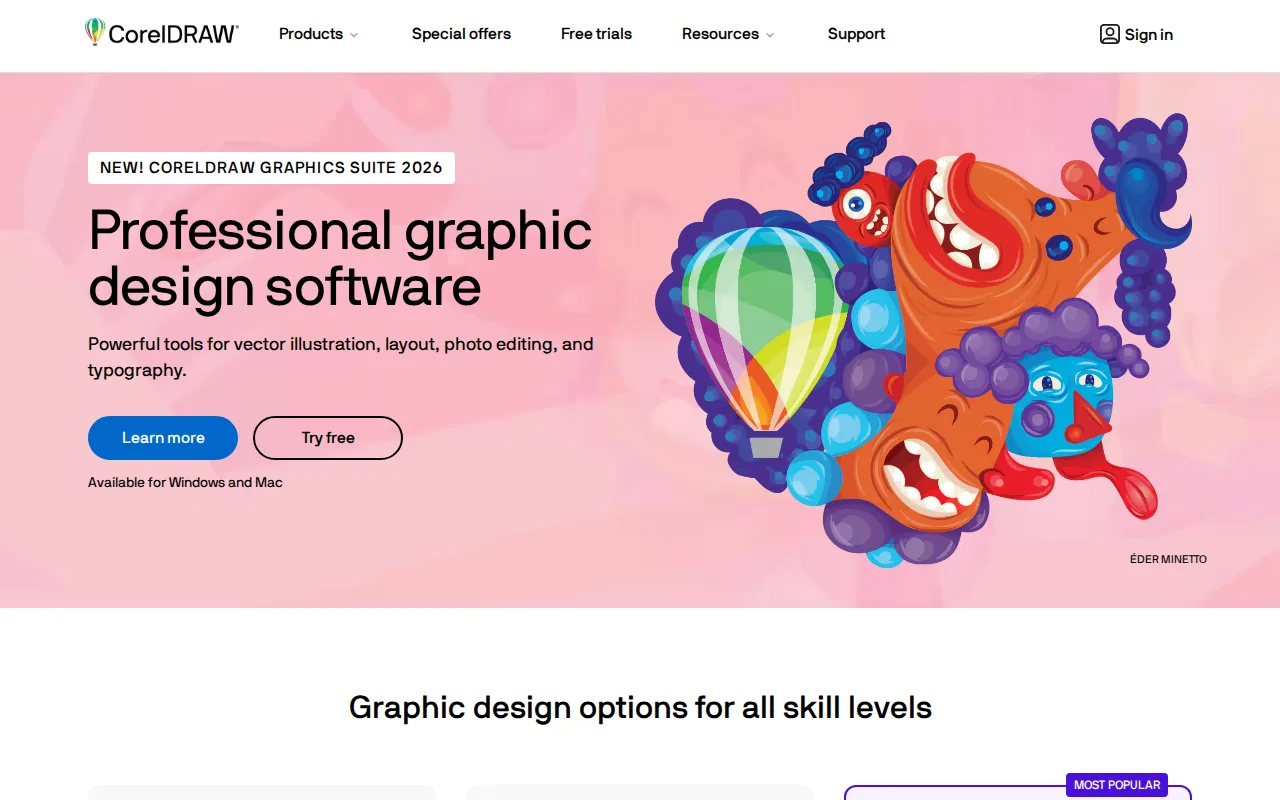
CorelDRAW is the best Affinity Designer alternative for graphic designers and print shops who want a professional vector suite with page layout and photo editing bundled in, backed by the option of a one-time perpetual-license purchase. Like Affinity Designer, CorelDRAW offers page layout and raster editing alongside vector tools in one application, but CorelDRAW adds sign-making and print-production features aimed squarely at commercial shops. It holds a 4.5/5 rating from 1,525 Capterra reviews, more than three times Affinity Designer's 455 reviews. Unlike Affinity Designer's fully free core app, CorelDRAW is a paid product sold either as an ongoing subscription or a one-time perpetual license, though CorelDRAW's exact current dollar prices are not published as static text on its pricing page and require starting a trial or quote flow to see. Affinity Designer remains the better choice for anyone who wants a genuinely $0 tool with no purchase decision at all: CorelDRAW has no permanently free tier, only a 15-day trial, and Capterra reviewers report performance slowdowns and stability issues on large files that Affinity Designer's more recently unified codebase doesn't carry the same reputation for.
Compared to Affinity Designer: 4.5/5 from 1,525 Capterra reviews vs Affinity Designer's 455, one-time perpetual license option Affinity Designer doesn't offer, no permanently free tier unlike Affinity Designer's $0 core app
Wins:4.5/5 rating from 1,525 Capterra reviews, more than three times Affinity Designer's 455 · Offers a genuine one-time perpetual-license purchase, a pricing option Affinity Designer's unified free app doesn't provide · CorelDRAW Technical Suite variant adds CAD-file import/export for technical illustration, beyond Affinity Designer's scope
Loses:No permanently free tier; only a 15-day trial before purchase or subscription is required, unlike Affinity Designer's $0 core app · Exact pricing is hidden behind a quote/trial flow rather than published plainly, unlike Affinity Designer's confirmed $0 price · Capterra reviewers cite performance slowdowns and stability issues with large files
Pros
- Offers a one-time perpetual-license option, unlike Adobe's subscription-only Creative Cloud.
- Strong vector illustration and print-production toolset, reflected in a 4.5/5 Capterra rating from 1,525 reviews.
- CorelDRAW Go provides a simplified web entry point for beginners before committing to the full suite.
- A Technical Suite variant adds CAD-file import/export for technical and engineering illustration.
Cons
- No permanently free tier; only a 15-day trial before purchase or subscription is required.
- Exact pricing is hidden behind a quote/trial flow rather than published plainly on the pricing page.
- Capterra reviewers cite performance slowdowns and stability issues with large files.
- Perpetual-license purchases exclude some apps, features, and workflows available only to subscribers.
Pricing: Custom pricing — Subscription or one-time perpetual-license pricing not published as static text (requires trial/quote) vs Affinity Designer's confirmed $0 core app (verified )
3Inkscape — best Affinity Designer alternative for individuals and small studios who need a full-featured vector editor for logos, icons, and illustrations without paying for Adobe Illustrator or Affinity Designer
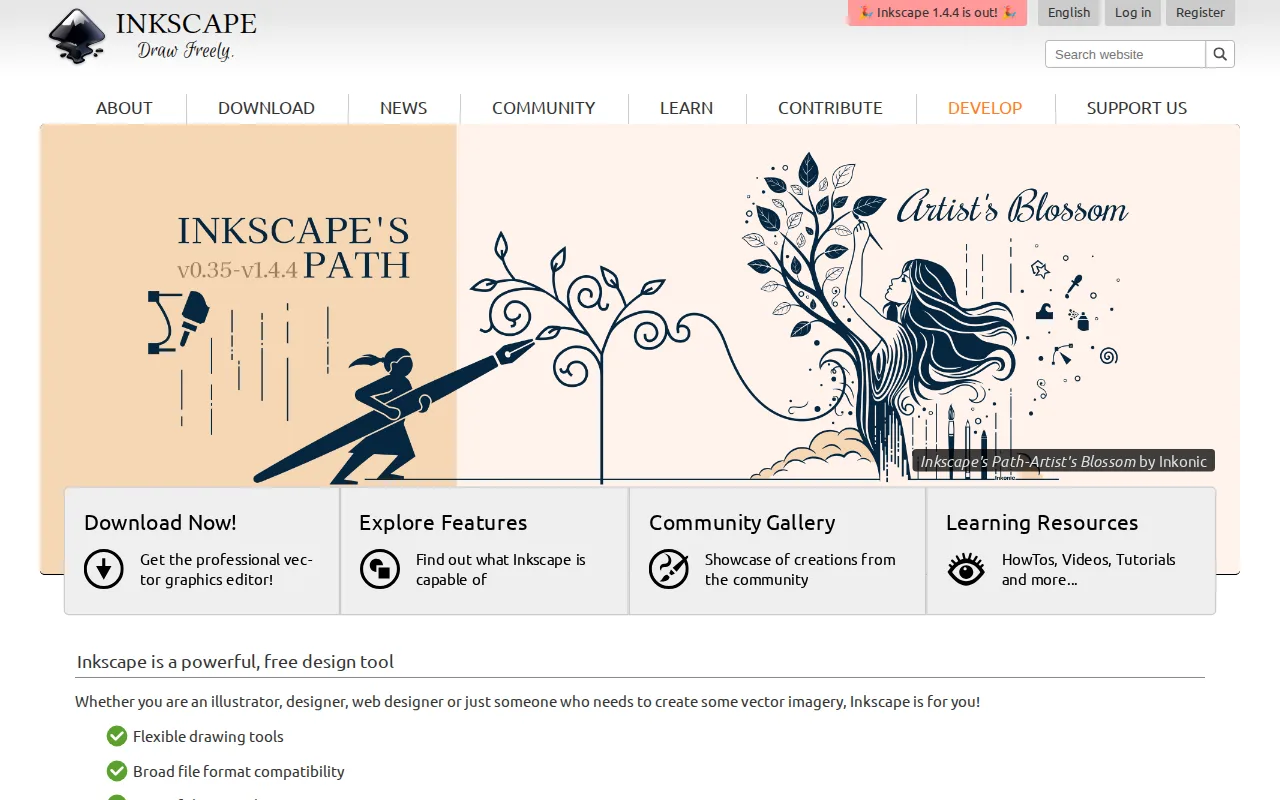
Inkscape is the best Affinity Designer alternative for anyone who wants a fully free, open-source vector editor that also runs natively on Linux, a platform Affinity Designer doesn't support. Both tools cost $0 with no subscription, but Inkscape is licensed under the GNU GPL 2.0 or later, meaning its source code can be freely audited, modified, and redistributed, unlike Affinity Designer's proprietary code. Inkscape holds a 4.4/5 rating from 518 Capterra reviews, close to Affinity Designer's own 455 reviews. Its native SVG file format, an open W3C standard, avoids the kind of proprietary format lock-in that a closed-source tool can carry. Affinity Designer remains the better choice for designers who need page layout and advanced photo editing bundled alongside vector tools, plus CMYK color management for print production: Inkscape has no CMYK mode or built-in Pantone support, no Layout or Photo studio equivalent, and its volunteer-driven development moves more slowly than Affinity Designer's Canva-backed release cadence.
Compared to Affinity Designer: fully open source (GPL 2.0-or-later) vs Affinity Designer's proprietary code, native Linux support Affinity Designer lacks, 4.4/5 from 518 Capterra reviews close to Affinity Designer's 455
Wins:Fully open source under GPL 2.0-or-later, so the code can be audited, modified, and redistributed, unlike Affinity Designer's proprietary app · Native Linux support in addition to Windows and macOS, a platform Affinity Designer doesn't cover · Native SVG format avoids proprietary file lock-in and works directly with web and browser workflows
Loses:No CMYK color mode or built-in Pantone support, a real limitation for print-production workflows that Affinity Designer's Photo and Layout studios address · No page-layout or advanced photo-editing studio equivalent to Affinity Designer's bundled Layout and Pixel tools · Volunteer-driven development means slower feature releases than Affinity Designer's Canva-backed roadmap
Pros
- Completely free with no paid tier, subscription, or feature paywall.
- Open source under GPL 2.0-or-later, so the code can be audited, modified, and redistributed.
- Native SVG format avoids proprietary file lock-in and works directly with web and browser workflows.
- Runs natively on Windows, macOS, and Linux with community-maintained AppImage, Flatpak, and Snap builds.
Cons
- No CMYK color mode or built-in Pantone support, a real limitation for print-production workflows.
- Volunteer-driven development means slower feature releases and less predictable roadmap than commercial competitors.
- Interface and performance are less polished than Adobe Illustrator or Affinity Designer, especially on very large or complex files.
- No official mobile or tablet app, unlike some paid vector editors that support iPad workflows.
Pricing: Free — $0, no paid tier, identical to Affinity Designer's $0 core-app pricing (verified )
4Lunacy — best Affinity Designer alternative for designers and non-designers who want a free, native desktop vector and UI design tool with built-in AI features instead of a browser-only or per-seat subscription app
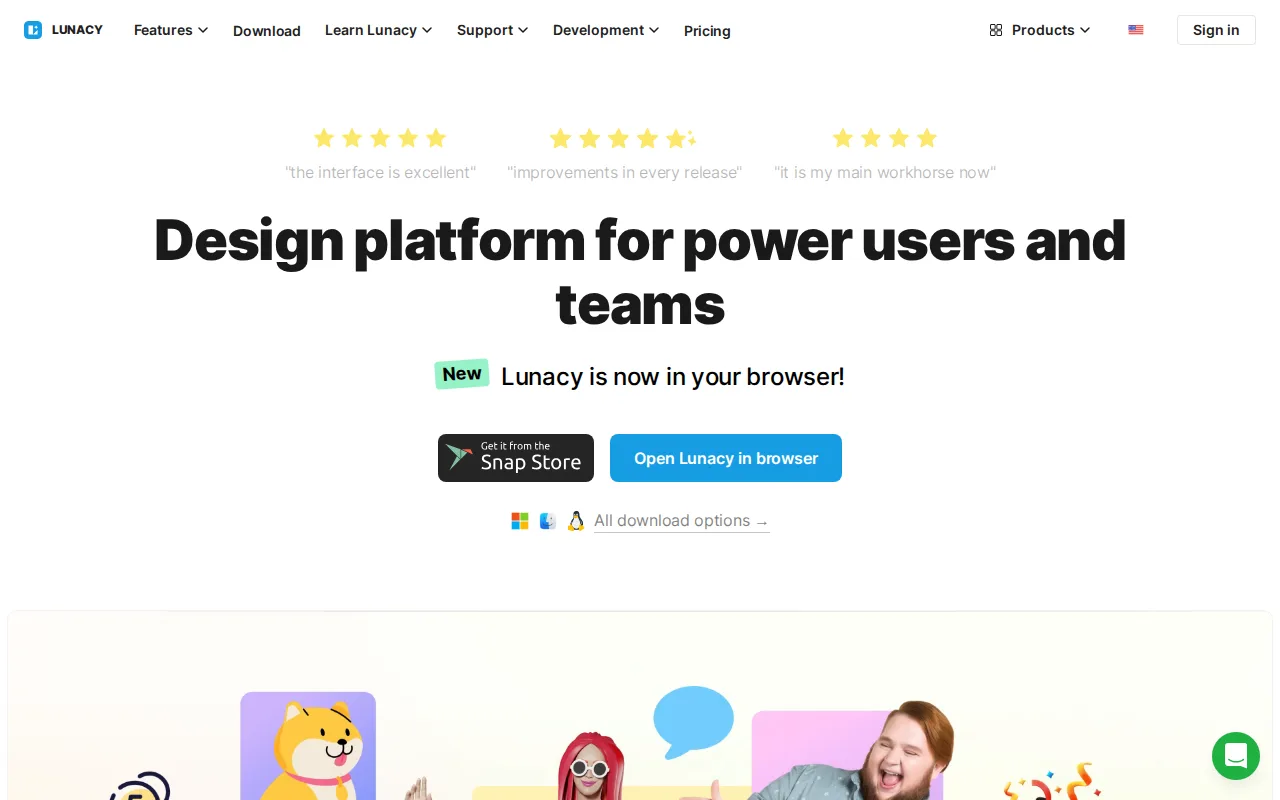
Lunacy is the best Affinity Designer alternative for designers who want free vector and UI design software with AI tools (background removal, upscaling, art generation) built directly into the editor. Like Affinity Designer, Lunacy's core editing functionality is free to download and use with no subscription required, and both apps run natively as desktop software rather than in a browser. Lunacy holds a 4.7/5 rating from 26 Capterra reviews, close to Affinity Designer's 4.7/5 rating but on a much smaller sample than Affinity Designer's 455 reviews. Lunacy also runs on Linux, a platform Affinity Designer doesn't support alongside its Mac and Windows apps, and gives in-app access to Icons8's icon, photo, and illustration libraries that Affinity Designer doesn't bundle. Affinity Designer remains the better choice for professional page-layout and print-production work: Affinity Designer bundles a dedicated Layout studio and CMYK-capable photo editing that Lunacy, built primarily as a UI/vector tool, doesn't match, and heavy use of Lunacy's AI features or premium assets requires a separate Icons8 subscription, unlike Affinity Designer's free-with-no-gate core editing.
Compared to Affinity Designer: built-in AI tools (background removal, upscaling, art generation) Affinity Designer doesn't include, native Linux support Affinity Designer lacks, same $0 core pricing model
Wins:Built-in AI tools (background removal, upscaling, avatar/art generation) without needing separate plugins, unlike Affinity Designer's core editor · Native Linux support in addition to Windows and macOS, a platform Affinity Designer doesn't cover · Direct in-app access to Icons8's icon, photo, and illustration libraries that Affinity Designer doesn't bundle
Loses:No dedicated page-Layout studio or CMYK-capable photo editing to match Affinity Designer's bundled Pixel, Vector, and Layout studios · Heavy AI-feature or premium-asset use requires a separate Icons8 subscription, while Affinity Designer's core editing has no such usage-based gate · Much smaller review base (26 Capterra reviews) than Affinity Designer's 455, giving less evidence behind its 4.7/5 score
Pros
- Free native desktop app for Windows, macOS, and Linux, unlike browser-only competitors.
- Built-in AI tools (background removal, upscaling, avatar/art generation) without needing separate plugins.
- Direct in-app access to Icons8's icon, photo, and illustration libraries.
- Low learning curve for users coming from Sketch- or Figma-style vector and UI tools.
Cons
- Heavy AI-feature or premium-asset use requires an Icons8 subscription, so the free tier has practical usage limits.
- Smaller plugin ecosystem and third-party integration support than Figma.
- Real-time multiplayer collaboration is less mature than Figma's, a common gap noted by design teams.
- Brand recognition and community resources are much smaller than for Figma or Sketch, meaning fewer tutorials and community templates.
Pricing: Free — $0 core app, same as Affinity Designer's $0 core-app pricing; higher-volume AI actions and premium assets require a separate Icons8 subscription
Which one is right for you?
- You need industry-standard vector precision, Pantone color accuracy, and Creative Cloud integration for professional print or brand work.Adobe Illustrator
- You want a one-time perpetual-license purchase instead of any subscription, with dedicated sign-making and print-production tools.CorelDRAW
- You want a fully open-source vector editor that also runs natively on Linux.Inkscape
- You want free vector and UI design software with AI tools like background removal and upscaling built in.Lunacy
- You need page layout, CMYK color management, and sign-making tools bundled with vector editing, and don't mind paying for it.CorelDRAW
Frequently asked questions
What is the best alternative to Affinity Designer?
- Adobe Illustrator is the best-reviewed alternative to Affinity Designer, holding a 4.8/5 rating from 8,657 Capterra reviews and adding AI-assisted vector tools Affinity Designer doesn't have. For a free, open-source tool closer to Affinity Designer's own $0 price, Inkscape is the better match, and it adds native Linux support.
Is there a free alternative to Affinity Designer?
- Yes — Inkscape and Lunacy are both free with no required subscription, matching Affinity Designer's own $0 core-app pricing. Adobe Illustrator and CorelDRAW are the two paid options in this comparison, at $22.99/month and an undisclosed subscription or perpetual-license price respectively.
Can Inkscape replace Affinity Designer?
- Inkscape can replace Affinity Designer for vector illustration work, since both are free with no subscription and Inkscape adds native Linux support that Affinity Designer lacks. Inkscape has no CMYK color mode, Pantone support, or page-layout studio, so print-production and layout work still favors Affinity Designer.
What is the closest alternative to Affinity Designer for a one-time purchase?
- CorelDRAW is the closest alternative to Affinity Designer for buyers who want a one-time perpetual license rather than a subscription, since Affinity Designer's own paid standalone licensing was discontinued in 2025. CorelDRAW holds a 4.5/5 rating from 1,525 Capterra reviews, though its exact prices aren't published as static text.
Which Affinity Designer alternative has built-in AI tools?
- Lunacy is the Affinity Designer alternative with the most AI tools built directly into its free core app, including background removal, image upscaling, and art generation. Adobe Illustrator also offers AI tools (Generative Shape Fill, Concept to Vector) but only as part of its $22.99/month subscription.