1 Best Open-Source Alternatives to Loom in 2026
By Noahlast updated pricing verified
Compared: open-source alternatives to Loom
| Alternative | Best for | Standout | Biggest weakness | Learning curve | Price |
|---|---|---|---|---|---|
| Loomreference | product, engineering, and customer-facing teams replacing routine live meetings or long written explanations with short async screen-recording videos | Native Jira integration (as an Atlassian product) that converts a recorded walkthrough directly into a ticket with technical details auto-extracted from the video. | The free Starter tier caps recordings at 5 minutes and 25 videos per person, which most teams recording walkthroughs regularly outgrow fast, forcing an $18-24/user/month upgrade. | Low | Free tier · paid from $18/mo |
| OBS Studio | streamers and content creators who want a free, unlimited-scene streaming and recording tool without subscription fees or watermarks | Unlimited customizable scenes and sources with a full audio mixer and VST plugin support, all free and open source with no watermark or paywalled features. | The interface and initial setup (scene collections, sources, encoder settings, audio routing) have a real learning curve for first-time users compared to opinionated paid tools like Streamlabs that ship with guided setup wizards and built-in overlay stores. | Moderate | Free |
 Loom
Loom OBS Studio
1.OBS Studio — best Loom alternative for streamers and content creators who want a free, unlimited-scene streaming and recording tool without subscription fees or watermarks
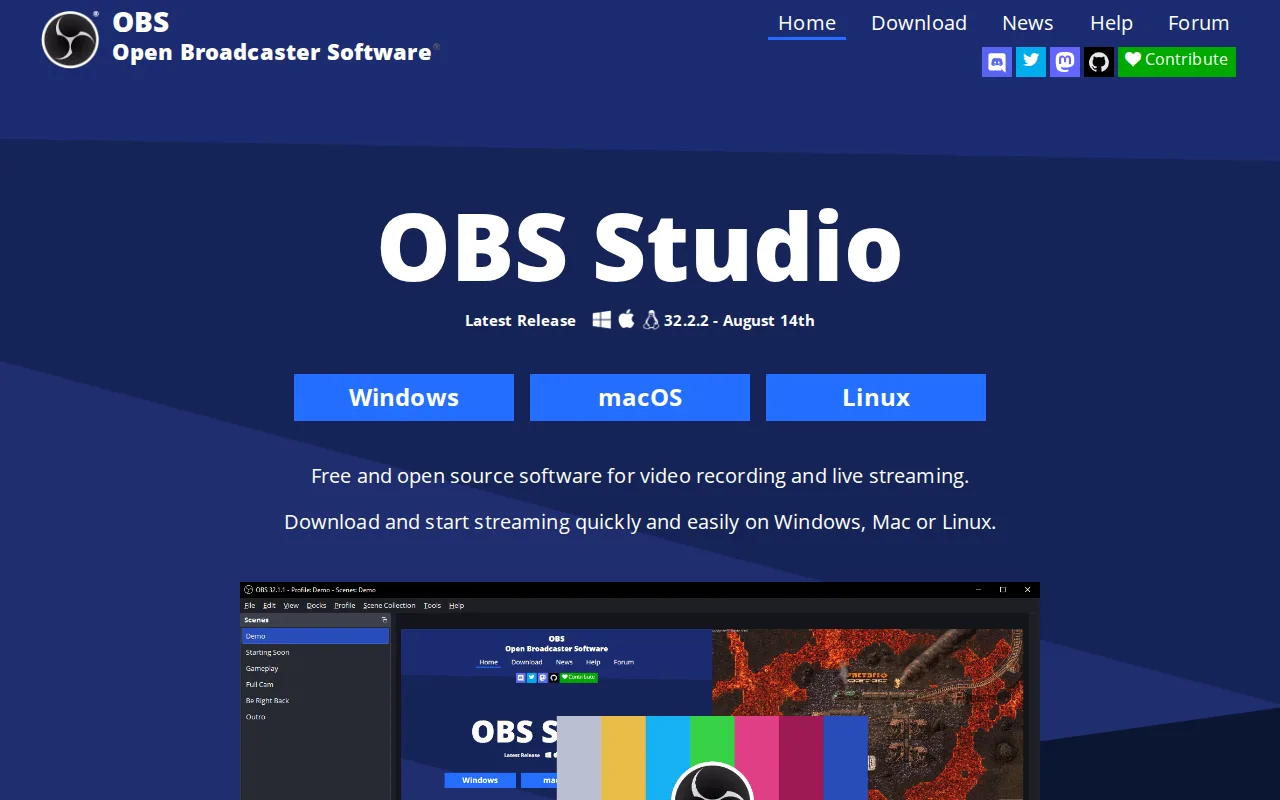
OBS Studio is the best Loom alternative for anyone who wants unlimited scene-based screen and webcam recording with no subscription, no watermark, and no recording-length cap, all of which Loom's free Starter tier restricts. Loom's Starter plan caps recordings at 5 minutes and 25 videos per person, while OBS Studio is completely free and open source under GPL-2.0 with no limits of any kind, verified 2026-08-21, the same day as Loom's own pricing check. OBS Studio's unlimited customizable scenes, professional audio mixer with per-source filters, and VST plugin support give it recording depth Loom's simpler, message-first recorder doesn't attempt to match. Loom remains the better choice for anyone who specifically wants instant async video messaging: OBS Studio has no built-in sharing link generation, no cloud hosting, and no AI transcription or Jira-ticket conversion the way Loom's Atlassian-integrated workflow offers, and OBS Studio's interface and initial setup (scene collections, sources, encoder settings, audio routing) have a real learning curve for first-time users compared to Loom's near-instant record-and-share flow, since OBS Studio has no external rating on file to gauge broader user sentiment against Loom's 4.7/5 from 529 Capterra reviews.
Compared to Loom: completely free with no recording-length or video-count cap vs Loom's 5-minute, 25-video free tier, unlimited scenes with a professional audio mixer vs Loom's simpler message-first recorder, no external rating on file vs Loom's 4.7/5 from 529 Capterra reviews
Wins:Completely free and open source with no recording-length cap, video-count limit, watermark, or account requirement at any tier · Unlimited customizable scenes, sources, and a professional audio mixer with VST plugin support · Extensible through Lua and Python scripting and a large third-party plugin ecosystem
Loses:No built-in shareable-link generation or cloud hosting; recordings must be manually shared, unlike Loom's instant link workflow · No AI transcription, meeting-recap emails, or Jira ticket conversion the way Loom's Atlassian-integrated Business + AI tier offers · No external rating on file to gauge broader user sentiment, versus Loom's 4.7/5 from 529 Capterra reviews
Pros
- Completely free and open source with no watermark, subscription, or account requirement.
- Unlimited scenes and sources, including windows, monitors, webcams, capture cards, browser sources, and text.
- Professional audio mixer with per-source filters and VST plugin support.
- Extensible through Lua and Python scripting and a large third-party plugin ecosystem.
Cons
- No built-in guided setup wizard or overlay store, unlike paid competitors such as Streamlabs.
- Initial configuration of encoders, scenes, and audio routing has a real learning curve for first-time streamers.
- No official cloud backup or sync for scene collections and settings across machines.
- Community-driven support (forums, Discord) rather than dedicated commercial customer support.
Pricing: Free — Completely free at $0 with no paid tier vs Loom's free Starter (5-min cap) and $18-24/user/month Business tiers (verified undefined NaN, NaN)