3 Best Open-Source Alternatives to LM Studio in 2026
By Noahlast updated pricing verified
Compared: open-source alternatives to LM Studio
| Alternative | Best for | Standout | Biggest weakness | Learning curve | Price |
|---|---|---|---|---|---|
| LM Studioreference | developers and privacy-conscious users who want to run open-weight LLMs locally on their own hardware, with an OpenAI-compatible API server for integrating local models into other tools | Runs open-weight models entirely on-device via llama.cpp and MLX with zero cloud dependency, while still exposing an OpenAI-compatible local API server so existing tools built for cloud LLM APIs can point at a local model instead. | Running larger local models at usable speed requires substantial RAM or a capable GPU, so users on modest hardware are effectively limited to smaller quantized models or pushed toward the optional paid cloud-inference tier; the Bionic Pass subscription tier also has no published pricing yet. | Moderate | Free |
| Ollama | developers who want to run open-weight LLMs locally for privacy, offline use, or air-gapped applications, with optional cloud access for models too large to run on local hardware | Local inference stays entirely on-device by default with no telemetry, and the same CLI/API surface extends to paid cloud models when a task needs more compute than local hardware provides. | Local model quality and speed are bounded by the user's own hardware (RAM, GPU/VRAM), so running larger models still requires either capable hardware or upgrading to the paid cloud tier, and Max plan signups are currently paused while Ollama adds capacity. | Low | Free tier · paid from $20/mo |
| Open WebUI | individuals, startups, and regulated organizations that want a self-hosted, vendor-independent chat interface for local or API-based AI models | Full self-hosted control over AI model routing and chat data, connecting to local runners like Ollama or cloud providers such as OpenAI and Anthropic, with air-gapped and data-residency deployment options for regulated industries. | The core product is source-available rather than a standard OSI open-source license, since the Open WebUI License requires preserving Open WebUI branding unless an Enterprise license is purchased, and self-hosting requires ongoing maintenance of Docker/Ollama infrastructure that a hosted chatbot service does not. | Moderate | Free |
| Jan | developers and privacy-conscious users who want to run open-weight LLMs entirely offline while keeping the option to plug in cloud models from one interface | Runs open models like Llama, Gemma, and Qwen fully offline on local hardware via a bundled llama.cpp engine, while exposing an OpenAI-compatible API server for other apps to call. | The advertised Memory feature for persistent context across chats is still listed as coming soon, and running larger open models locally requires meaningful RAM/GPU resources that make performance uneven compared to cloud-only chat apps. | Low | Free |
 LM Studio
 Ollama
 Open WebUI
 Jan
Jan1.Ollama — best LM Studio alternative for developers who want to run open-weight LLMs locally for privacy, offline use, or air-gapped applications, with optional cloud access for models too large to run on local hardware
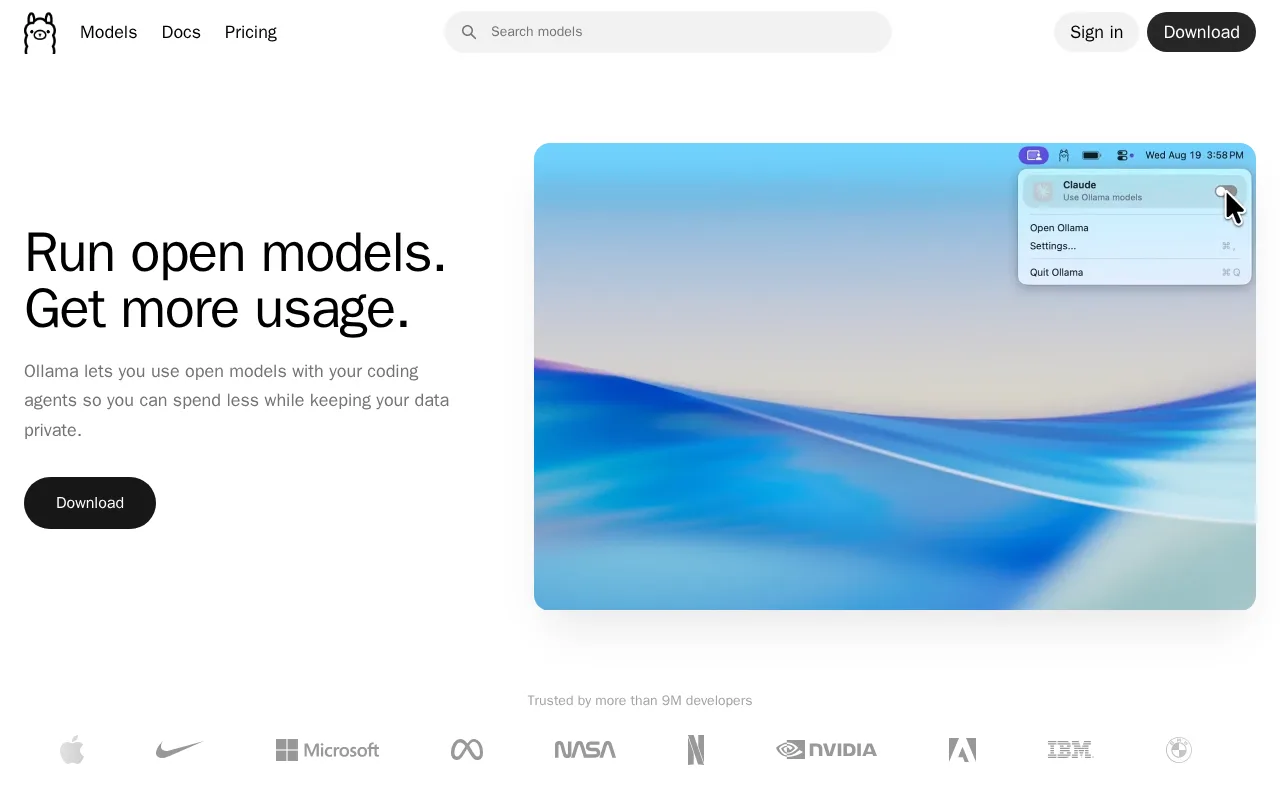
Ollama is the best LM Studio alternative for developers who want a fully open-source local runtime rather than LM Studio's closed-source freeware. Ollama's core software is MIT-licensed and published on GitHub, free to download and run entirely offline with no telemetry, matching LM Studio's free local tier, but with the source code itself open for inspection, which LM Studio's closed-source app doesn't offer. Ollama holds a 5.0/5 rating from 40 Product Hunt reviews, well above LM Studio's own 4.7/5 from just 4 reviews. Ollama's optional Pro tier costs $20/month (or $200/year) for access to larger cloud models and about 50x the free cloud usage, comparable in structure to LM Studio's pay-as-you-go cloud tier that bills from $0.13 per million input tokens. Ollama also integrates with more than 40,000 community tools and editors via its simple CLI and REST API. LM Studio is still the better choice for anyone who wants a polished built-in agent mode (Bionic Agent) and local voice transcription in a single desktop app: Ollama's Max plan ($100/month) is currently paused for new signups while the company adds capacity, and local model quality still depends entirely on the user's own hardware in both tools.
Compared to LM Studio: fully open-source, MIT-licensed local runtime published on GitHub, verified 5.0/5 rating from 40 Product Hunt reviews versus LM Studio's 4.7/5 from 4 reviews, integrates with 40,000+ community tools via CLI and REST API
Wins:Fully open source (MIT license), published on GitHub, unlike LM Studio's closed-source freeware built on open-source engines · 5.0/5 rating from 40 Product Hunt reviews, a much larger and higher-rated sample than LM Studio's 4.7/5 from 4 reviews · Integrates with 40,000+ community tools and editors via a simple CLI and REST API
Loses:No built-in agent mode comparable to LM Studio's Bionic Agent, or local voice transcription, in the same desktop app · Max cloud tier ($100/month) is currently paused for new signups while Ollama adds capacity · Cloud usage limits reset on 5-hour and 7-day cycles, which can be more restrictive for bursty workloads than LM Studio's per-million-token billing
Pros
- Core local runtime is free, open source (MIT), and requires no account to run models offline.
- No telemetry from local inference; data never leaves the device unless a cloud model is explicitly used.
- Simple CLI and REST API make it easy to integrate into existing developer tools and 40,000+ community integrations.
- Cloud tier extends the same interface to larger models when local hardware isn't enough.
Cons
- Local performance depends entirely on the user's own hardware; larger models need significant RAM or GPU VRAM to run well.
- Max plan ($100/month) is currently paused for new signups while Ollama adds capacity.
- Cloud usage limits reset on 5-hour and 7-day cycles, which can be restrictive for bursty workloads compared to flat monthly quotas.
- Team plan has a 5-seat minimum ($125/month), which is a meaningful jump for very small teams.
Pricing: Free tier · paid from $20/mo — $20/month (Ollama Pro) vs LM Studio's pay-as-you-go cloud tier from $0.13 per million input tokens — different pricing models, not directly comparable (verified undefined NaN, NaN)
2.Open WebUI — best LM Studio alternative for individuals, startups, and regulated organizations that want a self-hosted, vendor-independent chat interface for local or API-based AI models
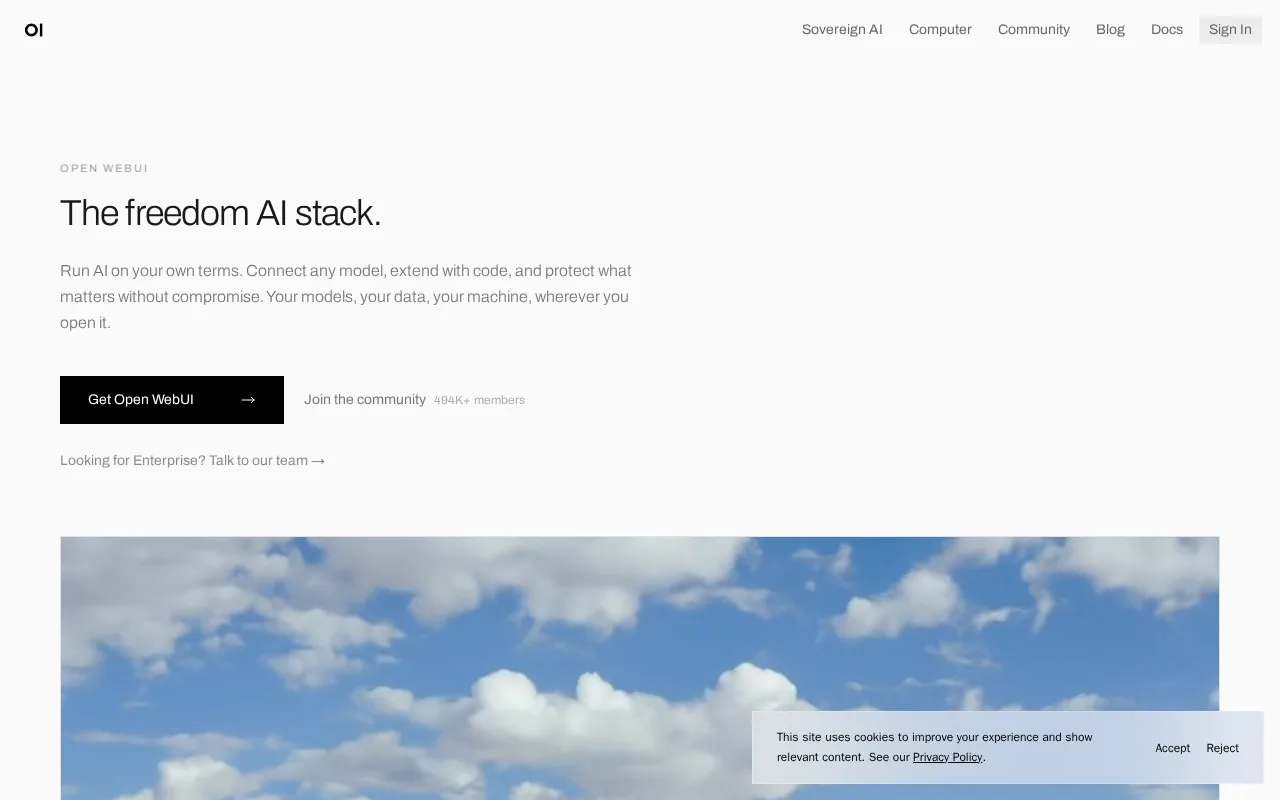
Open WebUI is the best LM Studio alternative for privacy-conscious individuals, startups, and regulated enterprises that want full self-hosted control over their chat interface and model routing rather than LM Studio's single desktop app. Open WebUI is free to self-host via a one-command Docker or pip install, matching LM Studio's free local tier, and it connects to both local model runners like Ollama and cloud APIs such as OpenAI and Anthropic from one interface, while LM Studio focuses on its own bundled llama.cpp/MLX inference plus its own pay-as-you-go cloud tier. Open WebUI holds a 4.0/5 rating from 5 Product Hunt reviews, close to LM Studio's own 4.7/5 from 4 reviews, both thin samples. A community of 478,000+ members shares prompts, tools, and custom functions, a larger ecosystem than LM Studio's listing discloses. LM Studio is still the better choice for anyone who wants a single polished app with no separate model-runner dependency: Open WebUI's source-available Open WebUI License requires preserving its branding unless an Enterprise license is purchased, and self-hosting requires ongoing maintenance of Docker and typically a separate Ollama or model-serving backend.
Compared to LM Studio: connects to both local runners (Ollama) and cloud APIs (OpenAI, Anthropic) from one interface, backed by a 478,000+ member community, air-gapped and data-residency deployment options for regulated industries
Wins:Connects to both local model runners (Ollama) and cloud APIs (OpenAI, Anthropic, and compatible providers) from one interface, broader than LM Studio's own bundled inference plus proprietary cloud tier · Backed by a community of 478,000+ members sharing prompts, tools, and custom functions · Air-gapped and data-residency-controlled deployment options suit regulated industries
Loses:Source-available Open WebUI License requires preserving Open WebUI branding unless an Enterprise license is purchased, not a standard OSI open-source license · Self-hosting requires ongoing maintenance of Docker and typically a separate Ollama or model-serving backend, more setup than LM Studio's single installed app · No official native mobile app; access on phones is through the web interface only
Pros
- Free to self-host with a one-command Docker or pip install, no account required.
- Connects to both local model runners (Ollama) and cloud APIs (OpenAI, Anthropic, and compatible providers) from one interface.
- Air-gapped and data-residency-controlled deployment options suit regulated industries.
- Large community library (478,000+ members) sharing prompts, tools, and custom functions.
Cons
- Source-available Open WebUI License requires preserving Open WebUI branding unless an Enterprise license is purchased, which is not a standard OSI open-source license.
- Self-hosting requires ongoing maintenance of Docker and, typically, a separate Ollama or model-serving backend.
- Enterprise pricing (SSO, RBAC, audit logs, branding removal) is not published and requires a sales conversation.
- No official native mobile app; access on phones is through the web interface.
Pricing: Free
3.Jan — best LM Studio alternative for developers and privacy-conscious users who want to run open-weight LLMs entirely offline while keeping the option to plug in cloud models from one interface

Jan is the best LM Studio alternative for developers and privacy-conscious users who want a fully open-source app rather than LM Studio's closed-source freeware. Jan is free under the Apache License 2.0, with source code hosted on GitHub, distinguishing it from LM Studio, which is closed-source even though it's built on the same kind of open-source inference engines (llama.cpp) that power Jan. Jan has more than 44,000 GitHub stars and reports over 6.3 million downloads, both public adoption signals LM Studio's own listing doesn't disclose. Jan supports downloading and running open models like Llama, Gemma, Qwen, Mistral, and DeepSeek fully offline, and it exposes an OpenAI-compatible local API server, the same kind of developer integration point LM Studio offers. LM Studio is still the better choice for anyone who wants a more mature feature set today: Jan's advertised Memory feature for persistent context across chats is still listed as coming soon, and Jan has no built-in agent mode comparable to LM Studio's Bionic Agent or local voice transcription.
Compared to LM Studio: fully open source under Apache 2.0 with source on GitHub, more than 44,000 GitHub stars and 6.3 million downloads, no cost at any tier since cloud model access is billed by whichever provider is connected
Wins:Fully open source under Apache 2.0 with source published on GitHub, unlike LM Studio's closed-source freeware · More than 44,000 GitHub stars and over 6.3 million downloads, public adoption signals LM Studio's own listing doesn't disclose · No built-in paid tier at all; cloud model usage is billed separately by whichever provider a user connects, rather than through Jan itself
Loses:Advertised Memory feature for persistent context across chats is still listed as coming soon · No built-in agent mode comparable to LM Studio's Bionic Agent, or local voice transcription, in the same app · No web or mobile client; desktop only (Windows, macOS, Linux), the same limitation LM Studio shares
Pros
- Fully open source under Apache 2.0 with no account or subscription required.
- Runs models 100% offline once downloaded, with no data leaving the device by default.
- OpenAI-compatible local API server lets other tools call locally hosted models.
- Supports both local open-weight models and cloud providers in one interface.
Cons
- No web or mobile client; desktop only (Windows, macOS, Linux).
- Memory/persistent-context feature is still marked coming soon.
- Running larger local models is limited by the user's own hardware, unlike cloud-only competitors.
- Smaller community and fewer integrations than Ollama, which some users prefer for headless/server use.
Pricing: Free — $0 (Jan, fully free) vs LM Studio's free local tier plus optional pay-as-you-go cloud inference from $0.13/million tokens (verified undefined NaN, NaN)