3 Best Free Alternatives to LastPass in 2026
By Noahlast updated
Compared: free alternatives to LastPass
| Alternative | Best for | Standout | Biggest weakness | Learning curve | Price |
|---|---|---|---|---|---|
| LastPassreference | individuals and small businesses that want a widely compatible password manager with mature browser and OS support, and who are not deterred by LastPass's 2022 breach history | Broad platform coverage across every major browser, Windows, macOS, Linux, iOS, and Android, with a mature enterprise feature set (SSO, SaaS Monitoring) at the Business Max tier. | LastPass disclosed two connected 2022 security incidents in which attackers accessed encrypted customer vault backups, and Trustpilot reviewers report ongoing billing, cancellation, and support-access problems; the free tier also restricts sync to a single device type (computers or mobile, not both). | Low | Free tier · paid from $3/mo |
| Bitwarden | individuals and teams who want an open-source, independently audited password manager they can self-host, at roughly half the price of 1Password or Dashlane | Fully open-source client and server code (GPL-3.0), independently audited, with an official self-hosting option and a community-maintained lightweight server (Vaultwarden) for running your own vault infrastructure. | The official self-hosted server carries a mixed license (GPL-3.0 core plus a Bitwarden-specific license for some enterprise features), and the interface is generally considered less polished than 1Password's, with fewer built-in extras like a bundled VPN. | Low | Free tier · paid from $1.65/mo |
| NordPass | individuals who want a genuinely free single-device password manager, or families and businesses already using other Nord Security products (NordVPN, NordLocker) who want a bundled ecosystem | A usable permanent Free plan (not just a trial) alongside deep discounts of up to roughly 40% for 2-year Business commitments, plus Enterprise SSO integrations with Entra ID, Okta, Sentinel, and Splunk. | NordPass hides its actual paid-plan dollar prices behind a dynamically loaded, promotion-dependent checkout flow rather than publishing fixed numbers, making it hard to compare cost against competitors like Bitwarden or 1Password without starting a purchase flow; the Free plan is also limited to a single device. | Low | Free |
| Proton Pass | individuals and small teams who want a zero-knowledge, open-source password manager with unlimited free logins and built-in email alias masking | Unlimited hide-my-email aliases (10 free, unlimited on Pass Plus) let a user mask their real email address per signup without a separate aliasing service. | The free plan caps hide-my-email aliases at 10 and lacks the built-in 2FA authenticator and dark web monitoring bundled into Pass Plus; like the rest of Proton's product line, getting the best per-dollar value requires bundling into the pricier Proton Unlimited plan rather than buying Pass alone. | Low | Free tier · paid from $1.99/mo |
 LastPass
 Bitwarden
 NordPass
 Proton Pass
1.Bitwarden — best LastPass alternative for individuals and teams who want an open-source, independently audited password manager they can self-host, at roughly half the price of 1Password or Dashlane
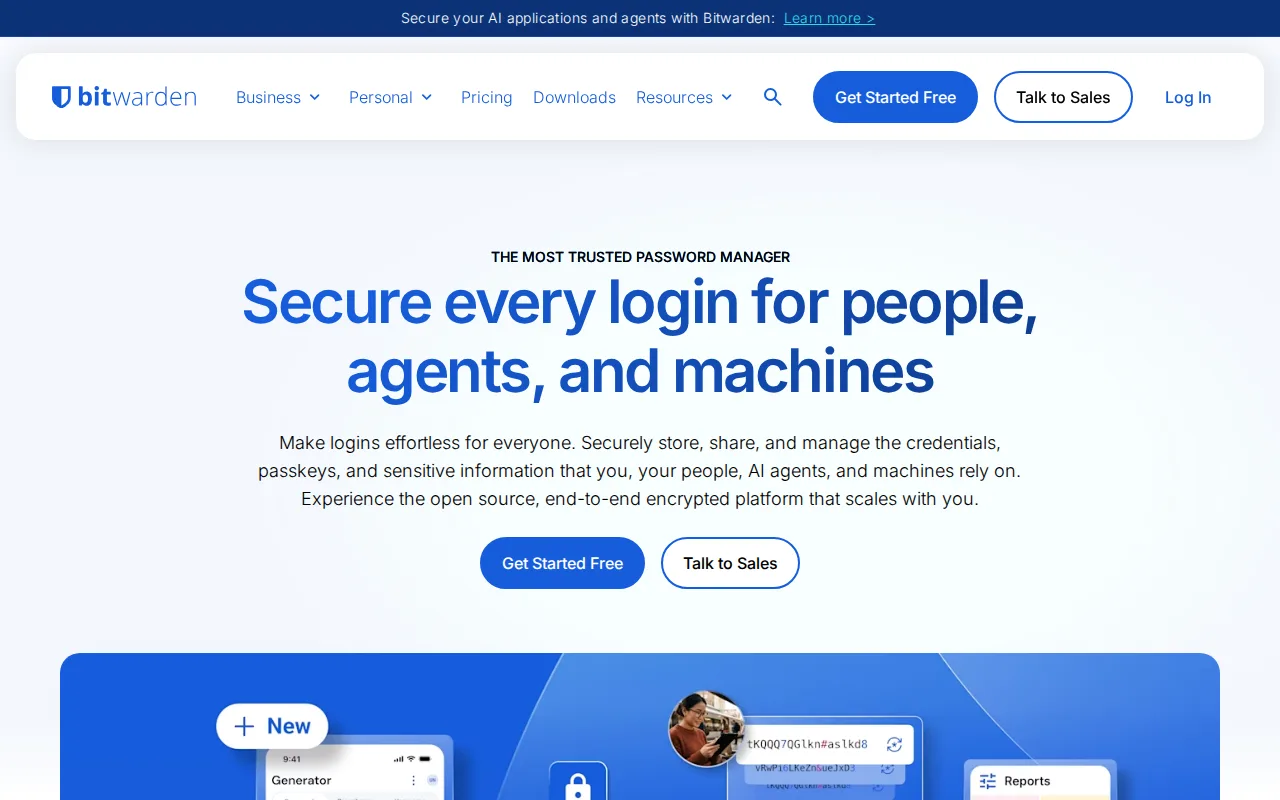
Bitwarden is the best LastPass alternative for individuals and teams who want a password manager they can audit and self-host, rather than trusting LastPass's closed-source infrastructure. Bitwarden's client and server code is published on GitHub under GPL-3.0 and independently audited, and organizations can run their own server instead of depending on a vendor's cloud the way LastPass's 2022 breach exposed encrypted customer vault backups stored on LastPass's own servers. Bitwarden's Free plan covers unlimited passwords and devices with no artificial time limit, beyond LastPass's Free plan, which restricts syncing to a single device type (computers or mobile, not both). Bitwarden's Premium tier costs $1.65/month billed annually, roughly half LastPass's own ~$3/month Premium price, and Teams at $4/user/month undercuts LastPass's business tiers, whose per-seat prices aren't published. Bitwarden holds a 4.7/5 rating from 216 Capterra reviews, a smaller sample than LastPass's own 2,786 Capterra reviews at 4.6/5. LastPass remains the better choice for buyers who want the widest platform and browser reach at a similar price point and don't weigh the 2022 breach history heavily: Bitwarden's interface and browser extension are generally considered less polished than more mainstream competitors, and it has no bundled VPN or dark web monitoring add-on the way LastPass's Free and Premium tiers already include.
Compared to LastPass: open-source GPL-3.0 code vs LastPass's closed-source codebase, unlimited free devices vs LastPass's single-device-type Free plan, Premium at $1.65/month vs LastPass's ~$3/month
Wins:Open-source, independently audited client and server code (GPL-3.0), unlike LastPass's closed-source codebase, which disclosed two connected 2022 breaches · Free tier covers unlimited passwords and devices with no time limit, beyond LastPass's Free plan, which restricts syncing to one device type · Premium costs $1.65/month, roughly half LastPass's own ~$3/month Premium tier, and Teams at $4/user/month undercuts LastPass's unpublished business pricing
Loses:4.7/5 rating from 216 Capterra reviews is a smaller sample than LastPass's own 2,786 Capterra reviews at 4.6/5 · Interface and browser extension are generally considered less polished than more mainstream competitors like LastPass · No bundled VPN or dark web monitoring add-on, though LastPass includes dark web monitoring on its own Free and Premium tiers already
Pros
- Open-source, independently audited client and server code that anyone can inspect on GitHub.
- Free tier includes unlimited passwords and devices with no artificial time limit.
- Roughly half the price of 1Password or Dashlane at every comparable tier.
- Official self-hosting option, plus a community Vaultwarden server for lighter-weight self-hosting.
Cons
- Free tier excludes the integrated authenticator and file attachments, which require upgrading to Premium.
- Server code isn't purely open source; some enterprise components ship under a separate Bitwarden license alongside the GPL-3.0 core.
- Interface and browser extension are generally considered less polished than 1Password's.
- No bundled VPN or dark-web monitoring the way some competitors include at similar price points.
Pricing: Free tier · paid from $1.65/mo — $1.65/month Premium vs LastPass's ~$3/month Premium; Bitwarden Teams at $4/user/month vs LastPass's unpublished Teams per-seat price (verified undefined NaN, NaN)
2.NordPass — best LastPass alternative for individuals who want a genuinely free single-device password manager, or families and businesses already using other Nord Security products (NordVPN, NordLocker) who want a bundled ecosystem
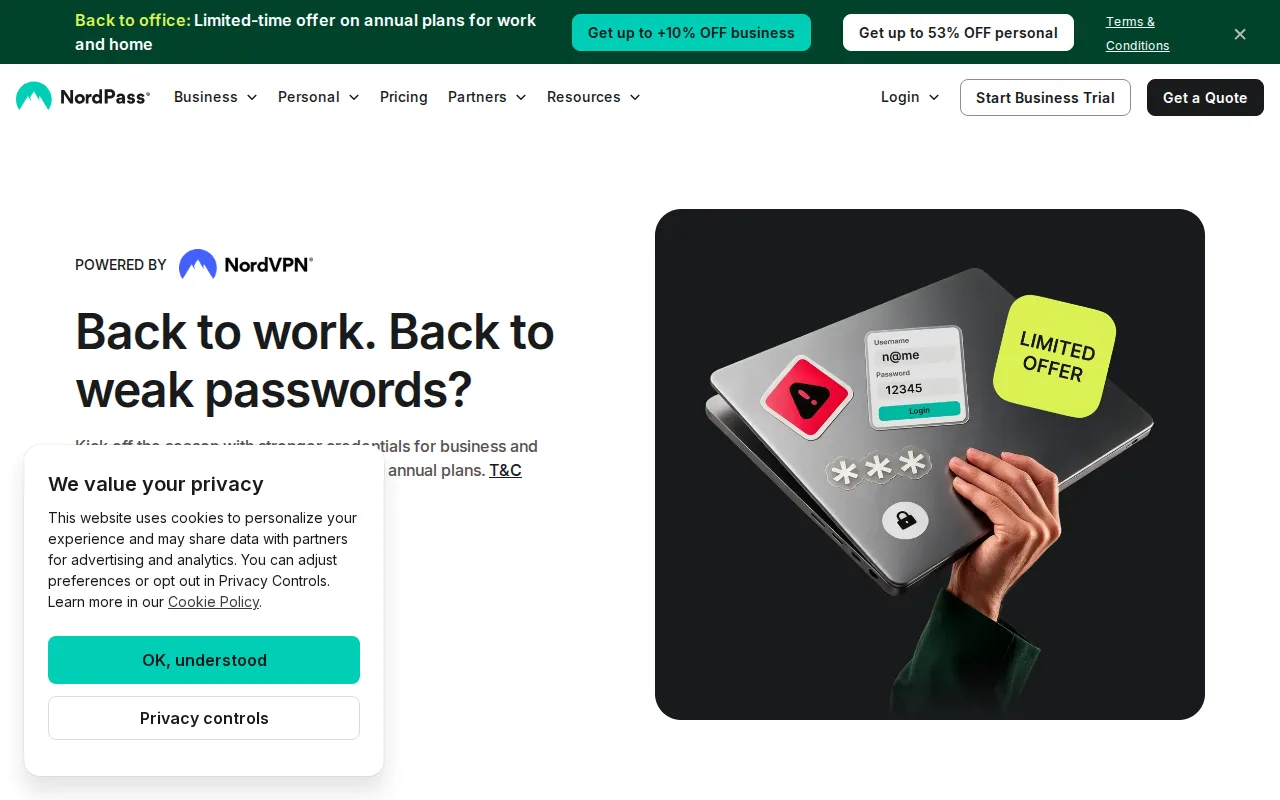
NordPass is the best LastPass alternative for individuals who want a permanently free, single-device password manager from the same company behind NordVPN and NordLocker, rather than LastPass's device-type-restricted Free plan. NordPass's Free plan covers one device with password generation, secure storage, and biometric or MFA login at no cost, similar in spirit to LastPass's own Free plan, which restricts syncing to one device type (computers or mobile) rather than one physical device. NordPass Business plans offer discounts of up to roughly 40 percent for 2-year commitments, and its Enterprise tier integrates with Entra ID, Okta, Microsoft Sentinel, and Splunk for organizations with existing SSO and SIEM stacks, a deeper enterprise integration set than LastPass's own listing documents. LastPass remains the better choice for buyers who want more evidence behind the rating and transparent published pricing: NordPass's rating here rests on just 1 Product Hunt review, far thinner than LastPass's own 2,786 Capterra reviews at 4.6/5, and NordPass hides its actual paid-plan dollar prices behind a dynamically loaded, promotion-dependent checkout flow, while LastPass at least publishes an approximate Premium price around $3/month even with an active promotional discount.
Compared to LastPass: permanent single-device free plan from the Nord Security ecosystem, up to 40% off 2-year Business commitments, rating rests on just 1 Product Hunt review vs LastPass's 2,786 Capterra reviews
Wins:Free plan is permanent and covers one device with password generation and secure storage, similar in spirit to LastPass's own Free plan · Business commitments get discounts of up to roughly 40% for 2-year terms · Enterprise tier integrates with Entra ID, Okta, Microsoft Sentinel, and Splunk, a deeper SSO/SIEM integration set than LastPass's own listing documents
Loses:Rating rests on just 1 Product Hunt review, far thinner evidence than LastPass's own 2,786 Capterra reviews at 4.6/5 · Paid-plan dollar prices are not published as fixed numbers; they render dynamically by billing term and promotion, while LastPass at least publishes an approximate ~$3/month Premium price · Free plan is capped to a single device (stricter than LastPass's single-device-type limit), and Business plans require a minimum of 5 seats
Pros
- A genuinely usable, permanent Free plan, not just a time-limited trial like some competitors.
- Native apps and browser extensions across Windows, macOS, Linux, iOS, and Android.
- Password Health and Data Breach Scanner flag weak, reused, or compromised credentials on paid plans.
- Enterprise tier integrates with Entra ID, Okta, Microsoft Sentinel, and Splunk for organizations with existing SSO/SIEM stacks.
Cons
- Exact dollar prices for Premium, Family, and Business plans are not published as fixed numbers; they render dynamically by billing term and promotion at checkout.
- Free plan is capped at a single device, with no multi-device sync unless upgrading.
- Business and Enterprise plans require a minimum of 5 seats, which can be awkward for very small teams.
- As part of the Nord Security family (NordVPN, NordLocker), some buyers are wary of consolidating multiple security tools with one vendor.
Pricing: Free
3.Proton Pass — best LastPass alternative for individuals and small teams who want a zero-knowledge, open-source password manager with unlimited free logins and built-in email alias masking
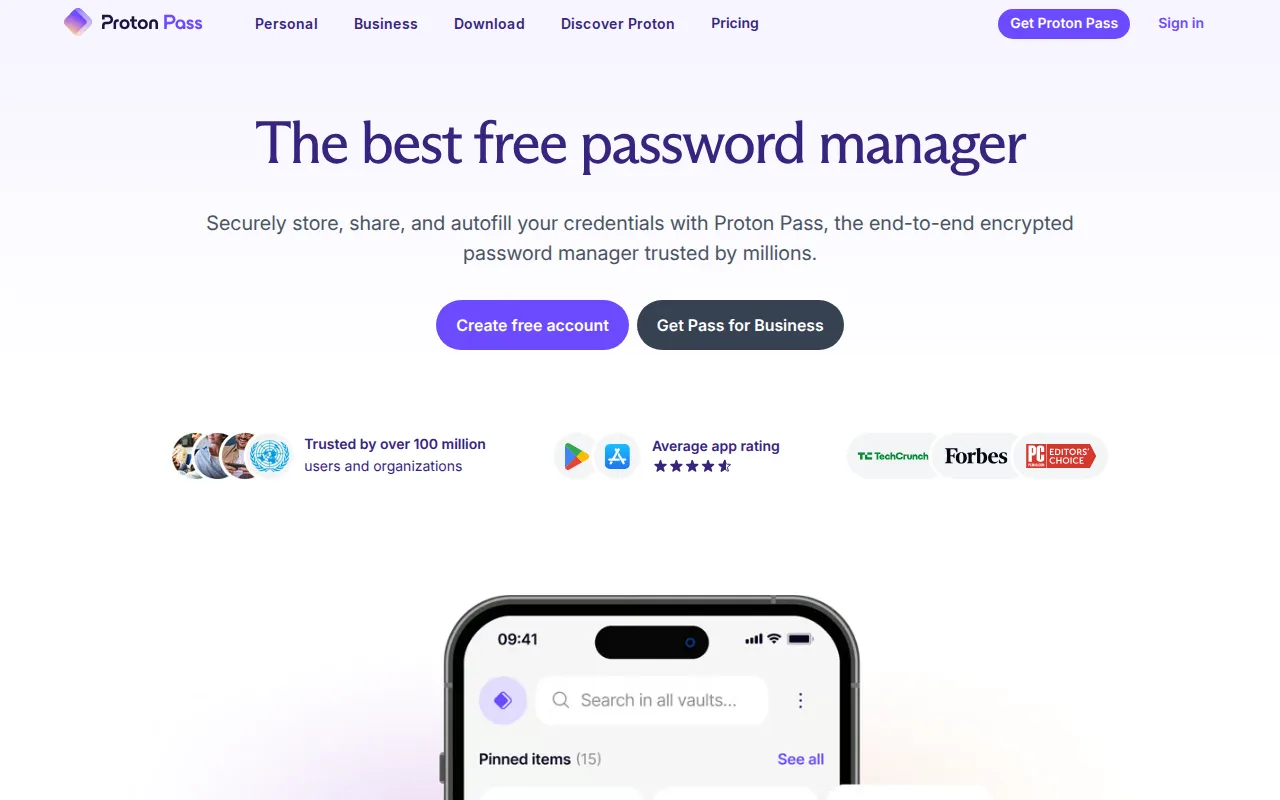
Proton Pass is the best LastPass alternative for individuals who want a zero-knowledge, open-source password manager with built-in email alias masking, a feature LastPass's listing doesn't document at all. Proton Pass's Free plan includes unlimited logins, notes, and credit cards plus 10 hide-my-email aliases at no cost, going further than LastPass's own Free plan, which offers unlimited password storage but restricts syncing to a single device type. Pass Plus starts at $1.99/month billed annually, well under LastPass's own ~$3/month Premium price, and removes the alias cap entirely while adding a built-in 2FA authenticator and dark web monitoring, matching the dark web monitoring LastPass's Free and Premium tiers already include. Proton Pass's client apps are open source under GPL-3.0 on GitHub, unlike LastPass's closed-source model, which disclosed two connected security breaches in 2022. LastPass remains the better choice for buyers who want a much larger body of independent reviews and longer platform maturity: Proton Pass's 4.9/5 rating comes from just 7 Capterra reviews, far thinner evidence than LastPass's own 2,786 Capterra reviews, and getting Proton Pass's best per-dollar value requires bundling into the pricier $12.99/month Proton Unlimited plan rather than buying Pass alone.
Compared to LastPass: free tier with 10 email aliases vs LastPass's single-device-type Free plan, Pass Plus at $1.99/month vs LastPass's ~$3/month, open-source GPL-3.0 clients vs LastPass's closed-source, previously-breached codebase
Wins:Free plan includes unlimited logins, notes, and credit cards plus 10 hide-my-email aliases, beyond LastPass's Free plan, which restricts syncing to one device type · Pass Plus starts at $1.99/month, well under LastPass's own ~$3/month Premium price · Client apps are open source (GPL-3.0) on GitHub, unlike LastPass's closed-source model, which disclosed two connected 2022 breaches
Loses:4.9/5 rating comes from just 7 Capterra reviews, far thinner evidence than LastPass's own 2,786 Capterra reviews · Best per-dollar value requires bundling into the pricier $12.99/month Proton Unlimited plan rather than buying Pass alone · Smaller company footprint and shorter track record in the password-manager space than LastPass, which has been on the market far longer
Pros
- Free plan includes unlimited logins, notes, and credit cards, not just a capped vault size.
- Hide-my-email aliasing is built in rather than sold as a separate product.
- Client apps are open source (GPL-3.0) across desktop, mobile, and browser extensions.
- 4.9-star rating from 7 Capterra reviews.
Cons
- Free tier's hide-my-email aliases are capped at 10.
- Built-in 2FA authenticator and dark web monitoring require the paid Pass Plus tier.
- Best per-dollar value comes from the pricier Proton Unlimited bundle rather than Pass alone.
Pricing: Free tier · paid from $1.99/mo — $1.99/month Pass Plus vs LastPass's ~$3/month Premium (verified undefined NaN, NaN)