Kodi — A free, open-source home theater and media center application for organizing and playing local and networked video, music, and photo libraries.

By Noahlast updated pricing verified
Kodi screenshots & video
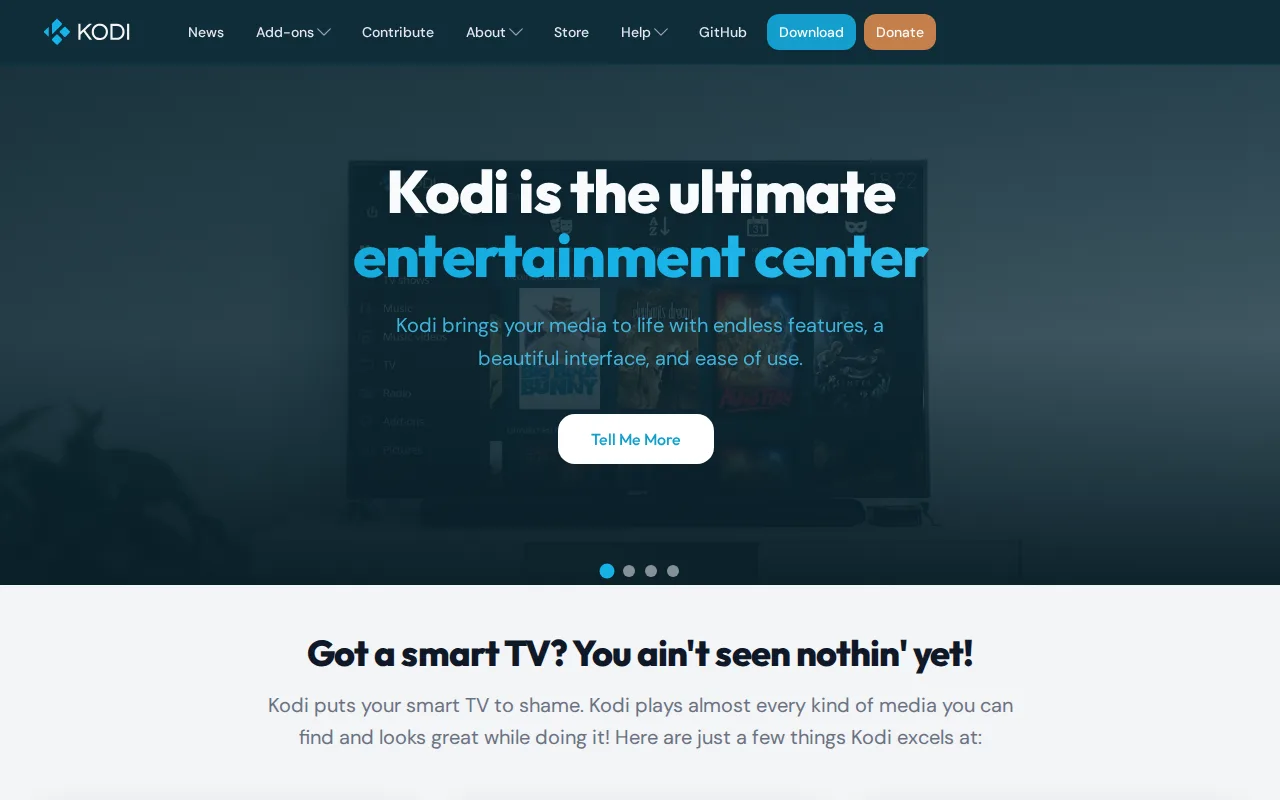
Kodi in 20 seconds
Best for: users with an existing local or networked media library who want a customizable, remote-friendly player
Pricing: Completely free and open-source; no paid tier or subscription exists.
- Kodi is free, open-source (GPL-2.0), and maintained by the non-profit XBMC Foundation.
- Kodi runs on Windows, macOS, Linux, Android, iOS, tvOS, and BSD.
- Kodi's source code is developed by volunteer contributors and hosted publicly at github.com/xbmc/xbmc.
- Kodi has no account, subscription, or paid tier at any point.
- Kodi does not stream content itself; users supply and configure their own legal media sources or add-ons.
Limitations: No built-in content — users must supply their own legal media library or sources.; Unofficial third-party add-ons have drawn piracy controversy the XBMC Foundation does not endorse.; Setup and configuration require more comfort with software than a plug-and-play streaming app.
Top alternatives: Plex, Jellyfin, Emby, Stremio, VLC — full list
What is Kodi?
Kodi (formerly XBMC) is a free, open-source media center application that turns a computer, set-top box, or TV into a hub for organizing and playing local and networked video, music, podcasts, and photo libraries, through an interface designed to be navigated with a remote from across a room. Kodi's skinning engine lets users completely restyle the interface, and its add-on system extends functionality well beyond built-in playback — including library scrapers that pull metadata and artwork automatically. Unlike commercial streaming aggregators, Kodi itself streams nothing by default; it's a player and library manager for media the user already has or has separately configured a legal source for, though third-party (unofficial) add-ons unaffiliated with the Kodi project have drawn scrutiny for enabling access to pirated content, something the non-profit XBMC Foundation explicitly disclaims. Kodi is fully open-source (GPL-2.0), developed by volunteer contributors, and available on Windows, macOS, Linux, Android, iOS, tvOS, and BSD with no account, subscription, or paid tier at any point.
Kodi is a free and open-source media center application, maintained by the non-profit XBMC Foundation and licensed under GPL-2.0, that organizes and plays local, network, and add-on-sourced video, music, podcasts, and photos through a ten-foot interface designed for TV remotes. It runs natively on Windows, macOS, Linux, iOS, tvOS, Android, and BSD, with no paid tier, subscription, or account requirement — the entire codebase is developed by volunteers and hosted publicly on GitHub. Kodi's core strength is its skinning engine and add-on ecosystem, which lets users customize the interface and extend functionality far beyond built-in playback, though this same openness means third-party add-ons unrelated to the official Kodi project have historically been associated with piracy controversies that the XBMC Foundation explicitly does not endorse or support.
Standout feature: A fully open skinning engine and add-on ecosystem that lets users restyle the entire interface and extend functionality, run by volunteer developers with no corporate owner or paid tier.
Biggest weakness: Kodi streams nothing itself and requires the user to organize and configure their own legal media sources; its permissive add-on system has also drawn recurring piracy controversy from unofficial third-party add-ons the XBMC Foundation does not endorse, which creates reputational baggage for a project that is otherwise entirely legitimate.
Pros
- Fully free and open-source (GPL-2.0) with no account, subscription, or paid tier ever required.
- Skinning engine allows complete interface customization beyond typical media player theming.
- Runs on nearly every platform: Windows, macOS, Linux, Android, iOS, tvOS, and BSD.
- Add-on ecosystem extends functionality well beyond core playback, including automatic library metadata scraping.
Cons
- No built-in content — users must supply and organize their own legal media library or sources.
- Unofficial third-party add-ons unaffiliated with the Kodi project have repeatedly drawn piracy scrutiny, creating a reputational association the XBMC Foundation explicitly disclaims.
- Initial setup and library configuration is more involved than a plug-and-play streaming app.
- Interface customization and add-on management assume a moderate comfort level with configuring software, unlike more guided competing setups.
Kodi pricing
Free · verified from the vendor's pricing page
| Plan | Price | Notes |
|---|---|---|
| Free | Free | Entire application is free, open-source, and requires no account or subscription. |
What reviewers say
No third-party review scores on file yet.