4 Best Alternatives to Jitsi Meet in 2026
By Noahlast updated pricing verified

From our data: Two of Jitsi Meet's four listed alternatives (Zoom and Microsoft Teams) carry a verified Capterra rating above 100 times Jitsi Meet's own 80-review sample size, while BigBlueButton's 4.2/5 from 66 reviews closely matches Jitsi Meet's own 4.2/5 from 80.
 Zoom
Zoom Google Meet
 Microsoft Teams
 BigBlueButton
How we picked
- Pricing for Zoom, Microsoft Teams, and BigBlueButton was independently verified (2026-08-21), matching Jitsi Meet's own verified pricing from the same date; Google Meet's Workspace tier prices are not confirmed since Google doesn't display exact per-user dollar amounts without a sign-in flow.
- Two of the four alternatives carry a verified external rating: Zoom Workplace 4.6/5 from 14,659 Capterra reviews and Microsoft Teams 4.5/5 from 11,129 Capterra reviews, both far larger samples than Jitsi Meet's own 4.2/5 from 80 Capterra reviews; Google Meet and BigBlueButton have no external rating on file, though BigBlueButton's own listing carries a 4.2/5 from 66 Capterra reviews.
- License model was tracked against Jitsi Meet's own Apache 2.0, fully self-hostable status: BigBlueButton is the only alternative that's also fully open source (LGPL-3.0) and free to self-host, while Zoom, Google Meet, and Microsoft Teams are all closed-source freemium products.
- Ranking weighs feature breadth and reliability signals against Jitsi's own no-account, no-cap free public instance: Zoom and Microsoft Teams are ordered first for their combined meeting/chat/phone platforms and large verified review samples, followed by Google Meet for Workspace integration and BigBlueButton last as the closest match to Jitsi's own self-hosted, education-oriented open-source model.
Paid placement never alters editorial rank — read the full methodology.
Jitsi Meet alternatives at a glance
| Alternative | Best for | Learning curve | Price |
|---|---|---|---|
| Jitsi Meetreference | individuals and organizations that want free or self-hosted video conferencing with no account requirement and full control over data | Moderate | Free |
| Zoom | hybrid teams that need reliable HD video meetings, phone, and chat under one login, from solo users on the free plan up to 1,000-participant company town halls | Low | Free tier · paid from $14.16/mo |
| Google Meet | individuals and teams already using Gmail, Calendar, and Google Workspace who want video calls that launch directly from a calendar invite with no separate app install | Low | Free |
| Microsoft Teams | organizations already using Microsoft 365 that need chat, video meetings, and calling tightly integrated with Word, Excel, Outlook, and SharePoint, from small teams under 300 people up to large enterprises | Moderate | Free tier · paid from $4/mo |
| BigBlueButton | schools, universities, and training organizations that need LMS-integrated virtual classrooms and are willing to self-host or pay a commercial BigBlueButton hosting provider | Moderate | Free |
 Jitsi Meet
1Zoom — best Jitsi Meet alternative for hybrid teams that need reliable HD video meetings, phone, and chat under one login, from solo users on the free plan up to 1,000-participant company town halls
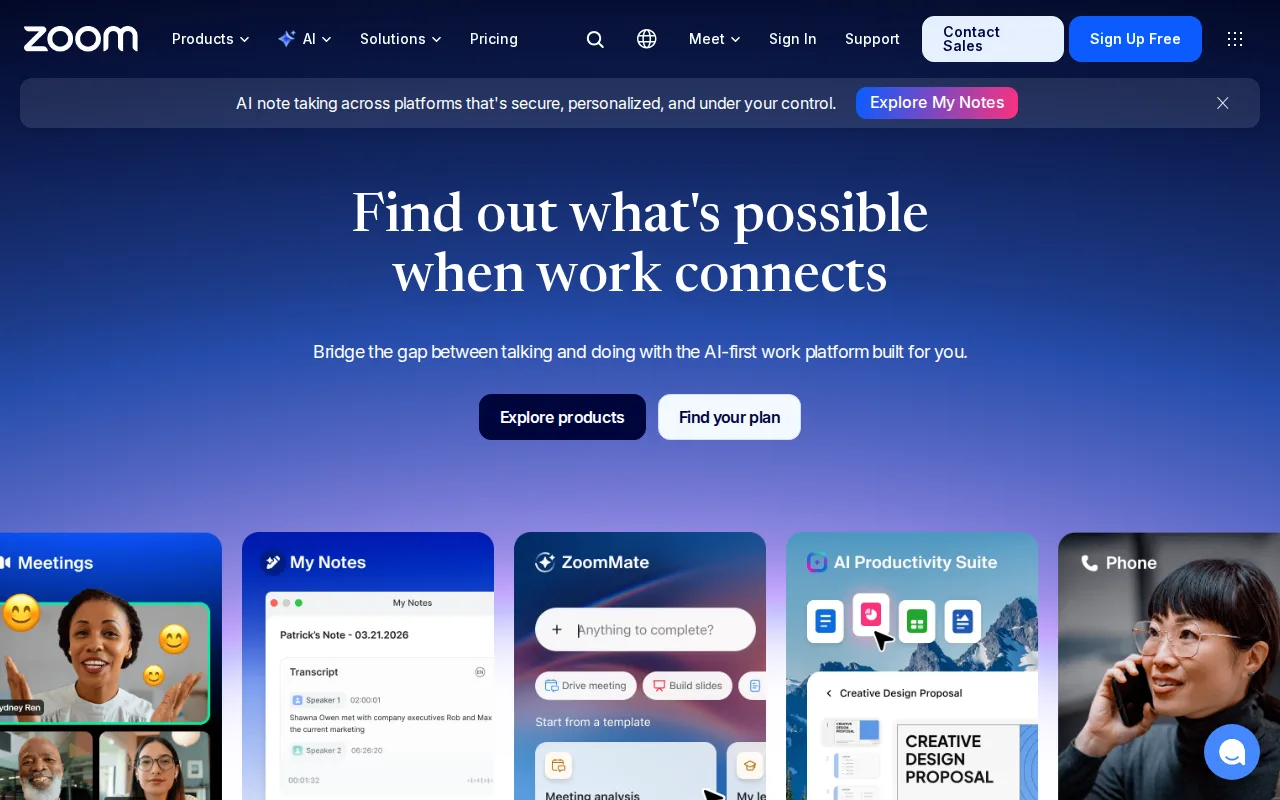
Zoom is the best Jitsi Meet alternative for teams that want video meetings, team chat, and VoIP phone bundled into one platform with AI-generated meeting summaries, capabilities well beyond Jitsi Meet's core video-calling focus. Zoom's free Basic tier allows unlimited 1:1 meetings and group meetings up to 100 participants (capped at 40 minutes), while Pro runs around $14-17/user/month billed annually for 30-hour meetings and unlimited AI Companion use, a real cost against Jitsi Meet's $0 self-hosted or public-instance price. Zoom Workplace holds a 4.6/5 rating from 14,659 Capterra reviews, over 183 times Jitsi Meet's own 80-review sample at a higher score than Jitsi's 4.2/5. Jitsi Meet is still the better choice for anyone who wants a genuinely free, self-hostable option with no account requirement: Zoom's free Basic plan caps group meetings at 40 minutes, forcing an upgrade for most recurring team calls, and Zoom's own pricing page no longer publishes exact per-tier dollar amounts for Pro and Business, pushing buyers toward sales calls or third-party trackers, friction Jitsi's flat free public instance at meet.jit.si doesn't have.
Compared to Jitsi Meet: AI Companion meeting summaries and unified phone/chat/video bundled in, 14,659 vs 80 Capterra reviews at a higher 4.6/5 score, but Pro pricing around $14-17/user/month vs Jitsi's free self-hosted or public instance
Wins:AI Companion generates meeting summaries, smart chapters, and follow-up suggestions, included free on paid plans rather than a separate add-on · One platform covers meetings, phone (Zoom Phone), team chat, and whiteboard instead of Jitsi Meet's video-calling-only scope · 4.6/5 rating from 14,659 Capterra reviews, over 183 times Jitsi Meet's own 80-review sample at a higher score
Loses:Free Basic plan caps group meetings at 40 minutes, unlike Jitsi Meet's free public instance which has no published meeting-length cap · Pro and Business pricing (around $14-17 and $18-22/user/month) is no longer published on Zoom's own site, requiring third-party sources to confirm · Closed-source and not self-hostable, unlike Jitsi Meet's fully open Apache 2.0 codebase
Pros
- AI Companion (meeting summaries, smart chapters, follow-up suggestions) is included free on paid plans rather than a paid add-on.
- Consistently reliable HD video and audio even on weaker connections, thanks to adaptive bandwidth handling.
- One platform covers meetings, phone (Zoom Phone), team chat, whiteboard, and docs instead of stitching together separate tools.
- Native apps for Windows, macOS, Linux, iOS, and Android, including a full Linux client many competitors skip.
Cons
- Free Basic plan limits group meetings to 40 minutes, forcing an upgrade for most recurring team calls.
- Exact Pro and Business pricing is no longer published on Zoom's own site, requiring a sales conversation or third-party source to confirm.
- Zoom Phone, large-meeting capacity, and webinar capabilities are separate paid add-ons on top of the base per-user license.
- Business Plus was folded into a bundled add-on rather than sold as its own standalone tier, complicating plan comparisons.
Pricing: Free tier · paid from $14.16/mo — Free Basic (40-minute group cap) vs Jitsi's free, uncapped public instance; Pro around $14-17/user/month vs Jitsi's $0 self-hosted cost
2Google Meet — best Jitsi Meet alternative for individuals and teams already using Gmail, Calendar, and Google Workspace who want video calls that launch directly from a calendar invite with no separate app install
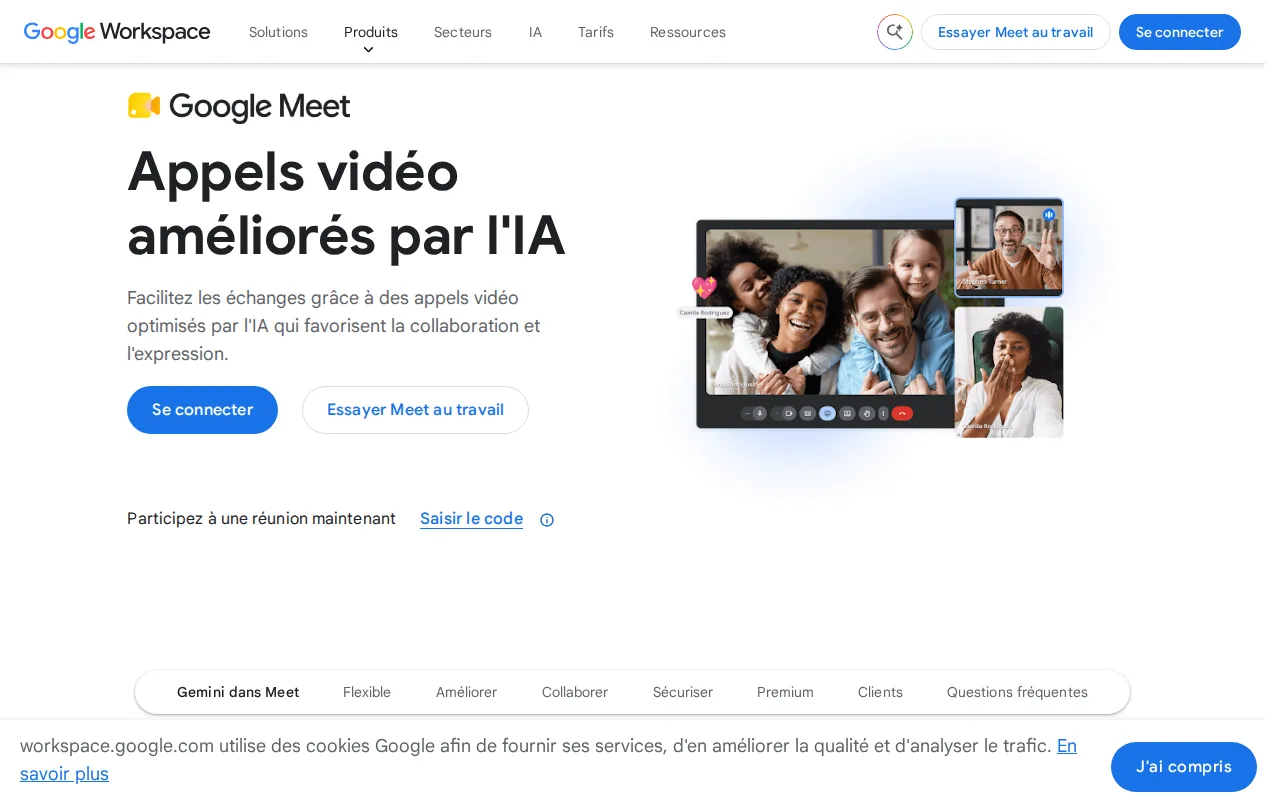
Google Meet is the best Jitsi Meet alternative for individuals and teams already using Gmail, Calendar, and Google Workspace who want video calls that launch directly from a calendar invite, an integration Jitsi Meet's standalone tool doesn't provide. Google Meet's Free plan supports up to 100 participants and 60-minute group calls with no recording, comparable in scale to Jitsi Meet's own free public instance, while Workspace Business plans add Gemini-powered live captions, real-time translation, and automatic meeting notes generated directly inside the call. Google doesn't publish exact per-user Workspace prices without a sign-in flow, similar to how Jitsi's own JaaS commercial tier requires a sales quote rather than public per-seat rates. Jitsi Meet is still the better choice for anyone who wants a genuinely account-free, self-hostable option: Google Meet's free tier caps group calls at 60 minutes with no recording option at all, it has no native Windows or macOS desktop app, and it requires a Google account, unlike Jitsi Meet's public instance which needs no signup and can be fully self-hosted under Apache 2.0 for complete data control.
Compared to Jitsi Meet: Gemini-powered live captions, translation, and automatic meeting notes vs Jitsi's core video-calling feature set, direct Google Calendar integration, but a Google account and 60-minute call cap vs Jitsi's account-free, uncapped public instance
Wins:Gemini features generate live captions, real-time translation, and automatic meeting notes on paid tiers, none of which Jitsi Meet offers · Meetings launch directly from a Google Calendar invite with no separate app download required on desktop · Tight integration with Google Docs, Sheets, and Slides for in-meeting collaboration
Loses:Free tier caps group calls at 60 minutes and includes no recording option, while Jitsi Meet's free public instance has no published length cap · No native Windows or macOS desktop app; runs only through the browser or mobile apps · Requires a Google account to use, unlike Jitsi Meet's account-free public instance, and is not self-hostable, unlike Jitsi Meet's fully open Apache 2.0 codebase
Pros
- Meetings launch directly from a Google Calendar invite with no separate app download required on desktop.
- Gemini features generate live captions, real-time translation, and automatic meeting notes on paid tiers.
- Free tier supports up to 100 participants, generous enough for most small-team or casual calls.
- Tight integration with Google Docs, Sheets, and Slides for in-meeting collaboration.
Cons
- Free tier caps group calls at 60 minutes and includes no recording option.
- No native Windows or macOS desktop app; runs only through the browser or mobile apps.
- Exact per-user pricing for Workspace Business Starter, Standard, and Plus is not shown on the plan-comparison page without starting a purchase flow.
- Meeting recording and Studio Sound require at least the Business Standard tier, not available on Business Starter.
Pricing: Free — Free tier (60-minute cap) vs Jitsi's free, uncapped public instance; Workspace Business pricing not published, similar to Jitsi's quote-based JaaS tier
3Microsoft Teams — best Jitsi Meet alternative for organizations already using Microsoft 365 that need chat, video meetings, and calling tightly integrated with Word, Excel, Outlook, and SharePoint, from small teams under 300 people up to large enterprises
Microsoft Teams is the best Jitsi Meet alternative for organizations already using Microsoft 365 that need chat, video meetings, and calling tightly integrated with Word, Excel, Outlook, and SharePoint, a breadth beyond Jitsi Meet's video-calling focus. Teams Free covers basic chat and calling with meetings capped at 60 minutes, and Teams Essentials starts at $4/user/month billed annually, the cheapest published paid entry point among Jitsi's four listed alternatives, adding meeting recordings with transcripts and live captions. Microsoft Teams holds a 4.5/5 rating from 11,129 Capterra reviews, well over 100 times Jitsi Meet's own 80-review sample at a higher score than Jitsi's 4.2/5. Jitsi Meet is still the better choice for anyone who wants to avoid vendor lock-in and per-user licensing entirely: Teams reviewers report recurring bugs including crashes, login errors, and sync failures, there's no official native Linux client, and unlocking the full desktop Office apps requires bundling into a $23.50/user/month Business Standard plan, complexity Jitsi's flat free self-hosted or public-instance model avoids.
Compared to Jitsi Meet: native integration with Word, Excel, Outlook, and SharePoint, cheapest paid entry at $4/user/month among the alternatives, 11,129 vs 80 Capterra reviews at a higher 4.5/5 score
Wins:Native integration with Word, Excel, PowerPoint, Outlook, and SharePoint, well beyond Jitsi Meet's video-calling-only feature set · Cheapest paid entry point among Jitsi's four listed alternatives at $4/user/month for Teams Essentials · 4.5/5 rating from 11,129 Capterra reviews, well over 100 times Jitsi Meet's own 80-review sample at a higher score
Loses:Users report recurring bugs: crashes, login errors, sync failures, and unreliable status indicators, issues not documented in Jitsi Meet's own listing · No official native Linux client, unlike Jitsi Meet which runs on Linux as well as Windows, macOS, iOS, and Android · Closed-source and not self-hostable, unlike Jitsi Meet's fully open Apache 2.0 codebase
Pros
- Free tier is usable for small teams with unlimited 1:1 messaging and calling.
- Tight native integration with Word, Excel, PowerPoint, Outlook, and SharePoint.
- AI-generated meeting notes, live captions, and real-time translation on paid tiers.
- Scales from a $4/user/month Essentials plan up to enterprise-grade Teams Phone and Teams Premium add-ons.
Cons
- Users report recurring bugs: crashes, login errors, sync failures, and unreliable status indicators.
- Free tier caps group video calls at 60 minutes.
- Full desktop Office apps require a $23.50/user/month Microsoft 365 Business Standard plan, not a lower-cost Teams-only upgrade.
- No official native Linux client.
Pricing: Free tier · paid from $4/mo — Free Teams Free (60-minute cap) vs Jitsi's free, uncapped public instance; Essentials at $4/user/month vs Jitsi's $0 self-hosted cost (verified )
4BigBlueButton — best Jitsi Meet alternative for schools, universities, and training organizations that need LMS-integrated virtual classrooms and are willing to self-host or pay a commercial BigBlueButton hosting provider
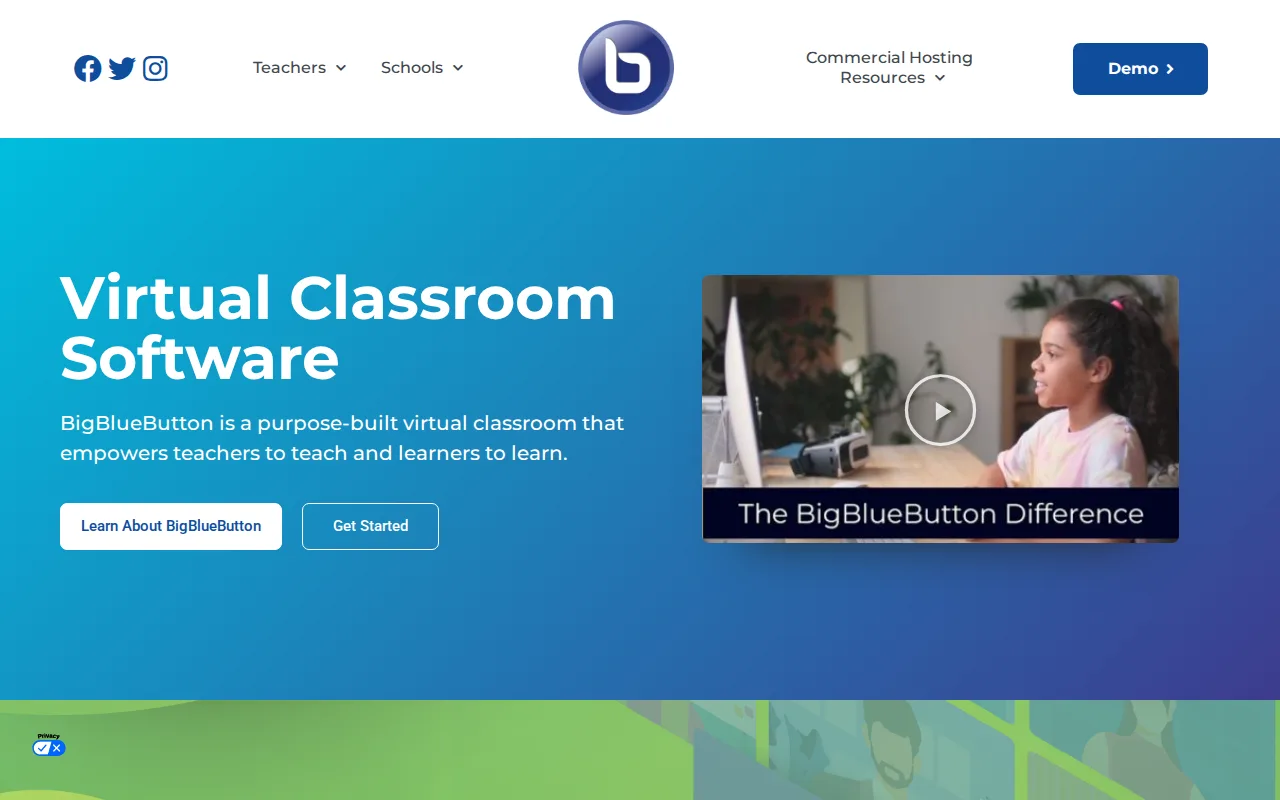
BigBlueButton is the best Jitsi Meet alternative for schools, universities, and training organizations that need purpose-built virtual classroom tools, a multi-user whiteboard, breakout rooms, polling, and AI-generated smart slides, integrated directly into Moodle, Canvas, Sakai, D2L, Jenzabar, and Schoology, rather than Jitsi Meet's general-purpose video-calling design. Like Jitsi Meet, BigBlueButton is free to self-host and fully open source, though under LGPL-3.0 rather than Jitsi's Apache 2.0 license, with full source on GitHub. BigBlueButton's own listing carries a 4.2/5 rating from 66 Capterra reviews, close to Jitsi Meet's own 4.2/5 from 80 reviews, similar scores from comparably modest samples. Jitsi Meet is still the better choice for general business meetings rather than classroom teaching: BigBlueButton lacks features common in general meeting tools, such as advanced webinar registration, it has no desktop or mobile app at all (browser-only), and there's no single official paid SaaS tier to simply sign up for, since commercial hosting pricing varies by third-party provider rather than being standardized the way Jitsi's own JaaS offering is sold directly by 8x8.
Compared to Jitsi Meet: purpose-built classroom tools (whiteboard, breakout rooms, AI smart slides) with native LMS integration vs Jitsi's general-purpose video calling, matching 4.2/5 rating, both free and open source but under LGPL-3.0 vs Jitsi's Apache 2.0
Wins:Purpose-built classroom tools — multi-user whiteboard, breakout rooms, polling, AI-generated smart slides — that Jitsi Meet's general-purpose design doesn't include · Direct integration into major LMS platforms (Moodle, Canvas, Sakai, D2L, Schoology), letting instructors launch sessions from inside the LMS they already use · Free to self-host under LGPL-3.0, matching Jitsi Meet's own free, open-source, self-hostable model
Loses:No desktop or mobile app at all; runs entirely in the browser, while Jitsi Meet ships native iOS and Android apps · Lacks features common in general business meeting tools, such as advanced webinar registration, since it's built for classroom teaching rather than Jitsi Meet's general-purpose use · No single official paid SaaS tier; commercial hosting pricing varies by third-party provider rather than being sold directly the way Jitsi's own JaaS is
Pros
- Free and open source under LGPL-3.0, with full source available on GitHub.
- Purpose-built classroom tools: multi-user whiteboard, breakout rooms, polling, shared notes, AI smart slides.
- Native integration with major LMS platforms (Moodle, Canvas, Sakai, D2L, Schoology).
- Runs entirely in the browser, no desktop or mobile client to install.
Cons
- Self-hosting requires a Linux server with real CPU/RAM headroom for video processing; underpowered servers cause dropped audio and video.
- No single official paid SaaS tier — commercial hosting pricing varies by third-party provider, not standardized.
- Built for classroom teaching, not general business meetings, so it lacks features common in tools like Zoom, such as advanced webinar registration.
Pricing: Free — Free to self-host, matching Jitsi Meet's $0 self-hosted cost; commercial hosting priced individually by third-party providers (verified )
Which one is right for you?
- You want video meetings, phone, and team chat unified in one reliable platformZoom
- Your team already runs on Gmail, Calendar, and Google WorkspaceGoogle Meet
- Your organization is standardized on Microsoft 365 and needs tight Office integrationMicrosoft Teams
- You're running an online classroom that needs breakout rooms and LMS integrationBigBlueButton
- You want the cheapest possible paid per-user entry point among mainstream toolsMicrosoft Teams
- You need AI-generated meeting notes and real-time translation built into every callGoogle Meet
Frequently asked questions
Is there a free alternative to Jitsi Meet?
- Yes. Zoom, Google Meet, Microsoft Teams, and BigBlueButton all offer free tiers, though Zoom, Google Meet, and Microsoft Teams cap free group meetings at 40-60 minutes, while BigBlueButton and Jitsi Meet itself have no published meeting-length limit when self-hosted.
What is the closest alternative to Jitsi Meet?
- BigBlueButton is the closest alternative to Jitsi Meet on licensing and philosophy, since both are free, self-hostable, open-source video platforms with no per-seat SaaS pricing forced on users, though BigBlueButton is purpose-built for virtual classrooms rather than general meetings.
Can Zoom replace Jitsi Meet?
- Zoom can replace Jitsi Meet for teams that want a more feature-complete, reliably rated platform (4.6/5 from 14,659 Capterra reviews) with AI meeting summaries, phone, and chat bundled in, but it costs around $14-17/user/month on Pro versus Jitsi Meet's free self-hosted or public-instance model.
Which Jitsi Meet alternative is cheapest for a business?
- Microsoft Teams has the cheapest published paid entry point among the four alternatives at $4/user/month for Teams Essentials, since Google Meet's and BigBlueButton's commercial rates aren't publicly listed; Jitsi Meet itself remains free to self-host or use at its public meet.jit.si instance.
Does any Jitsi Meet alternative not require an account?
- No. Zoom, Google Meet, and Microsoft Teams all require an account to host a meeting, while only Jitsi Meet's own free public instance and BigBlueButton (self-hosted) can be used without a required account signup.
Which Jitsi Meet alternative is best for online teaching?
- BigBlueButton is the best alternative for online teaching, since it integrates directly into Moodle, Canvas, Sakai, D2L, and Schoology and ships purpose-built classroom tools like breakout rooms and AI-generated smart slides that general meeting tools don't include.