2 Best Open-Source Alternatives to Jellyfin in 2026
By Noahlast updated pricing verified
Compared: open-source alternatives to Jellyfin
| Alternative | Best for | Standout | Biggest weakness | Learning curve | Price |
|---|---|---|---|---|---|
| Jellyfinreference | self-hosters who want to stream their own media library without paying any subscription fee or relying on a company-owned platform | There is no paid tier, premium plan, or account requirement of any kind; every feature, including live TV and DVR, is free and the project has no commercial owner. | There is no official iOS or tvOS app maintained by the core project (iOS access relies on community clients like Swiftfin), and as fully self-hosted, community-supported software, users are responsible for their own server setup, updates, and troubleshooting with no paid support option to fall back on. | Moderate | Free |
| Kodi | users with an existing local or networked media library (ripped discs, downloaded files, home video) who want a customizable, remote-friendly player rather than a subscription streaming service | A fully open skinning engine and add-on ecosystem that lets users restyle the entire interface and extend functionality, run by volunteer developers with no corporate owner or paid tier. | Kodi streams nothing itself and requires the user to organize and configure their own legal media sources; its permissive add-on system has also drawn recurring piracy controversy from unofficial third-party add-ons the XBMC Foundation does not endorse, which creates reputational baggage for a project that is otherwise entirely legitimate. | Moderate | Free |
| Universal Media Server | technically comfortable users who want to stream a local media library to a smart TV or game console over DLNA/UPnP without cloud accounts or subscription apps | Broad on-the-fly transcoding built on bundled FFmpeg, MEncoder, tsMuxeR, and VLC engines, aimed at maximizing compatibility with whatever a target DLNA device can and cannot play natively. | No native web or mobile streaming client and no remote-access app of its own, so users who want Plex- or Jellyfin-style casting from anywhere need to pair UMS with separate remote-access tooling or rely purely on local-network DLNA discovery. | Moderate | Free |
 Jellyfin
 Kodi
Kodi Universal Media Server
1.Kodi — best Jellyfin alternative for users with an existing local or networked media library (ripped discs, downloaded files, home video) who want a customizable, remote-friendly player rather than a subscription streaming service
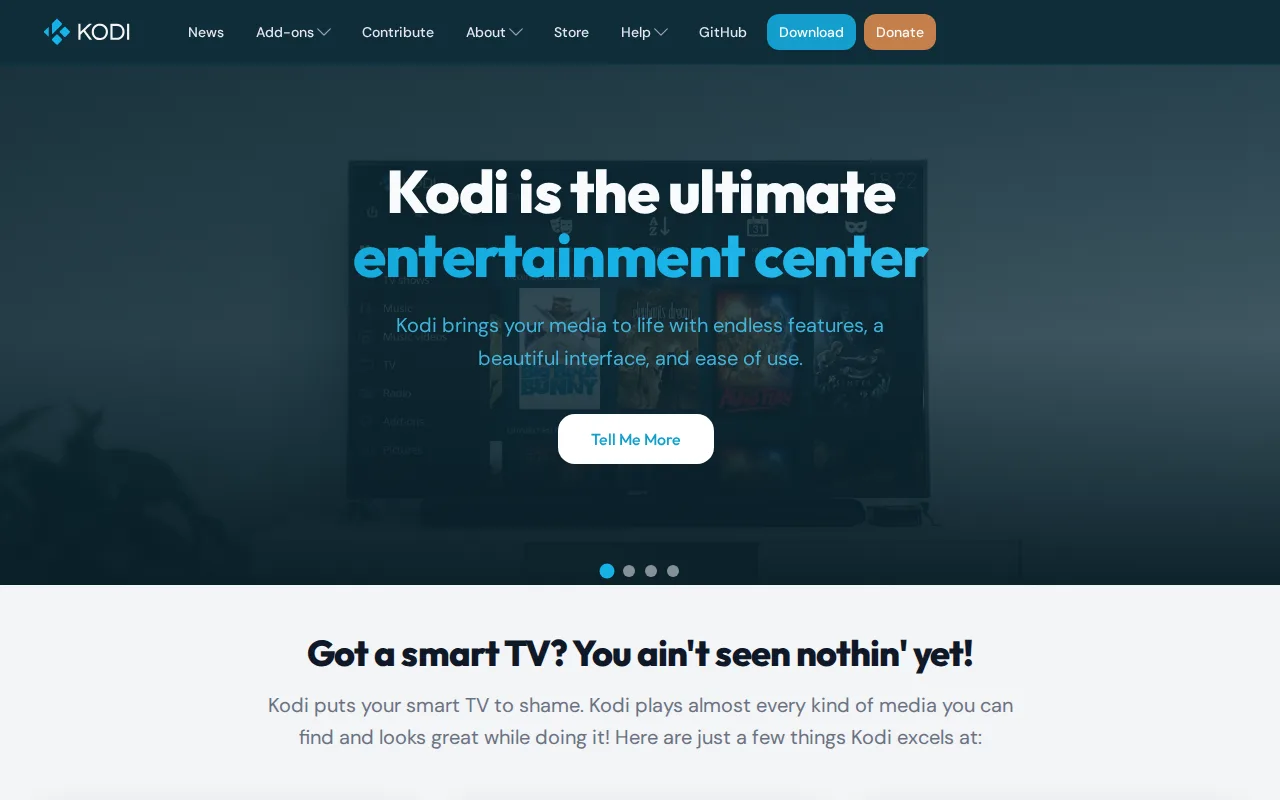
Kodi is the best Jellyfin alternative for users who want a completely customizable, TV-remote-friendly media center interface through its skinning engine and add-on ecosystem, going beyond Jellyfin's more fixed web-based client design. Kodi is entirely free and open source under the same GPL-2.0 license as Jellyfin, with no account, subscription, or paid tier of any kind, and it runs on Windows, macOS, Linux, iOS, tvOS, Android, and BSD, a broader platform spread than Jellyfin's official client list. Unlike Jellyfin, which is server software that streams a curated library to separate client apps, Kodi itself streams nothing by default; it's a local player and library manager, so it doesn't provide Jellyfin's remote-server-to-multiple-devices streaming model out of the box. Jellyfin is still the better choice for anyone who wants a true client-server setup for streaming a personal library to multiple devices and users remotely: Kodi requires the user to organize and configure their own legal media sources or a separate server add-on, and its permissive third-party add-on ecosystem has drawn recurring piracy scrutiny that the non-profit XBMC Foundation explicitly disclaims, reputational baggage Jellyfin's more contained model doesn't carry.
Compared to Jellyfin: a fully customizable skinning engine and add-on ecosystem vs Jellyfin's more fixed client design, runs on tvOS and BSD in addition to Jellyfin's platform list, but streams nothing itself out of the box
Wins:Skinning engine allows complete interface customization beyond typical media player theming, more than Jellyfin's web-based client offers · Runs on nearly every platform including tvOS and BSD, broader native platform coverage than Jellyfin's official client list · Add-on ecosystem extends functionality well beyond core playback, including automatic library metadata scraping
Loses:No built-in content or remote-server streaming model; users must supply and organize their own legal media sources, unlike Jellyfin's client-server design built for exactly that · Unofficial third-party add-ons unaffiliated with the Kodi project have repeatedly drawn piracy scrutiny, reputational baggage Jellyfin's more contained project doesn't carry · Initial setup and library configuration is more involved than a plug-and-play streaming server like Jellyfin
Pros
- Fully free and open-source (GPL-2.0) with no account, subscription, or paid tier ever required.
- Skinning engine allows complete interface customization beyond typical media player theming.
- Runs on nearly every platform: Windows, macOS, Linux, Android, iOS, tvOS, and BSD.
- Add-on ecosystem extends functionality well beyond core playback, including automatic library metadata scraping.
Cons
- No built-in content — users must supply and organize their own legal media library or sources.
- Unofficial third-party add-ons unaffiliated with the Kodi project have repeatedly drawn piracy scrutiny, creating a reputational association the XBMC Foundation explicitly disclaims.
- Initial setup and library configuration is more involved than a plug-and-play streaming app.
- Interface customization and add-on management assume a moderate comfort level with configuring software, unlike more guided competing setups.
Pricing: Free — Free, matching Jellyfin's $0 price (verified undefined NaN, NaN)
2.Universal Media Server — best Jellyfin alternative for technically comfortable users who want to stream a local media library to a smart TV or game console over DLNA/UPnP without cloud accounts or subscription apps
Universal Media Server is the best Jellyfin alternative for technically comfortable users who want to stream a local media library directly to a smart TV or game console over DLNA/UPnP without installing a dedicated client app, a device-discovery model Jellyfin's app-centric clients don't rely on. UMS is free and open source under the same GPL-2.0 license as Jellyfin, with roughly 2,600 GitHub stars and 525 forks, and it leans on bundled tools (FFmpeg, MediaInfo, MEncoder, tsMuxeR, AviSynth, VLC) for broad on-the-fly transcoding compatibility with whatever format a target device can't play natively. Unlike Jellyfin, which ships official web, desktop, and mobile apps, UMS has no built-in remote-access web app or mobile client of its own, relying purely on local-network DLNA discovery. Jellyfin is still the better choice for anyone who wants a polished, app-based streaming experience across phones and browsers: UMS's interface and library browsing are noticeably less polished than Jellyfin's consumer-facing apps, and DLNA/UPnP discovery can be inconsistent across different router and device combinations in a way Jellyfin's dedicated client apps avoid.
Compared to Jellyfin: direct DLNA/UPnP device discovery for smart TVs and consoles vs Jellyfin's dedicated app-based clients, broad on-the-fly transcoding via bundled FFmpeg/MEncoder/VLC, but no web or mobile app of its own
Wins:Works directly with DLNA/UPnP game consoles and smart TVs without requiring a dedicated client app on the receiving device, unlike Jellyfin's app-based model · Broad file-format and device compatibility through bundled FFmpeg, MEncoder, tsMuxeR, and VLC transcoding · No cloud dependency of any kind, running entirely on the local network from a self-hosted machine
Loses:No built-in web app or mobile client, unlike Jellyfin's official web, desktop, Android, and Android TV apps · Configuration and codec/transcoding setup require more technical comfort than Jellyfin's more guided app-based setup · Interface and library browsing are noticeably less polished than Jellyfin's consumer-facing apps
Pros
- Free and open source under GPL-2.0, with no subscription, account, or cloud dependency.
- Broad file-format and device compatibility through bundled FFmpeg, MEncoder, tsMuxeR, and VLC transcoding.
- Runs on Windows, macOS, and Linux with an active GitHub community (roughly 2,600 stars, 525 forks).
- Works with DLNA/UPnP game consoles and smart TVs without requiring a dedicated client app on the receiving device.
Cons
- No built-in web app or mobile client, unlike Plex or Jellyfin, which limits convenient remote or on-the-go streaming.
- Configuration and codec/transcoding setup require more technical comfort than app-based alternatives.
- Interface and library browsing are noticeably less polished than Plex's or Jellyfin's consumer-facing apps.
- Relies on local-network DLNA/UPnP discovery, which can be inconsistent across different router and device combinations.
Pricing: Free — Free, matching Jellyfin's $0 price (verified undefined NaN, NaN)