7 Best Alternatives to ImagEditorAI for iOS in 2026
By Noahlast updated pricing verified
All 8 ImagEditorAI alternatives
Compared: ImagEditorAI alternatives that run on iOS
| Alternative | Best for | Learning curve | Price |
|---|---|---|---|
| ImagEditorAIreference | an ecommerce seller turning plain garment or product photos into white-background, ghost-mannequin, or on-model listing images without learning a desktop editor | Low | Free tier · paid from $4.90 one-time |
| Fotor | individuals and small businesses who want browser-based photo editing with AI background/object removal and image generation, without a Photoshop-level learning curve | Low | Free tier · paid from $8.99/mo |
| Pixlr | casual creators, social media managers, and small businesses who want quick AI-assisted photo edits in a browser without paying for Photoshop | Low | Free tier · paid from $1.99/mo |
| Adobe Firefly | designers and marketing teams already in the Adobe ecosystem who need commercially licensed generative AI (image, video, audio) integrated directly into Photoshop and Express | Low | Free tier · paid from $9.99/mo |
| Canva | marketers, small business owners, and social media managers who need on-brand graphics fast without hiring a designer or learning Illustrator or Photoshop | Low | Free tier · paid from $18/mo |
| Adobe Express | small business owners and social media marketers who need branded templates resized across multiple platforms without a full Creative Cloud subscription | Low | Free tier · paid from $7.99/mo |
| BeFunky | Solo creators and small businesses who need quick browser-based photo touch-ups, collages, and templated graphics (banners, flyers, social posts) without learning Photoshop or Illustrator. | Low | Free |
| Luminar Neo | photography hobbyists who want AI-assisted, single-slider editing tools like sky replacement and background removal without paying an ongoing Adobe-style subscription | Low | From $129 one-time |
 ImagEditorAI
 Fotor
Fotor Pixlr
Pixlr Adobe Firefly
 Canva
Canva Adobe Express
 BeFunky
 Luminar Neo
1Fotor — best ImagEditorAI alternative for individuals and small businesses who want browser-based photo editing with AI background/object removal and image generation, without a Photoshop-level learning curve
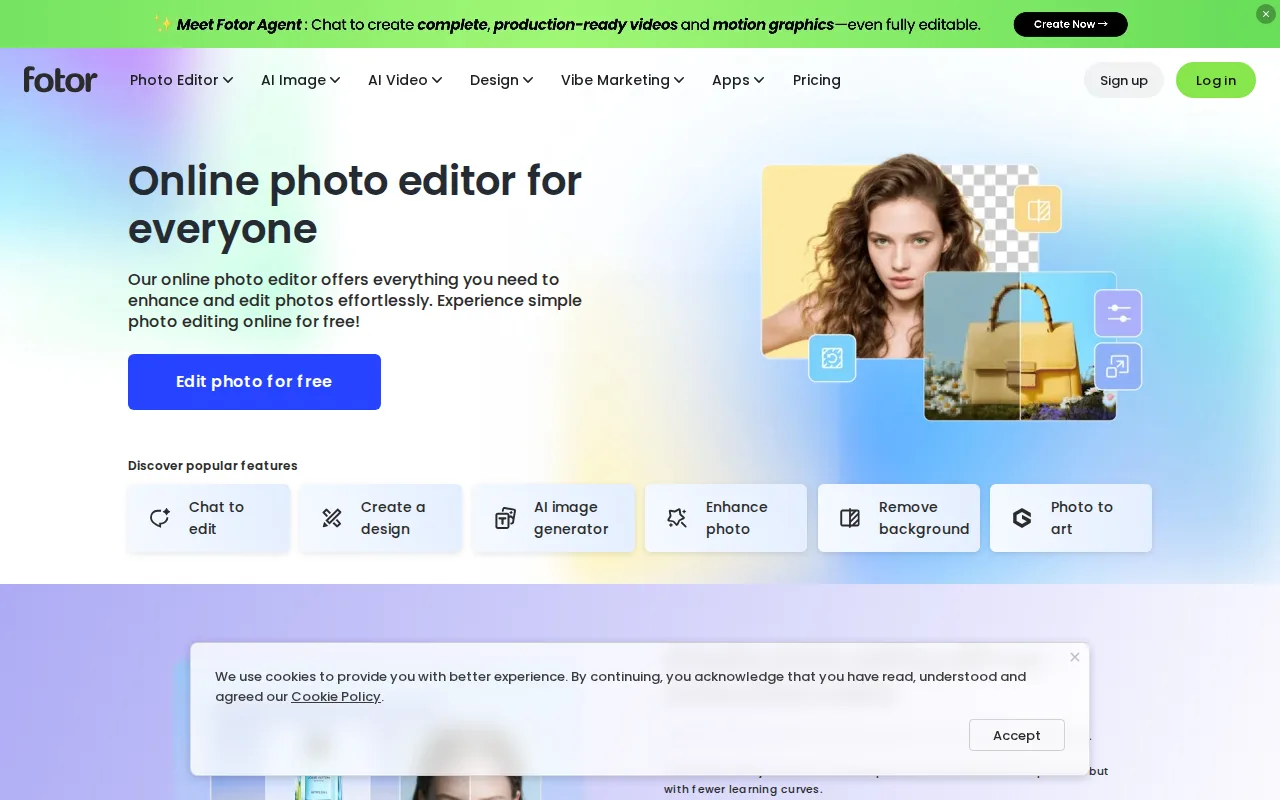
Fotor is the best ImagEditorAI alternative for people who want AI fixes and hands-on editing in the same place. Where ImagEditorAI edits from written instructions and presets instead of masks, layers or selection tools, Fotor pairs cropping, filters, retouching, text and collages with AI background removal, object removal, one-click enhancement, upscaling and text-to-image on Flux, Gemini and Nano Banana models, plus an AI Agent chat for guided edits. Fotor's free plan exports unlimited images without watermarks, against ImagEditorAI's 9 daily credits for an account, enough for about three 1K edits. Fotor Pro costs $8.99/month or $39.99/year with 10 concurrent generations, against ImagEditorAI Starter's $9.90/month or $58.80/year with 3 concurrent edits, and Fotor runs on the web plus Windows, macOS, iOS and Android. ImagEditorAI is still the better choice for ecommerce imagery. Fotor's listing shows no ghost-mannequin, AI fashion-model or product-scene presets, the tools ImagEditorAI is built around for listing photos. Fotor's free plan limits AI generation credits, allows 1 concurrent generation and caps storage at 512MB, Fotor has no external rating on record, and Fotor's prices carry no verification date, where ImagEditorAI's were verified on 23 October 2026.
Compared to ImagEditorAI: manual editing tools alongside AI edits, Pro at $39.99/year with 10 concurrent generations against $58.80/year with 3, no ghost-mannequin or AI fashion-model presets
Wins:Manual cropping, filters, retouching, text and collage tools sit next to AI background removal, object removal, upscaling and text-to-image · Free plan exports unlimited images without watermarks, where ImagEditorAI's free allowance is 3 credits a day for guests and 9 for accounts · Pro at $39.99/year (or $8.99/month) allows 10 concurrent generations, against ImagEditorAI Starter's $58.80/year with 3 concurrent edits · Native apps for Windows, macOS, iOS and Android, where ImagEditorAI is web-only
Loses:No ghost-mannequin, AI fashion-model or product-scene presets in its listing, the ecommerce tools ImagEditorAI is built around · Free plan limits AI generation credits, allows 1 concurrent generation and caps cloud storage at 512MB · Listed prices carry no verification date, no external rating is on record, and AI Headshot and API plans are priced separately
Pros
- Free plan allows unlimited exports with no watermarks, unusual among competing photo editors.
- AI background removal, object removal, and text-to-image generation built into the same editor as traditional tools.
- Native apps across web, Windows, macOS, iOS, and Android.
- Pro+ tier bundles over 1 million stock photos and multiple brand kits for teams doing recurring design work.
Cons
- Free plan caps cloud storage at 512MB and limits AI generation credits and concurrency.
- Pro tier's 10 concurrent generations and 1,000 AI Agent chats/month can feel restrictive for heavy AI users.
- AI Headshot and API/developer pricing are separate from the core Pro/Pro+ tiers, adding complexity to the pricing page.
- Less mature layer-based editing than Photoshop for users doing complex, multi-layer composites.
Pricing: Free tier · paid from $8.99/mo — $39.99/year or $8.99/month for Fotor Pro vs $58.80/year or $9.90/month for ImagEditorAI Starter
2Pixlr — best ImagEditorAI alternative for casual creators, social media managers, and small businesses who want quick AI-assisted photo edits in a browser without paying for Photoshop
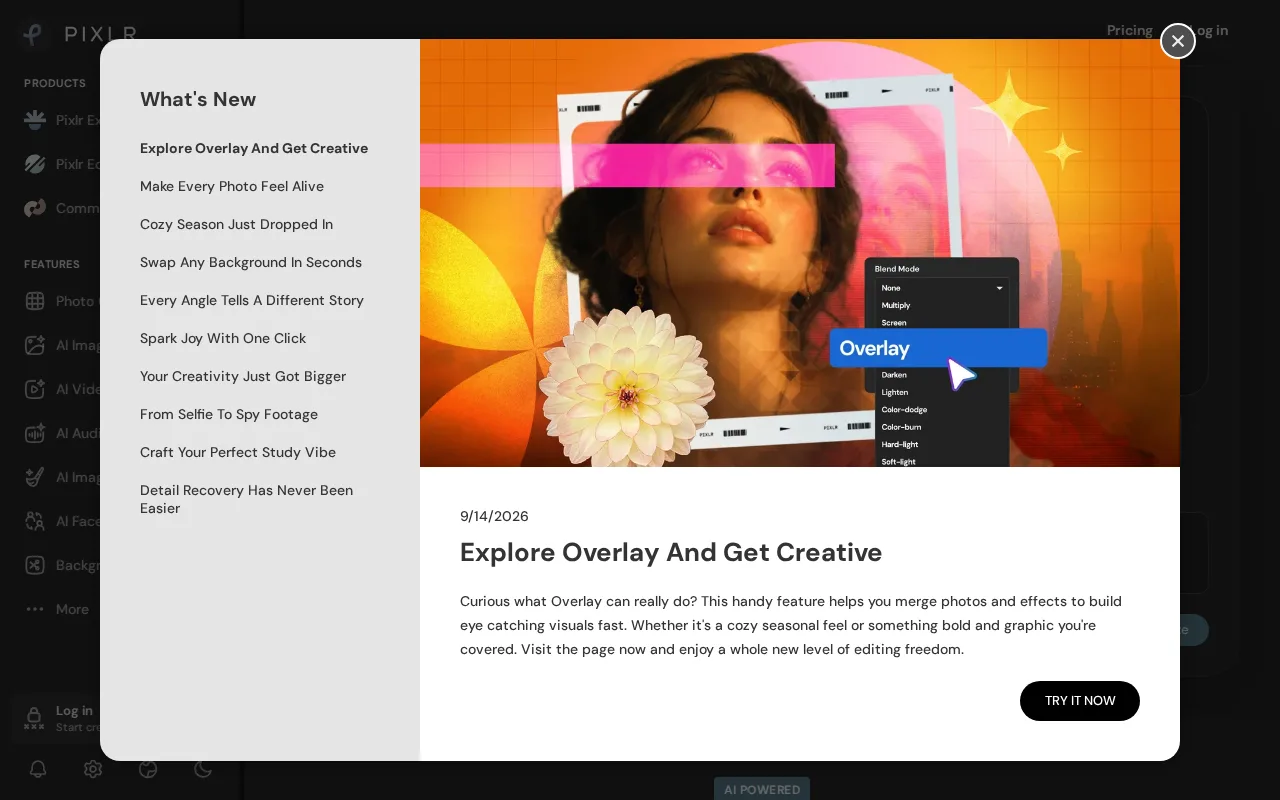
Pixlr is the best ImagEditorAI alternative for casual editors who want AI tools at the lowest monthly price. Pixlr Plus costs $1.99/month billed annually ($2.49 monthly), and Pixlr Premium costs $7.99/month billed annually for 1,000 monthly credits, every image, video and audio model and 4 concurrent generations, against ImagEditorAI Starter at $9.90/month ($4.90 billed yearly) for 240 credits and 3 concurrent edits. Pixlr pairs a layer-based editor with filters and retouching with generative fill, object and background removal, face swap, upscaling and text-to-image and text-to-video generation. Pixlr's free tier needs no signup, like ImagEditorAI's guest mode, and Pixlr ships iOS and Android apps where ImagEditorAI is browser-only. Pixlr holds 4.9/5 from 53 Product Hunt reviews. ImagEditorAI is still the better choice for product photos. Pixlr's free tier is ad-supported, Pixlr Plus includes only 80 monthly credits and 1 concurrent generation, and Pixlr's listing shows no ghost-mannequin, AI fashion-model or white-background product presets. Professional designers also report limited precision in Pixlr compared to desktop editors.
Compared to ImagEditorAI: Plus at $1.99/month billed annually against $4.90/month for Starter, a layer editor with generative fill and iOS and Android apps, an ad-supported free tier and no ecommerce presets
Wins:Plus costs $1.99/month billed annually and Premium $7.99/month with 1,000 credits, against ImagEditorAI Starter at $4.90/month billed yearly ($9.90 monthly) · Layers, filters and retouching alongside generative fill, object and background removal, face swap, upscaling and text-to-video · Native iOS and Android apps, where ImagEditorAI runs only in the browser · 4.9/5 from 53 Product Hunt reviews, where ImagEditorAI has no external rating on record
Loses:Free tier is ad-supported, and Plus includes only 80 monthly credits with 1 concurrent generation · No ghost-mannequin, AI fashion-model or white-background product presets in its listing · Professional designers report limited precision and customization compared to desktop editors
Pros
- Genuine free tier with real AI editing tools and no signup requirement.
- Runs entirely in the browser, with no install needed on any platform.
- Native iOS and Android apps extend editing to mobile.
- Paid tiers are substantially cheaper than Adobe Creative Cloud for casual users.
Cons
- Free tier is ad-supported, which interrupts the editing flow.
- Entry-level Plus tier's 80 monthly AI credits are consumed quickly by generative features.
- Professional designers report limited precision and customization compared to native desktop editors.
- Third-party review counts on Capterra and G2 are inconsistent across sources, making outside validation harder.
Pricing: Free tier · paid from $1.99/mo — $1.99/month billed annually for Pixlr Plus ($2.49 monthly) vs ImagEditorAI Starter at $4.90/month billed yearly ($9.90 monthly) (verified )
3Adobe Firefly — best ImagEditorAI alternative for designers and marketing teams already in the Adobe ecosystem who need commercially licensed generative AI (image, video, audio) integrated directly into Photoshop and Express
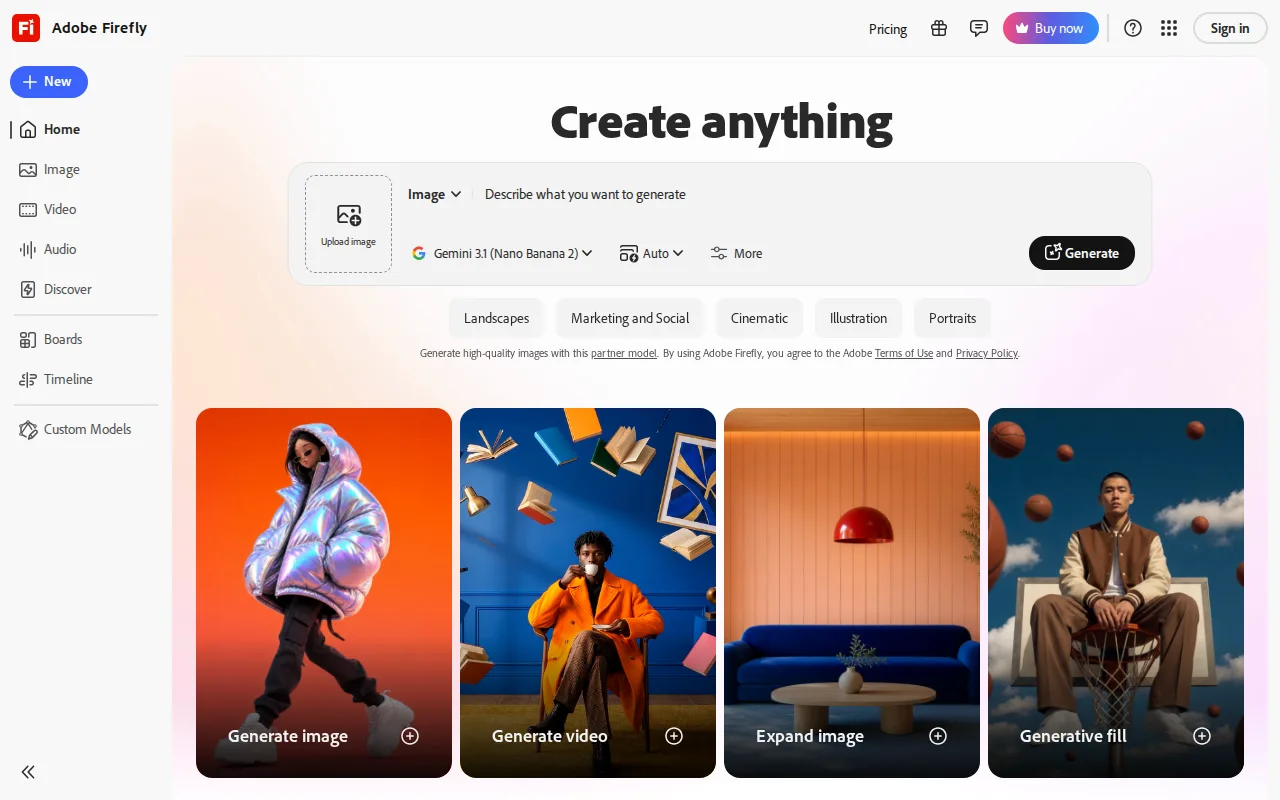
Adobe Firefly is the best ImagEditorAI alternative for designers who need commercially safer AI edits and already work in Photoshop or Adobe Express. Adobe trains its own Firefly models on licensed Adobe Stock, openly licensed and public-domain content and offers IP indemnification to enterprise customers, while ImagEditorAI runs third-party models such as GPT Image 2.5, Nano Banana 2.1 and Seedream. Firefly powers Photoshop's Generative Fill and Generative Expand, reaches 30+ models including Veo and Kling for video, and covers image, video and audio from one credit pool. Firefly Standard costs $9.99/month for 2,000 generative credits and includes Adobe Express Premium and Photoshop on web and mobile, against ImagEditorAI Starter at $9.90/month for 240 credits, and Firefly's free plan includes daily generations on select models such as Nano Banana. Firefly holds 4.5/5 from 19 Capterra reviews and runs on the web, Windows, macOS, iOS and Android. ImagEditorAI is still the better choice for sellers who want ready-made product shots. Firefly's listing has no ghost-mannequin, AI fashion-model or white-background presets, Firefly's credits are consumed unevenly across image, video and audio, and full value assumes an Adobe subscription relationship.
Compared to ImagEditorAI: models trained on licensed content with enterprise IP indemnification, Adobe Express Premium and Photoshop on web and mobile included from $9.99/month, no ready-made ecommerce presets
Wins:Firefly models are trained on licensed Adobe Stock and public-domain content, with IP indemnification for enterprise customers · Standard at $9.99/month includes 2,000 generative credits plus Adobe Express Premium and Photoshop on web and mobile · Free plan includes limited daily generations on select models such as Nano Banana, where ImagEditorAI's Nano Banana 2.1 and Nano Banana Pro require a subscription · Apps for Windows, macOS, iOS and Android, and 4.5/5 from 19 Capterra reviews
Loses:No ghost-mannequin, AI fashion-model or white-background product presets in its listing · Credits are consumed unevenly across image, video and audio, and unlimited use of the newest video models needs Premium at $199.99/month · Full value assumes an existing or new Adobe subscription relationship
Pros
- Trained on licensed Adobe Stock and public-domain content, with IP indemnification for enterprise use.
- Access to 30+ models, including third-party video models like Veo and Kling, in one interface.
- Deep integration with Photoshop (Generative Fill/Expand) and Adobe Express.
- Free tier available for testing before committing to a paid plan.
Cons
- Generative credits are consumed unevenly across image, video, and audio, making monthly cost hard to predict.
- Premium tier needed for unlimited access to the newest video models, at $199.99/month before discounts.
- Output quality on Firefly's own image model has lagged behind Midjourney and some third-party models in independent comparisons.
- Full value requires an existing or new Adobe subscription relationship, adding friction for non-Adobe users.
Pricing: Free tier · paid from $9.99/mo — $9.99/month for 2,000 generative credits (Firefly Standard) vs $9.90/month for 240 credits (ImagEditorAI Starter) (verified )
4Canva — best ImagEditorAI alternative for marketers, small business owners, and social media managers who need on-brand graphics fast without hiring a designer or learning Illustrator or Photoshop
Canva is the best ImagEditorAI alternative for small businesses whose edited photo ends up in a social post, flyer or presentation. Canva's template-first editor, Magic Resize across platform sizes, background remover and Magic Studio image generation put the photo and the finished design in one app, with Canva Docs, Sheets and a website builder alongside. Canva's free plan includes templates, the drag-and-drop editor, basic AI features and 5GB of storage, and Canva runs on the web plus Windows, macOS, iOS and Android, where ImagEditorAI is browser-only. Canva also has the largest review base on this page, 4.7/5 from 13,411 Capterra reviews. ImagEditorAI is still the better choice for the photo edit itself. Canva's background remover and Magic Resize require Pro at $18/month billed monthly ($144/year billed annually), against ImagEditorAI Starter at $9.90/month or $58.80/year, and Canva's listing shows no ghost-mannequin, AI fashion-model or product-scene presets and no choice of AI model. Canva designs also cannot be exported as editable .psd or .ai files, and Canva's mobile app is more limited than its web editor.
Compared to ImagEditorAI: templates, Magic Resize and a background remover in one design app, 4.7/5 from 13,411 Capterra reviews, Pro at $144/year against ImagEditorAI Starter's $58.80/year
Wins:Edited photos go straight into templates for posts, flyers and presentations, and Magic Resize reformats one design across many platform sizes · Free plan includes templates, the drag-and-drop editor, basic AI features and 5GB of storage, with apps for Windows, macOS, iOS and Android · 4.7/5 from 13,411 Capterra reviews, the largest review base on this page
Loses:Background remover and Magic Resize require Pro at $18/month billed monthly ($144/year), against ImagEditorAI Starter at $9.90/month ($58.80/year) · No ghost-mannequin, AI fashion-model or product-scene presets and no choice of AI model in its listing · No export to editable .psd or .ai files, and the mobile app is more limited than the web editor
Pros
- Template library and drag-and-drop editor let non-designers produce usable graphics in minutes.
- Magic Resize adapts one design to many platform-specific formats automatically.
- Business plan's brand kits and approval workflows keep team output on-brand without a design lead reviewing everything.
- Bundles docs, presentations, and a website builder alongside design, reducing the number of separate tools a small team needs.
Cons
- No export to editable source formats like .psd or .ai; designs are effectively locked to Canva's own editor.
- Most premium templates, stock assets, and AI features require the Pro or Business paid tier.
- Mobile app is noticeably more limited than the desktop/web editor.
- Some users report confusing billing transitions between the free trial and paid subscription.
Pricing: Free tier · paid from $18/mo — $18/month billed monthly for Canva Pro ($144/year billed annually) vs $9.90/month for ImagEditorAI Starter ($58.80/year)
5Adobe Express — best ImagEditorAI alternative for small business owners and social media marketers who need branded templates resized across multiple platforms without a full Creative Cloud subscription
Adobe Express is the best ImagEditorAI alternative for social media marketers who want text-prompt editing applied to a whole design, not just a photo. Adobe Express's AI Assistant (beta) takes a typed edit request and applies it to the design while leaving untouched layers intact, and the app bundles Firefly text-to-image, one-click resizing for every social channel, templates, brand kits and short video editing. Adobe Express Free needs no credit card, Premium costs $9.99/month with no annual commitment, and Teams costs $7.99/month per license on an annual plan after a $4.99 first-year price, with a 2-seat minimum. Adobe Express runs in the browser and as iOS and Android apps, with app-store ratings of 4.8/5 from 345.6K iOS reviews and 4.6/5 from 574K Android ratings per its listing. ImagEditorAI is still the better choice for product photography. Adobe Express's listing shows no ghost-mannequin, AI fashion-model or white-background presets, its free plan caps generative AI credits and gates most templates behind Premium, brand kits need Premium or higher, and full AI image generation with Photoshop access needs the $19.99/month Firefly Pro bundle.
Compared to ImagEditorAI: an AI Assistant that edits whole designs from a text prompt, templates with one-click resizing for every social channel, no ghost-mannequin or product-photo presets
Wins:AI Assistant (beta) applies a typed edit request to a whole design while leaving untouched layers intact · Templates, brand kits, one-click social resizing and short video editing in the same app as Firefly text-to-image · Native iOS and Android apps, rated 4.8/5 from 345.6K iOS reviews and 4.6/5 from 574K Android ratings per its listing
Loses:No ghost-mannequin, AI fashion-model or white-background product presets in its listing · Free plan caps generative AI credits and gates most templates and assets behind the $9.99/month Premium plan · Full AI image generation and Photoshop access need the $19.99/month Firefly Pro bundle, and Teams requires 2 seats at $7.99/month per license after the first year
Pros
- Free tier available with no credit card required
- Combines social graphics, video editing, and basic document creation in one app instead of separate tools
- One-click resize turns a single design into versions for every social channel
- High app store ratings: 4.8/5 from 345.6K iOS reviews and 4.6/5 from 574K Android ratings
Cons
- Free plan's generative AI credits and premium asset library are limited, pushing active users toward the $9.99/mo Premium plan
- Brand kits, needed for consistent team branding, are locked to Premium and higher plans
- Teams pricing has a 2-seat minimum and rises from an introductory $4.99/mo per license to $7.99/mo per license after the first year
- Full AI image generation and Photoshop access require the pricier $19.99/mo Firefly Pro bundle rather than being included in standard Premium
Pricing: Free tier · paid from $7.99/mo — $9.99/month for Adobe Express Premium vs $9.90/month for ImagEditorAI Starter (verified )
6BeFunky — best ImagEditorAI alternative for solo creators and small businesses who need quick browser-based photo touch-ups, collages, and templated graphics (banners, flyers, social posts) without learning Photoshop or Illustrator.
BeFunky is the best ImagEditorAI alternative for sellers who need to clear backgrounds from a whole catalog at once. BeFunky's Pro plan adds Batch AI Editing and a Batch Background Remover that run on monthly credits, while each ImagEditorAI edit takes up to five reference images, with 3 concurrent edits on Starter. BeFunky also bundles one-click AI tools, including a background remover, object eraser, enhancer, upscaler, sky replacer, deblur and old-photo restorer, with a collage maker and template-driven graphic design, and BeFunky runs in the browser plus iOS and Android apps. BeFunky's Free plan lets users try many tools before paying, and plans can switch between monthly and annual billing or move up and down from the account page, where ImagEditorAI handles plan changes manually through support. ImagEditorAI is still the better choice for anyone who wants to see the price up front or needs generated product scenes. BeFunky's Plus and Pro prices load dynamically rather than appearing as plain text, its batch credits do not roll over, and many Free effects, filters and templates are marked Limited. BeFunky's listing also shows no ghost-mannequin, AI fashion-model or product-scene generation, and BeFunky has no external rating on record.
Compared to ImagEditorAI: Batch AI Editing and a Batch Background Remover on Pro, self-service plan changes instead of manual changes through support, Plus and Pro prices not published as plain text
Wins:Pro adds Batch AI Editing and a Batch Background Remover for processing many photos at once · One-click AI tools plus a collage maker and template-driven graphic design, with iOS and Android apps · Plans can switch between monthly and annual billing or be upgraded and downgraded from the account page, where ImagEditorAI handles plan changes manually through support
Loses:Plus and Pro prices load dynamically and are not shown as plain text, where ImagEditorAI publishes every plan price · Pro batch credits do not roll over month to month, and many Free effects, filters and templates are marked Limited · No ghost-mannequin, AI fashion-model or product-scene generation in its listing, and no external rating on record
Pros
- Combines a photo editor, collage maker, and graphic designer with templates in one browser-based platform
- AI tools cover background removal, object erasing, photo enhancement, upscaling, sky replacement, deblurring, and old-photo restoration
- Free tier lets users try or use many tools before paying anything
- Billing can be switched between monthly and annual, and plans can be upgraded or downgraded anytime from the account page
Cons
- Exact subscription prices for Plus and Pro are not shown as plain text on the pricing page; they load dynamically, so shoppers must click through to see cost
- Batch AI editing and background removal in the Pro plan consume monthly credits that don't roll over, and heavier use requires buying top-up credits
- Many effects, filters, overlays, frames, and templates in the Free plan are explicitly labeled 'Limited', so free users hit paywalls quickly
- No dedicated offline desktop app; BeFunky runs in the browser plus a mobile app, unlike desktop editors such as Photoshop or Affinity Photo
Pricing: Free (verified )
7Luminar Neo — best ImagEditorAI alternative for photography hobbyists who want AI-assisted, single-slider editing tools like sky replacement and background removal without paying an ongoing Adobe-style subscription
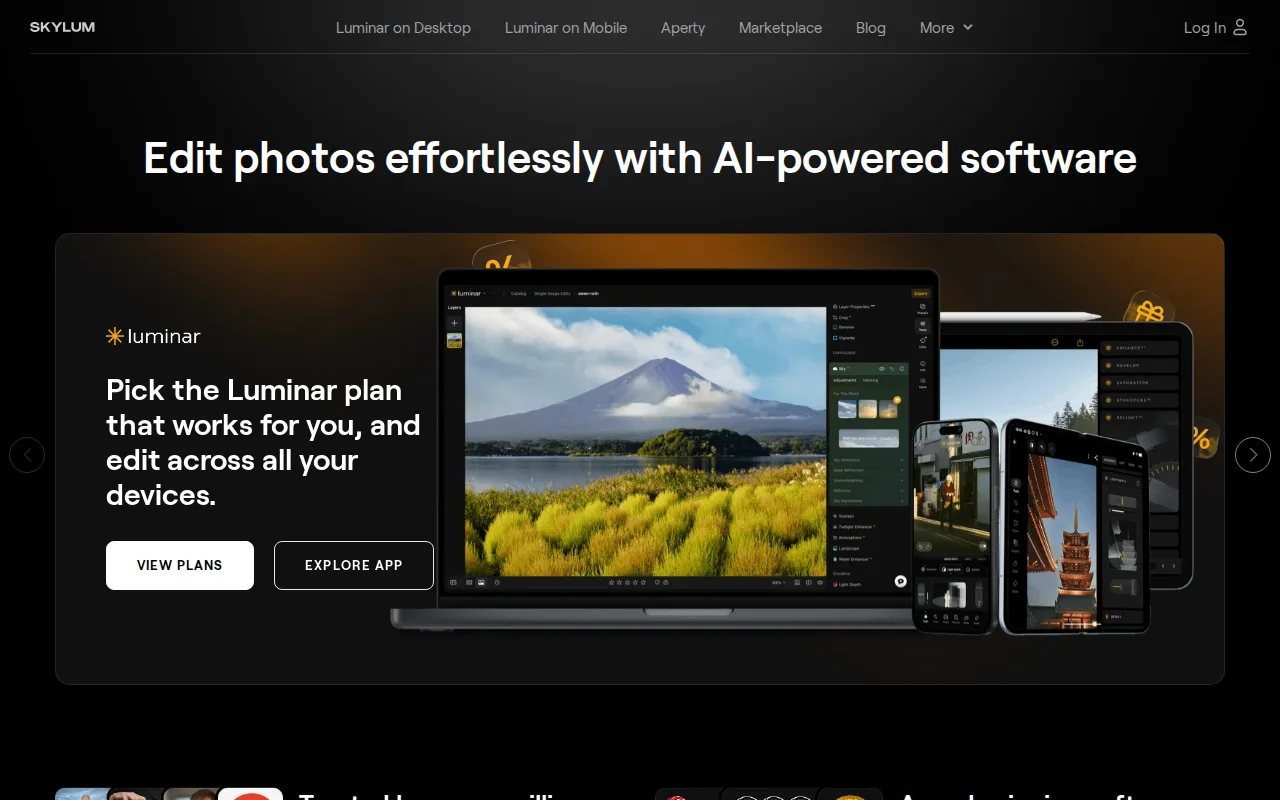
Luminar Neo is the best ImagEditorAI alternative for photography hobbyists who want AI editing on the desktop without a monthly bill. Luminar Neo is sold as a perpetual license: Desktop Only costs $129 one-time for Windows and macOS with one year of AI tool access, and the desktop app keeps working if the optional Luminar Prime renewal at $33/year is skipped. Over two years, Desktop Only plus one Prime renewal costs $162, against $117.60 for ImagEditorAI Starter on yearly billing. Luminar Neo's single-slider AI tools cover Sky Replacement, background removal, portrait bokeh and skin retouching, SupersharpAI, UpscaleAI and NoiselessAI, alongside HDR merge, focus stacking and panorama stitching, and its AI tools are licensed for 365 days at a time, where every ImagEditorAI edit spends credits. Higher bundles add iOS, Android and ChromeOS apps. ImagEditorAI is still the better choice for trying before buying and for ecommerce images. Luminar Neo has no free tier, its AI tools need the Prime renewal to stay current after the first year, its pricing leans on frequent discounts from list prices, and its listing shows no ghost-mannequin, AI fashion-model or product-scene presets. Luminar Neo's AI edits can also look overprocessed without careful slider tuning, and Luminar Neo has no external rating on record.
Compared to ImagEditorAI: a $129 one-time desktop license for Windows and macOS instead of a subscription, single-slider AI tools such as Sky Replacement and NoiselessAI, no free tier or ecommerce presets
Wins:Perpetual desktop license from $129 for Windows and macOS, and the app keeps working if the optional $33/year Luminar Prime renewal is skipped · Single-slider AI tools: Sky Replacement, background removal, portrait bokeh and skin retouching, SupersharpAI, UpscaleAI and NoiselessAI · HDR merge, focus stacking and panorama stitching, plus 2,150+ presets, 500+ LUTs and 50+ courses
Loses:No free tier, where ImagEditorAI gives guests 3 and accounts 9 free credits a day · AI tools need a Luminar Prime renewal ($33-$59/year depending on the plan) to stay current after the first year, and pricing leans on frequent discounts from list prices · No ghost-mannequin, AI fashion-model or product-scene presets in its listing, and AI edits can look overprocessed without careful slider tuning
Pros
- One-time perpetual license option avoids Adobe's mandatory ongoing subscription for the core desktop app.
- Single-slider AI tools (Accent AI, Sky Replacement, background removal) make complex edits accessible without a manual layers-based workflow.
- Cross-platform coverage including iOS, Android, ChromeOS, and Apple Vision Pro on higher-tier bundles.
- Includes a large library of presets, LUTs, overlays, and skies, plus bundled photography courses.
Cons
- AI tools require a 365-day license renewal through Luminar Prime ($33-$59/year) to stay current after the first year, softening the 'pay once' pitch.
- Pricing display leans on frequent 'up to 50% off' discounting from list prices, making it harder to judge the real baseline cost.
- Lacks the depth of professional-grade manual retouching and color-grading tools found in Photoshop or Capture One.
- AI-driven edits can look overprocessed on some images without careful slider tuning, a common complaint among more experienced photo editors.
Pricing: From $129 one-time — $129 one-time plus an optional $33/year Prime renewal ($162 over two years) vs ImagEditorAI Starter at $58.80/year ($117.60 over two years) (verified )