6 Best Alternatives to BeFunky in 2026
By Noahlast updated pricing verified

From our data: All 6 BeFunky alternatives listed here have a free tier and 2 of them (Photopea and GIMP) have no paid tier at all, while the 4 with paid plans publish entry prices of $1.99/month (Pixlr Plus billed annually), $39.99/year (Fotor Pro), $9.99/month (Adobe Express Premium), and $18/month or $144/year (Canva Pro), against BeFunky's Plus and Pro prices, which are not shown as plain text.
 Pixlr
Pixlr Canva
Canva Adobe Express
 Photopea
 GIMP
GIMPHow we picked
- Each alternative is compared on BeFunky's three jobs, quick photo touch-ups with one-click AI, collages, and templated graphics, and against BeFunky's listed weak points: many free effects and templates marked Limited, Pro batch AI credits that do not roll over, and no offline desktop app.
- BeFunky does not show its Plus and Pro prices as plain text, so price comparisons use each alternative's published figures, verified on 14 September 2026 for Pixlr, Photopea, and GIMP and on 1 October 2026 for Canva and Adobe Express. Fotor's prices are unverified listing data.
- Review evidence is reported, not used to order the list: Canva holds 4.7/5 from 13,411 Capterra reviews, Photopea 4.5/5 from 113 Capterra reviews, and Pixlr 4.9/5 from 53 Product Hunt reviews, and Adobe Express's listing cites 4.8/5 from 345.6K iOS reviews and 4.6/5 from 574K Android ratings. BeFunky, Fotor, and GIMP have no rating on record here.
- Platform coverage was compared against BeFunky's web, iOS, and Android apps: Fotor and Canva add native Windows and macOS apps, Pixlr and Adobe Express match BeFunky's three platforms, Photopea is browser only, and GIMP is a desktop app for Windows, macOS, and Linux.
- Free use was compared directly: all 6 alternatives have a free tier, Photopea and GIMP have no paid tier at all, Fotor's free plan exports without watermarks, and Pixlr's free tier needs no signup but shows ads.
Paid placement never alters editorial rank — read the full methodology.
BeFunky alternatives at a glance
| Alternative | Best for | Learning curve | Price |
|---|---|---|---|
| BeFunkyreference | Solo creators and small businesses who need quick browser-based photo touch-ups, collages, and templated graphics (banners, flyers, social posts) without learning Photoshop or Illustrator. | Low | Free |
| Pixlr | casual creators, social media managers, and small businesses who want quick AI-assisted photo edits in a browser without paying for Photoshop | Low | Free tier · paid from $1.99/mo |
| Fotor | individuals and small businesses who want browser-based photo editing with AI background/object removal and image generation, without a Photoshop-level learning curve | Low | Free tier · paid from $8.99/mo |
| Canva | marketers, small business owners, and social media managers who need on-brand graphics fast without hiring a designer or learning Illustrator or Photoshop | Low | Free tier · paid from $18/mo |
| Adobe Express | small business owners and social media marketers who need branded templates resized across multiple platforms without a full Creative Cloud subscription | Low | Free tier · paid from $7.99/mo |
| Photopea | students, social media creators, and small business owners who need Photoshop-style PSD editing without buying or installing desktop software | Moderate | Free |
| GIMP | photographers, illustrators, and designers who want a full-featured, scriptable photo editor without paying a subscription or license fee | Steep | Free |
 BeFunky
 Fotor
Fotor1Pixlr — best BeFunky alternative for casual creators, social media managers, and small businesses who want quick AI-assisted photo edits in a browser without paying for Photoshop
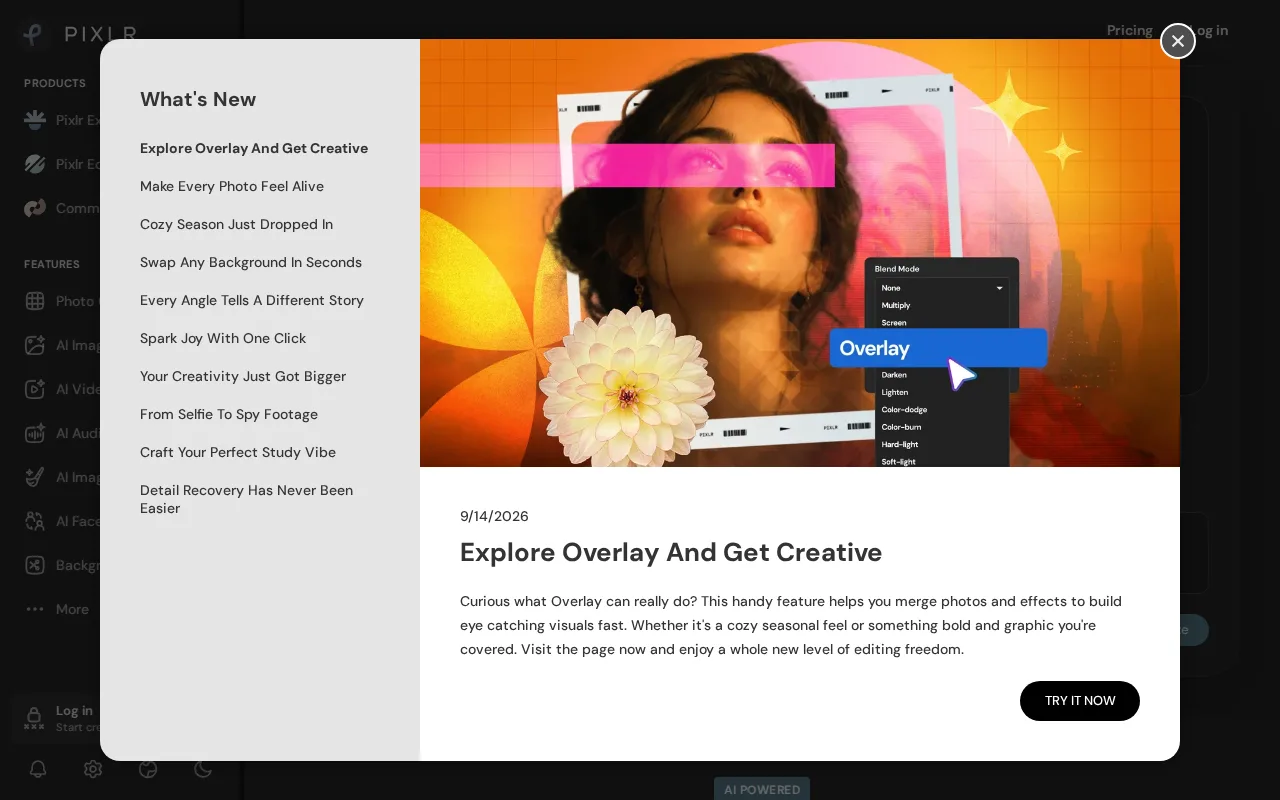
Pixlr is the best BeFunky alternative for casual creators and small businesses who want AI-assisted photo edits in a browser at a price they can see up front. Pixlr pairs layers, filters, retouching, and text overlays with generative fill, background and object removal, face swap, image upscaling, and text-to-image and text-to-video generation, and it runs in any browser plus native iOS and Android apps. The free tier needs no signup and includes real AI tools, and Plus costs $1.99/month billed annually ($2.49 monthly) for ad-free editing, unlimited saves, and 80 monthly AI credits, while Premium at $7.99/month billed annually adds 1,000 credits and every image, video, and audio model. BeFunky does not show its Plus and Pro prices as plain text, so shoppers have to click through to see them. Pixlr holds 4.9/5 from 53 Product Hunt reviews, where BeFunky has no rating on record here. BeFunky is still the better choice for collages and photo-restoration jobs. BeFunky bundles a collage maker and one-click sky replacement, deblurring, and old-photo restoration, none of which Pixlr's listing describes, and Pixlr's free tier shows ads that interrupt editing. Pixlr's 80-credit Plus allowance also runs out quickly for anyone generating images or video regularly.
Compared to BeFunky: generative fill, face swap, and text-to-video alongside layer editing, a published Plus price of $1.99/month where BeFunky's prices are not shown as plain text, and an ad-supported free tier
Wins:Plus costs $1.99/month billed annually ($2.49 monthly) and Premium $7.99/month billed annually, published prices where BeFunky's Plus and Pro prices load only after clicking through · Generative fill, face swap, and text-to-image and text-to-video generation sit alongside layers, filters, and retouching · Free tier needs no signup and includes real AI tools, and Pixlr holds 4.9/5 from 53 Product Hunt reviews where BeFunky has no rating on record here
Loses:Free tier is ad-supported, which interrupts the editing flow · Plus includes only 80 monthly AI credits, which generative features consume quickly · No collage maker or one-click sky replacement, deblurring, or old-photo restoration described in Pixlr's listing, all of which BeFunky includes
Pros
- Genuine free tier with real AI editing tools and no signup requirement.
- Runs entirely in the browser, with no install needed on any platform.
- Native iOS and Android apps extend editing to mobile.
- Paid tiers are substantially cheaper than Adobe Creative Cloud for casual users.
Cons
- Free tier is ad-supported, which interrupts the editing flow.
- Entry-level Plus tier's 80 monthly AI credits are consumed quickly by generative features.
- Professional designers report limited precision and customization compared to native desktop editors.
- Third-party review counts on Capterra and G2 are inconsistent across sources, making outside validation harder.
Pricing: Free tier · paid from $1.99/mo — $1.99/month for Pixlr Plus billed annually ($2.49 monthly) vs BeFunky Plus, whose price BeFunky does not show as plain text (verified )
2Fotor — best BeFunky alternative for individuals and small businesses who want browser-based photo editing with AI background/object removal and image generation, without a Photoshop-level learning curve
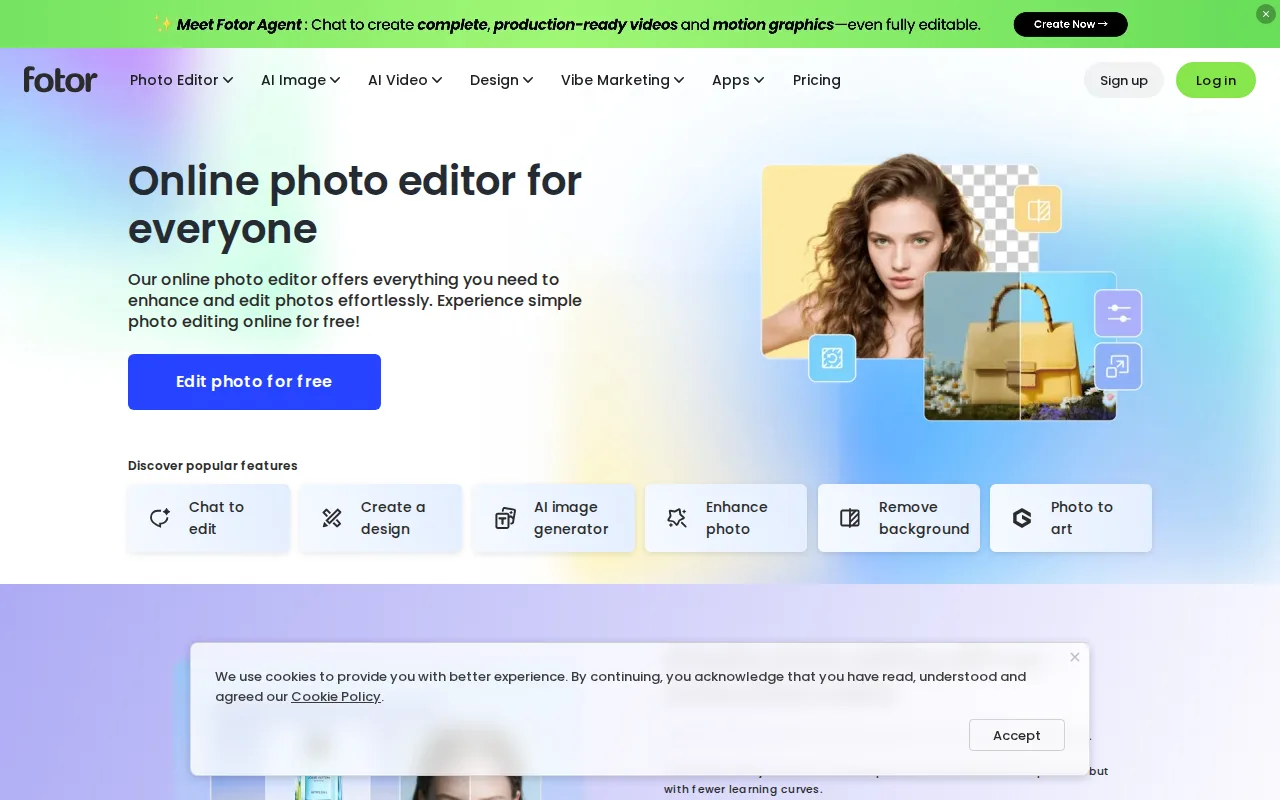
Fotor is the closest BeFunky alternative: a low-learning-curve, browser-based editor that combines cropping, filters, retouching, collages from templates, and one-click AI tools for background removal, object removal, enhancement, and upscaling. Fotor goes further on generative AI, with text-to-image generation backed by Flux, Gemini, and Nano Banana models, an AI Agent chat for guided editing, photo-to-art style transfers, and basic AI video editing. Fotor's free plan exports unlimited images without watermarks, and Fotor ships native Windows and macOS apps alongside web, iOS, and Android, where BeFunky has no desktop app. Fotor publishes its prices: Pro costs $8.99/month or $39.99/year, and Pro+ at $19.99/month or $89.99/year adds batch editing, 100GB of storage, multiple brand kits, and 1,000,000+ stock photos, where BeFunky's batch AI editing sits in a Pro plan whose price is not shown as plain text. BeFunky is still a fair choice for one-click photo fixes such as sky replacement and old-photo restoration, which Fotor's listing does not describe. Fotor's free plan caps cloud storage at 512MB and allows 1 concurrent AI generation, its Pro tier stops at 10, its layer editing is less mature than Photoshop's, and its prices were not verified on its pricing page for this comparison.
Compared to BeFunky: unlimited watermark-free exports on the free plan, native Windows and macOS apps, and published prices from $39.99/year, with a 512MB free storage cap
Wins:Free plan exports unlimited images without watermarks · Native Windows and macOS apps alongside web, iOS, and Android, where BeFunky runs only in the browser and on mobile · Published prices, with Pro at $8.99/month or $39.99/year and batch editing on Pro+ at $19.99/month or $89.99/year, where BeFunky's Pro price for batch AI editing is not shown as plain text
Loses:Free plan caps cloud storage at 512MB and allows 1 concurrent AI generation, and Pro stops at 10 concurrent generations · No one-click sky replacement, deblurring, or old-photo restoration described in Fotor's listing, all of which BeFunky includes · Layer-based editing is less mature than Photoshop's for complex composites, and Fotor's prices are unverified listing data
Pros
- Free plan allows unlimited exports with no watermarks, unusual among competing photo editors.
- AI background removal, object removal, and text-to-image generation built into the same editor as traditional tools.
- Native apps across web, Windows, macOS, iOS, and Android.
- Pro+ tier bundles over 1 million stock photos and multiple brand kits for teams doing recurring design work.
Cons
- Free plan caps cloud storage at 512MB and limits AI generation credits and concurrency.
- Pro tier's 10 concurrent generations and 1,000 AI Agent chats/month can feel restrictive for heavy AI users.
- AI Headshot and API/developer pricing are separate from the core Pro/Pro+ tiers, adding complexity to the pricing page.
- Less mature layer-based editing than Photoshop for users doing complex, multi-layer composites.
Pricing: Free tier · paid from $8.99/mo — $39.99/year for Fotor Pro ($8.99 billed monthly) vs BeFunky Plus and Pro, whose prices BeFunky does not show as plain text
3Canva — best BeFunky alternative for marketers, small business owners, and social media managers who need on-brand graphics fast without hiring a designer or learning Illustrator or Photoshop
Canva is the best BeFunky alternative for marketers, small business owners, and social media managers whose main output is templated graphics rather than photo retouching. Canva starts every design from a template sized for a format, such as an Instagram post, a resume, or a slide, and Magic Resize reformats one design across dozens of platform sizes automatically. Canva Pro costs $18/month or $144/year and adds premium templates, a brand kit, the background remover, Magic Resize, and 100GB of storage, while Business at $25/seat/month adds up to 100 brand kits, approval workflows, and template locking. Canva also bundles Docs, Sheets, and a website builder, runs on web, Windows, macOS, iOS, and Android, and holds 4.7/5 from 13,411 Capterra reviews, where BeFunky has no rating on record here and no desktop app. BeFunky is still the better choice for photo-first work. BeFunky's one-click AI tools cover background removal, object erasing, enhancement, upscaling, sky replacement, deblurring, and old-photo restoration, while Canva's free plan includes only basic AI features and puts the background remover in Pro. Canva cannot export editable .psd or .ai files, so designs stay locked in Canva, and Canva's mobile app is noticeably more limited than its web editor.
Compared to BeFunky: a template-first editor with Magic Resize across dozens of formats, brand kits and approval workflows for teams, and a 4.7/5 rating from 13,411 Capterra reviews, but no editable .psd or .ai export
Wins:Template-first workflow with Magic Resize, which reformats one design across dozens of platform-specific sizes automatically · Business at $25/seat/month adds up to 100 brand kits, approval workflows, and template locking, and Canva bundles Docs, Sheets, and a website builder · 4.7/5 from 13,411 Capterra reviews and native Windows and macOS apps, where BeFunky has no rating on record here and no desktop app
Loses:Free plan includes only basic AI features, and the background remover and Magic Resize need Pro at $18/month or $144/year · No export to editable source formats such as .psd or .ai, so work started in Canva stays in Canva · No sky replacement, deblurring, or old-photo restoration described in Canva's listing, and the mobile app is more limited than the web editor
Pros
- Template library and drag-and-drop editor let non-designers produce usable graphics in minutes.
- Magic Resize adapts one design to many platform-specific formats automatically.
- Business plan's brand kits and approval workflows keep team output on-brand without a design lead reviewing everything.
- Bundles docs, presentations, and a website builder alongside design, reducing the number of separate tools a small team needs.
Cons
- No export to editable source formats like .psd or .ai; designs are effectively locked to Canva's own editor.
- Most premium templates, stock assets, and AI features require the Pro or Business paid tier.
- Mobile app is noticeably more limited than the desktop/web editor.
- Some users report confusing billing transitions between the free trial and paid subscription.
Pricing: Free tier · paid from $18/mo — $18/month for Canva Pro billed monthly, or $144/year, vs BeFunky Plus and Pro, whose prices BeFunky does not show as plain text
4Adobe Express — best BeFunky alternative for small business owners and social media marketers who need branded templates resized across multiple platforms without a full Creative Cloud subscription
Adobe Express is the best BeFunky alternative for small business owners and social media marketers who want generative AI and short videos alongside templated graphics. Adobe Express covers social posts, flyers, logos, short videos, and simple PDFs from templates, builds in Adobe Firefly for text-to-image generation, and its AI Assistant (beta) applies a typed edit request to a design while leaving untouched layers intact. One-click resize turns a single design into versions for every social channel, and brand assets come straight from Creative Cloud. Premium costs $9.99/month with no annual commitment, Teams costs $7.99 per license per month on an annual plan with a 2-seat minimum and an introductory $4.99 for the first year, and the $19.99/month Firefly Pro bundle adds 4,000 Firefly credits and Photoshop on web and mobile. Adobe Express runs on the same web, iOS, and Android platforms as BeFunky, and its listing cites 4.8/5 from 345.6K iOS reviews and 4.6/5 from 574K Android ratings. BeFunky is still the better choice for one-click photo repair, with sky replacement, deblurring, and old-photo restoration that Adobe Express's listing does not describe. Adobe Express's free plan caps generative AI credits and most premium templates, and brand kits need Premium or higher.
Compared to BeFunky: Firefly generative AI and an AI Assistant that edits from a text prompt, short video editing and one-click resize, and published prices from $9.99/month for Premium
Wins:Adobe Firefly text-to-image generation and an AI Assistant (beta) that applies a typed edit request while leaving untouched layers intact · Short video editing and one-click resize sit beside social graphics, flyers, logos, and simple PDFs, with brand assets pulled from Creative Cloud · Published prices: Premium at $9.99/month, Teams at $7.99 per license per month, and a $19.99/month bundle with 4,000 Firefly credits and Photoshop on web and mobile
Loses:Free plan caps generative AI credits and limits premium templates and assets, pushing active users to the $9.99/month Premium plan · Brand kits need Premium or higher, and Teams requires 2 seats and rises from an introductory $4.99 to $7.99 per license after the first year · No one-click sky replacement, deblurring, or old-photo restoration described in Adobe Express's listing, all of which BeFunky includes
Pros
- Free tier available with no credit card required
- Combines social graphics, video editing, and basic document creation in one app instead of separate tools
- One-click resize turns a single design into versions for every social channel
- High app store ratings: 4.8/5 from 345.6K iOS reviews and 4.6/5 from 574K Android ratings
Cons
- Free plan's generative AI credits and premium asset library are limited, pushing active users toward the $9.99/mo Premium plan
- Brand kits, needed for consistent team branding, are locked to Premium and higher plans
- Teams pricing has a 2-seat minimum and rises from an introductory $4.99/mo per license to $7.99/mo per license after the first year
- Full AI image generation and Photoshop access require the pricier $19.99/mo Firefly Pro bundle rather than being included in standard Premium
Pricing: Free tier · paid from $7.99/mo — $9.99/month for Adobe Express Premium with no annual commitment vs BeFunky Plus and Pro, whose prices BeFunky does not show as plain text (verified )
5Photopea — best BeFunky alternative for students, social media creators, and small business owners who need Photoshop-style PSD editing without buying or installing desktop software
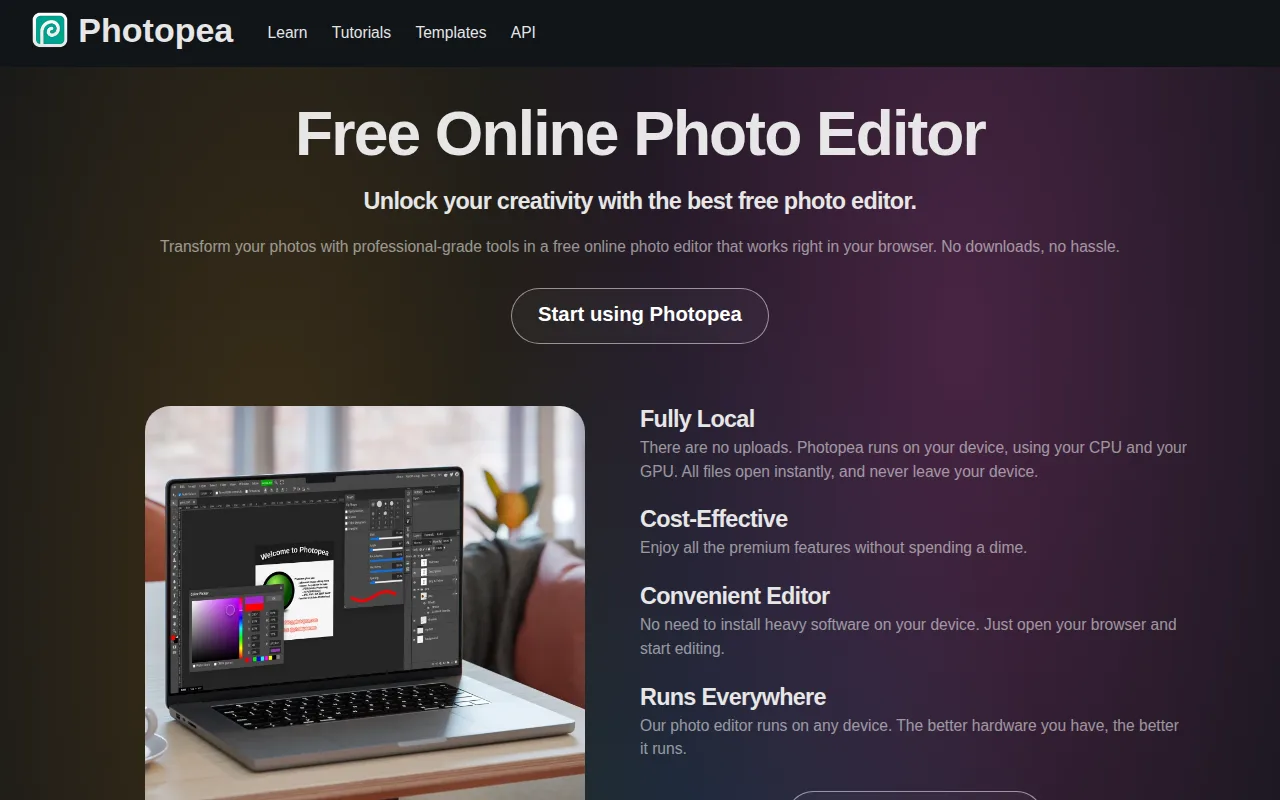
Photopea is the best BeFunky alternative for students, creators, and small business owners who need Photoshop-style layer editing at no cost. Photopea runs at photopea.com with no download or account, edits files locally in the browser without uploading them to a server, and opens and saves native PSD, AI, INDD, XD, Sketch, and CDR files plus camera RAW formats such as CR2, CR3, NEF, ARW, and DNG. Photopea's toolset mirrors Photoshop's layer workflow, with masking, blending modes, liquify, puppet warp, adjustment layers, vector shapes, and AI background removal and object replacement, and every tool is free, where BeFunky marks many free effects, filters, overlays, and templates as Limited. Because it runs in any modern browser, Photopea works on Chromebooks, tablets, and low-powered laptops, and it holds 4.5/5 from 113 Capterra reviews, where BeFunky has no rating on record here. BeFunky is still the better choice for beginners and phone users. Photopea's interface closely mirrors Photoshop's and its learning curve is rated moderate against BeFunky's low, its listing describes no collage maker or template library, and it has no native mobile app where BeFunky has iOS and Android apps. Photopea is ad-supported, built largely by a single developer, and offers no cloud storage or version history.
Compared to BeFunky: native PSD, AI, XD, and Sketch editing with a full layer toolset at no cost, local in-browser processing with no account, and a denser Photoshop-style interface with no mobile app
Wins:Every tool is free, including PSD, AI, XD, and Sketch editing and RAW support, where BeFunky marks many free effects, filters, overlays, and templates as Limited · Full layer-based toolset with masking, blending modes, liquify, puppet warp, and adjustment layers · Files are edited locally in the browser with no account or upload, and Photopea holds 4.5/5 from 113 Capterra reviews where BeFunky has no rating on record here
Loses:Learning curve rated moderate against BeFunky's low, with an interface that closely mirrors Photoshop's · Browser only with no native mobile app, where BeFunky has iOS and Android apps, and no collage maker or template library described in its listing · Ad-supported, maintained largely by a single developer, and without cloud storage or version history
Pros
- Opens and saves native PSD, AI, and XD files with no conversion step.
- Runs in any modern browser with no installation, account, or upload of files to a server required.
- Full layer-based editing toolset: masking, liquify, puppet warp, and adjustment layers.
- RAW photo format support (CR2, CR3, NEF, ARW, DNG) built in.
Cons
- No built-in cloud storage or version history across sessions.
- Editing performance on large, layer-heavy files depends on the browser and device, unlike a native desktop app.
- Built and maintained largely by a single developer, so support channels are more limited than a commercial vendor's.
- Interface closely mirrors Photoshop's, which can be dense for users who've never used Photoshop before.
Pricing: Free — Free with no paid tier vs BeFunky's Free plan with Limited effects and templates, and Plus and Pro prices not shown as plain text (verified )
6GIMP — best BeFunky alternative for photographers, illustrators, and designers who want a full-featured, scriptable photo editor without paying a subscription or license fee
GIMP is the best BeFunky alternative for photographers, illustrators, and designers who want a full desktop editor with no subscription and no browser dependency. GIMP is free and open source under the GPLv3, with no paid tier, license fee, or usage limits, and it runs as a native application on Windows, macOS, and Linux, where BeFunky has no offline desktop app at all. The current 3.2.4 release supports professional color management and non-destructive editing, and a scripting API in Python, C, C++, and Scheme lets users write custom filters, plugins, and batch-processing scripts, so bulk edits do not depend on monthly AI credits that, on BeFunky Pro, do not roll over. A community library of scripts and brushes has built up over the project's history. BeFunky is the better choice for nearly everyone who wants quick results. GIMP's learning curve is rated steep against BeFunky's low, and its interface is widely considered less approachable for beginners. GIMP's listing describes no templates, collage maker, or one-click AI tools, it has no web or mobile version, its compatibility with complex layered PSD files is imperfect, and it has no vendor support, so help comes only from community forums and documentation. GIMP also has no rating on record here.
Compared to BeFunky: a free GPLv3 desktop editor for Windows, macOS, and Linux that works offline, scriptable batch processing in Python, C, C++, and Scheme, and a steep learning curve against BeFunky's low
Wins:Free and open source under the GPLv3 with no paid tier, license fee, or usage limits · Native desktop app on Windows, macOS, and Linux that works offline, where BeFunky runs only in the browser and on mobile · Scripting API in Python, C, C++, and Scheme for custom filters and batch processing, with professional color management and non-destructive editing in release 3.2.4
Loses:Learning curve rated steep against BeFunky's low, with an interface widely considered less approachable for beginners · No templates, collage maker, or one-click AI tools described in GIMP's listing, and no web or mobile version · No vendor support or SLA, imperfect compatibility with complex layered PSD files, and no rating on record here
Pros
- Completely free with no license fee, subscription, or feature paywall.
- Fully cross-platform on Linux, macOS, and Windows with the same feature set on each.
- Scriptable via Python, C, C++, and Scheme for custom filters and batch automation.
- Open-source license means the software can be audited, modified, and redistributed without restriction.
Cons
- No official vendor support or SLA; help comes only from community forums and documentation.
- Interface and non-destructive editing workflow are less approachable for beginners than Photoshop or Affinity Photo.
- Native file compatibility with Photoshop's .psd format is imperfect for complex layered files.
- Smaller plugin and brush ecosystem than commercial competitors, despite community contributions.
Pricing: Free — Free with no paid tier vs BeFunky's Free plan with Limited effects and templates, and Plus and Pro prices not shown as plain text (verified )
Which one is right for you?
- You want quick AI edits in a browser and the cheapest paid plan with a published pricePixlr
- You want watermark-free exports on a free plan and a desktop app for Windows or MacFotor
- You make social posts, presentations, and flyers from templates and need one design resized for every platformCanva
- You want generative AI images and short social videos from templates, with Photoshop on the web as an upgrade pathAdobe Express
- A client sent you a PSD file and you need to edit its layers without installing PhotoshopPhotopea
- You want a full desktop editor that works offline and can script batch jobs, at no costGIMP
- You work on a Chromebook or low-powered laptop and need layer-based editingPhotopea
Frequently asked questions
Is there a free alternative to BeFunky?
- Yes, all 6 alternatives here have a free tier, and Photopea and GIMP have no paid tier at all. Fotor's free plan exports unlimited images without watermarks, Pixlr's free tier needs no signup but shows ads, and Canva's and Adobe Express's free plans hold back premium templates and most AI features for paid plans.
What is the closest alternative to BeFunky?
- Fotor is the closest match, because Fotor also combines browser photo editing, collages from templates, and one-click AI background removal, object removal, enhancement, and upscaling, with batch editing on its Pro+ plan. Fotor differs by publishing its prices, exporting without watermarks on the free plan, and shipping Windows and macOS apps, but its listing does not describe sky replacement or old-photo restoration.
Can Pixlr replace BeFunky?
- Yes for most photo editing, since Pixlr covers layers, filters, retouching, generative fill, background and object removal, and upscaling in the browser and on iOS and Android, with Plus at $1.99/month billed annually. Pixlr's free tier shows ads, its Plus plan includes only 80 monthly AI credits, and its listing does not describe a collage maker.
Which BeFunky alternative has a desktop app?
- GIMP, Fotor, and Canva all have desktop apps, and GIMP is the only one that is free and open source with no paid tier, running on Windows, macOS, and Linux under the GPLv3. Fotor and Canva ship native Windows and macOS apps alongside the web, while BeFunky itself has no desktop app.
Which BeFunky alternative can edit PSD files?
- Photopea is the best choice, opening and saving native PSD files, along with AI, XD, and Sketch files, free in the browser with a full layer toolset. GIMP can open PSD files but its compatibility is imperfect for complex layered files, and Canva cannot export to .psd or .ai at all.
How does BeFunky's pricing compare with its alternatives?
- BeFunky is the only product here that does not show its paid prices as plain text, since its Plus and Pro prices load dynamically on the pricing page. The alternatives publish theirs, from Pixlr Plus at $1.99/month billed annually and Fotor Pro at $39.99/year to Adobe Express Premium at $9.99/month and Canva Pro at $18/month or $144/year, while Photopea and GIMP are free.