2 Best Open-Source Alternatives to Google Sheets in 2026
By Noahlast updated
All 4 Google Sheets alternatives
Compared: open-source alternatives to Google Sheets
| Alternative | Best for | Standout | Biggest weakness | Learning curve | Price |
|---|---|---|---|---|---|
| Google Sheetsreference | individuals and small teams who need real-time collaborative spreadsheets synced to cloud storage, without paying for software or managing file versions manually | Real-time multi-user editing with live cursors and comment threads, free with any Google Account, plus native Gemini AI for generating formulas and summarizing data ranges. | Performance degrades noticeably on very large or formula-heavy spreadsheets compared to desktop-native Excel, and full functionality requires an internet connection since offline mode is limited and browser-dependent. | Low | Free tier · paid from $8.40/mo |
| Grist | teams needing spreadsheet-style data entry with database structure and granular row/column-level access control, especially security-conscious or regulated industries | Row- and column-level access rules let admins expose only specific records or fields to specific users, a permission model far more granular than Excel, Google Sheets, or Airtable offer natively. | The free tier's 5,000-record-per-document limit is restrictive for growing datasets, and moving past it means either self-hosting the open source Community Edition yourself or paying per-user for Pro, there's no mid-cost step between free and $8/user/month. | Moderate | Free tier · paid from $8/mo |
| NocoDB | teams wanting an Airtable-style spreadsheet interface over a real MySQL/Postgres database, self-hosted for free with no record caps | The self-hosted Community edition is free with no record, storage, or seat limits, unlike Airtable's free-tier record ceilings and per-seat pricing. | The Sustainable Use License is source-available fair-code, not OSI-approved open source, and self-hosting still requires the team to manage its own Docker deployment, backups, and upgrades; the paid cloud tiers' record and automation-run caps (e.g., 1,000 records on the free cloud plan) are considerably tighter than the unlimited self-hosted Community edition. | Moderate | Free tier · paid from $12/mo |
 Google Sheets
 Grist
Grist NocoDB
1.Grist — best Google Sheets alternative for teams needing spreadsheet-style data entry with database structure and granular row/column-level access control, especially security-conscious or regulated industries
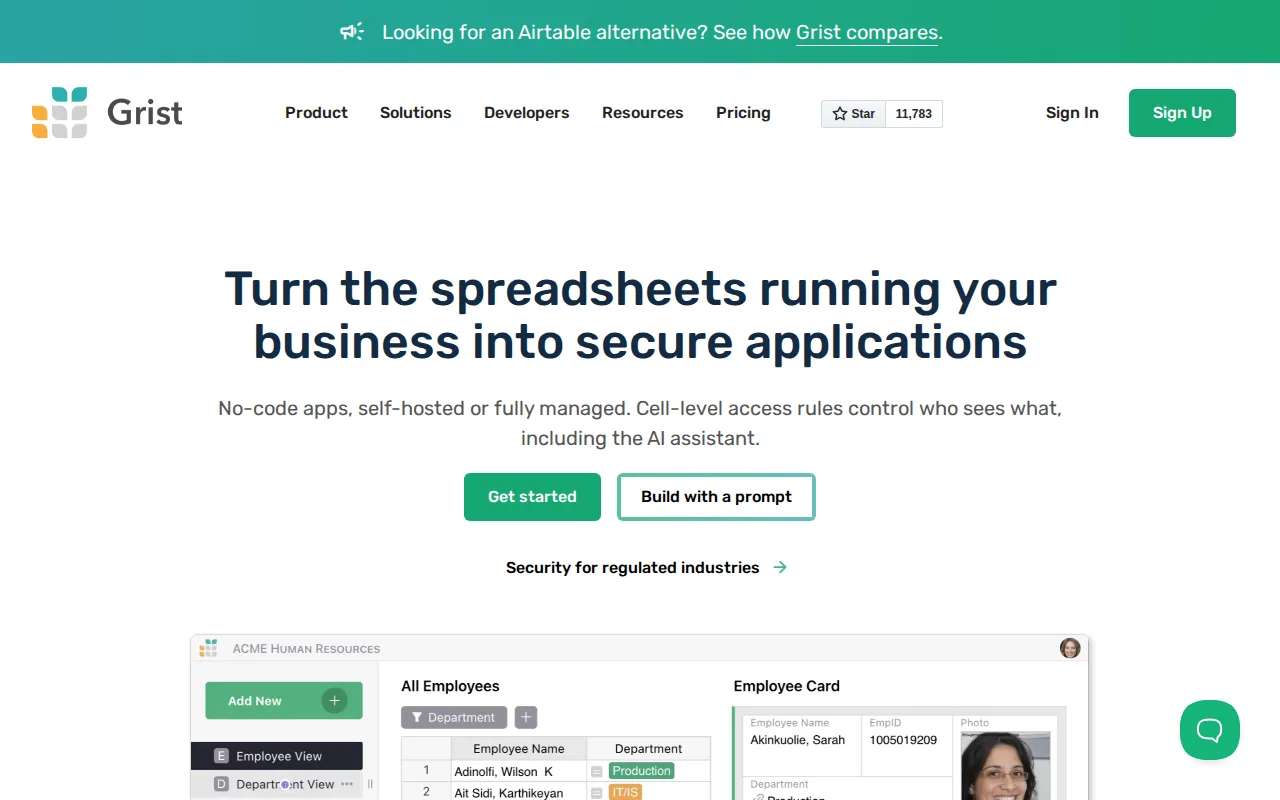
Grist is the best Google Sheets alternative for teams in security-conscious industries — IT, manufacturing, construction, legal, finance — that need spreadsheet-style editing with database-grade row- and column-level access rules Google Sheets doesn't offer at all, since Sheets only controls permissions at the file or tab level. Grist's formula engine supports Python alongside familiar Excel-style functions, giving it more computational depth than Sheets' formula language for teams building relational data models (projects linked to tasks linked to people). The free cloud tier covers up to 5,000 records per document and 10 team members, and a fully open source, self-hosted Community Edition (github.com/gristlabs/grist-core) is free with no record cap at all. Grist holds a 4.9/5 rating from 8 Capterra reviews and 5.0/5 from 3 Product Hunt reviews, both far thinner samples than Google Sheets' own user base. Google Sheets is still the better choice for casual spreadsheet work and real-time collaborative editing with a much larger evidence base behind it: Grist's paid Pro tier starts at $8/user/month for 100,000 records, and its AI Assistant credits are capped even on paid tiers, unlike Sheets' unlimited use for any Google Account holder.
Compared to Google Sheets: row- and column-level access rules for granular permissions, free self-hosted Community Edition with no record cap, free cloud tier caps at 5,000 records per document with Pro starting at $8/user/month
Wins:Row- and column-level access rules let admins expose only specific records or fields to specific users, a permission model Google Sheets doesn't offer at that granularity · Python-powered formula engine alongside familiar Excel-style functions, more powerful than Sheets' formula language for relational data modeling · Free, open source self-hosted Community Edition (github.com/gristlabs/grist-core) has no record cap at all, unlike any tier of Google Sheets
Loses:Free cloud tier caps at 5,000 records per document and 10 team members, a hard limit Google Sheets' free tier doesn't impose in the same way · Pro tier starts at $8/user/month for 100,000 records, a cost Google Sheets' free personal tier doesn't carry · 4.9/5 rating from just 8 Capterra reviews and 3 Product Hunt reviews, a far thinner sample than Google Sheets' large install base
Pros
- Row- and column-level access rules give fine-grained data permissions rarely found in spreadsheet tools.
- Open source with a genuinely free, unlimited self-hosted Community Edition on GitHub.
- Python-powered formulas alongside familiar Excel functions, more powerful than Google Sheets' formula language.
- 50% nonprofit discount on the Pro plan for organizations with a Letter of Determination.
Cons
- Free tier caps at 5,000 records per document, restrictive for larger datasets without upgrading or self-hosting.
- Business tier requires a 5-user minimum, and Enterprise requires 50, pricing that penalizes small teams needing advanced features.
- Smaller third-party integration ecosystem than Airtable or Google Sheets.
- AI Assistant credits are capped and consumed even on paid tiers (100+/month on Pro), unlike unlimited AI features in some competitors.
Pricing: Free tier · paid from $8/mo — Free cloud tier (5,000 records) or free unlimited self-hosted Community Edition vs Google Sheets' free personal tier; Pro from $8/user/month (verified undefined NaN, NaN)
2.NocoDB — best Google Sheets alternative for teams wanting an Airtable-style spreadsheet interface over a real MySQL/Postgres database, self-hosted for free with no record caps
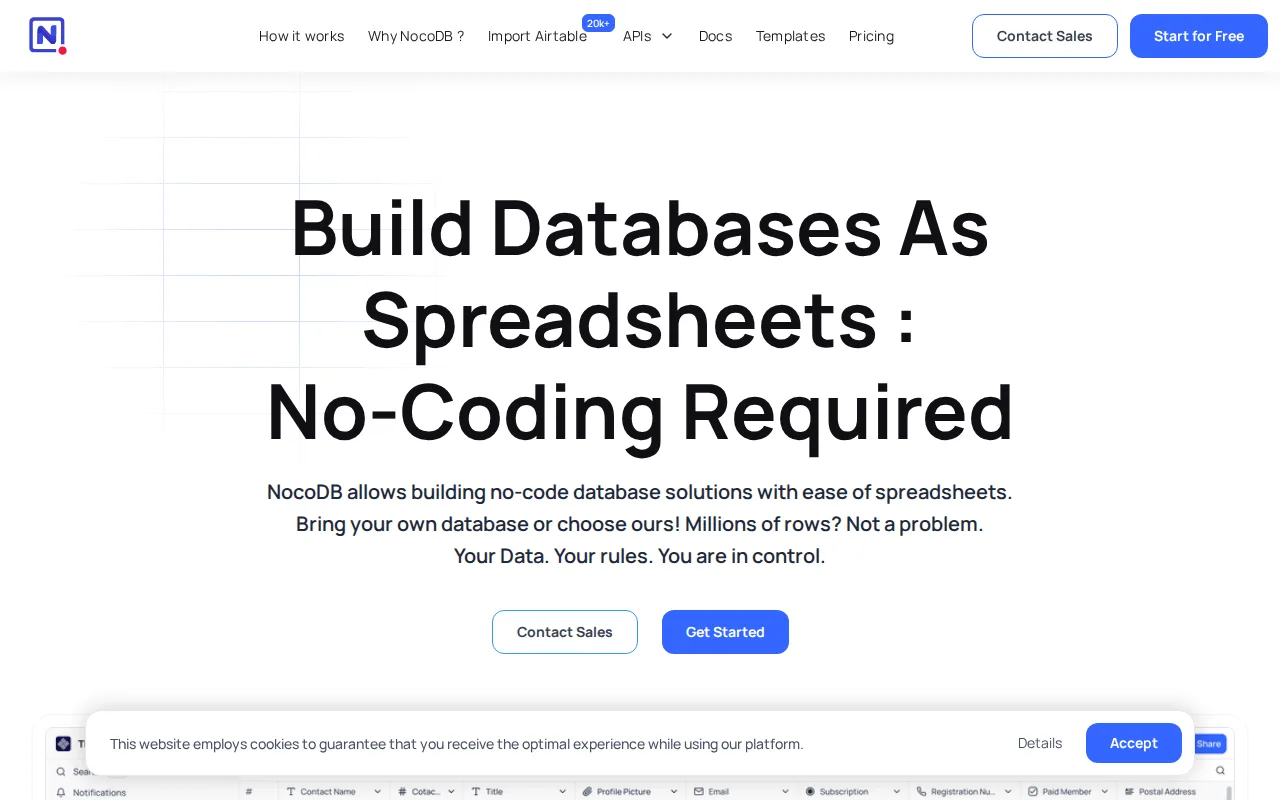
NocoDB is the best Google Sheets alternative for teams that want a spreadsheet-style interface over a real MySQL or PostgreSQL database instead of Sheets' proprietary, non-relational file format. The self-hosted Community edition is free forever with unlimited records, storage, and seats, distributed under the Sustainable Use License with over 63,000 GitHub stars, a scale of no-cost flexibility Google Sheets' free personal tier doesn't match since Sheets' performance still degrades on very large or formula-heavy files. NocoDB presents the same underlying data as Grid, Kanban, Gallery, Form, and Calendar views, which Sheets' single-grid interface doesn't offer natively. Cloud-hosted plans start at $12/user/month for Plus, scaling to $45/user/month for Scale, and NocoDB reports organizations including Accenture and Walmart among its 35,000+ customers. Its outside rating comes from just 2 Product Hunt reviews, too thin a sample to weigh heavily. Google Sheets is still the better choice for real-time multi-user collaboration and pure spreadsheet formulas: NocoDB's free cloud tier caps out at just 1,000 records and 1GB storage, and self-hosting the unlimited Community edition requires managing your own Docker deployment, backups, and upgrades that Sheets' fully hosted model avoids entirely.
Compared to Google Sheets: free self-hosted Community edition with unlimited records and seats, connects directly to an existing MySQL or PostgreSQL database instead of a proprietary file format, cloud Plus tier starts at $12/user/month with the free cloud tier capped at 1,000 records
Wins:Self-hosted Community edition is free forever with unlimited records, storage, and seats, a scale of no-cost flexibility Google Sheets' free tier doesn't match · Connects directly to an existing MySQL or PostgreSQL database rather than requiring data to live in a proprietary spreadsheet file · Multiple views (Grid, Kanban, Gallery, Form, Calendar) over the same data, more than Sheets' single-grid interface offers natively
Loses:Free cloud tier caps out at just 1,000 records and 1GB storage, tighter than Google Sheets' free personal tier · Self-hosting the unlimited Community edition requires managing your own Docker deployment, backups, and upgrades, unlike Sheets' fully hosted model · Outside rating comes from just 2 Product Hunt reviews, too thin a sample to weigh heavily against Google Sheets' large user base
Pros
- Self-hosted Community edition is free forever with unlimited records, storage, and seats.
- Connects directly to an existing MySQL or PostgreSQL database instead of requiring data migration into a proprietary format.
- Multiple views (Grid, Kanban, Gallery, Form, Calendar) over the same underlying data.
- Over 63,000 GitHub stars and an active open-source community driving development.
Cons
- Sustainable Use License is fair-source, not OSI-approved open source, unlike fully permissively-licensed alternatives.
- Free cloud tier is capped at 1,000 records and 1 GB storage, far below the unlimited self-hosted Community edition.
- Self-hosting requires managing your own Docker infrastructure, updates, and backups.
- Higher paid tiers (Scale at $45/user/month) get expensive quickly for teams needing SSO or row-level security at scale.
Pricing: Free tier · paid from $12/mo — Free self-hosted (unlimited) or free cloud tier (1,000 records) vs Google Sheets' free personal tier; Plus from $12/user/month (verified undefined NaN, NaN)