6 Best Alternatives to Gmail for Web in 2026
By Noahlast updated
Compared: Gmail alternatives that run on Web
| Alternative | Best for | Learning curve | Price |
|---|---|---|---|
| Gmailreference | individuals who want a free, reliable, spam-filtered inbox with strong search, and businesses wanting professional email bundled with Google's collaboration suite | Low | Free tier · paid from $7/mo |
| Outlook | individuals who want a free, ad-supported webmail and calendar client, with the option to upgrade to an ad-free inbox, larger storage, and Copilot AI through a Microsoft 365 subscription | Low | Free tier · paid from $9.99/mo |
| Proton Mail | privacy-conscious individuals, journalists, and small teams who want end-to-end encrypted email with open-source, independently audited clients rather than a mainstream provider that can technically read stored mail | Low | Free tier · paid from $3.99/mo |
| Fastmail | privacy-conscious individuals and small businesses who want custom-domain email with no ads or content scanning and don't mind paying from day one | Low | From $4/mo |
| Zoho Mail | small businesses and startups that want ad-free, custom-domain email without Google Workspace or Microsoft 365 per-seat pricing | Low | Free tier · paid from $1/mo |
| Tuta | privacy-conscious individuals and organizations, including journalists, healthcare providers, and nonprofits, who want end-to-end encrypted email and calendar with open-source, auditable clients | Low | Free tier · paid from $3.25/mo |
| HEY | individuals and small teams who want an opinionated, spam-resistant inbox and are willing to pay a flat annual fee instead of using free Gmail or Outlook | Moderate | From $12/mo |
 Gmail
Gmail Outlook
 Proton Mail
 Fastmail
 Zoho Mail
 Tuta
Tuta HEY
HEY1Outlook — best Gmail alternative for individuals who want a free, ad-supported webmail and calendar client, with the option to upgrade to an ad-free inbox, larger storage, and Copilot AI through a Microsoft 365 subscription
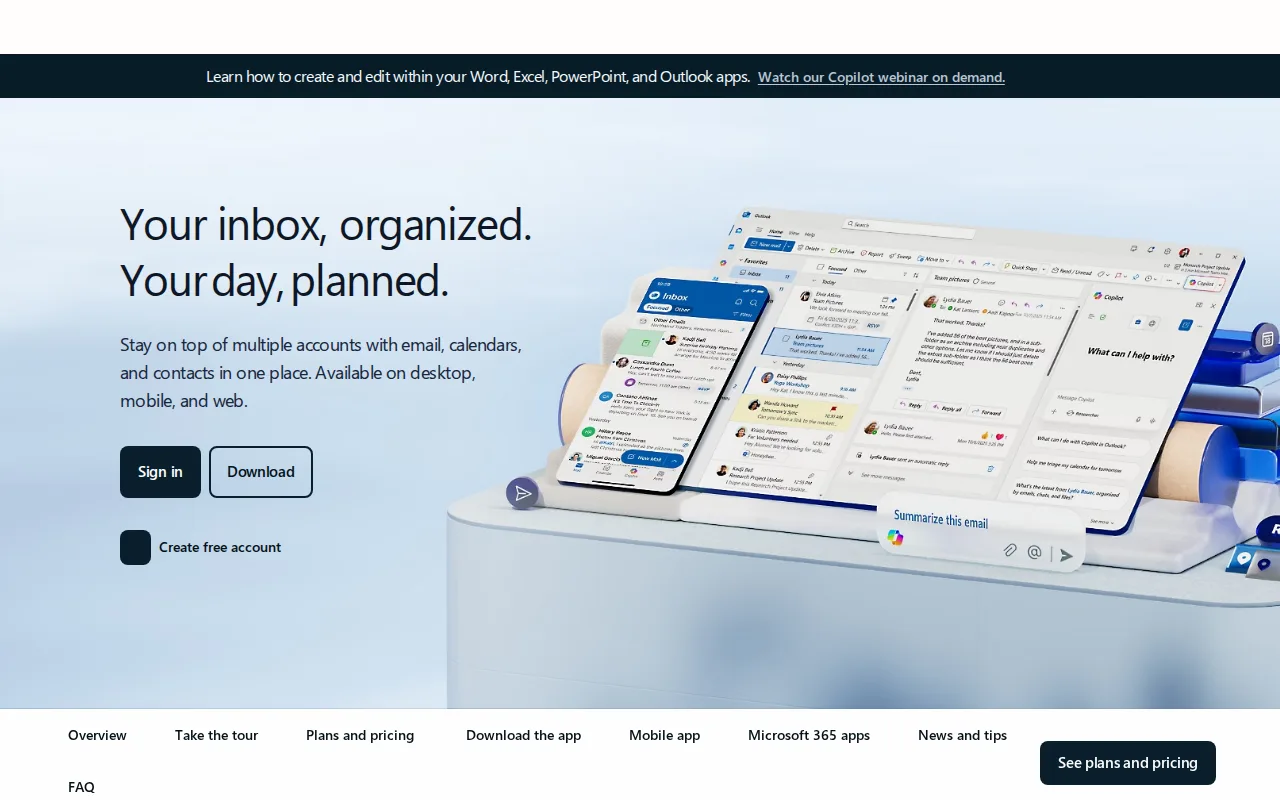
Outlook is the best Gmail alternative for anyone who already pays for Microsoft 365 and wants email, Word, Excel, and Teams bundled into a single subscription rather than juggling a separate Google account. Outlook's free tier (Outlook.com) is ad-supported like Gmail's, but Microsoft 365 Personal at $9.99/month ($99.99/year) removes ads entirely, expands the mailbox to 100GB, and adds Copilot AI drafting for composing and summarizing email, features Gmail's free tier doesn't match. Outlook holds a 4.5/5 rating from 2,501 Capterra reviews, a smaller sample than Gmail's own 4.8/5 from 13,516 Capterra reviews. Family plans extend the same premium Outlook features to up to 6 people for $12.99/month, each with 1TB of separate OneDrive storage. Gmail is still the better choice for anyone who wants a free tier without ads-versus-storage tradeoffs baked into a full office suite: Outlook's standalone, low-cost Outlook.com Premium subscription was discontinued for new users in 2017, so removing ads now requires the full $9.99/month Microsoft 365 bundle, and reviewers report slowdowns and unreliable attachment search on large mailboxes.
Compared to Gmail: Microsoft 365 bundles Word, Excel, Teams, and Copilot AI drafting with Outlook for $9.99/month, 4.5/5 rating from 2,501 Capterra reviews vs Gmail's 4.8/5 from 13,516, ad-free upgrade requires a full Microsoft 365 subscription since standalone Outlook.com Premium was discontinued in 2017
Wins:Microsoft 365 subscription bundles Outlook with Word, Excel, Teams, and Copilot AI drafting, an office-suite bundle Gmail's Workspace pricing doesn't match at the same price point · Family plan covers up to 6 people for $12.99/month, each with 1TB of separate OneDrive storage · Ad-free Microsoft 365 tier includes Copilot AI drafting and summarizing, which Gmail's free tier doesn't offer
Loses:4.5/5 rating from 2,501 Capterra reviews, below Gmail's 4.8/5 from 13,516 Capterra reviews · Removing ads requires a full $9.99/month Microsoft 365 subscription, since the standalone low-cost Outlook.com Premium plan was discontinued for new users in 2017 · Reviewers report performance slowdowns and unreliable attachment search on large mailboxes
Pros
- Free tier is a fully usable webmail client with calendar and contacts, no subscription required.
- Premium features (ad-free, 100GB mailbox, Copilot) are bundled into a Microsoft 365 subscription rather than sold separately.
- Deep integration with Word, Excel, PowerPoint, and Teams for Microsoft 365 subscribers.
- Broad platform support across web, Windows, macOS, iOS, and Android.
Cons
- Ads appear throughout the free tier.
- Ad-free and expanded-storage upgrades require a full Microsoft 365 subscription, not a low-cost Outlook-only add-on.
- Reviewers report performance slowdowns and sync issues with large mailboxes.
- Attachment search can be unreliable, according to user reviews.
Pricing: Free tier · paid from $9.99/mo — $9.99/month Microsoft 365 Personal (ad-free, 100GB, Copilot) vs Gmail's free 15GB tier or $7/user/month Google Workspace Business Starter (verified )
2Proton Mail — best Gmail alternative for privacy-conscious individuals, journalists, and small teams who want end-to-end encrypted email with open-source, independently audited clients rather than a mainstream provider that can technically read stored mail
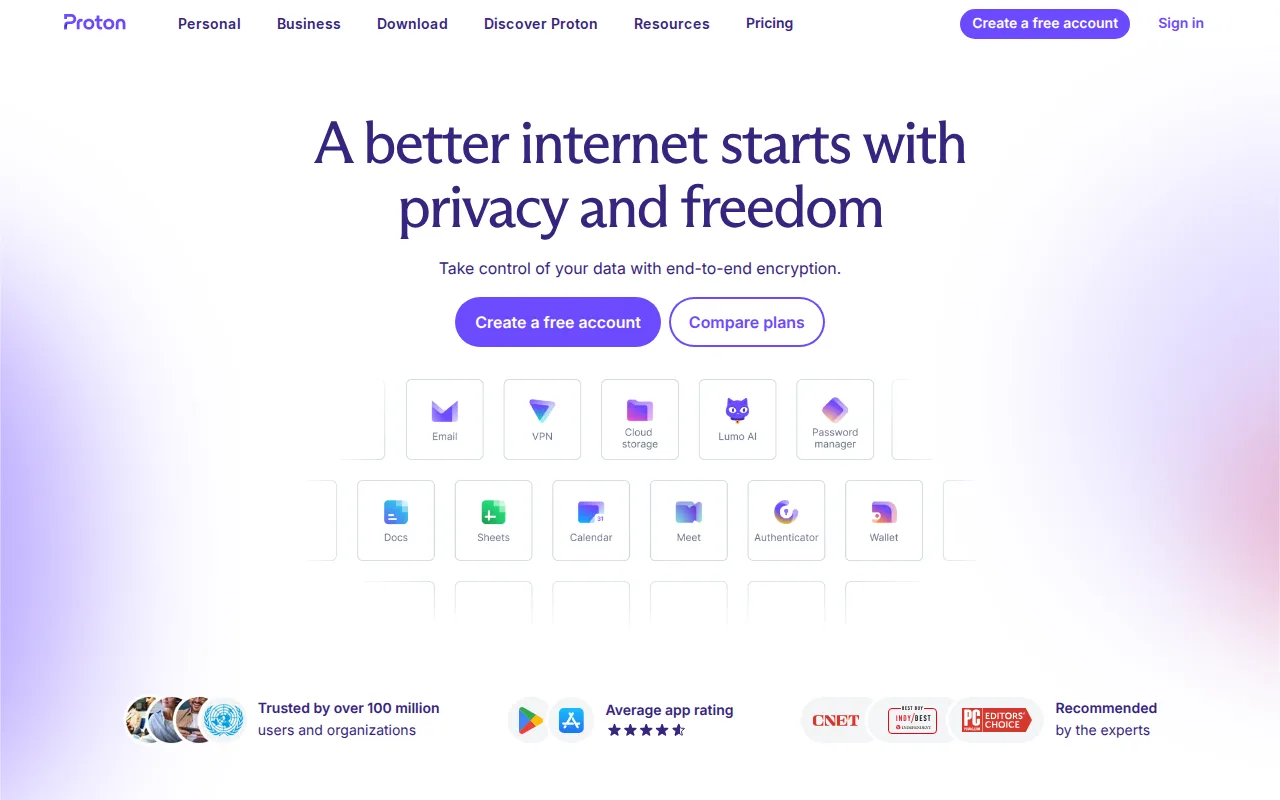
Proton Mail is the best Gmail alternative for privacy-conscious individuals, journalists, and small teams who want an inbox that even the provider itself cannot read, a guarantee Gmail's free and Workspace tiers don't offer. Proton Mail's zero-access encryption applies on every paid plan, and its client apps across web, Windows, macOS, Linux, iOS, and Android are open source and independently audited, unlike Gmail's closed-source clients. The free tier covers 1GB of storage and one address, while Mail Plus adds 15GB, 10 aliases, and a custom domain for $3.99/month billed annually, and Proton Unlimited bundles 500GB of pooled storage with Proton VPN, Drive, and Pass for $9.99/month. Proton reports over 100 million users across its product family, though its Capterra footprint is far thinner at 122 reviews (4.5/5) versus Gmail's 13,516. Gmail is still the better choice for anyone who wants generous free storage without upgrading: Proton's free tier caps out at just 1GB against Gmail's 15GB, and the higher-value Unlimited and Family tiers bundle VPN, Drive, and Pass features that email-only switchers may not need, raising the effective per-mailbox cost.
Compared to Gmail: zero-access encryption on every paid plan, open-source independently audited clients across six platforms, free tier caps at 1GB vs Gmail's free 15GB
Wins:Zero-access encryption means Proton itself cannot read message content on any paid plan, a guarantee Gmail's Workspace tiers don't offer · Open-source, independently audited client apps across web, Windows, macOS, Linux, iOS, and Android, unlike Gmail's closed-source clients · No phone number required to sign up, and Swiss jurisdiction outside US/EU data-sharing agreements
Loses:Free tier caps storage at just 1GB and one address, versus Gmail's free 15GB shared across Gmail, Drive, and Photos · 122 Capterra reviews at 4.5/5, a much thinner sample than Gmail's 13,516 at 4.8/5 · Unlimited and Family tiers bundle VPN, Drive, and Pass, raising the effective cost for switchers who only want email
Pros
- Zero-access encryption means Proton cannot read message content on any paid plan.
- Open-source, independently audited client apps across web, desktop, iOS, and Android.
- No phone number required to sign up, and Swiss jurisdiction outside US/EU data-sharing agreements.
- Bridge app connects Proton Mail to standard IMAP clients like Outlook or Apple Mail on Mail Plus and up.
Cons
- Free tier is limited to 1 GB storage and a single email address.
- Higher tiers bundle VPN, Drive, and Pass, which raises the effective price for users who only want email.
- Custom domain support starts at just 1 domain on Mail Plus, fewer than some business-focused competitors.
Pricing: Free tier · paid from $3.99/mo — Free at 1GB, or Mail Plus $3.99/month for 15GB, vs Gmail's free 15GB tier
3Fastmail — best Gmail alternative for privacy-conscious individuals and small businesses who want custom-domain email with no ads or content scanning and don't mind paying from day one
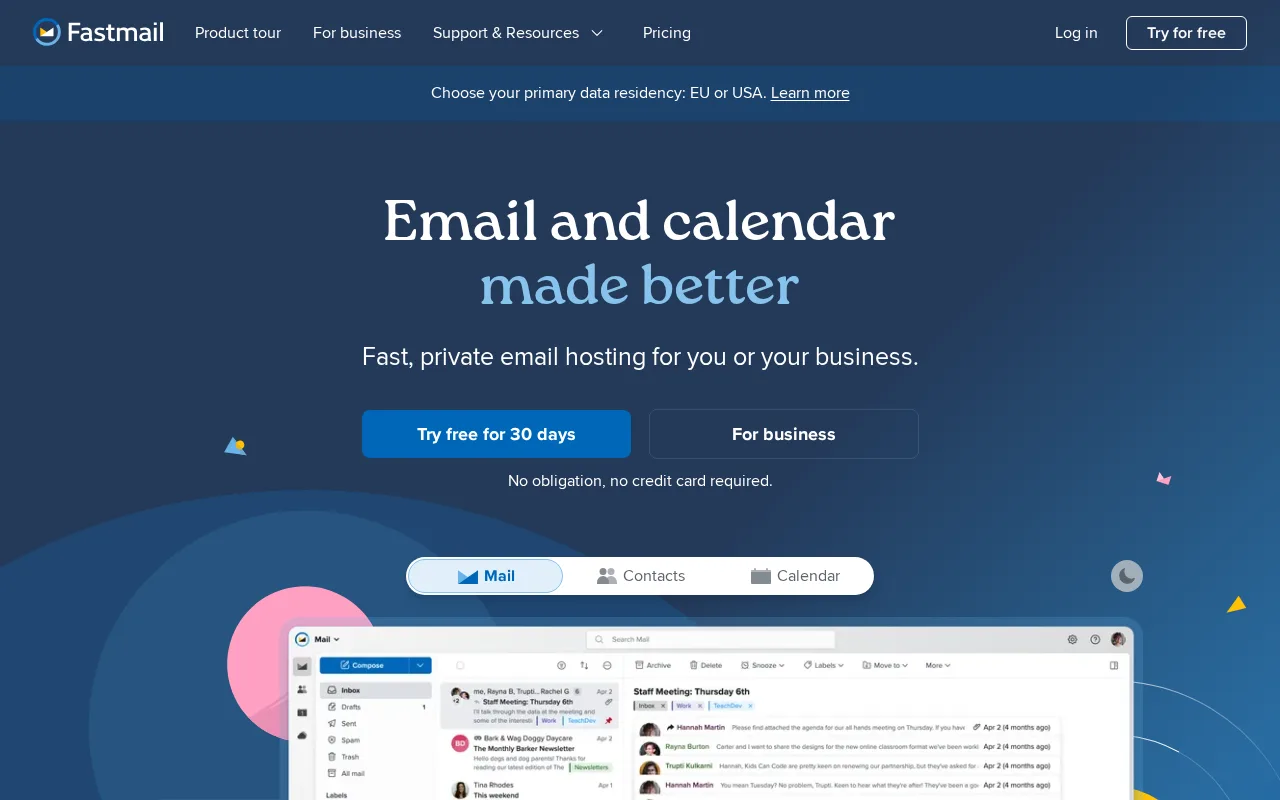
Fastmail is the best Gmail alternative for privacy-conscious individuals and small businesses who want an ad-free inbox with no scanning of email content, something Gmail's free tier doesn't offer since it displays ads and Google's ecosystem is built around data collection. Every Fastmail plan, including the cheapest Individual tier at $6/month ($5/month billed annually), includes a custom domain, unlimited masked email aliases for signing up to services without exposing a real address, and standards-based IMAP/CalDAV/CardDAV access that works with any email client rather than locking users into a proprietary web app. Fastmail holds a 4.9/5 rating, the highest of any alternative here, though from just 11 Capterra reviews, a far thinner sample than Gmail's 13,516. Business plans start at $4/user/month for Basic and scale to $10/user/month for Professional, which adds a legal-compliance email retention archive. Gmail is still the better choice for anyone unwilling to pay from day one or who relies on Google-scale spam filtering: Fastmail has never offered a free tier beyond its 30-day trial, and its search and spam filtering are generally considered weaker than Gmail's machine-learning-driven systems.
Compared to Gmail: no ads or content scanning on any plan, unlimited masked email aliases and custom domain on every plan starting at $6/month, 4.9/5 rating from just 11 Capterra reviews vs Gmail's 13,516
Wins:No ads and no scanning of email content for advertising, unlike Gmail's ad-supported free tier · Custom domain support and unlimited masked email aliases included on every plan, even the cheapest $6/month Individual tier · Standards-based IMAP/CalDAV/CardDAV access works with any email client, avoiding the lock-in of Gmail's web app
Loses:No free tier at all; every plan requires payment after a 30-day trial, unlike Gmail's permanently free tier · Spam filtering and search are generally weaker than Gmail's machine-learning-driven systems · 4.9/5 rating rests on just 11 Capterra reviews, a far thinner sample than Gmail's 13,516
Pros
- No ads and no scanning of email content for advertising, unlike free webmail providers.
- Custom domain support and unlimited masked email aliases included on every plan, even the cheapest.
- Standards-based IMAP/CalDAV/CardDAV access works with any email client, avoiding vendor lock-in.
- Business Professional tier includes a legal-compliance email retention archive.
Cons
- No free tier; every plan requires payment after the 30-day trial ends.
- Spam filtering and search are generally weaker than Gmail's machine-learning-driven systems.
- No AI-assisted writing or summarization features that Gmail and Outlook now offer.
- Base Individual plan's 60GB storage is smaller than Gmail's free 15GB-plus-cheap-upgrade model once photos and attachments accumulate.
Pricing: From $4/mo — $6/month Individual (60GB) vs Gmail's free 15GB tier; no free option (verified )
4Zoho Mail — best Gmail alternative for small businesses and startups that want ad-free, custom-domain email without Google Workspace or Microsoft 365 per-seat pricing
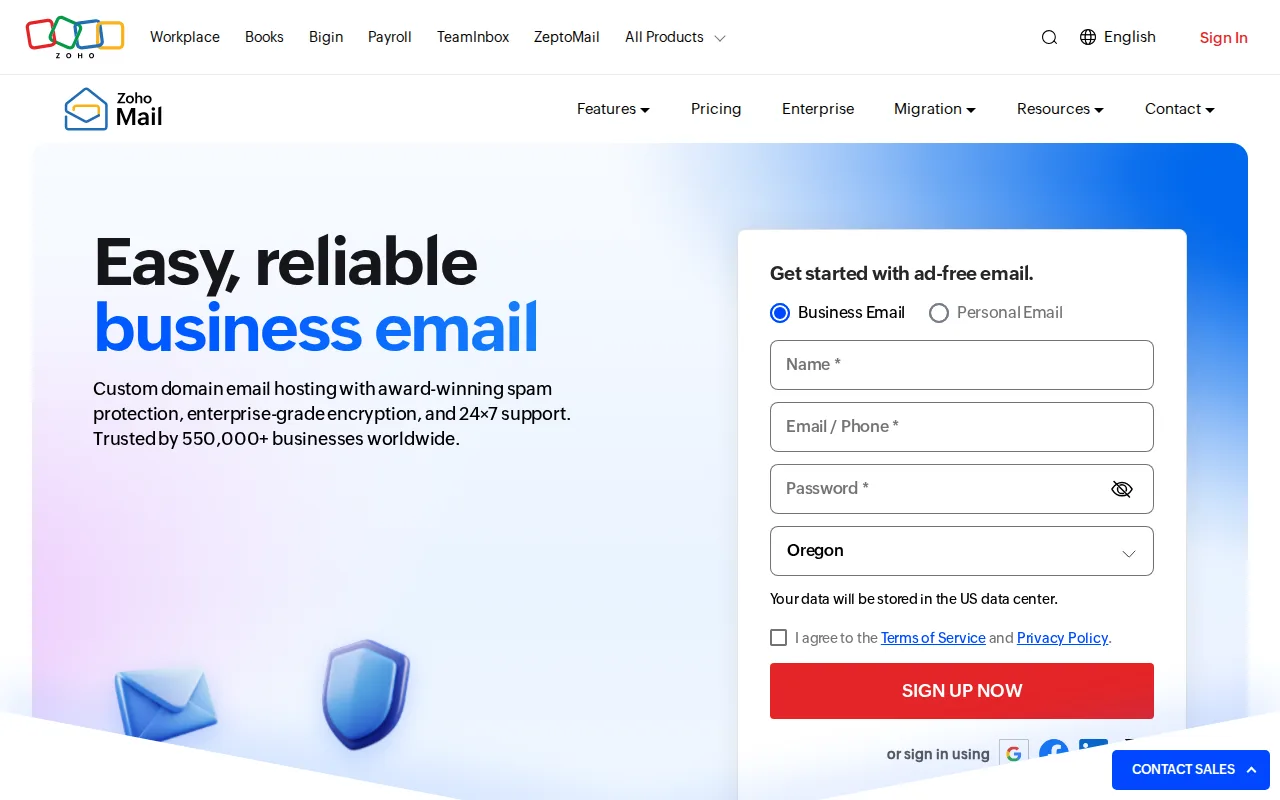
Zoho Mail is the best Gmail alternative for small businesses and startups that want professional @yourdomain.com addresses without paying Google Workspace's per-seat pricing, since Zoho Mail's free plan covers up to 5 users at 5GB each with one custom domain and no credit card required, versus Gmail's $7/user/month Business Starter for the same custom-domain capability. Paid Mail Lite and Mail Premium plans start at $1/user/month and $4/user/month billed annually, and Workplace bundles add WorkDrive, Writer, Sheet, Show, and Cliq for teams that want a fuller office suite at a fraction of Google Workspace's cost. Zoho Mail holds a 4.5/5 rating from 1,067 Capterra reviews, a solid sample though still well below Gmail's 13,516. Gmail is still the better choice for anyone who needs a standard email client protocol on the free tier or Google-scale spam filtering: Zoho Mail's free plan doesn't include IMAP, POP, or ActiveSync access, limiting free users to Zoho's own web and mobile apps, and its paid Mail-only tiers require annual billing with no month-to-month option.
Compared to Gmail: free plan covers 5 users at 5GB each with a custom domain vs Gmail's $7/user/month Workspace requirement, Workplace plans bundle a full office suite at a fraction of Google Workspace's per-seat cost, free tier excludes IMAP/POP/ActiveSync access
Wins:Free plan covers up to 5 users with 5GB storage each and one custom domain, no credit card required, versus Gmail's $7/user/month Business Starter for a custom domain · Paid plans are substantially cheaper per seat than Google Workspace for comparable mailbox storage · Workplace plans bundle a full office suite (WorkDrive, Writer, Sheet, Show, Cliq) rather than email alone
Loses:Free tier doesn't include IMAP/POP/ActiveSync, limiting access to Zoho's own apps, unlike Gmail which supports third-party clients · Mail-only plans (Lite, Premium) require annual billing with no monthly option · 1,067 Capterra reviews at 4.5/5, a smaller sample than Gmail's 13,516 at 4.8/5
Pros
- Free plan covers up to 5 users with 5GB storage each and no credit card required.
- Paid plans are substantially cheaper per seat than Google Workspace or Microsoft 365 for comparable mailbox storage.
- Workplace plans bundle a full office suite (WorkDrive, Writer, Sheet, Show, Cliq) rather than email alone.
- S/MIME encryption, e-Discovery, and data loss prevention are available on Premium and above.
Cons
- Free tier doesn't include IMAP/POP/ActiveSync, limiting access to Zoho's own apps.
- Mail-only plans (Lite, Premium) require annual billing with no monthly option.
- Smaller ecosystem of third-party integrations than Google Workspace or Microsoft 365.
- Exact current pricing wasn't readable from Zoho's JavaScript-rendered pricing page; figures above reflect Zoho's documented historical pricing structure and should be re-verified before publishing.
Pricing: Free tier · paid from $1/mo — Free for 5 users at 5GB each, or Mail Lite $1/user/month, vs Gmail's $7/user/month Business Starter for a custom domain
5Tuta — best Gmail alternative for privacy-conscious individuals and organizations, including journalists, healthcare providers, and nonprofits, who want end-to-end encrypted email and calendar with open-source, auditable clients
Tuta is the best Gmail alternative for individuals and organizations, including journalists and healthcare providers, who want encryption on both email and calendar by default, not just message bodies, using TutaCrypt, a post-quantum cryptography scheme Gmail's infrastructure doesn't include. All of Tuta's client apps are open source under GPL-3.0 and auditable on GitHub, distributed through the Apple App Store, Google Play, F-Droid, and direct APK downloads, unlike Gmail's closed-source apps. Tuta's free tier includes 1GB of storage, one calendar, and three labels with no custom domain; the paid Revolutionary plan starts around $3.25/month (about €3, discounted further when billed annually) and adds unlimited calendars and labels plus custom domains, while Legend scales to 500GB for roughly $8.65/month. Tuta carries no external rating data on Capterra or Product Hunt, unlike Gmail's 4.8/5 from 13,516 Capterra reviews, so its reputation can't be checked against outside review data here. Gmail is still the better choice for anyone who needs to connect a mailbox to a third-party client: Tuta supports neither IMAP nor SMTP, so it only works through Tuta's own apps and webmail, and it offers no PGP or S-MIME support for encrypted mail to non-Tuta recipients.
Compared to Gmail: post-quantum TutaCrypt encryption covers both email and calendar, fully open-source GPL-3.0 clients vs Gmail's closed-source apps, no IMAP or SMTP support so mailboxes only work through Tuta's own apps
Wins:Post-quantum end-to-end encryption (TutaCrypt) applied to both email and calendar, not just message bodies, unlike Gmail · Fully open-source clients (GPL-3.0) available for independent audit on GitHub, plus F-Droid and direct APK downloads outside the Play Store · Ad-free with no tracking or behavioral advertising built into the business model, unlike Gmail's free tier
Loses:No IMAP or SMTP access, so Tuta inboxes only work through Tuta's own apps and webmail, unlike Gmail which supports third-party clients · No PGP or S-MIME support for encrypted mail to external, non-Tuta recipients · Carries no external rating data on Capterra or Product Hunt, unlike Gmail's 4.8/5 from 13,516 Capterra reviews
Pros
- Post-quantum end-to-end encryption (TutaCrypt) applied to both email and calendar, not just message bodies.
- Fully open-source clients (GPL-3.0) available for independent security audit, plus F-Droid and direct APK downloads outside the Play Store.
- Revolutionary and Legend plans include unlimited calendars and labels, with custom domain support starting at the Revolutionary tier.
- Ad-free, with no tracking or behavioral advertising built into the business model.
Cons
- No PGP or S-MIME support for encrypted messages to non-Tuta recipients.
- No IMAP or SMTP access, so Tuta inboxes can only be used through Tuta's own apps and webmail, not third-party clients like Outlook or Thunderbird.
- Free tier is capped at 1GB storage with no custom domain or extra email aliases.
Pricing: Free tier · paid from $3.25/mo — Free at 1GB, or Revolutionary from about $3.25/month, vs Gmail's free 15GB tier
6HEY — best Gmail alternative for individuals and small teams who want an opinionated, spam-resistant inbox and are willing to pay a flat annual fee instead of using free Gmail or Outlook
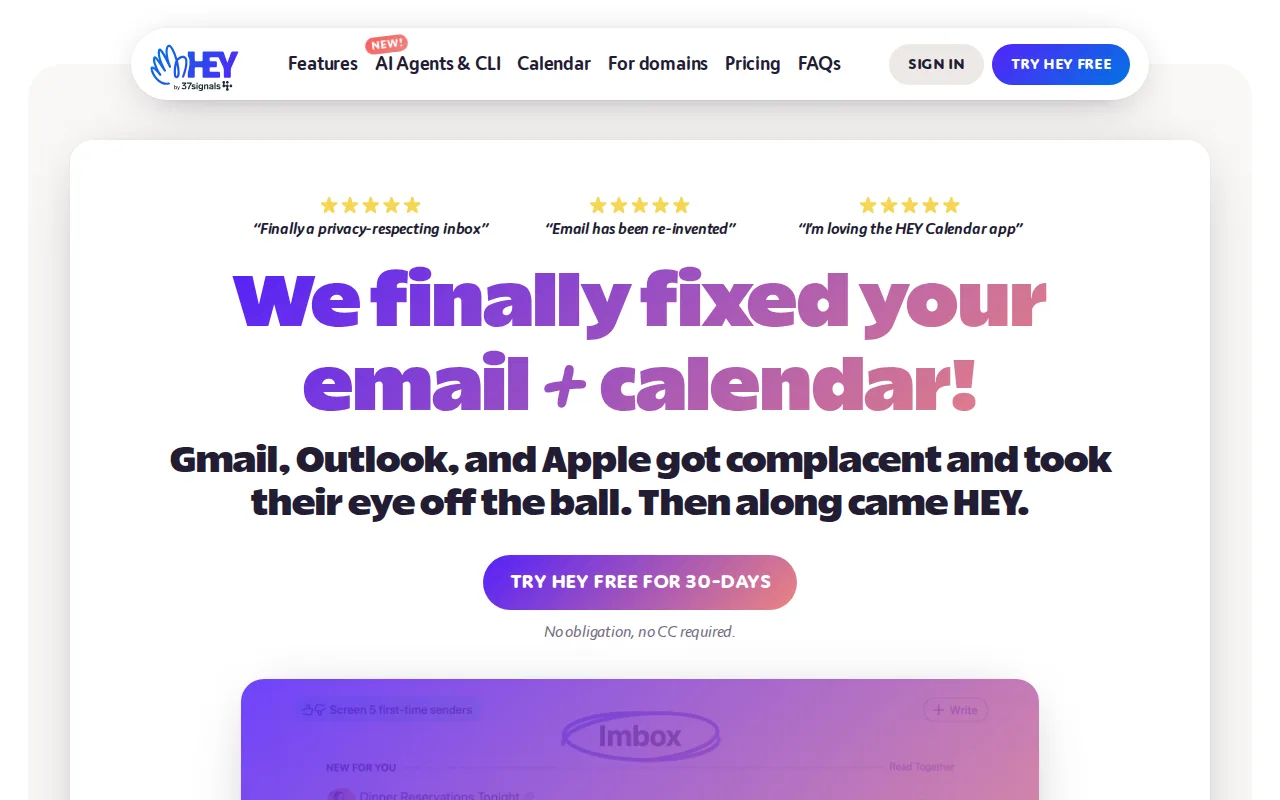
HEY is the best Gmail alternative for people frustrated with spam and promotional clutter slipping past Gmail's tab system, since HEY's Screener holds every first-time sender for manual approval before a message ever reaches the inbox, and rejected senders are blocked permanently rather than just filtered into a folder. Approved mail then splits into the Imbox for real correspondence, Paper Trail for receipts, and The Feed for newsletters, a structural redesign Gmail's Promotions and Social tabs only approximate. HEY for You costs $99/year for an individual @hey.com address with 100GB of storage, more than Gmail's free 15GB but with no ads and no algorithmic sorting to second-guess. HEY holds a 4.3/5 rating from just 6 Product Hunt reviews, a far smaller sample than Gmail's 13,516 Capterra reviews. Gmail is still the better choice for anyone unwilling to switch addresses or pay upfront: HEY has no permanent free tier and no monthly billing for individuals, requires moving to a new @hey.com address unless paying extra for HEY for Domains, and offers fewer third-party integrations and power-user filtering rules than Gmail.
Compared to Gmail: the Screener blocks unapproved senders before they reach the inbox, $99/year flat price vs Gmail's free tier, 4.3/5 rating from just 6 Product Hunt reviews vs Gmail's 4.8/5 from 13,516
Wins:The Screener requires approval before any new sender reaches the inbox, eliminating spam and cold email more directly than Gmail's Promotions and Social tabs · Paper Trail and The Feed keep receipts and newsletters out of the main inbox without deleting them, a clearer separation than Gmail's tab categorization · No ads at any tier, unlike Gmail's free plan
Loses:No permanent free plan and no monthly billing for individuals; HEY for You is a $99/year commitment versus Gmail's free tier · Requires switching to a new @hey.com address rather than layering onto an existing Gmail address, unless paying extra for HEY for Domains · 4.3/5 rating from just 6 Product Hunt reviews, a far thinner sample than Gmail's 13,516 Capterra reviews
Pros
- The Screener eliminates spam and cold email by requiring approval before any new sender reaches the inbox.
- Paper Trail and The Feed keep receipts and newsletters out of the main inbox without deleting or losing them.
- Native apps on macOS, Windows, Linux, iOS, and Android plus a web client.
- HEY for Families extends one subscription to up to 5 people.
Cons
- No permanent free plan and no monthly billing for individual accounts; HEY for You is a $99/year commitment.
- Requires switching to a new @hey.com address (or paying extra for HEY for Domains) rather than layering onto an existing Gmail or Outlook address.
- Fewer third-party integrations and power-user filtering rules than Gmail or Outlook.
- Premium short email addresses (2-3 characters) cost $349-$999/year on top of the base plan.
Pricing: From $12/mo — $99/year HEY for You vs Gmail's free tier; no monthly option (verified )