5 Best Alternatives to Gitea in 2026
By Noahlast updated pricing verified

From our data: All 5 of the alternatives listed here show a free tier in their pricing data, matching Gitea's own free, unlimited-user open-source core; among the ones with a lowest paid tier, Bitbucket's $3.65/user/month Standard plan is the cheapest, undercutting Gitea Enterprise's $9.50/user/month starting price.
 GitHub
 GitLab
 Forgejo
 Bitbucket
 SourceHut
How we picked
- Verified pricing timestamps cover four of the five alternatives (2026-08-21): GitHub, Forgejo, Bitbucket, and SourceHut all carry a recorded pricing-verification date; only GitLab's listed tiers have no verification timestamp on file.
- External ratings favor scale over niche community size: GitHub's 4.8/5 from 6,198 Capterra reviews is the largest and highest-rated signal here, GitLab (4.6/5, 1,224 Capterra reviews) and Bitbucket (4.6/5, 1,347 reviews) follow, while Forgejo and SourceHut carry no external rating, similar to Gitea's own thin base of 9 Product Hunt reviews.
- Every alternative listed shows a free tier or free-to-use core in its own pricing data, matching Gitea's free, unlimited-user open-source edition; only GitLab's Ultimate and GitHub's Enterprise tiers gate the deepest security and compliance features behind a per-user price.
- Self-hosting posture was weighed alongside price: Forgejo, like Gitea, has no official managed cloud offering from the project itself, while GitHub, GitLab, Bitbucket, and SourceHut are primarily SaaS platforms (GitLab also ships a self-hosted Community Edition).
Paid placement never alters editorial rank — read the full methodology.
Gitea alternatives at a glance
| Alternative | Best for | Learning curve | Price |
|---|---|---|---|
| Giteareference | teams that want to self-host Git repository hosting, CI/CD, and package management with unlimited free users, upgrading to Enterprise only for SSO and compliance features | Moderate | Free tier · paid from $9.50/mo |
| GitHub | development teams that want Git hosting combined with integrated CI/CD, project tracking, and code review in a single platform, from individual open-source maintainers up to large enterprises requiring SSO and compliance | Moderate | Free tier · paid from $4/mo |
| GitLab | engineering teams that want source control, CI/CD, and security scanning in one application instead of assembling separate tools for each function | Steep | Free tier · paid from $29/mo |
| Forgejo | developers and organizations that want a GitHub-style forge on self-hosted infrastructure, governed by a community rather than a company | Moderate | Free |
| Bitbucket | teams already standardized on Jira and Confluence who want Git hosting and CI/CD that links natively to issue tracking without a separate integration | Low | Free tier · paid from $3.65/mo |
| SourceHut | developers and open-source maintainers who want a JavaScript-free, self-hostable forge with email-based patch review instead of a pull-request UI | Steep | Free tier · paid from $4/mo |
 Gitea
Gitea1GitHub — best Gitea alternative for development teams that want Git hosting combined with integrated CI/CD, project tracking, and code review in a single platform, from individual open-source maintainers up to large enterprises requiring SSO and compliance

GitHub is the best Gitea alternative for teams that want the largest network of open-source projects, integrations, and third-party dev tools built around a single Git host. GitHub's Free plan includes unlimited public and private repositories with 2,000 CI/CD minutes/month, matching Gitea's own unlimited-user, unlimited-repository free tier, and GitHub Actions and Codespaces provide integrated CI/CD and cloud dev environments without stitching together separate tools. GitHub holds a 4.8/5 rating from 6,198 Capterra reviews, by far the largest and highest-rated review base of any tool in this comparison, well above Gitea's own 5/5 from just 9 Product Hunt reviews. Gitea is still the better choice for teams that want to self-host everything with unlimited users at zero cost and no promotional pricing cliff: GitHub's Team ($4/user/month) and Enterprise ($21/user/month) tiers are introductory rates for the first 12 months that increase afterward, while Gitea's open-source edition has no per-user cost at all, and GitHub Actions configuration and navigating large repositories with many branches has a steeper learning curve than Gitea's lighter, single-binary deployment.
Compared to Gitea: 2,000 CI/CD minutes/month included free, far larger review base and rating (4.8/5 from 6,198 vs Gitea's 5/5 from 9 reviews), GitHub Actions and Codespaces provide integrated CI/CD and cloud dev environments
Wins:Free tier includes 2,000 CI/CD minutes/month, more built-in CI capacity than a self-hosted Gitea Actions runner needs setting up · 4.8/5 rating from 6,198 Capterra reviews, far more review volume than Gitea's 5/5 from 9 Product Hunt reviews · The largest ecosystem of open-source projects, integrations, and third-party tooling of any Git host
Loses:Team ($4/user/month) and Enterprise ($21/user/month) pricing are introductory rates for the first 12 months, increasing afterward, unlike Gitea's free unlimited-user core · GitHub Actions configuration and navigating large repositories has a steeper learning curve than Gitea's lighter deployment · No genuinely self-hosted option with the same simplicity as Gitea's single lightweight Go binary
Pros
- Free tier includes unlimited public and private repositories with no user-count restriction.
- The largest ecosystem of open-source projects, integrations, and third-party tooling of any Git host.
- GitHub Actions and Codespaces provide integrated CI/CD and cloud dev environments without separate tools.
- Frequent, well-communicated platform updates and a large community that resolves issues quickly.
Cons
- Team and Enterprise pricing ($4 and $21 per user/month) are introductory rates for the first 12 months, increasing afterward.
- GitHub Actions and repository security settings have a steeper learning curve for teams new to CI/CD configuration.
- Navigating and discovering content in very large repositories with many branches and workflows can be difficult.
- Advanced Security features (secret scanning, code scanning at scale) are largely gated behind Enterprise pricing.
Pricing: Free tier · paid from $4/mo — Free for unlimited repos on both; GitHub Team is $4/user/month (12-month promo) vs Gitea Enterprise's $9.50/user/month (verified )
2GitLab — best Gitea alternative for engineering teams that want source control, CI/CD, and security scanning in one application instead of assembling separate tools for each function

GitLab is the best Gitea alternative for engineering teams that want source control, CI/CD, and security scanning built into one application rather than assembled from separate tools. GitLab's Free tier costs $0/user/month with core Git hosting and CI/CD, matching Gitea's own free open-source core, and GitLab Community Edition is genuinely open source under the MIT license with no artificial user cap, just like Gitea's. GitLab's Ultimate tier at $99/user/month adds the most extensive static/dynamic security scanning (SAST, DAST, dependency and container scanning) built natively into the CI/CD pipeline, depth Gitea's Enterprise tier at $9.50-19/user/month doesn't describe in comparable detail. GitLab holds a 4.6/5 rating from 1,224 Capterra reviews plus a 5/5 from 13 Product Hunt reviews, more review volume than Gitea's 5/5 from 9 reviews. Gitea is still the better choice for teams that want a lighter, faster self-hosted install and simpler licensing terms: GitLab's Ultimate tier costs roughly 10x more per user than Gitea's Enterprise entry price, self-managed GitLab instances can be resource-intensive to run and upgrade, and GitLab's dense, feature-heavy interface has a real learning curve compared to Gitea's lightweight Go binary.
Compared to Gitea: built-in SAST/DAST/dependency security scanning as a native pipeline feature, higher review volume (4.6/5 from 1,224 Capterra reviews plus 5/5 from 13 Product Hunt reviews vs Gitea's 5/5 from 9), a single application covers source control, CI/CD, and compliance
Wins:Ultimate tier includes built-in SAST, DAST, dependency, and container security scanning natively in the pipeline · 4.6/5 rating from 1,224 Capterra reviews plus a 5/5 from 13 Product Hunt reviews, more volume than Gitea's 9 reviews · CI/CD, issue tracking, and code review are native to the platform rather than bolted-on integrations
Loses:Ultimate tier costs roughly $99/user/month, about 5x Gitea's Enterprise entry price of $9.50/user/month · Self-managed instances can be resource-intensive to run and upgrade compared to Gitea's lightweight Go binary · Interface density and feature count create a steeper learning curve than Gitea's simpler self-hosted setup
Pros
- CI/CD, issue tracking, and code review are native to the platform rather than third-party add-ons.
- Community Edition is genuinely open source (MIT) and free to self-host with no artificial user cap.
- Ultimate tier includes built-in security scanning (SAST, DAST, dependency scanning) as part of the pipeline.
- Self-managed and SaaS deployment options give teams a real choice on data residency and control.
Cons
- Ultimate tier costs roughly $99/user/month, a steep jump from Premium's $29/user/month, pricing advanced security scanning out of reach for smaller teams.
- Interface density and the sheer number of features create a steeper learning curve than GitHub for new users.
- Self-managed instances can be resource-intensive to run and upgrade, especially at Ultimate-tier feature scope.
- Third-party integration marketplace is smaller than GitHub's, since GitLab favors native built-in features over an app ecosystem.
Pricing: Free tier · paid from $29/mo — $0/user/month Free tier on both; GitLab Ultimate is $99/user/month vs Gitea Enterprise's $9.50/user/month
3Forgejo — best Gitea alternative for developers and organizations that want a GitHub-style forge on self-hosted infrastructure, governed by a community rather than a company
Forgejo is the best Gitea alternative for developers and organizations that want the exact workflow Gitea offers, pull requests, issues, Actions-compatible CI, but governed entirely by a community rather than a company, since Forgejo was forked from Gitea itself in 2022 over governance disagreements. Both projects are free and open source with no paid tier or artificial user cap, and Forgejo runs with the same dramatically lower CPU and memory requirements as Gitea compared to heavier self-hosted alternatives like GitLab, making it practical on a small VPS or single-board computer. Forgejo's community governance structure guarantees the project can never be relicensed away from free software, a stronger long-term guarantee than Gitea's open-core model, which reserves SAML SSO, audit logs, and autoscaling runners for a paid Gitea Enterprise tier starting at $9.50/user/month. Gitea is still the better choice for organizations that want vendor-backed Enterprise support with an SLA or a managed cloud option: Forgejo has no official managed hosting from the project itself and no official GitHub mirror by design, while Gitea offers both Gitea Enterprise with priority support and Gitea Cloud for teams that don't want to operate their own server.
Compared to Gitea: community-governed with no paid tier at all, versus Gitea's open-core Enterprise upsell from $9.50/user/month, guaranteed to stay free software and never be relicensed, same lightweight resource footprint on small VPS hardware
Wins:No paid tier or Enterprise upsell at all, unlike Gitea's $9.50-19/user/month Enterprise tier · Community governance structure prevents the project from ever being acquired or relicensed away from free software · Runs with the same dramatically low CPU and memory footprint as Gitea, practical for a small VPS
Loses:No official managed cloud hosting from the project itself, while Gitea sells Gitea Cloud for teams that don't want to self-host · No vendor-backed Enterprise tier with an SLA, priority support, or SAML SSO the way Gitea Enterprise offers · No official GitHub mirror by design, which can make discovery harder for developers used to finding a project's canonical repo there
Pros
- Fully free and open source with no paid tier, feature gating, or seat limits.
- Runs on far less CPU and memory than GitLab, practical for a small VPS or home server.
- Forgejo Actions provides GitHub Actions-compatible CI/CD without a third-party runner.
- Community governance structure prevents the project from being acquired or relicensed away from free software.
Cons
- No official managed hosting from the Forgejo project; teams must self-host and maintain their own instance.
- No official GitHub mirror by design, which can make discovery harder for developers who default to searching GitHub.
- Smaller plugin and integration ecosystem than GitHub or GitLab.
- Migrating an existing GitHub or GitLab organization's issues, wikis, and CI configuration requires manual work.
Pricing: Free — Both free and open source with no paid tier; Gitea additionally sells Enterprise from $9.50/user/month (verified )
4Bitbucket — best Gitea alternative for teams already standardized on Jira and Confluence who want Git hosting and CI/CD that links natively to issue tracking without a separate integration
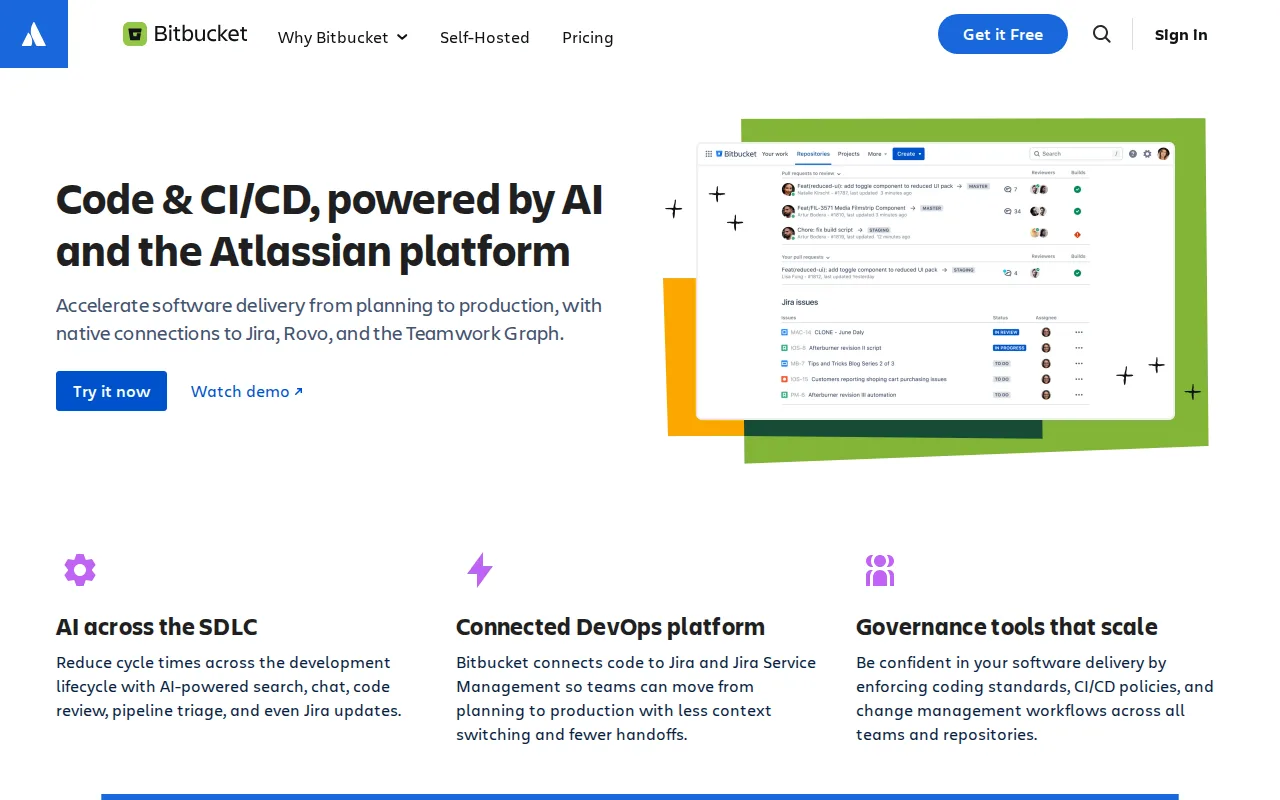
Bitbucket is the best Gitea alternative for teams already using Jira for issue tracking and Confluence for documentation who want Git hosting and CI/CD wired directly into that workflow. Bitbucket's Free plan covers up to 5 users with 1GB of LFS storage and 50 Pipelines build minutes, and Standard then costs $3.65/user/month, both far below Gitea Enterprise's $9.50/user/month starting price, while Bitbucket's native, bidirectional linking between commits and Jira issues, including smart commits that transition issue status from a commit message, has no equivalent in Gitea. Bitbucket holds a 4.6/5 rating from 1,347 Capterra reviews, far more review volume than Gitea's 5/5 from 9 Product Hunt reviews. Gitea is still the better choice for teams that want to self-host and aren't in the Atlassian ecosystem: Bitbucket has no self-hosted edition since Atlassian retired Bitbucket Server/Data Center in 2024, so every plan runs on Atlassian's cloud infrastructure, unlike Gitea's self-hosted-first model, and Bitbucket's free tier caps out at 5 users, smaller than Gitea's genuinely unlimited free user count.
Compared to Gitea: native, bidirectional linking between commits and Jira issues with smart commits, cheaper entry paid tier ($3.65/user/month Standard vs $9.50/user/month Gitea Enterprise), higher review volume (4.6/5 from 1,347 vs Gitea's 5/5 from 9 reviews)
Wins:Native, bidirectional linking between commits/branches and Jira issues, including smart commits, which Gitea doesn't offer · Standard tier costs $3.65/user/month, cheaper than Gitea Enterprise's $9.50/user/month starting price · 4.6/5 rating from 1,347 Capterra reviews, far more review volume than Gitea's 5/5 from 9 reviews
Loses:No self-hosted edition since Atlassian retired Bitbucket Server/Data Center in 2024, unlike Gitea's self-hosted-first model · Free tier caps out at 5 users, smaller than Gitea's genuinely unlimited free user count · Third-party integration marketplace is much smaller than GitHub's, reducing value for teams outside the Atlassian suite
Pros
- Native Jira and Confluence integration links commits and branches directly to issues without extra configuration.
- Built-in Pipelines CI/CD runs without needing a separate tool like CircleCI or GitHub Actions.
- Free plan covers up to 5 users with unlimited private repositories, useful for small teams.
- Community and academic organizations get free plans with expanded storage and build minutes.
Cons
- No self-hosted edition since Bitbucket Server/Data Center was discontinued in 2024; every plan is cloud-only.
- Free tier caps out at 5 users, smaller than GitHub's free-tier user allowance.
- Third-party integration marketplace is much smaller than GitHub's, reducing value for teams outside the Atlassian suite.
- Extra Pipelines build minutes or LFS storage cost $10/month per add-on block rather than being bundled into higher tiers.
Pricing: Free tier · paid from $3.65/mo — $3.65/user/month Standard vs Gitea Enterprise's $9.50/user/month (verified )
5SourceHut — best Gitea alternative for developers and open-source maintainers who want a JavaScript-free, self-hostable forge with email-based patch review instead of a pull-request UI
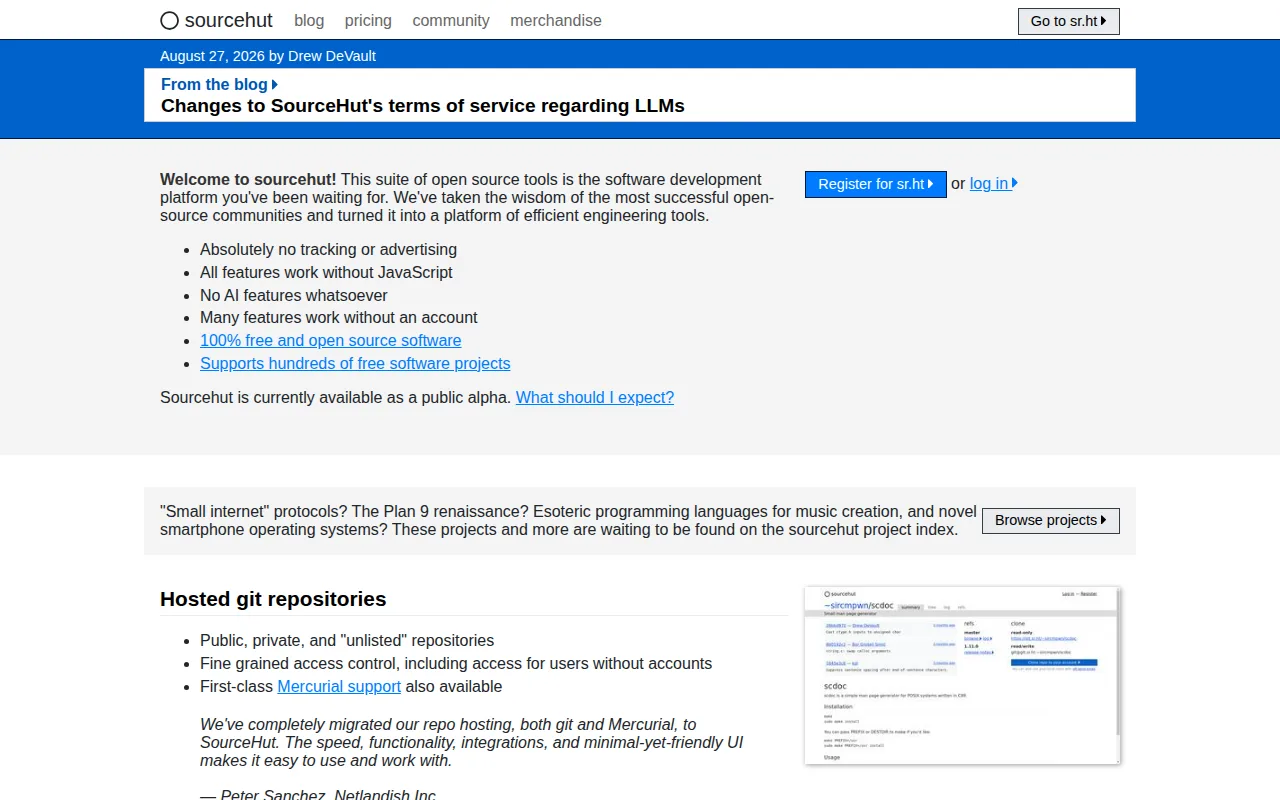
SourceHut is the best Gitea alternative for developers who want an even more minimal, privacy-respecting forge, one with no JavaScript, ads, tracking, or AI features at all, alongside git and Mercurial hosting, unlike Gitea, which is JavaScript-based like most modern Git hosts. SourceHut's pay-what-you-can subscriptions run $4, $8, or $12/month, all unlocking identical full access to every service (git/Mercurial hosting, CI, mailing lists, tickets, chat), a self-selected pricing model different from Gitea's flat $9.50-19/user/month Enterprise tier, and contributors interacting with hosted projects never need an account or payment at all. SourceHut is entirely open source under AGPL and BSD licenses and self-hostable from source, matching Gitea's own open-source, self-hostable core. Gitea is still the better choice for developers who want a familiar pull-request UI and a more mature, polished feature set: SourceHut's email-based patch review workflow is a steep departure from GitHub/GitLab conventions that Gitea's pull-request UI mirrors, and SourceHut remains in public alpha with fewer polished collaboration features and no free tier at all for its CI (builds.sr.ht) or chat services, unlike Gitea's genuinely free, unlimited-user core.
Compared to Gitea: no JavaScript, ads, tracking, or AI features anywhere on the platform, contributors can submit patches without ever creating an account, pay-what-you-can $4-12/month tiers all unlock identical full access
Wins:No JavaScript, ads, tracking, or AI features anywhere on the platform, a stricter minimalism than Gitea's modern web UI · Contributors can submit patches and interact with projects without creating an account at all · Pay-what-you-can $4, $8, or $12/month tiers all unlock identical full access, not feature-gated by price
Loses:Email-based patch review instead of a pull-request UI is unfamiliar next to Gitea's more conventional interface · Remains in public alpha, with a smaller, more minimal feature set than Gitea's more mature platform · No free tier for CI (builds.sr.ht) or chat services, unlike Gitea's genuinely free, unlimited-user open-source core
Pros
- Fully open source and self-hostable under AGPL/BSD licenses, avoiding vendor lock-in.
- No ads, tracking, or AI features; every service works without JavaScript.
- Contributors can submit patches and interact with projects without creating an account.
- Flat pay-what-you-can pricing tiers unlock identical full access to every service.
Cons
- Email-based patch review instead of a pull-request UI is unfamiliar to developers coming from GitHub or GitLab.
- Remains in public alpha, with a smaller, more minimal feature set than mainstream forges.
- No free tier for the CI (builds.sr.ht) or chat (chat.sr.ht) services; these require a paid subscription.
- Smaller ecosystem of third-party integrations and marketplace apps compared to GitHub.
Pricing: Free tier · paid from $4/mo — $4-12/month self-selected pricing vs Gitea's free core plus $9.50-19/user/month Enterprise (verified )
Which one is right for you?
- You want the largest ecosystem of integrations and open-source projects around your Git hostGitHub
- You want source control, CI/CD, and security scanning built into one applicationGitLab
- You want Gitea's exact workflow but governed entirely by a community, not a companyForgejo
- Your team is already standardized on Jira and ConfluenceBitbucket
- You want a JavaScript-free, ad-free, privacy-first forge with no AI featuresSourceHut
Frequently asked questions
Is there a free alternative to Gitea?
- Yes — GitHub, GitLab, Forgejo, and Bitbucket all offer free tiers, and Forgejo, like Gitea, is entirely free and open source with no paid tier at all.
What is the closest alternative to Gitea?
- Forgejo is the closest match by design: it was forked directly from Gitea's own codebase in 2022, keeping the same lightweight footprint and workflow but with community governance instead of Gitea's open-core, company-led model.
Can Forgejo replace Gitea?
- Yes for nearly any self-hosted use case, since Forgejo shares Gitea's codebase, resource footprint, and Actions-compatible CI. Teams that specifically want Gitea's vendor-backed Enterprise tier with an SLA or its managed Gitea Cloud offering should stay on Gitea instead.
Which Gitea alternative is best for teams using Jira?
- Bitbucket, whose native, bidirectional linking between commits and Jira issues, including smart commits that transition issue status from a commit message, has no equivalent in Gitea.
Which Gitea alternative has the deepest built-in security scanning?
- GitLab's Ultimate tier, at $99/user/month, bundles SAST, DAST, dependency, and container scanning natively into the CI/CD pipeline, deeper security tooling than Gitea's Enterprise tier describes.
Is there a Gitea alternative with no JavaScript or ads?
- Yes — SourceHut runs entirely without JavaScript, ads, tracking, or AI features, with pay-what-you-can subscriptions from $4/month that all unlock identical full access to every service.