4 Best Free Alternatives to FreeOffice in 2026
By Noahlast updated pricing verified
Compared: free alternatives to FreeOffice
| Alternative | Best for | Standout | Biggest weakness | Learning curve | Price |
|---|---|---|---|---|---|
| FreeOfficereference | individuals and small businesses who want a fast, native desktop office suite with strong Microsoft Office file compatibility and no subscription cost | Native, non-lossy compatibility with .docx, .xlsx, and .pptx as its default file formats, so documents round-trip with Microsoft Office without the formatting drift common in other free office suites. | Closed source with no plugin ecosystem or macro/scripting support comparable to LibreOffice's extension library, and features like mail merge are withheld to upsell the paid SoftMaker Office suite. | Low | Free |
| LibreOffice | individuals, schools, and organizations that want a full office suite without a subscription and can work without native real-time cloud co-authoring | A complete six-application office suite (including a desktop database tool in Base, which neither Microsoft nor Google offer at the consumer level) that is entirely free and open source with no feature paywall. | No native real-time multi-user co-authoring in the way Microsoft 365 or Google Workspace offer it, and complex documents with heavy Microsoft-specific formatting (advanced macros, certain chart types, some fonts) can render or convert imperfectly when round-tripped through .docx/.xlsx/.pptx. | Low | Free |
| WPS Office | students, freelancers, and budget-conscious users who need Microsoft-compatible document, spreadsheet, and presentation editing without a Microsoft 365 subscription | The Sharing plan lets multiple people split one subscription at $2.49/user/month billed annually, each getting their own account and 20GB of storage, cheaper per seat than individual Pro+ subscriptions. | AI tools carry daily usage limits even on the paid Pro+ tier, and the free version has drawn past criticism for bundled-installer behavior and data-handling practices, a concern for privacy-sensitive users. | Low | Free tier · paid from $2.49/mo |
| OnlyOffice | organizations that need Microsoft Office-compatible editing but want the option to self-host on their own servers under an open-source license | AGPL 3.0-licensed source code that organizations can audit and self-host, combined with a DocSpace pricing model that charges only for admin seats while unlimited regular users join free. | Business Cloud pricing is per-admin rather than per-user, which can be confusing to compare against competitors, and users switching from Microsoft Office report formatting fidelity issues on complex documents with heavy macros or advanced layout. | Moderate | Free tier · paid from $20/mo |
| Microsoft Office | Households and small teams who want Word, Excel, PowerPoint, and Outlook synced across Windows, Mac, iOS, and Android with shared cloud storage and Copilot AI built into the apps. | Microsoft Copilot AI is built directly into Word, Excel, PowerPoint, Outlook, and OneNote on every Microsoft 365 Personal, Family, and Premium plan, not sold as a bolt-on. | Copilot AI usage is capped even on the $19.99/month Premium plan, and the only way to avoid a subscription entirely — the $179.99 Office Home 2024 license — drops Outlook, Teams, OneDrive storage, and all AI features. | Moderate | Free tier · paid from $9.99/mo |
 FreeOffice
 LibreOffice
 WPS Office
 OnlyOffice
 Microsoft Office
1.LibreOffice — best FreeOffice alternative for individuals, schools, and organizations that want a full office suite without a subscription and can work without native real-time cloud co-authoring
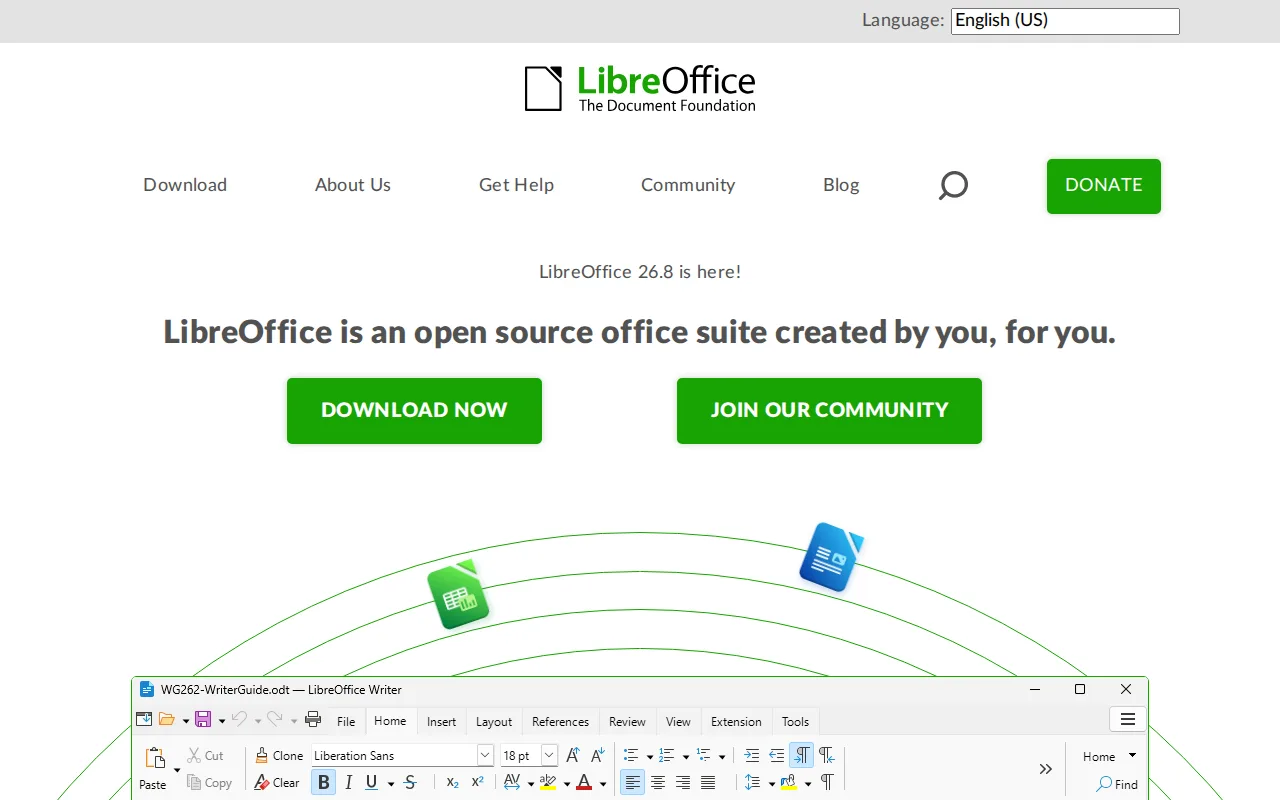
LibreOffice is the best FreeOffice alternative for individuals, schools, and organizations that want a complete office suite with zero cost and zero feature gating, an even broader promise than FreeOffice's own free-but-closed-source model. Where FreeOffice bundles three apps (TextMaker, PlanMaker, Presentations) and withholds mail merge to upsell its paid SoftMaker Office suite, LibreOffice ships six applications, Writer, Calc, Impress, Draw, Base, and Math, with no feature paywall of any kind and no separate paid upgrade to push users toward. Both suites are entirely free at $0 with no subscription, but LibreOffice is open source under the Mozilla Public License 2.0 (with parts under GPL/LGPL), so its source can be audited or modified, unlike FreeOffice's closed-source codebase. LibreOffice includes Base, a desktop database application neither FreeOffice nor Microsoft's consumer suite offers. Neither product carries any external ratings in our listing data, so reputation evidence is equally absent on both sides. FreeOffice remains the better choice for anyone prioritizing native, non-lossy Microsoft Office file compatibility as the default format and fast native mobile apps: LibreOffice's Microsoft-format round-tripping can lose fidelity on complex macros and certain chart types, it has no official iOS/Android apps under the LibreOffice brand, and FreeOffice's interface starts up faster on older hardware according to its own listing.
Compared to FreeOffice: six-application suite (Writer, Calc, Impress, Draw, Base, Math) vs FreeOffice's three apps, open source under MPL-2.0 vs FreeOffice's closed-source code, no mail-merge paywall vs FreeOffice's mail merge gated behind paid SoftMaker Office
Wins:Six applications (Writer, Calc, Impress, Draw, Base, Math) including a desktop database tool, versus FreeOffice's three apps with no database application · Open source under the Mozilla Public License 2.0 (with GPL/LGPL parts), so the code can be audited or modified, unlike FreeOffice's closed-source suite · No feature paywall or upsell path; every capability is included free, unlike FreeOffice withholding mail merge to promote its paid SoftMaker Office suite
Loses:No native real-time cloud co-authoring, the same gap FreeOffice's own listing also concedes it lacks · No official iOS or Android apps under the LibreOffice brand, unlike FreeOffice's genuinely native mobile apps on both platforms · Complex Microsoft-format documents (advanced macros, some chart/font rendering) can lose fidelity when converted, a fidelity risk FreeOffice's native .docx/.xlsx/.pptx handling is built to avoid
Pros
- Completely free with no subscription, account, or feature paywall, including a desktop database app (Base) most competitors omit.
- Open source (MPL-2.0/GPL/LGPL) with an active community and frequent releases.
- Broad Microsoft Office format compatibility (.docx, .xlsx, .pptx) for opening and editing existing Office files.
- Runs on Windows, macOS, and Linux, and is the default suite on many Linux distributions.
Cons
- No native real-time cloud co-authoring like Microsoft 365 or Google Workspace, so simultaneous multi-user editing isn't built in.
- Complex Microsoft-format documents (advanced macros, some chart and font rendering) can lose fidelity when converted.
- No official mobile apps for iOS/Android under the LibreOffice brand.
- Interface and default styling feel dated compared to Microsoft Office or Google Workspace.
Pricing: Free — Both LibreOffice and FreeOffice are entirely free at $0 with no subscription or paid tier for their core functionality (verified undefined NaN, NaN)
2.WPS Office — best FreeOffice alternative for students, freelancers, and budget-conscious users who need Microsoft-compatible document, spreadsheet, and presentation editing without a Microsoft 365 subscription
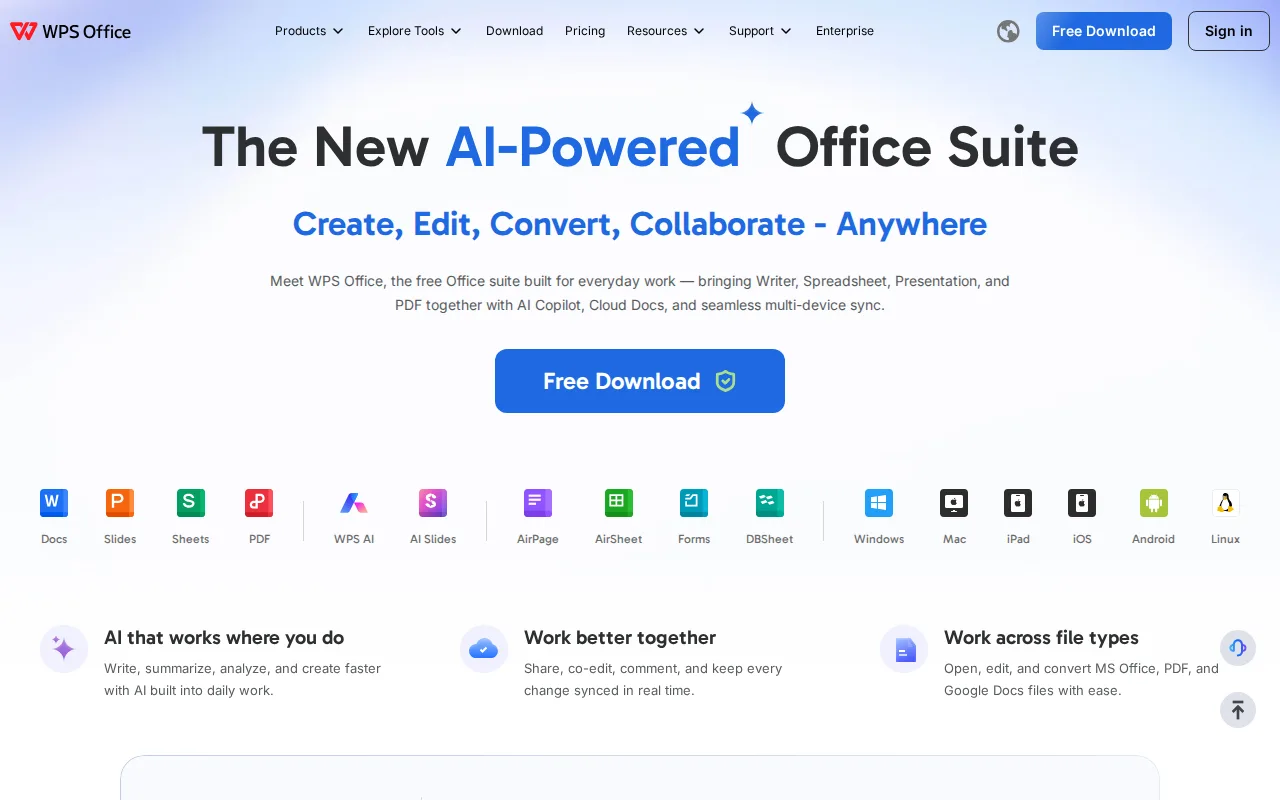
WPS Office is the best FreeOffice alternative for students and budget-conscious users who want a free-to-use suite with full PDF editing available on a cheap upgrade path, rather than FreeOffice's closed, upsell-averse model. WPS Office holds a 4.5/5 rating from 1,537 Capterra reviews, external validation FreeOffice's own listing doesn't carry at all. Both suites offer a genuinely usable free tier with native DOCX/XLSX/PPTX compatibility at $0, but WPS Office's paid Pro+ tier costs $5.83/month ($69.99/year) for full PDF editing, unlimited templates, e-signatures, and 20GB of cloud storage, and its Sharing plan lets multiple people split one subscription at $2.49/user/month, a lower-cost multi-user structure FreeOffice doesn't offer since SoftMaker's own paid upgrade has no equivalent per-seat sharing plan documented in our listing data. WPS Office also runs on more platforms, including a web version, beyond FreeOffice's Windows, macOS, Linux, iOS, and Android coverage. FreeOffice remains the better choice for privacy-conscious users: WPS Office's free version has drawn past scrutiny over bundled-installer behavior and data-handling practices, a concern not raised anywhere in FreeOffice's own listing, and even WPS Office's paid Pro+ tier caps AI tools with daily usage limits, a restriction FreeOffice's non-AI feature set doesn't need to impose.
Compared to FreeOffice: 4.5/5 rating from 1,537 Capterra reviews vs FreeOffice's none on file, full PDF editing and e-signatures at $5.83/month Pro+ vs no PDF/e-signature tools documented for FreeOffice, $2.49/user/month Sharing plan vs no multi-seat plan from FreeOffice
Wins:4.5/5 rating from 1,537 Capterra reviews, evidence FreeOffice has none of on file · Pro+ tier ($5.83/month) adds full PDF editing, e-signatures, and 20GB cloud storage, none of which FreeOffice's listing documents as available even in its paid SoftMaker Office upgrade · Sharing plan splits one subscription across multiple users at $2.49/user/month, a lower-cost multi-seat option than anything documented for FreeOffice
Loses:Free version has drawn past scrutiny over bundled-installer behavior and data-handling practices, a concern not raised anywhere in FreeOffice's own listing · AI tools carry daily usage limits even after paying for Pro+, a restriction FreeOffice's non-AI feature set doesn't need to impose · Advanced spreadsheet and macro compatibility with Excel is reported as less complete than dedicated suites, per user reports cited in its own listing
Pros
- Free tier is genuinely usable, not just a trial, with native DOCX/XLSX/PPTX compatibility.
- Available across Windows, Mac, Linux, Android, iOS, iPad, and web, more platform coverage than most competitors.
- Pro+ pricing at $5.83/month is well below a Microsoft 365 Personal subscription.
- Sharing plan offers a lower per-seat cost than buying individual Pro+ accounts for a household or small team.
Cons
- AI tools have daily usage limits even after paying for Pro+.
- Free version has drawn past scrutiny over bundled-installer behavior and data-privacy practices.
- Full PDF editing and e-signatures are locked behind the paid Pro+ tier.
- Advanced spreadsheet and macro compatibility with Excel is less complete than Microsoft's own suite, per user reports.
Pricing: Free tier · paid from $2.49/mo — WPS Standard is free at $0 like FreeOffice's core apps, but WPS Pro+ costs $5.83/month for PDF editing and e-signatures that FreeOffice doesn't include even in its paid SoftMaker Office upgrade (verified undefined NaN, NaN)
3.OnlyOffice — best FreeOffice alternative for organizations that need Microsoft Office-compatible editing but want the option to self-host on their own servers under an open-source license
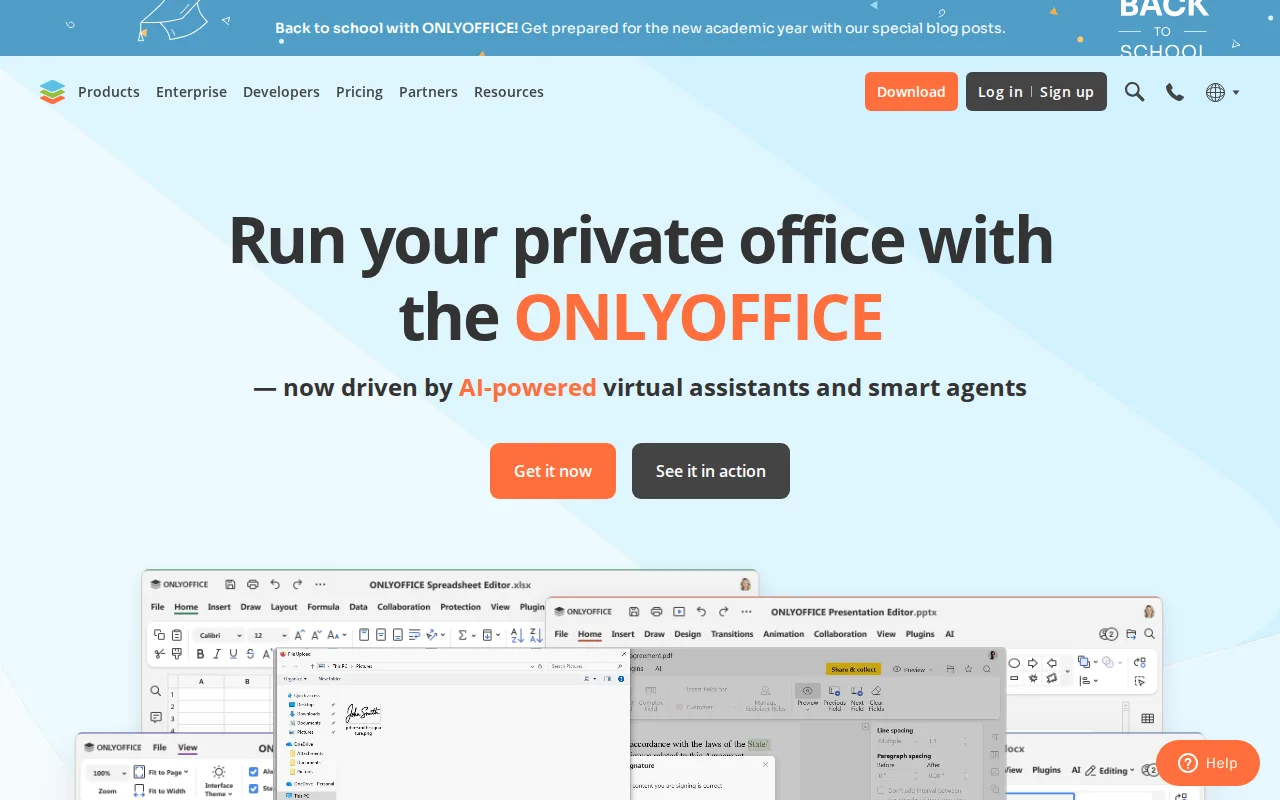
OnlyOffice is the best FreeOffice alternative for organizations that want AGPL-licensed, self-hostable office software with real-time co-editing, capabilities entirely outside FreeOffice's closed-source, single-user desktop model. OnlyOffice holds a 4.5/5 rating from 324 Capterra reviews, external validation FreeOffice's own listing doesn't have at all. OnlyOffice's source code is published on GitHub under the AGPL 3.0 license, so organizations can audit or self-host it entirely, unlike FreeOffice, which is proprietary and closed source with no way to inspect or customize the code. OnlyOffice's DocSpace pricing charges only for admin seats, $20/month per admin on Business Cloud, while unlimited regular users join free, and real-time co-editing with character-level change tracking is built in, a collaboration model FreeOffice's listing explicitly says it lacks. FreeOffice remains the better choice for anyone who wants zero cost with no per-admin fee at all and faster, lighter native desktop performance: OnlyOffice's Business Cloud tier costs $20/month per admin (discounted from $30) once a team outgrows the free Startup plan's 3-admin cap, while FreeOffice is free indefinitely for unlimited personal and commercial use, and FreeOffice's native, non-Electron desktop apps start faster than heavier collaboration-focused suites on older hardware.
Compared to FreeOffice: 4.5/5 rating from 324 Capterra reviews vs FreeOffice's none on file, AGPL 3.0 open-source self-hostable code vs FreeOffice's closed-source model, real-time character-level co-editing vs no collaborative editing in FreeOffice
Wins:4.5/5 rating from 324 Capterra reviews, evidence FreeOffice has none of on file · AGPL 3.0 source code published on GitHub, fully self-hostable and auditable, unlike FreeOffice's closed-source, unauditable codebase · Real-time co-editing with character-level change tracking, a collaboration feature FreeOffice's own listing says it lacks entirely
Loses:Business Cloud costs $20/month per admin once a team outgrows the free Startup plan's 3-admin cap, while FreeOffice is free indefinitely with no per-admin fee · Complex documents with advanced Word/Excel formatting or macros can lose fidelity, a risk FreeOffice's native, non-lossy .docx/.xlsx/.pptx handling is built to minimize · Enterprise on-premises pricing isn't published and requires a sales conversation, unlike FreeOffice's flat, fully transparent $0 cost
Pros
- AGPL 3.0 source code available on GitHub; fully self-hostable for organizations that need to keep data on-premises.
- DocSpace charges only for admin seats, with unlimited regular users invited free.
- Native apps across Windows, macOS, Linux, iOS, and Android, plus 40+ third-party integrations including Nextcloud and Moodle.
- Real-time co-editing with character-level change tracking and built-in AI content tools.
Cons
- Complex documents with advanced Word/Excel formatting or macros can lose fidelity when opened in ONLYOFFICE.
- Enterprise on-premises pricing is not published; requires a sales conversation.
- Per-admin pricing model on Business Cloud takes more effort to compare against per-user competitors.
- DocSpace's interface is less polished than Google Workspace or Notion for non-technical teams.
Pricing: Free tier · paid from $20/mo — Business Cloud costs $20/month per admin (unlimited users included) vs FreeOffice's $0 cost with no per-admin or per-user fee at all (verified undefined NaN, NaN)
4.Microsoft Office — best FreeOffice alternative for households and small teams who want Word, Excel, PowerPoint, and Outlook synced across Windows, Mac, iOS, and Android with shared cloud storage and Copilot AI built into the apps.
Microsoft Office is listed as a FreeOffice alternative here, but we have not yet published pricing or feature detail for it: only its name and website URL (microsoft.com) are on file, while tagline, description, pricing, platforms, license, ratings, and pros/cons are all null. That means no honest comparison against FreeOffice's own confirmed $0, free-for-commercial-use TextMaker, PlanMaker, and Presentations suite can be made on price, feature depth, or user sentiment without inventing facts this listing doesn't support. What's independently verifiable is that Microsoft Office is a real, widely known product with its own domain, distinct from a placeholder or defunct listing, and it's commonly the incumbent that free suites like FreeOffice, LibreOffice, and WPS Office are compared against, not because any pricing or feature claim here has been confirmed for this specific listing. FreeOffice remains the documented, verifiable choice in this pairing: it's confirmed free for both personal and commercial use, runs on Windows, macOS, Linux, iOS, and Android, and offers native, non-lossy .docx/.xlsx/.pptx compatibility, facts Microsoft Office's empty listing cannot currently match or refute.
Compared to FreeOffice: pricing, platform, and rating detail for Microsoft Office haven't been published yet, so no verifiable feature or price comparison can be made beyond FreeOffice's own confirmed $0, free-for-commercial-use listing
Loses:Pricing, platform, and license detail haven't been published yet, unlike FreeOffice's fully documented free, Windows/macOS/Linux/iOS/Android listing · No pros, cons, or standout feature have been published yet, so no verifiable strength can be cited against FreeOffice's documented native Microsoft-format compatibility and native mobile apps
Pros
- Real-time co-authoring on Word, Excel, and PowerPoint across web, desktop, and mobile
- Family plan covers up to 6 people with 1 TB of OneDrive storage each for $12.99/month
- One-time Office Home 2024 purchase ($179.99) avoids subscription billing entirely
- Native, platform-tailored apps on Windows, Mac, iOS, and Android
Cons
- Copilot AI usage is capped ('extensive' but not unlimited) on every paid subscription tier
- Devices lose edit access and drop to view/print-only mode after 31 days offline
- AI features on Family and Premium plans work only for the subscription owner, not shared members
- Office Home 2024 one-time license excludes Outlook, Teams, cloud storage, and Copilot
Pricing: Free tier · paid from $9.99/mo (verified undefined NaN, NaN)