5 Best Alternatives to Foxit PDF Editor for iOS in 2026
By Noahlast updated
All 5 Foxit PDF Editor alternatives
Compared: Foxit PDF Editor alternatives that run on iOS
| Alternative | Best for | Standout | Biggest weakness | Learning curve | Price |
|---|---|---|---|---|---|
| Foxit PDF Editorreference | individuals and enterprise teams who want desktop, web, and mobile PDF editing with built-in e-signature and AI redaction at a lower list price than Adobe Acrobat | AI Smart Redact in the PDF Editor+ tier automatically locates and redacts sensitive content, bundled with Foxit eSign for legally binding signatures rather than sold as separate products. | Exact subscription prices are not published on the pricing page; both tiers show 'per user/year' with the dollar amount revealed only after clicking into a region-specific checkout flow, and the AI Assistant in the base PDF Editor tier is capped at 20 credits per month. | Low | Custom pricing |
| Adobe Acrobat | teams and individuals who need pixel-perfect PDF editing plus legally binding e-signatures in one subscription, especially those already using other Adobe products | Acrobat Sign's built-in e-signature workflow combined with an AI Assistant that summarizes and answers questions about a PDF's content without leaving the document. | Adobe paid a $150 million FTC settlement in 2024 over hidden early termination fees and hard-to-cancel subscriptions; cancelling an annual-billed-monthly Acrobat plan within the first year can still trigger a fee equal to roughly half the remaining months owed. | Moderate | Free tier · paid from $14.99/mo |
| Nitro PDF | mid-size and enterprise teams that need centralized admin controls, SSO, and AI-assisted redaction across Windows, macOS, and web, not just individual PDF editing | Smart Redact, an AI feature that automatically detects and removes sensitive data from documents, paired with a centralized Admin Portal and Analytics dashboard for organization-wide usage tracking. | No dollar prices are published anywhere on the site; every tier is 'calculated at checkout' or requires a sales conversation, which makes it hard to comparison-shop against competitors like Adobe Acrobat or Foxit that publish list prices. | Low | Custom pricing |
| Smallpdf | individuals and small teams who need quick browser-based PDF conversion, compression, e-signing, and editing without installing desktop software | An all-in-one PDF toolkit covering compress, convert, merge, split, e-sign, and edit in one browser-based product, with native Windows and mobile apps plus direct Google Workspace and Dropbox integrations. | The free tier caps users to a small number of daily tasks with ads shown before requiring an upgrade, and the newer AI features (summarization, translation, chat) are gated entirely behind the paid Pro tier rather than offered in any free capacity. | Low | Free tier · paid from $9/mo |
| PDF Expert | Mac and iOS users who want a native, non-Adobe PDF editor for signing contracts and editing documents across their Apple devices | A $139.99 one-time lifetime purchase for the Mac app, an alternative to Adobe Acrobat's subscription-only pricing. | No Windows or Android app at all — PDF Expert is Mac, iPhone, and iPad only, so mixed-platform teams need a separate tool for non-Apple users; the lifetime plan also covers only the Mac app, not iOS, so full-device coverage still requires the annual subscription. | Low | From $79.99/yr |
| Wondershare PDFelement | individuals and small teams who want an Adobe Acrobat-level PDF editor at a lower price, with the option to buy a perpetual license instead of a subscription | A perpetual, one-time-purchase license option ($61.99 for the current major version) sold alongside subscription plans, letting buyers avoid an ongoing PDF-editing subscription entirely. | Pricing is fragmented across platform (Windows vs. Mac), audience (individual, team, education, cross-platform), and license type (subscription vs. perpetual vs. one-time-yearly), making it hard to compare cost against competitors without checking the exact plan for the exact platform being bought. | Low | From $21.99/mo |
 Foxit PDF Editor
 Adobe Acrobat
 Nitro PDF
 Smallpdf
 PDF Expert
 Wondershare PDFelement
1.Adobe Acrobat — best Foxit PDF Editor alternative for teams and individuals who need pixel-perfect PDF editing plus legally binding e-signatures in one subscription, especially those already using other Adobe products
Adobe Acrobat is the best Foxit PDF Editor alternative for teams and individuals who need the PDF fidelity standard plus legally binding e-signatures in one subscription, especially those already on other Adobe products. Acrobat Standard starts at $14.99/month billed annually, a published, plain-text price Foxit doesn't offer since Foxit's own PDF Editor and PDF Editor+ tiers reveal dollar amounts only after clicking into a region-specific checkout flow. Acrobat Sign provides legally binding e-signature workflows built directly into the document, matching Foxit's Foxit eSign, and its AI Assistant summarizes and answers questions about a PDF's content without leaving the app. Adobe Acrobat holds a 4.7/5 rating from 4,255 Capterra reviews, the largest review base of any tool in this comparison, versus zero external ratings on file for Foxit. Foxit PDF Editor is still the better choice for buyers specifically comparison-shopping on price who don't mind a checkout-flow number: Acrobat is subject to a 2024 $150 million FTC settlement over hidden early termination fees, and cancelling an annual-billed-monthly plan within the first year can trigger a fee equal to roughly half the remaining months owed, a risk Foxit's per-user/year subscriptions don't carry on record.
Compared to Foxit PDF Editor: publishes a plain-text starting price ($14.99/month) instead of gating it behind checkout, AI Assistant summarizes and answers questions about a document's content, 4.7/5 rating from 4,255 Capterra reviews versus zero ratings on file for Foxit
Wins:Publishes Standard's $14.99/month starting price in plain text, unlike Foxit's checkout-gated dollar figures · AI Assistant summarizes long PDFs and answers questions about their content in seconds · 4.7/5 rating from 4,255 Capterra reviews, versus no external rating on file for Foxit PDF Editor
Loses:Subject to a 2024 $150 million FTC settlement over hidden early termination fees on annual-billed-monthly plans · Core editing requires a paid tier; the free Acrobat Reader only views, comments, and signs · AI Assistant Plus is a separate $4.99/month add-on on top of the base subscription, adding to total cost
Pros
- Sets the PDF fidelity standard: documents retain exact layout, fonts, and formatting across viewers and devices.
- Acrobat Sign provides legally binding e-signature workflows integrated directly into the PDF.
- AI Assistant summarizes long PDFs and answers questions about their content in seconds.
- OCR and Liquid Mode make scanned documents searchable and reflow text for mobile reading.
Cons
- Cancelling an annual-billed-monthly plan within the first year can trigger an early termination fee, the subject of a 2024 $150 million FTC settlement against Adobe.
- Core editing (edit text, combine files, convert formats) requires a paid tier; the free Acrobat Reader only views, comments, and signs.
- AI Assistant Plus is a separate $4.99/month add-on on top of the base subscription.
- Menu-heavy interface can feel slower to navigate than lightweight single-purpose PDF tools for occasional users.
Pricing: Free tier · paid from $14.99/mo — $14.99/month Acrobat Standard (billed annually) vs Foxit's unpublished per-user/year price (verified undefined NaN, NaN)
2.Nitro PDF — best Foxit PDF Editor alternative for mid-size and enterprise teams that need centralized admin controls, SSO, and AI-assisted redaction across Windows, macOS, and web, not just individual PDF editing
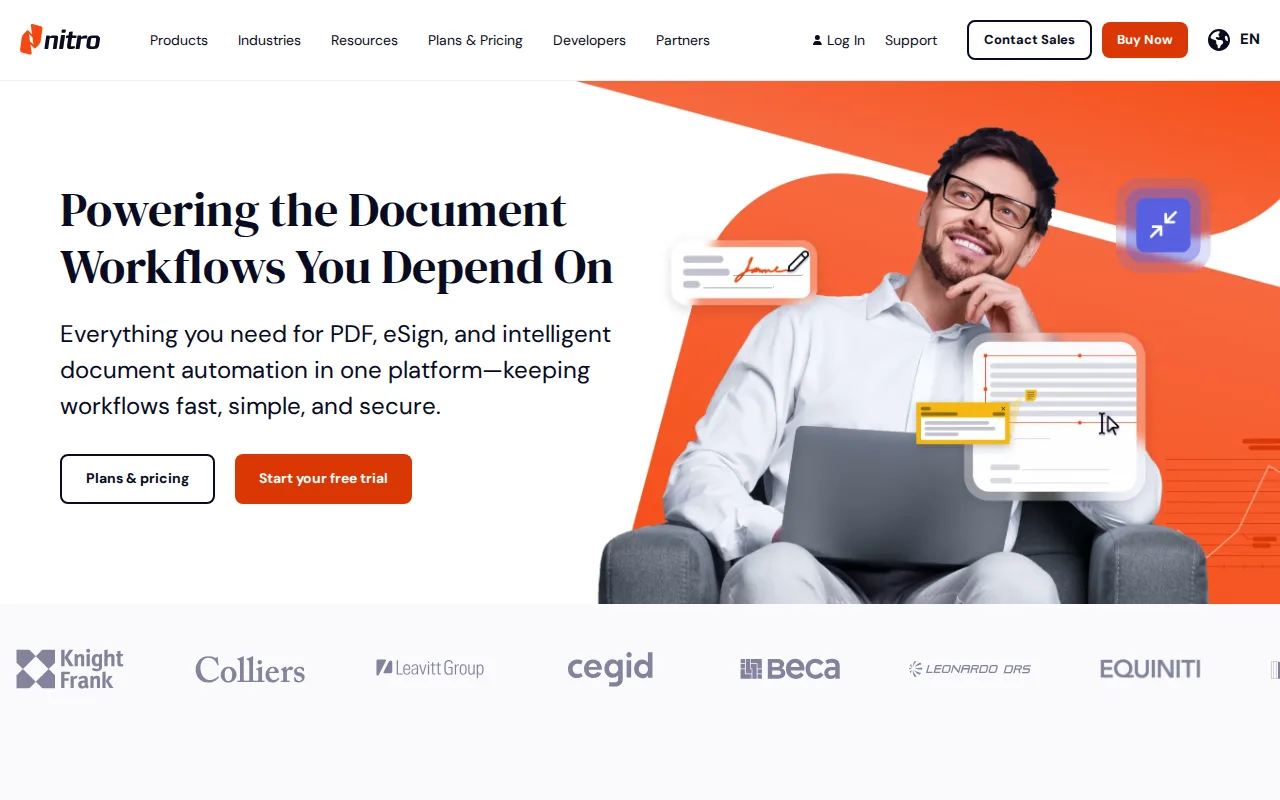
Nitro PDF is the best Foxit PDF Editor alternative for mid-size and enterprise teams that need centralized admin controls, SSO, and AI-assisted redaction across Windows, macOS, and web, beyond individual PDF editing. Like Foxit, Nitro doesn't publish exact dollar prices for Standard or Plus, calculating every figure at checkout or through a sales quote, but Nitro's Admin Portal centralizes user management and Nitro Analytics reports on usage and ROI across an organization, capabilities Foxit's PDF Editor+ tier doesn't describe in comparable depth. Nitro PDF Classic also offers a one-time, three-year license for buyers who'd rather not subscribe at all, an option Foxit doesn't list. Neither Nitro nor Foxit has an external rating on Capterra or Product Hunt to compare, so this entry rests on feature depth rather than review evidence. Foxit PDF Editor is still the better choice for buyers who specifically want mobile apps included at every tier and broader platform coverage: Nitro covers 4 platforms (web, Windows, macOS, iOS) with no Android app at all and Nitro PDF Classic restricted to Windows desktop only, against Foxit's 5-platform lineup (adding Android) across both its PDF Editor and PDF Editor+ tiers.
Compared to Foxit PDF Editor: Admin Portal and Nitro Analytics give IT centralized visibility into license usage, Nitro PDF Classic offers a one-time 3-year license instead of a recurring subscription, Advanced/Qualified Electronic Signature support for regulated European workflows
Wins:Admin Portal and Nitro Analytics centralize license usage and ROI reporting across an organization · Nitro PDF Classic offers a one-time, 3-year license for buyers who don't want a recurring subscription · Advanced Electronic Signature (AES) and Qualified Electronic Signature (QES) support regulated European e-signature workflows
Loses:No Android app at all, and Nitro PDF Classic is Windows desktop only, narrower than Foxit's 5-platform (including Android) coverage · No published dollar pricing anywhere on the site, matching Foxit's own checkout-gated pricing rather than improving on it · No external rating on Capterra or Product Hunt, the same gap Foxit itself has
Pros
- Combines PDF editing, e-signature (Nitro Sign), and AI-powered redaction/extraction in one connected suite.
- Nitro PDF Classic offers a one-time 3-year license for buyers who don't want a recurring subscription.
- Admin Portal and Nitro Analytics give IT centralized visibility into license usage across an organization.
- Advanced Electronic Signature (AES) and Qualified Electronic Signature (QES) support for regulated European workflows.
Cons
- No published dollar pricing anywhere on the site; every price requires checkout calculation or a sales call.
- Nitro PDF Classic (the one-time license) is Windows desktop only, with no macOS or web access.
- No Android app or Linux support, narrower platform coverage than PDF competitors like Foxit or Adobe Acrobat.
- Plus and Enterprise tiers require contacting sales rather than self-serve checkout, slowing procurement for smaller teams.
Pricing: Custom pricing
3.Smallpdf — best Foxit PDF Editor alternative for individuals and small teams who need quick browser-based PDF conversion, compression, e-signing, and editing without installing desktop software
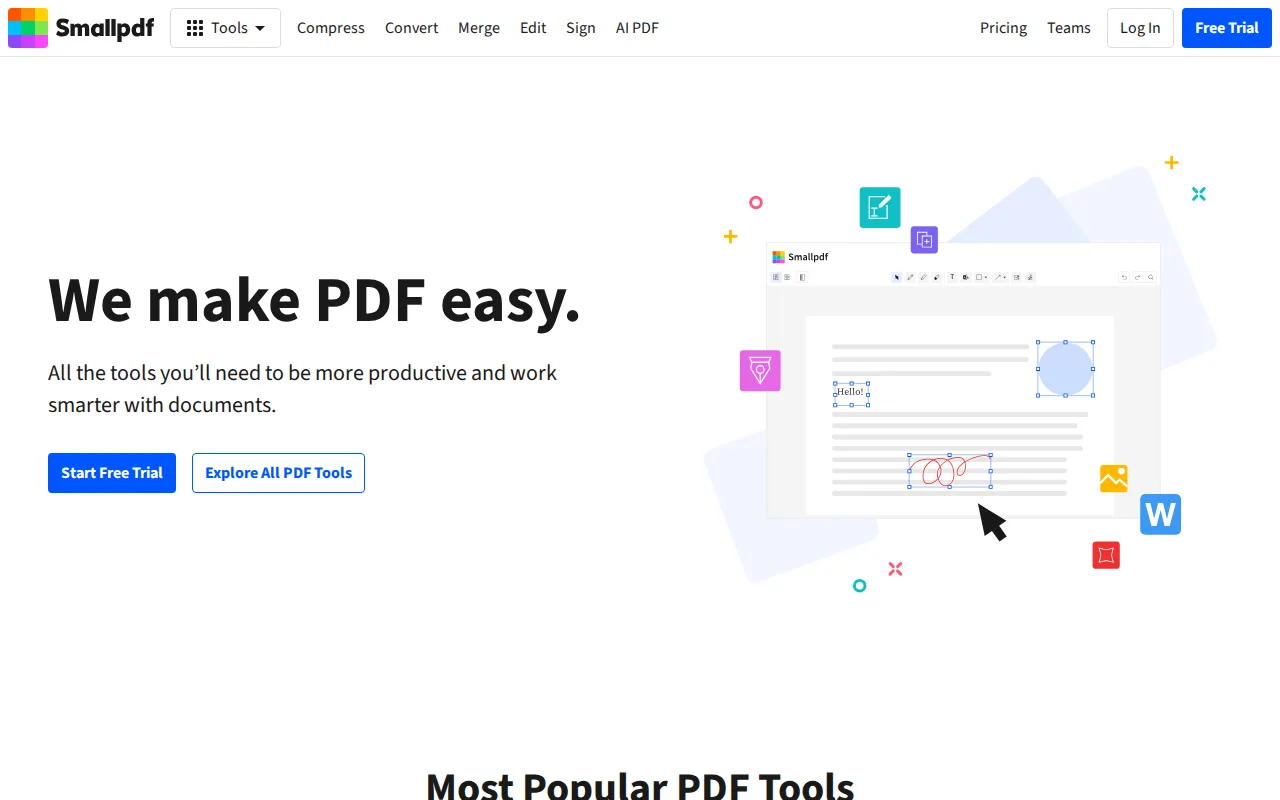
Smallpdf is the best Foxit PDF Editor alternative for individuals and small teams who want quick browser-based PDF compression, conversion, e-signing, and editing without installing desktop software or hitting Foxit's lack of a permanent free tier. Smallpdf's free tier gives limited daily use of the core tools with ads shown, something Foxit doesn't offer at any price since Foxit PDF Editor has no free tier for the editor itself, and Smallpdf's Pro plan then costs $9/month billed annually with a 7-day unlimited trial before purchase. Smallpdf holds a 4.7/5 rating from 997 Capterra reviews plus a 5/5 rating from 1 Product Hunt review, while Foxit has no external rating on Capterra or Product Hunt to compare. Foxit PDF Editor is still the better choice for teams that specifically need native iOS and Android apps at every tier and AI Smart Redact for automatically finding and redacting sensitive content: Smallpdf's free tier caps users to a small number of daily tasks with ads, and its newer AI features (summarization, translation, chat) are entirely paid-tier with no free allowance, unlike some of the AI tooling Foxit bundles into its PDF Editor+ subscription.
Compared to Foxit PDF Editor: has a genuinely free (if daily-capped) tier, Foxit has none, published Pro pricing at $9/month vs Foxit's checkout-gated price, external ratings on Capterra (4.7/5) and Product Hunt (5/5) versus none for Foxit
Wins:Free tier gives limited daily use of core tools at no cost; Foxit PDF Editor has no free tier at all · Pro plan's $9/month price is published in plain text, unlike Foxit's checkout-gated figures · 4.7/5 rating from 997 Capterra reviews plus a 5/5 Product Hunt rating, versus no external rating for Foxit
Loses:Free tier caps users to a small number of daily tasks and shows ads · AI features (summarization, translation, chat) are entirely paid-tier with no free allowance · No native iOS/Android AI Smart Redact equivalent to Foxit PDF Editor+'s automated sensitive-content redaction
Pros
- Covers the full PDF workflow (compress, convert, merge, split, edit, sign) in one browser-based product.
- Native Windows, iOS, and Android apps plus a Chrome extension for use outside the browser.
- Direct integrations with Google Workspace and Dropbox streamline document workflows.
- 7-day unlimited free trial lets users test Pro features before committing.
Cons
- Free tier limits users to a small number of daily tasks and shows ads.
- AI features (summarization, translation, chat) are entirely paid-tier, with no free allowance.
- Team plan pricing isn't published without contacting sales or starting checkout.
Pricing: Free tier · paid from $9/mo — $9/month Pro (billed annually) vs Foxit's unpublished per-user/year price
4.PDF Expert — best Foxit PDF Editor alternative for mac and iOS users who want a native, non-Adobe PDF editor for signing contracts and editing documents across their Apple devices
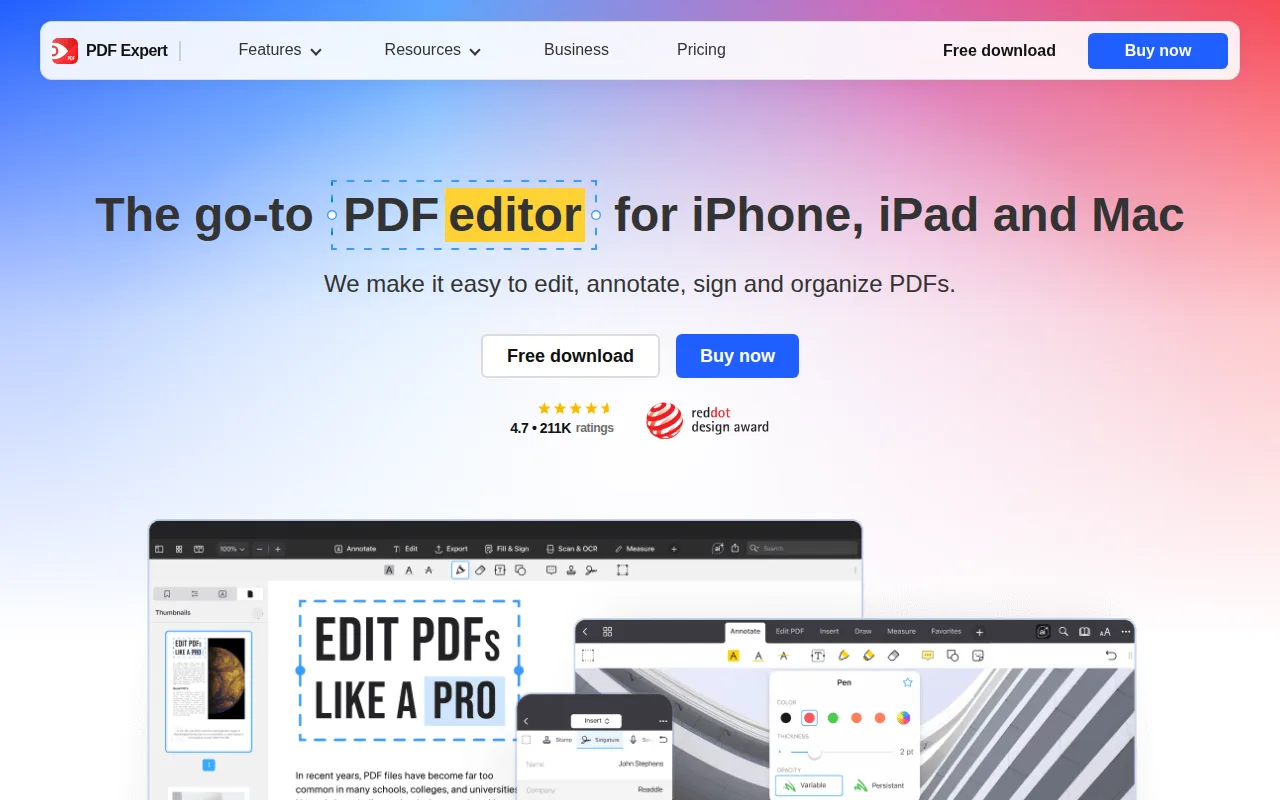
PDF Expert is the best Foxit PDF Editor alternative for Mac and iOS users who want a native, non-Adobe PDF editor rather than Foxit's cross-platform but less Apple-optimized app. PDF Expert's full iPhone/iPad/Mac bundle costs $79.99/year ($1.53/week billed annually), a published price Foxit doesn't offer since Foxit's PDF Editor and PDF Editor+ tiers reveal dollar amounts only after clicking into a checkout flow, and PDF Expert also sells a $139.99 one-time lifetime purchase for the Mac app, an option Foxit doesn't list at all. PDF Expert has over 30 million users and a 4.7-star rating from more than 211,000 App Store reviews, per its own description, far more review volume than Foxit, which has no external rating on Capterra or Product Hunt on file. Foxit PDF Editor is still the better choice for teams that need Windows or Android coverage: PDF Expert has no Windows or Android version at all, ruling it out for mixed-platform teams, while Foxit covers web, Windows, macOS, iOS, and Android, and PDF Expert's lifetime plan covers only the Mac app, not iPhone or iPad access.
Compared to Foxit PDF Editor: publishes a plain-text $79.99/year price instead of gating it behind checkout, a $139.99 one-time lifetime purchase option for Mac, native Mac and iOS performance opening large PDFs faster
Wins:Publishes its $79.99/year starting price in plain text, unlike Foxit's checkout-gated figures · $139.99 one-time lifetime purchase option for the Mac app, which Foxit doesn't offer at all · Native Mac and iOS interface opens and renders large PDFs faster than cross-platform editors, per its own product description
Loses:No Windows or Android version at all, ruling it out for mixed-platform teams Foxit covers · Lifetime plan covers only the Mac app; iPhone and iPad access still requires the $79.99/year subscription · Narrower platform footprint (macOS, iOS) than Foxit's five-platform (web, Windows, macOS, iOS, Android) coverage
Pros
- Native Mac and iOS interface that opens and renders large PDFs faster than Adobe Acrobat.
- $139.99 one-time lifetime option for Mac avoids recurring subscription costs.
- PDF Copilot AI assistant and OCR are built into the same app.
- 4.7-star rating from over 211,000 App Store reviews and 30 million users.
Cons
- No Windows or Android version, ruling it out for mixed-platform teams.
- The lifetime plan is Mac-only; iPhone and iPad access requires the $79.99/year subscription instead.
- Readdle's own pricing page notes that new feature additions beyond bug fixes may carry an extra charge on the lifetime plan.
Pricing: From $79.99/yr — $79.99/year (or $139.99 one-time Mac lifetime) vs Foxit's unpublished per-user/year price (verified undefined NaN, NaN)
5.Wondershare PDFelement — best Foxit PDF Editor alternative for individuals and small teams who want an Adobe Acrobat-level PDF editor at a lower price, with the option to buy a perpetual license instead of a subscription
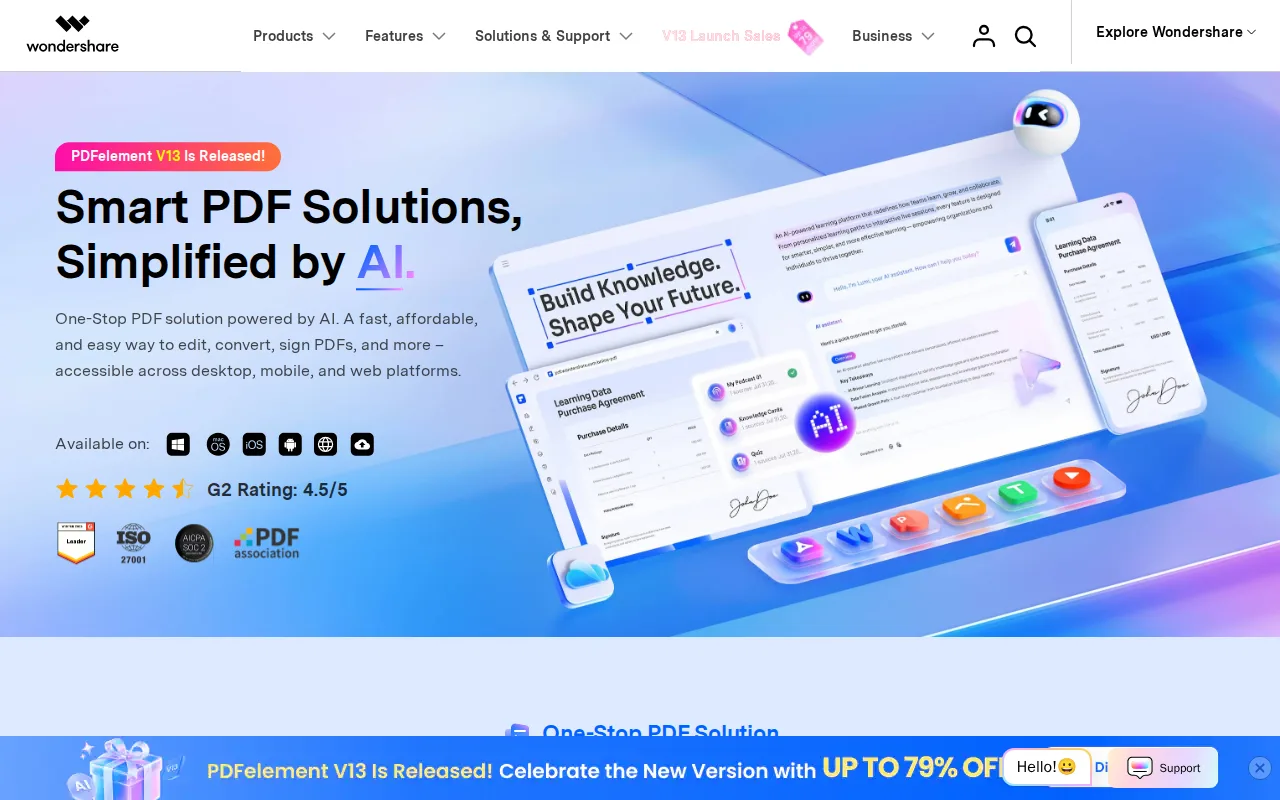
Wondershare PDFelement is the best Foxit PDF Editor alternative for individuals and small teams who want the option to buy a perpetual license instead of only a subscription, unlike Foxit, which sells PDF Editor and PDF Editor+ purely as per-user/year subscriptions. PDFelement's Mac individual perpetual license costs $61.99 for the current major version, and its quarterly auto-renewing subscription starts at $21.99, both published, plain-text prices Foxit doesn't offer since Foxit's dollar amounts appear only after clicking into a checkout flow. PDFelement's OCR supports 26 languages with batch processing, and it holds a 4.4/5 rating from 440 Capterra reviews, versus zero external ratings on file for Foxit. Foxit PDF Editor is still the better choice for buyers who want simple, predictable pricing rather than plans that vary by platform and audience: PDFelement's pricing is fragmented across platform (Windows vs Mac), audience (individual, team, education), and license type (subscription vs perpetual vs one-time-yearly), making direct cost comparison harder than Foxit's two-tier PDF Editor / PDF Editor+ structure, even though Foxit's own dollar figures aren't published either.
Compared to Foxit PDF Editor: offers a genuine perpetual license ($61.99) instead of subscription-only pricing, publishes plain-text dollar prices instead of gating them behind checkout, OCR supports 26 languages with batch processing
Wins:Perpetual license option at $61.99 for the current major version, unlike Foxit's subscription-only PDF Editor and PDF Editor+ tiers · Publishes plain-text starting prices (from $21.99/quarter), unlike Foxit's checkout-gated dollar figures · OCR supports 26 languages with batch processing for scanned documents
Loses:Pricing is fragmented across platform, audience, and license type, making direct comparison harder than Foxit's simpler two-tier structure · Perpetual license covers only the current major version; future major-version upgrades require an additional paid upgrade · AI add-on features are metered and cost extra ($3.99/month or $39.99/year) beyond a 7-day trial
Pros
- Offers a genuine perpetual license option, unlike Adobe Acrobat's subscription-only model.
- AI tools (summarization, translation, chat-with-PDF, smart redaction) are built in rather than a separate add-on cost for most features.
- OCR supports 26 languages with batch processing for scanned documents.
- Apps available across Windows, macOS, iOS, and Android with cloud sync between them.
Cons
- Pricing structure is fragmented across platform, audience, and license type, making direct cost comparisons difficult.
- Perpetual license covers only the current major version; future major-version upgrades require an additional paid upgrade.
- AI add-on features are metered and cost extra ($3.99/month or $39.99/year) beyond a 7-day trial.
- Cloud storage allowance varies by plan (20GB vs. 100GB) and the perpetual license's cloud access is time-limited rather than permanent.
Pricing: From $21.99/mo — $21.99/quarter (or $61.99 one-time perpetual) vs Foxit's unpublished per-user/year price (verified undefined NaN, NaN)