5 Best Free Alternatives to Fotor in 2026
By Noahlast updated
Compared: free alternatives to Fotor
| Alternative | Best for | Learning curve | Price |
|---|---|---|---|
| Fotorreference | individuals and small businesses who want browser-based photo editing with AI background/object removal and image generation, without a Photoshop-level learning curve | Low | Free tier · paid from $8.99/mo |
| Canva | marketers, small business owners, and social media managers who need on-brand graphics fast without hiring a designer or learning Illustrator or Photoshop | Low | Free tier · paid from $18/mo |
| Adobe Express | small business owners and social media marketers who need branded templates resized across multiple platforms without a full Creative Cloud subscription | Low | Free tier · paid from $7.99/mo |
| Pixlr | casual creators, social media managers, and small businesses who want quick AI-assisted photo edits in a browser without paying for Photoshop | Low | Free tier · paid from $1.99/mo |
| Photopea | students, social media creators, and small business owners who need Photoshop-style PSD editing without buying or installing desktop software | Moderate | Free |
| BeFunky | Solo creators and small businesses who need quick browser-based photo touch-ups, collages, and templated graphics (banners, flyers, social posts) without learning Photoshop or Illustrator. | Low | Free |
 Fotor
Fotor Canva
Canva Adobe Express
 Pixlr
Pixlr Photopea
 BeFunky
1Canva — best Fotor alternative for marketers, small business owners, and social media managers who need on-brand graphics fast without hiring a designer or learning Illustrator or Photoshop
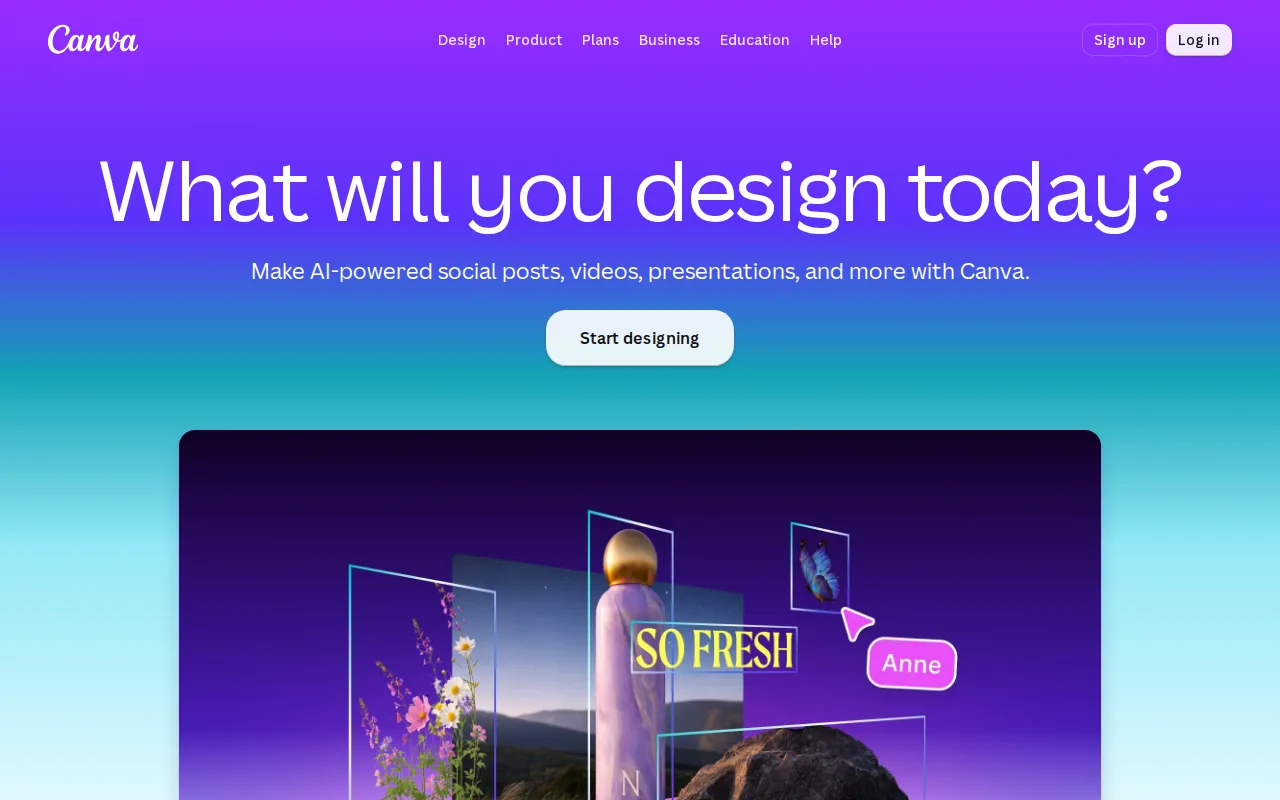
Canva is the best Fotor alternative for people whose real job is producing on-brand marketing output rather than editing individual photos. Canva's free plan ships 2M+ templates and 5GB of storage, ten times the 512MB Fotor Basic allows, and Canva Pro at $18/month ($144/year, about $12/month) adds premium templates, a brand kit, background removal, Magic Resize, and 100GB of storage. Magic Resize is the feature Fotor has no answer to: one design reflows automatically into dozens of platform-specific sizes. Canva Business at $25/user/month ($250/user/year) adds up to 100 brand kits, approval workflows, and template locking so a team stays on brand without a design lead reviewing every asset, and it bundles Canva Docs, Canva Sheets, and a website builder. Canva also carries by far the strongest review evidence here, 4.7/5 from 13,411 Capterra reviews, where Fotor has no external rating on record. Fotor is still the better buy on price and on photo work. Canva Pro costs exactly double Fotor Pro's $8.99/month and 3.6 times its $39.99 annual price, most premium templates, stock assets, and AI features sit behind the paywall, and Canva cannot export editable .psd or .ai source files, so anything started in Canva stays in Canva.
Compared to Fotor: 2M+ templates and 5GB of free storage against Fotor Basic's 512MB, Magic Resize reformatting one design across dozens of platform sizes, and $18/month for Pro against Fotor Pro's $8.99
Wins:Free plan includes 2M+ templates and 5GB of storage, ten times Fotor Basic's 512MB cloud storage cap · Magic Resize reformats a single design into dozens of platform-specific sizes automatically, with no equivalent in Fotor · 4.7/5 from 13,411 Capterra reviews, the deepest review base of any tool here, where Fotor has no external rating on record · Business at $25/user/month adds up to 100 brand kits, approval workflows, and template locking for keeping a team's output on brand
Loses:Canva Pro costs $18/month against Fotor Pro's $8.99, and $144/year against Fotor's $39.99 — double the monthly rate and 3.6 times the annual · Most premium templates, stock assets, and AI features require Pro or Business, where Fotor's free plan already exports unlimited images with no watermarks · The mobile app is noticeably more limited than the web and desktop editor, while Fotor ships the same editor across all five of its platforms · No export to editable source formats such as .psd or .ai, so designs are locked into Canva's own editor, and some users report confusing billing transitions from free trial to paid
Pros
- Template library and drag-and-drop editor let non-designers produce usable graphics in minutes.
- Magic Resize adapts one design to many platform-specific formats automatically.
- Business plan's brand kits and approval workflows keep team output on-brand without a design lead reviewing everything.
- Bundles docs, presentations, and a website builder alongside design, reducing the number of separate tools a small team needs.
Cons
- No export to editable source formats like .psd or .ai; designs are effectively locked to Canva's own editor.
- Most premium templates, stock assets, and AI features require the Pro or Business paid tier.
- Mobile app is noticeably more limited than the desktop/web editor.
- Some users report confusing billing transitions between the free trial and paid subscription.
Pricing: Free tier · paid from $18/mo — $18/month for Canva Pro ($144/year, about $12/month) vs Fotor Pro's $8.99/month ($39.99/year) — double the monthly rate and 3.6 times the annual cost (verified )
2Adobe Express — best Fotor alternative for small business owners and social media marketers who need branded templates resized across multiple platforms without a full Creative Cloud subscription

Adobe Express is the best Fotor alternative for small teams that want generative AI from Adobe's own Firefly models plus brand assets shared with Creative Cloud. Adobe Express Premium costs $9.99/month billed monthly with no annual commitment, a dollar above Fotor Pro's $8.99/month, and unlocks millions of premium templates and assets along with a larger pool of generative AI credits. For teams the per-seat price actually drops below Fotor's: Adobe Express Teams is $7.99/month per license on an annual plan (introductory $4.99/month per license for the first year) with a 2-seat minimum, and it is the tier that carries brand kits, advanced collaboration, and security controls. Its AI Assistant (beta) applies a typed edit request to a design while leaving untouched layers intact, a different approach from Fotor's AI Agent chat. Adobe Express also carries enormous app-store feedback, 4.8/5 from 345.6K iOS reviews and 4.6/5 from 574K Android ratings, where Fotor has no external rating on record. Fotor holds two real advantages. Adobe Express has no Windows or macOS desktop app at all, running on web, iOS, and Android only, while Fotor ships native desktop apps for both. And at $19.99/month the Adobe Firefly Pro bundle buys 4,000 Firefly credits plus Photoshop, while Fotor Pro+ at the same $19.99 gives 30 concurrent generations, 2,000 AI Agent chats, 100GB of storage, and 1,000,000+ stock photos.
Compared to Fotor: Firefly generative AI with brand assets shared from Creative Cloud, a $7.99/license Teams tier that undercuts Fotor Pro's $8.99, and no Windows or macOS desktop app where Fotor ships both
Wins:Teams is $7.99/month per license on an annual plan, below Fotor Pro's $8.99/month, and it is the tier that carries brand kits and collaboration controls · Firefly generative AI and direct access to Creative Cloud brand assets without leaving the app, which Fotor cannot offer · AI Assistant (beta) applies a typed edit request while leaving untouched layers intact, a more surgical approach than a general chat editor · 4.8/5 from 345.6K iOS reviews and 4.6/5 from 574K Android ratings, an enormous evidence base where Fotor has no external rating on record
Loses:No Windows or macOS desktop app; Adobe Express runs on web, iOS, and Android only, while Fotor ships native desktop apps for both platforms · The free plan caps generative AI credits and gates most templates and assets behind $9.99/month Premium, where Fotor's free plan exports unlimited images with no watermarks · Brand kits require Premium or higher and the Teams plan has a 2-seat minimum that rises from $4.99 to $7.99 per license after year one · At $19.99/month the Firefly Pro bundle buys 4,000 Firefly credits and Photoshop, while Fotor Pro+ at the same price gives 30 concurrent generations, 2,000 AI Agent chats, 100GB storage, and 1,000,000+ stock photos
Pros
- Free tier available with no credit card required
- Combines social graphics, video editing, and basic document creation in one app instead of separate tools
- One-click resize turns a single design into versions for every social channel
- High app store ratings: 4.8/5 from 345.6K iOS reviews and 4.6/5 from 574K Android ratings
Cons
- Free plan's generative AI credits and premium asset library are limited, pushing active users toward the $9.99/mo Premium plan
- Brand kits, needed for consistent team branding, are locked to Premium and higher plans
- Teams pricing has a 2-seat minimum and rises from an introductory $4.99/mo per license to $7.99/mo per license after the first year
- Full AI image generation and Photoshop access require the pricier $19.99/mo Firefly Pro bundle rather than being included in standard Premium
Pricing: Free tier · paid from $7.99/mo — $9.99/month for Adobe Express Premium (billed monthly, no annual commitment) vs Fotor Pro's $8.99/month, or $7.99/month per license on Teams with a 2-seat minimum (verified )
3Pixlr — best Fotor alternative for casual creators, social media managers, and small businesses who want quick AI-assisted photo edits in a browser without paying for Photoshop
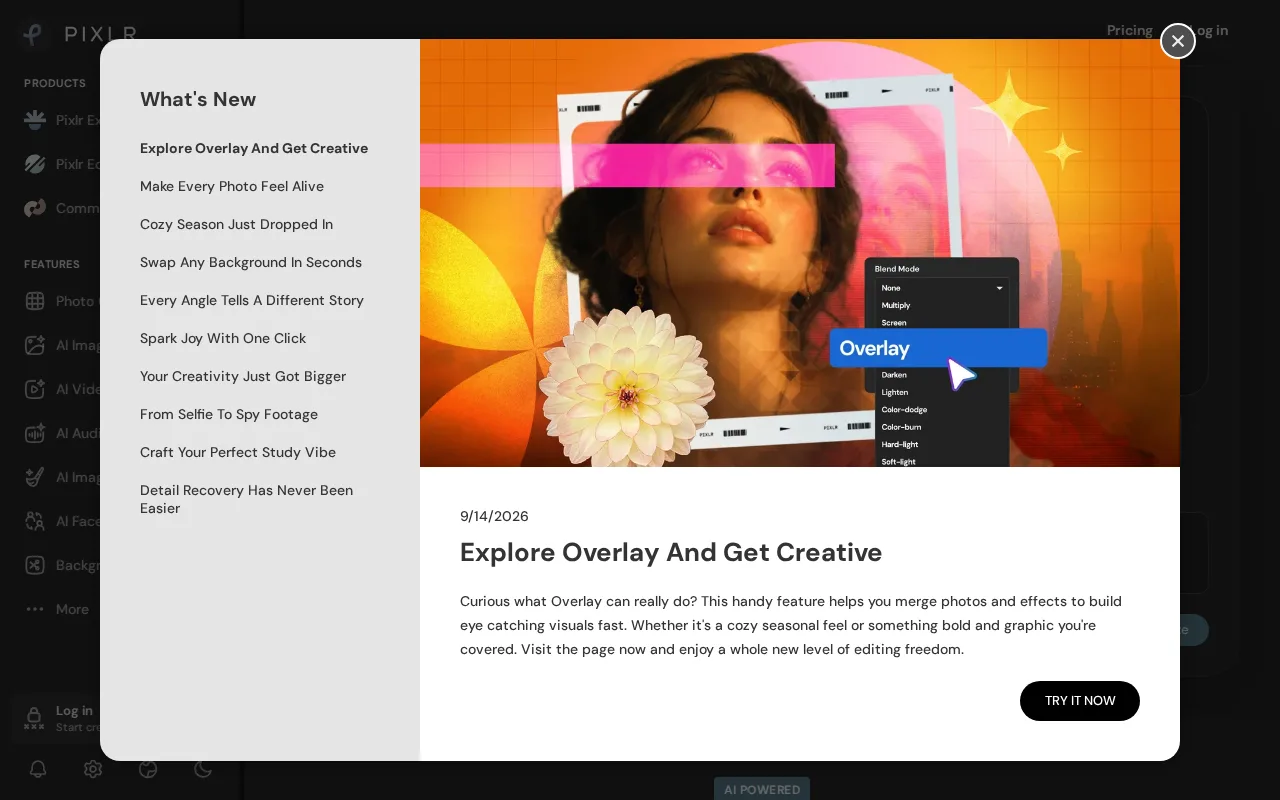
Pixlr is the best Fotor alternative for people who want AI editing at the lowest possible price and hate creating accounts. Pixlr's free tier requires no signup at all and still includes real AI tools such as generative fill, background removal, and upscaling, rather than gating every AI feature behind a paywall. Its paid ladder is the most granular here and starts far below Fotor: Plus is $1.99/month billed annually ($2.49 monthly) for ad-free editing, unlimited saves, 80 monthly credits, and 1 concurrent generation, and Premium is $7.99/month annually ($9.99 monthly) for 1,000 monthly credits, access to every image, video, and audio model, 4 concurrent generations, and a fonts and templates library. Ultra at $19.99/month annually raises that to 10,000 credits and 8 concurrent generations with a priority queue, and Ultra MAX at $39.99/month doubles it to 20,000. Product Hunt reviewers rate Pixlr 4.9/5 across 53 reviews, the highest score in this comparison though from a small sample. Fotor wins where throughput matters. Fotor Pro allows 10 concurrent generations for $8.99/month against Pixlr Premium's 4 at $7.99, and Fotor Pro+ allows 30 for the same $19.99 Pixlr Ultra charges for 8. Pixlr's free tier is also ad-supported, with ads interrupting the editing flow, and Pixlr has no Windows or macOS desktop app.
Compared to Fotor: a no-signup, ad-supported free editor with real AI tools, paid plans from $1.99/month billed annually against Fotor Pro's $8.99, and fewer concurrent generations per dollar at every comparable tier
Wins:Plus is $1.99/month billed annually ($2.49 monthly), under a quarter of Fotor Pro's $8.99/month · The free tier requires no signup at all and still includes generative fill, background removal, and upscaling · Premium at $7.99/month annually opens every image, video, and audio model with 1,000 monthly credits, a dollar below Fotor Pro's monthly price · 4.9/5 from 53 Product Hunt reviews, the highest score in this set, where Fotor has no external rating on record
Loses:Fewer concurrent generations per dollar than Fotor: 4 on $7.99 Premium against Fotor Pro's 10 at $8.99, and 8 on $19.99 Ultra against Fotor Pro+'s 30 at the same price · The free tier is ad-supported and the ads interrupt editing, where Fotor's free plan simply exports unlimited images with no watermarks · No Windows or macOS desktop app; Pixlr is web, iOS, and Android only, while Fotor ships native desktop apps · The entry Plus plan's 80 monthly credits run out quickly, and professional designers report limited precision and customization compared with desktop editors
Pros
- Genuine free tier with real AI editing tools and no signup requirement.
- Runs entirely in the browser, with no install needed on any platform.
- Native iOS and Android apps extend editing to mobile.
- Paid tiers are substantially cheaper than Adobe Creative Cloud for casual users.
Cons
- Free tier is ad-supported, which interrupts the editing flow.
- Entry-level Plus tier's 80 monthly AI credits are consumed quickly by generative features.
- Professional designers report limited precision and customization compared to native desktop editors.
- Third-party review counts on Capterra and G2 are inconsistent across sources, making outside validation harder.
Pricing: Free tier · paid from $1.99/mo — $1.99/month for Pixlr Plus billed annually ($2.49 monthly) vs Fotor Pro's $8.99/month, with Pixlr Premium at $7.99/month annually as the closest feature match (verified )
4Photopea — best Fotor alternative for students, social media creators, and small business owners who need Photoshop-style PSD editing without buying or installing desktop software
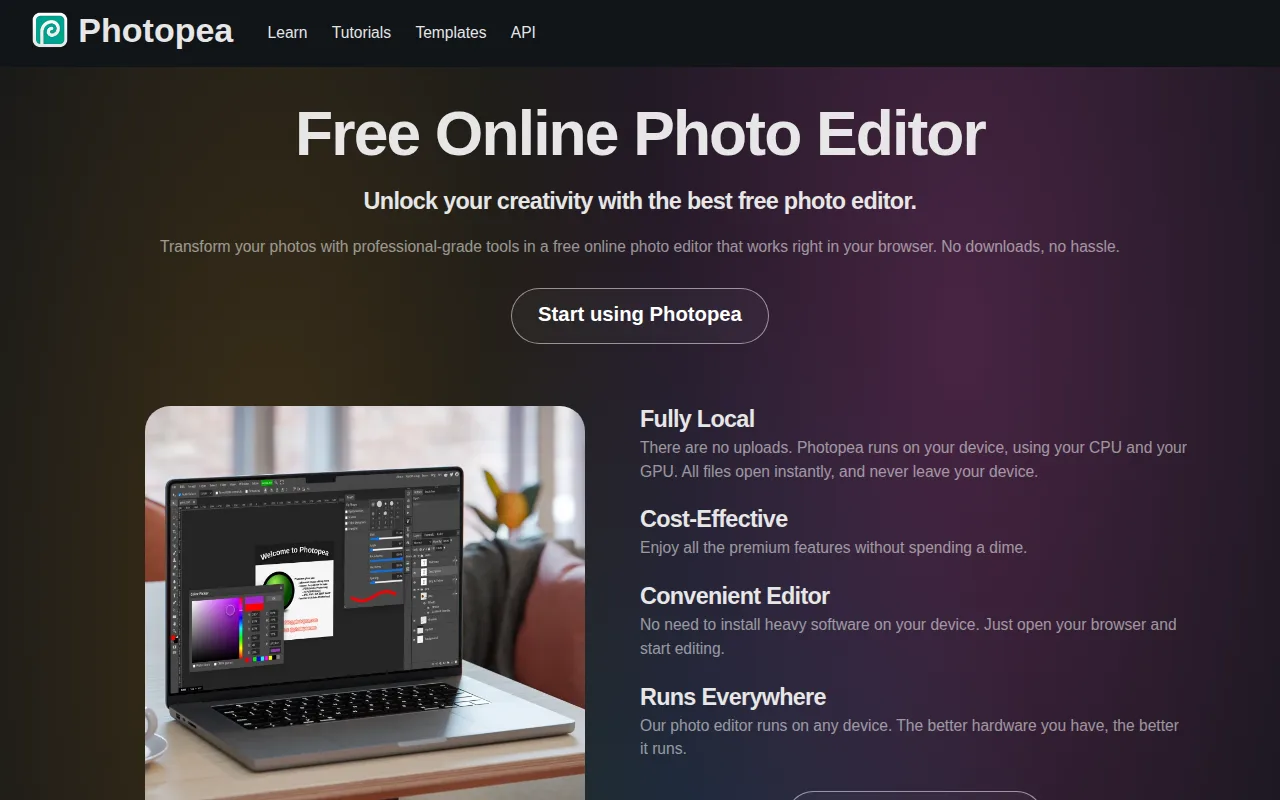
Photopea is the best Fotor alternative for anyone who has to open a real design file rather than start from a template. Photopea is free with no paid tier at all, against Fotor Pro's $8.99/month ($39.99/year) and Pro+'s $19.99/month ($89.99/year), and it needs no account and no installation. Its differentiator is native file compatibility: Photopea opens and saves PSD (Photoshop), AI and INDD (Illustrator and InDesign), XD, Sketch, and CDR files, plus camera RAW formats including CR2, CR3, NEF, ARW, and DNG. Files are edited locally in the browser and never uploaded to a server, which matters for client work under NDA. The toolset mirrors Photoshop's layer-based workflow with masking, blending modes, liquify, puppet warp, and adjustment layers, alongside AI background removal and object replacement, and it runs the same on a Chromebook or an old laptop that could not run desktop Photoshop. Photopea holds 4.5/5 from 113 Capterra reviews; Fotor has no external rating on record. Fotor is the better choice for generative AI and for working across devices. Photopea is browser-only, with no Windows, macOS, iOS, or Android app where Fotor ships all four, it offers no cloud storage or version history between sessions against Fotor's 512MB free and 100GB Pro+ tiers, and its learning curve is rated moderate against Fotor's low because the interface follows Photoshop's conventions.
Compared to Fotor: completely free with no paid tier against Fotor Pro's $8.99/month, native PSD, AI, XD, Sketch, and RAW file support with files kept local in the browser, and no desktop or mobile apps where Fotor ships four
Wins:Free with no paid tier whatsoever, against Fotor Pro's $8.99/month ($39.99/year) and Pro+'s $19.99/month ($89.99/year) · Opens and saves native PSD, AI, INDD, XD, Sketch, and CDR files plus camera RAW (CR2, CR3, NEF, ARW, DNG), which Fotor's editor does not claim · Files are processed locally in the browser and never uploaded to a server, and no account or installation is required · Full Photoshop-style layer workflow (masking, blending modes, liquify, puppet warp, adjustment layers) and 4.5/5 from 113 Capterra reviews, where Fotor has no rating on record
Loses:Browser-only, with no Windows, macOS, iOS, or Android apps, while Fotor ships native apps on all four plus the web · No cloud storage or version history across sessions, against Fotor's 512MB free, 2GB Pro, and 100GB Pro+ allowances · No text-to-image generation or AI chat editor of the kind Fotor builds on the Flux, Gemini, and Nano Banana models · Learning curve rated moderate against Fotor's low because the interface mirrors Photoshop, and the project is ad-supported and maintained largely by a single developer, so support is thinner than a commercial vendor's
Pros
- Opens and saves native PSD, AI, and XD files with no conversion step.
- Runs in any modern browser with no installation, account, or upload of files to a server required.
- Full layer-based editing toolset: masking, liquify, puppet warp, and adjustment layers.
- RAW photo format support (CR2, CR3, NEF, ARW, DNG) built in.
Cons
- No built-in cloud storage or version history across sessions.
- Editing performance on large, layer-heavy files depends on the browser and device, unlike a native desktop app.
- Built and maintained largely by a single developer, so support channels are more limited than a commercial vendor's.
- Interface closely mirrors Photoshop's, which can be dense for users who've never used Photoshop before.
Pricing: Free — $0 with no paid tier at all vs Fotor Pro's $8.99/month ($39.99/year) or Pro+'s $19.99/month ($89.99/year) (verified )
5BeFunky — best Fotor alternative for solo creators and small businesses who need quick browser-based photo touch-ups, collages, and templated graphics (banners, flyers, social posts) without learning Photoshop or Illustrator.
BeFunky is the best Fotor alternative for someone with a pile of imperfect photos and no interest in learning an editor. Its one-click AI list is broader than Fotor's on the repair side: background remover, object eraser, photo enhancer, image upscaler, sky replacer, deblur, and old photo restorer, with sky replacement and old-photo restoration having no named equivalent in Fotor's toolset. The Pro tier adds Batch AI Editing and a Batch Background Remover driven by monthly credits, so hundreds of product shots can be processed in one pass, where Fotor keeps batch editing in its top $19.99/month Pro+ tier. BeFunky also bundles a photo editor, collage maker, and template-based graphic designer into one browser platform, the free tier lets you try most tools before paying, and billing switches between monthly and annual with upgrades or downgrades available any time from the account page. Fotor wins clearly on transparency and reach. BeFunky does not publish plain-text prices for Plus or Pro; the figures load dynamically, so you cannot compare against Fotor's published $8.99 Pro and $19.99 Pro+ without clicking through. Many BeFunky free-plan effects, filters, overlays, frames, and templates are explicitly labeled 'Limited', where Fotor's free plan exports unlimited images with no watermarks, BeFunky's Pro credits expire monthly rather than rolling over, and there is no Windows or macOS desktop app.
Compared to Fotor: a broader one-click repair set including sky replacement and old-photo restoration, batch AI editing and batch background removal on Pro where Fotor reserves batch work for $19.99 Pro+, and no plain-text published pricing where Fotor lists every tier
Wins:One-click AI covers background removal, object erasing, photo enhancement, upscaling, sky replacement, deblurring, and old-photo restoration, a wider repair set than Fotor names · Pro adds Batch AI Editing and a Batch Background Remover for processing many images at once, where Fotor puts batch editing only in its $19.99/month Pro+ tier · Photo editor, collage maker, and template-based designer in one browser platform, with a free tier that exposes most tools before payment · Billing switches between monthly and annual and plans can be upgraded or downgraded at any time from the account page
Loses:No plain-text price for Plus or Pro; the pricing page loads figures dynamically, while Fotor publishes $8.99/month Pro and $19.99/month Pro+ outright · Many free-plan effects, filters, overlays, frames, and templates are explicitly labeled 'Limited', where Fotor's free plan exports unlimited images with no watermarks · Pro batch AI credits do not roll over month to month, so heavier use means buying top-up credits · No Windows or macOS desktop app (web plus mobile only), where Fotor ships native desktop apps, and BeFunky has no external review rating on record
Pros
- Combines a photo editor, collage maker, and graphic designer with templates in one browser-based platform
- AI tools cover background removal, object erasing, photo enhancement, upscaling, sky replacement, deblurring, and old-photo restoration
- Free tier lets users try or use many tools before paying anything
- Billing can be switched between monthly and annual, and plans can be upgraded or downgraded anytime from the account page
Cons
- Exact subscription prices for Plus and Pro are not shown as plain text on the pricing page; they load dynamically, so shoppers must click through to see cost
- Batch AI editing and background removal in the Pro plan consume monthly credits that don't roll over, and heavier use requires buying top-up credits
- Many effects, filters, overlays, frames, and templates in the Free plan are explicitly labeled 'Limited', so free users hit paywalls quickly
- No dedicated offline desktop app; BeFunky runs in the browser plus a mobile app, unlike desktop editors such as Photoshop or Affinity Photo
Pricing: Free — BeFunky publishes no plain-text price for Plus or Pro, since its pricing page loads figures dynamically, so no direct comparison with Fotor Pro's $8.99/month or Pro+'s $19.99/month can be made from the published data (verified )