Formstack — A no-code suite for building forms, generating documents, and collecting eSignatures, used by over 32,000 organizations to digitize manual paperwork workflows.

By Noahlast updated pricing verified
Formstack screenshots & video
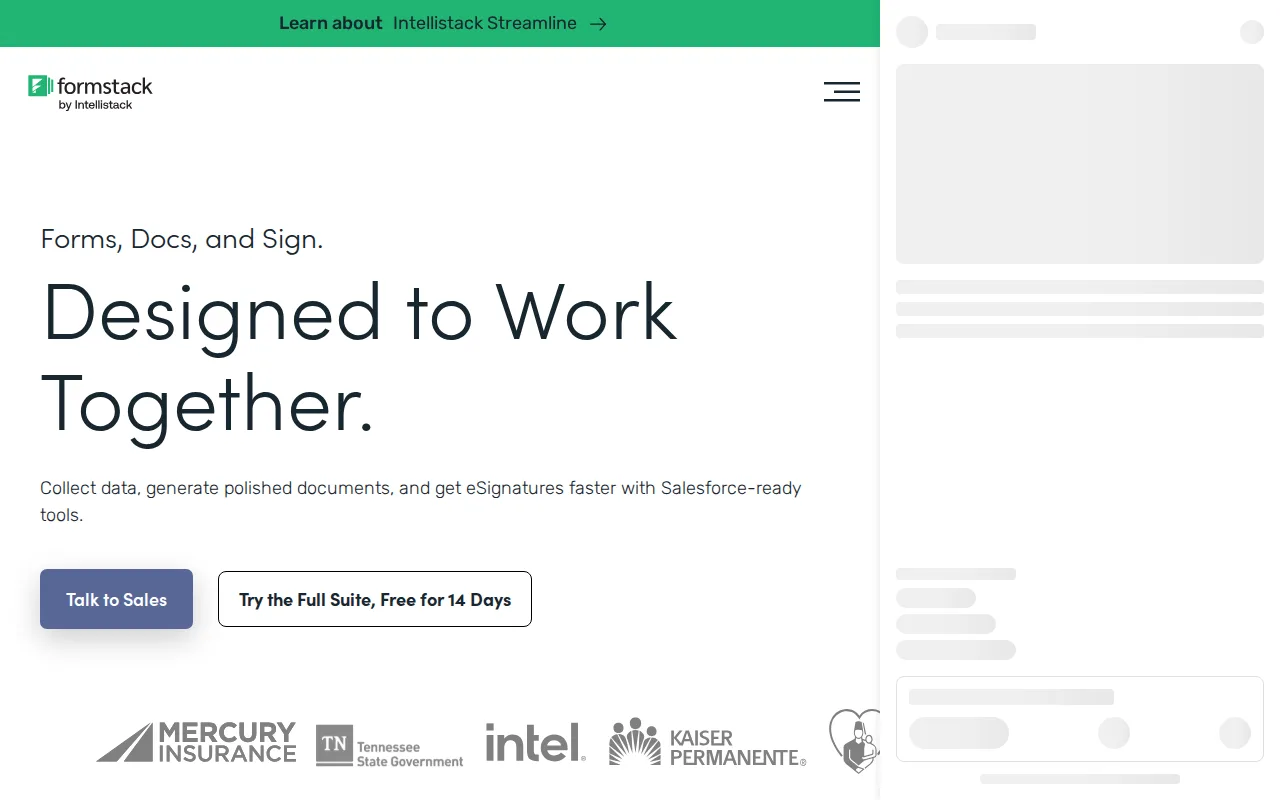
Formstack in 20 seconds
Best for: teams that need forms, document generation, and eSignature chained into one no-code workflow, especially Salesforce shops
Pricing: From $83/month billed annually for Forms (Suite with Documents + Sign from $250/month); no free tier, 14-day trial only.
- Formstack Forms starts at $83/month billed annually ($99/month billed monthly) for 1 builder user and 1,000 submissions per form.
- The Formstack Suite plan (Forms + Documents + Sign) costs $250/month billed annually ($299 monthly) for 3 builder users and unlimited eSignatures.
- Formstack holds a 4.0/5 rating from 127 reviews on Capterra.
- Formstack has no permanently free tier, only a 14-day trial of the core Forms product.
- Formstack integrates with 100+ tools including Salesforce, Google Sheets, HubSpot, and Stripe.
Limitations: No permanently free plan.; Entry Forms tier includes only 1 builder user; scaling requires the $250/month Suite tier.; Pricing structure described as confusing by reviewers as teams grow.
Top alternatives: JotForm, Tally, Typeform, Paperform, Wufoo — full list
What is Formstack?
Formstack is a no-code workplace productivity suite built around three connected products: Forms for building secure data-collection forms, Documents for generating contracts, letters, and reports from templated data, and Sign for collecting eSignatures without per-envelope fees. Unlike point solutions that handle only forms or only e-signing, Formstack's Suite plan chains all three into a single workflow: a form submission can trigger a generated document that routes automatically for signature, with no code required. The platform also ships Salesforce-native versions of Forms and Documents that run inside a Salesforce org rather than through middleware, plus 100+ integrations covering CRMs, payment processors, and cloud storage. Formstack is closed-source and subscription-only, with no permanently free tier — only a 14-day trial of the core Forms product.
Formstack is a no-code workplace productivity suite from Formstack, LLC that bundles three tools — Forms, Documents, and Sign — so teams can build data-collection forms, auto-generate contracts and letters, and collect eSignatures without writing code or paying per-envelope signing fees. The standalone Forms plan starts at $83/month billed annually (or $99/month billed monthly) for one builder user, 25 forms, and 1,000 submissions per form, while the combined Suite plan runs $250/month annually ($299 monthly) for three builder users and unlimited eSignatures; Salesforce-native and Enterprise tiers are quoted individually. Formstack integrates with 100+ tools including Salesforce, Google Sheets, HubSpot, and Stripe, and offers dedicated Forms for Salesforce and Documents for Salesforce products that run natively inside a Salesforce org. Formstack holds a 4.0/5 rating from 127 reviews on Capterra, where reviewers praise its data-validation features and customer support but describe the multi-product pricing structure as confusing once a team scales past the entry tier.
Standout feature: The Suite plan chains Forms, Documents, and Sign into one workflow — a form submission can auto-generate a document and route it for signature with no code and no per-envelope signing fees.
Biggest weakness: No permanently free tier — only a 14-day trial — and reviewers on Capterra and G2 describe the multi-product pricing structure as confusing once a team needs more than the entry-level Forms plan.
Pros
- Bundles form building, document generation, and eSignature into one connected workflow instead of three separate tools.
- Salesforce-native versions of Forms and Documents run inside a Salesforce org without middleware.
- Unlimited eSignatures on the Suite plan with no per-envelope fee, unlike per-document eSign pricing elsewhere.
- Reviewers cite strong data validation that catches errors before submission and responsive same-day customer support.
Cons
- No permanently free plan; only a 14-day trial before billing starts.
- Entry-level Forms plan includes just 1 builder user and 1,000 submissions per form, forcing a jump to the $250/month Suite tier to add more seats.
- Capterra and G2 reviewers describe the pricing structure as confusing as teams scale.
- No native mobile app; the platform is web-only.
Formstack pricing
From $83/mo · verified from the vendor's pricing page
| Plan | Price | Notes |
|---|---|---|
| Forms | $83/mo | Billed annually ($99/month billed monthly); includes 1 builder user, 25 forms, 1,000 submissions per form, and 2GB storage. |
| Suite (Forms + Documents + Sign) | $250/mo | Billed annually ($299/month billed monthly); includes 3 builder users, 100 forms, 5,000 submissions per form, 10GB storage, 250 document deliveries/month, and unlimited eSignatures. |
| Salesforce Solutions | Custom | Custom pricing; Salesforce-native forms and document generation with Experience Cloud integration and Salesforce Shield compatibility. |
| Enterprise | Custom | Custom pricing; dedicated Customer Success Manager, SSO, unlimited users and submissions, API access. |
What reviewers say
Scores belong to their platforms; we display them with attribution and never fold them into our own ratings.