2 Best Open-Source Alternatives to Enpass in 2026
By Noahlast updated pricing verified
Compared: open-source alternatives to Enpass
| Alternative | Best for | Standout | Biggest weakness | Learning curve | Price |
|---|---|---|---|---|---|
| Enpassreference | privacy-conscious users who want their password vault synced through their own cloud storage (iCloud, Dropbox, Google Drive) instead of a vendor's servers | Vaults sync through a cloud provider you already use rather than Enpass's own servers, so Enpass never holds a copy of your encrypted vault. | Advertised Individual and Family prices are introductory rates for the first 12 months only; the exact renewal price after year one is not disclosed on the pricing page, and there is no web-based vault for accessing passwords from a browser without installing an app. | Moderate | Free tier · paid from $1.99/mo |
| Bitwarden | individuals and teams who want an open-source, independently audited password manager they can self-host, at roughly half the price of 1Password or Dashlane | Fully open-source client and server code (GPL-3.0), independently audited, with an official self-hosting option and a community-maintained lightweight server (Vaultwarden) for running your own vault infrastructure. | The official self-hosted server carries a mixed license (GPL-3.0 core plus a Bitwarden-specific license for some enterprise features), and the interface is generally considered less polished than 1Password's, with fewer built-in extras like a bundled VPN. | Low | Free tier · paid from $1.65/mo |
| KeePassXC | privacy-conscious individuals and technical teams who want a fully offline password vault they control, rather than a cloud-synced subscription service | The entire vault is a single locally encrypted file with no vendor cloud account required, and browser integration prompts for per-site access confirmation rather than auto-filling silently. | There is no built-in cross-device sync, so keeping the vault current across a phone and multiple computers requires manually configuring a third-party sync tool (Dropbox, Nextcloud, Syncthing), and the mobile experience relies on separate community apps rather than a first-party KeePassXC app for iOS or Android. | Moderate | Free |
 Enpass
 Bitwarden
 KeePassXC
1.Bitwarden — best Enpass alternative for individuals and teams who want an open-source, independently audited password manager they can self-host, at roughly half the price of 1Password or Dashlane
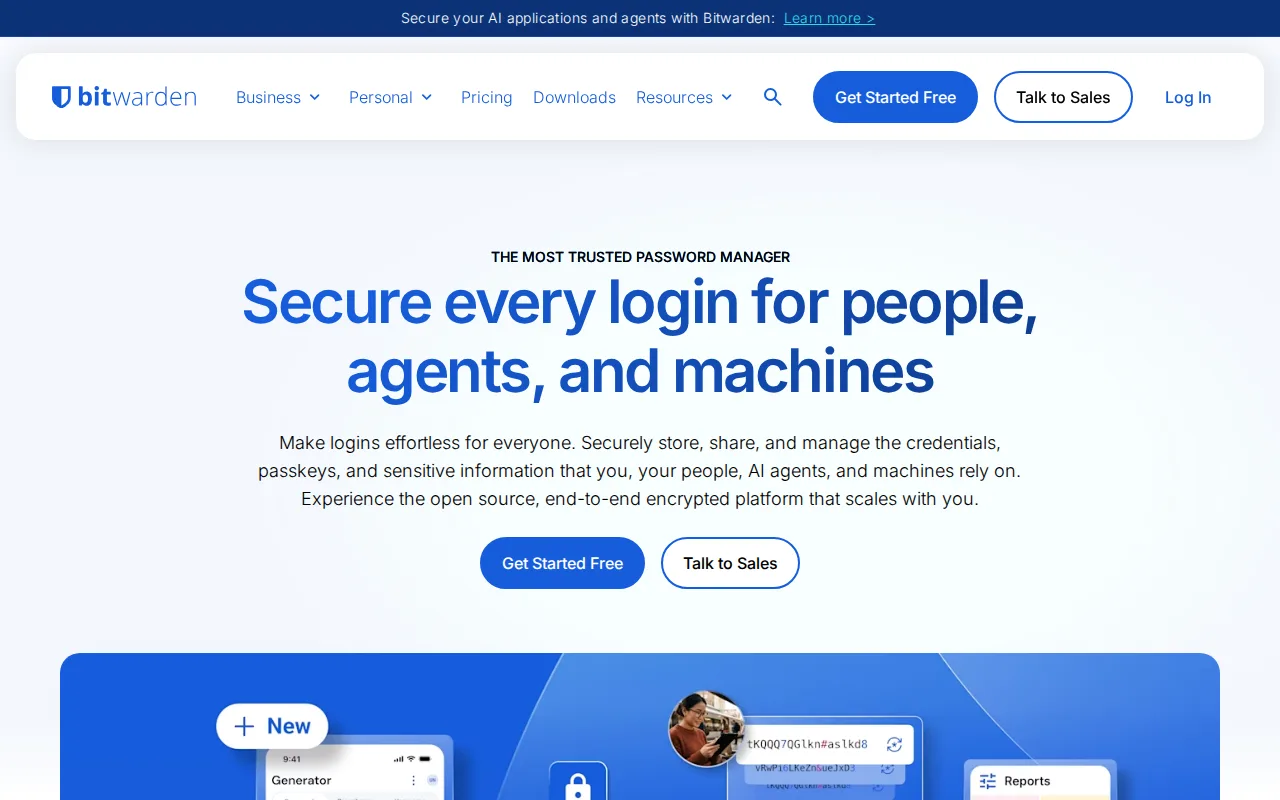
Bitwarden is the best Enpass alternative for anyone who wants an independently audited, open-source password manager with a genuinely free tier. Bitwarden's Free plan covers unlimited passwords and devices with no time limit, something Enpass doesn't offer since its cheapest published plan is $1.99/month, and Bitwarden's Premium tier costs $1.65/month billed annually, even cheaper than Enpass's own introductory Individual price. Bitwarden holds a 4.7/5 rating from 216 Capterra reviews and 4.8/5 from 16 Product Hunt reviews, and its client and server code is published on GitHub under GPL-3.0 and independently audited, letting security researchers verify the encryption Enpass's closed-source app only asks users to trust. Enpass is still the better choice for anyone who specifically wants their vault to never touch a vendor's servers at all: Bitwarden's official self-hosted server carries a mixed license (GPL-3.0 core plus a Bitwarden-specific license for some enterprise components), and its default sync still runs through Bitwarden's own cloud unless a user deliberately self-hosts, while Enpass's local-first architecture routes sync through a cloud provider the user already trusts (iCloud, Dropbox, Google Drive) by default, never holding a copy itself.
Compared to Enpass: a genuinely free tier with unlimited passwords and devices, cheaper Premium plan ($1.65/mo vs Enpass's $1.99/mo introductory price), open-source and independently audited client and server code
Wins:Free tier includes unlimited passwords and devices with no time limit, unlike Enpass's cheapest published plan at $1.99/month · Premium plan costs $1.65/month, cheaper than Enpass's $1.99/month introductory Individual price · Open-source and independently audited client and server code (GPL-3.0) that anyone can inspect on GitHub
Loses:Default sync runs through Bitwarden's own cloud unless a user deliberately self-hosts, while Enpass routes sync through a user-chosen cloud provider by default and never holds a copy of the vault itself · Official self-hosted server carries a mixed license (GPL-3.0 core plus a Bitwarden-specific license for some enterprise components) · No one-time-payment option like Enpass's $49.99 3-Year Plan; every tier is a recurring subscription
Pros
- Open-source, independently audited client and server code that anyone can inspect on GitHub.
- Free tier includes unlimited passwords and devices with no artificial time limit.
- Roughly half the price of 1Password or Dashlane at every comparable tier.
- Official self-hosting option, plus a community Vaultwarden server for lighter-weight self-hosting.
Cons
- Free tier excludes the integrated authenticator and file attachments, which require upgrading to Premium.
- Server code isn't purely open source; some enterprise components ship under a separate Bitwarden license alongside the GPL-3.0 core.
- Interface and browser extension are generally considered less polished than 1Password's.
- No bundled VPN or dark-web monitoring the way some competitors include at similar price points.
Pricing: Free tier · paid from $1.65/mo — $1.65/month Premium (billed annually) vs Enpass's $1.99/month introductory Individual price (first 12 months) (verified undefined NaN, NaN)
2.KeePassXC — best Enpass alternative for privacy-conscious individuals and technical teams who want a fully offline password vault they control, rather than a cloud-synced subscription service
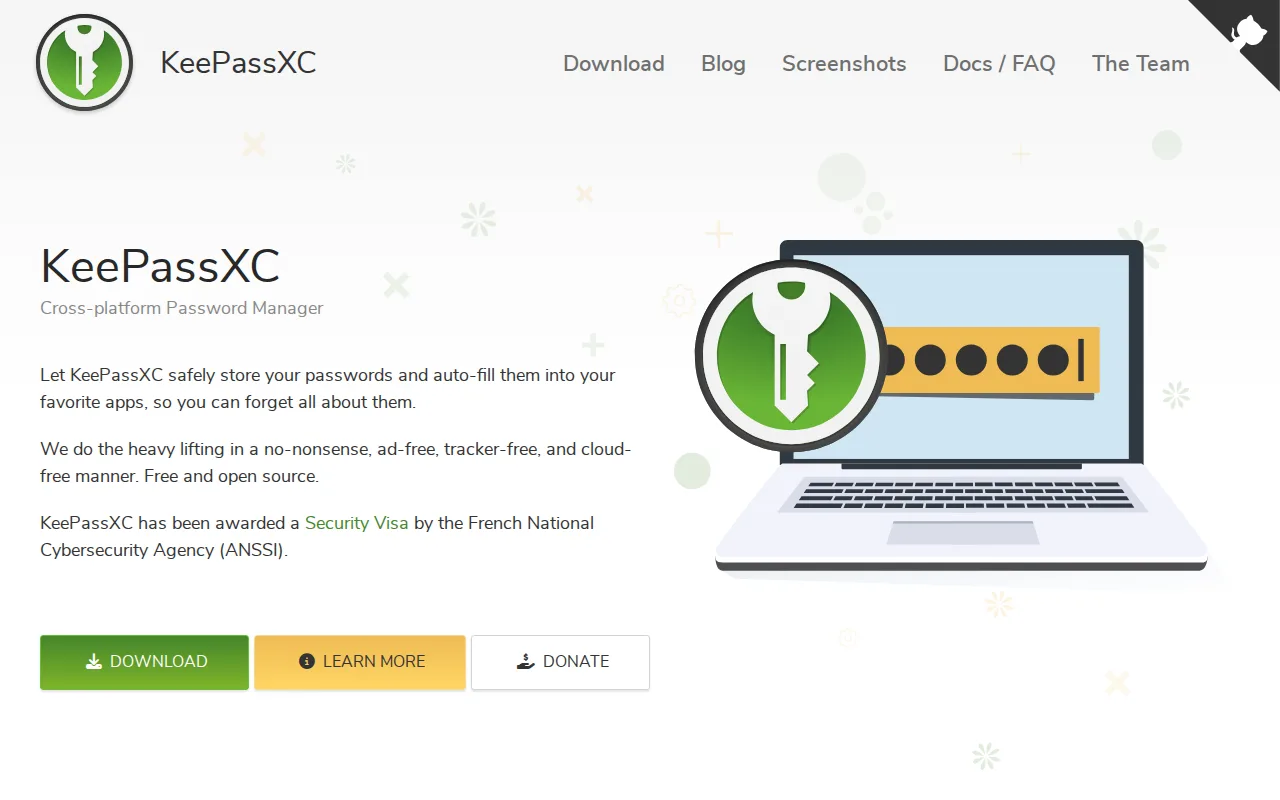
KeePassXC is the best Enpass alternative for anyone who wants a fully free, offline password vault with zero subscription cost, ever. KeePassXC has no pricing tiers, account, or subscription requirement of any kind — development is funded entirely through donations — while Enpass charges $1.99/month for Individual access even at its introductory rate. Both tools share the same local-first philosophy of keeping the encrypted vault off a vendor's servers, but KeePassXC goes further: it's fully open source under GPL-2.0/3.0 with 28,500+ GitHub stars and received an ANSSI security certification for version 2.7.9, letting anyone independently verify its encryption, unlike Enpass's closed-source app. Enpass is still the better choice for anyone who wants integrated sync and a mobile app without manual setup: Enpass has official iOS and Android apps and built-in sync support for iCloud, Dropbox, Google Drive, OneDrive, or WebDAV, while KeePassXC has no first-party sync service at all, so cross-device use requires manually pairing the vault file with a third-party tool like Dropbox, Nextcloud, or Syncthing, and there is no official KeePassXC mobile app, so iOS and Android users must rely on separate, third-party KeePass-compatible apps.
Compared to Enpass: fully free with no pricing tiers or subscription ever, fully open source (GPL-2.0/3.0) with 28,500+ GitHub stars and an ANSSI security certification, no vendor account or cloud storage required at all
Wins:Fully free with no pricing tiers, account, or subscription requirement of any kind, versus Enpass's $1.99/month introductory Individual price · Fully open source (GPL-2.0/3.0) with 28,500+ GitHub stars and an ANSSI security certification for version 2.7.9 · No vendor account or cloud storage dependency at all; the vault is a single locally encrypted file
Loses:No official mobile app; iOS and Android users rely on separate, third-party KeePass-compatible apps, unlike Enpass's native iOS and Android apps · No first-party sync service; cross-device use requires manually pairing with Dropbox, Nextcloud, or Syncthing, versus Enpass's built-in iCloud/Dropbox/Google Drive/OneDrive/WebDAV support · More utilitarian, less polished interface than commercial competitors like Enpass
Pros
- Vault is a single locally encrypted file with no vendor cloud account or subscription required.
- Fully open source (GPL-2.0/GPL-3.0) with 28,500+ GitHub stars and an ANSSI security certification for version 2.7.9.
- Browser integration asks for per-site confirmation instead of silent autofill, reducing phishing risk.
- Built-in TOTP generator removes the need for a separate authenticator app for many accounts.
Cons
- No first-party sync service; cross-device use requires manually pairing with Dropbox, Nextcloud, or Syncthing.
- No official KeePassXC mobile app; iOS and Android users rely on separate, third-party KeePass-compatible apps.
- Interface is more utilitarian and less polished than commercial competitors like 1Password or Bitwarden.
- Family or team sharing requires manual vault-file sharing rather than a built-in sharing feature.
Pricing: Free — Free forever, no paid tier, vs Enpass's $1.99/month introductory Individual price (first 12 months) (verified undefined NaN, NaN)