4 Best Free Alternatives to Doodle in 2026
By Noahlast updated pricing verified
Compared: free alternatives to Doodle
| Alternative | Best for | Standout | Biggest weakness | Learning curve | Price |
|---|---|---|---|---|---|
| Doodlereference | small teams and client-facing professionals coordinating group availability and 1:1 bookings across multiple calendars | Group polls let an organizer find a time across many invitees' calendars without any invitee needing a Doodle account. | The free plan is capped at a single active poll, booking page, and 1:1 link at a time, so anyone scheduling more than one thing simultaneously has to upgrade to Pro. | Low | Free tier · paid from $11/mo |
| Calendly | individuals and small teams who need to eliminate scheduling back-and-forth via a shared booking link, especially sales and recruiting teams needing round-robin routing | Notetaker and Callie, which extend Calendly beyond booking into recording meetings, drafting follow-ups, and coordinating scheduling over email automatically. | The free plan is limited to a single event type and one calendar connection, pushing most real usage onto per-seat paid plans, and per-seat pricing compounds quickly for larger sales or recruiting teams. | Low | Free tier · paid from $10/mo |
| Cal.com | individuals and technical teams who want an open-source, self-hostable Calendly alternative with API-level control over booking flows | The scheduling engine is genuinely self-hostable via Docker, with a fully open community fork (cal.diy, MIT-licensed) that strips out enterprise/commercial code entirely, giving teams a real self-hosted path rather than an open-source demo that funnels users to the paid cloud. | Self-hosting requires ongoing infrastructure maintenance and doesn't include Cal.com's managed support, while advanced features like SSO and fine-grained access control are gated behind the pricier Organizations and Enterprise tiers on the hosted product. | Moderate | Free tier · paid from $12/mo |
| SavvyCal | sales, recruiting, and consulting teams who want invitees to see their own calendar overlaid on the host's availability, plus round-robin and collective team scheduling | A week-view booking page that lets the person scheduling overlay their own calendar on top of the host's availability, rather than picking blindly from a list of open slots. | No native mobile app; SavvyCal is web-only with a Chrome extension, so managing availability or links from a phone means using the mobile browser rather than a dedicated app. | Low | Free tier · paid from $10/mo |
| YouCanBook.me | solo service providers and small teams (coaches, photographers, salons, healthcare, recruiters) who want a booking page synced to their existing Google or Outlook calendar | Round-robin scheduling and per-member calendar allowances on the Team plan let larger service organizations distribute bookings across staff automatically, rather than manually assigning each appointment. | Exact pricing for every paid tier is hidden behind a sign-up or trial flow rather than shown plainly on the pricing page, forcing prospective buyers to hand over an email or start a trial just to see what a plan costs. | Low | Free |
 Doodle
 Calendly
 Cal.com
 SavvyCal
 YouCanBook.me
1.Calendly — best Doodle alternative for individuals and small teams who need to eliminate scheduling back-and-forth via a shared booking link, especially sales and recruiting teams needing round-robin routing
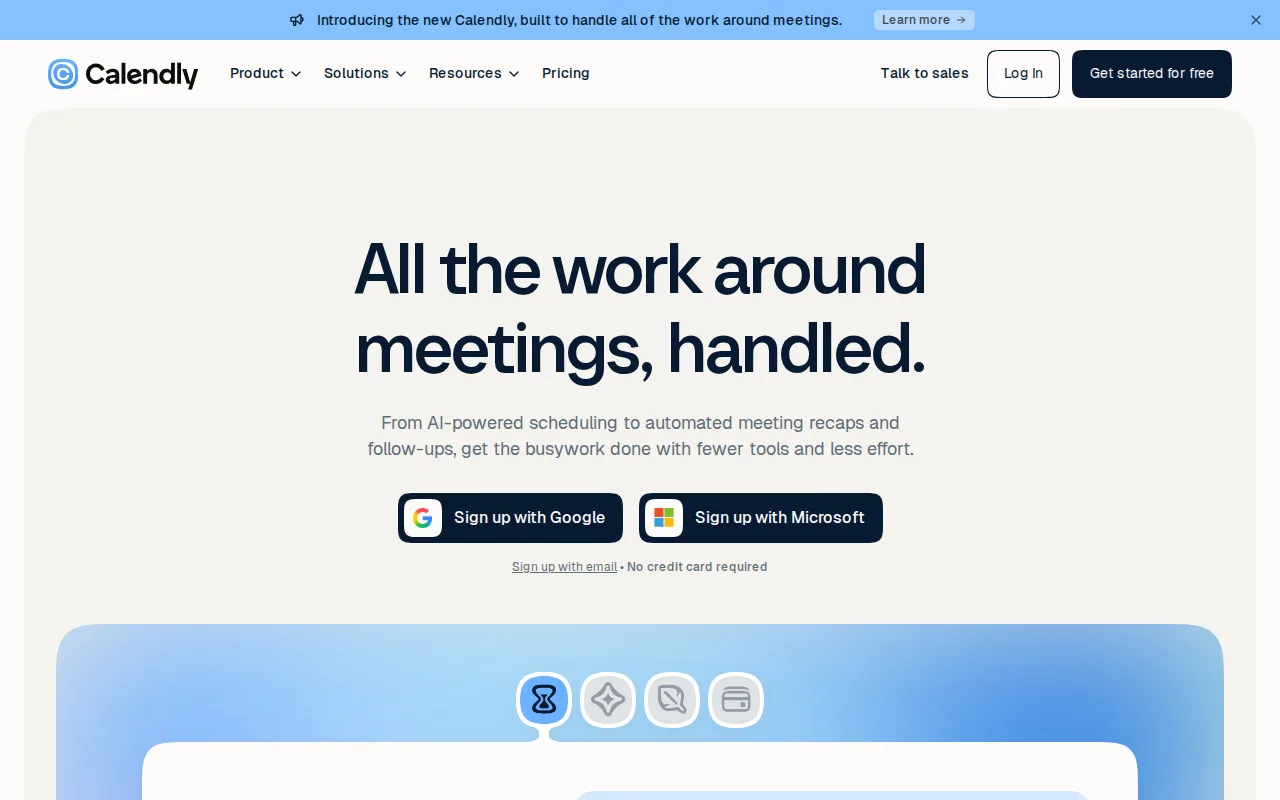
Doodle and Calendly both automate meeting scheduling, but Calendly has expanded well beyond booking links into meeting-lifecycle tools: Notetaker records meetings and drafts follow-up emails with action items, and Callie, a beta AI assistant, coordinates scheduling by email for invitees who prefer email over a link, capabilities Doodle's group-poll-and-booking-page model doesn't offer. Calendly holds a 4.7/5 rating from 4,139 Capterra reviews, by far the deepest evidence base of any tool compared here, and its 150+ integrations cover Zoom, Google Workspace, Microsoft 365, Slack, Salesforce, and HubSpot. The honest tradeoff is Doodle's specific strength: group polls. Calendly's core product is a 1:1 or team booking link, not a group-availability poll the way Doodle's flagship feature works, and Calendly's free plan is capped to one event type and one calendar connection, a similar limitation to Doodle's own single-poll, single-page free tier. Teams that specifically need group polls to find a time across many invitees' calendars are better served by Doodle.
Compared to Doodle: Notetaker and Callie extend scheduling into meeting notes and email-based booking, 150+ integrations, the deepest review base here (4.7/5 from 4,139 Capterra reviews), but no group-poll feature the way Doodle's flagship product works.
Wins:Notetaker records meetings and drafts follow-up emails with action items, and Callie coordinates scheduling by email · 4.7/5 rating from 4,139 Capterra reviews, the deepest evidence base of any tool compared here · 150+ integrations cover Zoom, Google Workspace, Microsoft 365, Slack, Salesforce, and HubSpot
Loses:No group-poll feature; Calendly's core product is a 1:1 or team booking link, not a group-availability poll like Doodle's flagship feature · Free plan is capped to one event type and one calendar connection, a similar limitation to Doodle's own single-poll free tier · Per-seat pricing adds up quickly for larger sales or recruiting teams
Pros
- Booking links eliminate scheduling back-and-forth with almost no setup.
- 150+ integrations cover most calendar, video, CRM, and payment tools teams already use.
- Notetaker and Callie extend the product past scheduling into meeting notes and email-based booking.
- Round-robin and lead-routing features on Teams suit sales and recruiting workflows well.
Cons
- Free plan is restricted to one event type and one calendar, too limited for most business use.
- Per-seat pricing adds up quickly for larger teams compared to flat-rate competitors.
- Customer support response times on lower tiers lag behind what Teams and Enterprise get.
- Enterprise pricing requires a 50-seat minimum, pricing out smaller companies that need SSO.
Pricing: Free tier · paid from $10/mo — Calendly Standard is $10/seat/month vs Doodle Pro at $11/seat/month (billed annually), both similarly priced (verified undefined NaN, NaN)
2.Cal.com — best Doodle alternative for individuals and technical teams who want an open-source, self-hostable Calendly alternative with API-level control over booking flows
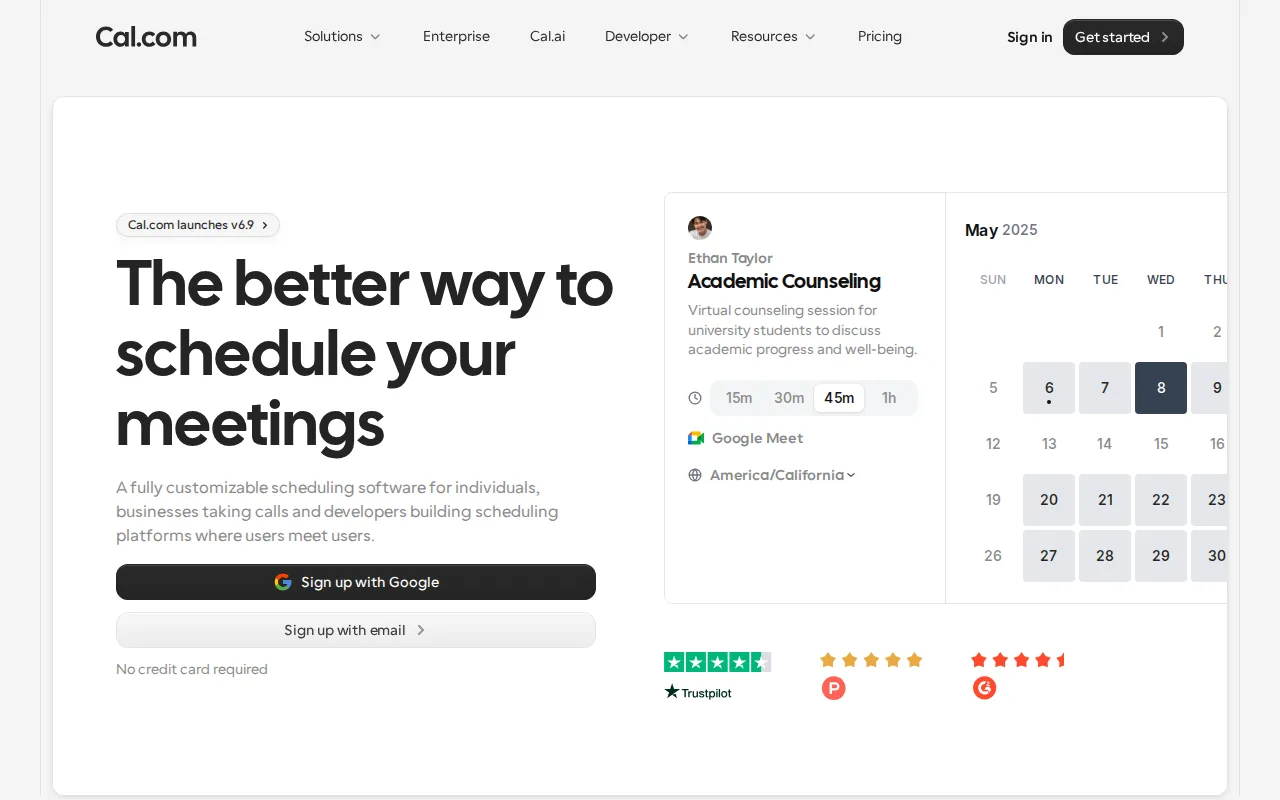
Doodle and Cal.com both offer group and team scheduling, but Cal.com's scheduling engine is genuinely self-hostable via Docker, with a fully open community fork (cal.diy, MIT-licensed) that strips out enterprise code entirely, letting organizations run their own booking infrastructure instead of depending on a SaaS vendor the way Doodle's platform requires. Cal.com's Free plan covers a single user with unlimited event types and calendars, plus 100+ integrations and Stripe/PayPal payment processing built in even at no cost, versus Doodle's free plan capped at one poll, one booking page, and one 1:1 link. Cal.com holds a 4.8/5 rating from 85 Product Hunt reviews. The honest tradeoff is Doodle's specific group-poll workflow: Cal.com is built around individual event-type booking links rather than Doodle's group-availability polls where invitees respond without an account, and Cal.com's Teams tier ($12/user/month) compounds faster per-user than Doodle's flat per-seat Pro tier for larger groups. Teams that specifically need group availability polls are better served by Doodle.
Compared to Doodle: genuinely self-hostable via Docker with a fully open MIT-licensed community fork, unlimited event types and calendars even on the free plan, Stripe/PayPal payments built in at $0, but no group-poll feature and per-user Teams pricing that compounds faster for larger groups.
Wins:Genuinely self-hostable via Docker with a fully open, MIT-licensed community fork (cal.diy) · Free plan includes unlimited event types and calendars, more generous than Doodle's single-poll, single-page free tier · Built-in Stripe and PayPal payment collection at booking time, even on the free plan
Loses:No group-poll feature; built around individual event-type booking links rather than Doodle's group-availability polls where invitees respond without an account · Teams tier is $12/user/month, which compounds faster per-user than Doodle's flat per-seat Pro pricing for larger groups · SSO and advanced access control are gated to the pricier Organizations and Enterprise tiers
Pros
- Free tier includes unlimited event types and calendars for a single user, with no artificial feature caps.
- Genuinely self-hostable via Docker, with a fully open MIT-licensed community fork (cal.diy) available.
- 100+ integrations and two-way Salesforce/HubSpot sync are available even on the free plan.
- Built-in Stripe and PayPal payment collection at time of booking without a separate add-on.
Cons
- Self-hosting requires ongoing infrastructure maintenance and forgoes Cal.com's managed support and updates.
- SSO and advanced access control are gated to the pricier Organizations and Enterprise tiers.
- Team-oriented features require per-user billing ($12-28/user/month), which adds up faster than Calendly's flat team pricing at small seat counts.
- Self-hosted deployments can lag behind the hosted cloud product on the latest feature releases.
Pricing: Free tier · paid from $12/mo — Cal.com Teams is $12/user/month vs Doodle Pro at $11/seat/month, both billed annually (verified undefined NaN, NaN)
3.SavvyCal — best Doodle alternative for sales, recruiting, and consulting teams who want invitees to see their own calendar overlaid on the host's availability, plus round-robin and collective team scheduling
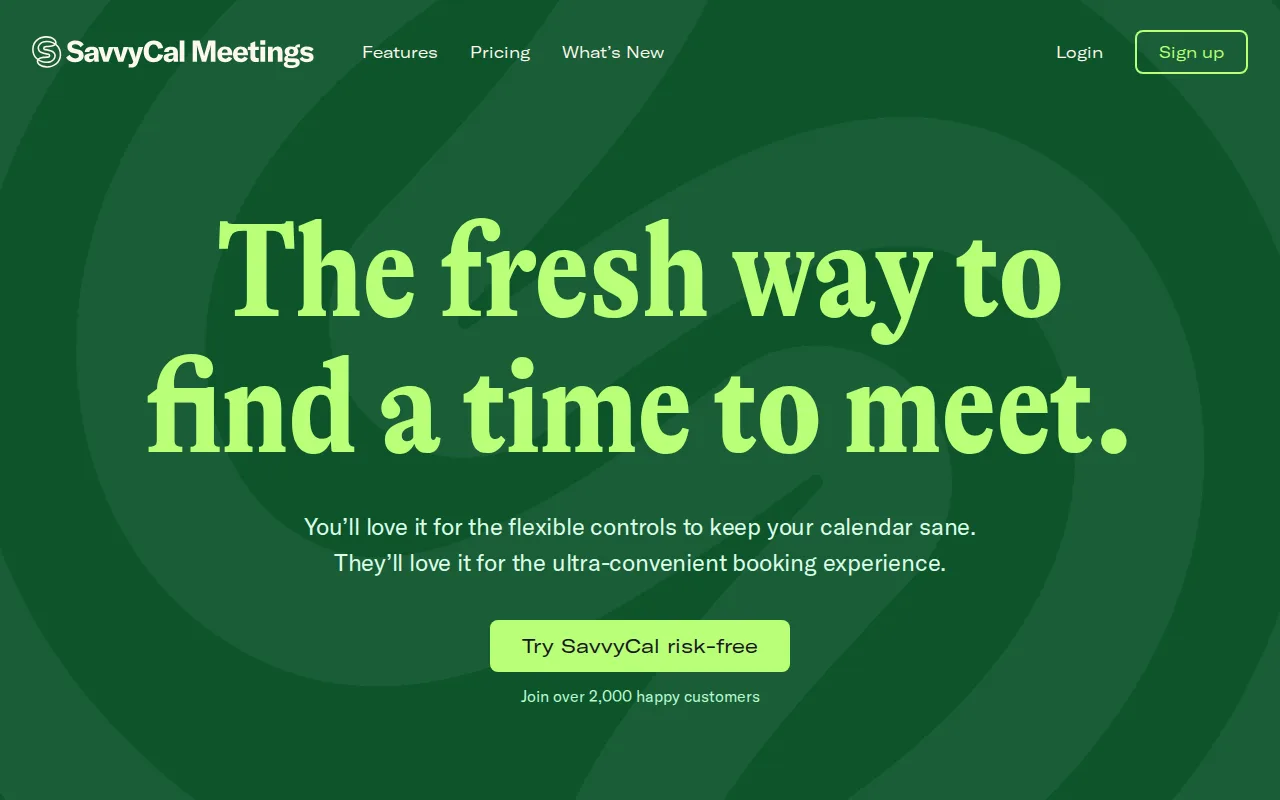
Doodle and SavvyCal both help coordinate meeting times across calendars, but SavvyCal's distinctive week-view booking page lets an invitee overlay their own calendar directly on top of the host's availability, making it easier to spot a genuinely convenient slot than picking blindly from Doodle's poll-style time grid. SavvyCal supports Collective, Round Robin, and Group scheduling modes for team-based booking, and its Basic plan at $10/user/month (billed annually) is close to Doodle's own Pro tier at $11/seat/month. The honest tradeoff is evidence depth and group polls: SavvyCal's 5.0/5 rating comes from only 4 Capterra and 4 Product Hunt reviews each, a much thinner base than would be needed to fully validate that score, and SavvyCal has no group-poll feature or native mobile app, unlike Doodle's poll-based coordination and companion mobile app. Teams that need group polls where invitees respond without an account, or a mobile app, are better served by Doodle.
Compared to Doodle: a week-view booking page where invitees overlay their own calendar on the host's availability, Round Robin and Collective team-scheduling modes, similar per-seat pricing ($10/user/month vs $11/seat/month), but a much thinner review base and no group-poll feature or mobile app.
Wins:Calendar-overlay booking page makes it easier for invitees to pick a time that actually works for them · Round Robin and Collective modes cover common team-scheduling needs (sales, recruiting, support) out of the box · Time blocking and preferred-time nudges give hosts more control over their calendar than a plain poll link
Loses:Review sample sizes on Capterra and Product Hunt are very small (4 reviews each), thinner evidence than would be needed to fully validate that 5.0/5 score · No group-poll feature where invitees respond without creating an account, unlike Doodle's flagship coordination tool · No native iOS or Android app, unlike Doodle's companion mobile app
Pros
- Calendar-overlay booking page makes it easier for invitees to pick a time that actually works for them.
- Round Robin and Collective modes cover common team-scheduling needs (sales, recruiting, support) out of the box.
- Time blocking and preferred-time nudges give hosts more control over their calendar than a plain link.
- Holds a 5.0/5 rating from both Capterra (4 reviews) and Product Hunt (4 reviews).
Cons
- No native iOS or Android app; scheduling management is web-only.
- Review sample sizes on Capterra and Product Hunt are very small (4 reviews each), which limits how much confidence to place in the perfect ratings.
- Custom domains and paid bookings are locked behind the Premium tier, not available on Basic.
- Smaller market share and integration ecosystem than Calendly, so some CRM or ATS integrations may be missing.
Pricing: Free tier · paid from $10/mo — SavvyCal Basic is $10/user/month (billed annually) vs Doodle Pro at $11/seat/month, both billed annually (verified undefined NaN, NaN)
4.YouCanBook.me — best Doodle alternative for solo service providers and small teams (coaches, photographers, salons, healthcare, recruiters) who want a booking page synced to their existing Google or Outlook calendar
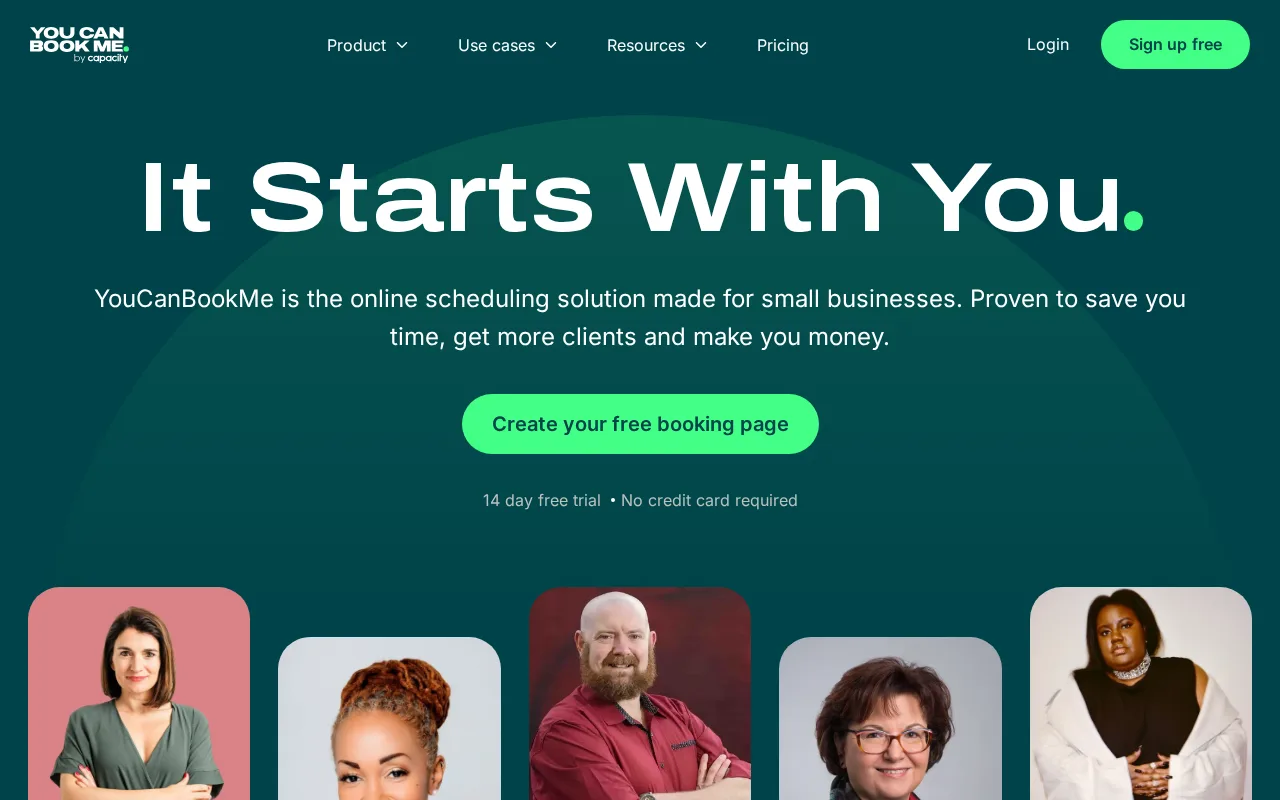
Doodle and YouCanBook.me both let clients self-book appointments against a synced calendar, but YouCanBook.me turns an existing Google or Outlook calendar directly into the booking page itself, avoiding a separate scheduling calendar the way Doodle's own calendar-connected availability works alongside its poll and page system. YouCanBook.me's Free plan covers 1 calendar connection and 1 booking page with no credit card required, matching Doodle's own free tier limit of one poll, one booking page, and one 1:1 link, and it holds a 4.6/5 rating from 353 Capterra reviews, more evidence than Doodle has on file in our listing data. Zapier integration on Professional and above connects to 1,000+ other apps, and Team plans add round-robin scheduling across staff. The honest tradeoff is pricing transparency and group polls: YouCanBook.me's paid-tier dollar prices are not shown on its pricing page without starting a trial or signing up, unlike Doodle's plainly published $11/seat/month Pro tier, and YouCanBook.me has no group-poll feature the way Doodle's flagship product finds a time across many invitees' calendars. Teams that want transparent published pricing or group availability polls are better served by Doodle.
Compared to Doodle: booking pages sync directly to an existing Google or Outlook calendar, a 4.6/5 rating from 353 Capterra reviews, but paid-tier pricing isn't shown without signing up, unlike Doodle's plainly published rates, and there's no group-poll feature.
Wins:Booking pages sync directly to an existing Google or Outlook calendar, avoiding a separate scheduling calendar · 4.6/5 rating from 353 Capterra reviews, more external evidence than Doodle has on file in our listing data · Zapier integration on Professional and above connects to 1,000+ other apps
Loses:Exact paid-tier pricing isn't shown on the pricing page without signing up or starting a trial, unlike Doodle's plainly published $11/seat/month Pro tier · No group-poll feature where invitees respond without creating an account, unlike Doodle's flagship coordination tool · No dedicated mobile app; booking pages and calendar management are web-only, unlike Doodle's companion mobile app
Pros
- Free plan requires no credit card and covers a working single-calendar booking page.
- Deep native sync with Google Calendar and Outlook Calendar avoids maintaining a separate scheduling calendar.
- Zapier integration on Professional and above connects to 1,000+ other apps.
- Round-robin scheduling on the Team plan distributes bookings automatically across staff.
Cons
- Exact paid-plan pricing is not shown on the pricing page without signing up or starting a trial.
- SMS reminders and HubSpot integration are reserved for the Professional tier and above.
- No dedicated mobile app; booking pages and calendar management are web-only.
- Free plan is limited to a single calendar and booking page, restrictive for anyone managing more than one service.
Pricing: Free — YouCanBook.me's paid-tier pricing is not published as fixed numbers vs Doodle Pro at a plainly stated $11/seat/month