2 Best Open-Source Alternatives to Continue in 2026
By Noahlast updated pricing verified
Compared: open-source alternatives to Continue
| Alternative | Best for | Standout | Biggest weakness | Learning curve | Price |
|---|---|---|---|---|---|
| Continuereference | developers who want an editor-agnostic AI coding agent they can point at any LLM, including self-hosted models, and who are comfortable adopting a project with no active company behind it | Model-agnostic architecture: developers configure any LLM provider or a self-hosted model instead of being locked into one vendor's built-in assistant, with configuration stored in version-controlled files. | The project is no longer actively developed: Continue Dev, Inc. was acquired by Cursor and the GitHub repository was archived as read-only after a final 2.0.0 release, so there is no company fixing new bugs, adding model support, or responding to issues going forward. | Moderate | Free |
| Cline | developers who want a free, open-source coding agent that works across multiple IDEs and lets them choose and pay for any AI model provider directly | Fully open-source (Apache 2.0) with 8M+ installs, letting users plug in any model provider — Claude, GPT, Gemini, or a local Ollama model — instead of being locked to one vendor's model and pricing. | No bundled AI usage is included with the free tool — every request draws down the user's own API key balance, so total cost scales unpredictably with usage and there's no flat monthly price to budget against. | Moderate | Free |
| Aider | developers comfortable in a terminal who want a model-agnostic AI coding assistant without a subscription, paying only for the LLM tokens they actually use | Model-agnostic design with an automatic codebase-mapping system that lets large repositories stay within context limits, combined with automatic git commits on every accepted edit. | There is no built-in GUI or IDE-native experience: Aider lives in the terminal, which is a barrier for developers who expect an editor-integrated assistant like Cursor or GitHub Copilot, and total cost is unpredictable since it scales directly with token usage on whatever LLM is configured. | Moderate | Free |
 Continue
 Cline
Cline Aider
Aider1.Cline — best Continue alternative for developers who want a free, open-source coding agent that works across multiple IDEs and lets them choose and pay for any AI model provider directly
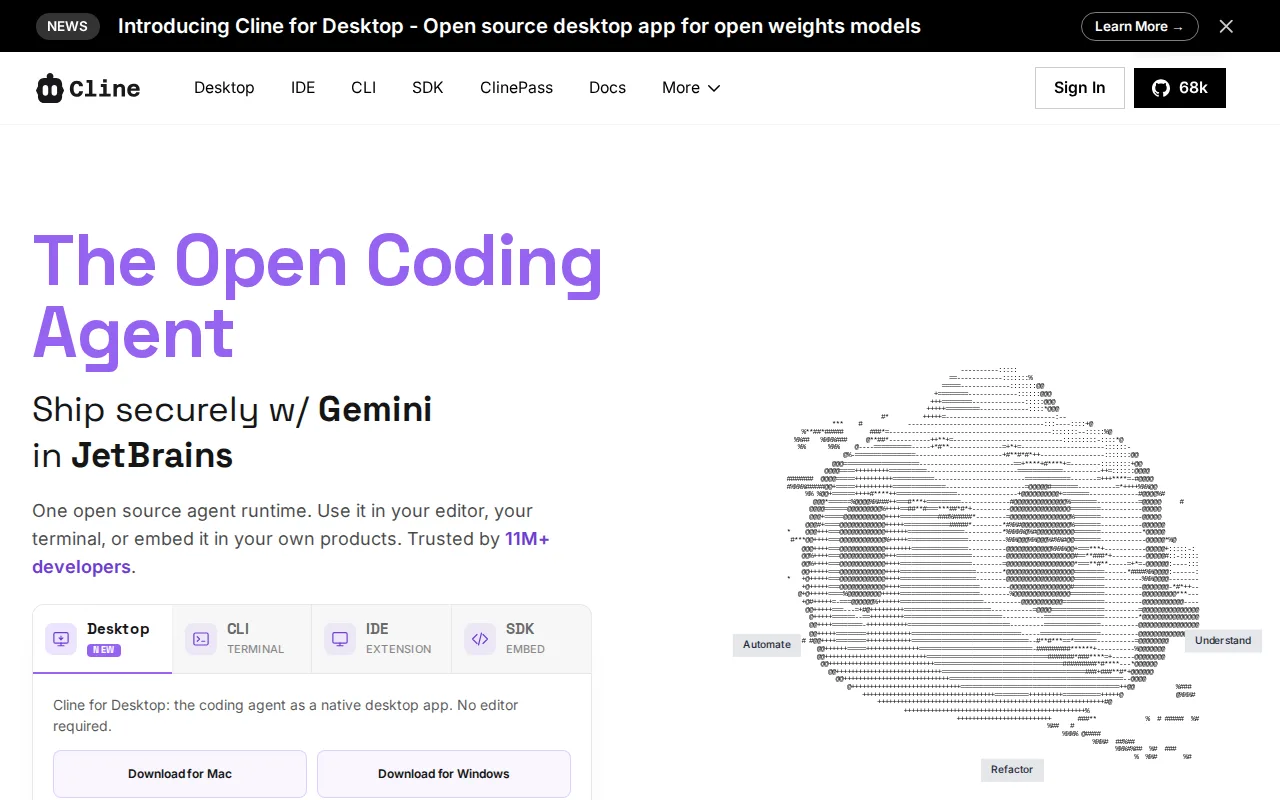
Cline is the best Continue alternative for developers who want the same free, fully open-source, model-agnostic philosophy Continue offered, but from an actively maintained project. Like Continue, Cline is licensed under Apache 2.0 with no subscription fee, and users bring their own API key to any provider, Claude, GPT, Gemini, or a local Ollama model, rather than paying a vendor for AI usage. Cline reports 8 million-plus installs and adoption at companies including Samsung, Amazon, and Microsoft, and continues shipping updates, unlike Continue's now-archived, read-only repository. It supports multi-file coordinated edits with automatic linter fixes, checkpoints for reverting changes, and a Plan-and-Act mode for reviewing strategy before execution, similar territory to what Continue offered. Continue is still arguably preferable for developers who specifically want a project with zero commercial layer at all, even an optional one: Cline's Enterprise tier adds a custom-priced path for SSO, SLAs, and centralized billing that Continue's now-frozen codebase never introduced, its JetBrains plugin remains in early access behind the more mature VS Code extension, and this listing carries no external ratings for Cline either, so review-based comparison isn't possible for either tool.
Compared to Continue: the same free, Apache 2.0, model-agnostic philosophy but from an actively maintained project, 8 million-plus installs and adoption at Samsung, Amazon, and Microsoft, and multi-file coordinated edits with checkpoints
Wins:Free, Apache 2.0, model-agnostic philosophy matching Continue's own, but from an actively maintained project rather than an archived one · 8 million-plus installs and adoption at companies including Samsung, Amazon, and Microsoft · Multi-file coordinated edits with automatic linter fixes, checkpoints for reverting changes, and a Plan-and-Act mode separating strategy from execution
Loses:Enterprise tier adds a custom-priced path for SSO, SLAs, and centralized billing, a commercial layer Continue's now-frozen codebase never introduced · JetBrains plugin remains in early access, behind the more mature VS Code extension · No external ratings on file for Cline in this listing, so review-based comparison isn't possible against Continue, which also has none
Pros
- Fully open-source under Apache 2.0, with no subscription fee for the tool itself.
- Model-agnostic: works with Claude, GPT, Gemini, and local Ollama models via a bring-your-own-key setup.
- Available as a VS Code extension, JetBrains plugin, CLI, and embeddable SDK.
- Plan-and-Act mode separates strategy review from execution, and checkpoints allow reverting changes.
Cons
- No bundled AI usage included; costs scale directly and unpredictably with each provider's own token pricing.
- JetBrains support is still in early access, behind the more mature VS Code extension.
- Requires managing and securing your own API keys across one or more model providers.
- Enterprise features (SSO, SLA, centralized billing) require a custom sales conversation rather than transparent published pricing.
Pricing: Free — Free for individual developers on both, bring-your-own API key; Cline's Enterprise tier is custom-priced vs Continue, which never introduced any paid tier at all (verified undefined NaN, NaN)
2.Aider — best Continue alternative for developers comfortable in a terminal who want a model-agnostic AI coding assistant without a subscription, paying only for the LLM tokens they actually use
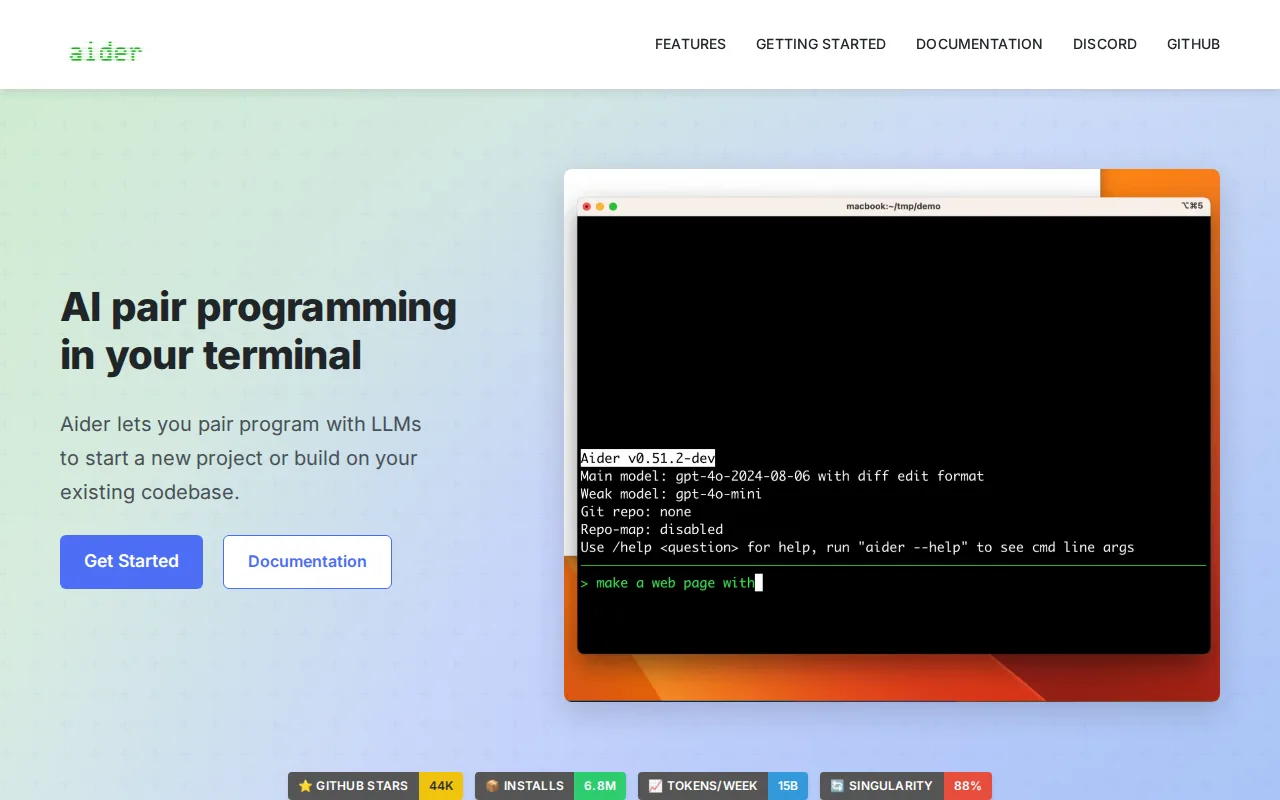
Aider is the best Continue alternative for developers comfortable in a terminal who want a model-agnostic AI pair programmer without a subscription, continuing after Continue's own project went into archived, read-only status. Aider is Apache-2.0 licensed and free like Continue, with users bringing their own API keys to Anthropic, OpenAI, DeepSeek, or local models, and its GitHub repository has 48.4k stars, more than Continue's 35,600, alongside 6.8 million weekly installs and roughly 15 billion tokens processed weekly across its user base. Aider's repository map keeps large codebases within context limits, and every accepted edit auto-commits to git, keeping changes reviewable and revertible. Aider holds a 5.0/5 rating from just 1 Product Hunt review, a thin sample. Continue is still the better fit for developers who specifically want an editor-integrated experience rather than a terminal-only workflow: Aider has no built-in GUI or IDE-native interface, a real barrier for developers used to Continue's VS Code extension and JetBrains plugin, and support is community-only since no vendor offers paid enterprise SLAs.
Compared to Continue: continued active development where Continue's repository is archived, 48.4k GitHub stars vs Continue's 35,600 plus 6.8 million weekly installs, and automatic git commits with repository-mapped context
Wins:Continued active development where Continue's own repository is now archived, read-only · 48.4k GitHub stars, more than Continue's 35,600, alongside 6.8 million weekly installs and roughly 15 billion tokens processed weekly · Automatic git commits on every accepted edit and a repository-mapping system that keeps large codebases within context limits
Loses:No built-in GUI or IDE-native interface, a real barrier for developers used to Continue's VS Code extension and JetBrains plugin · 5.0/5 rating comes from just 1 Product Hunt review, a thin sample · Support is community-only, since no vendor offers paid enterprise SLAs, matching Continue's own now-unsupported status
Pros
- No subscription fee; Apache-2.0 licensed and free to self-host indefinitely.
- Works with any LLM provider (Anthropic, OpenAI, DeepSeek, local models), avoiding vendor lock-in.
- Automatic git commits on every edit keep changes reviewable and revertible.
- Repository mapping lets it work effectively on large, existing codebases, not just greenfield projects.
Cons
- Terminal-only interface with no native GUI, a steeper adjustment for developers used to IDE-integrated tools.
- Actual cost is variable and provider-dependent, since Aider itself doesn't charge but token usage does.
- Requires users to separately manage and secure their own LLM API keys and billing.
- Community support only, since there is no vendor offering paid enterprise support or SLAs.
Pricing: Free — Free on both, bring-your-own API key for LLM usage; no subscription fee for either tool (verified undefined NaN, NaN)