3 Best Open-Source Alternatives to Collabora Online in 2026
By Noahlast updated pricing verified
All 5 Collabora Online alternatives
Compared: open-source alternatives to Collabora Online
| Alternative | Best for | Standout | Biggest weakness | Learning curve | Price |
|---|---|---|---|---|---|
| Collabora Onlinereference | organizations that need on-premise, self-hosted document collaboration (data residency, compliance, or Nextcloud/ownCloud integration) instead of Google Workspace or Microsoft 365 SaaS | Built on LibreOffice's mature office-format engine and deployed entirely on your own infrastructure, integrating directly as the editing backend inside Nextcloud and ownCloud file-sync platforms. | Self-hosting is the whole model: even the paid Business and Enterprise tiers require running your own server infrastructure, so teams that want a zero-maintenance SaaS office suite like Google Workspace need to look elsewhere or pay for Collabora's managed support on top of hosting costs. | Moderate | Free tier · paid from $3.40/mo |
| OnlyOffice | organizations that need Microsoft Office-compatible editing but want the option to self-host on their own servers under an open-source license | AGPL 3.0-licensed source code that organizations can audit and self-host, combined with a DocSpace pricing model that charges only for admin seats while unlimited regular users join free. | Business Cloud pricing is per-admin rather than per-user, which can be confusing to compare against competitors, and users switching from Microsoft Office report formatting fidelity issues on complex documents with heavy macros or advanced layout. | Moderate | Free tier · paid from $20/mo |
| LibreOffice | individuals, schools, and organizations that want a full office suite without a subscription and can work without native real-time cloud co-authoring | A complete six-application office suite (including a desktop database tool in Base, which neither Microsoft nor Google offer at the consumer level) that is entirely free and open source with no feature paywall. | No native real-time multi-user co-authoring in the way Microsoft 365 or Google Workspace offer it, and complex documents with heavy Microsoft-specific formatting (advanced macros, certain chart types, some fonts) can render or convert imperfectly when round-tripped through .docx/.xlsx/.pptx. | Low | Free |
| Nextcloud | organizations that want a self-hosted, data-sovereign alternative to Google Workspace or Microsoft 365 for file sync, groupware, and video conferencing | A full collaboration suite (files, Talk conferencing, groupware, LibreOffice-based document editing, workflow automation) that self-hosts as one open-source codebase instead of stitching together separate tools. | Enterprise pricing requires a 100-user minimum to get a published rate, so smaller organizations wanting official support and SLA guarantees have to contact sales rather than see a self-serve price, and self-hosting the Community edition means the organization is responsible for its own updates, backups, and server maintenance. | Moderate | Free |
 Collabora Online
 OnlyOffice
 LibreOffice
 Nextcloud
1.OnlyOffice — best Collabora Online alternative for organizations that need Microsoft Office-compatible editing but want the option to self-host on their own servers under an open-source license
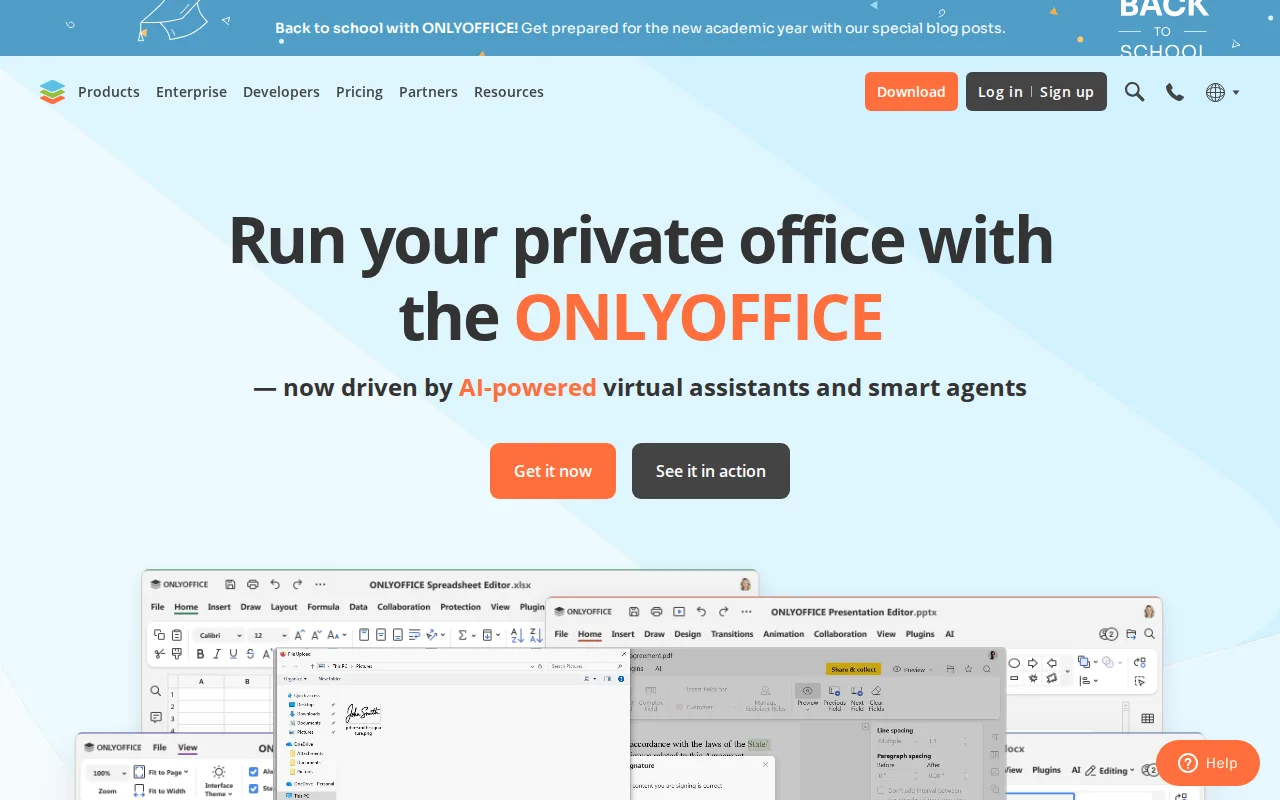
Collabora Online and OnlyOffice are both open-core, self-hostable office suites that give organizations an on-premise alternative to Google Workspace or Microsoft 365, and OnlyOffice's DocSpace pricing model charges only for admin seats ($20/admin/month, discounted from $30) while unlimited regular users join free, a cost structure Collabora Online's per-user Business tier ($3.40/user/month) doesn't offer. OnlyOffice is distributed under AGPL 3.0 with source available on GitHub, and it holds a 4.5/5 rating from 324 Capterra reviews compared to Collabora Online's 4.7/5 from 102, plus notable deployments at UNESCO and the Red Cross and a self-reported 21 million users. The honest tradeoff is fidelity and pricing clarity: OnlyOffice users switching from Microsoft Office report formatting fidelity issues on complex documents with heavy macros or advanced layout, an issue Collabora Online's LibreOffice-based engine also faces but that OnlyOffice reviewers flag more specifically, and OnlyOffice's per-admin Business Cloud pricing takes more effort to compare against Collabora Online's straightforward per-user rate. Organizations that specifically want LibreOffice's mature, longstanding format-compatibility engine are better served by Collabora Online.
Compared to Collabora Online: DocSpace charges only for admin seats with unlimited free regular users, a broader native platform spread (Windows, macOS, Linux, iOS, Android), but a lower Capterra rating (4.5/5 vs 4.7/5) and reviewer-reported formatting fidelity issues on complex documents.
Wins:DocSpace pricing charges only for admin seats, with unlimited regular users invited free, a cost structure Collabora Online's per-user pricing doesn't offer · 40+ third-party integrations including Nextcloud and Moodle, plus native apps across Windows, macOS, Linux, iOS, and Android · Notable deployments at UNESCO and the Red Cross with a self-reported 21 million users
Loses:4.5/5 rating from 324 Capterra reviews trails Collabora Online's 4.7/5 from 102 · Reviewers specifically report formatting fidelity issues on complex documents with heavy macros or advanced layout · Business Cloud pricing is per-admin rather than per-user, taking more effort to compare against Collabora Online's straightforward per-user rate
Pros
- AGPL 3.0 source code available on GitHub; fully self-hostable for organizations that need to keep data on-premises.
- DocSpace charges only for admin seats, with unlimited regular users invited free.
- Native apps across Windows, macOS, Linux, iOS, and Android, plus 40+ third-party integrations including Nextcloud and Moodle.
- Real-time co-editing with character-level change tracking and built-in AI content tools.
Cons
- Complex documents with advanced Word/Excel formatting or macros can lose fidelity when opened in ONLYOFFICE.
- Enterprise on-premises pricing is not published; requires a sales conversation.
- Per-admin pricing model on Business Cloud takes more effort to compare against per-user competitors.
- DocSpace's interface is less polished than Google Workspace or Notion for non-technical teams.
Pricing: Free tier · paid from $20/mo — OnlyOffice Business Cloud is $20/admin/month with unlimited free users vs Collabora Online for Business at about $3.40/user/month (verified undefined NaN, NaN)
2.LibreOffice — best Collabora Online alternative for individuals, schools, and organizations that want a full office suite without a subscription and can work without native real-time cloud co-authoring
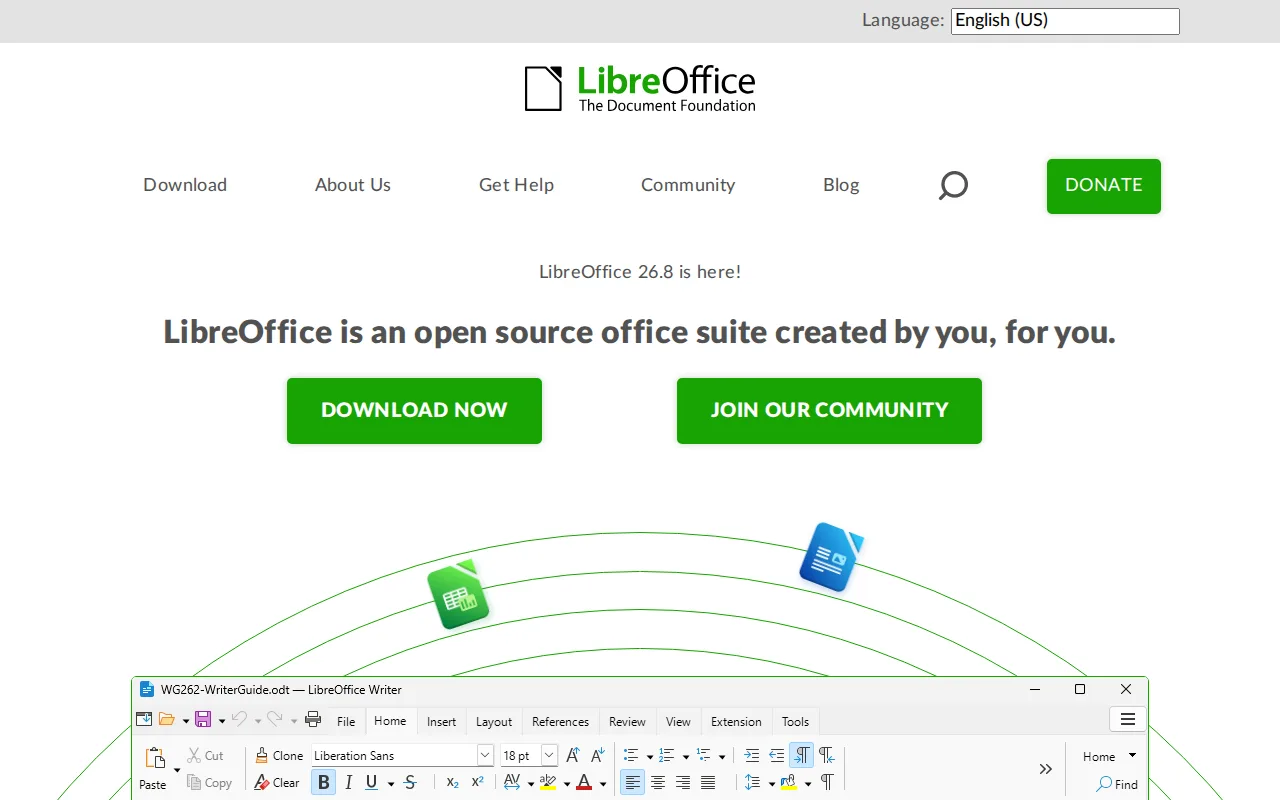
Collabora Online is built on LibreOffice's own editing engine, but LibreOffice itself is a standalone desktop suite that runs entirely free with no server, account, or subscription of any kind, unlike Collabora Online's paid Business ($3.40/user/month) and Enterprise tiers for production support. LibreOffice bundles six applications — Writer, Calc, Impress, Draw, Base, and Math — including a desktop database tool in Base that neither Microsoft nor Google offer at the consumer level, and it's maintained by the nonprofit Document Foundation under MPL-2.0/GPL/LGPL licensing. The honest tradeoff is collaboration and support: LibreOffice has no native real-time multi-user co-authoring the way Collabora Online (or Google Workspace and Microsoft 365) offers it, since it's fundamentally a desktop application rather than a browser-based collaborative editor, and LibreOffice has no external rating on file in this data, versus Collabora Online's 4.7/5 from 102 Capterra reviews. Teams that specifically need real-time collaborative editing across multiple simultaneous users are better served by Collabora Online.
Compared to Collabora Online: completely free with no server, account, or subscription needed, a desktop database tool (Base) neither Microsoft nor Google offer, but no native real-time multi-user co-authoring and no external rating on file.
Wins:Completely free with no server, account, or subscription required, unlike Collabora Online's paid Business and Enterprise tiers · Six-application suite (Writer, Calc, Impress, Draw, Base, Math) including a desktop database tool most competitors omit · No infrastructure to run or maintain at all, since it's a local desktop install rather than a hosted service
Loses:No native real-time multi-user co-authoring, unlike Collabora Online's browser-based collaborative editing · No official mobile apps for iOS or Android, unlike Collabora Online's iOS and Android apps · No external rating on file in this data, versus Collabora Online's 4.7/5 from 102 Capterra reviews
Pros
- Completely free with no subscription, account, or feature paywall, including a desktop database app (Base) most competitors omit.
- Open source (MPL-2.0/GPL/LGPL) with an active community and frequent releases.
- Broad Microsoft Office format compatibility (.docx, .xlsx, .pptx) for opening and editing existing Office files.
- Runs on Windows, macOS, and Linux, and is the default suite on many Linux distributions.
Cons
- No native real-time cloud co-authoring like Microsoft 365 or Google Workspace, so simultaneous multi-user editing isn't built in.
- Complex Microsoft-format documents (advanced macros, some chart and font rendering) can lose fidelity when converted.
- No official mobile apps for iOS/Android under the LibreOffice brand.
- Interface and default styling feel dated compared to Microsoft Office or Google Workspace.
Pricing: Free — LibreOffice is $0 with no paid tier at all vs Collabora Online's free CODE edition or Business at about $3.40/user/month (verified undefined NaN, NaN)
3.Nextcloud — best Collabora Online alternative for organizations that want a self-hosted, data-sovereign alternative to Google Workspace or Microsoft 365 for file sync, groupware, and video conferencing
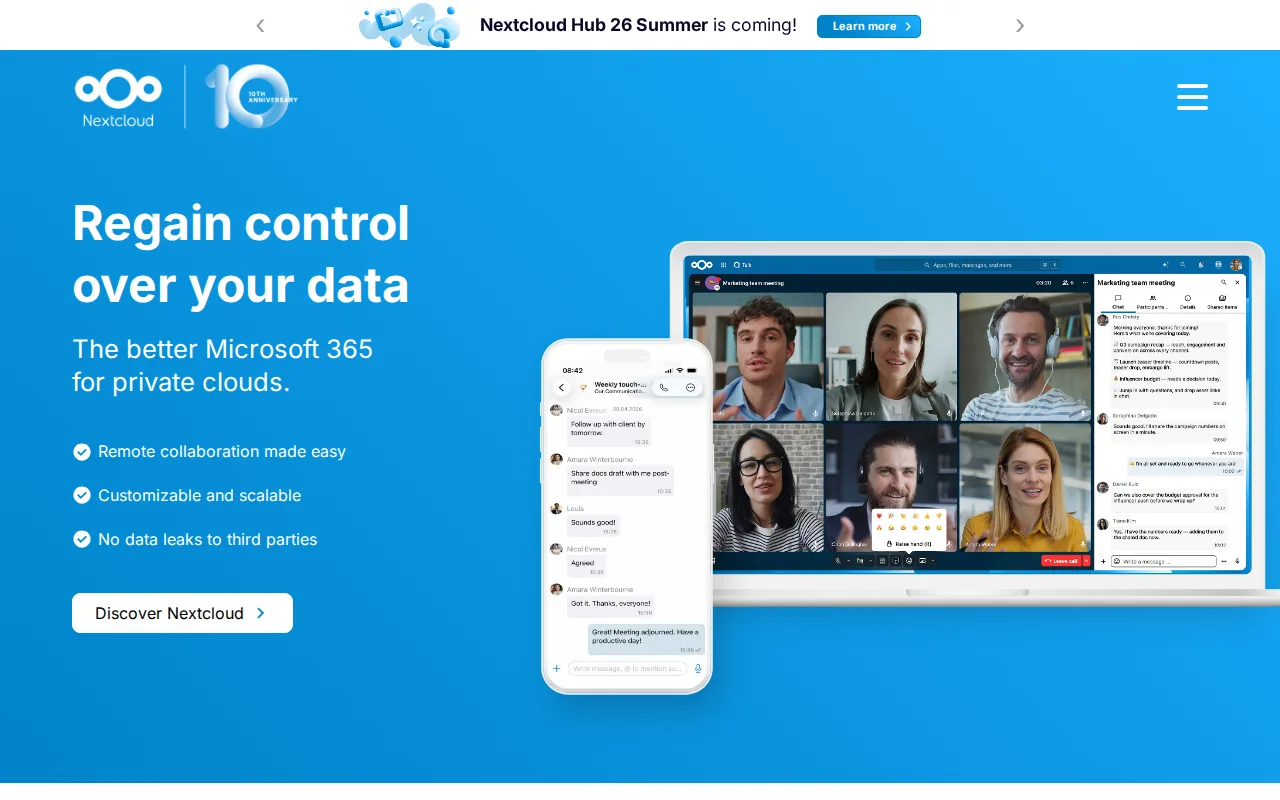
Collabora Online and Nextcloud are both open-core, self-hostable products built for organizations that want data sovereignty instead of a SaaS suite, and Nextcloud actually uses Collabora Online (or OnlyOffice) as its LibreOffice-based Office app's editing backend in many deployments, but as a standalone product Nextcloud bundles file sync, Talk video conferencing, groupware, and workflow automation into one self-hosted platform, a broader scope than Collabora Online's document-editing focus alone. Nextcloud's Community edition is free to self-host with no user limit, matching Collabora Online's free CODE edition, and it holds a 4.6/5 rating from 443 Capterra reviews versus Collabora Online's 4.7/5 from 102. The honest tradeoff is enterprise pricing transparency and setup complexity: Nextcloud's enterprise support pricing (starting around €71.29/user/year for Standard) requires a 100-user minimum to get a published rate, unlike Collabora Online's directly published $3.40/user/month Business tier for teams under 99 users, and Nextcloud's large number of optional apps can make initial setup more complex than Collabora Online's more focused document-editing product. Teams that specifically need document editing without adopting a broader file-sync and groupware platform are better served by Collabora Online.
Compared to Collabora Online: bundles file sync, Talk video conferencing, groupware, and workflow automation into one self-hosted platform, a slightly larger review base (443 vs 102 Capterra reviews), but enterprise pricing requires a 100-user minimum versus Collabora's published sub-99-user rate.
Wins:Bundles file sync, video conferencing (Talk), groupware, and workflow automation into one self-hosted platform, not just document editing · 4.6/5 rating from 443 Capterra reviews, a larger base than Collabora Online's 102 · Scales from a single Raspberry Pi to installations serving tens of millions of users
Loses:Enterprise support pricing requires a 100-user minimum to get a published rate, unlike Collabora Online's directly published Business tier (up to 99 users at $3.40/user/month) · The large number of optional apps can make initial setup more complex than Collabora Online's more focused document-editing product · Self-hosting the Community edition puts updates, backups, and uptime on the organization's own IT staff, the same tradeoff Collabora Online's self-hosted model carries
Pros
- Fully open source (AGPL-3.0) and free to self-host with no user limit on the Community edition.
- Bundles file sync, video conferencing, groupware, and document editing into one connected suite.
- Scales from a single Raspberry Pi to distributed installations serving tens of millions of users.
- Native apps across web, Windows, macOS, Linux, iOS, and Android.
Cons
- Enterprise support pricing starts at a 100-user minimum, with no published self-serve rate for smaller teams.
- Self-hosting the Community edition puts the burden of updates, backups, and uptime on the organization's own IT staff.
- Performance and app ecosystem depend heavily on the hosting hardware and configuration, unlike a fully managed SaaS suite.
- The large number of optional apps can make initial setup and configuration more complex than a single-purpose file-sync tool.
Pricing: Free — Nextcloud Community is $0 self-hosted, same as Collabora Online's free CODE edition; Nextcloud's Standard enterprise tier starts around €71.29/user/year for 100+ users vs Collabora Online Business at about $3.40/user/month for up to 99 users (verified undefined NaN, NaN)