5 Best Alternatives to Claude Code for Linux in 2026
By Noahlast updated pricing verified
All 6 Claude Code alternatives
Compared: Claude Code alternatives that run on Linux
| Alternative | Best for | Learning curve | Price |
|---|---|---|---|
| Claude Codereference | developers who want an agentic coding tool that autonomously reads, edits, and runs code across a full repository from the terminal or IDE, not just single-file autocomplete | Moderate | From $17/mo |
| GitHub Copilot | developers already working inside GitHub-integrated IDEs (VS Code, JetBrains) who want inline AI code completions plus PR review and coding-agent features without switching tools | Low | Free tier · paid from $10/mo |
| Cursor | software teams that want autonomous AI agents handling multi-file changes and PR reviews directly inside their editor and CI pipeline | Moderate | Free tier · paid from $20/mo |
| Windsurf | developers who want an agentic AI coding assistant and are open to using Cognition's Devin product line, since the standalone Windsurf editor no longer exists as an independent product | Moderate | Free |
| Cline | developers who want a free, open-source coding agent that works across multiple IDEs and lets them choose and pay for any AI model provider directly | Moderate | Free |
| Aider | developers comfortable in a terminal who want a model-agnostic AI coding assistant without a subscription, paying only for the LLM tokens they actually use | Moderate | Free |
 Claude Code
 GitHub Copilot
 Cursor
 Windsurf
 Cline
Cline Aider
Aider1GitHub Copilot — best Claude Code alternative for developers already working inside GitHub-integrated IDEs (VS Code, JetBrains) who want inline AI code completions plus PR review and coding-agent features without switching tools
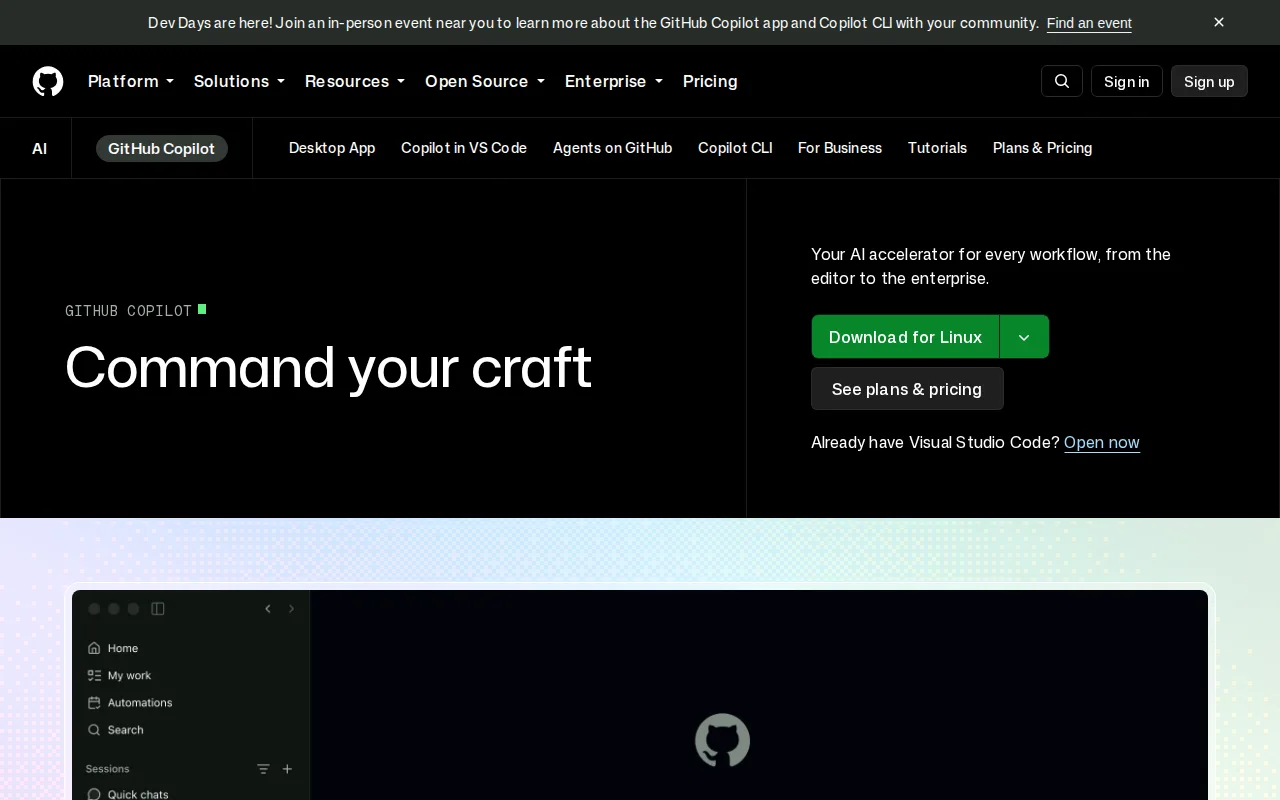
GitHub Copilot is the best Claude Code alternative for developers who want a genuinely free tier and inline completions built directly into VS Code, JetBrains, and GitHub.com, capabilities Claude Code doesn't offer at any price. Copilot's Free plan includes 2,000 completions and 50 chat requests a month at no cost, while Claude Code has no standalone free tier at all, requiring a paid Claude Pro/Max/Team subscription starting at $17/month or a pay-as-you-go API key. Copilot's Pro tier costs just $10/month, cheaper than Claude Code's $17/month Pro plan, and it supports multiple third-party AI models, including Claude itself, alongside GitHub's own models and GPT. Copilot holds a 4.5/5 rating from 50 Capterra reviews, a structured rating sample Claude Code's Product Hunt-only 5.0/5 from 640 reviews doesn't match in source diversity. Claude Code is still the better choice for developers who want the deepest autonomous, multi-file codebase understanding: Copilot's paid tiers run on usage-based model credits that can burn through faster than expected on premium models like Opus, its Business and Enterprise pricing isn't listed directly on GitHub's public pricing page, and Copilot doesn't handle complete GitHub/GitLab workflows end-to-end, from issue to pull request, with the same autonomy Claude Code is purpose-built for.
Compared to Claude Code: a genuinely free tier (2,000 completions/month) vs Claude Code's no-free-tier model, Pro at $10/month vs Claude Code's $17/month, supports Claude itself alongside GitHub's own and GPT models
Wins:Free plan includes 2,000 completions and 50 chat requests a month at no cost, while Claude Code has no standalone free tier at all · Pro tier costs $10/month, cheaper than Claude Code's $17/month Pro plan · Supports multiple AI models, including Claude itself, GitHub's own models, and GPT, rather than being locked to one vendor
Loses:Paid tiers run on usage-based model credits that can burn through faster than expected on premium models like Opus · Business and Enterprise pricing isn't listed directly on GitHub's public pricing page, requiring a sales conversation · Doesn't handle complete GitHub/GitLab workflows end-to-end, from issue to pull request, with the same autonomy Claude Code is purpose-built for
Pros
- Deep, first-party integration with GitHub.com, VS Code, and JetBrains IDEs.
- Free tier gives every GitHub user a meaningful number of completions with no subscription.
- Supports multiple AI models (including third-party models like Claude and Gemini) depending on plan.
- Coding agent and PR review features extend beyond simple autocomplete into automated code changes.
Cons
- Usage-based model credits on paid tiers make monthly costs harder to predict for heavy users.
- Not always reliable on complex logic or large codebases; generated code still needs careful review.
- Business and Enterprise pricing isn't listed directly on GitHub's public pricing page, requiring a sales conversation.
- Premium model access (like Opus on Pro+) consumes credits significantly faster than base models.
Pricing: Free tier · paid from $10/mo — Free (2,000 completions/month) or $10/month Pro vs Claude Code's $17/month Pro (no free tier) (verified )
2Cursor — best Claude Code alternative for software teams that want autonomous AI agents handling multi-file changes and PR reviews directly inside their editor and CI pipeline
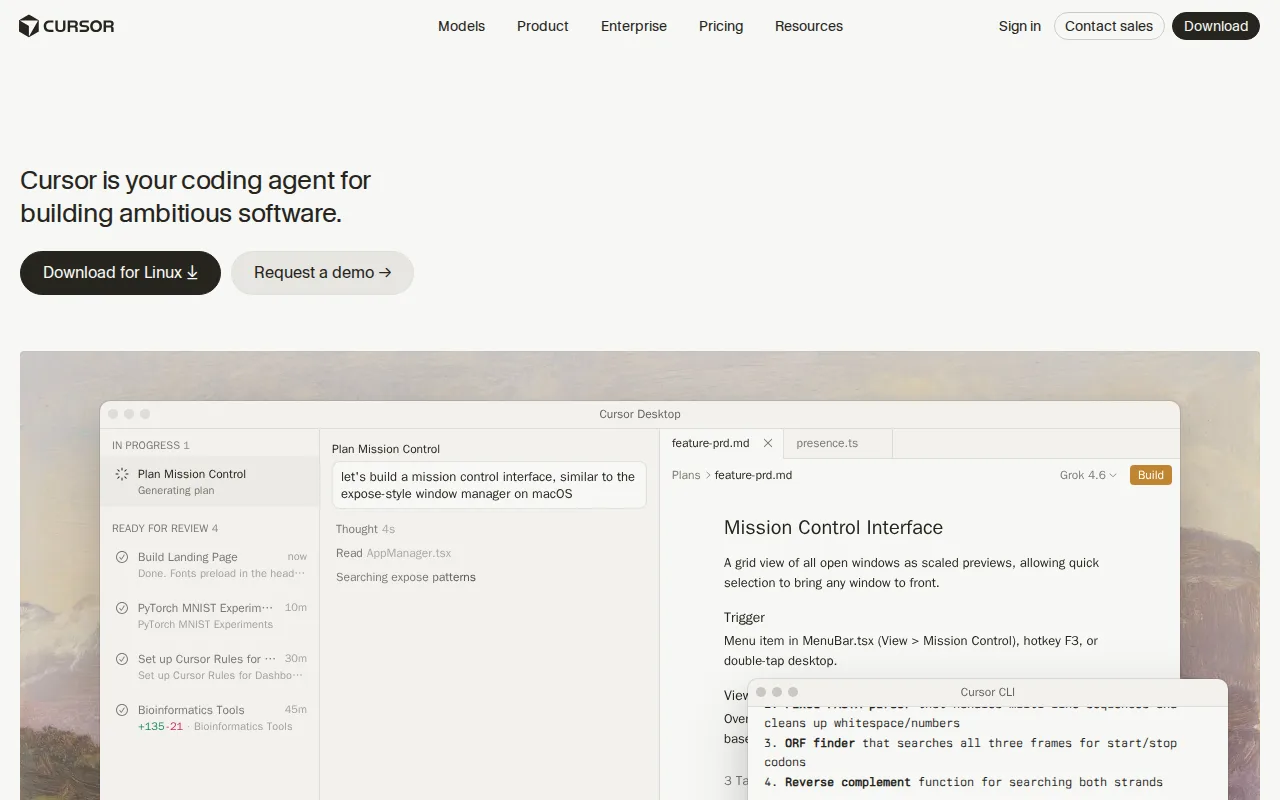
Cursor is the best Claude Code alternative for developers who want a full graphical code editor with AI agents woven into the workflow, rather than Claude Code's terminal-first, IDE-extension approach. Cursor's Composer and autonomous agents can read a codebase, plan a multi-file change, write the code, run tests, and open a pull request, with an adjustable autonomy slider giving developers finer control over how much independence the agent gets than Claude Code's default permission-prompt model. Cursor's free Hobby tier requires no credit card, while Claude Code has no free tier at any price. Cursor supports multiple frontier models, including Claude variants alongside Grok and its own Composer model, so teams aren't locked into a single AI provider the way standalone Claude Code use is tied to Anthropic. Claude Code is still the better choice for developers who want the deepest end-to-end GitHub/GitLab workflow automation and a terminal-native CLI: Cursor's Pro tier at $20/month plus usage-based Bugbot charges can cost more unpredictably than Claude Code's fixed Pro tier, Cursor's rating rests on just 4 Capterra reviews against Claude Code's 640 Product Hunt reviews, and Cursor has no iOS or Android app, though neither does Claude Code beyond its web interface.
Compared to Claude Code: free Hobby tier with no credit card vs Claude Code's no-free-tier model, full GUI editor with an adjustable autonomy slider, supports multiple frontier models including Claude
Wins:Free Hobby tier requires no credit card, while Claude Code has no free tier at any price · Full graphical editor with an adjustable autonomy slider gives finer control over agent independence than Claude Code's default permission-prompt model · Supports multiple frontier models, including Claude variants, Grok, and its own Composer model, avoiding lock-in to one provider
Loses:Pro tier at $20/month plus usage-based Bugbot charges can cost more unpredictably than Claude Code's fixed Pro tier · Rating rests on just 4 Capterra reviews, a much thinner sample than Claude Code's 640 Product Hunt reviews · No terminal-native CLI-first workflow or the same end-to-end GitHub/GitLab issue-to-pull-request automation Claude Code is purpose-built for
Pros
- Autonomous agents can plan, write, test, and open pull requests with minimal hand-holding.
- Multi-model support (Grok, Claude, Cursor's own Composer) avoids lock-in to a single AI provider.
- Cloud agents keep running on long tasks without tying up the developer's local machine.
- Free Hobby tier requires no credit card, making it easy to evaluate before paying.
Cons
- Usage-based charges on top of the subscription make total monthly cost harder to predict than a flat fee.
- Steep price jump from Pro ($20/month) to Ultra ($200/month) for teams needing higher Agent limits.
- Requires comfort delegating multi-file changes to an agent, a real workflow shift for developers used to manual review of every diff.
- No iOS or Android app; Cursor is desktop- and CLI-only.
Pricing: Free tier · paid from $20/mo — $20/month Pro (plus usage-based extras) vs Claude Code's $17/month Pro (verified )
3Windsurf — best Claude Code alternative for developers who want an agentic AI coding assistant and are open to using Cognition's Devin product line, since the standalone Windsurf editor no longer exists as an independent product

Windsurf is technically still listed as a Claude Code alternative, but buyers should know upfront that the standalone Windsurf editor no longer exists: windsurf.com now redirects permanently to Cognition's devin.ai, and the product has been absorbed into Devin Desktop, described by Cognition as "the next generation of Windsurf, built around Devin Cloud." What carries over is Windsurf's original Cascade-style agentic Flows, which can plan and execute multi-step coding tasks across a codebase inside a VS Code-based interface, a different entry point than Claude Code's terminal-first design. A Free tier exists in Cognition's current Devin lineup, something Claude Code doesn't offer at any price, though specific usage limits weren't published on any page we could reach. Claude Code is clearly the better choice for most buyers right now: Windsurf holds just a 3/5 rating from a single Capterra review, far below Claude Code's 5.0/5 from 640 Product Hunt reviews, current per-tier pricing for Pro, Max, and Teams couldn't be independently verified due to repeated rate-limiting on Cognition's site during this research, and anyone signing up today is committing to Cognition's broader, differently-priced Devin ecosystem rather than a lightweight standalone editor, unlike Claude Code's stable, transparently priced subscription tiers.
Compared to Claude Code: inherits Cascade-style agentic Flows in a VS Code-based interface, a Free tier exists where Claude Code has none, but the standalone product no longer exists and current pricing can't be verified
Wins:Cascade-style agentic Flows can plan and execute multi-step coding tasks inside a familiar VS Code-based interface, a different entry point than Claude Code's terminal-first design · A free tier exists in the current Devin plan lineup, something Claude Code doesn't offer at any price · Now backed by Cognition's Devin Cloud infrastructure and Agent Command Center rather than a smaller standalone team
Loses:The standalone Windsurf product no longer exists independently; windsurf.com redirects to devin.ai · Current per-tier pricing (Pro, Max, Teams) could not be independently verified due to repeated rate-limiting on Cognition's site, unlike Claude Code's transparently published tiers · Holds just a 3/5 rating from a single Capterra review, far below Claude Code's 5.0/5 from 640 Product Hunt reviews
Pros
- Agentic Cascade/Flow-style multi-step code editing carried over from the original Windsurf editor.
- Now backed by Cognition's Devin Cloud infrastructure and Agent Command Center rather than a smaller standalone team.
- A free tier exists in the current Devin plan lineup for developers who want to try it before paying.
- VS Code-based interface keeps the editing experience familiar to developers switching from VS Code or Cursor.
Cons
- The Windsurf brand and standalone product no longer exist independently; windsurf.com redirects to devin.ai.
- Current per-tier pricing (Pro, Max, Teams) was not publicly verifiable, making cost comparison against competitors difficult without visiting devin.ai directly.
- Users who chose Windsurf specifically for its smaller, independent-company positioning are now inside a larger, differently-focused product (Devin) built around autonomous agents rather than a lightweight editor.
Pricing: Free
4Cline — best Claude Code alternative for developers who want a free, open-source coding agent that works across multiple IDEs and lets them choose and pay for any AI model provider directly
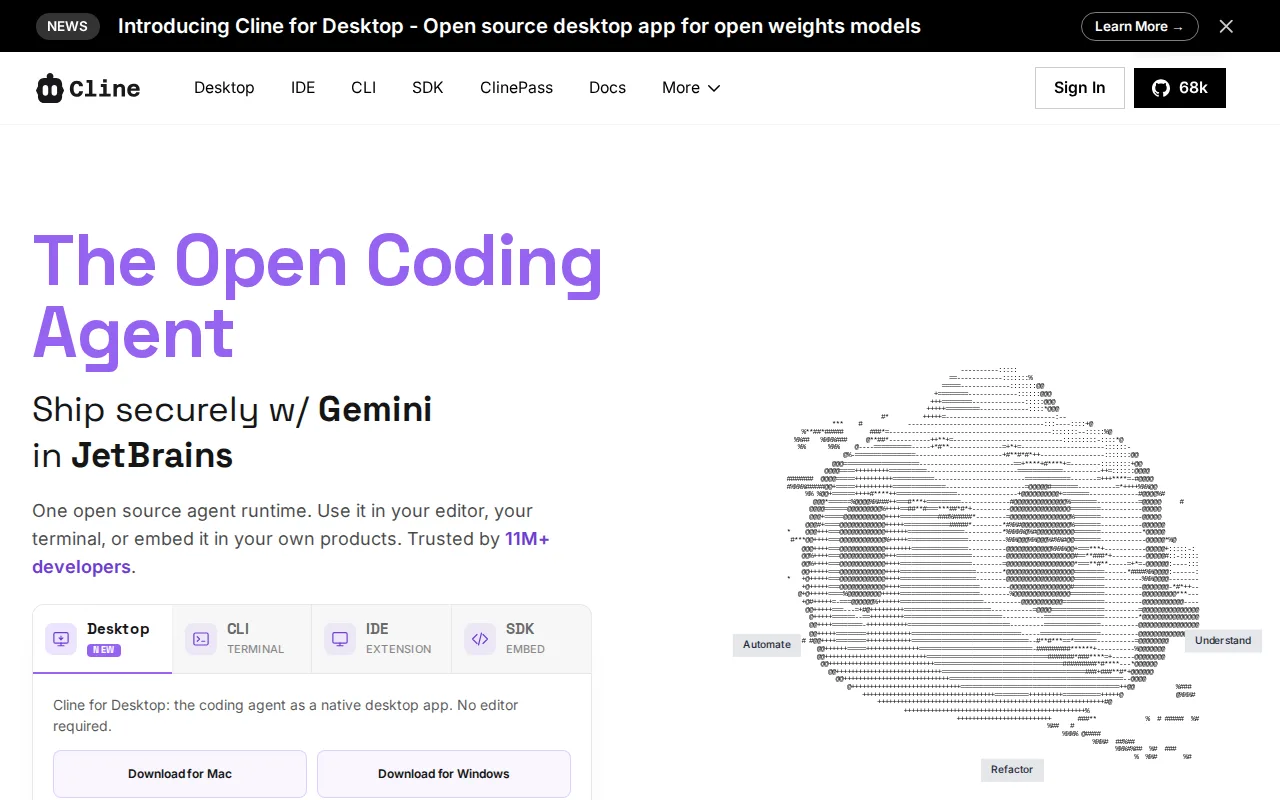
Cline is the best Claude Code alternative for developers who want a free, open-source coding agent inside VS Code or JetBrains rather than paying Claude Code's minimum $17/month subscription. Cline is licensed under Apache 2.0 with no subscription fee at all, and users bring their own API key from any provider — including Anthropic's Claude, the same model Claude Code runs on — paying only for the tokens they actually use instead of a flat monthly fee. Cline reports 8M+ installs and adoption at companies including Samsung, Amazon, and Microsoft, and its Plan-and-Act mode separates strategy review from execution, plus checkpoints for reverting to earlier states, a granular editing safety net alongside Claude Code's own permission-prompt model. Claude Code is still the better choice for developers who want the deepest autonomous, end-to-end GitHub/GitLab workflow handling and a first-party terminal, IDE, and web experience all in one product: Cline's JetBrains support is still in early access behind its more mature VS Code extension, Cline carries no external rating on Capterra or G2 in our listing data versus Claude Code's 640 Product Hunt reviews, and Cline has no bundled AI usage included, so total cost scales unpredictably with each provider's own token pricing rather than Claude Code's flat subscription tiers.
Compared to Claude Code: free and open source (Apache 2.0) vs Claude Code's $17/month minimum, bring-your-own-key model works with Claude itself, 8M+ installs across VS Code and JetBrains
Wins:Free and open source under Apache 2.0 with no subscription fee, vs Claude Code's $17/month minimum · Bring-your-own-key model lets developers run Cline on Claude itself, or switch to GPT, Gemini, or a local Ollama model · 8M+ installs and adoption at companies including Samsung, Amazon, and Microsoft
Loses:JetBrains support is still in early access, behind its more mature VS Code extension · Carries no external rating on Capterra or G2 in our listing data, versus Claude Code's 640 Product Hunt reviews · No bundled AI usage included; total cost scales unpredictably with each provider's own token pricing, unlike Claude Code's flat subscription tiers
Pros
- Fully open-source under Apache 2.0, with no subscription fee for the tool itself.
- Model-agnostic: works with Claude, GPT, Gemini, and local Ollama models via a bring-your-own-key setup.
- Available as a VS Code extension, JetBrains plugin, CLI, and embeddable SDK.
- Plan-and-Act mode separates strategy review from execution, and checkpoints allow reverting changes.
Cons
- No bundled AI usage included; costs scale directly and unpredictably with each provider's own token pricing.
- JetBrains support is still in early access, behind the more mature VS Code extension.
- Requires managing and securing your own API keys across one or more model providers.
- Enterprise features (SSO, SLA, centralized billing) require a custom sales conversation rather than transparent published pricing.
Pricing: Free — $0 (bring your own API key) vs Claude Code's $17/month Pro subscription (verified )
5Aider — best Claude Code alternative for developers comfortable in a terminal who want a model-agnostic AI coding assistant without a subscription, paying only for the LLM tokens they actually use
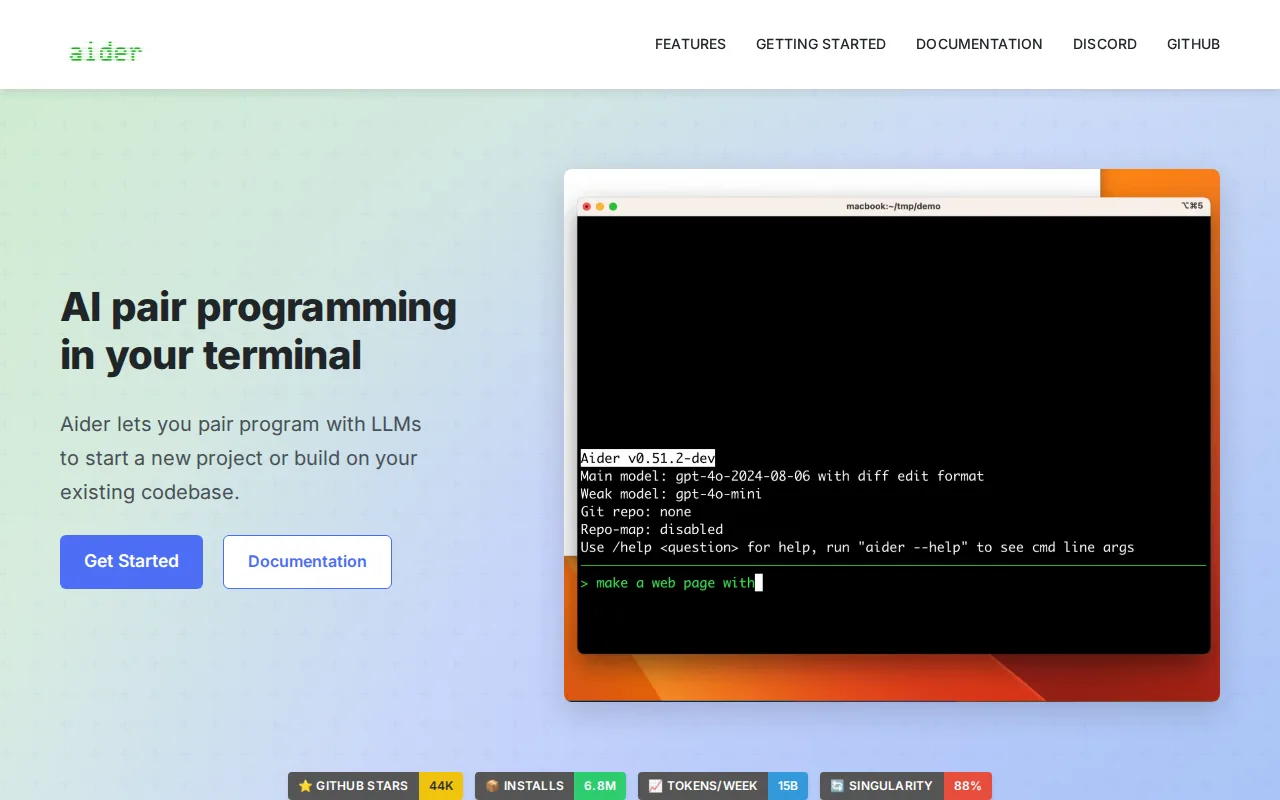
Aider is the best Claude Code alternative for developers who want to choose any AI model and pay providers directly, rather than being tied to Anthropic's Claude models and subscription tiers the way standalone Claude Code use is. Aider is free and open source under the Apache-2.0 license with no subscription cost of its own; the only ongoing cost is API usage billed by whichever LLM provider a user configures, including Claude itself, GPT, DeepSeek, or local models. Aider's GitHub repository has 48.4k stars and the project reports 6.8 million weekly installs and roughly 15 billion tokens processed weekly, a scale of open-source adoption Claude Code's closed-source, subscription-gated model doesn't disclose an equivalent for. Aider automatically commits every accepted edit to git, keeping changes reviewable and revertible, similar in spirit to Claude Code's own permission-prompted file edits. Claude Code is still the better choice for developers who want the deepest autonomous, end-to-end GitHub/GitLab workflow handling and a first-party GUI, IDE extension, and web interface: Aider has no built-in GUI at all, living entirely in the terminal, its rating here rests on just 1 Product Hunt review against Claude Code's 640, and Aider doesn't handle complete issue-to-pull-request workflows with Claude Code's level of built-in autonomy.
Compared to Claude Code: free and open source (Apache-2.0) vs Claude Code's $17/month minimum, model-agnostic and can run on Claude itself, 48.4k GitHub stars and 6.8 million weekly installs
Wins:Free and open source under Apache-2.0 with no subscription cost, vs Claude Code's $17/month minimum · Model-agnostic design lets developers run it on Claude itself, GPT, DeepSeek, or local models rather than one vendor exclusively · 48.4k GitHub stars and 6.8 million weekly installs demonstrate large-scale open-source adoption
Loses:No built-in GUI at all, living entirely in the terminal, a bigger interface gap than Claude Code's terminal-plus-IDE-plus-web coverage · Rating here rests on just 1 Product Hunt review, far thinner than Claude Code's 640 Product Hunt reviews · Doesn't handle complete issue-to-pull-request GitHub/GitLab workflows with Claude Code's level of built-in autonomy
Pros
- No subscription fee; Apache-2.0 licensed and free to self-host indefinitely.
- Works with any LLM provider (Anthropic, OpenAI, DeepSeek, local models), avoiding vendor lock-in.
- Automatic git commits on every edit keep changes reviewable and revertible.
- Repository mapping lets it work effectively on large, existing codebases, not just greenfield projects.
Cons
- Terminal-only interface with no native GUI, a steeper adjustment for developers used to IDE-integrated tools.
- Actual cost is variable and provider-dependent, since Aider itself doesn't charge but token usage does.
- Requires users to separately manage and secure their own LLM API keys and billing.
- Community support only, since there is no vendor offering paid enterprise support or SLAs.
Pricing: Free — $0 (bring your own API key) vs Claude Code's $17/month Pro subscription (verified )