1 Best Open-Source Alternatives to Camtasia in 2026
By Noahlast updated pricing verified
Compared: open-source alternatives to Camtasia
| Alternative | Best for | Standout | Biggest weakness | Learning curve | Price |
|---|---|---|---|---|---|
| Camtasiareference | corporate trainers, educators, and software marketers producing tutorial and course videos from screen recordings, not general-purpose video editors | Text-based video editing lets creators cut and rearrange a screen recording by editing an auto-generated transcript instead of scrubbing a timeline, combined with AI voiceover across 200+ voice options. | The jump from Starter ($39/year, watermarked) to Essentials ($179.88/year) to unlock watermark-free exports and multitrack recording is steep, and reviewers report the editor can slow down on longer multitrack projects with many callouts and effects. | Moderate | From $39/yr |
| OBS Studio | streamers and content creators who want a free, unlimited-scene streaming and recording tool without subscription fees or watermarks | Unlimited customizable scenes and sources with a full audio mixer and VST plugin support, all free and open source with no watermark or paywalled features. | The interface and initial setup (scene collections, sources, encoder settings, audio routing) have a real learning curve for first-time users compared to opinionated paid tools like Streamlabs that ship with guided setup wizards and built-in overlay stores. | Moderate | Free |
 Camtasia
 OBS Studio
1.OBS Studio — best Camtasia alternative for streamers and content creators who want a free, unlimited-scene streaming and recording tool without subscription fees or watermarks
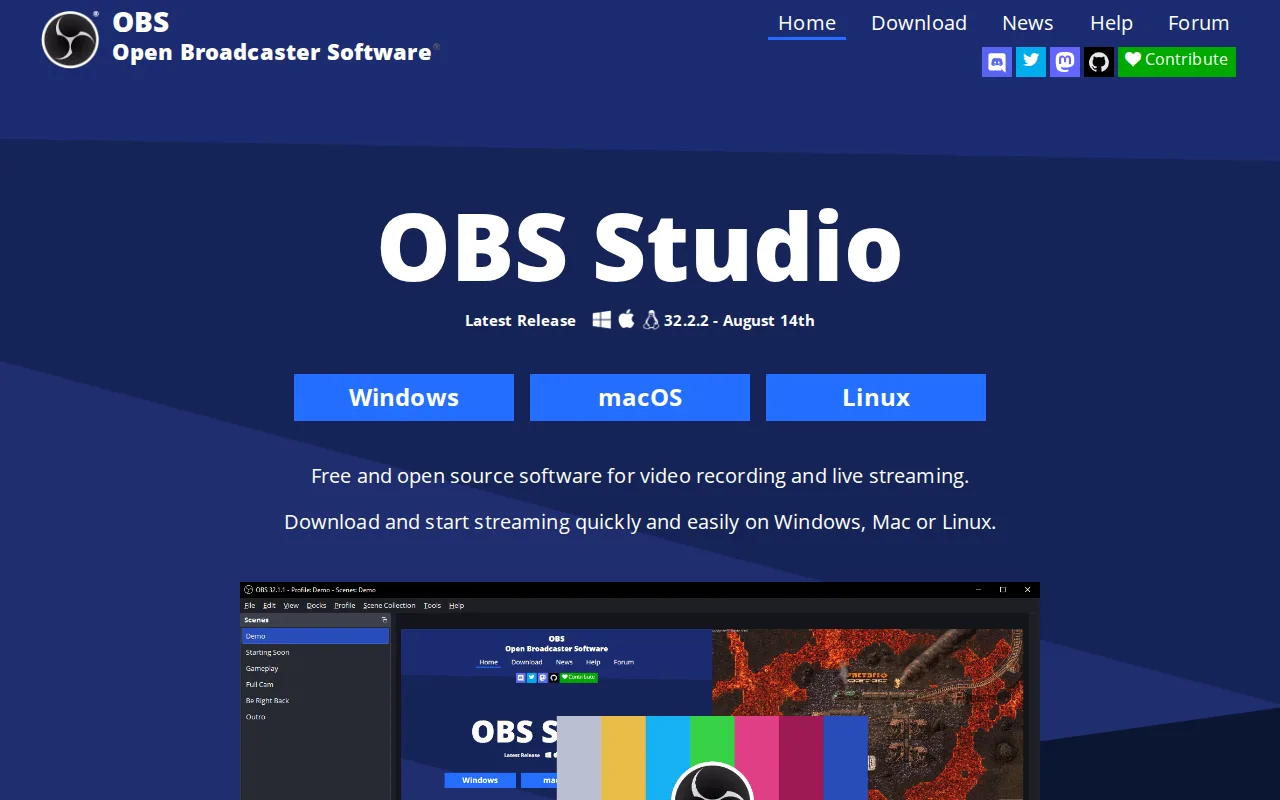
OBS Studio is the best Camtasia alternative for anyone who wants unlimited screen recording, scene composition, and live streaming at zero cost, rather than Camtasia's cheapest tier starting at $39/year with a watermark still attached. OBS Studio is completely free and open source under GPL-2.0 with no paid tier, subscription, or account required at all, a structural difference from Camtasia's four-tier annual subscription model. It composites unlimited customizable scenes from windows, monitors, webcams, capture cards, and browser sources, with a professional audio mixer offering per-source filters and VST plugin support, capabilities that go beyond Camtasia's recording toolset into live streaming to Twitch and YouTube. Camtasia is still the far better choice for anyone editing a polished tutorial after recording: OBS Studio has no built-in video editor, transcript-based cutting, callouts, or AI voiceover at all, since it's purely a capture and streaming tool, its interface and initial encoder/scene setup carry a real learning curve for first-time users, and it carries no external rating on Capterra or G2 in our listing data, versus Camtasia's 4.5/5 from 453 Capterra reviews.
Compared to Camtasia: completely free and open source (GPL-2.0) vs Camtasia's $39/year minimum, unlimited scenes with live streaming to Twitch/YouTube, no built-in video editor
Wins:Completely free and open source under GPL-2.0 with no paid tier, subscription, or account required, vs Camtasia's $39/year Starter · Unlimited customizable scenes with a professional audio mixer and VST plugin support · Live streams directly to Twitch and YouTube, a capability Camtasia's recording-focused toolset doesn't include
Loses:No built-in video editor, transcript-based cutting, callouts, or AI voiceover, since it's purely a capture and streaming tool · Interface and initial encoder/scene setup carry a real learning curve for first-time users · Carries no external rating on Capterra or G2 in our listing data, versus Camtasia's 4.5/5 from 453 Capterra reviews
Pros
- Completely free and open source with no watermark, subscription, or account requirement.
- Unlimited scenes and sources, including windows, monitors, webcams, capture cards, browser sources, and text.
- Professional audio mixer with per-source filters and VST plugin support.
- Extensible through Lua and Python scripting and a large third-party plugin ecosystem.
Cons
- No built-in guided setup wizard or overlay store, unlike paid competitors such as Streamlabs.
- Initial configuration of encoders, scenes, and audio routing has a real learning curve for first-time streamers.
- No official cloud backup or sync for scene collections and settings across machines.
- Community-driven support (forums, Discord) rather than dedicated commercial customer support.
Pricing: Free — $0 vs Camtasia's $39/year Starter (watermarked) to $179.88/year Essentials (watermark-free) (verified undefined NaN, NaN)