4 Best Free Alternatives to Calendly in 2026
By Noahlast updated pricing verified
Compared: free alternatives to Calendly
| Alternative | Best for | Standout | Biggest weakness | Learning curve | Price |
|---|---|---|---|---|---|
| Calendlyreference | individuals and small teams who need to eliminate scheduling back-and-forth via a shared booking link, especially sales and recruiting teams needing round-robin routing | Notetaker and Callie, which extend Calendly beyond booking into recording meetings, drafting follow-ups, and coordinating scheduling over email automatically. | The free plan is limited to a single event type and one calendar connection, pushing most real usage onto per-seat paid plans, and per-seat pricing compounds quickly for larger sales or recruiting teams. | Low | Free tier · paid from $10/mo |
| Cal.com | individuals and technical teams who want an open-source, self-hostable Calendly alternative with API-level control over booking flows | The scheduling engine is genuinely self-hostable via Docker, with a fully open community fork (cal.diy, MIT-licensed) that strips out enterprise/commercial code entirely, giving teams a real self-hosted path rather than an open-source demo that funnels users to the paid cloud. | Self-hosting requires ongoing infrastructure maintenance and doesn't include Cal.com's managed support, while advanced features like SSO and fine-grained access control are gated behind the pricier Organizations and Enterprise tiers on the hosted product. | Moderate | Free tier · paid from $12/mo |
| SavvyCal | sales, recruiting, and consulting teams who want invitees to see their own calendar overlaid on the host's availability, plus round-robin and collective team scheduling | A week-view booking page that lets the person scheduling overlay their own calendar on top of the host's availability, rather than picking blindly from a list of open slots. | No native mobile app; SavvyCal is web-only with a Chrome extension, so managing availability or links from a phone means using the mobile browser rather than a dedicated app. | Low | Free tier · paid from $10/mo |
| YouCanBook.me | solo service providers and small teams (coaches, photographers, salons, healthcare, recruiters) who want a booking page synced to their existing Google or Outlook calendar | Round-robin scheduling and per-member calendar allowances on the Team plan let larger service organizations distribute bookings across staff automatically, rather than manually assigning each appointment. | Exact pricing for every paid tier is hidden behind a sign-up or trial flow rather than shown plainly on the pricing page, forcing prospective buyers to hand over an email or start a trial just to see what a plan costs. | Low | Free |
| Doodle | small teams and client-facing professionals coordinating group availability and 1:1 bookings across multiple calendars | Group polls let an organizer find a time across many invitees' calendars without any invitee needing a Doodle account. | The free plan is capped at a single active poll, booking page, and 1:1 link at a time, so anyone scheduling more than one thing simultaneously has to upgrade to Pro. | Low | Free tier · paid from $11/mo |
 Calendly
 Cal.com
 SavvyCal
 YouCanBook.me
 Doodle
1.Cal.com — best Calendly alternative for individuals and technical teams who want an open-source, self-hostable Calendly alternative with API-level control over booking flows
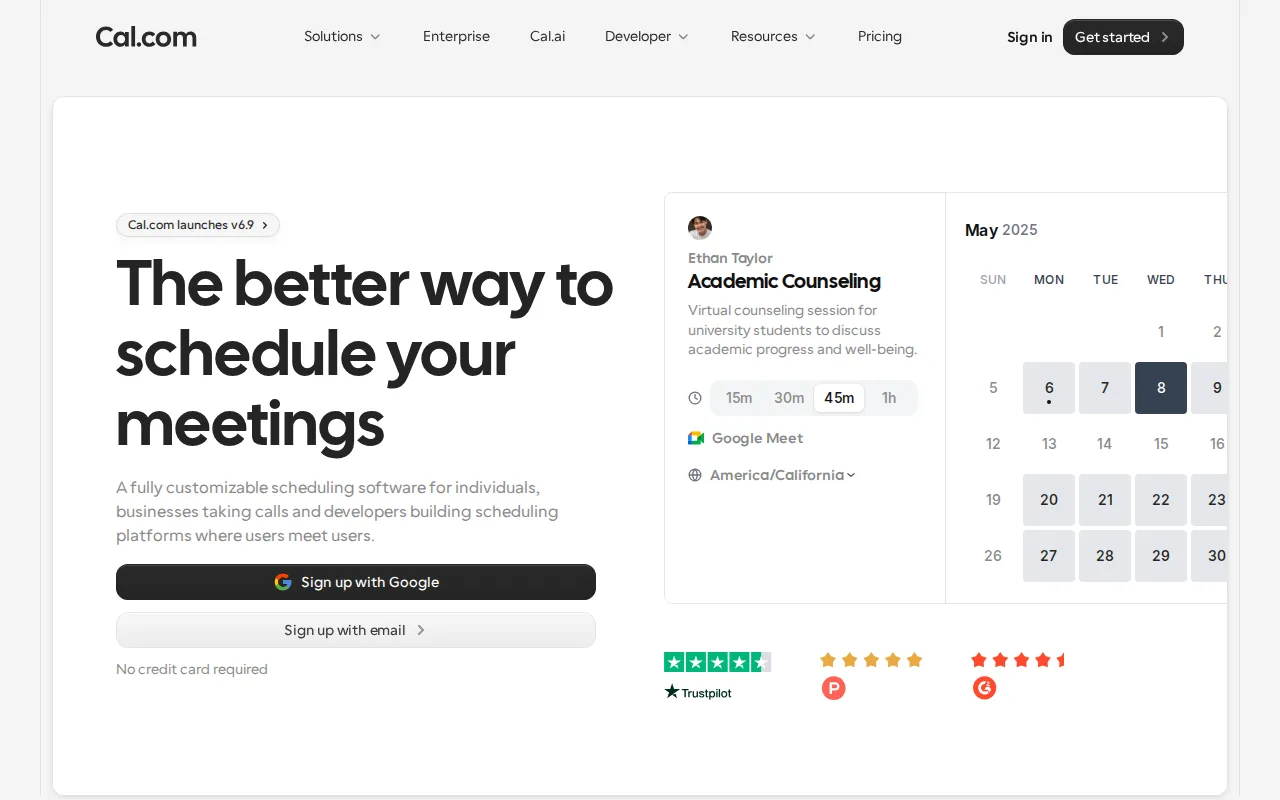
Cal.com is the best Calendly alternative for individuals and technical teams who want an open-source, self-hostable scheduling platform with API-level control over booking flows. Cal.com's Free tier includes unlimited event types and calendars for a single user with no artificial feature caps, versus Calendly's Free plan, which is restricted to one event type and one calendar connection; Cal.com's Teams plan then starts at $12/user/month, close to Calendly's $10/seat. Cal.com's scheduling engine is genuinely self-hostable via Docker, with a fully open community fork (cal.diy, MIT-licensed) that strips out enterprise/commercial code entirely, giving teams a real self-hosted path rather than an open-source demo that funnels users to a paid cloud. Cal.com holds a 4.8/5 rating from 85 Product Hunt reviews, and even its free plan includes 100+ integrations plus built-in Stripe and PayPal payment collection at booking time, without a separate add-on. Calendly is still the better choice for teams that want fully managed hosting with zero infrastructure work: self-hosting Cal.com requires ongoing infrastructure maintenance and forgoes managed support, SSO and fine-grained access control are gated behind the pricier Organizations and Enterprise tiers, and self-hosted deployments can lag behind the hosted cloud product on the latest feature releases.
Compared to Calendly: unlimited event types and calendars on the free tier vs Calendly's single-event-type limit, genuinely self-hostable via Docker with an MIT-licensed community fork, built-in Stripe/PayPal payment collection on the free plan
Wins:Free tier includes unlimited event types and calendars for a single user with no artificial feature caps, vs Calendly's Free plan limited to one event type and one calendar · Genuinely self-hostable via Docker, with a fully open MIT-licensed community fork (cal.diy) available · Built-in Stripe and PayPal payment collection at time of booking, even on the free plan
Loses:Self-hosting requires ongoing infrastructure maintenance and forgoes Cal.com's managed support and updates · SSO and advanced access control are gated to the pricier Organizations and Enterprise tiers · Team-oriented per-user billing ($12-28/user/month) can add up faster than Calendly's flat team pricing at small seat counts
Pros
- Free tier includes unlimited event types and calendars for a single user, with no artificial feature caps.
- Genuinely self-hostable via Docker, with a fully open MIT-licensed community fork (cal.diy) available.
- 100+ integrations and two-way Salesforce/HubSpot sync are available even on the free plan.
- Built-in Stripe and PayPal payment collection at time of booking without a separate add-on.
Cons
- Self-hosting requires ongoing infrastructure maintenance and forgoes Cal.com's managed support and updates.
- SSO and advanced access control are gated to the pricier Organizations and Enterprise tiers.
- Team-oriented features require per-user billing ($12-28/user/month), which adds up faster than Calendly's flat team pricing at small seat counts.
- Self-hosted deployments can lag behind the hosted cloud product on the latest feature releases.
Pricing: Free tier · paid from $12/mo — $12/user/month Teams vs Calendly's $10/seat/month Standard (verified undefined NaN, NaN)
2.SavvyCal — best Calendly alternative for sales, recruiting, and consulting teams who want invitees to see their own calendar overlaid on the host's availability, plus round-robin and collective team scheduling
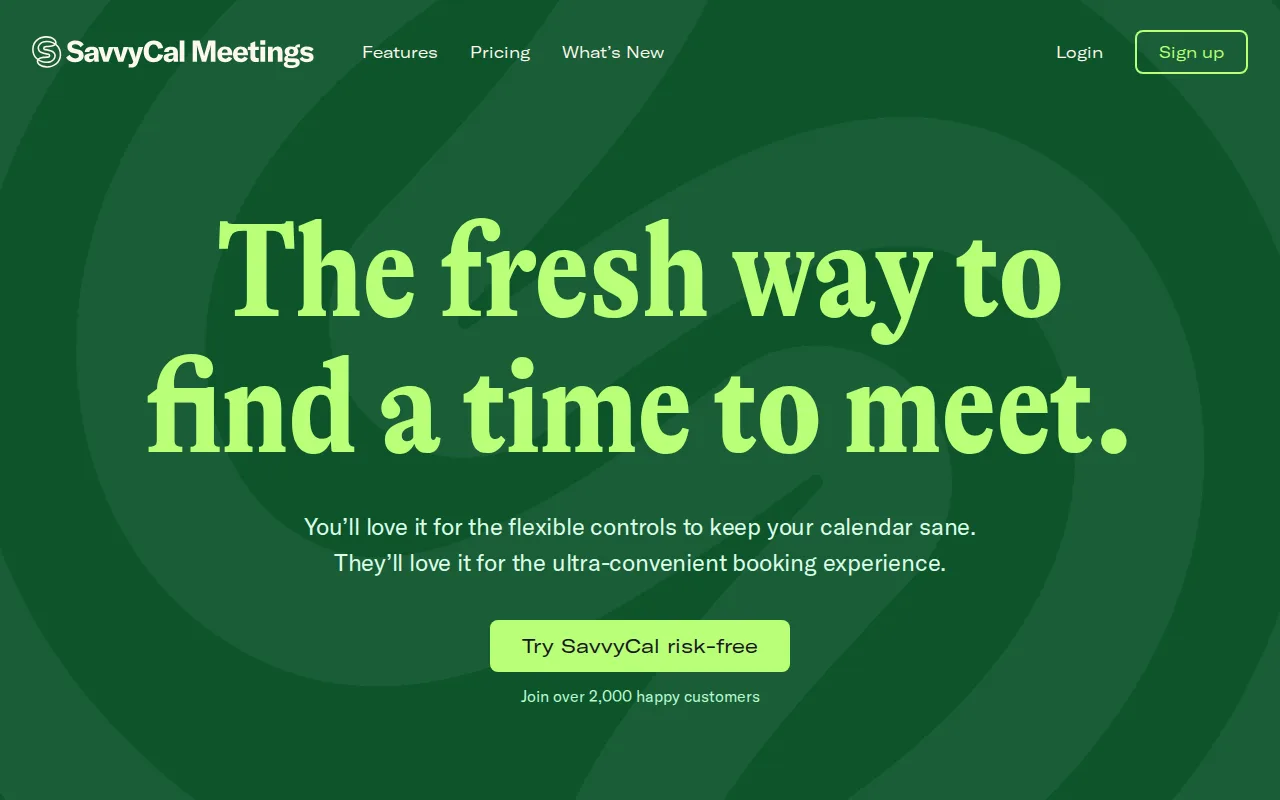
SavvyCal is the best Calendly alternative for sales, recruiting, and consulting teams who want invitees to see their own calendar overlaid on the host's availability, rather than clicking through a plain day-then-time picker like Calendly's. SavvyCal's week-view booking page lets the person scheduling overlay their own calendar on top of the host's availability, a distinct interaction Calendly doesn't offer, and its Basic plan starts at $10/user/month, matching Calendly's own $10/seat starting price. SavvyCal holds a perfect 5.0/5 rating from both Capterra and Product Hunt, and its Round Robin and Collective modes cover common team-scheduling needs (sales, recruiting, support) out of the box, similar to Calendly's own routing features. Calendly is still the better choice for anyone who needs a mobile app or broader third-party integration coverage: SavvyCal has no native iOS or Android app, so managing availability from a phone means using the mobile browser, its Capterra and Product Hunt review samples are very small (4 reviews each), which limits how much confidence to place in the perfect ratings, and its smaller market share means some CRM or ATS integrations may be missing that Calendly's 150+ integrations cover.
Compared to Calendly: week-view calendar-overlay booking page vs a plain day-then-time picker, matching $10/user/month starting price, perfect 5.0/5 rating on Capterra and Product Hunt
Wins:Week-view booking page lets invitees overlay their own calendar on the host's availability, a distinct interaction Calendly doesn't offer · Basic plan starts at $10/user/month, matching Calendly's own $10/seat starting price · Perfect 5.0/5 rating from both Capterra and Product Hunt
Loses:No native iOS or Android app; scheduling management is web-only, unlike Calendly's mobile apps · Capterra and Product Hunt review samples are very small (4 reviews each), limiting confidence in the perfect ratings · Smaller market share and integration ecosystem than Calendly's 150+ integrations, so some CRM or ATS integrations may be missing
Pros
- Calendar-overlay booking page makes it easier for invitees to pick a time that actually works for them.
- Round Robin and Collective modes cover common team-scheduling needs (sales, recruiting, support) out of the box.
- Time blocking and preferred-time nudges give hosts more control over their calendar than a plain link.
- Holds a 5.0/5 rating from both Capterra (4 reviews) and Product Hunt (4 reviews).
Cons
- No native iOS or Android app; scheduling management is web-only.
- Review sample sizes on Capterra and Product Hunt are very small (4 reviews each), which limits how much confidence to place in the perfect ratings.
- Custom domains and paid bookings are locked behind the Premium tier, not available on Basic.
- Smaller market share and integration ecosystem than Calendly, so some CRM or ATS integrations may be missing.
Pricing: Free tier · paid from $10/mo — $10/user/month Basic vs Calendly's $10/seat/month Standard (verified undefined NaN, NaN)
3.YouCanBook.me — best Calendly alternative for solo service providers and small teams (coaches, photographers, salons, healthcare, recruiters) who want a booking page synced to their existing Google or Outlook calendar
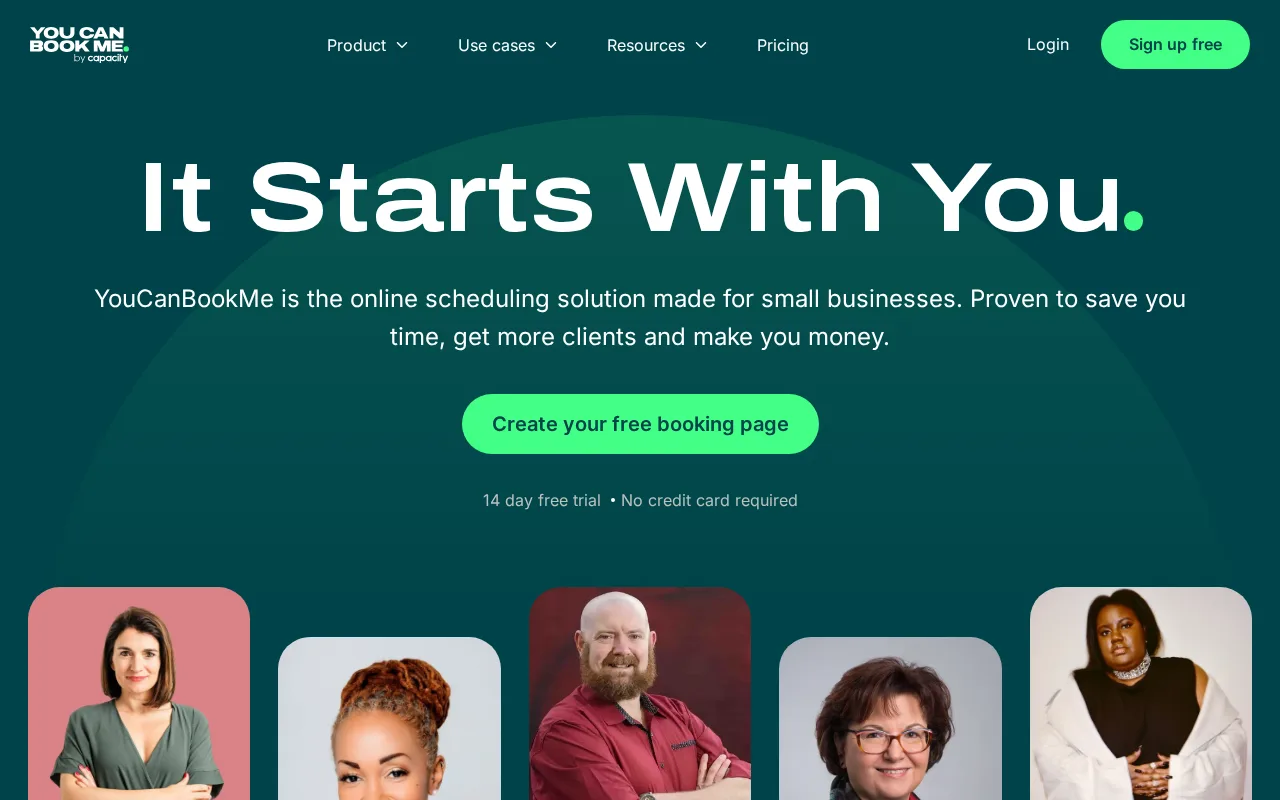
YouCanBook.me is the best Calendly alternative for solo service providers and small teams, like coaches, photographers, salons, healthcare, and recruiters, who want a booking page synced directly to their existing Google or Outlook calendar. YouCanBook.me's Free plan requires no credit card and covers a working single-calendar booking page, similar in spirit to Calendly's Free tier, and its deep native sync with Google Calendar and Outlook Calendar avoids maintaining a separate scheduling calendar. YouCanBook.me holds a 4.6/5 rating from 353 Capterra reviews, and its Team plan adds round-robin scheduling with per-member calendar allowances that distribute bookings across staff automatically, similar to Calendly's Teams-tier routing. Calendly is still the better choice for anyone who wants to see prices before signing up: YouCanBook.me hides exact pricing for every paid tier behind a sign-up or trial flow rather than showing it plainly on the pricing page, forcing prospective buyers to hand over an email just to see what a plan costs, unlike Calendly's published $10 and $16 seat prices, and it has no dedicated mobile app.
Compared to Calendly: deep native sync with Google and Outlook Calendar, no-credit-card Free plan with a working booking page, round-robin scheduling with per-member calendar allowances on Team
Wins:Deep native sync with Google Calendar and Outlook Calendar avoids maintaining a separate scheduling calendar · Free plan requires no credit card and covers a working single-calendar booking page · Round-robin scheduling on the Team plan distributes bookings automatically across staff, with per-member calendar allowances
Loses:Exact paid-plan pricing is hidden behind a sign-up or trial flow, unlike Calendly's published $10 and $16 seat prices · No dedicated mobile app; booking pages and calendar management are web-only · SMS reminders and HubSpot integration are reserved for the Professional tier and above
Pros
- Free plan requires no credit card and covers a working single-calendar booking page.
- Deep native sync with Google Calendar and Outlook Calendar avoids maintaining a separate scheduling calendar.
- Zapier integration on Professional and above connects to 1,000+ other apps.
- Round-robin scheduling on the Team plan distributes bookings automatically across staff.
Cons
- Exact paid-plan pricing is not shown on the pricing page without signing up or starting a trial.
- SMS reminders and HubSpot integration are reserved for the Professional tier and above.
- No dedicated mobile app; booking pages and calendar management are web-only.
- Free plan is limited to a single calendar and booking page, restrictive for anyone managing more than one service.
Pricing: Free
4.Doodle — best Calendly alternative for small teams and client-facing professionals coordinating group availability and 1:1 bookings across multiple calendars

Doodle is the best Calendly alternative for small teams and client-facing professionals coordinating group availability and 1:1 bookings across multiple calendars. Doodle's Group polls let an organizer find a time across many invitees' calendars without any invitee needing a Doodle account, a group-scheduling capability Calendly doesn't offer at all. Doodle's Free plan starts at $0, matching Calendly's own free tier, and its Pro plan then costs $11/month, close to Calendly's $10/seat; Doodle also holds SOC 2, GDPR, CCPA, and HIPAA compliance certifications, broader compliance coverage than Calendly lists. Doodle's Team plan adds Stripe payment collection for paid bookings and consultations, plus Zoom, Teams, and Webex integrations that auto-attach video links to booked meetings on Pro and above. Calendly is still the better choice for anyone who needs to run more than one thing at a time on a free plan or wants a verified rating to compare: Doodle's free plan allows only one active group poll, booking page, and 1:1 link at a time, its Team plan requires a minimum of 2 seats even for a single power user, and it has no external rating on G2, Capterra, or Product Hunt to compare against Calendly's 4.7/5 from 4,139 reviews.
Compared to Calendly: Group polls find a time across many invitees without requiring an account, broader compliance coverage (SOC 2, GDPR, CCPA, HIPAA), similar starting price ($11/month Pro vs $10/seat)
Wins:Group polls let an organizer find a time across many invitees' calendars without any invitee needing an account, a capability Calendly doesn't offer · SOC 2, GDPR, CCPA, and HIPAA compliance certifications support regulated industries · Pro plan costs $11/month, close to Calendly's $10/seat starting price
Loses:Free plan allows only one active group poll, booking page, and 1:1 link at a time · Team plan requires a minimum of 2 seats even for a single power user who wants admin features · No external rating on G2, Capterra, or Product Hunt to compare against Calendly's 4.7/5 from 4,139 reviews
Pros
- Group polls let invitees respond without creating an account.
- Team plan adds Stripe payment collection for paid bookings and consultations.
- SOC 2, GDPR, CCPA, and HIPAA compliance certifications support regulated industries.
- Zoom, Teams, and Webex integrations auto-attach video links to booked meetings on Pro and above.
Cons
- Free plan allows only one active group poll, booking page, and 1:1 link at a time.
- Team plan requires a minimum of 2 seats even for a single power user who wants admin features.
- Enterprise pricing starts around $15,000/year and requires a sales conversation rather than transparent per-seat rates.
- Advanced time-protection features (meeting density limits, focus-time enforcement) are gated to Enterprise.
Pricing: Free tier · paid from $11/mo — $11/month Pro vs Calendly's $10/seat/month Standard (verified undefined NaN, NaN)