5 Best Alternatives to Brave for iOS in 2026
By Noahlast updated pricing verified
Compared: Brave alternatives that run on iOS
| Alternative | Best for | Standout | Biggest weakness | Learning curve | Price |
|---|---|---|---|---|---|
| Bravereference | privacy-conscious users who want built-in ad and tracker blocking plus an optional device-wide VPN without installing separate browser extensions | Ships with ad and tracker blocking, script blocking, and fingerprint randomization built in and on by default, with no extensions needed to match what competitors require several add-ons to replicate. | Brave Rewards' opt-in BAT-token ad program has drawn criticism from users who find its ad-serving and crypto-wallet defaults confusing to disable, and the VPN/Firewall add-on requires a separate $9.99/month subscription rather than being bundled free. | Low | Free tier · paid from $9.99/mo |
| Google Chrome | users who want the widest website compatibility and browser-extension ecosystem, and who are already inside the Google account/services ecosystem for sync | The largest extension ecosystem and highest web-compatibility of any browser, since Chrome's Chromium engine is also the basis most other browsers build on and test against. | Chrome consistently uses more RAM than lighter competitors when many tabs are open, which reviewers say slows down lower-spec machines and drains laptop battery faster than Firefox, Safari, or other Chromium-based browsers with more aggressive tab suspension. | Low | Free |
| Firefox | users who want a non-Chromium, open-source browser with tracker blocking on by default and no ties to Google's or Apple's advertising businesses | Runs on the independent Gecko engine rather than Chromium, giving the web a genuine rendering-engine alternative to Google's dominant Blink/Chromium base, with Enhanced Tracking Protection blocking trackers by default. | Firefox's market share has declined for years as most competing browsers (Chrome, Edge, Brave, Opera) all run on Chromium, meaning some sites and web apps get tested and optimized for Chromium first and occasionally behave inconsistently in Firefox. | Low | Free |
| Microsoft Edge | Windows users who want a browser tightly integrated with the OS, Microsoft 365, and Copilot AI without installing a separate browser | Deep Windows and Microsoft 365 integration combined with Copilot Vision, which can analyze on-screen content and suggest actions directly inside the browser, going beyond the AI features most competing browsers offer. | Most of Edge's distinguishing features (Copilot, cross-device sync, deep OS integration) assume a Microsoft account and are most valuable on Windows, giving non-Windows users little practical reason to choose it over Chrome, whose engine it shares; it also carries a reputation for persistent default-browser prompts and pre-installed promotional content on Windows. | Low | Free |
| DuckDuckGo | privacy-conscious users who want tracker blocking and non-personalized search by default without paying, plus an optional bundle of VPN and identity protection for those who want it | Search results and ads are not built from a stored personal profile, and the browser blocks third-party trackers by default without requiring separate extensions or configuration. | Search result relevance and freshness can lag Google for niche, local, or highly current queries, since DuckDuckGo relies partly on licensed results from Bing and other sources rather than its own comprehensive index. | Low | Free tier · paid from $9.99/mo |
| Opera | everyday users who want built-in ad blocking, a free VPN, and an AI chat assistant bundled into the browser instead of installed as separate extensions | A free built-in VPN and ad blocker shipped inside the browser by default, with no extension installs or subscription required, plus Opera AI chat and Tab Islands for tab organization. | Opera's free built-in VPN is a basic privacy tool, not a full-featured VPN service, with fewer server locations and less consistent speed than dedicated VPN products, and the browser's extra features (AI, Flow, Tab Islands) add complexity some users don't want in a simple browser. | Low | Free |
 Brave
Brave Google Chrome
 Firefox
 Microsoft Edge
 DuckDuckGo
 Opera
Opera1.Google Chrome — best Brave alternative for users who want the widest website compatibility and browser-extension ecosystem, and who are already inside the Google account/services ecosystem for sync
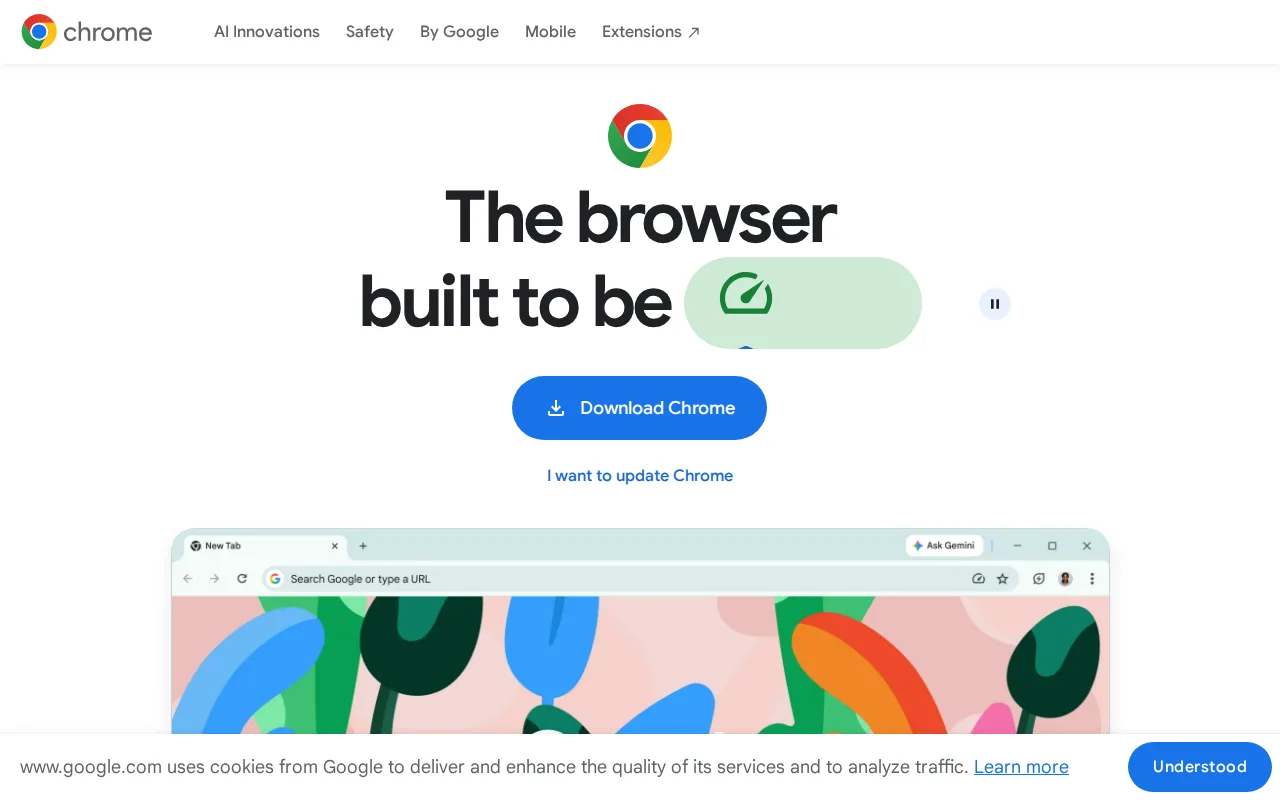
Google Chrome and Brave are both Chromium-based browsers, but Chrome holds a 4.8/5 rating from 2,148 Capterra reviews, the largest review base of any alternative compared here, versus Brave's own no external rating on file. Chrome has the broadest extension ecosystem and highest web compatibility of any browser, since it's the reference implementation of the Chromium engine that Brave itself is built on, and its Gemini AI integration summarizes pages and can automate tasks like shopping directly in the browser. Chrome is entirely free with no paid tier, matching Brave's own free core browser. The honest gap is privacy defaults: Chrome doesn't block ads and trackers by default the way Brave does out of the box, requiring separate extensions or account-level settings changes to approximate Brave's default privacy posture, and Chrome has no built-in VPN option at any price the way Brave's Firewall + VPN add-on provides. Privacy-conscious users who want ad and tracker blocking on by default with no configuration, or an optional built-in VPN, are better served staying with Brave.
Compared to Brave: largest review base of any alternative (2,148 Capterra reviews at 4.8/5 vs Brave's none on file), broadest extension ecosystem since Chrome is Chromium's reference implementation, but doesn't block ads and trackers by default the way Brave does, and has no built-in VPN option at any price.
Wins:2,148 Capterra reviews at 4.8/5 gives by far the largest evidence base of any alternative compared here · Broadest extension ecosystem and highest website compatibility of any browser, as the reference implementation of the Chromium engine · Gemini AI is built directly into the browser for page summaries and task automation at no extra cost
Loses:Doesn't block ads, trackers, or third-party cookies by default the way Brave does out of the box · No built-in VPN option at any price, unlike Brave's optional Firewall + VPN add-on at $9.99/month
Pros
- Broadest extension ecosystem and highest website compatibility of any browser.
- Free with no paid tier; all sync, password manager, and AI features are included.
- Cross-device sync of bookmarks, passwords, and tabs via a Google account.
- Frequent, low-friction automatic updates roughly every four weeks.
Cons
- Uses significantly more RAM than lighter browsers when many tabs are open, slowing lower-spec machines.
- Heavier resource use drains laptop battery faster than more battery-optimized alternatives.
- Deep integration with Google services and account-based sync raises privacy concerns for some users.
- Built-in Gemini AI features and "auto browse" cannot be fully disabled by users who prefer a minimal browser.
Pricing: Free — Google Chrome is entirely free with no paid tier vs Brave's free core browser plus an optional $9.99/month Firewall + VPN add-on (verified undefined NaN, NaN)
2.Firefox — best Brave alternative for users who want a non-Chromium, open-source browser with tracker blocking on by default and no ties to Google's or Apple's advertising businesses
Firefox and Brave are both open-source, privacy-minded browsers, but Firefox runs on Mozilla's independent Gecko engine rather than Chromium, the same engine Brave, Chrome, Edge, and Opera all share, giving the web a genuine rendering-engine alternative outside Google's dominant Blink/Chromium base. Firefox holds a 4.4/5 rating from 543 Capterra reviews, a deeper evidence base than Brave's own no external rating on file, and its Enhanced Tracking Protection blocks known trackers and third-party cookies by default without extra configuration, matching Brave's own default privacy posture. Firefox is also maintained by the non-profit Mozilla Foundation, rather than a company running a Rewards program that pays users in a crypto token, a design some Brave users find confusing to disable. The honest tradeoff is ecosystem depth: Firefox has fewer and sometimes lower-quality extensions than the Chrome Web Store, which Brave's Chromium base can also draw from, and Firefox has no built-in crypto wallet, VPN add-on, or independent search engine the way Brave bundles Brave Search and an optional Firewall + VPN. Users who want Brave's own independent search engine or built-in VPN option in the same browser are better served staying with Brave.
Compared to Brave: runs on the independent Gecko engine rather than Chromium, which Brave, Chrome, Edge, and Opera all share, maintained by a non-profit rather than a company with a confusing crypto-token Rewards program, but has no built-in crypto wallet, VPN, or independent search engine the way Brave bundles.
Wins:Runs on the independent Gecko engine, preserving rendering-engine diversity outside Chromium, which Brave itself is built on · Enhanced Tracking Protection blocks trackers and third-party cookies by default, matching Brave's own default privacy posture · Maintained by the non-profit Mozilla Foundation, without a Rewards program some Brave users find confusing to disable
Loses:Fewer and sometimes lower-quality extensions than the Chrome Web Store, which Brave's Chromium base can also draw from · No built-in crypto wallet, VPN add-on, or independent search engine the way Brave bundles Brave Search and an optional Firewall + VPN
Pros
- Free and open source, published on GitHub under the Mozilla Public License 2.0.
- Enhanced Tracking Protection blocks third-party trackers and cookies by default.
- Runs on the independent Gecko engine rather than Chromium, preserving rendering-engine diversity on the web.
- Built-in Reader Mode, picture-in-picture, and PDF editing without extra extensions.
Cons
- Market share has declined for years, so some sites are tested against Chromium first and can render inconsistently.
- Fewer and sometimes lower-quality extensions available compared to the Chrome Web Store.
- Sync and account features are less tightly integrated with a broader productivity suite than Edge (Microsoft 365) or Chrome (Google Workspace).
- Performance and memory usage can lag Chrome on some heavy, JavaScript-intensive web apps.
Pricing: Free — Firefox is free with no paid tier vs Brave's free core browser plus an optional $9.99/month Firewall + VPN add-on (verified undefined NaN, NaN)
3.Microsoft Edge — best Brave alternative for windows users who want a browser tightly integrated with the OS, Microsoft 365, and Copilot AI without installing a separate browser
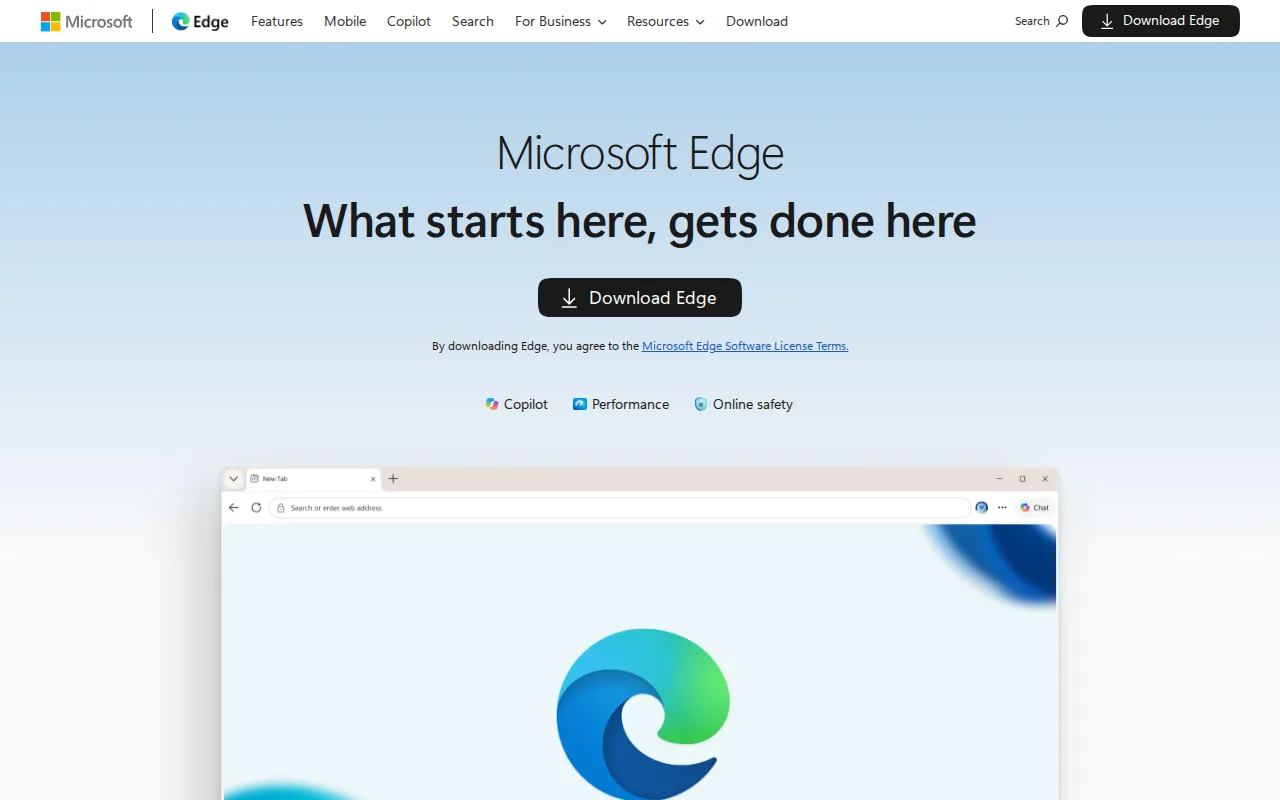
Microsoft Edge and Brave are both Chromium-based browsers, so most Chrome extensions and web standards work the same way in either, but Edge layers on Copilot and Copilot Vision, which can analyze on-screen content and suggest actions directly inside the browser, a deeper AI-browsing feature than Brave's own crypto-wallet-and-ad-blocking focus. Edge is preinstalled and set as the default browser on Windows, and its performance features (energy saver, sleeping tabs, startup boost) are specifically aimed at extending laptop battery life. Neither Edge nor Brave has an external rating on file in this data, so the comparison rests on features rather than review evidence. The honest tradeoff is privacy defaults and platform reach: Edge doesn't block ads and trackers by default the way Brave does out of the box, most of its distinguishing features assume a Microsoft account and are most valuable inside the Windows/Microsoft 365 ecosystem, and it has no built-in VPN option at any price the way Brave's Firewall + VPN add-on provides. Privacy-conscious users, or anyone outside the Windows ecosystem who wants ad and tracker blocking on by default, are better served staying with Brave.
Compared to Brave: deep Windows and Microsoft 365 integration with Copilot Vision analyzing on-screen content, both share the same Chromium base, but Edge doesn't block ads and trackers by default the way Brave does, and has no built-in VPN option at any price.
Wins:Copilot and Copilot Vision analyze on-screen content and suggest actions directly inside the browser, a deeper AI feature than Brave offers · Preinstalled and set as the default browser on Windows, requiring no separate download for most Windows users · Performance features (energy saver, sleeping tabs, startup boost) are specifically aimed at extending laptop battery life
Loses:Doesn't block ads, trackers, or third-party cookies by default the way Brave does out of the box · No built-in VPN option at any price, unlike Brave's optional Firewall + VPN add-on at $9.99/month
Pros
- Built into Windows with no separate install required, and free on macOS, Linux, iOS, and Android.
- Chromium-based, so it supports most Chrome extensions and web standards.
- Copilot and Copilot Vision integrate AI chat and on-screen analysis directly into the browser.
- Performance features (energy saver, sleeping tabs, startup boost) are aimed at extending laptop battery life and reducing memory use.
Cons
- Most standout features assume a Microsoft account and are most useful within the Windows/Microsoft 365 ecosystem.
- Shares Chrome's underlying engine, so it offers few rendering or compatibility advantages over Chrome itself.
- Windows repeatedly prompts users to keep Edge as their default browser, which some users find intrusive.
- Smaller and less mature non-Windows install base means fewer platform-specific optimizations on macOS/Linux/mobile compared to Windows.
Pricing: Free — Microsoft Edge is entirely free with no paid tier vs Brave's free core browser plus an optional $9.99/month Firewall + VPN add-on (verified undefined NaN, NaN)
4.DuckDuckGo — best Brave alternative for privacy-conscious users who want tracker blocking and non-personalized search by default without paying, plus an optional bundle of VPN and identity protection for those who want it
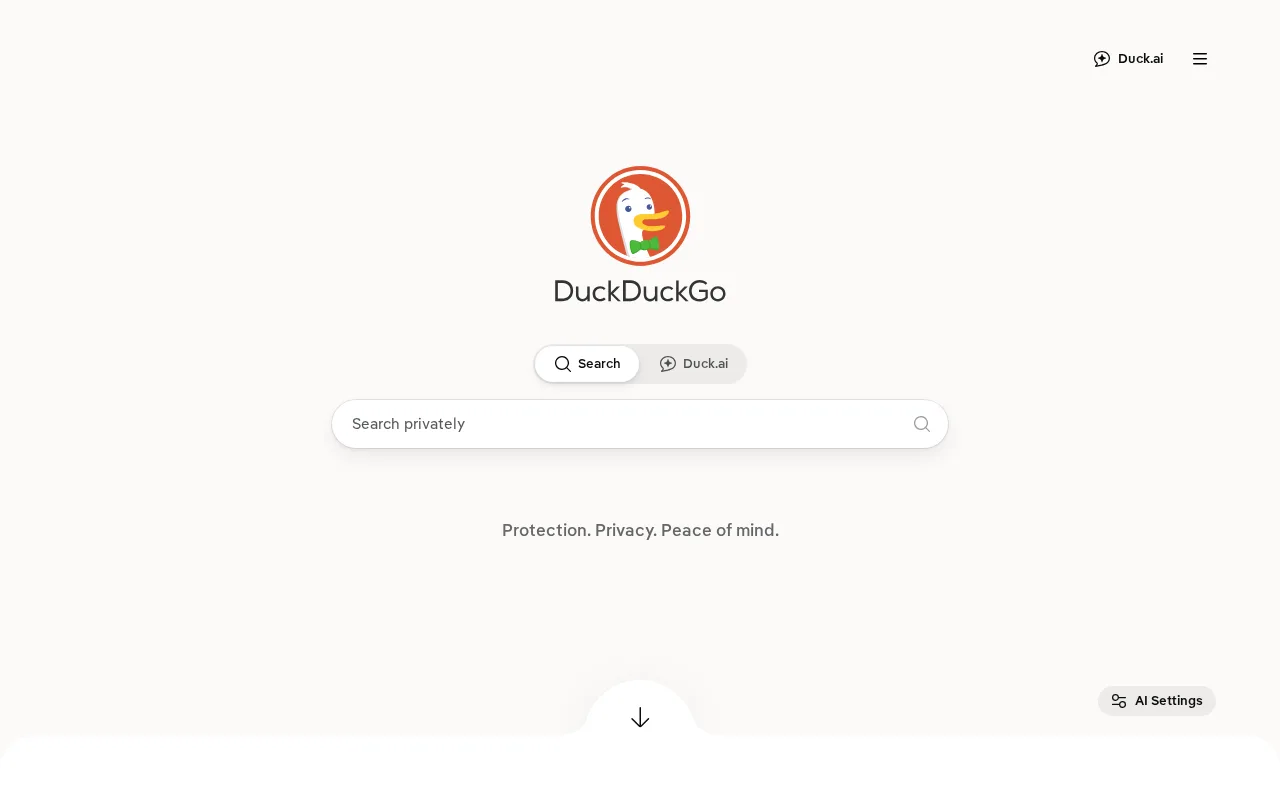
DuckDuckGo and Brave both block third-party trackers, cookies, and cross-site tracking scripts by default, but DuckDuckGo holds a 4.5/5 rating from 10 Capterra reviews, the only alternative here with an actual review score on file, versus Brave's own no external rating. DuckDuckGo's search results and ads aren't built from a stored personal profile at all, avoiding the filter-bubble effect, a search-specific privacy focus that goes a step further than Brave Search's own independent-index positioning in this respect. DuckDuckGo also sells an optional Privacy Pro subscription at $9.99/month, the exact same price as Brave's own Firewall + VPN add-on, but Privacy Pro bundles a VPN plus data-broker removal and identity restoration that Brave's add-on doesn't include. The honest gap is scope: DuckDuckGo has no built-in crypto wallet or Brave Talk-style video calling, and its browser has a smaller user base and less mature desktop feature set than Brave's more widely tested Chromium-based browser. Users who want Brave's own crypto wallet or Chromium-level extension compatibility are better served staying with Brave.
Compared to Brave: has an actual review score on file (4.5/5 from 10 Capterra reviews) vs Brave's none, non-personalized search with no profile-based ads, Privacy Pro add-on at the same $9.99/month price as Brave's VPN but bundling data-broker removal and identity restoration too.
Wins:4.5/5 rating from 10 Capterra reviews gives DuckDuckGo an actual review score, where Brave has none on file · Search results and ads aren't built from a stored personal profile at all, avoiding the filter-bubble effect · Privacy Pro bundles a VPN, data-broker removal, and identity restoration into one $9.99/month subscription, the same price as Brave's VPN-only add-on
Loses:No built-in crypto wallet or Brave Talk-style video calling built into the browser · Smaller user base and less mature desktop feature set than Brave's more widely tested Chromium-based browser
Pros
- Core search engine and browser are free with no account or personal data required.
- Tracker blocking is on by default in the browser, not an opt-in extension.
- Privacy Pro bundles VPN, data broker removal, and identity restoration into one subscription instead of three.
- Non-personalized search avoids the filter-bubble effect of profile-based ranking.
Cons
- Search relevance for local, niche, or fast-moving queries can lag Google.
- Privacy Pro's VPN has fewer server locations than dedicated VPN providers.
- Duck.ai and other newer features are less mature than the core search product.
- Ad revenue model means search results still include contextual ads, even without tracking.
Pricing: Free tier · paid from $9.99/mo — DuckDuckGo's browser is free, with an optional $9.99/month Privacy Pro bundle, the same price as Brave's own $9.99/month Firewall + VPN add-on
5.Opera — best Brave alternative for everyday users who want built-in ad blocking, a free VPN, and an AI chat assistant bundled into the browser instead of installed as separate extensions
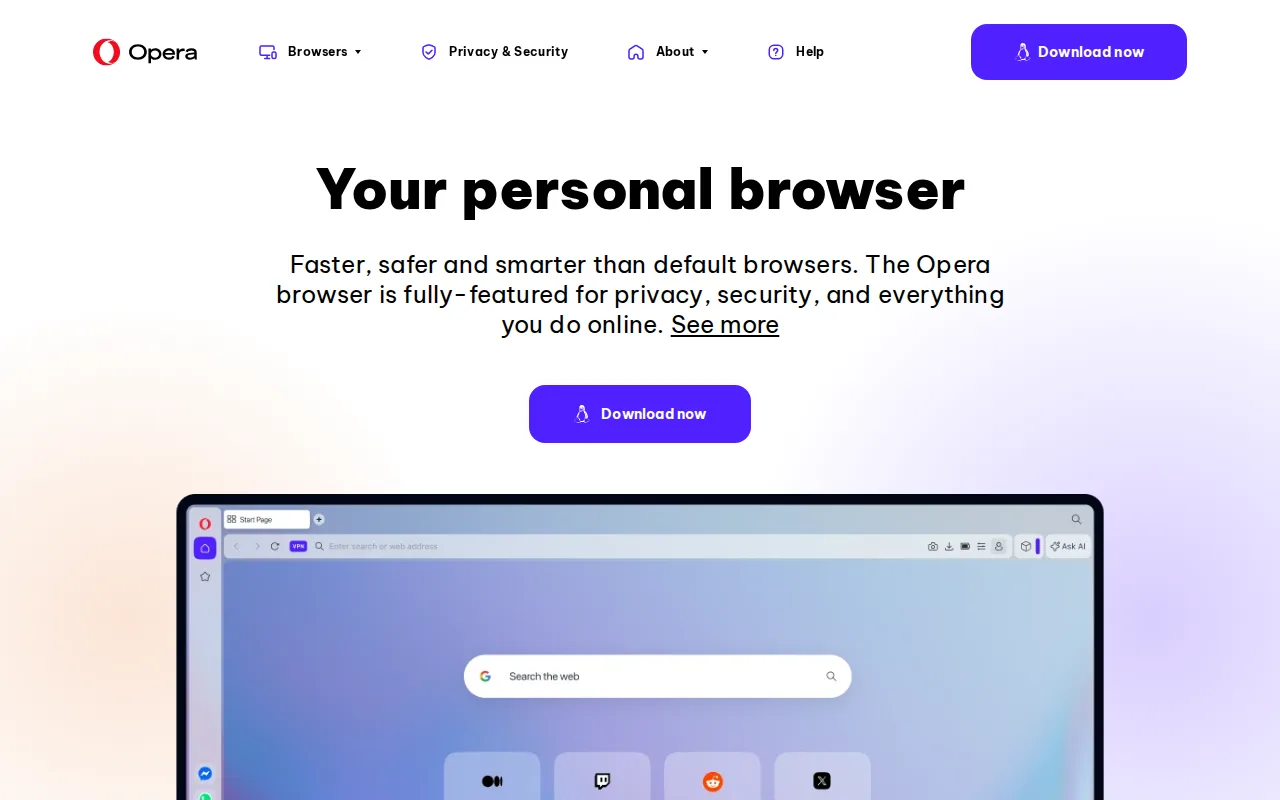
Opera and Brave both bundle privacy and productivity tools directly into the browser instead of requiring separate extensions, but Opera includes a free built-in VPN alongside its ad blocker at no cost and no subscription, going a step further than Brave, which charges $9.99/month for its Firewall + VPN add-on rather than including any VPN for free. Opera's only rating on file is 4.4/5 from 15 Product Hunt reviews, versus Brave's own no external rating, and Opera AI chat is built directly into the browser sidebar, with Tab Islands grouping related tabs into visual clusters for context switching, features beyond Brave's own crypto-wallet-and-Rewards focus. The honest catch is quality: Opera's bundled free VPN is a basic privacy tool, not a full-featured VPN service, with fewer server locations and less consistent speed than Brave's own paid Firewall + VPN, which covers 300+ servers in 40+ regions across up to 10 devices, and Opera's extra bundled features (AI, Flow, sidebar messengers) add UI complexity some users don't want. Users who want a more robust, wider-server-count VPN and don't mind paying for it, or Brave's simpler, less feature-crowded interface, are better served staying with Brave.
Compared to Brave: bundles a free built-in VPN and ad blocker at no cost, unlike Brave's $9.99/month Firewall + VPN add-on, but the free VPN has fewer server locations and less consistent speed than Brave's own paid 300+-server VPN.
Wins:Free built-in VPN and ad blocker with no extension install or subscription required, unlike Brave's paid $9.99/month VPN add-on · Opera AI chat assistant is built directly into the browser sidebar, a feature Brave doesn't offer · Tab Islands organize related tabs into visual groups for easier context switching
Loses:The bundled free VPN is a basic privacy tool with fewer server locations and less consistent performance than Brave's own paid 300+-server, 40+-region VPN · Extra bundled features (AI, Flow, sidebar messengers) add UI complexity that Brave's simpler, more focused interface avoids
Pros
- Free built-in VPN and ad blocker with no extension install or subscription required.
- Opera AI chat assistant is built directly into the browser sidebar.
- Tab Islands organize related tabs into visual groups for easier context switching.
- Available across Windows, macOS, Linux, iOS, and Android, plus the gaming-focused Opera GX variant.
Cons
- The bundled free VPN is a basic privacy feature, not a full VPN service, with fewer locations and less consistent performance than dedicated VPN products.
- Built on Chromium, so it inherits the same underlying engine (and market-power concerns) as Chrome and Edge rather than offering a truly independent rendering engine.
- Extra bundled features (AI, Flow, sidebar messengers) add UI complexity for users who just want a minimal browser.
- Smaller extension ecosystem than Chrome, though it can install most Chrome Web Store extensions.
Pricing: Free — Opera's built-in VPN and ad blocker are free vs Brave's optional $9.99/month Firewall + VPN add-on for a more robust, wider-server VPN (verified undefined NaN, NaN)