1 Best Open-Source Alternatives to Azure DevOps in 2026
By Noahlast updated pricing verified
All 4 Azure DevOps alternatives
Compared: open-source alternatives to Azure DevOps
| Alternative | Best for | Standout | Biggest weakness | Learning curve | Price |
|---|---|---|---|---|---|
| Azure DevOpsreference | organizations already standardized on Microsoft Azure infrastructure that want an integrated, single-vendor Boards + Repos + Pipelines + Test Plans suite rather than assembling best-of-breed tools | One integrated suite covering work tracking, Git hosting, CI/CD, manual testing, and package management, with pipeline agents that build for Linux, macOS, and Windows regardless of deployment target. | Real cost is fragmented across multiple add-ons: Test Plans triples the per-user price to $52/month, GitHub Advanced Security costs $19-30/committer/month extra, and additional pipeline parallelism or Artifacts storage are billed separately, making total cost harder to predict than a single flat per-seat price. | Steep | Free tier · paid from $6/mo |
| GitLab | engineering teams that want source control, CI/CD, and security scanning in one application instead of assembling separate tools for each function | Security and compliance scanning (SAST, DAST, dependency and container scanning) is built into the Ultimate tier as a native part of the CI/CD pipeline, rather than a bolt-on third-party integration. | The jump from Premium to Ultimate is steep (roughly $29 to $99/user/month), pricing the deepest security features out of reach for many teams, and GitLab's dense, feature-heavy interface has a real learning curve compared to GitHub's simpler workflow. | Steep | Free tier · paid from $29/mo |
 Azure DevOps
 GitLab
1.GitLab — best Azure DevOps alternative for engineering teams that want source control, CI/CD, and security scanning in one application instead of assembling separate tools for each function
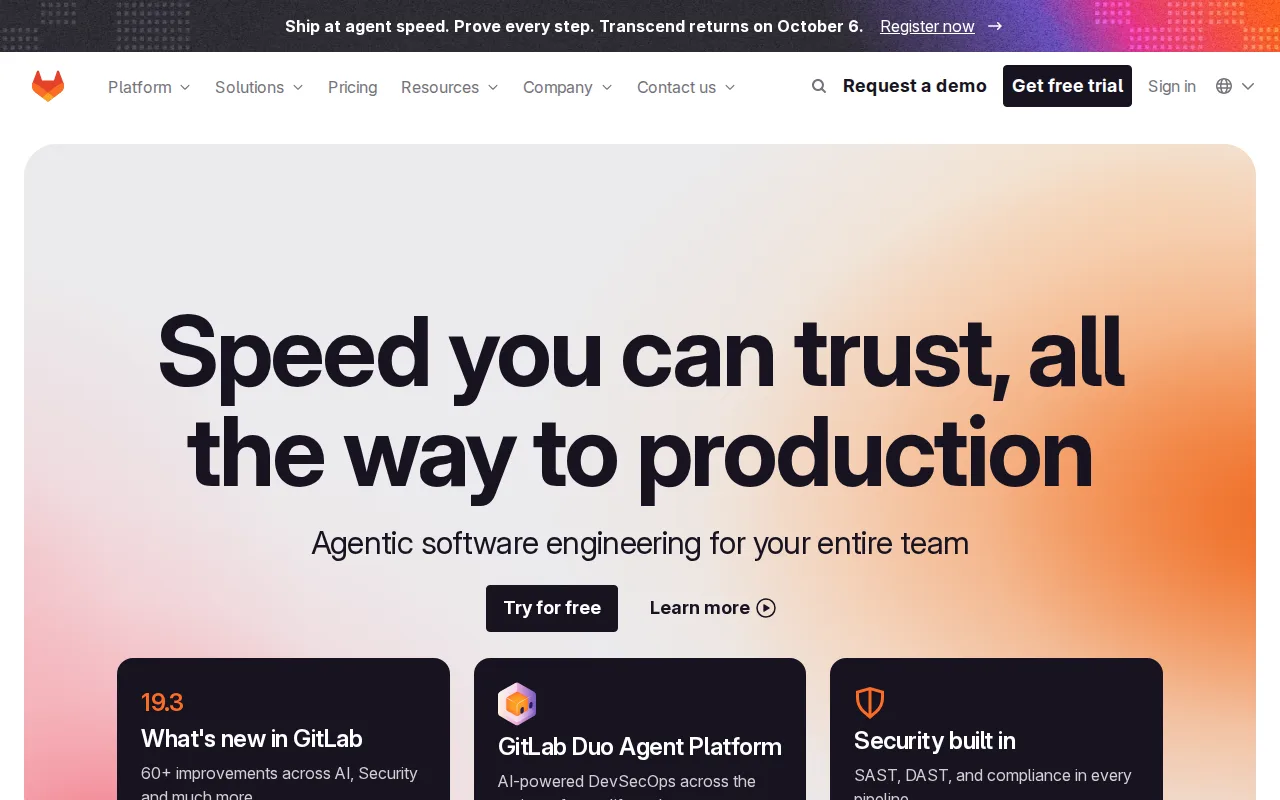
GitLab is the best Azure DevOps alternative for engineering teams that want source control, CI/CD, and security scanning built into one application rather than assembled from separate services. GitLab's Ultimate tier bundles static and dynamic security scanning (SAST, DAST, dependency and container scanning) natively into the CI/CD pipeline, a depth of built-in compliance tooling that goes beyond Azure DevOps's own add-on model, where GitHub Advanced Security-equivalent features cost $19-30/committer/month extra. GitLab holds a 4.6/5 rating from 1,224 Capterra reviews plus a 5.0/5 from 13 Product Hunt reviews, well above Azure DevOps's own 4.4/5 from 148 reviews. GitLab's Community Edition is MIT-licensed and free to self-host with no user limit on core Git features, a genuinely open-source option Azure DevOps doesn't offer. Azure DevOps remains the better choice for organizations already standardized on Microsoft Azure infrastructure and Boards-style configurable work tracking: GitLab's jump from Premium to Ultimate is steep (roughly $29 to $99/user/month), pricing its deepest security features out of reach for smaller teams, and its dense, feature-heavy interface has a real learning curve compared to Azure DevOps's more familiar Microsoft ecosystem tooling.
Compared to Azure DevOps: native security scanning (SAST, DAST) built into CI/CD at the Ultimate tier vs Azure DevOps's separate $19-30/committer/month Advanced Security add-on, 4.6/5 from 1,224 Capterra reviews vs Azure DevOps's 4.4/5 from 148, MIT-licensed self-hostable Community Edition Azure DevOps doesn't offer
Wins:Security and compliance scanning (SAST, DAST, dependency and container scanning) is native to the Ultimate tier's CI/CD pipeline, rather than a separate $19-30/committer/month add-on like Azure DevOps's GitHub Advanced Security · 4.6/5 rating from 1,224 Capterra reviews plus a 5.0/5 from 13 Product Hunt reviews, both above Azure DevOps's 4.4/5 from 148 reviews · Community Edition is genuinely open source (MIT) and free to self-host with no artificial user cap, unlike Azure DevOps's proprietary model
Loses:Ultimate tier costs roughly $99/user/month, a steep jump from Premium's $29/user/month, pricing advanced security scanning out of reach for smaller teams · Dense, feature-heavy interface creates a steeper learning curve than a team already familiar with Microsoft's ecosystem tooling · Smaller third-party integration marketplace than Azure DevOps's ties into the broader Microsoft and Visual Studio ecosystem
Pros
- CI/CD, issue tracking, and code review are native to the platform rather than third-party add-ons.
- Community Edition is genuinely open source (MIT) and free to self-host with no artificial user cap.
- Ultimate tier includes built-in security scanning (SAST, DAST, dependency scanning) as part of the pipeline.
- Self-managed and SaaS deployment options give teams a real choice on data residency and control.
Cons
- Ultimate tier costs roughly $99/user/month, a steep jump from Premium's $29/user/month, pricing advanced security scanning out of reach for smaller teams.
- Interface density and the sheer number of features create a steeper learning curve than GitHub for new users.
- Self-managed instances can be resource-intensive to run and upgrade, especially at Ultimate-tier feature scope.
- Third-party integration marketplace is smaller than GitHub's, since GitLab favors native built-in features over an app ecosystem.
Pricing: Free tier · paid from $29/mo — $0 (Free) to $29/user/month (Premium) to $99/user/month (Ultimate) vs Azure DevOps's first-5-free then $6/user/month Basic, $52/user/month with Test Plans