2 Best Open-Source Alternatives to Appwrite in 2026
By Noahlast updated pricing verified
Compared: open-source alternatives to Appwrite
| Alternative | Best for | Standout | Biggest weakness | Learning curve | Price |
|---|---|---|---|---|---|
| Appwritereference | developer teams building web, mobile, or Flutter apps that want a Firebase-style backend (auth, database, storage, functions) they can self-host for free instead of relying solely on a vendor's cloud | Fully self-hostable under a permissive BSD-3-Clause license, so teams can run the entire backend on their own infrastructure at no licensing cost instead of being locked into Appwrite's hosted cloud. | The free Appwrite Cloud tier pauses projects after a week of inactivity and offers only community support, and self-hosting shifts the operational burden (updates, scaling, backups) onto the team instead of a managed vendor, which is a real cost some reviewers note as a steeper setup than a pure SaaS backend. | Moderate | Free tier · paid from $25/mo |
| Supabase | developers who want a Postgres-based backend (auth, storage, realtime, auto-generated APIs) they can self-host later, rather than committing to a proprietary NoSQL platform like Firebase | Auto-generated REST, GraphQL, and Realtime APIs derived straight from a project's Postgres schema, with Row Level Security enforcing per-row authorization at the database layer instead of in application code. | Pricing beyond the $25/month Pro base is usage-based and billed per project rather than per account, so teams running multiple projects or exceeding the 100,000 MAU / 250GB egress limits can see invoices climb well past the advertised starting price. | Moderate | Free tier · paid from $25/mo |
| PocketBase | developers who want a single-binary backend (database, auth, storage, realtime API) for a side project or small-to-medium app without assembling separate services | The entire backend — SQLite database, authentication, file storage, and a realtime REST API — ships as one portable executable with no separate services to provision. | There is no official managed cloud hosting, so scaling, backups, and uptime are entirely the developer's responsibility, and SQLite's single-writer model makes PocketBase a weaker fit for applications with heavy concurrent write traffic than a Postgres-backed platform. | Low | Free |
 Appwrite
 Supabase
 PocketBase
1.Supabase — best Appwrite alternative for developers who want a Postgres-based backend (auth, storage, realtime, auto-generated APIs) they can self-host later, rather than committing to a proprietary NoSQL platform like Firebase
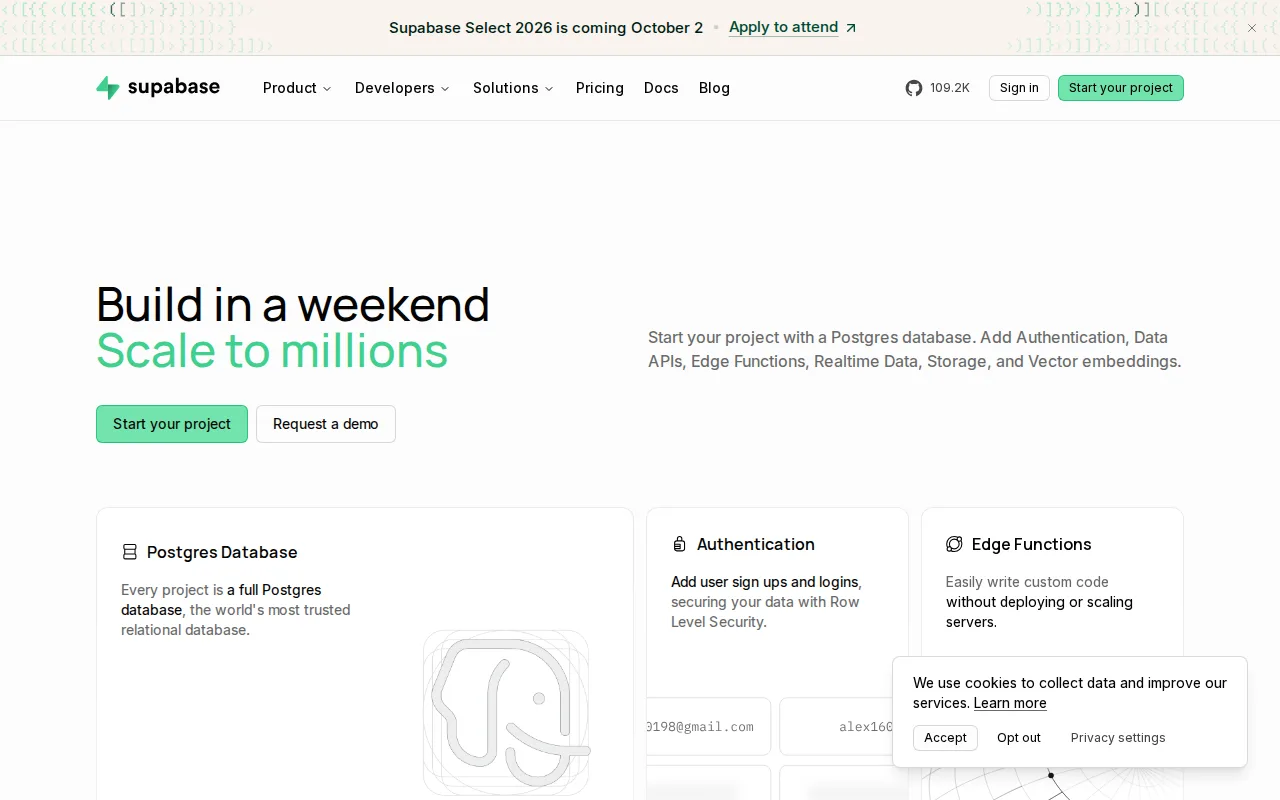
Supabase is the best Appwrite alternative for developers who want a full Postgres database instead of Appwrite's own database abstraction, with REST, GraphQL, and Realtime APIs generated automatically from the schema. Supabase's Row Level Security enforces per-row authorization directly in Postgres, letting existing SQL skills and extensions like pgvector and PostGIS carry over, something Appwrite's own document-style database model doesn't offer in the same way. Supabase holds a 5.0/5 rating from 861 Product Hunt reviews, evidence Appwrite doesn't have since Appwrite carries no external ratings on file at all. Both platforms share the same free-tier philosophy and open-core licensing approach, and Supabase's Pro tier starts at $25/month, identical to Appwrite's own Pro tier price. Appwrite remains the better choice for teams that want a broader bundled feature set at that same $25/month price point: Appwrite's Pro tier includes messaging alongside auth, database, storage, and functions, while Supabase's pricing beyond the $25/month base is usage-based per project, so teams running several Supabase projects or exceeding its 100,000 MAU and 250GB egress limits can see invoices climb well past the advertised starting price.
Compared to Appwrite: full Postgres database with auto-generated APIs and Row Level Security vs Appwrite's document-style database, 5.0/5 from 861 Product Hunt reviews vs Appwrite's none on file, same $25/month Pro starting price but usage-based overages beyond that
Wins:Full Postgres database with auto-generated REST, GraphQL, and Realtime APIs and Row Level Security, letting existing SQL skills and extensions like pgvector carry over directly · 5.0/5 rating from 861 Product Hunt reviews, evidence Appwrite doesn't have since it carries no external ratings on file · Free tier includes unlimited API requests and a 500MB database with no time limit, alongside 50,000 monthly active users
Loses:Pricing beyond the $25/month Pro base is usage-based and billed per project, so accounts running multiple projects stack recurring charges Appwrite's flat Pro tier doesn't · Row Level Security has a steeper learning curve than simpler client-side security rules for teams new to SQL · Free-tier projects pause after 1 week of inactivity, the same limitation Appwrite's own free Cloud tier carries
Pros
- Full Postgres database rather than a proprietary NoSQL store, so existing SQL skills and extensions like pgvector and PostGIS carry over directly.
- Auto-generates REST, GraphQL, and Realtime APIs from the schema, with Row Level Security for per-row authorization.
- Apache-2.0-licensed core stack is self-hostable, avoiding hard vendor lock-in.
- Free tier includes unlimited API requests, 50,000 monthly active users, and a 500MB database with no time limit on the account.
Cons
- Compute is billed per project, so accounts running several projects stack recurring charges beyond the flat $25/month Pro fee.
- MAU overage ($0.00325/user past 100,000) and egress overage ($0.09/GB past 250GB) can produce unpredictable invoices at scale.
- Free-tier projects pause automatically after 1 week of inactivity.
- Row Level Security has a steeper learning curve than Firebase's simpler client-side security rules for teams new to SQL.
Pricing: Free tier · paid from $25/mo — $25/month (Pro), matching Appwrite's own $25/month Pro tier; Supabase adds usage-based overages per project beyond that base price (verified undefined NaN, NaN)
2.PocketBase — best Appwrite alternative for developers who want a single-binary backend (database, auth, storage, realtime API) for a side project or small-to-medium app without assembling separate services
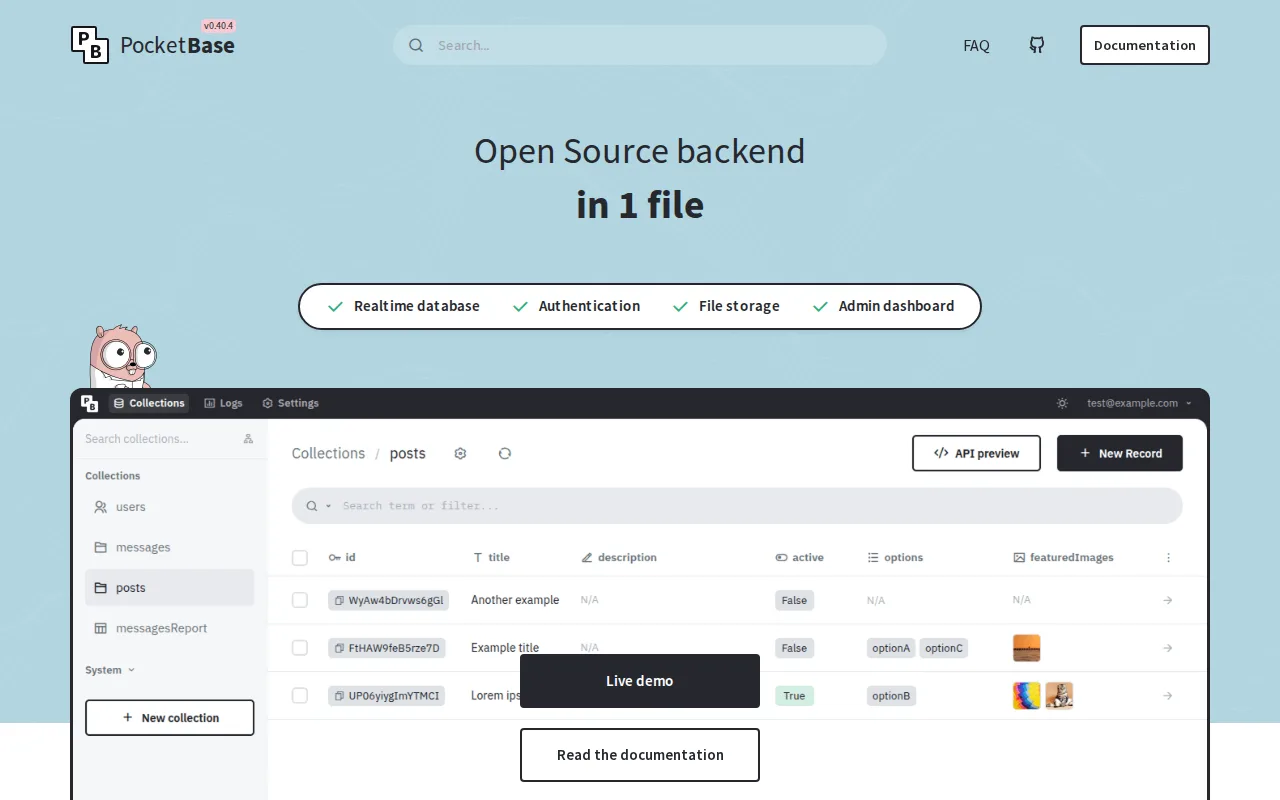
PocketBase is the best Appwrite alternative for developers who want the entire backend — database, auth, storage, and a realtime API — as a single portable executable rather than Appwrite's multi-service Docker deployment. Like Appwrite, PocketBase is fully open source and self-hosted for free with no licensing cost, but PocketBase's MIT license and one-binary architecture mean there's no separate database server, auth provider, or storage bucket to configure, a simpler starting point than Appwrite's own containerized services. PocketBase's built-in admin dashboard lets non-technical users manage records without writing code, similar in spirit to Appwrite's own console. Its GitHub repository has over 60,000 stars, more than Appwrite's own 57.1K. Appwrite remains the better choice for teams that need a managed cloud hosting option or broader SDK coverage: PocketBase has no official managed cloud offering at all, so scaling, backups, and uptime are entirely self-managed, and its SQLite single-writer model is a weaker fit for heavy concurrent write traffic than Appwrite Cloud's managed infrastructure and broader SDK coverage across React, Vue, Svelte, Flutter, and more.
Compared to Appwrite: single-binary architecture with no separate services to configure vs Appwrite's multi-service Docker deployment, over 60,000 GitHub stars vs Appwrite's 57.1K, no official managed cloud unlike Appwrite Cloud's free and Pro tiers
Wins:Single portable executable bundles database, auth, storage, and a realtime API with no separate services to provision, simpler than Appwrite's containerized deployment · Over 60,000 GitHub stars, more than Appwrite's own 57.1K · MIT license with source fully available, matching Appwrite's own open-source, self-hostable philosophy
Loses:No official managed cloud offering at all, unlike Appwrite Cloud's free tier and $25/month Pro tier for teams that don't want to self-host · SQLite's single-writer model limits write concurrency compared to Appwrite's broader backend architecture · Smaller ecosystem of official SDKs than Appwrite's coverage across React, Next.js, Vue, Svelte, iOS, Android, and Flutter
Pros
- Single executable bundles database, auth, storage, and a realtime API with no separate services to configure.
- MIT license with source fully available; no vendor lock-in.
- Built-in admin dashboard for managing records and users without writing code.
- JavaScript and Dart SDKs cover popular frontend frameworks including React, Vue, Svelte, and Flutter.
Cons
- No official managed cloud offering; every deployment is self-hosted and self-maintained.
- SQLite's single-writer model limits write concurrency compared to Postgres-based backends.
- Custom server-side logic requires extending PocketBase in Go or JavaScript hooks rather than a more general-purpose framework.
- Smaller ecosystem of official integrations and enterprise features than a hosted platform like Supabase or Firebase.
Pricing: Free — $0, self-hosted only with no official managed cloud, vs Appwrite's $0 free tier plus a $25/month Pro tier for managed Appwrite Cloud (verified undefined NaN, NaN)