8 Best Alternatives to AI Cartoon Generator in 2026
By Noahlast updated pricing verified

From our data: Seven of the eight AI Cartoon Generator alternatives listed here have a free tier, Midjourney being the exception, and among the seven with a published entry-level paid price (all but Leonardo AI), monthly-billed starting prices run from $8 (ChatGPT Go) to $20 (Ideogram Plus), a median of $9.99/month, nine cents above AI Cartoon Generator's $9.90/month Starter.
 Leonardo AI
 ChatGPT Images
 Midjourney
 Krea
Krea Ideogram
How we picked
- No alternative here lists narrated storybooks or multi-scene animations with voiceover, AI Cartoon Generator's two headline formats, so the comparison centers on the parts that overlap: cartoon-style stills, consistent characters and short video.
- Pricing was compared against AI Cartoon Generator's plans as verified on 23 October 2026: Starter at $9.90/month for 80 credits up to Studio at $79.90/month for 1,600, or credit packs from $9.90 for 60 credits. Krea and Ideogram were verified on 14 September 2026 and Adobe Firefly and Canva on 1 October 2026; ChatGPT, Midjourney and Fotor figures carry no verification date, and Leonardo AI's current prices could not be confirmed at all.
- Review evidence varies by orders of magnitude: Canva holds 4.7/5 from 13,411 Capterra reviews, ChatGPT 4.4/5 from 389 Capterra reviews (4.8/5 from 704 on Product Hunt) and Adobe Firefly 4.5/5 from 19 Capterra reviews; on Product Hunt, Midjourney holds 4.7/5 from 81 reviews, Krea 4.2/5 from 13, Leonardo AI 5/5 from 4 and Ideogram 5/5 from 3. AI Cartoon Generator and Fotor have no external rating on record, so ratings did not set the order.
- Free access was compared against AI Cartoon Generator, which has no free plan, only starter credits of an unstated amount and a 1-credit daily check-in: seven of the eight alternatives have a free tier, and Midjourney is the only one with neither a free tier nor a trial.
- Platform coverage was checked against AI Cartoon Generator's browser-only app: ChatGPT, Fotor, Adobe Firefly and Canva add Windows, macOS, iOS and Android apps, while Leonardo AI, Midjourney, Krea and Ideogram are web-only as well.
Paid placement never alters editorial rank — read the full methodology.
AI Cartoon Generator alternatives at a glance
| Alternative | Best for | Learning curve | Price |
|---|---|---|---|
| AI Cartoon Generatorreference | an indie author or parent making an illustrated, narrated children's storybook that keeps the same main character on every page, without hiring an illustrator | Low | Free tier · paid from $9.90 one-time |
| Leonardo AI | game artists and concept artists who need multiple fine-tuned AI models plus in-app editing (inpainting, upscaling) rather than a single-model prompt-only workflow | Moderate | Free |
| ChatGPT Images | creating and iteratively editing illustrations, marketing visuals and simple infographics with short in-image text inside a ChatGPT conversation | Low | Free tier · paid from $8/mo |
| Midjourney | designers, illustrators, and marketers who want stylized, painterly AI-generated imagery for concept art and creative content rather than strictly photorealistic output | Moderate | From $10/mo |
| Krea | creative teams and brands that need real-time AI image and video generation with style presets and custom model fine-tuning, rather than a single-prompt generator | Low | Free tier · paid from $9/mo |
| Fotor | individuals and small businesses who want browser-based photo editing with AI background/object removal and image generation, without a Photoshop-level learning curve | Low | Free tier · paid from $8.99/mo |
| Ideogram | designers and marketers who need AI-generated images with accurate, legible text inside them, like posters, logos, and social graphics | Low | Free tier · paid from $15/mo |
| Adobe Firefly | designers and marketing teams already in the Adobe ecosystem who need commercially licensed generative AI (image, video, audio) integrated directly into Photoshop and Express | Low | Free tier · paid from $9.99/mo |
| Canva | marketers, small business owners, and social media managers who need on-brand graphics fast without hiring a designer or learning Illustrator or Photoshop | Low | Free tier · paid from $18/mo |
 AI Cartoon Generator
 Fotor
Fotor Adobe Firefly
 Canva
Canva1Leonardo AI — best AI Cartoon Generator alternative for game artists and concept artists who need multiple fine-tuned AI models plus in-app editing (inpainting, upscaling) rather than a single-model prompt-only workflow
Leonardo AI is the best AI Cartoon Generator alternative for game artists and illustrators who want control over the model and over the image after generation. Where AI Cartoon Generator picks from 50+ style presets on third-party models, Leonardo AI offers a library of fine-tuned models, including its own Phoenix and Lucid families and community-trained checkpoints for game assets and character art, plus a real-time canvas for inpainting, outpainting, background removal and upscaling, so a character can be fixed in place rather than regenerated. Leonardo AI generates video as well as images, has a free tier with a daily token allowance, and has been owned by Canva since 2024. Leonardo AI's rating is 5/5, but from only 4 Product Hunt reviews. AI Cartoon Generator is still the better choice for narrated stories. Leonardo AI's listing has no storybooks, multi-scene animations, voiceover or subtitles, which AI Cartoon Generator bundles with saved characters reused across all five of its formats. Leonardo AI's current tier names and dollar prices could not be verified because its site blocked automated fetches, while AI Cartoon Generator publishes plans from $9.90/month for 80 credits. Leonardo AI's learning curve is also rated moderate against AI Cartoon Generator's low.
Compared to AI Cartoon Generator: a library of fine-tuned and community models instead of fixed style presets, an inpainting, outpainting and upscaling canvas for fixing images in place, unverified pricing against published plans from $9.90/month
Wins:Library of fine-tuned models (Phoenix, Lucid and community checkpoints for game assets and character art) instead of a fixed list of style presets · Real-time canvas with inpainting, outpainting, background removal and upscaling, so an image can be corrected without regenerating it · Free tier with a daily token allowance, where AI Cartoon Generator has no free plan beyond starter credits and a 1-credit daily check-in
Loses:No storybooks, multi-scene animations, voiceover or subtitles in its listing · Current tier names and dollar prices could not be verified because leonardo.ai blocked automated fetches, while AI Cartoon Generator publishes plans from $9.90/month · Moderate learning curve against AI Cartoon Generator's low, prompt behavior that varies across checkpoints, and a 5/5 rating from only 4 Product Hunt reviews
Pros
- Wide selection of fine-tuned and community models instead of being locked to one house style.
- Built-in canvas editor supports inpainting, outpainting, and upscaling without leaving the app.
- Free tier lets new users test multiple models before committing to a paid plan.
- Backed by Canva's resources following the 2024 acquisition, which has expanded its creative-suite integrations.
Cons
- Token-based credit system means heavy generation and editing use can exhaust a monthly plan quickly.
- Model quality and prompt behavior vary across the many available checkpoints, requiring experimentation to find a reliable one.
- No native desktop or mobile app; browser-only workflow.
- Current pricing was not independently verifiable because leonardo.ai blocked automated page fetches.
Pricing: Free
2ChatGPT Images — best AI Cartoon Generator alternative for creating and iteratively editing illustrations, marketing visuals and simple infographics with short in-image text inside a ChatGPT conversation
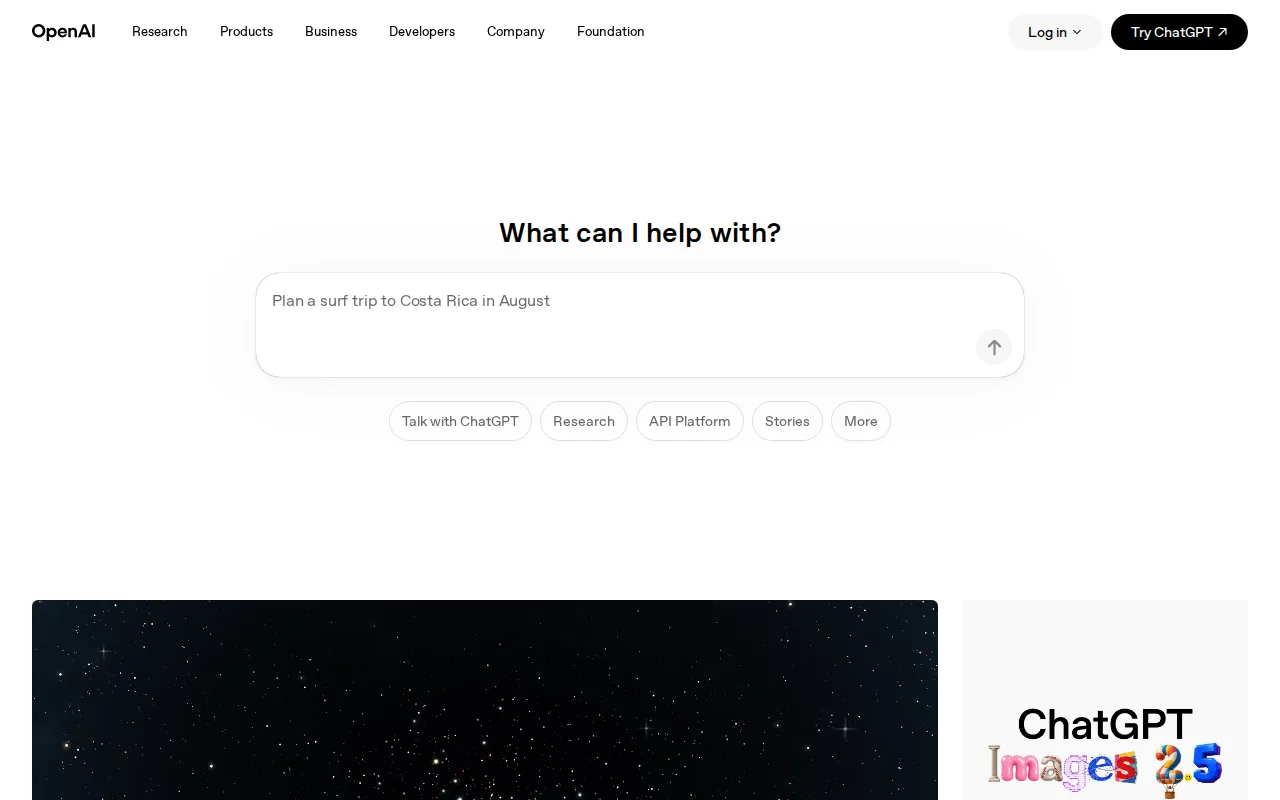
ChatGPT is the best AI Cartoon Generator alternative for people who want cartoon images as one part of a general assistant they already use. ChatGPT generates images on OpenAI's GPT Image models, which replaced DALL-E and produce native 2K output with more reliable in-image text, from the same chat that drafts a story, answers questions and analyzes uploaded photos. AI Cartoon Generator itself names GPT Image 2.5 among the third-party models it runs. ChatGPT has a free tier with limited image generation, paid plans at $8/month (Go) and $20/month (Plus), and native apps for Windows, macOS, iOS and Android, where AI Cartoon Generator is browser-only. ChatGPT holds 4.4/5 from 389 Capterra reviews and 4.8/5 from 704 Product Hunt reviews, the largest review base on this page after Canva's. AI Cartoon Generator is still the better choice for animated or narrated output. ChatGPT's listing mentions no video clips, multi-scene animations, voiceover or storybook PDFs, and ChatGPT has no cartoon style presets or saved character references reused across formats. Free and Go users also face materially lower usage limits than Plus, and anything built on the retired DALL-E API, shut down on May 12, 2026, must move to GPT Image.
Compared to AI Cartoon Generator: a free tier and native desktop and mobile apps instead of a browser-only credit studio, 4.4/5 from 389 Capterra reviews where AI Cartoon Generator has no rating on record, no video, animation or storybook formats
Wins:Free tier with limited image generation, and paid plans at $8/month (Go) or $20/month (Plus) that also cover writing, coding and research · Native apps for Windows, macOS, iOS and Android, where AI Cartoon Generator runs only in the browser · 4.4/5 from 389 Capterra reviews and 4.8/5 from 704 Product Hunt reviews, where AI Cartoon Generator has no external rating on record · GPT Image models generate at native 2K with more reliable in-image text than DALL-E
Loses:No video clips, multi-scene animations, voiceover or storybook exports in its listing · No cartoon style presets or saved character references that carry across formats · Free and Go tiers have materially lower usage limits than Plus, and workflows built on the DALL-E API broke when it shut down on May 12, 2026
Pros
- Free ChatGPT accounts can create images, with higher limits on paid plans.
- Editing works in conversation: select an area, describe the change, and keep the rest of the image intact.
- Handles short, exact in-image text such as titles and labels, useful for posters and simple infographics.
- The same GPT Image models are available in the API, with Batch processing at half the standard token price.
Cons
- Free and Go image limits are not published; OpenAI lists them only as 'limited' and 'more'.
- Image generation with Thinking requires Plus ($20/month) or higher, and unlimited image creation requires Pro from $100/month.
- API models change quickly: DALL-E was removed on May 12, 2026 and gpt-image-1 on October 23, 2026, forcing integrations to migrate.
- OpenAI's own guidance says to review every word of dense or production-critical in-image text, which can still come out wrong.
Pricing: Free tier · paid from $8/mo — $20/month for Plus vs AI Cartoon Generator's $19.90/month Standard (200 credits); $8/month for Go vs the $9.90/month Starter (80 credits) (verified )
3Midjourney — best AI Cartoon Generator alternative for designers, illustrators, and marketers who want stylized, painterly AI-generated imagery for concept art and creative content rather than strictly photorealistic output
Midjourney is the best AI Cartoon Generator alternative for illustrators and designers who care most about the look of a single image. Midjourney's proprietary model has a recognizable house style, with cinematic lighting, painterly textures and strong composition, that many users seek out for concept art and illustration, and every paid plan includes commercial usage rights, as AI Cartoon Generator's paid plans do. Midjourney Basic costs $10/month for 3.3 fast GPU hours, Standard at $30/month adds unlimited relaxed-speed generation, and annual billing takes about 20% off; extra fast hours cost $4 each and do not expire, where AI Cartoon Generator's monthly plan credits expire each month. Midjourney holds 4.7/5 from 81 Product Hunt reviews. AI Cartoon Generator is still the better choice for anyone who needs to try before paying or wants motion. Midjourney has no free tier or trial, and refunds apply only under 20 minutes of lifetime GPU usage, while AI Cartoon Generator gives new accounts starter credits and a daily check-in credit. Midjourney's listing covers still images only, with no video, narrated animations or storybooks, its prompts run through Discord or the web app, and reviewers report slow customer support.
Compared to AI Cartoon Generator: a painterly house style with commercial rights from $10/month, extra fast GPU hours at $4 each that never expire, no free tier and no video or storybook formats
Wins:Distinctive painterly house style with strong composition, widely sought for concept art and illustration · Standard at $30/month includes unlimited relaxed-speed generation, where every AI Cartoon Generator output spends credits · Extra fast GPU hours ($4 each) never expire, where AI Cartoon Generator's monthly plan credits expire at the end of each month · 4.7/5 from 81 Product Hunt reviews, where AI Cartoon Generator has no external rating on record
Loses:No free tier or trial, and refunds only under 20 minutes of lifetime GPU usage · Still images only in its listing: no video clips, multi-scene animations, narration or storybooks · Prompt-driven access through Discord or the web app, a moderate learning curve against AI Cartoon Generator's low, and reviewers report slow support
Pros
- Produces distinctive, high-quality stylized imagery frequently cited as best-in-class for artistic output.
- All paid plans include general commercial usage rights, with users owning generated images.
- Four tiers scale fast-GPU-hour allotments from casual (3.3 hrs) to heavy production use (60 hrs).
- Extra fast-GPU hours ($4 each) don't expire once purchased.
Cons
- No free tier or trial; new users must pay before testing the product.
- Refund eligibility requires under 20 minutes of lifetime GPU usage, not monthly usage, which surprises users.
- Access is prompt-based via Discord or the web app rather than a conventional app interface.
- Reviewers report weak, slow customer support responsiveness.
Pricing: From $10/mo — $10/month Basic (3.3 fast GPU hours) vs AI Cartoon Generator's $9.90/month Starter (80 credits)
4Krea — best AI Cartoon Generator alternative for creative teams and brands that need real-time AI image and video generation with style presets and custom model fine-tuning, rather than a single-prompt generator
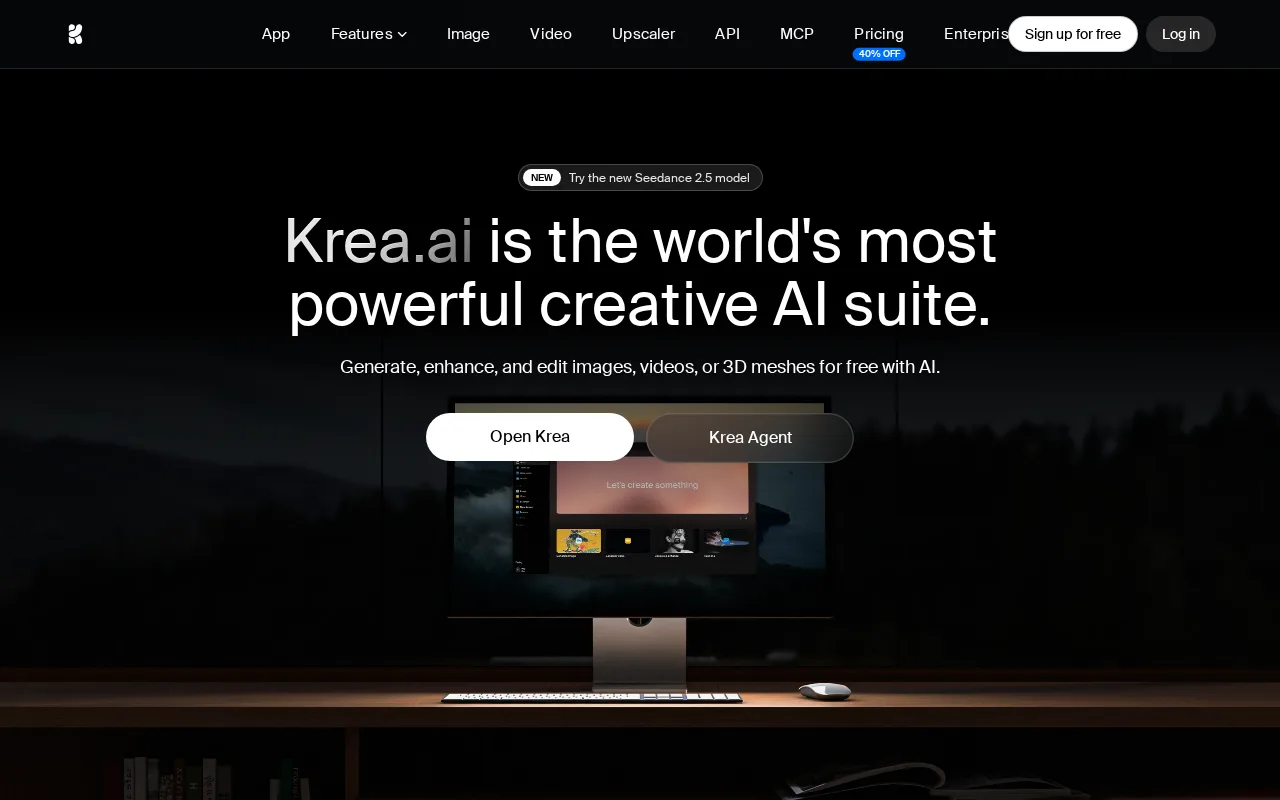
Krea is the best AI Cartoon Generator alternative for creators who want the same video model with more creative control. Krea offers ByteDance's Seedance 2.5 for video generation and style transfer, one of the models AI Cartoon Generator names, alongside real-time image generation that renders in under 50 milliseconds as a prompt or sketch changes, 1,000+ style presets against AI Cartoon Generator's 50+, native 4K images, upscaling to 22K, 3D asset generation and LoRA fine-tuning to train a custom character or style model. Krea's free plan gives 100 compute units a day, and Krea Basic costs $9/month for 5,000 units, 90 cents below AI Cartoon Generator's $9.90 Starter. Krea holds 4.2/5 from 13 Product Hunt reviews and lists Nike, Samsung, Microsoft and Amazon Studios as users. AI Cartoon Generator is still the better choice for finished stories. Krea's listing has no storybooks, storyboarded multi-scene animations, voiceover or subtitles, so narration and storyboarding need other tools, while AI Cartoon Generator exports narrated MP4s and unbranded storybook PDFs. Krea's compute units are consumed at different rates by images, video and upscaling, the free plan's 100 units a day is thin beyond casual testing, and Krea is web-only too.
Compared to AI Cartoon Generator: the same Seedance 2.5 video model plus real-time image generation under 50ms, 1,000+ style presets and LoRA fine-tuning against 50+ presets, no storybooks, narration or multi-scene storyboards
Wins:Real-time image generation in under 50 milliseconds as a prompt or sketch changes · 1,000+ style presets and LoRA fine-tuning for custom characters or styles, against AI Cartoon Generator's 50+ presets · Free plan with 100 compute units a day, and Basic at $9/month for 5,000 units · Native 4K images, upscaling to 22K and 3D asset generation
Loses:No storybooks, storyboarded multi-scene animations, voiceover or subtitles in its listing · Compute units are consumed at different rates by images, video and upscaling, and the free plan's 100 units a day is thin beyond casual testing · Rating rests on 13 Product Hunt reviews, and Krea is web-only with no desktop or mobile app
Pros
- Real-time generation (under 50ms) provides immediate visual feedback while adjusting a prompt.
- Single platform covers image, video, and 3D generation plus upscaling to 22K resolution.
- LoRA fine-tuning lets users train custom style or subject models.
- Used in production by named enterprise brands including Nike, Samsung, Microsoft, and Amazon Studios.
Cons
- Compute-unit pricing is harder to budget against than a flat subscription, since video and upscaling consume units faster than standard image generation.
- Free plan is capped at 100 units per day, thin for anything beyond casual testing.
- Web-only, with no desktop or mobile app.
- Product Hunt review volume (13 reviews, 4.2/5) is limited relative to larger AI image competitors.
Pricing: Free tier · paid from $9/mo — $9/month Basic (5,000 compute units) vs AI Cartoon Generator's $9.90/month Starter (80 credits) (verified )
5Fotor — best AI Cartoon Generator alternative for individuals and small businesses who want browser-based photo editing with AI background/object removal and image generation, without a Photoshop-level learning curve
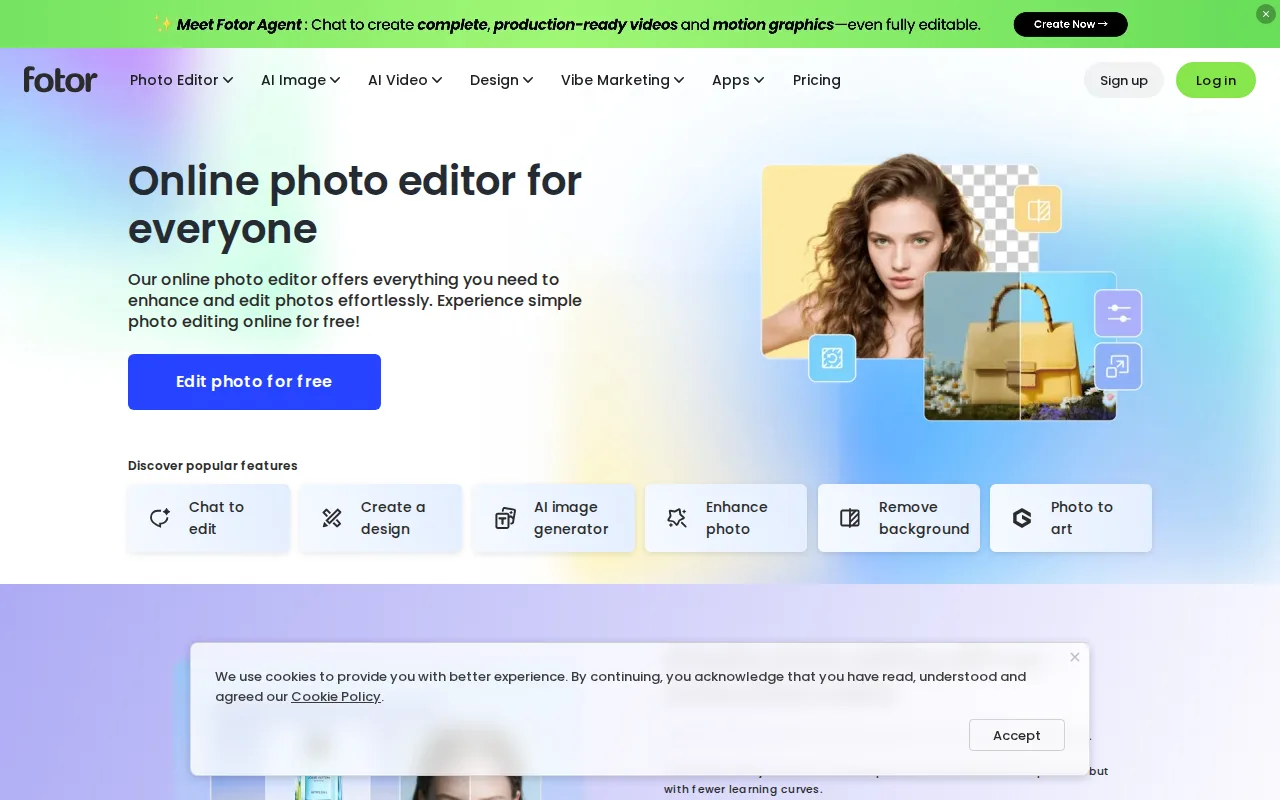
Fotor is the best AI Cartoon Generator alternative for people who mostly turn existing photos into cartoon-style art and want a full photo editor around it. Fotor's photo-to-art style transfers cover anime, sketch, watercolor and other looks, next to background removal, object removal, upscaling and text-to-image generation on Flux, Gemini and Nano Banana models. Fotor's free plan exports unlimited images without watermarks, and Fotor Pro costs $8.99/month or $39.99/year, against $9.90/month or $96/year for AI Cartoon Generator's Starter. Fotor also runs on the web plus Windows, macOS, iOS and Android, where AI Cartoon Generator is browser-only. AI Cartoon Generator is still the better choice for characters and motion. Fotor's listing offers basic AI-assisted video editing but no character sheets, saved character references, multi-scene animation, narration or storybooks, and Fotor's free plan has limited AI credits, 1 concurrent generation and 512MB of cloud storage. Fotor Pro's 10 concurrent generations and 1,000 AI Agent chats a month can feel tight for heavy AI use, Fotor has no external rating on record, and its listed prices carry no verification date.
Compared to AI Cartoon Generator: photo-to-art style transfers inside a full photo editor, Pro at $39.99/year against $96/year for Starter, no character sheets, animation or storybooks
Wins:Photo-to-art style transfers (anime, sketch, watercolor) inside a full photo editor with background and object removal, upscaling and retouching · Free plan allows unlimited watermark-free exports, and Pro costs $39.99/year billed annually against AI Cartoon Generator's $96/year Starter · Native apps for Windows, macOS, iOS and Android alongside the web editor
Loses:No character sheets, saved character references, multi-scene animation, narration or storybooks in its listing; video is limited to basic AI-assisted editing · Free plan limits AI credits and allows 1 concurrent generation and 512MB of cloud storage · No external rating on record, and Fotor's listed prices carry no verification date
Pros
- Free plan allows unlimited exports with no watermarks, unusual among competing photo editors.
- AI background removal, object removal, and text-to-image generation built into the same editor as traditional tools.
- Native apps across web, Windows, macOS, iOS, and Android.
- Pro+ tier bundles over 1 million stock photos and multiple brand kits for teams doing recurring design work.
Cons
- Free plan caps cloud storage at 512MB and limits AI generation credits and concurrency.
- Pro tier's 10 concurrent generations and 1,000 AI Agent chats/month can feel restrictive for heavy AI users.
- AI Headshot and API/developer pricing are separate from the core Pro/Pro+ tiers, adding complexity to the pricing page.
- Less mature layer-based editing than Photoshop for users doing complex, multi-layer composites.
Pricing: Free tier · paid from $8.99/mo — $8.99/month or $39.99/year for Fotor Pro vs $9.90/month or $96/year for AI Cartoon Generator Starter
6Ideogram — best AI Cartoon Generator alternative for designers and marketers who need AI-generated images with accurate, legible text inside them, like posters, logos, and social graphics
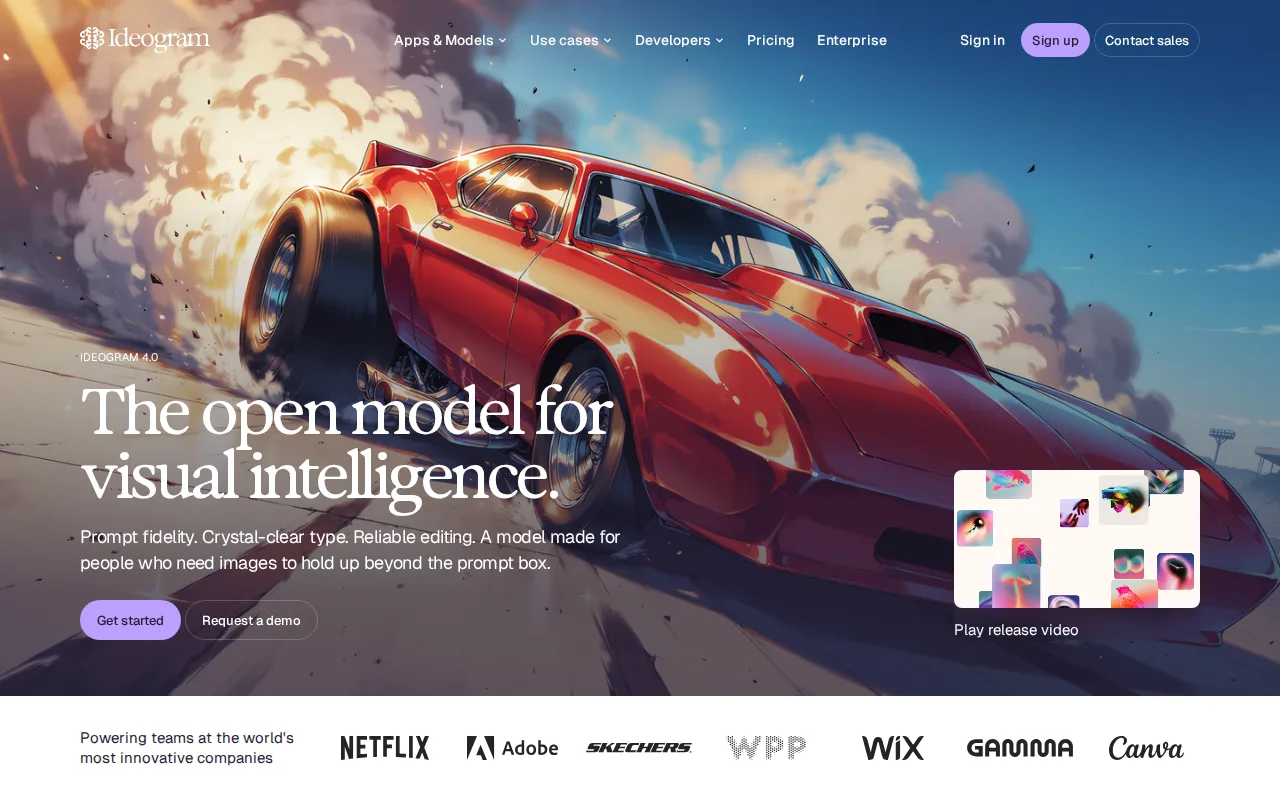
Ideogram is the best AI Cartoon Generator alternative for posters, memes and story pages that need words inside the image. Ideogram is built to render legible, correctly spelled text inside generated images, a weak point for most image generators, and its character consistency feature keeps the same subject across a series of images, the job AI Cartoon Generator's saved characters do. Ideogram Plus costs $15/month billed annually ($20 monthly) for 1,000 credits with private generations, Pro costs $42/month billed annually for 3,500 credits and batch generation, and a Team plan runs $20/user/month billed annually with a 2-user minimum; purchased top-up credits carry over. Model versions 1.0 to 4.0 and Turbo, Balanced and Quality speeds trade credit cost for fidelity. AI Cartoon Generator is still the better choice for animation and narration. Ideogram's listing has no video, multi-scene animation, voiceover or storybook exports, and Ideogram is web and API only with no desktop or mobile app. Ideogram's free images are public by default, unused monthly subscription credits expire as AI Cartoon Generator's monthly credits do, and Ideogram's 5/5 rating rests on just 3 Product Hunt reviews.
Compared to AI Cartoon Generator: legible, correctly spelled text inside images, character consistency across a series from $15/month billed annually, no video, narration or storybook formats
Wins:Renders legible, correctly spelled text inside images for posters, logos and memes · Character consistency keeps the same subject across a series of images · Plus at $15/month billed annually ($20 monthly) includes 1,000 credits, and purchased top-up credits carry over · Model versions 1.0 to 4.0 and Turbo, Balanced and Quality speeds trade credit cost for fidelity
Loses:No video, multi-scene animation, voiceover or storybook exports in its listing · Free-tier images are public by default, and unused monthly subscription credits expire · Web and API only with no desktop or mobile app, and a 5/5 rating from just 3 Product Hunt reviews
Pros
- Text rendering inside images is meaningfully more reliable than most competing AI image generators.
- Character consistency lets users generate the same subject across multiple images.
- Multiple model versions and rendering-speed settings (Turbo/Balanced/Quality) let users trade credits for quality.
- Team plan adds centralized billing for organizations generating at volume.
Cons
- Free-tier images are public by default; privacy requires a paid plan.
- Monthly subscription credits expire unused at the end of each billing cycle.
- No desktop or mobile app; web and API only.
- Enterprise pricing is not published and requires a sales conversation.
Pricing: Free tier · paid from $15/mo — $20/month billed monthly for Ideogram Plus vs $19.90/month for AI Cartoon Generator Standard; $15/month vs $15.99/month on annual billing (verified )
7Adobe Firefly — best AI Cartoon Generator alternative for designers and marketing teams already in the Adobe ecosystem who need commercially licensed generative AI (image, video, audio) integrated directly into Photoshop and Express
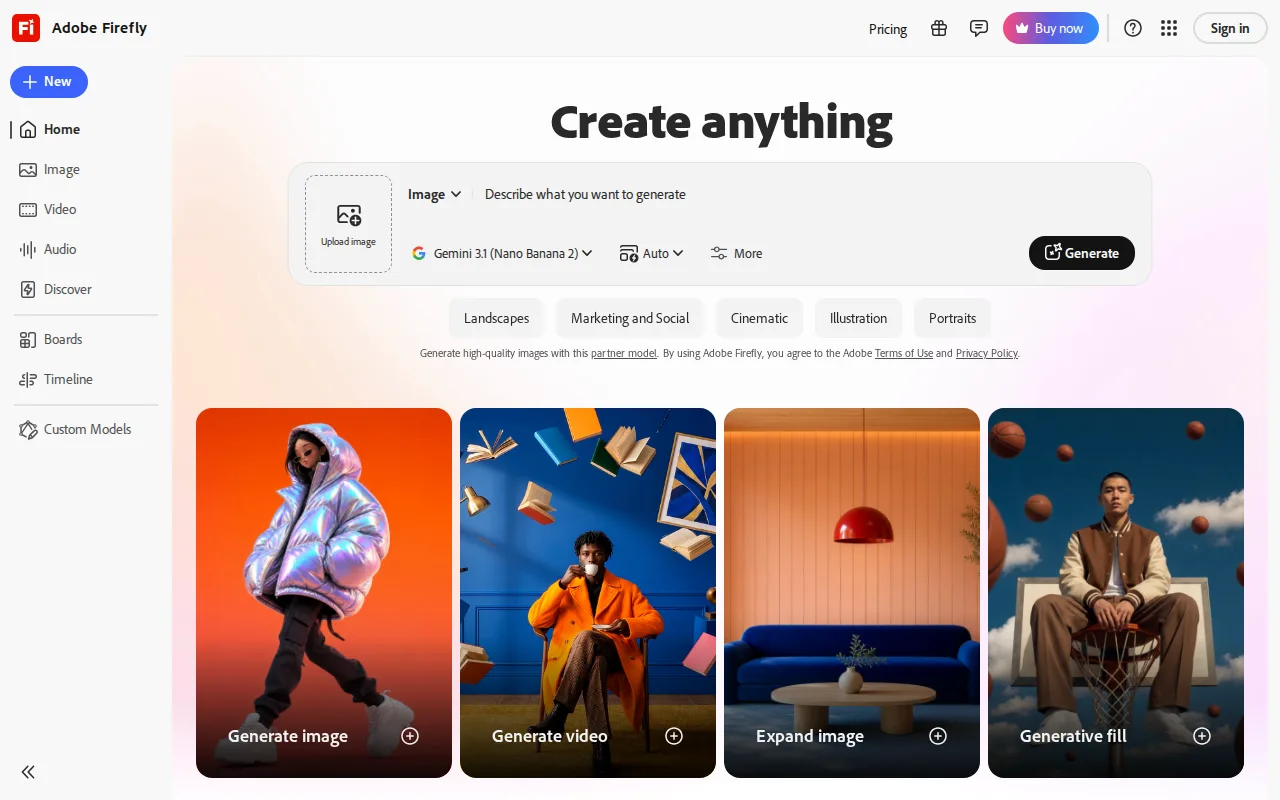
Adobe Firefly is the best AI Cartoon Generator alternative for designers who need generated art they can use commercially with less legal doubt. Adobe trains its own Firefly models on licensed Adobe Stock, openly licensed and public-domain content and backs enterprise customers with IP indemnification, while AI Cartoon Generator's FAQ warns users away from protected characters, logos and artwork even though it offers presets named after Disney, Marvel, Minecraft and LEGO. Firefly also generates images, video and audio across 30+ models, including licensed Veo and Kling video models, and plugs into Photoshop's Generative Fill and Adobe Express. Firefly Standard costs $9.99/month for 2,000 generative credits, nine cents more than AI Cartoon Generator's $9.90 Starter, and a free plan gives limited daily generations. Firefly holds 4.5/5 from 19 Capterra reviews and runs on the web, Windows, macOS, iOS and Android. AI Cartoon Generator is still the better choice for a ready-made story workflow. Firefly's listing has no storybooks, saved characters or storyboarded multi-scene animations with captions, so a narrated cartoon means stitching outputs together elsewhere. Video burns Firefly credits far faster than images, pushing heavy video users toward Premium at $199.99/month, and full value assumes an Adobe subscription relationship.
Compared to AI Cartoon Generator: models trained on licensed content with enterprise IP indemnification, image, video and audio across 30+ models in one credit pool, no storybooks or saved characters
Wins:Firefly models are trained on licensed Adobe Stock and public-domain content, with IP indemnification for enterprise customers · 30+ models, including licensed Veo and Kling video models, across image, video and audio in one credit pool · Built into Photoshop (Generative Fill, Generative Expand) and Adobe Express, with apps for Windows, macOS, iOS and Android · Free plan with limited daily generations, and 4.5/5 from 19 Capterra reviews
Loses:No storybooks, saved character references or storyboarded multi-scene animations in its listing · Video consumes credits far faster than images, so heavy video use pushes toward Premium at $199.99/month · Full value assumes an Adobe subscription relationship, and Firefly's own image model has lagged Midjourney in independent comparisons
Pros
- Trained on licensed Adobe Stock and public-domain content, with IP indemnification for enterprise use.
- Access to 30+ models, including third-party video models like Veo and Kling, in one interface.
- Deep integration with Photoshop (Generative Fill/Expand) and Adobe Express.
- Free tier available for testing before committing to a paid plan.
Cons
- Generative credits are consumed unevenly across image, video, and audio, making monthly cost hard to predict.
- Premium tier needed for unlimited access to the newest video models, at $199.99/month before discounts.
- Output quality on Firefly's own image model has lagged behind Midjourney and some third-party models in independent comparisons.
- Full value requires an existing or new Adobe subscription relationship, adding friction for non-Adobe users.
Pricing: Free tier · paid from $9.99/mo — $9.99/month for 2,000 generative credits (Firefly Standard) vs $9.90/month for 80 credits (AI Cartoon Generator Starter) (verified )
8Canva — best AI Cartoon Generator alternative for marketers, small business owners, and social media managers who need on-brand graphics fast without hiring a designer or learning Illustrator or Photoshop
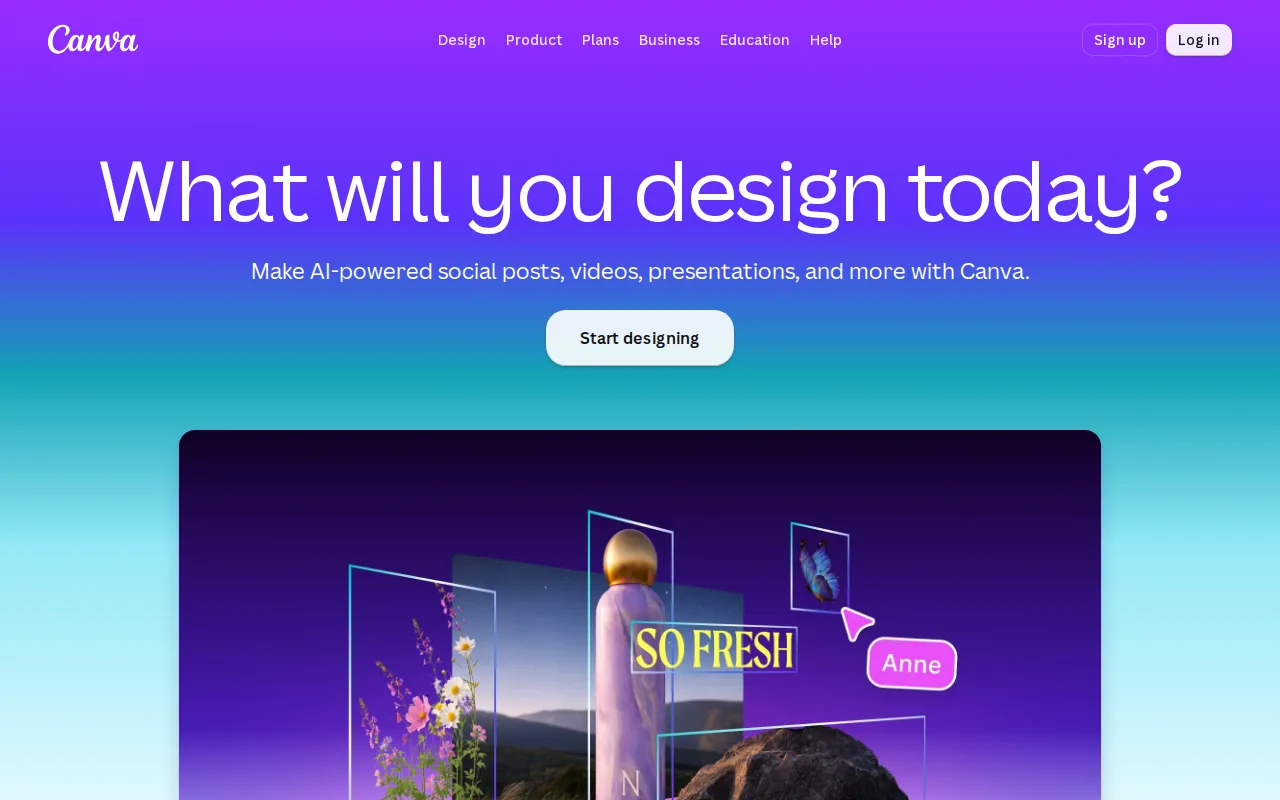
Canva is the best AI Cartoon Generator alternative for marketers and small businesses that need a generated image dropped straight into a post, flyer or presentation. Canva's Magic Studio generates images from a prompt inside a template-first editor, Magic Resize reformats one design across many platform sizes, and Canva Docs, Sheets and a website builder sit in the same app. Canva's free plan includes templates, the drag-and-drop editor, basic AI features and 5GB of storage, and Canva runs on the web plus Windows, macOS, iOS and Android. Canva also has by far the largest review base on this page, 4.7/5 from 13,411 Capterra reviews. AI Cartoon Generator is still the better choice for anyone whose output is the cartoon itself. Canva's listing has no cartoon style presets, character sheets, saved character references, animations or narrated storybooks, and its premium templates, background remover and Magic Resize sit behind Pro at $18/month billed monthly ($144/year billed annually), against AI Cartoon Generator's $9.90/month Starter. Canva designs also cannot be exported as editable .psd or .ai files.
Compared to AI Cartoon Generator: prompt-generated images inside a template editor with Magic Resize, 4.7/5 from 13,411 Capterra reviews, no cartoon presets, character references or animation
Wins:Generated images go straight into templates for posts, flyers and presentations, and Magic Resize reformats one design across many platform sizes · Free plan includes templates, the drag-and-drop editor, basic AI features and 5GB of storage, with apps for Windows, macOS, iOS and Android · 4.7/5 from 13,411 Capterra reviews, the largest review base on this page
Loses:No cartoon style presets, character sheets, saved character references, animation or storybooks in its listing · Premium templates, background remover and Magic Resize require Pro at $18/month billed monthly ($144/year billed annually) · No export to editable .psd or .ai files, so designs stay locked in Canva's editor
Pros
- Template library and drag-and-drop editor let non-designers produce usable graphics in minutes.
- Magic Resize adapts one design to many platform-specific formats automatically.
- Business plan's brand kits and approval workflows keep team output on-brand without a design lead reviewing everything.
- Bundles docs, presentations, and a website builder alongside design, reducing the number of separate tools a small team needs.
Cons
- No export to editable source formats like .psd or .ai; designs are effectively locked to Canva's own editor.
- Most premium templates, stock assets, and AI features require the Pro or Business paid tier.
- Mobile app is noticeably more limited than the desktop/web editor.
- Some users report confusing billing transitions between the free trial and paid subscription.
Pricing: Free tier · paid from $18/mo — $18/month billed monthly for Canva Pro ($144/year billed annually) vs $9.90/month ($96/year) for AI Cartoon Generator Starter
Which one is right for you?
- You design game characters and want to fix details with inpainting rather than regenerate the whole imageLeonardo AI
- You already use ChatGPT and only need the occasional cartoon imageChatGPT Images
- You want a painterly illustration style and do not need a free trial firstMidjourney
- You want to animate characters with Seedance 2.5 and train a custom style with LoRAKrea
- You mostly cartoonize existing photos and also want a regular photo editor on your phoneFotor
- Your images need readable words, like a poster or a story title pageIdeogram
- You sell your artwork and want models trained on licensed contentAdobe Firefly
- You need the cartoon inside a social post or flyer, resized for several platformsCanva
Frequently asked questions
Is there a free alternative to AI Cartoon Generator?
- Yes, seven of the eight alternatives here have a free tier: Leonardo AI, ChatGPT, Krea, Fotor, Ideogram, Adobe Firefly and Canva. Krea's free plan gives 100 compute units a day and Fotor's allows unlimited watermark-free exports, while Midjourney has no free tier. AI Cartoon Generator itself has no free plan, only starter credits and a 1-credit daily check-in.
What is the closest alternative to AI Cartoon Generator?
- Krea is the closest match for AI Cartoon Generator's mix of images and video, since Krea offers the same Seedance 2.5 video model alongside image generation and 1,000+ style presets. No alternative here lists narrated storybooks or multi-scene animations with voiceover, AI Cartoon Generator's two headline formats.
Can Leonardo AI replace AI Cartoon Generator?
- Yes for cartoon stills and character art, where Leonardo AI's fine-tuned models and inpainting canvas give more control than preset styles, but not for narrated stories. Leonardo AI's listing has no storybooks, voiceover or multi-scene animation, and its current prices could not be verified.
Which AI Cartoon Generator alternative keeps the same character across images?
- Ideogram lists character consistency for generating the same subject across multiple images, and Krea's LoRA fine-tuning can train a custom subject model. AI Cartoon Generator's saved characters do the same job across stills, clips, animations and storybooks, though its FAQ says continuity improves without being guaranteed.
Which AI Cartoon Generator alternatives allow commercial use?
- Midjourney includes commercial usage rights on every paid plan, as AI Cartoon Generator does, and Adobe Firefly trains its own models on licensed content and offers IP indemnification to enterprise customers. AI Cartoon Generator's FAQ still tells users to avoid protected characters, logos and artwork, which matters for its presets named after Disney, Marvel, Minecraft and LEGO.
Is Midjourney cheaper than AI Cartoon Generator?
- No, the two start at almost the same price: Midjourney Basic is $10/month (about $8/month billed annually) and AI Cartoon Generator Starter is $9.90/month ($96/year, shown as $7.99/month). Midjourney has no free tier, while AI Cartoon Generator gives new accounts starter credits.