5 Best Alternatives to Adobe Premiere Pro for macOS in 2026
By Noahlast updated pricing verified
All 5 Adobe Premiere Pro alternatives
Compared: Adobe Premiere Pro alternatives that run on macOS
| Alternative | Best for | Learning curve | Price |
|---|---|---|---|
| Adobe Premiere Proreference | professional video editors and filmmakers who need frame-accurate multi-track editing, broadcast color grading, and Frame.io review workflows | Steep | Free tier · paid from $22.99/mo |
| DaVinci Resolve | colorists and post-production editors who want node-based, Hollywood-grade color grading and a full VFX/audio suite without paying a monthly subscription | Steep | Free tier · paid from $295 one-time |
| Final Cut Pro | professional and prosumer video editors on Mac who want a one-time-purchase alternative to Adobe Premiere Pro's monthly subscription | Moderate | From $2.99/mo |
| CapCut | social media creators and marketers making short-form video for TikTok, Reels, and YouTube Shorts who want templates and AI tools over a professional timeline | Low | Free tier · paid from $9.99/mo |
| Filmora | social media creators and small business marketers who want AI-assisted video editing without the learning curve of Premiere Pro or DaVinci Resolve | Low | Free tier · paid from $49.99/yr |
| Avid Media Composer | broadcast and studio post-production teams who need frame-accurate editing, dialogue search, and shared-storage collaboration across multiple editors | Steep | From $199/yr |
 Adobe Premiere Pro
 DaVinci Resolve
 Final Cut Pro
 CapCut
 Filmora
 Avid Media Composer
1DaVinci Resolve — best Adobe Premiere Pro alternative for colorists and post-production editors who want node-based, Hollywood-grade color grading and a full VFX/audio suite without paying a monthly subscription
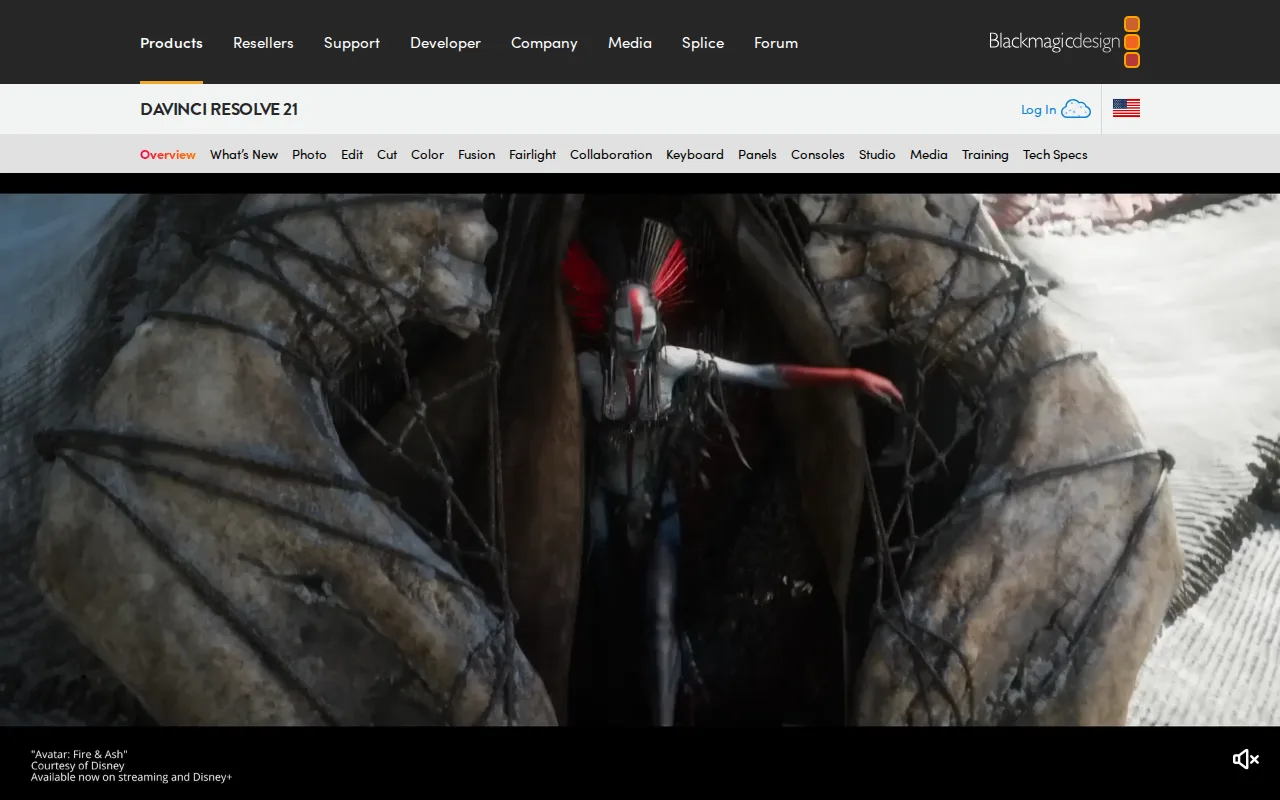
DaVinci Resolve is the best Adobe Premiere Pro alternative for colorists and post-production editors who want node-based, Hollywood-grade color grading and a full VFX/audio suite without paying a monthly subscription. DaVinci Resolve's free version is fully professional-grade, not a crippled trial, supporting Ultra HD 60fps 8-bit editing and grading, while Premiere Pro starts at $22.99/month with no free tier for full editing; the Studio upgrade then costs a one-time $295, versus paying Premiere Pro's subscription indefinitely. DaVinci Resolve bundles editing, Fusion VFX, and Fairlight audio in one application, and its node-based color grading page is used industry-wide on major film and TV productions, deeper grading control than Premiere Pro's Color Mode. DaVinci Resolve holds a 4.8/5 rating from 272 Capterra reviews, above Premiere Pro's own 4.7/5. Adobe Premiere Pro is still the better choice for editors already inside the Creative Cloud ecosystem: DaVinci Resolve's node-based, multi-page workflow has a steeper learning curve for editors coming from layer-based tools like Premiere Pro, it recommends at least 16GB of RAM, and its advanced AI Neural Engine features and higher bit depths are locked behind the $295 Studio upgrade.
Compared to Adobe Premiere Pro: fully professional-grade free version vs $22.99/month with no free tier, node-based color grading used industry-wide on film and TV, $295 one-time Studio upgrade avoids ongoing subscription
Wins:Free version is fully professional-grade, not a crippled trial, supporting Ultra HD 60fps 8-bit editing and grading, vs Premiere Pro's $22.99/month starting price with no free tier for full editing · Node-based color grading page is used industry-wide on major film and TV productions · Studio upgrade is a one-time $295 purchase, avoiding Premiere Pro's ongoing subscription
Loses:Node-based, multi-page workflow has a steeper learning curve for editors coming from layer-based tools like Premiere Pro · Recommends at least 16GB of RAM; performance lags on underpowered systems · Advanced AI Neural Engine features and higher bit depths/frame rates are locked behind the $295 Studio upgrade
Pros
- Free version is fully professional-grade, not a crippled trial, supporting Ultra HD 60fps 8-bit editing and grading.
- Studio upgrade is a one-time $295 purchase with no recurring subscription.
- Node-based color grading is used industry-wide on film and TV productions.
- Native support for Windows, macOS, and Linux in a single application.
Cons
- Steep learning curve for editors transitioning from layer-based tools like Premiere Pro.
- Recommends at least 16GB of RAM; performance lags on underpowered systems.
- Project database and media management model confuses users coming from simpler NLEs.
- Advanced AI features (Neural Engine) and higher bit depths/frame rates are locked behind the $295 Studio upgrade.
Pricing: Free tier · paid from $295 one-time — $0 (Studio upgrade $295 one-time) vs Adobe Premiere Pro's $22.99/month (verified )
2Final Cut Pro — best Adobe Premiere Pro alternative for professional and prosumer video editors on Mac who want a one-time-purchase alternative to Adobe Premiere Pro's monthly subscription
Final Cut Pro is the best Adobe Premiere Pro alternative for professional and prosumer video editors on Mac who want a one-time-purchase alternative to Premiere Pro's monthly subscription. Final Cut Pro costs a one-time $299.99 for the Mac version with no recurring subscription fee, versus Premiere Pro's $22.99/month that keeps billing indefinitely, and its Magnetic Timeline automatically ripples and re-syncs surrounding clips as footage is trimmed or moved, removing manual gap-closing that traditional track-based editors like Premiere Pro require. Final Cut Pro holds a 4.7/5 rating from 143 Capterra reviews, matching Premiere Pro's own 4.7/5, and its deep integration with Logic Pro streamlines audio finishing the way Premiere Pro integrates with Audition. Adobe Premiere Pro is still the better choice for cross-platform and Windows-based teams: Final Cut Pro is Mac-only on desktop with no Windows or Linux version, so a cross-platform team must standardize on Apple hardware or maintain two editing pipelines, its iPad version is subscription-based at $12.99/month, inconsistent with the Mac version's one-time purchase, and its third-party plugin and template ecosystem is smaller than Premiere Pro's.
Compared to Adobe Premiere Pro: one-time $299.99 Mac purchase vs $22.99/month ongoing subscription, Magnetic Timeline automates clip re-syncing, matching 4.7/5 Capterra rating
Wins:One-time $299.99 purchase for Mac with no recurring subscription fee, vs Premiere Pro's $22.99/month that keeps billing indefinitely · Magnetic Timeline automatically re-syncs clips, speeding up common trim-and-insert edits that track-based editors handle manually · 4.7/5 rating from 143 Capterra reviews, matching Adobe Premiere Pro's own 4.7/5
Loses:Mac-only on desktop; no native Windows or Linux version, unlike Premiere Pro · iPad version is subscription-based ($12.99/month), inconsistent with the Mac version's one-time purchase · Smaller third-party plugin and template ecosystem than Premiere Pro's, given Apple's more closed platform
Pros
- One-time $299.99 purchase for the Mac version with no recurring subscription fee.
- Magnetic Timeline automatically re-syncs clips, speeding up common trim-and-insert edits.
- Deep integration with Logic Pro for audio and other Apple creative apps.
- AI-assisted tools like Magnetic Mask and automatic captions reduce manual work.
Cons
- Mac-only on desktop; no native Windows or Linux version, unlike DaVinci Resolve or Premiere Pro.
- The iPad version is subscription-based ($12.99/month), inconsistent with the Mac version's one-time purchase.
- Requires relatively recent macOS (15.6+) and iPadOS (18.6+) with Apple silicon, locking out older hardware.
- Smaller third-party plugin and template ecosystem than Premiere Pro's, given Apple's more closed platform.
Pricing: From $2.99/mo — $299.99 one-time (Mac) vs Adobe Premiere Pro's $22.99/month (verified )
3CapCut — best Adobe Premiere Pro alternative for social media creators and marketers making short-form video for TikTok, Reels, and YouTube Shorts who want templates and AI tools over a professional timeline
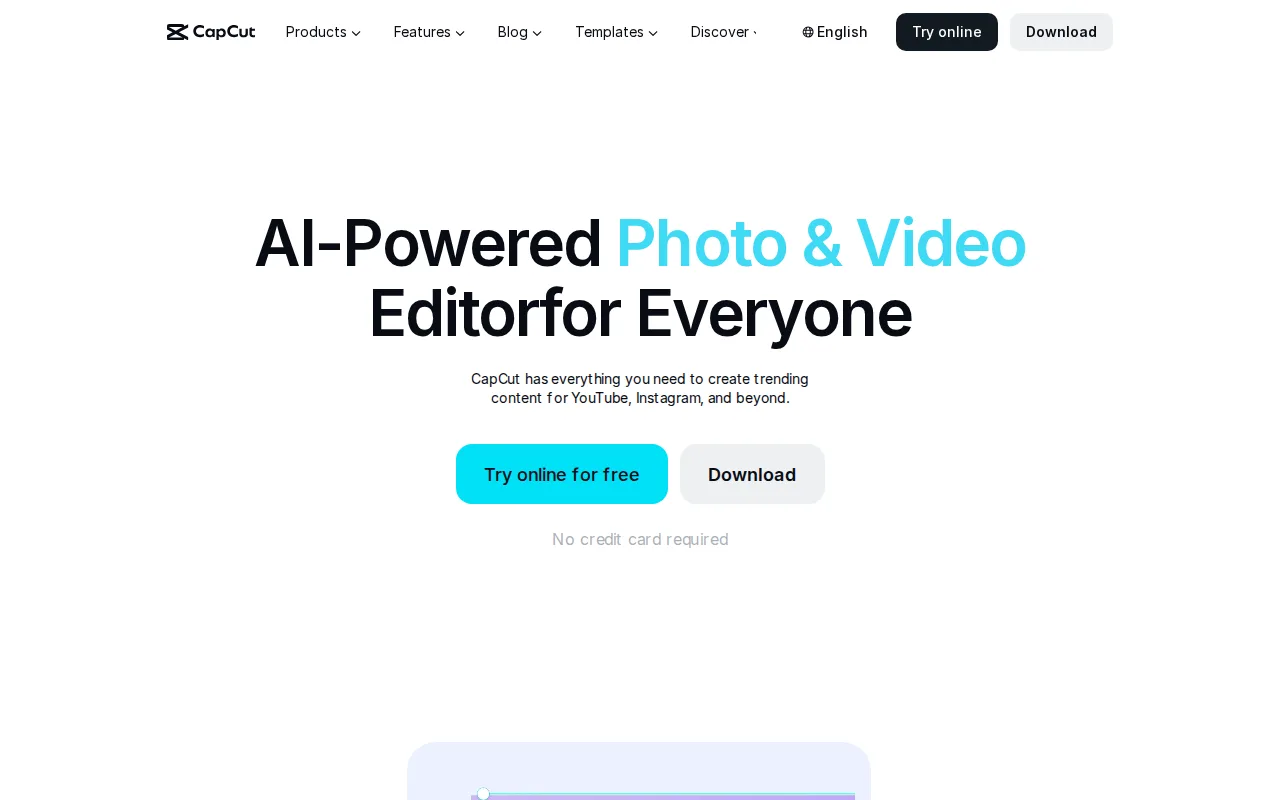
CapCut is the best Adobe Premiere Pro alternative for social media creators and marketers making short-form video for TikTok, Reels, and YouTube Shorts who want templates and AI tools over a professional timeline. CapCut's Free tier covers a genuinely usable multi-track editor, not just a stripped-down demo, while Premiere Pro starts at $22.99/month with a timeline built for frame-accurate broadcast work most short-form creators don't need. CapCut's constantly updated library of trending templates and transitions lets creators match a viral format in minutes, plus built-in auto-captioning and AI voiceover, and it runs on desktop, web, and mobile with projects syncing across devices, unlike Premiere Pro's desktop-first workflow. Adobe Premiere Pro is still the better choice for anyone who values billing trust and professional finishing tools: CapCut carries a 1.2/5 TrustScore on Trustpilot driven by recurring complaints about billing and unresponsive customer support, its Pro plan (needed for watermark-free 4K export) costs $19.99/month, close to Premiere Pro's own price, and it lacks Premiere Pro's frame-accurate multi-track editing, Color Mode grading, and Frame.io review workflow.
Compared to Adobe Premiere Pro: genuinely usable free multi-track editor vs $22.99/month subscription, constantly updated viral template library, syncs projects across desktop/web/mobile
Wins:Free tier covers a genuinely usable multi-track editor, not just a stripped-down demo, vs Premiere Pro's $22.99/month starting price · Constantly updated library of trending templates and transitions lets creators match a viral format in minutes · Runs on desktop, web, and mobile with projects syncing across devices, unlike Premiere Pro's desktop-first workflow
Loses:1.2/5 Trustpilot TrustScore reflects widespread billing and cancellation complaints, an issue Premiere Pro's reviews don't share · Pro plan needed for watermark-free 4K export costs $19.99/month, close to Premiere Pro's own $22.99/month price · Lacks Premiere Pro's frame-accurate multi-track editing, Color Mode grading, and Frame.io review workflow
Pros
- Free tier covers a genuinely usable multi-track editor, not just a stripped-down demo.
- Large, constantly refreshed template and effects library tuned for social platforms.
- Auto-captioning and AI voiceover save real editing time for solo creators.
- Available on desktop, web, and mobile with projects that sync across devices.
Cons
- 1.2/5 Trustpilot TrustScore reflects widespread billing and cancellation complaints.
- Templates and effects marked Pro export with a watermark unless subscribed.
- 4K export and the full AI toolkit require the Pro plan, not just Standard.
- Pricing varies by platform and region, and buying through the iOS App Store can cost more than through CapCut's own site.
Pricing: Free tier · paid from $9.99/mo — $0 (Pro $19.99/month for 4K export) vs Adobe Premiere Pro's $22.99/month (verified )
4Filmora — best Adobe Premiere Pro alternative for social media creators and small business marketers who want AI-assisted video editing without the learning curve of Premiere Pro or DaVinci Resolve
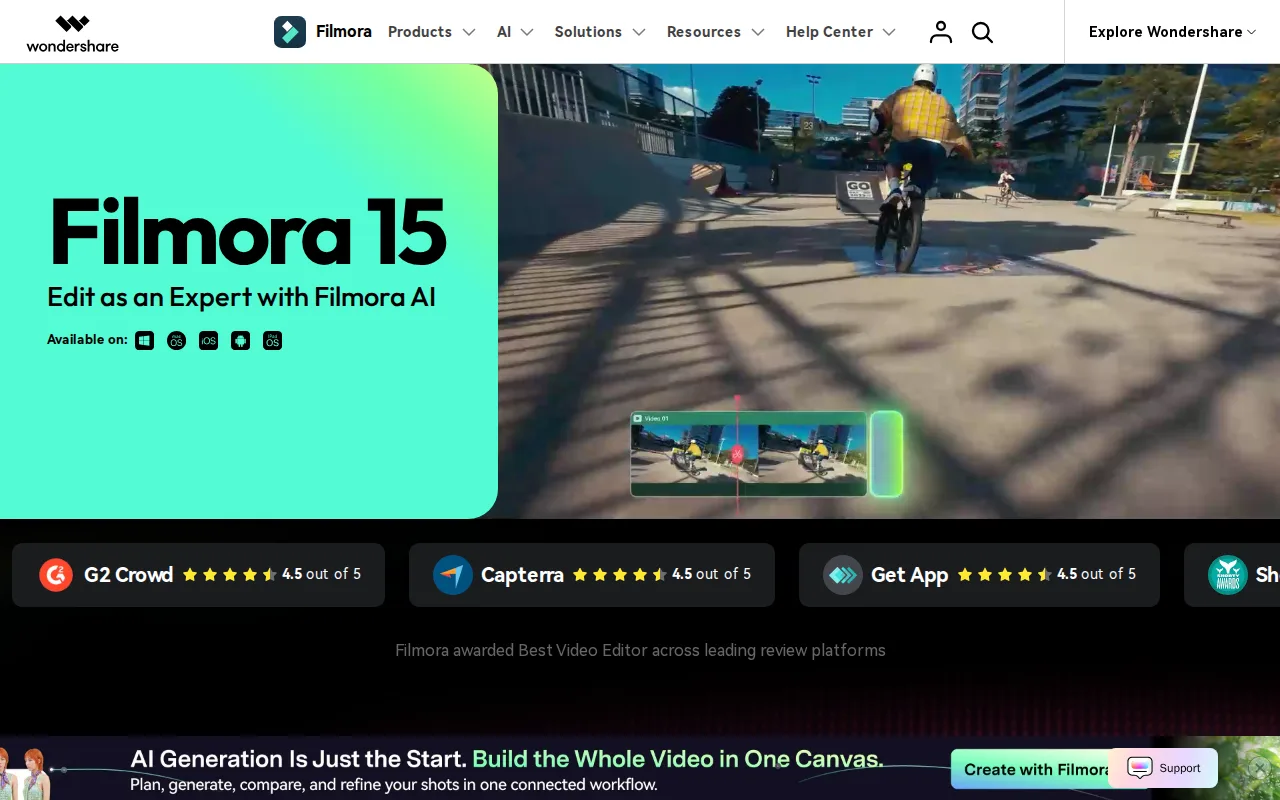
Filmora is the best Adobe Premiere Pro alternative for social media creators and small business marketers who want AI-assisted video editing without the learning curve of Premiere Pro or DaVinci Resolve. Filmora's Free version includes all core editing tools, not just a crippled demo, and its Basic paid plan runs $49.99/year, well under Premiere Pro's $22.99/month ($275.88/year); a Perpetual License is also available for $79.99 one-time, a pricing option Premiere Pro doesn't offer at all. Filmora's AI text-to-video generation and automatic dynamic captions speed up short-form content creation, and it's available across Windows, Mac, iOS, and Android for both mobile and desktop editing, with a 2.9 million-item asset library of templates, effects, and stock music on paid plans. Filmora holds a 4.5/5 rating from 736 Capterra reviews, the largest review sample among these alternatives. Adobe Premiere Pro is still the better choice for professional-grade finishing work: Filmora's free version watermarks every exported video, its pricing structure across subscriptions, perpetual licenses, and AI credits is confusing, a recurring complaint in user reviews, and it lacks the advanced color grading and motion tracking depth professional editors get from Premiere Pro.
Compared to Adobe Premiere Pro: free version includes all core tools vs $22.99/month with no free tier, cheaper Basic plan ($49.99/year vs $275.88/year), one-time $79.99 Perpetual License option
Wins:Free version includes all core editing tools, not just a crippled demo · Basic plan costs $49.99/year, well under Premiere Pro's $22.99/month ($275.88/year) · Perpetual License available for $79.99 one-time, a pricing option Premiere Pro doesn't offer
Loses:Free version watermarks every exported video · Pricing structure across subscriptions, perpetual licenses, and AI credits is confusing, a recurring complaint in user reviews · Lacks the advanced color grading and motion tracking depth professional editors get from Premiere Pro
Pros
- Free version includes all core editing tools, not just a crippled demo.
- AI text-to-video and dynamic captions speed up short-form content creation.
- Available across Windows, Mac, iOS, and Android for mobile and desktop editing.
- 2.9 million-item asset library of templates, effects, and stock music on paid plans.
Cons
- Pricing structure across subscriptions, perpetual licenses, and AI credits is confusing, a recurring complaint in user reviews.
- Free version watermarks every exported video.
- Perpetual license is platform-specific (separate Windows and Mac purchases) and doesn't include future major-version upgrades.
- Lacks the advanced color grading and motion tracking depth professional editors get from DaVinci Resolve or Premiere Pro.
Pricing: Free tier · paid from $49.99/yr — $49.99/year Basic (or $79.99 one-time Perpetual) vs Adobe Premiere Pro's $22.99/month ($275.88/year) (verified )
5Avid Media Composer — best Adobe Premiere Pro alternative for broadcast and studio post-production teams who need frame-accurate editing, dialogue search, and shared-storage collaboration across multiple editors
Avid Media Composer is the best Adobe Premiere Pro alternative for broadcast and studio post-production teams who need frame-accurate editing, dialogue search, and shared-storage collaboration across multiple editors. Media Composer's PhraseFind and ScriptSync (Ultimate tier) let editors search spoken dialogue and align footage to a script, and MediaCentral and Avid NEXIS shared storage support real-time multi-editor collaboration on the same project, workflows Premiere Pro doesn't natively match at studio scale. Media Composer Standard starts at $199/year, below Premiere Pro's $22.99/month ($275.88/year), and a Perpetual license is available for $1,727 one-time for studios that don't want ongoing subscription costs at all, a path Premiere Pro doesn't offer. Adobe Premiere Pro is still the better choice for most solo editors and smaller teams: Avid Media Composer has no permanently free tier, its interface conventions are widely reported as dated and harder to learn than Premiere Pro, and its best collaboration features (MediaCentral, NEXIS) assume studio-grade shared storage infrastructure most solo editors don't have; it also holds a lower 4.2/5 rating from just 11 Capterra reviews, versus Premiere Pro's 4.7/5 from 573 reviews.
Compared to Adobe Premiere Pro: PhraseFind and ScriptSync search dialogue and sync scripts to footage, MediaCentral/NEXIS shared storage for real-time multi-editor collaboration, cheaper Standard tier ($199/year vs $275.88/year)
Wins:PhraseFind and ScriptSync let editors search spoken dialogue and align footage to a script · MediaCentral and Avid NEXIS shared storage support real-time multi-editor collaboration at studio scale · Standard tier costs $199/year, below Premiere Pro's $22.99/month ($275.88/year)
Loses:No permanently free tier; every edition is a paid subscription or a perpetual license plus support contract · Interface conventions are widely reported as dated and harder to learn than Premiere Pro · 4.2/5 rating from just 11 Capterra reviews, versus Premiere Pro's 4.7/5 from 573 reviews
Pros
- Bin-based media management and trim tools built specifically for long-form broadcast and film editing.
- PhraseFind and ScriptSync (Ultimate tier) let editors search dialogue and sync scripts to footage.
- MediaCentral and Avid NEXIS shared storage support real-time multi-editor collaboration on the same project.
- Perpetual license option for studios that don't want ongoing subscription costs.
Cons
- No permanently free tier; every edition is either a paid subscription or a perpetual license plus support contract.
- Interface conventions are widely reported as dated and harder to learn than Premiere Pro or DaVinci Resolve.
- Pricing is split across Standard/Ultimate subscription tiers and a separate perpetual-license track, making direct cost comparison difficult.
- Best collaboration features (MediaCentral, NEXIS) assume studio-grade shared storage infrastructure most solo editors don't have.
Pricing: From $199/yr — $199/year Standard (or $1,727 one-time perpetual) vs Adobe Premiere Pro's $22.99/month ($275.88/year) (verified )