2 Best Free Alternatives to Adobe Lightroom in 2026
By Noahlast updated pricing verified
All 6 Adobe Lightroom alternatives
Compared: free alternatives to Adobe Lightroom
| Alternative | Best for | Standout | Biggest weakness | Learning curve | Price |
|---|---|---|---|---|---|
| Adobe Lightroomreference | photographers who shoot in volume and want cloud-synced, non-destructive edits and AI-assisted culling across every device | Cloud-native catalog sync that carries the same edit history and organization across desktop, web, and mobile without manual export. | The base 1TB of cloud storage fills quickly for RAW shooters, and additional storage is a separate paid add-on on top of the subscription; Capterra reviewers also report lag and sync slowdowns once catalogs grow large. | Moderate | Free tier · paid from $11.99/mo |
| darktable | photographers who want a fully non-destructive, database-driven raw editing workflow on Linux, Windows, or macOS without paying an Adobe Lightroom subscription | A fully non-destructive, GPU-accelerated raw processing pipeline with a database-backed lighttable for organizing large photo libraries, built entirely by a volunteer photographer-developer community with no paid tier at all. | The dense, module-heavy interface has a steeper learning curve for photographers coming from more guided commercial tools, and darktable lacks the polish, tutorials, and plugin ecosystem of Adobe Lightroom. | Steep | Free |
| Affinity | designers and photographers who want Photoshop/Illustrator-level editing tools without paying a subscription, and don't need AI generative features | The full Vector, Pixel, and Layout studios are free with no feature restrictions, a direct reversal from Affinity's former one-time-purchase model and from Adobe's subscription pricing. | Generative AI tools (Fill, Expand, AI image/vector generation) require a separate Canva Pro subscription rather than being included, iPad support is still listed as coming soon rather than shipped, and there is no Linux version. | Moderate | Free tier · paid from $14.99/mo |
 Adobe Lightroom
 darktable
 Affinity
1.darktable — best Adobe Lightroom alternative for photographers who want a fully non-destructive, database-driven raw editing workflow on Linux, Windows, or macOS without paying an Adobe Lightroom subscription
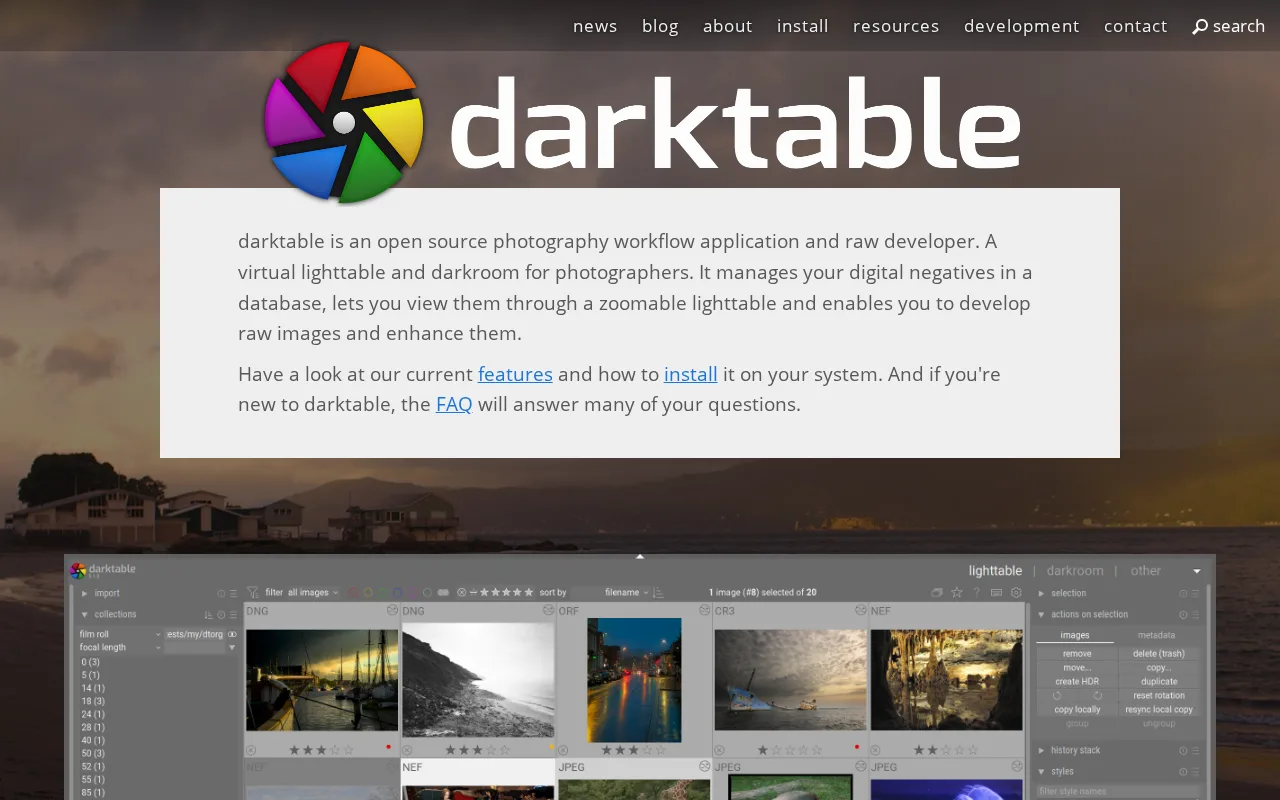
darktable is the best Adobe Lightroom alternative for photographers who want a fully non-destructive, database-driven raw editing workflow without paying anything, ever, unlike Lightroom's $11.99/month minimum subscription. darktable is released under the GPL-3.0 license with its full source on GitHub, where the project holds 13,000 stars, and there is no paid tier, subscription, or feature gate of any kind — the entire application is built and maintained by a volunteer photographer-developer community. Its GPU-accelerated processing pipeline and database-backed lighttable mirror Lightroom's non-destructive, catalog-based approach to raw development, and darktable runs natively on Linux, Windows, and macOS, covering a platform (Linux) Lightroom doesn't support at all. Lightroom is still the better choice for photographers who want cloud sync across mobile devices and a gentler learning curve: darktable has no official cloud sync or mobile companion app, unlike Lightroom's cross-device workflow, its dense, module-heavy interface has a steeper learning curve than Lightroom's more guided tools, and camera raw-format support can lag behind brand-new camera releases, a gap Lightroom's commercial development team closes faster.
Compared to Adobe Lightroom: completely free and open source (GPL-3.0, 13,000 GitHub stars) vs an $11.99/month subscription, GPU-accelerated non-destructive raw pipeline, no official mobile app or cloud sync
Wins:Completely free and open source under GPL-3.0 with 13,000 GitHub stars, vs Lightroom's $11.99/month minimum subscription · GPU-accelerated, fully non-destructive raw processing backed by a searchable image database, mirroring Lightroom's catalog model at no cost · Runs natively on Linux, Windows, and macOS, covering a platform (Linux) Lightroom doesn't support at all
Loses:No official cloud sync or mobile companion app, unlike Lightroom's cross-device workflow across desktop, web, and mobile · Dense, module-heavy interface has a steeper learning curve than Lightroom's more guided tools · Camera raw-format support can lag behind brand-new camera releases, and the plugin and tutorial ecosystem is smaller than Lightroom's
Pros
- Completely free and open source under GPL-3.0, with no subscription or paid tier at all.
- Fully non-destructive raw editing backed by a searchable image database (the lighttable).
- A GPU-accelerated processing pipeline handles large raw files and complex edit stacks responsively.
- Runs natively on Linux, Windows, and macOS, unlike some raw editors that are Mac- or Windows-only.
Cons
- The dense, module-heavy interface has a steeper learning curve than guided commercial tools like Lightroom.
- A smaller plugin and tutorial ecosystem than Adobe Lightroom, since development depends on volunteer contributors.
- No official cloud sync or mobile companion app, unlike Lightroom's cross-device workflow.
- Big-endian and 32-bit platforms are not officially supported, and camera raw-format support can lag behind brand-new camera releases.
Pricing: Free — $0 vs Lightroom's $11.99/month starting price (verified undefined NaN, NaN)
2.Affinity — best Adobe Lightroom alternative for designers and photographers who want Photoshop/Illustrator-level editing tools without paying a subscription, and don't need AI generative features
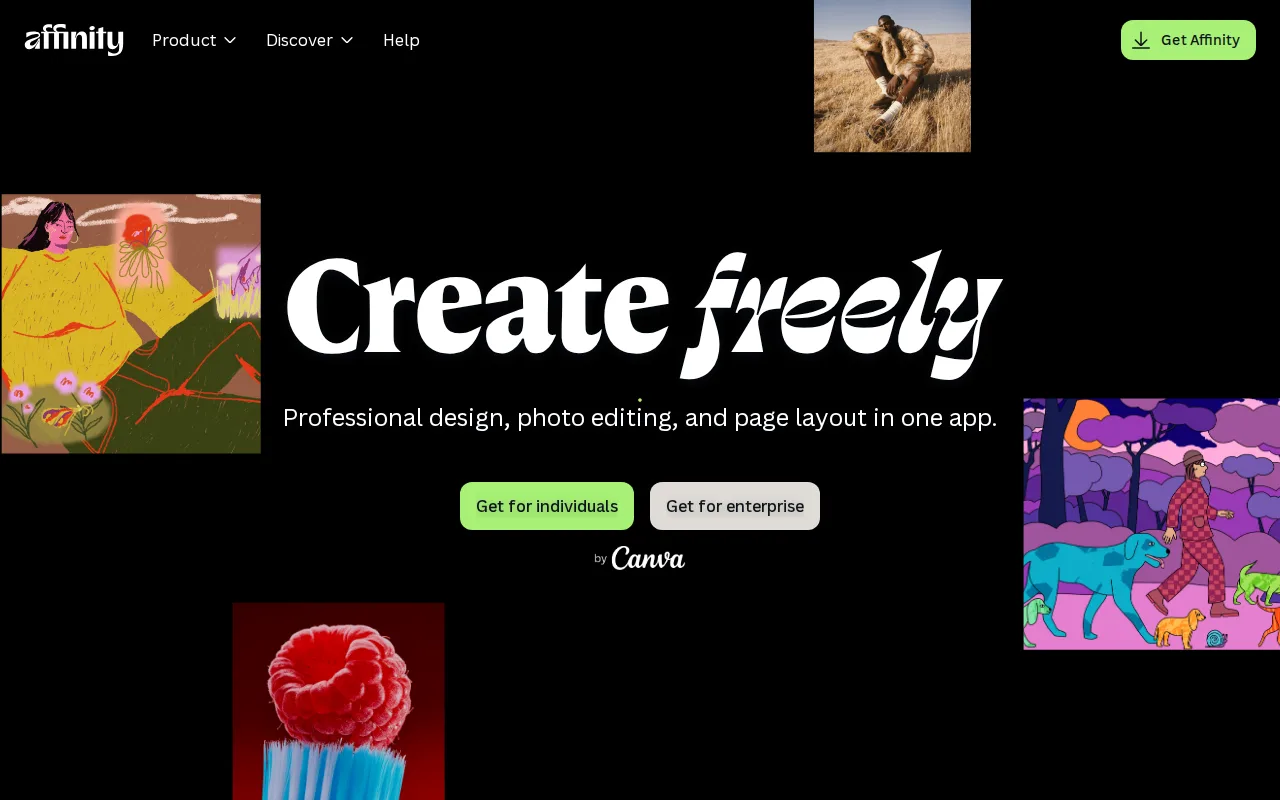
Affinity is the best Adobe Lightroom alternative for photographers and designers who want Photoshop/Lightroom-caliber editing tools without paying a subscription for the core app. Since Canva's acquisition, Affinity's Vector, Pixel, and Layout studios are free for everyone with no restrictions on tools, customization, or export, requiring only a free Canva account, against Lightroom's $11.99/month minimum subscription. Affinity holds a 4.8/5 rating from 99 Capterra reviews, matching Lightroom's own 4.8/5 rating, though on roughly a third of Lightroom's 327-review sample. Optional AI features (Generative Fill, Generative Expand, AI image/vector generation) require Canva Pro at $14.99/month, cheaper than Lightroom's $19.99/month Photography plan that bundles Photoshop. Lightroom is still the better choice for photographers who specifically need cloud-synced catalog management and mobile editing: Affinity has no iPad app yet, listing iPad support as coming soon rather than shipped, has no Linux version, and runs on Windows and macOS only, while Lightroom syncs across desktop, web, iOS, and Android.
Compared to Adobe Lightroom: free core app (Vector, Pixel, Layout studios) vs an $11.99/month subscription, matching 4.8/5 Capterra rating, optional AI at $14.99/month vs Lightroom's $19.99/month Photography plan
Wins:Vector, Pixel, and Layout studios are free with no restrictions on tools, customization, or export, vs Lightroom's $11.99/month minimum subscription · 4.8/5 rating from 99 Capterra reviews, matching Lightroom's own 4.8/5 rating · Optional Canva Pro AI features cost $14.99/month, cheaper than Lightroom's $19.99/month Photography plan that bundles Photoshop
Loses:No iPad app yet; support is listed as coming soon rather than shipped, while Lightroom runs on iOS today · No Linux version, and desktop support is limited to Windows and macOS · Rating sample of 99 Capterra reviews is about a third the size of Lightroom's 327 Capterra reviews
Pros
- Full professional design suite (vector, raster, layout) free with no time limit or feature gate on the core tools.
- Requires only a free Canva account, no credit card, to unlock everything in the base app.
- Backed by Canva's infrastructure and update cadence rather than a small independent studio.
- Optional Canva Pro AI features integrate directly inside the same app rather than requiring a separate tool.
Cons
- Generative AI features are gated behind a paid Canva Pro subscription ($14.99/month or $119.99/year).
- No iPad app yet; it is listed as coming soon rather than available.
- No Linux support.
- The 2026 rebrand merging three separate apps into one changes workflows for users of the older per-app Affinity Designer/Photo/Publisher versions.
Pricing: Free tier · paid from $14.99/mo — $0 core app vs Lightroom's $11.99/month; optional Canva Pro AI at $14.99/month vs Lightroom's $19.99/month Photography plan