2 Best Free Alternatives to Adobe Acrobat in 2026
By Noahlast updated pricing verified
All 6 Adobe Acrobat alternatives
Compared: free alternatives to Adobe Acrobat
| Alternative | Best for | Standout | Biggest weakness | Learning curve | Price |
|---|---|---|---|---|---|
| Adobe Acrobatreference | teams and individuals who need pixel-perfect PDF editing plus legally binding e-signatures in one subscription, especially those already using other Adobe products | Acrobat Sign's built-in e-signature workflow combined with an AI Assistant that summarizes and answers questions about a PDF's content without leaving the document. | Adobe paid a $150 million FTC settlement in 2024 over hidden early termination fees and hard-to-cancel subscriptions; cancelling an annual-billed-monthly Acrobat plan within the first year can still trigger a fee equal to roughly half the remaining months owed. | Moderate | Free tier · paid from $14.99/mo |
| Smallpdf | individuals and small teams who need quick browser-based PDF conversion, compression, e-signing, and editing without installing desktop software | An all-in-one PDF toolkit covering compress, convert, merge, split, e-sign, and edit in one browser-based product, with native Windows and mobile apps plus direct Google Workspace and Dropbox integrations. | The free tier caps users to a small number of daily tasks with ads shown before requiring an upgrade, and the newer AI features (summarization, translation, chat) are gated entirely behind the paid Pro tier rather than offered in any free capacity. | Low | Free tier · paid from $9/mo |
| Sejda | individuals, students, and small businesses who need occasional PDF editing, conversion, and batch processing without an Adobe Acrobat subscription | A batch-processing workflow tool that chains multiple PDF tasks (like watermark, compress, and password-protect) and applies them to a whole folder of documents at once. | The free tier's page and hourly limits push regular users toward a paid plan quickly, and the cheapest way to get the desktop app requires the $63/year annual plan; there is no month-to-month desktop option. | Low | Free tier · paid from $5 one-time |
 Adobe Acrobat
 Smallpdf
 Sejda
Sejda1.Smallpdf — best Adobe Acrobat alternative for individuals and small teams who need quick browser-based PDF conversion, compression, e-signing, and editing without installing desktop software
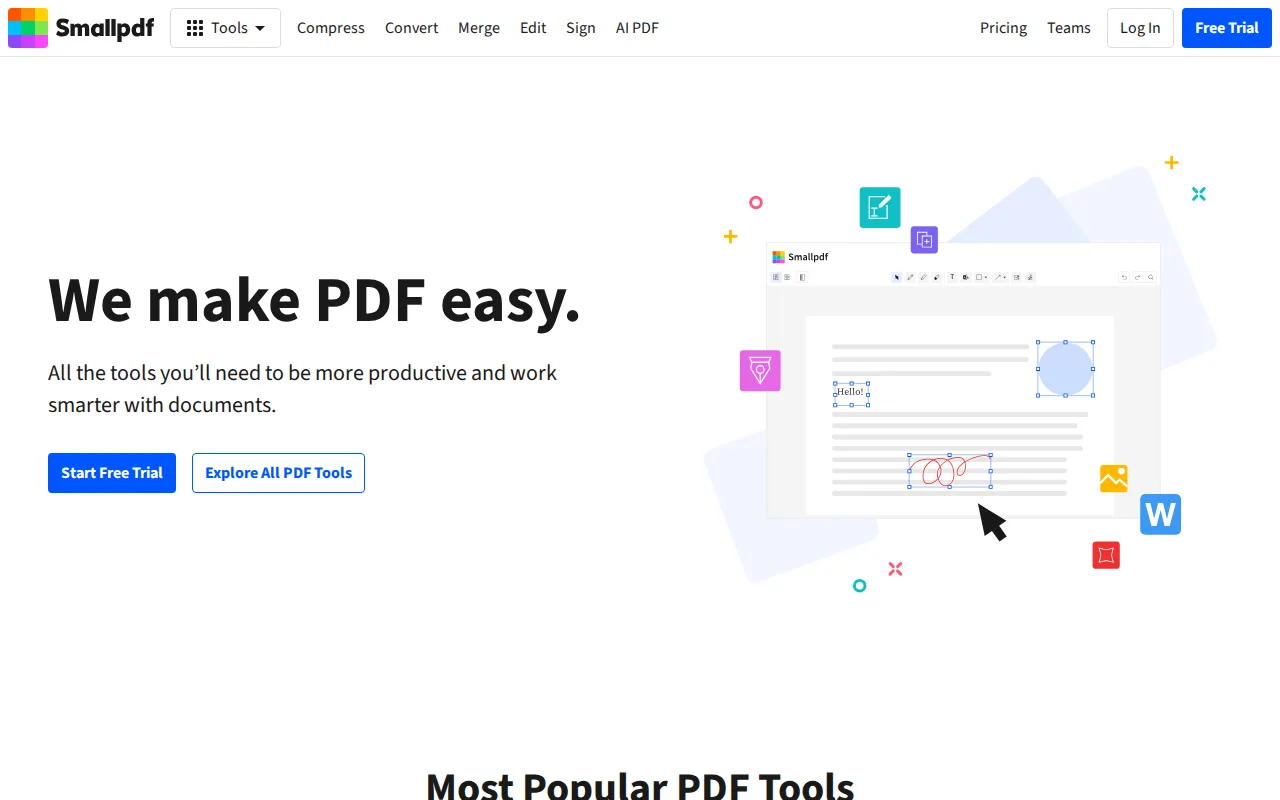
Smallpdf is the best Adobe Acrobat alternative for individuals and small teams who need quick browser-based PDF conversion, compression, e-signing, and editing without installing desktop software or paying for a subscription upfront. Smallpdf's Free tier covers a small number of daily tasks at no cost, something Adobe Acrobat doesn't offer beyond its view-only Reader, and its Pro tier costs $9/month, well under Acrobat's $14.99/month Standard price. Smallpdf holds a 4.7/5 rating from 997 Capterra reviews, matching Adobe Acrobat's own 4.7/5 rating, and covers the full PDF workflow (compress, convert, merge, split, edit, sign) in one browser-based product with native Windows, iOS, and Android apps plus direct Google Workspace and Dropbox integrations. Adobe Acrobat is still the better choice for anyone who needs the industry-standard fidelity and AI Assistant depth: Smallpdf's free tier shows ads and caps daily tasks, and its newer AI features (summarization, translation, chat) are gated entirely behind the paid Pro tier with no free allowance at all, while Acrobat's core editing has decades of format-fidelity behind it.
Compared to Adobe Acrobat: has a genuinely free tier for light daily use, cheaper Pro plan ($9/mo vs $14.99/mo), matching 4.7/5 Capterra rating
Wins:Free tier covers light daily PDF tasks at no cost, unlike Acrobat's view-only free Reader · Pro tier costs $9/month vs Acrobat's $14.99/month Standard tier · 4.7/5 rating from 997 Capterra reviews, matching Adobe Acrobat's own 4.7/5 Capterra score
Loses:Free tier caps users to a small number of daily tasks and shows ads · AI features (summarization, translation, chat) are entirely paid-tier with no free allowance, unlike Acrobat's AI Assistant included at the base tier · Team plan pricing isn't published without contacting sales or starting checkout
Pros
- Covers the full PDF workflow (compress, convert, merge, split, edit, sign) in one browser-based product.
- Native Windows, iOS, and Android apps plus a Chrome extension for use outside the browser.
- Direct integrations with Google Workspace and Dropbox streamline document workflows.
- 7-day unlimited free trial lets users test Pro features before committing.
Cons
- Free tier limits users to a small number of daily tasks and shows ads.
- AI features (summarization, translation, chat) are entirely paid-tier, with no free allowance.
- Team plan pricing isn't published without contacting sales or starting checkout.
Pricing: Free tier · paid from $9/mo — $9/month Pro vs Adobe Acrobat's $14.99/month Standard
2.Sejda — best Adobe Acrobat alternative for individuals, students, and small businesses who need occasional PDF editing, conversion, and batch processing without an Adobe Acrobat subscription
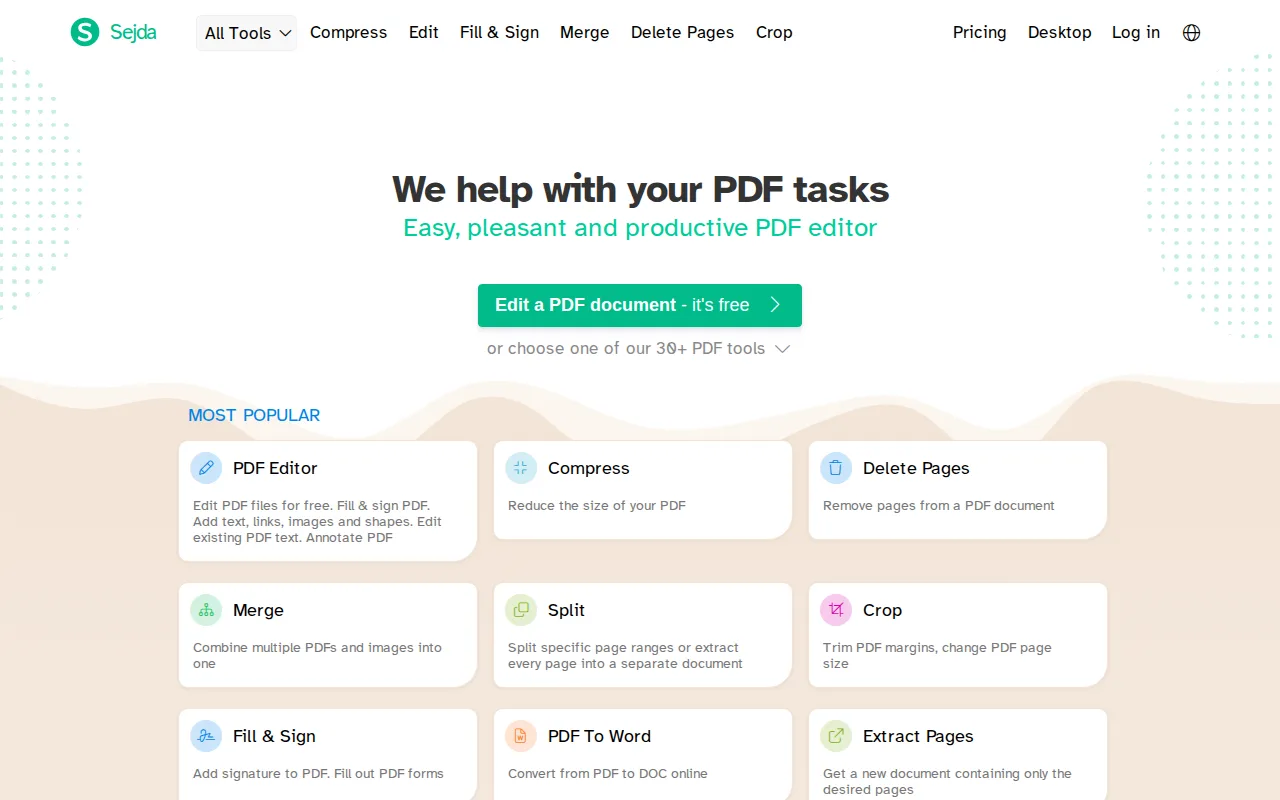
Sejda is the best Adobe Acrobat alternative for individuals, students, and small businesses who need occasional PDF editing, conversion, and batch processing without committing to an Adobe Acrobat subscription. Sejda's free tier requires no signup at all and covers light, occasional editing, while its cheapest paid option, the Web Week Pass, costs a one-time $5 versus Acrobat's ongoing $14.99/month; a full year of combined desktop and web access costs $63, less than five months of Acrobat Standard. Sejda's batch-processing workflow can chain multiple PDF tasks, like watermark, compress, and password-protect, and apply them across a whole folder of documents at once, and it holds a 4.7/5 rating from 47 Capterra reviews with a 4.5/5 value-for-money score, matching Acrobat's 4.7/5 overall rating. Adobe Acrobat is still the better choice for anyone who needs the desktop app on a monthly basis: Sejda's desktop access requires the $63/year annual plan, with no month-to-month desktop option, and its free tier is capped by page count, hourly task limits, and smaller upload sizes.
Compared to Adobe Acrobat: no-signup free tier for light editing, one-time $5 Web Week Pass vs $14.99/month ongoing subscription, batch-processing across whole folders of files
Wins:No-signup free tier covers light, occasional PDF editing at no cost · Web Week Pass costs a one-time $5 vs Acrobat's ongoing $14.99/month subscription · Batch-processing workflows chain multiple PDF tasks and apply them across an entire folder of documents at once
Loses:Desktop app access requires the $63/year annual plan; there is no monthly desktop-only option like Acrobat's monthly billing · Free tier is capped by page count, hourly task limits, and smaller upload sizes · No mobile app was confirmed, while Acrobat has native mobile apps
Pros
- Free tier requires no signup and covers light, occasional PDF editing.
- Batch-processing workflows can chain multiple PDF tasks and apply them across many files at once.
- Desktop apps for Windows, macOS, and Linux, not just a browser tool.
- Holds a 4.7/5 rating from 47 reviews on Capterra, with a 4.5/5 value-for-money score.
Cons
- Free tier is capped by page count, hourly task limits, and smaller upload sizes.
- Desktop app access requires the $63/year annual plan; there is no monthly desktop-only option.
- Web Week Pass and Web Monthly both exclude the desktop app entirely.
- No mobile app was confirmed; PDF editing is limited to browser and desktop.
Pricing: Free tier · paid from $5 one-time — $63/year Desktop+Web Annual vs Adobe Acrobat's $14.99/month ($179.88/year) Standard (verified undefined NaN, NaN)