3 Best Open-Source Alternatives to Vim in 2026
By Noahlast updated pricing verified
Compared: open-source alternatives to Vim
| Alternative | Best for | Standout | Biggest weakness | Learning curve | Price |
|---|---|---|---|---|---|
| Vimreference | developers and system administrators who want fast, keyboard-only text editing over SSH or in a terminal, without a mouse or a graphical IDE | Modal editing combined with an almost entirely scriptable configuration (Vimscript plus a large plugin ecosystem), letting experienced users compose complex text edits as short keyboard commands. | Steep learning curve from its modal editing model: new users have to unlearn conventional point-and-click text editing, and a genuinely productive Vim setup usually requires assembling a personal plugin and configuration file rather than working well out of the box. | Steep | Free |
| GNU Emacs | developers and power users who want a fully reprogrammable editor built on a real Lisp interpreter, not just a configurable one | Nearly every part of the editor is implemented in Emacs Lisp and can be inspected, redefined, or extended at runtime, so users script new features (Org mode, Magit, mail clients) rather than being limited to settings a vendor exposes. | Default keybindings and terminology predate modern UI conventions, giving Emacs a steep initial learning curve, and its Lisp-based extension model means many packages have inconsistent quality and configuration burdens rest on the user, unlike editors with a curated built-in extension marketplace. | Steep | Free |
| Neovim | developers who already use Vim's modal editing and want built-in LSP, Tree-sitter, and Lua scripting without relying on third-party Vim plugins to add them | A built-in LSP client and native Tree-sitter integration ship in the core editor, so modern code intelligence and accurate syntax parsing don't require assembling and maintaining a plugin stack. | The learning curve is steep for anyone not already comfortable with Vim's modal, keyboard-driven editing model, and a productive setup still typically requires configuring a plugin ecosystem (completion, file trees, fuzzy finders) since the out-of-the-box experience is minimal by design. | Steep | Free |
| Helix | developers who want Vim-style modal, keyboard-driven editing with LSP and Tree-sitter support working immediately, without assembling a plugin configuration first | Language Server Protocol and Tree-sitter integration, multiple selections, and a fuzzy finder all work out of the box with sane defaults, unlike Vim or Neovim where equivalent functionality typically requires installing and configuring third-party plugins. | No built-in plugin system yet, the feature has been publicly discussed and planned by the project but is not shipped, so users who want to extend Helix beyond its built-in feature set have far fewer options than Neovim's mature Lua plugin ecosystem. | Moderate | Free |
 GNU Emacs
 Neovim
 Helix
Helix1.GNU Emacs — best Vim alternative for developers and power users who want a fully reprogrammable editor built on a real Lisp interpreter, not just a configurable one
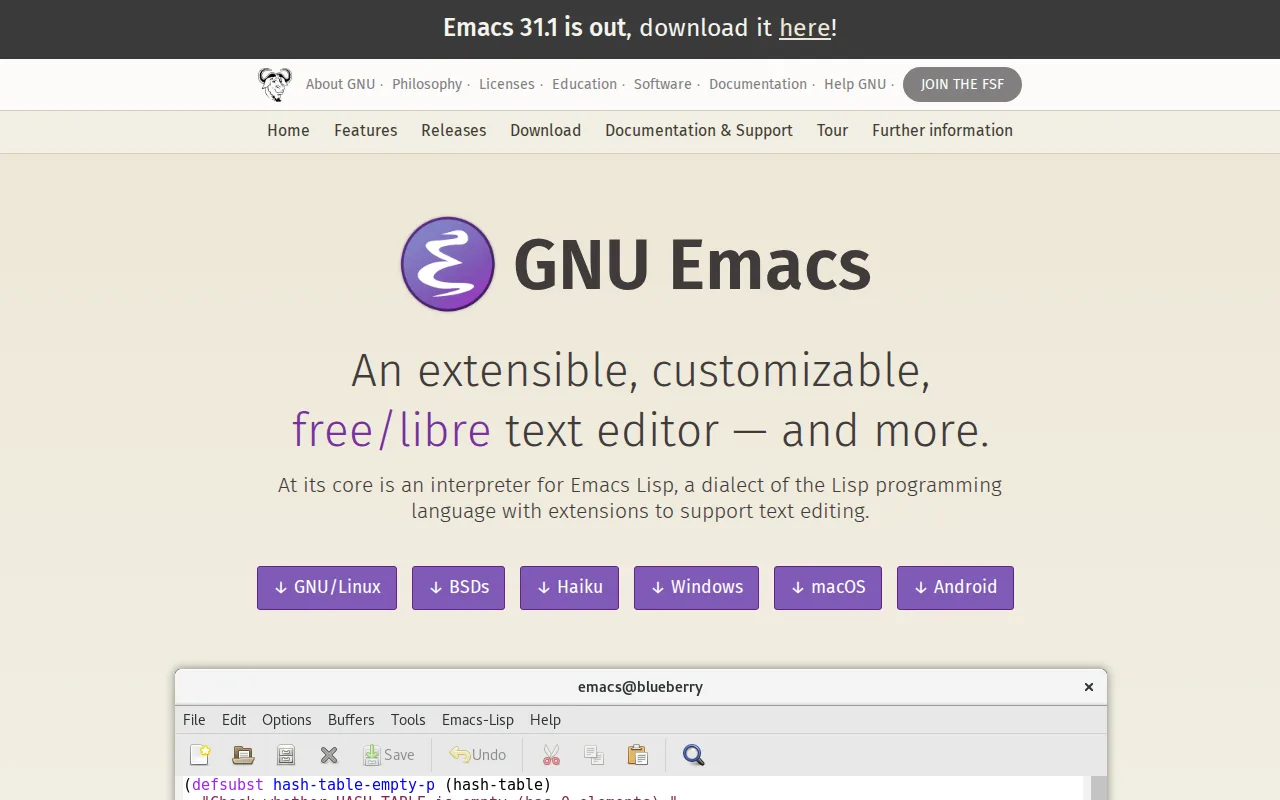
GNU Emacs is the best Vim alternative for developers who want an editor they can reprogram at runtime, not just configure through a plugin file, since nearly every part of Emacs is implemented in Emacs Lisp and can be inspected or redefined live. GNU Emacs has been in continuous development since 1976, making it one of the longest-lived actively maintained pieces of software, alongside Vim's own multi-decade history descending from vi. Both editors are completely free with no paid tier: GNU Emacs is licensed under the GNU General Public License v3, while Vim is charityware that encourages donations to the Ugandan children's charity Kuwasha rather than requiring payment. GNU Emacs runs on Windows, macOS, Linux, and Android, one more platform than Vim's Windows/macOS/Linux coverage, though neither ships an official iOS build. GNU Emacs bundles Org mode for planning and Magit for Git directly into its ecosystem, extending far past Vim's core text-editing scope. Vim remains the better choice for anyone who wants fast, keyboard-only editing with a lighter startup footprint and a shorter path to productivity in a terminal-only workflow: Emacs's default keybindings and terminology predate modern UI conventions even more than Vim's modal editing does, and its startup time and memory use can lag behind lighter editors on large configurations.
Compared to Vim: nearly every feature is Emacs Lisp code a user can inspect or redefine at runtime, one more platform (adds Android) than Vim's Windows/macOS/Linux set, both fully free with GNU Emacs under GPLv3 vs Vim's charityware model
Wins:Nearly every editor behavior is Emacs Lisp code a user can inspect, modify, or replace at runtime, going beyond Vim's Vimscript-plus-plugins configuration model · Runs on Windows, macOS, Linux, and Android, one more platform than Vim's Windows/macOS/Linux coverage · Built-in Org mode (planning) and Magit (Git) extend Emacs far past Vim's core text-editing scope without third-party plugins
Loses:Default keybindings and terminology predate modern UI conventions even more than Vim's own modal editing, adding to the learning curve · Startup time and memory use can lag behind lighter editors like Vim on large configurations · No curated, vetted extension marketplace; package quality varies across community repositories like MELPA, similar to Vim's own uncurated plugin ecosystem
Pros
- Nearly unlimited extensibility through Emacs Lisp; users can redefine core editor behavior, not just install plugins.
- Completely free and open source under the GPLv3, with no paid tier or vendor lock-in.
- Long-lived, active development since 1976 with a large body of community packages (MELPA) and documentation.
- Built-in tools like Org mode (notes, planning) and Magit (Git) turn Emacs into far more than a text editor.
Cons
- Steep learning curve: default keybindings and terminology are unfamiliar to users coming from mouse-driven editors.
- No official iOS build; mobile support is limited to Android via third-party ports.
- Configuration and package quality vary widely since there is no curated, vetted extension marketplace like VS Code's.
- Startup time and memory use can lag behind lighter modal editors like Helix or Neovim on large configurations.
Pricing: Free — Both free with no paid tier — GNU Emacs under GPLv3 vs Vim's charityware model (donations encouraged, not required) (verified undefined NaN, NaN)
2.Neovim — best Vim alternative for developers who already use Vim's modal editing and want built-in LSP, Tree-sitter, and Lua scripting without relying on third-party Vim plugins to add them
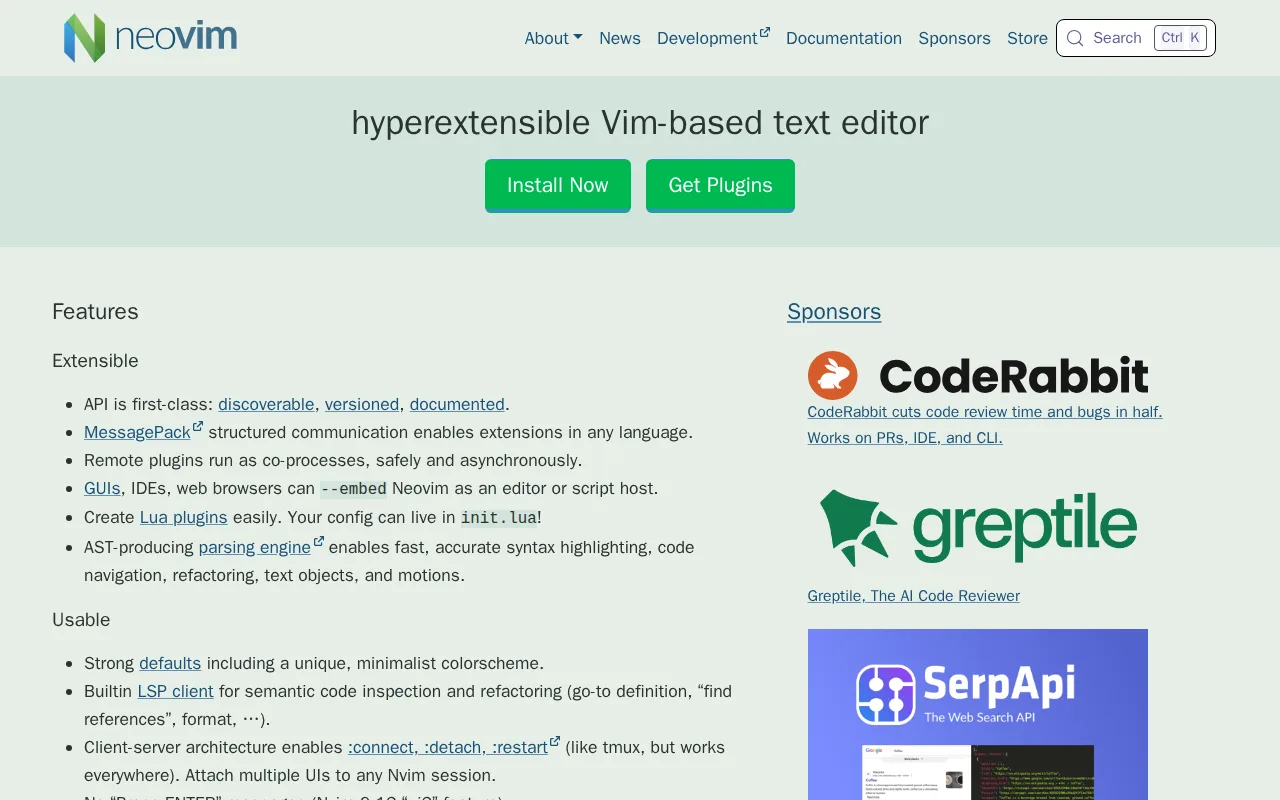
Neovim is the best Vim alternative for developers who already know Vim's modal editing and keybindings but want modern IDE features working without assembling a plugin stack first. Neovim ships a built-in Language Server Protocol client and native Tree-sitter syntax parsing directly in the editor core, functionality Vim doesn't include out of the box and that typically requires third-party plugins to approximate. Neovim holds a 5/5 rating from 7 Product Hunt reviews, though that's a small sample compared to more heavily reviewed editors. The project markets itself as containing roughly 30% less source code than Vim while adding this modern tooling, and it stays compatible with most existing Vim 8.x plugins, so muscle memory and configuration investment carry over. Neovim's client-server architecture also lets multiple front-end UIs attach to the same running editing session, a capability Vim's own architecture doesn't offer. Vim remains the better choice for users who want the most widely deployed, default-installed editor available on virtually every Unix-like system without a separate install step: Neovim requires its own installation and package-manager step on most systems, while Vim (or vi) ships pre-installed almost everywhere, and Neovim's minimal out-of-the-box experience still requires configuring completion, file trees, and fuzzy finders for a fully productive setup.
Compared to Vim: built-in LSP client and native Tree-sitter parsing ship in the core vs Vim's plugin-dependent equivalents, roughly 30% less source code than Vim while adding that tooling, 5/5 from 7 Product Hunt reviews vs no ratings on file for Vim
Wins:Built-in LSP client and native Tree-sitter syntax parsing ship in the editor core, unlike Vim which typically needs third-party plugins for equivalent functionality · 5/5 rating from 7 Product Hunt reviews, evidence Vim's own listing has no external ratings to compare against · Client-server architecture lets multiple front-end UIs attach to one running session, a capability Vim's architecture doesn't offer
Loses:Requires a separate install and package-manager step on most systems, unlike Vim (or vi) which ships pre-installed on nearly every Unix-like system · 5/5 rating rests on just 7 Product Hunt reviews, a thin sample size for confidence · Minimal out-of-the-box experience still requires configuring completion, file trees, and fuzzy finders for a fully productive setup, similar to Vim's own plugin-dependent workflow
Pros
- Built-in LSP client provides code completion, diagnostics, and go-to-definition without third-party plugins.
- Native Tree-sitter support gives more accurate syntax highlighting and code navigation than regex-based highlighting.
- Lua scripting and configuration alongside traditional Vimscript, with a large modern plugin ecosystem built around it.
- Completely free with no paid tier, and compatible with most existing Vim 8.x plugins.
Cons
- Steep learning curve for anyone not already familiar with Vim's modal editing and keybindings.
- Minimal out-of-the-box experience; a productive setup usually requires assembling and maintaining a plugin configuration.
- No official GUI beyond the terminal; graphical front-ends are separate community projects with varying maturity.
- Configuration in Lua (or Vimscript) has a real learning investment compared to GUI-based settings in editors like VS Code.
Pricing: Free — Both completely free with no paid tier (verified undefined NaN, NaN)
3.Helix — best Vim alternative for developers who want Vim-style modal, keyboard-driven editing with LSP and Tree-sitter support working immediately, without assembling a plugin configuration first

Helix is the best Vim alternative for developers who want Vim-style modal, keyboard-driven editing with modern IDE tooling working immediately after installation, rather than assembling a plugin configuration first. Helix ships Language Server Protocol integration, Tree-sitter syntax parsing, a fuzzy file finder, and multiple simultaneous selections built into the editor by default, so functionality that requires third-party plugins in Vim works out of the box once a language server is installed. Both editors are completely free with no paid tier: Helix is licensed under the Mozilla Public License 2.0, distinct from Vim's charityware model. Helix is a single Rust binary with no external runtime dependencies, giving it instant startup and minimal memory use, comparable to Vim's own lightweight footprint, and it works identically over SSH or inside tmux. Helix's selection-first editing model differs from Vim's motion-first approach, though, so a Vim user's muscle memory doesn't transfer directly the way it does to Neovim. Vim remains the better choice for anyone who wants the most widely available default editor with a mature, large plugin ecosystem and community: Helix has no plugin system yet, a feature the project has publicly planned but not shipped, so it offers far fewer extension options than Vim's decades-old plugin community, and Helix's own community and third-party theme ecosystem is smaller than Vim's.
Compared to Vim: LSP, Tree-sitter, and a fuzzy finder work immediately with no plugin installation vs Vim's plugin-dependent setup, selection-first editing model differs from Vim's motion-first approach, no plugin system yet vs Vim's decades-old plugin ecosystem
Wins:LSP integration, Tree-sitter syntax parsing, a fuzzy file finder, and multiple selections are built in and work immediately, unlike Vim which typically needs third-party plugins for the same functionality · Single Rust binary with no external runtime dependencies, giving instant startup and minimal memory use · Modern defaults (automatic bracket handling, project-wide search) work out of the box without assembling a personal configuration file first, unlike Vim's minimal out-of-the-box behavior
Loses:No plugin system yet, though the project has publicly planned the feature, leaving far fewer extension options than Vim's decades-old plugin ecosystem · Selection-first editing model differs from Vim's motion-first approach, so Vim muscle memory doesn't transfer directly · Smaller community and third-party theme and configuration-sharing ecosystem than the much older Vim project
Pros
- LSP, Tree-sitter syntax parsing, and a fuzzy finder work out of the box with no plugin installation required.
- Multiple selections and cursors are a first-class editing primitive, not a bolted-on feature.
- Single Rust binary with no external runtime dependencies; starts instantly and uses minimal memory.
- Works identically over SSH and inside tmux as it does on a local machine, useful for remote development.
Cons
- No plugin system yet, extensibility is limited to what ships built in, unlike Neovim's large third-party plugin ecosystem.
- Selection-first editing model differs from Vim's motion-first model, so muscle memory doesn't transfer directly for Vim users.
- Smaller community and third-party theme/config-sharing ecosystem than the much older Vim and Neovim projects.
- Terminal-only; no official GUI application for users who prefer a graphical editor window.
Pricing: Free — Both completely free with no paid tier — Helix under Mozilla Public License 2.0 vs Vim's charityware model (verified undefined NaN, NaN)