2 Best Open-Source Alternatives to Universal Media Server in 2026
By Noahlast updated pricing verified
All 4 Universal Media Server alternatives
Compared: open-source alternatives to Universal Media Server
| Alternative | Best for | Standout | Biggest weakness | Learning curve | Price |
|---|---|---|---|---|---|
| Universal Media Serverreference | technically comfortable users who want to stream a local media library to a smart TV or game console over DLNA/UPnP without cloud accounts or subscription apps | Broad on-the-fly transcoding built on bundled FFmpeg, MEncoder, tsMuxeR, and VLC engines, aimed at maximizing compatibility with whatever a target DLNA device can and cannot play natively. | No native web or mobile streaming client and no remote-access app of its own, so users who want Plex- or Jellyfin-style casting from anywhere need to pair UMS with separate remote-access tooling or rely purely on local-network DLNA discovery. | Moderate | Free |
| Jellyfin | self-hosters who want to stream their own media library without paying any subscription fee or relying on a company-owned platform | There is no paid tier, premium plan, or account requirement of any kind; every feature, including live TV and DVR, is free and the project has no commercial owner. | There is no official iOS or tvOS app maintained by the core project (iOS access relies on community clients like Swiftfin), and as fully self-hosted, community-supported software, users are responsible for their own server setup, updates, and troubleshooting with no paid support option to fall back on. | Moderate | Free |
| Kodi | users with an existing local or networked media library (ripped discs, downloaded files, home video) who want a customizable, remote-friendly player rather than a subscription streaming service | A fully open skinning engine and add-on ecosystem that lets users restyle the entire interface and extend functionality, run by volunteer developers with no corporate owner or paid tier. | Kodi streams nothing itself and requires the user to organize and configure their own legal media sources; its permissive add-on system has also drawn recurring piracy controversy from unofficial third-party add-ons the XBMC Foundation does not endorse, which creates reputational baggage for a project that is otherwise entirely legitimate. | Moderate | Free |
 Universal Media Server
 Jellyfin
 Kodi
Kodi1.Jellyfin — best Universal Media Server alternative for self-hosters who want to stream their own media library without paying any subscription fee or relying on a company-owned platform
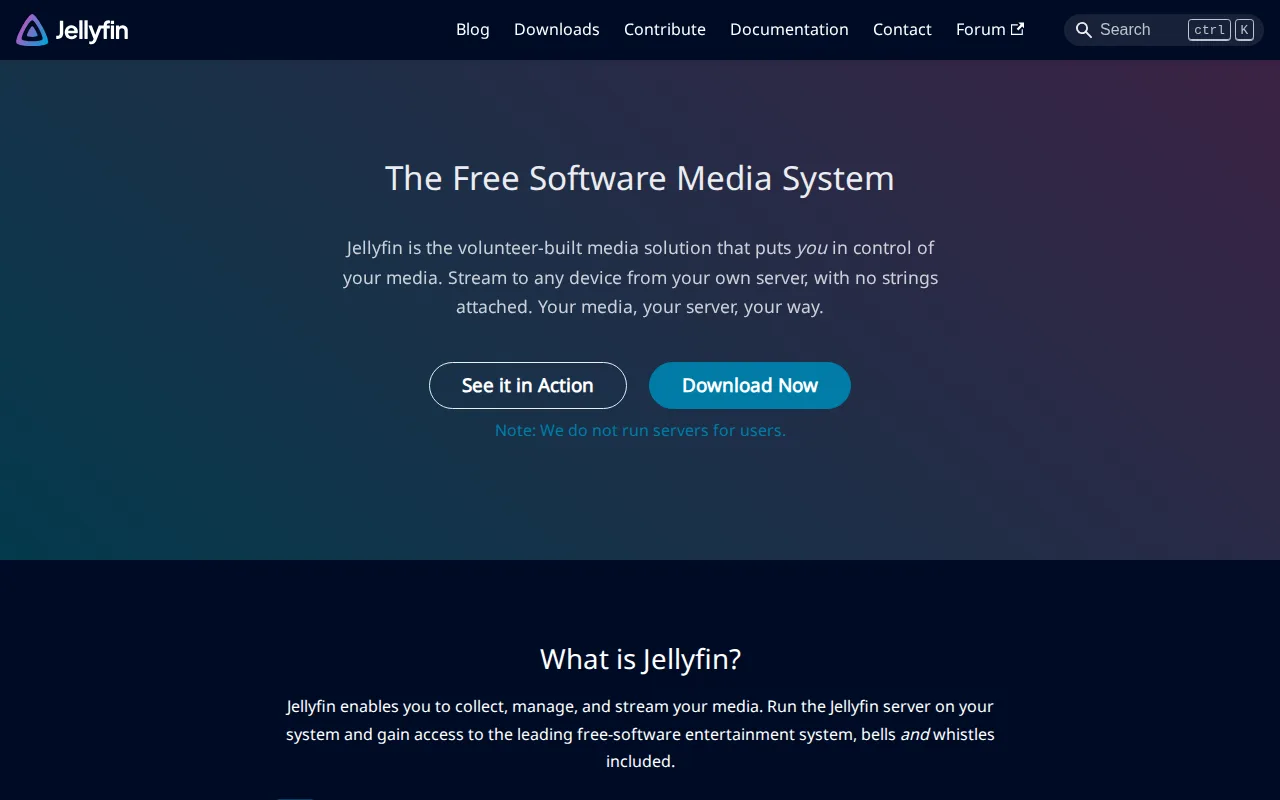
Jellyfin closes the exact gap Universal Media Server names as its biggest weakness. Universal Media Server ships no streaming client of its own and no remote-access app, leaving playback to whatever DLNA menu a TV or console provides. Jellyfin publishes an official web interface plus desktop apps for Windows, macOS, and Linux and Android and Android TV apps, with iOS covered by the community-maintained Swiftfin client. It also adds live TV and DVR recording, which Universal Media Server does not offer. On the things self-hosters care about most, the two are identical: both are GPL-2.0, both cost $0, neither requires an account, and Jellyfin has no premium tier of any kind, running on voluntary donations rather than a company. Universal Media Server is still the better choice for a household built around DLNA-only hardware. A PlayStation, Xbox, or older smart TV can discover and browse a Universal Media Server library with nothing installed on the receiving device, while Jellyfin needs its client app on every screen. Universal Media Server also bundles FFmpeg, MediaInfo, MEncoder, tsMuxeR, AviSynth, and VLC specifically to transcode whatever a target device cannot play natively, a compatibility-first approach Jellyfin does not advertise an equivalent to.
Compared to Universal Media Server: official web, desktop, and Android clients where UMS ships none of its own, free live TV and DVR recording UMS does not offer, and a client app required on every screen instead of DLNA/UPnP discovery
Wins:Official web interface plus Windows, macOS, Linux, Android, and Android TV clients, closing Universal Media Server's own biggest weakness of having no native web or mobile client · Live TV and DVR recording are included at no cost, features Universal Media Server does not provide · Identical GPL-2.0 license and $0 price as Universal Media Server, with no account requirement, no premium tier, and no phone-home telemetry to a company
Loses:A Jellyfin client has to be installed on each playback device, where a DLNA-capable PlayStation, Xbox, or smart TV browses a Universal Media Server library with no software installed at all · No official iOS or tvOS app from the core project, so Apple playback depends on community-maintained clients such as Swiftfin · Jellyfin advertises no equivalent to Universal Media Server's bundled FFmpeg, MediaInfo, MEncoder, tsMuxeR, AviSynth, and VLC chain, and transcoding performance rests entirely on your own hardware
Pros
- Completely free with no subscription, premium tier, or paid feature gating.
- Fully open source under GPL-2.0 with an active, transparent development community.
- No account requirement or phone-home telemetry to a third-party company.
- Supports live TV and DVR recording alongside standard on-demand media streaming.
Cons
- No official iOS/tvOS app from the core project; iOS users rely on community-maintained clients like Swiftfin.
- Self-hosting requires users to manage their own server hardware, updates, and remote-access configuration.
- No paid support tier means troubleshooting relies on community forums and documentation rather than a vendor.
- Transcoding performance depends entirely on the user's own hardware, unlike cloud-hosted competitors with managed infrastructure.
Pricing: Free — $0 with no paid tier of any kind, the same price as Universal Media Server, with both funded by volunteers rather than subscriptions (verified undefined NaN, NaN)
2.Kodi — best Universal Media Server alternative for users with an existing local or networked media library (ripped discs, downloaded files, home video) who want a customizable, remote-friendly player rather than a subscription streaming service
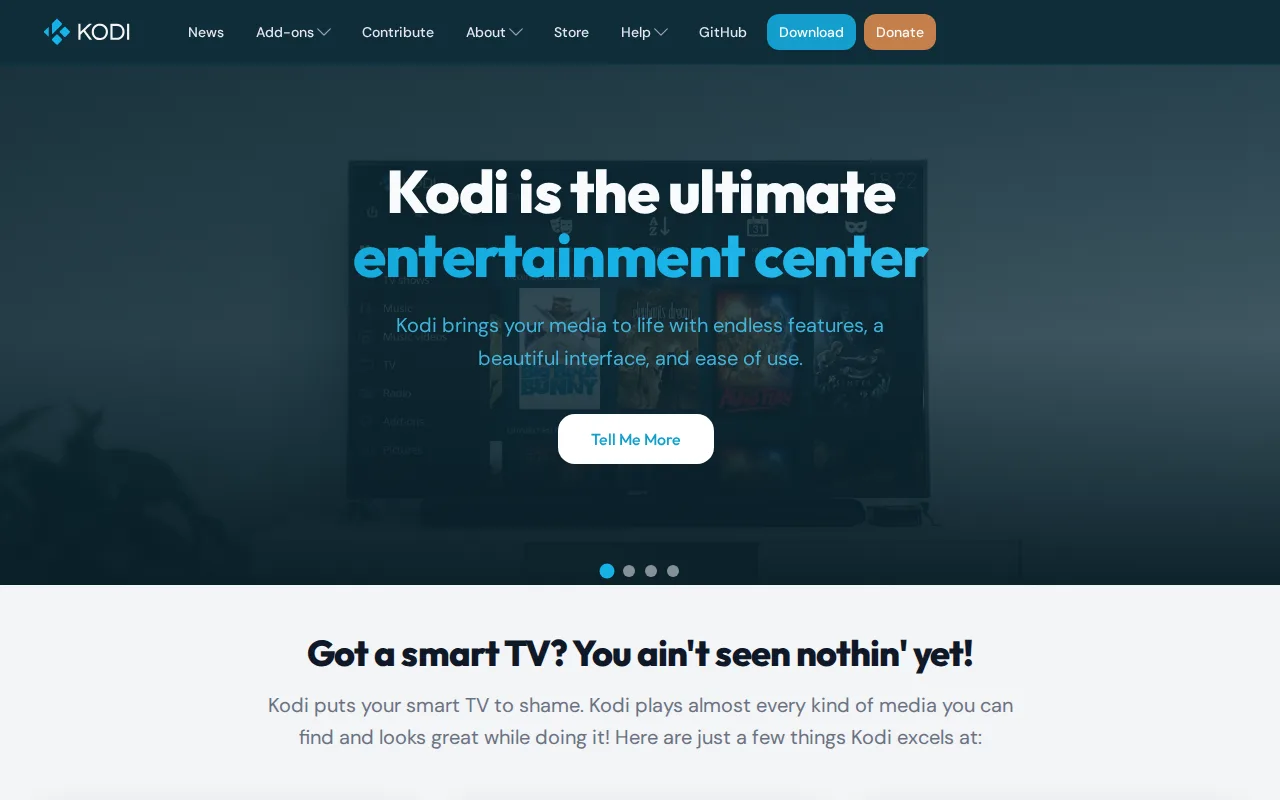
Kodi is the best Universal Media Server alternative when the problem is the viewing experience rather than the sharing. Universal Media Server's own listing concedes that library browsing is noticeably less polished than consumer media apps, because the interface you actually see belongs to the DLNA client on the TV. Kodi replaces that with a full ten-foot interface designed for a remote, with add-on scrapers that pull metadata and artwork automatically and a skinning engine that restyles the whole front end. Like Universal Media Server, Kodi is GPL-2.0, volunteer-built, and free with no account, subscription, or paid tier at any point, maintained by the non-profit XBMC Foundation. Kodi also runs on more platforms than Universal Media Server's Windows, macOS, and Linux, adding Android, iOS, tvOS, and BSD. Universal Media Server is still the better choice when one machine has to feed several screens. Kodi is a player, not a server: it does not share a library over DLNA/UPnP to smart TVs and consoles the way Universal Media Server does, and it has to be installed on every device you watch on. Kodi also carries reputational baggage from unofficial third-party add-ons that the XBMC Foundation explicitly disclaims.
Compared to Universal Media Server: a full ten-foot interface with metadata scraping and a skinning engine on the playback device instead of whatever menu the DLNA client shows, native Android, iOS, and tvOS builds beyond UMS's three desktop platforms, and a player rather than a server that shares a library to other devices
Wins:Puts a complete remote-navigable interface with automatic metadata scraping and artwork on the playback device, where Universal Media Server's own listing calls its library browsing less polished than consumer-facing apps · Runs natively on Windows, macOS, Linux, Android, iOS, tvOS, and BSD, well beyond Universal Media Server's Windows, macOS, and Linux · Same GPL-2.0 license and $0 price as Universal Media Server, with no account or paid tier ever, maintained by the non-profit XBMC Foundation
Loses:Kodi is a player, not a server: it does not share a library over DLNA/UPnP to smart TVs and consoles the way Universal Media Server does, so one machine feeding several screens still needs a server · Has to be installed on every device you want to watch on, where a DLNA-capable TV or console browses a Universal Media Server library with nothing installed · Unofficial third-party add-ons unaffiliated with the project have repeatedly drawn piracy scrutiny that the XBMC Foundation disclaims, reputational baggage Universal Media Server does not carry
Pros
- Fully free and open-source (GPL-2.0) with no account, subscription, or paid tier ever required.
- Skinning engine allows complete interface customization beyond typical media player theming.
- Runs on nearly every platform: Windows, macOS, Linux, Android, iOS, tvOS, and BSD.
- Add-on ecosystem extends functionality well beyond core playback, including automatic library metadata scraping.
Cons
- No built-in content — users must supply and organize their own legal media library or sources.
- Unofficial third-party add-ons unaffiliated with the Kodi project have repeatedly drawn piracy scrutiny, creating a reputational association the XBMC Foundation explicitly disclaims.
- Initial setup and library configuration is more involved than a plug-and-play streaming app.
- Interface customization and add-on management assume a moderate comfort level with configuring software, unlike more guided competing setups.
Pricing: Free — Free and open source with no paid tier, subscription, or account, matching Universal Media Server's own $0 price (verified undefined NaN, NaN)