5 Best Alternatives to TradingView for Web in 2026
By Noahlast updated pricing verified
All 5 TradingView alternatives
Compared: TradingView alternatives that run on Web
| Alternative | Best for | Learning curve | Price |
|---|---|---|---|
| TradingViewreference | Multi-asset charting and technical analysis with custom Pine Script indicators, strategy backtests and alerts synced across web, desktop and mobile | Moderate | Free tier · paid from $12.95/mo |
| TrendSpider | Automating trendline, pattern and multi-timeframe analysis on US stocks, then backtesting and alerting on those signals without writing code | Steep | From $82/mo |
| StockCharts | running end-of-day technical scans on US stocks and ETFs and reviewing the results in saved chart lists | Moderate | Free tier · paid from $18.42/mo |
| Finviz | Screening US-listed stocks and ETFs by fundamental and technical filters and reading the day's market moves on heat maps | Low | Free tier · paid from $24.96/mo |
| Tickeron | Getting machine-generated entry, target and stop ideas for US stocks and ETFs from AI robots and pattern scanners instead of charting setups by hand | Moderate | Free tier · paid from $20/mo |
| SnapPChart | Getting a second opinion on a momentum or breakout setup from a chart screenshot right before entering a trade | Low | From $4.99/mo |
 TradingView
 TrendSpider
 StockCharts
 Finviz
 Tickeron
 SnapPChart
1TrendSpider — best TradingView alternative for automating trendline, pattern and multi-timeframe analysis on US stocks, then backtesting and alerting on those signals without writing code

TrendSpider is the best TradingView alternative for active US-market traders who want the software to find trendlines and patterns instead of drawing them by hand or coding them in Pine Script. TrendSpider automatically detects trendlines, Fibonacci levels, chart patterns and candlestick patterns across multiple timeframes, then feeds those signals into a no-code strategy tester backed by 50+ years of market data, a scanner, dynamic alerts that follow drawn trendlines, and trading bots that place orders through SignalStack. Real-time US equity, ETF, forex and crypto data is included for non-professional users, where TradingView sells real-time NASDAQ, NYSE and CME data as a separate add-on, and TrendSpider connects to 30+ brokerages and crypto exchanges. TradingView is still the better choice for most budgets and for anyone who wants a desktop app or a free plan. TradingView Essential costs $12.95/month billed annually against TrendSpider Standard's $54-$89/month renewal ($82 list), TrendSpider has no free plan and its 14-day trial costs a non-refundable $19, and TrendSpider Standard allows 10 alerts that expire after 30 days where TradingView Essential gives 20 price and 20 technical alerts. TrendSpider runs in the browser with companion mobile apps, against TradingView's Windows, macOS and Linux apps, and its learning curve is rated steep against TradingView's moderate.
Compared to TradingView: automatic trendline and pattern detection feeding no-code backtests instead of Pine Script, real-time US equity data included rather than sold as an add-on, and no free plan, with Standard renewing at $54-$89/month against TradingView's $12.95 Essential
Wins:Detects trendlines, Fibonacci levels, chart patterns and candlestick patterns automatically across timeframes and feeds them into no-code backtests, scans, dynamic alerts and bots, where TradingView needs Pine Script for custom strategies · Real-time US equity, ETF, forex and crypto data is included for non-professional users, where TradingView charges separately for NASDAQ, NYSE and CME real-time data · Strategy tester draws on 50+ years of market data, and a market feed tracks unusual options trades, insider activity, 13F filings, analyst ratings and government trades
Loses:No free plan and a non-refundable $19-$49 paid trial, against TradingView's free Basic plan with no time limit or card · Standard renews at $54-$89/month ($82 list) and allows 10 alerts lasting 30 days, where TradingView Essential costs $12.95/month billed annually with 20 price and 20 technical alerts · Web platform with companion iOS and Android apps but no Windows, macOS or Linux desktop app, and a steep learning curve against TradingView's moderate
Pros
- Detects trendlines, Fibonacci levels, chart patterns and candlestick patterns automatically across timeframes.
- No-code strategy tester backed by 50+ years of market data, with trading bots and SignalStack order routing.
- Real-time US equity, ETF, forex and crypto data is included for non-professional users.
- Every plan includes every feature; tiers differ only in capacity limits.
- Connects to 30+ brokerages and crypto exchanges for trading from the platform.
Cons
- No free plan; the 14-day trial costs $19-$49 and is non-refundable.
- Standard limits are tight: 10 alerts lasting 30 days, 5 bots and 2-hour backtest granularity.
- Sidekick AI beyond 25 messages a month costs $49-$349/month, and futures ($7.50/month) and options ($9.50/month) data are extra.
- Mobile apps are companions to the web platform, and new users are told to set up on a computer first.
Pricing: From $82/mo — TrendSpider Standard renews at $54-$89/month by billing term ($82 list) vs TradingView Essential at $12.95/month billed annually ($14.95 month to month) (verified )
2StockCharts — best TradingView alternative for running end-of-day technical scans on US stocks and ETFs and reviewing the results in saved chart lists
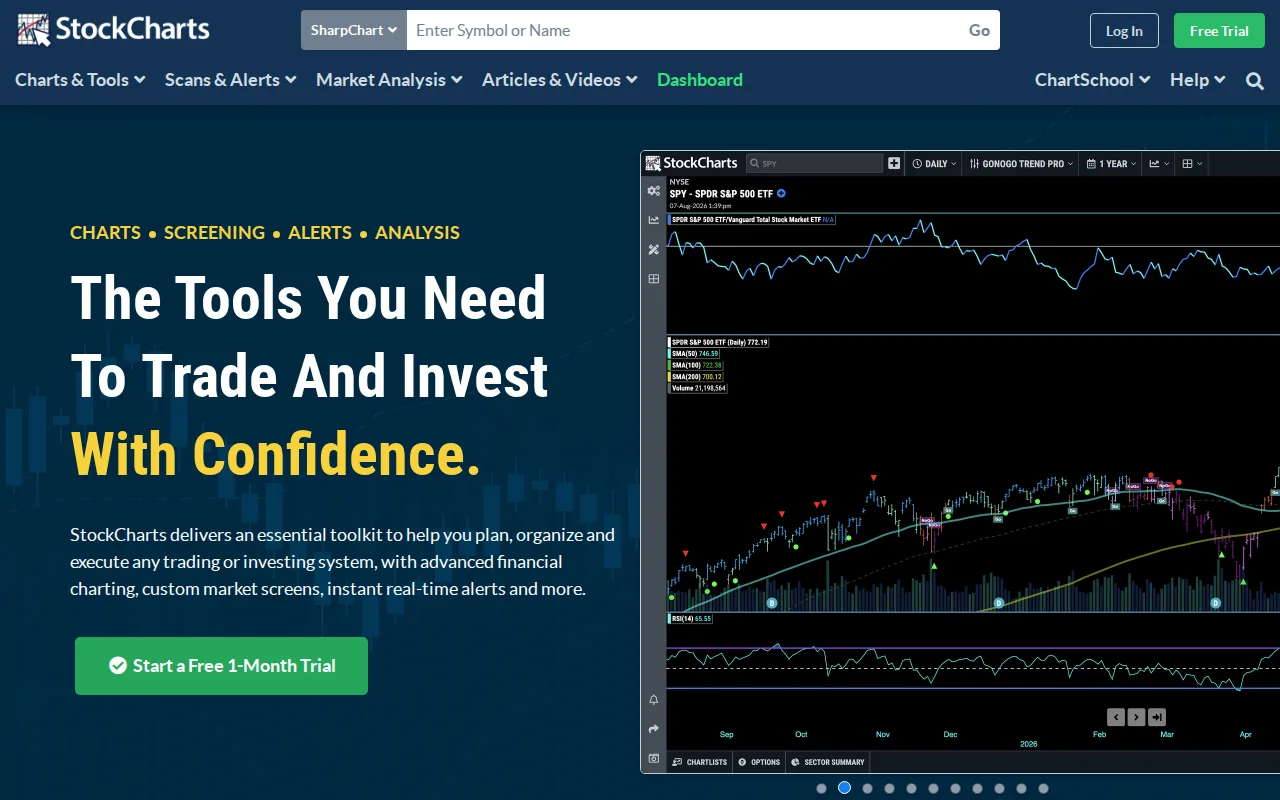
StockCharts is the best TradingView alternative for self-directed investors who work from end-of-day scans and classic chart types rather than intraday scripting. StockCharts puts SharpCharts with up to 25 indicators, Point & Figure charts, Relative Rotation Graphs, MarketCarpets heat maps, Seasonality and SCTR rankings in one web account, scans 50,000+ symbols on technical and fundamental criteria, and on Extra and PRO schedules those scans to run daily. Price history reaches back to 1980 on Basic and 1900 on PRO, and members get ChartSchool tutorials plus commentary from analysts including David Keller, Martin Pring and Larry Williams. StockCharts Extra costs $27.65/month billed annually for 250 ChartLists, 200 saved scans and 100 advanced alerts, just under TradingView Plus at $29.95. TradingView is still the better choice for anyone who backtests or trades from the chart. StockCharts has no automated strategy backtesting, so testing a setup means running scans as of past dates and checking results by hand, and its listing shows no broker order routing or paper trading. StockCharts has no desktop or Android app, and its iOS app holds 2.8/5 from 49 ratings with no update since January 2023. StockCharts Basic, at $18.42/month billed annually, allows just 1 ChartList, 1 saved scan and 2 price alerts, and official real-time data costs $9.95/month per market on top.
Compared to TradingView: Point & Figure, Relative Rotation Graphs and scheduled daily scans in one web account, price history back to 1900 on PRO with analyst commentary, and no automated strategy backtesting
Wins:Classic tools in one account: SharpCharts with up to 25 indicators, Point & Figure, Relative Rotation Graphs, MarketCarpets, Seasonality and SCTR rankings · Extra ($27.65/month billed annually) and PRO schedule scans of 50,000+ symbols to run daily, with alerts by email, text or web notification · Price history back to 1980 on Basic and 1900 on PRO, plus ChartSchool tutorials and members-only commentary from David Keller, Martin Pring and Larry Williams
Loses:No automated strategy backtesting; setups are tested by running scans as of past dates and reviewing results by hand, where TradingView backtests strategies on the chart · Web and iOS only, with no desktop or Android app, and the iOS app holds 2.8/5 from 49 ratings with no update since January 2023, against TradingView's six platforms · Free plan allows no saved charts, scans, alerts or intraday charts, Basic stops at 1 ChartList, 1 saved scan and 2 price alerts, and all charges are non-refundable
Pros
- Classic technical tools in one place: SharpCharts, Point & Figure, Seasonality, RRG charts, MarketCarpets and SCTR rankings.
- Scans cover 50,000+ symbols with technical and fundamental criteria, and Extra and PRO can schedule them to run daily.
- Alerts on price or technical conditions arrive by email, text or web notification.
- Price history back to 1980, or 1900 on PRO, and annual billing adds a 13th month free.
- ChartSchool tutorials and members-only commentary from analysts such as David Keller, Martin Pring and Larry Williams.
Cons
- Basic allows 1 ChartList, 1 saved scan and 2 price alerts, so most members need Extra at $29.95 a month.
- Official real-time data for NYSE and NASDAQ costs an extra $9.95 a month, as do Canada and the UK, and all charges are non-refundable.
- No automated strategy backtesting; testing a setup means running scans as of past dates and reviewing the results by hand.
- No Android app, and the iOS companion app has not been updated since January 2023 and holds a 2.8/5 rating from 49 ratings.
Pricing: Free tier · paid from $18.42/mo — StockCharts Basic at $18.42/month billed annually ($19.95 month to month) vs TradingView Essential at $12.95/month ($14.95 month to month); StockCharts Extra at $27.65 vs TradingView Plus at $29.95, both billed annually (verified )
3Finviz — best TradingView alternative for screening US-listed stocks and ETFs by fundamental and technical filters and reading the day's market moves on heat maps
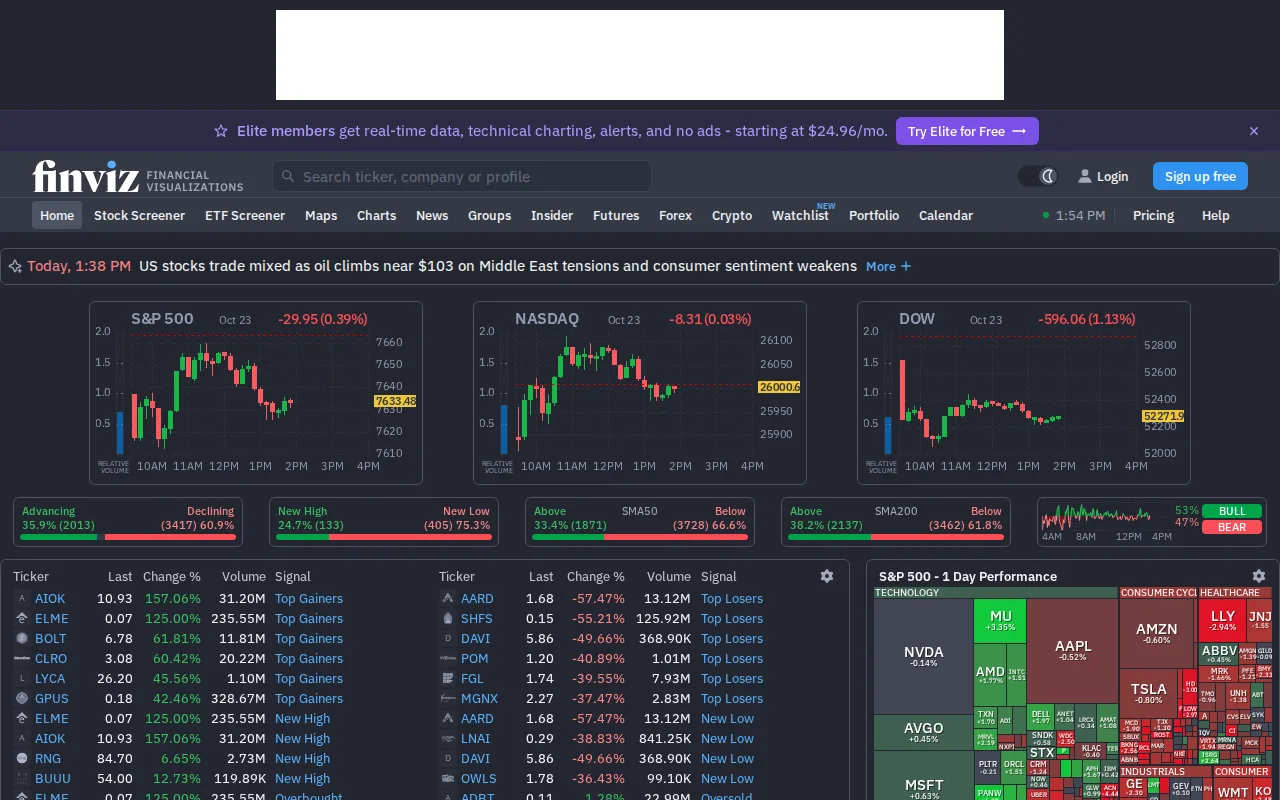
Finviz is the best TradingView alternative for investors who mostly screen US stocks and read the day's market on a heat map, and rarely need custom indicators. Finviz's free registered plan includes the screener with basic filters and 50 saved presets, the S&P 500 heat map, insider-trading tables, news, and earnings and economic calendars, with quotes delayed 1 minute and ads. Finviz Elite costs $299.50/year ($24.96/month) or $39.50 month to month and adds real-time quotes including pre-market (4:00-9:30 AM) and after-hours (4:00-8:00 PM) sessions, advanced filters, 8 years of financials, interactive charts with automatic pattern recognition in layouts of up to 12 charts, unlimited alerts, and Excel/CSV export and API access. Finviz's learning curve is rated low against TradingView's moderate, and Elite refunds are available within 30 days, where TradingView refunds only annual plans within 14 days. TradingView is still the better choice for anyone trading beyond US stocks or charting in depth. Finviz covers only stocks and ETFs listed on NASDAQ, NYSE and AMEX, with no stated plans to expand, against TradingView's screeners across 150+ exchanges in 50+ countries. Finviz has no native mobile or desktop app, lists no scripting language or strategy backtesting, and Finviz Elite at $24.96/month billed annually costs nearly double TradingView Essential's $12.95.
Compared to TradingView: a free screener with the S&P 500 heat map, insider tables and 50 saved presets, real-time pre-market and after-hours quotes plus Excel/CSV export and API access on Elite, and coverage limited to US stocks and ETFs on NASDAQ, NYSE and AMEX
Wins:Free registered plan includes the screener, S&P 500 heat map, insider-trading and news pages, and 50 saved screener presets · Elite adds Excel/CSV export and API access for screener results, portfolios and price data, plus unlimited email and push alerts on price moves, news, ratings, insider trades, SEC filings and new screener matches · Low learning curve against TradingView's moderate, and Elite refunds are available within the first 30 days, where TradingView refunds annual plans only within 14 days and monthly plans not at all
Loses:Covers only stocks and ETFs listed on NASDAQ, NYSE and AMEX, with no stated plans to expand, against TradingView's screeners across 150+ exchanges in 50+ countries · No native mobile or desktop app; phones use the desktop-oriented website, where TradingView ships Windows, macOS, Linux, iOS and Android apps · Elite costs $24.96/month billed annually or $39.50 month to month, against TradingView Essential at $12.95 or $14.95, and Finviz lists no scripting language or strategy backtesting
Pros
- The free tier needs only registration and includes the screener, heat maps, insider and news pages.
- Elite adds real-time quotes plus pre-market (4:00-9:30 AM) and after-hours (4:00-8:00 PM) data.
- Elite exports screener results, portfolios and price data to Excel or CSV, or through an API, for your own workflows.
- Elite sends unlimited email and push alerts for price moves, news, ratings, insider trades, SEC filings and new screener matches.
Cons
- US markets only: NASDAQ, NYSE and AMEX, with no stated plans to expand.
- The free version shows ads, 1-minute delayed quotes and only 3 years of financial statements.
- No native mobile app; phones use the desktop-oriented website.
- The Elite free trial requires a credit card and converts to a paid plan automatically.
Pricing: Free tier · paid from $24.96/mo — Finviz Elite at $24.96/month billed annually ($299.50/year) or $39.50 month to month vs TradingView Essential at $12.95/month billed annually ($155.40/year) or $14.95 month to month (verified )
4Tickeron — best TradingView alternative for getting machine-generated entry, target and stop ideas for US stocks and ETFs from AI robots and pattern scanners instead of charting setups by hand
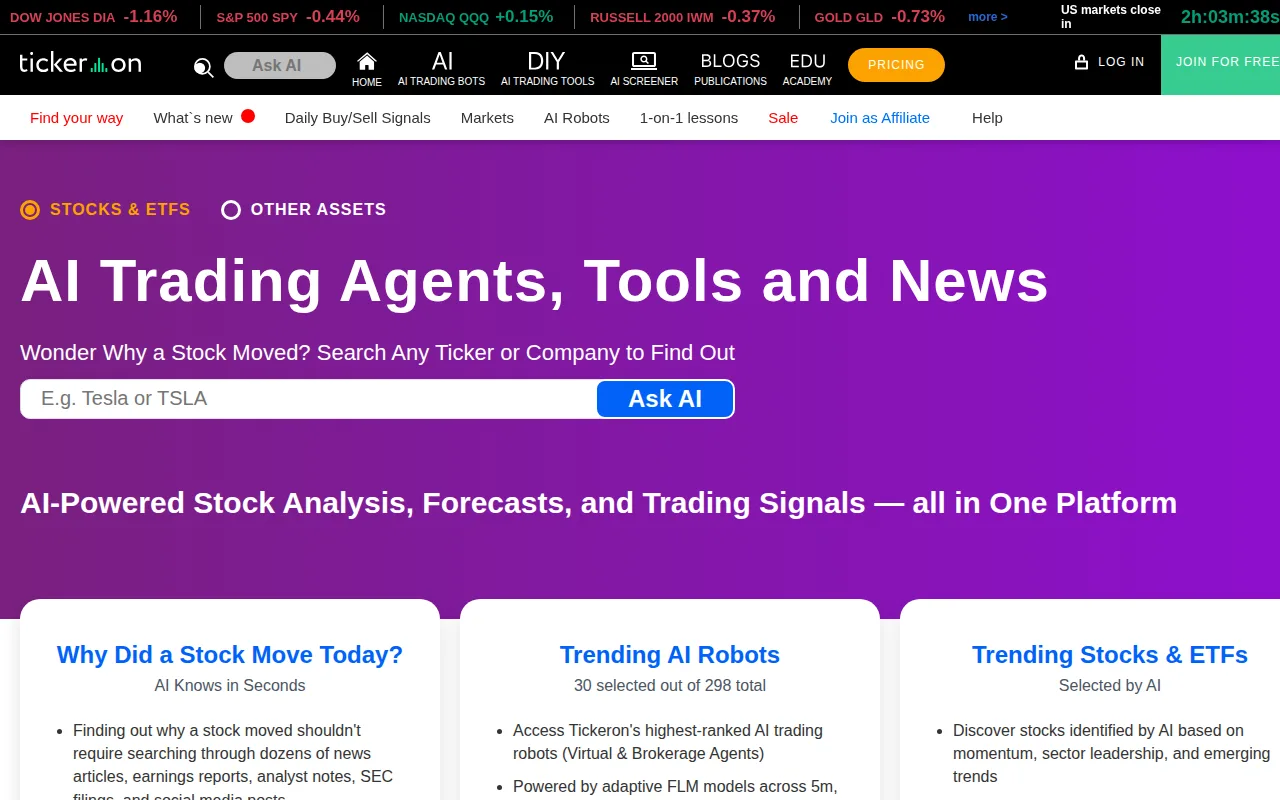
Tickeron is the best TradingView alternative for traders who would rather follow machine-generated trade ideas than build setups on a chart. Tickeron's AI Robots publish entries, exits, targets and confidence levels for US stocks and ETFs on 5-, 15- and 60-minute machine-learning timeframes, and Autopilot copies each robot's trades into a paper-trading account. Separate tools add AI Real-Time Patterns, which rescans thousands of stocks and ETFs every minute, for $20/month, and the Pattern Search Engine (39 end-of-day pattern types) and Trend Prediction Engine (next-week and next-month forecasts across 7,000 stocks and 3,000 ETFs) for $30/month each, all after a 14-day free trial. Tickeron's Android app holds 4.0/5 from 307 reviews. TradingView is still the better choice for anyone who wants to do their own analysis or see clear pricing. Tickeron's promoted returns are simulated, backtested results, as its own disclaimers state; its AI Robots plan prices appear only inside a signed-in account; and stacking its three published tools costs $80/month, more than TradingView Premium at $59.95/month billed annually. Tickeron's iOS app has not been updated since February 2023 and holds 1.8/5 from 17 ratings, against 4.8/5 from about 420,000 ratings for TradingView's iOS app, and Tickeron covers mainly US stocks and ETFs with some crypto and forex, against TradingView's 3.5 million instruments.
Compared to TradingView: AI robots that publish entries, targets and confidence levels instead of charts you analyze yourself, each AI tool billed separately at $20-$30/month after a 14-day free trial, and promoted returns that are simulated backtests with robot-plan prices hidden behind sign-in
Wins:AI Robots post trades on 5-, 15- and 60-minute machine-learning timeframes with entry, exit, target and confidence levels, and Autopilot copies them into a paper-trading account · Trend Prediction Engine forecasts next-week and next-month direction across 7,000 stocks and 3,000 ETFs, with historical hit statistics · Every AI tool starts with a 14-day free trial, and AI Real-Time Patterns rescans thousands of stocks and ETFs every minute for $20/month
Loses:Promoted returns are simulated, backtested results rather than audited live performance, as Tickeron's own disclaimers state · AI Robots plan prices are shown only inside a signed-in account and Tickeron's tool prices carry no verification date, where TradingView publishes its individual plan prices · iOS app last updated in February 2023 and rated 1.8/5 from 17 ratings, against 4.8/5 from about 420,000 App Store ratings for TradingView, and no desktop app
Pros
- Each AI tool comes with a 14-day free trial before billing at $20-$30/month.
- Real-Time Patterns rescans thousands of stocks and ETFs every minute and reports breakout price, target and confidence level.
- Trend Prediction Engine covers 7,000 stocks and 3,000 ETFs with next-week and next-month forecasts and historical hit statistics.
- AI Robots can be followed in a paper-trading account through Autopilot before risking money.
Cons
- Robot plan prices are not public; the site's Pricing link opens a membership page that shows plans only inside the app.
- Promoted returns are simulated, backtested results rather than audited live performance.
- Tools are billed separately, so a full toolkit means stacking several subscriptions.
- The iOS app has not been updated since February 2023 (version 1.2) and is rated 1.8/5 from 17 ratings.
Pricing: Free tier · paid from $20/mo — Tickeron's three published AI tools at $20 + $30 + $30 = $80/month combined vs TradingView Premium at $59.95/month billed annually; a single Tickeron tool at $20-$30/month vs TradingView Essential at $12.95
5SnapPChart — best TradingView alternative for getting a second opinion on a momentum or breakout setup from a chart screenshot right before entering a trade
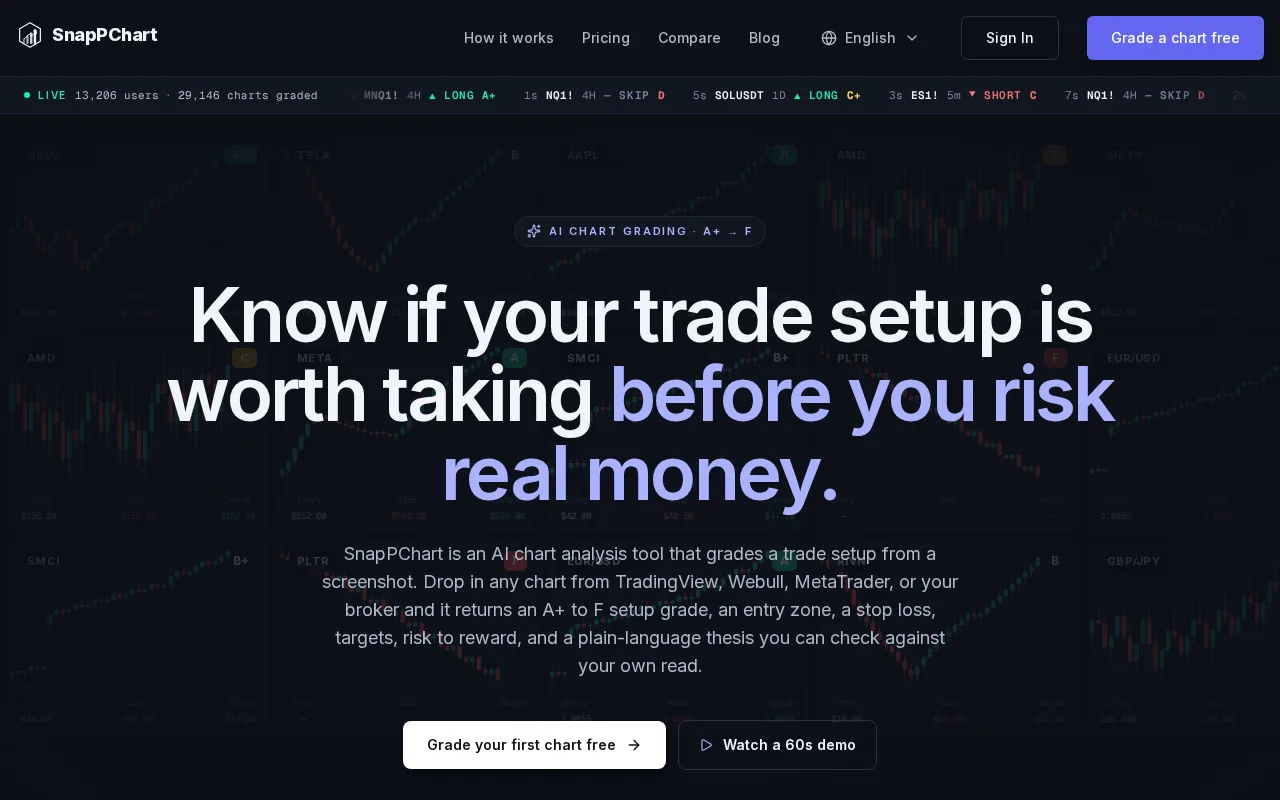
SnapPChart is a narrow TradingView alternative: SnapPChart does not chart at all, but it gives a momentum or breakout trader a fast second opinion on one setup. A trader uploads a chart screenshot from TradingView, Webull, ThinkOrSwim, Robinhood, IBKR or MetaTrader, and SnapPChart returns an A+ to F grade, a long or short read and one call (take it, wait for a pullback, or skip), plus an entry, structural stop, targets, risk/reward and the case against the trade when the chart supports a plan. A Trader Profile tunes grades for scalp, day or swing style. SnapPChart's learning curve is rated low against TradingView's moderate, and $4.99 buys a week of 15 grades. SnapPChart works best alongside TradingView rather than instead of it, and TradingView is the better choice for nearly every other job. SnapPChart reads only the uploaded image, with no live data, market scanning, backtesting or order execution, so its grade describes the setup at that moment rather than a tested win rate. SnapPChart has no free plan beyond one trial grade that hides the entry, stop and targets, against TradingView's free Basic plan; its Monthly plan at $19.99 caps you at 100 grades; and it runs on the web only, built and supported by a single developer over email.
Compared to TradingView: an A+ to F grade with entry, stop, targets and a bear case from any platform's screenshot, no charts, live data, scanning or backtesting of its own, and paid plans from $4.99/week with only one free trial grade
Wins:Grades screenshots from TradingView, Webull, ThinkOrSwim, Robinhood, IBKR and MetaTrader 4/5, so it works on top of whatever platform you already chart on · Returns a take, wait or skip call with entry, structural stop, targets, risk/reward, trailing-stop guidance and a bear case, an automated read TradingView's listing does not include · Low learning curve against TradingView's moderate, and a Trader Profile tunes grades for scalp, day or swing style and long-only or short-only bias
Loses:Reads only the uploaded image: no live data, charts, market scanning, backtesting or broker order routing, where TradingView covers all of those · No free plan beyond one trial grade that hides entry, stop and targets, against TradingView's free Basic plan with no time limit · Weekly and Monthly plans cap grades at 15 per week and 100 per month, SnapPChart runs on the web only, and a single developer provides support by email
Pros
- Works with screenshots from TradingView, Webull, ThinkOrSwim, Robinhood, IBKR and MetaTrader 4/5.
- Returns entry, stop, targets, risk/reward and the case against the trade, not only a letter grade.
- Trader Profile adjusts grades for scalp, day or swing style, market, and long-only or short-only bias.
- Low-commitment entry: $4.99 buys a week of 15 graded setups, and every plan cancels anytime.
Cons
- Reads only the uploaded image: no live data, market scanning, backtesting or order execution.
- The free trial is one grade per account and hides the entry, stop and targets.
- Weekly and Monthly plans cap grades at 15 per week and 100 per month; only Yearly is unlimited.
- Built and supported by a single developer, with email support and no support team.
Pricing: From $4.99/mo — SnapPChart Monthly at $19.99 for 100 grades or Yearly at $199.99 ($16.67/month) vs TradingView Essential at $12.95/month billed annually (verified )