2 Best Free Alternatives to Tor Browser in 2026
By Noahlast updated pricing verified
All 2 Tor Browser alternatives
Compared: free alternatives to Tor Browser
| Alternative | Best for | Standout | Biggest weakness | Learning curve | Price |
|---|---|---|---|---|---|
| Tor Browserreference | privacy-conscious individuals, journalists, and activists who need to browse anonymously and resist tracking, fingerprinting, and censorship | Routes traffic through a volunteer-run relay network with multiple layers of encryption, isolating each site visited so trackers can't correlate browsing across sites. | Page loads are noticeably slower than a normal browser because traffic bounces through multiple relays, and many sites block or CAPTCHA-gate visitors arriving from Tor exit nodes. | Moderate | Free |
| Brave | privacy-conscious users who want built-in ad and tracker blocking plus an optional device-wide VPN without installing separate browser extensions | Ships with ad and tracker blocking, script blocking, and fingerprint randomization built in and on by default, with no extensions needed to match what competitors require several add-ons to replicate. | Brave Rewards' opt-in BAT-token ad program has drawn criticism from users who find its ad-serving and crypto-wallet defaults confusing to disable, and the VPN/Firewall add-on requires a separate $9.99/month subscription rather than being bundled free. | Low | Free tier · paid from $9.99/mo |
| Firefox | users who want a non-Chromium, open-source browser with tracker blocking on by default and no ties to Google's or Apple's advertising businesses | Runs on the independent Gecko engine rather than Chromium, giving the web a genuine rendering-engine alternative to Google's dominant Blink/Chromium base, with Enhanced Tracking Protection blocking trackers by default. | Firefox's market share has declined for years as most competing browsers (Chrome, Edge, Brave, Opera) all run on Chromium, meaning some sites and web apps get tested and optimized for Chromium first and occasionally behave inconsistently in Firefox. | Low | Free |
 Tor Browser
 Brave
Brave Firefox
1.Brave — best Tor Browser alternative for privacy-conscious users who want built-in ad and tracker blocking plus an optional device-wide VPN without installing separate browser extensions
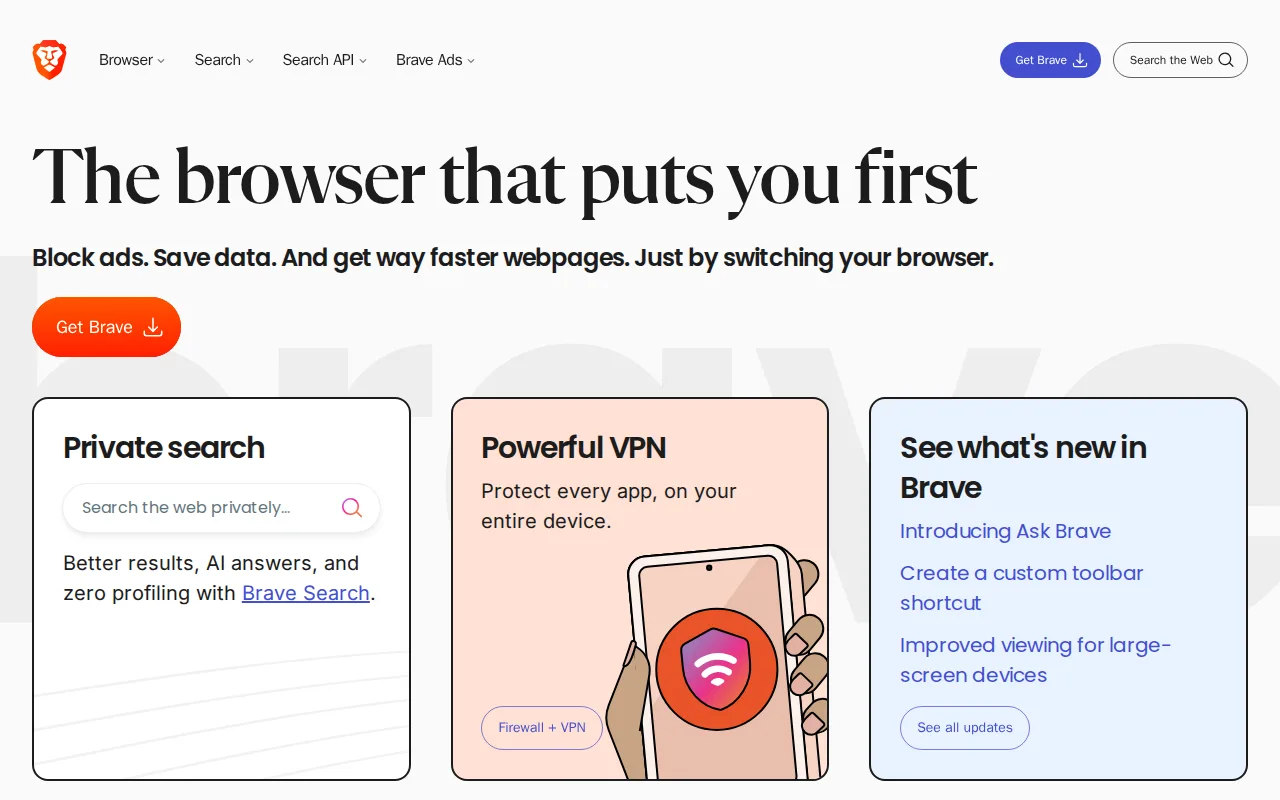
Brave is the best Tor Browser alternative for people who want built-in ad and tracker blocking at normal browsing speed, rather than accepting the latency Tor Browser's multi-hop relay routing adds to every page load. Brave is free on every platform, including official iOS and web support that Tor Browser doesn't offer, and blocks ads, trackers, and third-party cookies by default with no extensions required, matching Tor Browser's zero-cost, no-account model. Brave's client code is open source under the Mozilla Public License 2.0, similar to Tor Browser's own open-source model, and it adds a built-in crypto wallet and Brave Search, an independently indexed search engine, as its default. An optional Brave Firewall + VPN add-on encrypts all device traffic across up to 10 devices for $9.99/month ($99.99/year), a paid layer Tor Browser's entirely free, donation-funded model doesn't require. Tor Browser is still the better choice for anyone who specifically needs to anonymize their IP address and resist network-level traffic correlation: this data set doesn't describe Brave routing traffic through a multi-hop relay network the way Tor Browser does, so Brave's privacy protections stop at tracker and ad blocking rather than the deeper anonymity Tor Browser's volunteer relay system provides.
Compared to Tor Browser: normal browsing speed with built-in tracker blocking vs Tor's multi-hop relay latency, official iOS support vs none, optional $9.99/month device-wide VPN vs Tor's entirely free, donation-funded model
Wins:Blocks ads, trackers, and third-party cookies by default at normal browsing speed, without the latency of Tor Browser's multi-hop relay routing · Official iOS and web support, platforms Tor Browser doesn't officially cover · Built-in crypto wallet and an independently indexed Brave Search as the default search engine
Loses:This data set doesn't describe Brave routing traffic through a multi-hop relay network, so it doesn't anonymize IP addresses or resist network-level traffic correlation the way Tor Browser does · Brave Firewall + VPN costs $9.99/month as a separate add-on, while Tor Browser's anonymity features are entirely free with no upsell · Built on Chromium, so it inherits Google's engine-level decisions and roadmap even while blocking Google's tracking
Pros
- Blocks ads and trackers by default with no extensions required to set up.
- Client code is open source (MPL-2.0) and independently auditable.
- Built-in Brave Search runs on an independent index rather than reselling another engine's results.
- Available on every major desktop and mobile platform with nearly 160 languages supported.
Cons
- Brave Rewards' opt-in BAT-token ad program confuses some users about what's on by default versus optional.
- Brave VPN is a separate $9.99/month subscription, not bundled free with the browser.
- Built on Chromium, so it inherits Google's engine-level decisions and roadmap even while blocking Google's tracking.
- Some sites misidentify Brave's fingerprint randomization as bot activity, occasionally breaking site functionality.
Pricing: Free tier · paid from $9.99/mo — Free browser, with optional Firewall + VPN at $9.99/month ($99.99/year) vs Tor Browser's entirely free, donation-funded model with no paid tier (verified undefined NaN, NaN)
2.Firefox — best Tor Browser alternative for users who want a non-Chromium, open-source browser with tracker blocking on by default and no ties to Google's or Apple's advertising businesses
Firefox is the best Tor Browser alternative for people who want an independent, non-Chromium browser with tracker blocking on by default, at normal page-load speed rather than Tor Browser's multi-hop relay latency. Firefox is free with no paid tier, runs on the independent Gecko engine that Tor Browser itself is actually built on top of as a hardened fork, and its Enhanced Tracking Protection blocks known trackers and third-party cookies by default without requiring extensions. Firefox offers official iOS support, which Tor Browser lacks entirely, and holds a 4.4/5 rating from 543 Capterra reviews, a real review sample compared to Tor Browser's own listing, which carries no external rating at all in this data set. Firefox also syncs tabs, history, and passwords across devices and supports over 30,000 extensions and themes for further customization. Tor Browser remains the clearly better choice for anyone who needs to anonymize their identity from network observers and resist being tracked across sites through fingerprinting: Firefox's listing data doesn't describe multi-hop relay routing or the aggressive fingerprint standardization Tor Browser uses, so Firefox protects against tracking scripts but not against a network-level observer correlating a user's browsing activity.
Compared to Tor Browser: normal-speed browsing with Enhanced Tracking Protection vs Tor's relay latency and fingerprint standardization, official iOS support vs none, 543 Capterra reviews vs no rating on record
Wins:Runs at normal browsing speed with Enhanced Tracking Protection blocking trackers by default, without Tor Browser's multi-hop relay latency · Official iOS support, a platform Tor Browser doesn't officially cover · 4.4/5 rating from 543 Capterra reviews, a real review sample versus Tor Browser's own listing, which carries no external rating in this data set
Loses:Doesn't route traffic through a multi-hop relay network or standardize browser fingerprints the way Tor Browser does, so it can't anonymize IP addresses or resist network-level traffic correlation · Market share has declined for years, so some sites are tested against Chromium first and can render inconsistently · Performance and memory usage can lag Chrome-based browsers on heavy, JavaScript-intensive web apps
Pros
- Free and open source, published on GitHub under the Mozilla Public License 2.0.
- Enhanced Tracking Protection blocks third-party trackers and cookies by default.
- Runs on the independent Gecko engine rather than Chromium, preserving rendering-engine diversity on the web.
- Built-in Reader Mode, picture-in-picture, and PDF editing without extra extensions.
Cons
- Market share has declined for years, so some sites are tested against Chromium first and can render inconsistently.
- Fewer and sometimes lower-quality extensions available compared to the Chrome Web Store.
- Sync and account features are less tightly integrated with a broader productivity suite than Edge (Microsoft 365) or Chrome (Google Workspace).
- Performance and memory usage can lag Chrome on some heavy, JavaScript-intensive web apps.
Pricing: Free — Free with no paid tier vs Tor Browser's entirely free, donation-funded model with no paid tier (verified undefined NaN, NaN)