2 Best Free Alternatives to Superhuman in 2026
By Noahlast updated pricing verified
Compared: free alternatives to Superhuman
| Alternative | Best for | Standout | Biggest weakness | Learning curve | Price |
|---|---|---|---|---|---|
| Superhumanreference | professionals and teams handling a high daily email volume who are willing to learn keyboard shortcuts and pay a premium for faster triage | AI that can draft, or with permission fully send, emails on the user's behalf, combined with a Split Inbox that automatically triages messages from teams, VIPs, and tools without manual filtering. | Superhuman is significantly more expensive than free email clients ($25-33/member/month with no free tier), lacks a native unified inbox for managing multiple accounts in one view, and its keyboard-shortcut-driven workflow has a real learning curve that some reviewers cite alongside cost as the main reason they hesitate to fully adopt it. | Moderate | From $25/mo |
| Gmail | individuals who want a free, reliable, spam-filtered inbox with strong search, and businesses wanting professional email bundled with Google's collaboration suite | Search-driven inbox management with strong spam filtering and tabbed auto-categorization, tightly integrated with Google Meet, Chat, Calendar, and Drive from the same interface. | Free personal accounts show ads in the inbox and rely on automatic tab categorization that can bury important emails in Promotions or Updates; storage is shared across Gmail, Drive, and Photos rather than dedicated to email, so heavy attachment use eats into the same 15GB quota as everything else. | Low | Free tier · paid from $7/mo |
| Outlook | individuals who want a free, ad-supported webmail and calendar client, with the option to upgrade to an ad-free inbox, larger storage, and Copilot AI through a Microsoft 365 subscription | Unified email, calendar, contacts, and (on Microsoft 365 plans) Copilot AI drafting in one interface, tightly integrated with Word, Excel, and Teams rather than functioning as a standalone mail app. | The standalone, low-cost Outlook.com Premium subscription was discontinued for new users in 2017, so removing ads and getting 100GB of storage now requires a full Microsoft 365 subscription starting at $9.99/month rather than a cheaper email-only upgrade; reviewers also report slowdowns and sync issues with large inboxes and unreliable attachment search. | Low | Free tier · paid from $9.99/mo |
 Superhuman
 Gmail
Gmail Outlook
1.Gmail — best Superhuman alternative for individuals who want a free, reliable, spam-filtered inbox with strong search, and businesses wanting professional email bundled with Google's collaboration suite
Gmail is the best Superhuman alternative for anyone who wants a reliable, spam-filtered inbox without paying anything, unlike Superhuman's Starter tier at $25/member/month billed annually with no free option at all. Gmail's free Personal tier includes 15GB of storage shared across Gmail, Drive, and Photos, tabbed inbox categorization, and built-in Google Meet and Chat integration, and it holds a 4.8/5 rating from 13,516 Capterra reviews, matching Superhuman's own 4.8/5 score but from a vastly larger sample than Superhuman's 23 reviews. Businesses can add a custom domain and larger storage through Google Workspace, starting around $7/user/month for Business Starter, still well below Superhuman's $25/member/month floor. Superhuman remains the better choice for high-volume email users who specifically want AI-drafted responses and keyboard-shortcut-driven triage: Gmail's free tier shows ads and relies on automatic tab categorization (Promotions, Social, Updates) that can bury important messages, and it doesn't offer Superhuman's Split Inbox, AI auto-drafting, or claimed 4+ hours per week saved through faster triage, since Gmail's AI features (Gemini) are limited to Workspace Business Standard tier and above rather than the free personal plan.
Compared to Superhuman: completely free vs $25/member/month with no free tier, matching 4.8/5 rating but from 13,516 Capterra reviews vs 23, no AI auto-drafting or keyboard-shortcut triage on the free tier
Wins:Completely free for personal use, vs Superhuman's $25/member/month Starter tier with no free option · 4.8/5 rating from 13,516 Capterra reviews, a vastly larger sample than Superhuman's 4.8/5 from 23 reviews · Business Workspace pricing starts around $7/user/month, well below Superhuman's $25/member/month floor
Loses:Free tier shows ads and relies on automatic tab categorization that can bury important messages, unlike Superhuman's Split Inbox triage · No AI auto-drafting or keyboard-shortcut-driven workflow on the free tier; Gemini AI features are limited to Workspace Business Standard and above · Doesn't offer Superhuman's claimed 4+ hours per week saved through faster triage and follow-up reminders
Pros
- Free tier is genuinely capable, with strong spam filtering and powerful search operators.
- Tight integration with Google Meet, Chat, Calendar, and Drive inside the same interface.
- Business (Workspace) tiers add a custom domain and admin controls without switching providers.
- Broad platform support with reliable offline access and cross-device sync.
Cons
- Free accounts show ads, and the automatic tab system (Promotions, Social, Updates) can bury important messages.
- 15GB free storage is shared across Gmail, Drive, and Photos rather than dedicated to email alone.
- Some advanced settings and filters are not intuitive to configure for less technical users.
- Business pricing tiers beyond Starter require checking Google's site directly, as exact per-tier pricing isn't always shown plainly.
Pricing: Free tier · paid from $7/mo — Free personal tier, or Workspace Business Starter from ~$7/user/month vs Superhuman's $25/member/month Starter (billed annually, no free tier)
2.Outlook — best Superhuman alternative for individuals who want a free, ad-supported webmail and calendar client, with the option to upgrade to an ad-free inbox, larger storage, and Copilot AI through a Microsoft 365 subscription
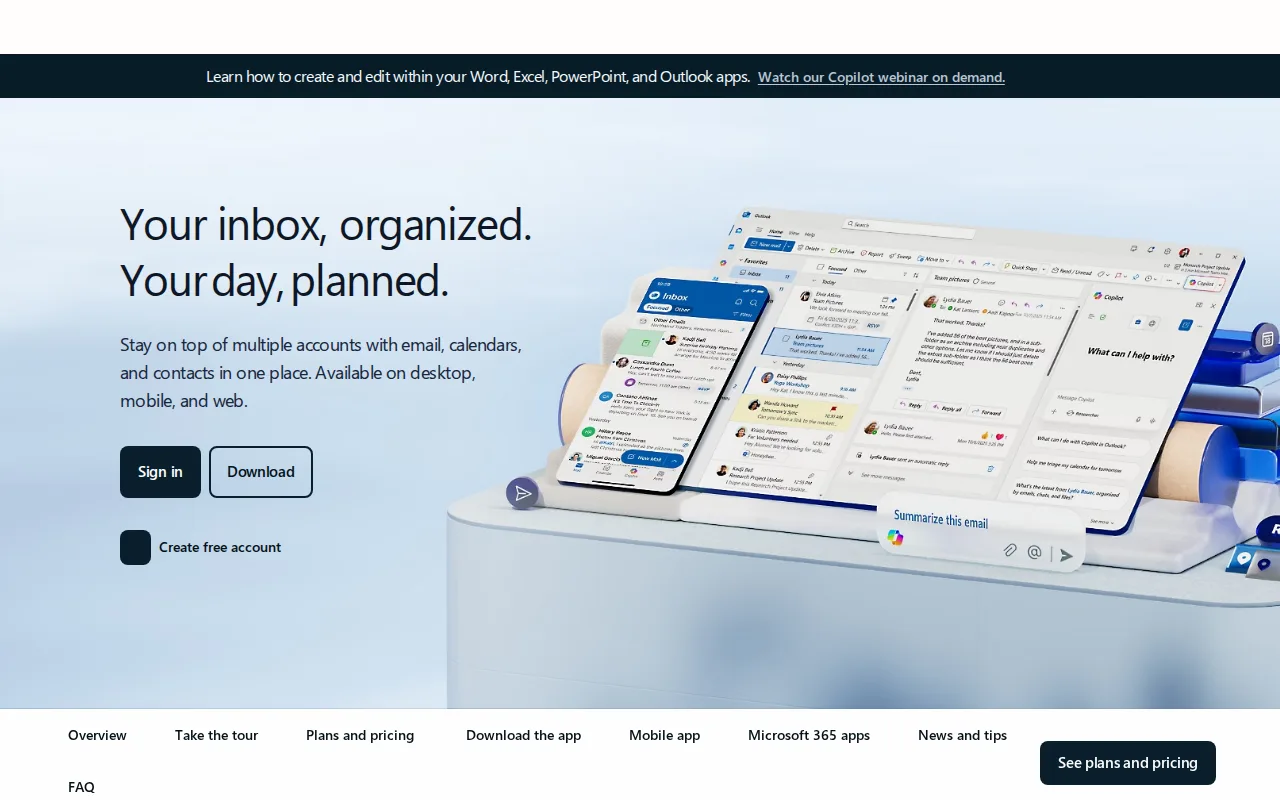
Outlook is the best Superhuman alternative for people who want a free webmail client tightly integrated with Word, Excel, and Teams, rather than paying Superhuman's $25-33/member/month for a layer on top of an existing account. Outlook.com's free tier requires no subscription and includes calendar, contacts, and standard mailbox storage, and it holds a 4.5/5 rating from 2,501 Capterra reviews, a larger sample than Superhuman's 4.8/5 from just 23 reviews. Upgrading to Microsoft 365 Personal at $9.99/month removes ads, raises mailbox storage to 100GB, and adds Copilot AI drafting, still cheaper than Superhuman's $25/member/month Starter tier, and Microsoft 365 Family at $12.99/month covers up to 6 people with the same premium features. Superhuman remains the better choice for high-volume professionals who specifically want keyboard-shortcut-driven triage and a Split Inbox that automatically separates messages from teams, VIPs, and tools: Outlook doesn't offer Superhuman's keyboard-shortcut workflow, and reviewers report performance slowdowns and unreliable attachment search on large Outlook mailboxes, issues Superhuman's speed-focused design is built to avoid.
Compared to Superhuman: free tier with no subscription vs Superhuman's $25/member/month floor, Copilot AI bundled into Microsoft 365 from $9.99/month, no keyboard-shortcut triage system
Wins:Free tier requires no subscription and includes calendar, contacts, and standard mailbox storage · Microsoft 365 Personal at $9.99/month removes ads, adds 100GB storage and Copilot AI drafting, still cheaper than Superhuman's $25/member/month Starter · Family plan at $12.99/month covers up to 6 people with the same premium features, a cost Superhuman's per-seat pricing doesn't offer at that scale
Loses:No keyboard-shortcut-driven triage or Split Inbox that automatically separates messages from teams, VIPs, and tools · Reviewers report performance slowdowns and sync issues with large mailboxes, plus unreliable attachment search · 4.5/5 rating from 2,501 Capterra reviews, below Superhuman's own 4.8/5 score
Pros
- Free tier is a fully usable webmail client with calendar and contacts, no subscription required.
- Premium features (ad-free, 100GB mailbox, Copilot) are bundled into a Microsoft 365 subscription rather than sold separately.
- Deep integration with Word, Excel, PowerPoint, and Teams for Microsoft 365 subscribers.
- Broad platform support across web, Windows, macOS, iOS, and Android.
Cons
- Ads appear throughout the free tier.
- Ad-free and expanded-storage upgrades require a full Microsoft 365 subscription, not a low-cost Outlook-only add-on.
- Reviewers report performance slowdowns and sync issues with large mailboxes.
- Attachment search can be unreliable, according to user reviews.
Pricing: Free tier · paid from $9.99/mo — Free tier, or Microsoft 365 Personal from $9.99/month (ad-free, 100GB, Copilot) vs Superhuman's $25/member/month Starter (billed annually, no free tier) (verified undefined NaN, NaN)