3 Best Free Alternatives to Sublime Text in 2026
By Noahlast updated pricing verified
All 3 Sublime Text alternatives
Compared: free alternatives to Sublime Text
| Alternative | Best for | Standout | Biggest weakness | Learning curve | Price |
|---|---|---|---|---|---|
| Sublime Textreference | developers who want a fast, lightweight editor for large files and quick edits without the memory overhead of a full IDE | GPU-accelerated rendering paired with multiple-selection editing (Ctrl+D/Cmd+D) that lets developers make the same edit across many locations in a file simultaneously, staying fast even on very large files. | Sublime Text lacks the built-in AI coding assistance that competitors like VS Code and JetBrains IDEs now offer natively, the free evaluation shows periodic purchase-reminder prompts that some users find annoying, and its $99 one-time (or $50-65/seat/year business) pricing draws criticism from users who point to fully free alternatives like VS Code offering comparable core editing functionality. | Moderate | From $50/yr |
| Visual Studio Code | developers across nearly any language or stack who want a fast, free, extensible editor with strong Git integration and a large extension ecosystem, rather than a full paid IDE | An extension marketplace of over 80,000 extensions that turns a lightweight base editor into a full language- or framework-specific IDE, combined with first-class Git and remote-development support. | The official Microsoft-branded build is not fully open source in practice (telemetry and the curated marketplace ship under a separate license from the MIT-licensed core), and heavy extension use can noticeably slow startup time and memory usage compared to lighter editors like Sublime Text. | Low | Free |
| Neovim | developers who already use Vim's modal editing and want built-in LSP, Tree-sitter, and Lua scripting without relying on third-party Vim plugins to add them | A built-in LSP client and native Tree-sitter integration ship in the core editor, so modern code intelligence and accurate syntax parsing don't require assembling and maintaining a plugin stack. | The learning curve is steep for anyone not already comfortable with Vim's modal, keyboard-driven editing model, and a productive setup still typically requires configuring a plugin ecosystem (completion, file trees, fuzzy finders) since the out-of-the-box experience is minimal by design. | Steep | Free |
| Notepad++ | Windows users who want a fast, lightweight text/code editor for quick edits, log files, and scripting, without the overhead of a full IDE | Extremely low CPU and memory footprint compared to full IDEs, thanks to its Scintilla-based C++ core, while still supporting syntax highlighting for dozens of languages and a plugin ecosystem. | Windows-only with no official macOS or Linux build, and it lacks the language-server-based autocomplete, integrated terminal, and built-in Git integration that editors like VS Code provide out of the box. | Low | Free |
 Sublime Text
 Visual Studio Code
 Neovim
 Notepad++
1.Visual Studio Code — best Sublime Text alternative for developers across nearly any language or stack who want a fast, free, extensible editor with strong Git integration and a large extension ecosystem, rather than a full paid IDE
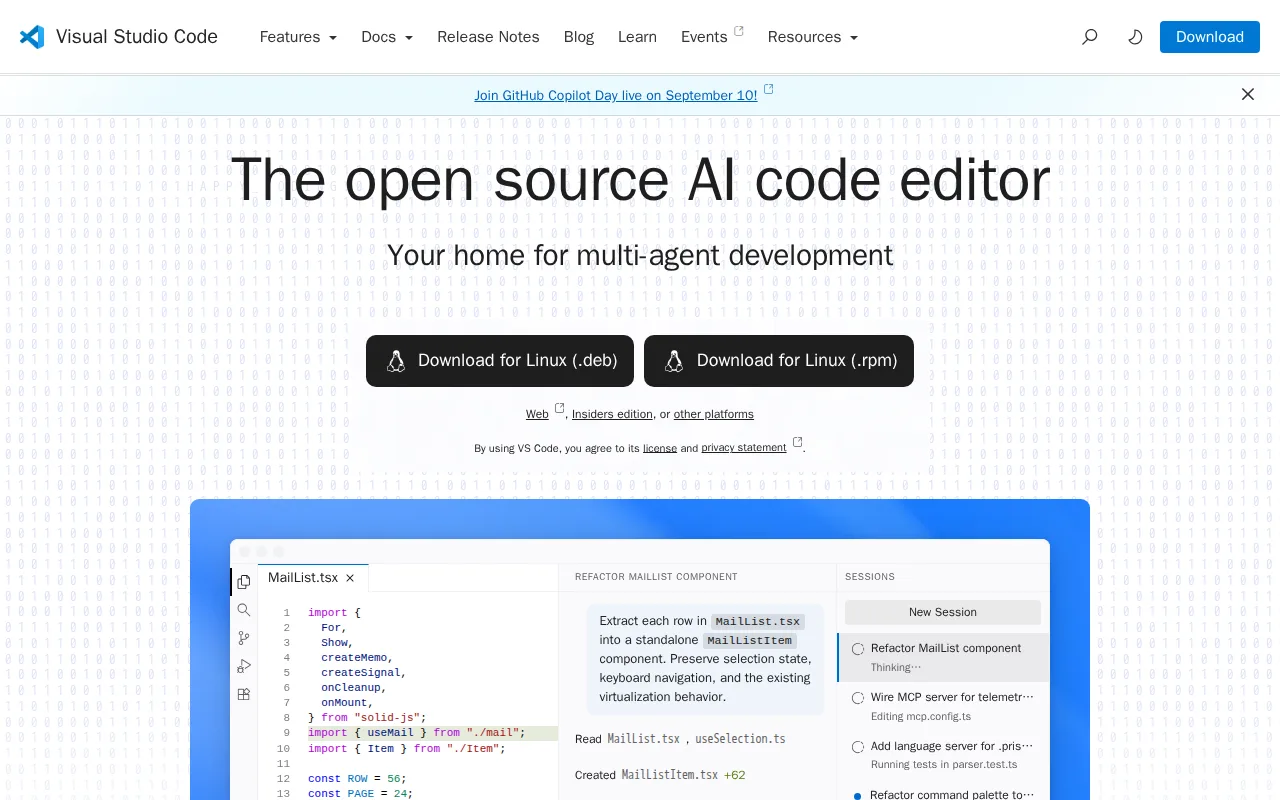
Visual Studio Code is the best Sublime Text alternative for developers across nearly any language or stack who want a fast, free, extensible editor instead of paying Sublime Text's $99 one-time Personal license or $50-65/seat/year for Business use. VS Code holds a 4.8/5 rating from 1,694 Capterra reviews, edging out Sublime Text's own 4.6/5 score from 1,382 Capterra reviews. VS Code is completely free for individual and commercial use on Windows, macOS, Linux, and the web at vscode.dev, with a marketplace of over 80,000 extensions that turns the base editor into a full language-specific IDE, a breadth Sublime Text's own plugin API doesn't match in ecosystem size. Microsoft has increasingly built AI-assisted coding directly into VS Code, including inline completions and multi-agent task automation, capabilities Sublime Text's own listing concedes it lacks entirely as a documented weakness. VS Code also ships built-in Git integration and an integrated terminal, removing the need for separate tools that Sublime Text doesn't include natively. Sublime Text remains the better choice for anyone who specifically wants GPU-accelerated rendering on very large files without slowdown: VS Code's performance degrades with many extensions installed, especially on large codebases or lower-end hardware, while Sublime Text's standout feature is staying fast even on very large files thanks to GPU-accelerated UI rendering up to 8K resolution.
Compared to Sublime Text: 4.8/5 rating from 1,694 Capterra reviews vs Sublime Text's 4.6/5 from 1,382 reviews, completely free vs Sublime Text's $99 one-time or $50-65/seat/year, 80,000+ extension marketplace with built-in AI coding features vs Sublime Text's own listing conceding no built-in AI assistance
Wins:4.8/5 rating from 1,694 Capterra reviews, a larger and higher-scoring sample than Sublime Text's 1,382 reviews · Completely free for individual and commercial use, versus Sublime Text's $99 one-time Personal license or $50-65/seat/year Business subscription · Marketplace of 80,000+ extensions plus built-in AI-assisted coding (inline completions, multi-agent workflows), features Sublime Text's own listing says it lacks
Loses:Performance degrades with many extensions installed, especially on large codebases or lower-end hardware, unlike Sublime Text's GPU-accelerated rendering built to stay fast on very large files · The official Microsoft-branded build's telemetry and marketplace terms sit under a separate license from the MIT-licensed open-source core
Pros
- Free for individual and commercial use with no paid tier gating core editor functionality.
- Extension marketplace covers virtually every language, framework, and workflow, from linting to remote containers.
- Built-in Git integration and an integrated terminal remove the need for separate tools for basic version control.
- Runs identically across Windows, macOS, Linux, and the browser via vscode.dev.
Cons
- Performance degrades with many extensions installed, especially on large codebases or lower-end hardware.
- The official build's telemetry and marketplace terms sit under a separate Microsoft license, distinct from the MIT-licensed open-source core.
- Advanced refactoring and language-specific tooling generally lag behind dedicated JetBrains IDEs for languages like Java or C#.
- AI features increasingly nudge users toward GitHub Copilot, which is a separate paid subscription for full functionality.
Pricing: Free — $0, free for individual and commercial use, vs Sublime Text's $99 one-time Personal license or $50-65/seat/year Business subscription (verified undefined NaN, NaN)
2.Neovim — best Sublime Text alternative for developers who already use Vim's modal editing and want built-in LSP, Tree-sitter, and Lua scripting without relying on third-party Vim plugins to add them
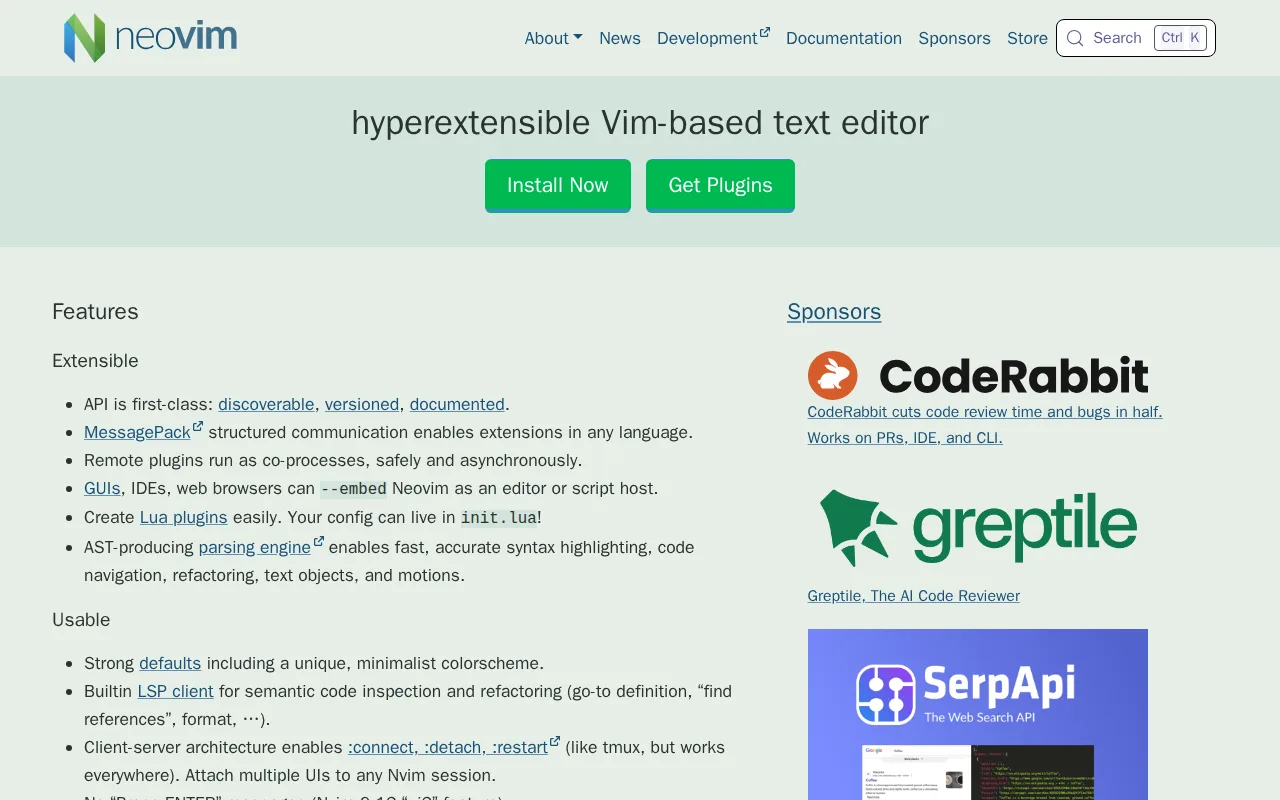
Neovim is the best Sublime Text alternative for developers who already use Vim's modal editing and want a more extensible, actively developed base instead of paying for Sublime Text's multiple-selection editing model. Neovim holds a 5/5 rating from 7 Product Hunt reviews, though that's a thin sample compared to Sublime Text's own much larger 4.6/5 score from 1,382 Capterra reviews. Neovim is completely free and open source under Apache 2.0 with no paid tier at all, pricing verified 2026-08-21, versus Sublime Text's $99 one-time Personal license or $50-65/seat/year for Business use. Neovim ships a built-in LSP client and native Tree-sitter integration for semantic code completion, diagnostics, and accurate syntax parsing, capabilities that don't require the third-party plugin stack Sublime Text's own Python-based plugin API would need to match. Both run natively on Windows, macOS, and Linux. Sublime Text remains the better choice for developers who don't already know Vim's modal editing and want a gentler, GUI-driven learning curve: Neovim's learning curve is rated steep, requiring familiarity with Vim's normal, insert, and visual modes plus a real configuration investment in Lua or Vimscript, while Sublime Text's own listing rates its learning curve as only moderate, with JSON-based configuration rather than Neovim's minimal, assembly-required out-of-the-box experience.
Compared to Sublime Text: 5/5 rating from 7 Product Hunt reviews (a thin sample) vs Sublime Text's much larger 4.6/5 from 1,382 reviews, completely free with no paid tier vs Sublime Text's $99 one-time or $50-65/seat/year, built-in LSP client and Tree-sitter parsing vs Sublime Text's plugin-API-only approach to code intelligence
Wins:Completely free and open source (Apache 2.0) with no paid tier at all, pricing verified 2026-08-21, versus Sublime Text's $99 one-time or $50-65/seat/year · Built-in LSP client and native Tree-sitter integration ship in the core editor without assembling a third-party plugin stack
Loses:Steep learning curve for anyone not already comfortable with Vim's modal, keyboard-driven editing, versus Sublime Text's own moderate learning curve rating · 5/5 rating is built from just 7 Product Hunt reviews, a far thinner sample than Sublime Text's 1,382 Capterra reviews · Minimal out-of-the-box experience; a productive setup typically requires configuring a plugin ecosystem, unlike Sublime Text's more complete default feature set
Pros
- Built-in LSP client provides code completion, diagnostics, and go-to-definition without third-party plugins.
- Native Tree-sitter support gives more accurate syntax highlighting and code navigation than regex-based highlighting.
- Lua scripting and configuration alongside traditional Vimscript, with a large modern plugin ecosystem built around it.
- Completely free with no paid tier, and compatible with most existing Vim 8.x plugins.
Cons
- Steep learning curve for anyone not already familiar with Vim's modal editing and keybindings.
- Minimal out-of-the-box experience; a productive setup usually requires assembling and maintaining a plugin configuration.
- No official GUI beyond the terminal; graphical front-ends are separate community projects with varying maturity.
- Configuration in Lua (or Vimscript) has a real learning investment compared to GUI-based settings in editors like VS Code.
Pricing: Free — $0, completely free with no paid tier, vs Sublime Text's $99 one-time Personal license or $50-65/seat/year Business subscription (verified undefined NaN, NaN)
3.Notepad++ — best Sublime Text alternative for windows users who want a fast, lightweight text/code editor for quick edits, log files, and scripting, without the overhead of a full IDE
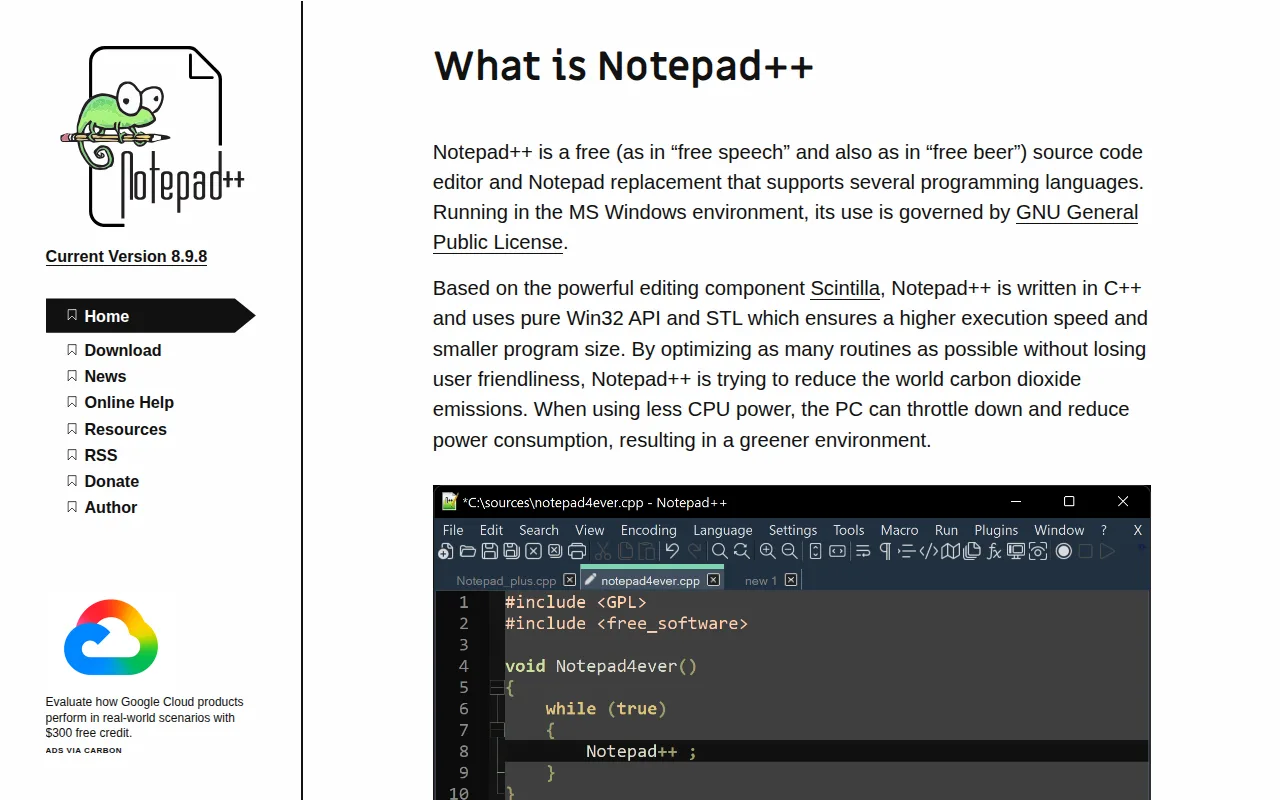
Notepad++ is the best Sublime Text alternative for Windows users who want a fast, free, no-frills text editor for quick edits, log files, and scripting rather than paying for Sublime Text's $99 one-time license. Notepad++ is free and open source under GPLv2, with no paid tier, account, or telemetry to configure, versus Sublime Text's $99 Personal license or $50-65/seat/year Business subscription. Notepad++ carries a 5/5 rating from just 2 Product Hunt reviews, a much thinner sample than Sublime Text's 4.6/5 from 1,382 Capterra reviews, so the perfect score should be read with real caution. Built in C++ on the Scintilla editing component, Notepad++ keeps CPU and memory usage extremely low, syntax highlighting dozens of languages while staying lighter-weight than Sublime Text's own already-fast, GPU-accelerated design. Both were pricing-verified 2026-08-21, confirming Notepad++'s $0 price point and Sublime Text's tier structure are both current. Sublime Text remains the better choice for anyone who needs a cross-platform editor: Notepad++ runs only on Microsoft Windows, with no official macOS or Linux build, while Sublime Text runs natively on Windows, Mac (including Apple Silicon), and Linux (including ARM64), and Notepad++ also lacks the language-server-based autocomplete, integrated terminal, and multiple-selection editing that Sublime Text provides out of the box.
Compared to Sublime Text: free and open source (GPLv2) with no paid tier vs Sublime Text's $99 one-time or $50-65/seat/year, extremely low CPU/memory footprint vs Sublime Text's already-fast GPU-accelerated rendering, Windows-only with no macOS or Linux build vs Sublime Text's native Windows, Mac, and Linux support
Wins:Free and open source (GPLv2) with no paid tier, account, or telemetry, versus Sublime Text's $99 one-time Personal license or $50-65/seat/year Business subscription · Very lightweight and fast, minimizing CPU and memory usage even further than Sublime Text's already GPU-accelerated design
Loses:Windows-only; no official macOS or Linux build, unlike Sublime Text, which runs natively on Windows, Mac (Apple Silicon), and Linux (ARM64) · No built-in language-server protocol support, integrated terminal, or multiple-selection editing without plugins, capabilities Sublime Text provides out of the box · 5/5 rating is built from just 2 Product Hunt reviews, a far thinner sample than Sublime Text's 1,382 Capterra reviews
Pros
- Free and open source under GPLv2, with no account, subscription, or telemetry.
- Very lightweight and fast compared to full IDEs, minimizing CPU and memory usage.
- Syntax highlighting and folding for dozens of programming and markup languages out of the box.
- Plugin manager extends functionality (compare files, JSON viewer, auto-complete helpers) without bloating the core app.
Cons
- Windows-only; no official macOS or Linux build, unlike cross-platform editors such as VS Code or Sublime Text.
- No built-in language-server protocol support, integrated terminal, or Git client without plugins.
- Plugin quality and maintenance vary since they're community-contributed rather than vetted by a marketplace review process.
- UI and workflow feel dated next to modern editors with integrated debugging and remote development features.
Pricing: Free — $0, free and open source with no paid tier, vs Sublime Text's $99 one-time Personal license or $50-65/seat/year Business subscription (verified undefined NaN, NaN)