2 Best Open-Source Alternatives to Stremio in 2026
By Noahlast updated
Compared: open-source alternatives to Stremio
| Alternative | Best for | Standout | Biggest weakness | Learning curve | Price |
|---|---|---|---|---|---|
| Stremioreference | users who want one unified interface for discovering and playing content from many sources via community addons instead of switching between multiple streaming apps | An open addon ecosystem that lets the community build and install catalogs for different content sources into one unified browsing and playback interface, rather than being locked to a single content library. | Stremio itself does not host or license any content; its value depends entirely on third-party community addons, which vary in reliability, legality, and availability by region, and the iOS/iPadOS experience is reduced-functionality (web-based) rather than a full native app due to Apple's platform restrictions. | Moderate | Free |
| Jellyfin | self-hosters who want to stream their own media library without paying any subscription fee or relying on a company-owned platform | There is no paid tier, premium plan, or account requirement of any kind; every feature, including live TV and DVR, is free and the project has no commercial owner. | There is no official iOS or tvOS app maintained by the core project (iOS access relies on community clients like Swiftfin), and as fully self-hosted, community-supported software, users are responsible for their own server setup, updates, and troubleshooting with no paid support option to fall back on. | Moderate | Free |
| Kodi | users with an existing local or networked media library (ripped discs, downloaded files, home video) who want a customizable, remote-friendly player rather than a subscription streaming service | A fully open skinning engine and add-on ecosystem that lets users restyle the entire interface and extend functionality, run by volunteer developers with no corporate owner or paid tier. | Kodi streams nothing itself and requires the user to organize and configure their own legal media sources; its permissive add-on system has also drawn recurring piracy controversy from unofficial third-party add-ons the XBMC Foundation does not endorse, which creates reputational baggage for a project that is otherwise entirely legitimate. | Moderate | Free |
 Stremio
 Jellyfin
 Kodi
Kodi1.Jellyfin — best Stremio alternative for self-hosters who want to stream their own media library without paying any subscription fee or relying on a company-owned platform
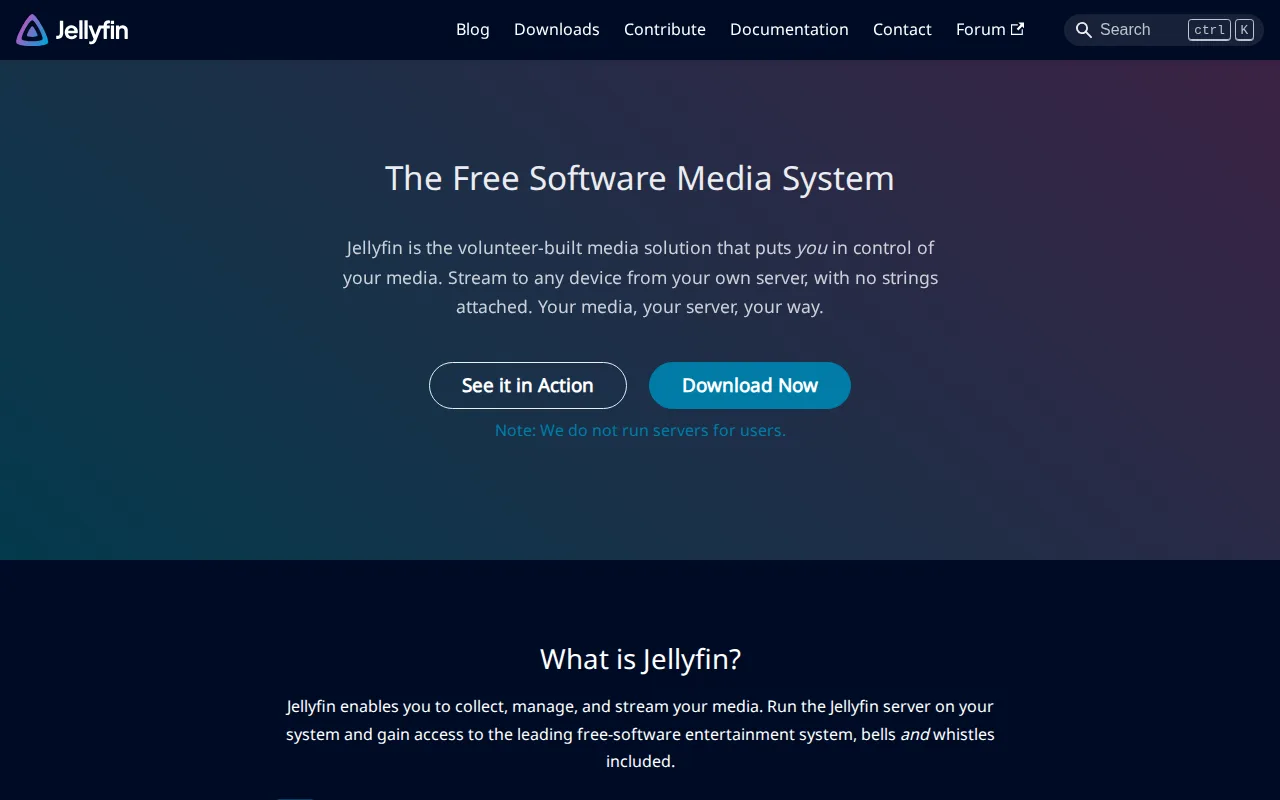
Jellyfin is the best Stremio alternative for self-hosters who want to stream their own media library without ever paying a subscription fee, matching Stremio's own no-paywall philosophy but applying it to a self-hosted library instead of addon-aggregated content. Jellyfin has no paid tier, premium license, or account requirement of any kind, the same commitment-free model Stremio's core free app offers, and both are funded through voluntary donations rather than a required purchase. Jellyfin is licensed under GPL-2.0 and fully open source, while Stremio's desktop shell and much of its codebase are open source under GPL-3.0, so both share a transparent, community-auditable foundation. Jellyfin supports live TV and DVR recording as standard, free features that don't require any upgrade, unlike some competitors that gate DVR behind a paid tier. Jellyfin's pricing was verified 2026-08-21, confirming the $0 price point holds across every feature. Stremio remains the better choice for anyone who wants to pull content from many different third-party sources into one unified interface via an open addon ecosystem: Jellyfin is built around streaming a user's own self-hosted library rather than aggregating external catalogs, and Jellyfin has no official iOS or tvOS app from its core project, relying on community clients like Swiftfin, while Stremio ships a reduced-functionality but official web app for iOS/iPadOS.
Compared to Stremio: no paid tier, premium license, or account requirement of any kind vs Stremio's optional donation-based Supporter plan, live TV and DVR recording included free vs nothing comparable described in Stremio's listing, built around self-hosting your own library vs Stremio's addon-aggregated third-party content access
Wins:No paid tier, premium license, or account requirement of any kind, funded entirely by voluntary donations · Live TV and DVR recording are included free as standard features, with pricing verified 2026-08-21
Loses:No official iOS or tvOS app from the core project; iOS access relies on community-maintained clients like Swiftfin, unlike Stremio's official reduced-functionality web app for iOS/iPadOS · Built around a self-hosted personal library rather than an open community addon marketplace for pulling in many third-party content sources the way Stremio does · No paid support tier to fall back on; troubleshooting relies entirely on community forums and documentation
Pros
- Completely free with no subscription, premium tier, or paid feature gating.
- Fully open source under GPL-2.0 with an active, transparent development community.
- No account requirement or phone-home telemetry to a third-party company.
- Supports live TV and DVR recording alongside standard on-demand media streaming.
Cons
- No official iOS/tvOS app from the core project; iOS users rely on community-maintained clients like Swiftfin.
- Self-hosting requires users to manage their own server hardware, updates, and remote-access configuration.
- No paid support tier means troubleshooting relies on community forums and documentation rather than a vendor.
- Transcoding performance depends entirely on the user's own hardware, unlike cloud-hosted competitors with managed infrastructure.
Pricing: Free — $0, completely free with no paid tier at any level, matching Stremio's own free core app (verified undefined NaN, NaN)
2.Kodi — best Stremio alternative for users with an existing local or networked media library (ripped discs, downloaded files, home video) who want a customizable, remote-friendly player rather than a subscription streaming service
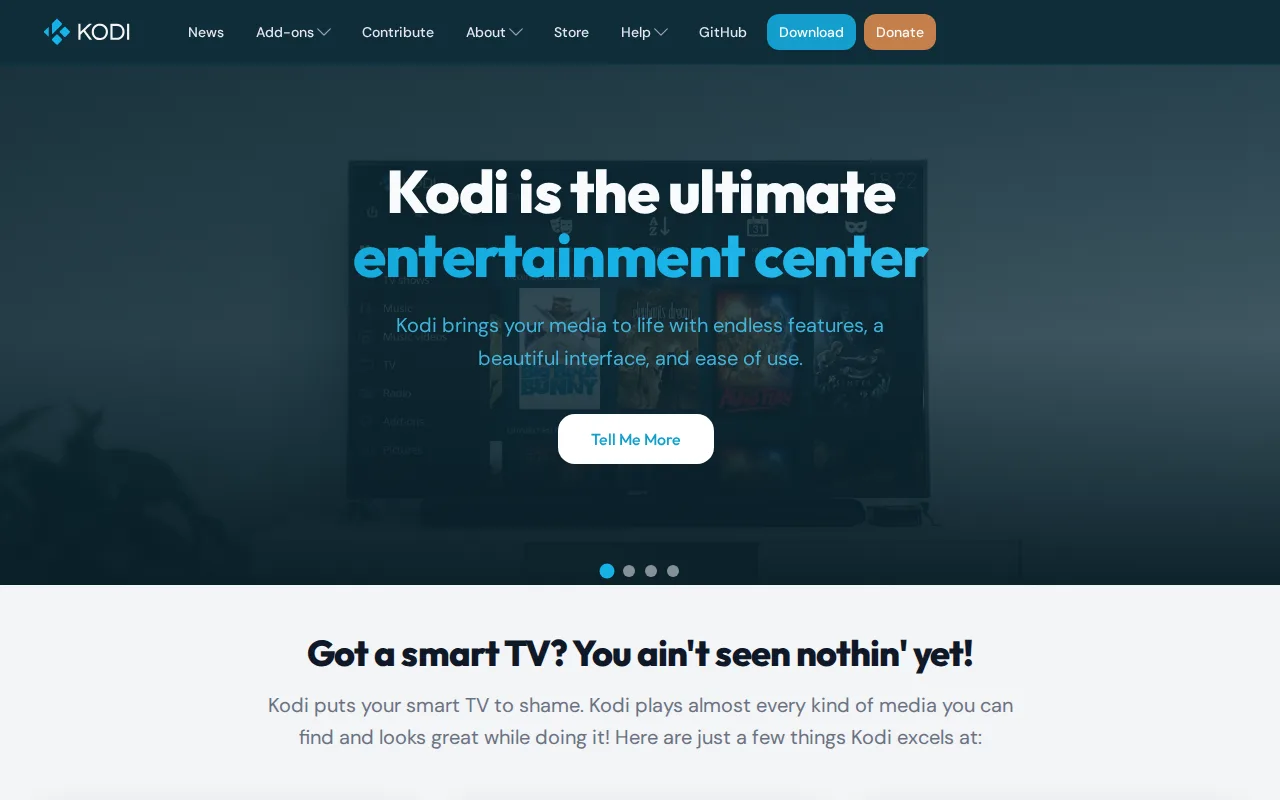
Kodi is the best Stremio alternative for users with an existing local or networked media library who want a fully customizable, remote-friendly player rather than Stremio's addon-driven content-discovery model. Kodi is entirely free and open source (GPL-2.0) with no account, subscription, or paid tier ever required, the same no-cost commitment as Stremio's core free app, and Kodi's pricing was verified 2026-08-21, confirming that $0 baseline. Kodi's skinning engine lets users completely restyle the interface, going further than Stremio's fixed browsing and playback interface, and its add-on ecosystem extends functionality well beyond built-in playback, including automatic library metadata scraping, developed by volunteer contributors with no corporate owner, similar to how much of Stremio's own codebase is open source under GPL-3.0. Kodi runs on Windows, macOS, Linux, iOS, and Android, a comparable platform spread to Stremio's own Windows, macOS, Linux, Android, and reduced-functionality iOS coverage. Stremio remains the better choice for anyone who wants unified content discovery from many external sources built in: Kodi streams nothing itself and requires the user to organize and configure their own legal media sources or add-ons, while Stremio's core addon system is purpose-built for discovering and playing content from many providers through one browsing interface, and Kodi's permissive add-on system has drawn recurring piracy controversy from unofficial third-party add-ons the XBMC Foundation explicitly disclaims.
Compared to Stremio: fully customizable skinning engine vs Stremio's fixed browsing interface, streams nothing itself and requires user-configured sources vs Stremio's addon-driven content discovery, unofficial third-party add-ons have drawn piracy controversy vs nothing comparable noted in Stremio's own listing
Wins:Fully open skinning engine lets users completely restyle the entire interface, beyond what Stremio's fixed browsing interface offers · Runs on Windows, macOS, Linux, iOS, and Android with no account, subscription, or paid tier ever required, pricing verified 2026-08-21
Loses:Streams nothing itself; requires the user to organize and configure their own legal media sources, unlike Stremio's addon system built specifically for content discovery across many sources · Unofficial third-party add-ons unaffiliated with the Kodi project have repeatedly drawn piracy scrutiny, a reputational association the XBMC Foundation explicitly disclaims · Initial setup and library configuration is more involved than a plug-and-play streaming app
Pros
- Fully free and open-source (GPL-2.0) with no account, subscription, or paid tier ever required.
- Skinning engine allows complete interface customization beyond typical media player theming.
- Runs on nearly every platform: Windows, macOS, Linux, Android, iOS, tvOS, and BSD.
- Add-on ecosystem extends functionality well beyond core playback, including automatic library metadata scraping.
Cons
- No built-in content — users must supply and organize their own legal media library or sources.
- Unofficial third-party add-ons unaffiliated with the Kodi project have repeatedly drawn piracy scrutiny, creating a reputational association the XBMC Foundation explicitly disclaims.
- Initial setup and library configuration is more involved than a plug-and-play streaming app.
- Interface customization and add-on management assume a moderate comfort level with configuring software, unlike more guided competing setups.
Pricing: Free — $0, entirely free with no paid tier ever, matching Stremio's own free core app (verified undefined NaN, NaN)