3 Best Free Alternatives to Stirling PDF in 2026
By Noahlast updated pricing verified
All 4 Stirling PDF alternatives
Compared: free alternatives to Stirling PDF
| Alternative | Best for | Standout | Biggest weakness | Learning curve | Price |
|---|---|---|---|---|---|
| Stirling PDFreference | teams and regulated organizations that need to edit, OCR, or redact PDFs without sending files to a third-party cloud service | Self-hosted deployment (Docker, desktop, or air-gapped server) that keeps every PDF operation off vendor infrastructure, backed by a fully open-source core with 90,000+ GitHub stars. | The Server tier's $99/month starting price is billed as a flat block for up to 100 users rather than a low per-seat rate, so a small team pays the same as a 100-person deployment; the Processor tier's per-credit billing also makes automation costs hard to predict without checking usage first. | Moderate | Free tier · paid from $99/mo |
| Adobe Acrobat | teams and individuals who need pixel-perfect PDF editing plus legally binding e-signatures in one subscription, especially those already using other Adobe products | Acrobat Sign's built-in e-signature workflow combined with an AI Assistant that summarizes and answers questions about a PDF's content without leaving the document. | Adobe paid a $150 million FTC settlement in 2024 over hidden early termination fees and hard-to-cancel subscriptions; cancelling an annual-billed-monthly Acrobat plan within the first year can still trigger a fee equal to roughly half the remaining months owed. | Moderate | Free tier · paid from $14.99/mo |
| Smallpdf | individuals and small teams who need quick browser-based PDF conversion, compression, e-signing, and editing without installing desktop software | An all-in-one PDF toolkit covering compress, convert, merge, split, e-sign, and edit in one browser-based product, with native Windows and mobile apps plus direct Google Workspace and Dropbox integrations. | The free tier caps users to a small number of daily tasks with ads shown before requiring an upgrade, and the newer AI features (summarization, translation, chat) are gated entirely behind the paid Pro tier rather than offered in any free capacity. | Low | Free tier · paid from $9/mo |
| iLovePDF | individuals and small teams who need occasional-to-frequent PDF merging, converting, and compressing without Adobe Acrobat's higher price | A single Premium subscription at $5/month (billed annually) unlocks unlimited use across more than 25 tools on web, desktop, and mobile, rather than charging per tool or per conversion. | The free Basic tier is web-only with meaningful batch-size and file-size limits, so anyone who needs the desktop or mobile apps, larger files, or regular batch processing has to upgrade; Business pricing is not published and requires contacting sales. | Low | Free tier · paid from $5/mo |
 Stirling PDF
 Adobe Acrobat
 Smallpdf
 iLovePDF
1.Adobe Acrobat — best Stirling PDF alternative for teams and individuals who need pixel-perfect PDF editing plus legally binding e-signatures in one subscription, especially those already using other Adobe products
Adobe Acrobat is the best Stirling PDF alternative for teams and individuals who need pixel-perfect PDF editing plus legally binding e-signatures in one subscription, especially those already using other Adobe products, rather than assembling that workflow from Stirling PDF's 60+ self-hosted tools. Adobe Acrobat holds a 4.7/5 rating from 4,255 Capterra reviews, a far larger sample than Stirling PDF's own 5/5 score built from just 4 Product Hunt reviews. Acrobat Sign provides legally binding e-signature workflows built into the same document, and its AI Assistant summarizes and answers questions about a PDF's content, capabilities beyond Stirling PDF's redaction and OCR toolset. Acrobat Standard starts at $14.99/month billed annually, well above Stirling PDF's free Editor tier, though Stirling PDF's own Server tier costs $99/month for up to 100 users, a flat block rather than Acrobat's per-user pricing. Stirling PDF remains the better choice for regulated or air-gapped organizations that need to keep every PDF operation off vendor infrastructure: Adobe Acrobat processes files through Adobe's cloud-connected apps and paid a $150 million FTC settlement in 2024 over hidden early termination fees, while Stirling PDF's Editor runs entirely on infrastructure the user controls, a Docker container, desktop build, or fully air-gapped server, and its core is free with source available on GitHub past 90,000 stars.
Compared to Stirling PDF: 4.7/5 rating from 4,255 Capterra reviews vs Stirling PDF's 5/5 from just 4 reviews, Acrobat Sign and AI Assistant built into every subscription vs Stirling PDF's redaction/OCR toolset with no e-signature AI, processes files on Adobe's cloud infrastructure vs Stirling PDF's self-hosted Docker/desktop/air-gapped deployment
Wins:4.7/5 rating from 4,255 Capterra reviews, a far larger sample than Stirling PDF's 4 reviews · Acrobat Sign provides legally binding e-signature workflows built into the same document, plus an AI Assistant that summarizes and answers questions about PDF content
Loses:Processes files through Adobe's cloud-connected apps rather than infrastructure the user controls, unlike Stirling PDF's Docker, desktop, or air-gapped self-hosting · Adobe paid a $150 million FTC settlement in 2024 over hidden early termination fees and hard-to-cancel annual-billed-monthly plans · Starts at $14.99/month per user with no free tier for core editing, versus Stirling PDF's free Editor tier with no user limit
Pros
- Sets the PDF fidelity standard: documents retain exact layout, fonts, and formatting across viewers and devices.
- Acrobat Sign provides legally binding e-signature workflows integrated directly into the PDF.
- AI Assistant summarizes long PDFs and answers questions about their content in seconds.
- OCR and Liquid Mode make scanned documents searchable and reflow text for mobile reading.
Cons
- Cancelling an annual-billed-monthly plan within the first year can trigger an early termination fee, the subject of a 2024 $150 million FTC settlement against Adobe.
- Core editing (edit text, combine files, convert formats) requires a paid tier; the free Acrobat Reader only views, comments, and signs.
- AI Assistant Plus is a separate $4.99/month add-on on top of the base subscription.
- Menu-heavy interface can feel slower to navigate than lightweight single-purpose PDF tools for occasional users.
Pricing: Free tier · paid from $14.99/mo — $14.99/month (Standard, annual) to $24.99/month (Studio, annual) vs Stirling PDF's free Editor tier and $99/month Server tier (up to 100 users, flat block) (verified undefined NaN, NaN)
2.Smallpdf — best Stirling PDF alternative for individuals and small teams who need quick browser-based PDF conversion, compression, e-signing, and editing without installing desktop software
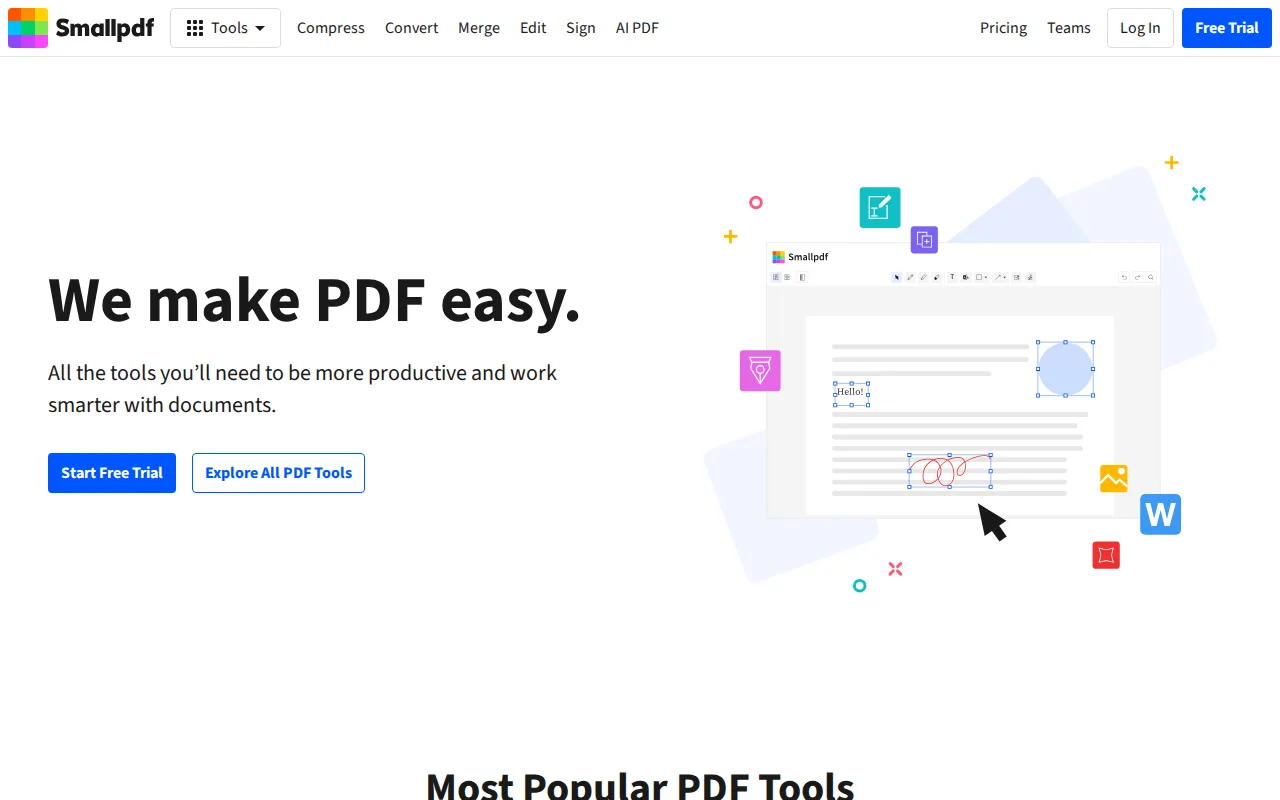
Smallpdf is the best Stirling PDF alternative for individuals and small teams who need quick browser-based PDF conversion, compression, e-signing, and editing without installing or maintaining self-hosted infrastructure. Smallpdf holds a 4.7/5 rating from 997 Capterra reviews plus 1 Product Hunt review, a larger sample than Stirling PDF's own 5/5 score from just 4 Product Hunt reviews. Smallpdf's Pro tier costs $9/month billed annually for unlimited use, ad-free processing, and AI summarization, translation, and chat features, a lower entry price than Stirling PDF's $99/month Server tier for team features, though Stirling PDF's core Editor remains free with no user limit where Smallpdf's free tier caps daily use. Smallpdf reports serving over a billion users globally with native Windows, iOS, and Android apps plus direct Google Workspace and Dropbox integrations, a broader native app footprint than Stirling PDF's web, Windows, macOS, and Linux coverage. Stirling PDF remains the better choice for anyone who needs to keep documents off third-party servers entirely: Smallpdf processes files in the cloud with no self-hosting option described in its listing, while Stirling PDF's Editor runs on infrastructure the user controls, and its open-source core with 90,000+ GitHub stars offers a publicly auditable codebase Smallpdf's closed, cloud-only product doesn't provide.
Compared to Stirling PDF: 4.7/5 rating from 997 Capterra reviews (plus 1 Product Hunt review) vs Stirling PDF's 5/5 from just 4 reviews, Pro tier at $9/month vs Stirling PDF's $99/month Server tier for team features, cloud-only processing with no self-hosting option vs Stirling PDF's Docker/desktop/air-gapped self-hosting
Wins:4.7/5 rating from 997 Capterra reviews plus 1 Product Hunt review, a larger sample than Stirling PDF's 4 reviews · Pro tier at $9/month billed annually adds unlimited use and AI summarization/translation/chat, cheaper than Stirling PDF's $99/month Server tier for team features · Reports serving over a billion users with native Windows, iOS, and Android apps plus Google Workspace and Dropbox integrations
Loses:No self-hosting option described in its listing; all processing happens in Smallpdf's cloud, unlike Stirling PDF's Docker, desktop, or air-gapped deployment · Free tier limits users to a small number of daily tasks with ads shown, while Stirling PDF's free Editor tier has no user limit or feature paywall
Pros
- Covers the full PDF workflow (compress, convert, merge, split, edit, sign) in one browser-based product.
- Native Windows, iOS, and Android apps plus a Chrome extension for use outside the browser.
- Direct integrations with Google Workspace and Dropbox streamline document workflows.
- 7-day unlimited free trial lets users test Pro features before committing.
Cons
- Free tier limits users to a small number of daily tasks and shows ads.
- AI features (summarization, translation, chat) are entirely paid-tier, with no free allowance.
- Team plan pricing isn't published without contacting sales or starting checkout.
Pricing: Free tier · paid from $9/mo — $9/month (Pro, annual) vs Stirling PDF's free Editor tier or $99/month Server tier (up to 100 users, flat block)
3.iLovePDF — best Stirling PDF alternative for individuals and small teams who need occasional-to-frequent PDF merging, converting, and compressing without Adobe Acrobat's higher price
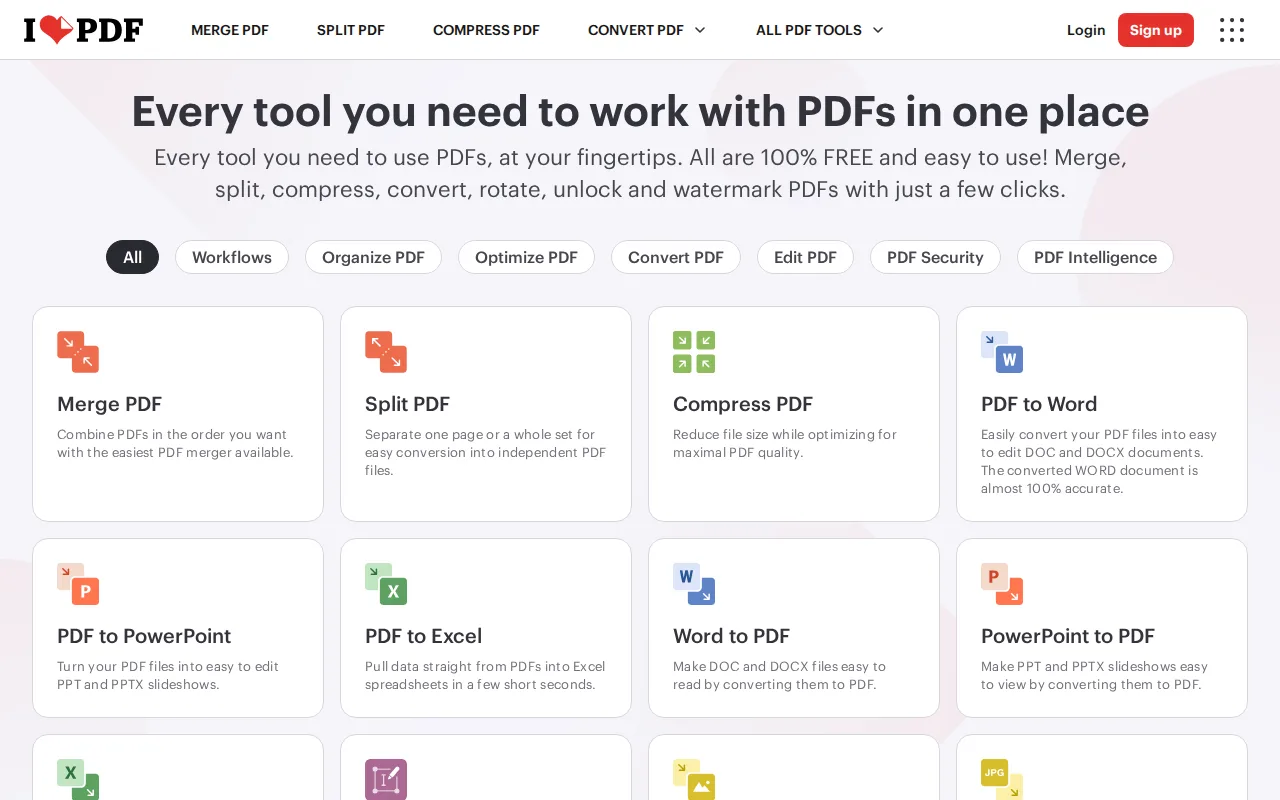
iLovePDF is the best Stirling PDF alternative for individuals and small teams who need occasional-to-frequent PDF merging, converting, and compressing at the lowest paid entry price in this comparison. iLovePDF's Premium tier costs just $5/month billed annually ($60/year), far below Stirling PDF's $99/month Server tier, and adds unlimited processing across web, desktop, and mobile apps in one subscription. iLovePDF holds a 4.7/5 rating from 1,784 Capterra reviews, verified 2026-08-21, a much larger and more recently confirmed sample than Stirling PDF's own 5/5 score from just 4 Product Hunt reviews. iLovePDF covers over 25 tools including merge, split, compress, convert, and digital signatures, with 2,000 AI credits bundled into Premium, though that falls short of Stirling PDF's 60+ tools covering merging, OCR, redaction, and e-signing in one self-hosted application. Stirling PDF remains the better choice for anyone who needs documents to never leave their own infrastructure: iLovePDF's free Basic tier is web-only with meaningful batch-size and file-size limits, and there's no self-hosting option described anywhere in its listing, while Stirling PDF's Editor runs entirely on infrastructure the user controls and its Enterprise tier adds air-gapped deployment for regulated environments.
Compared to Stirling PDF: 4.7/5 rating from 1,784 Capterra reviews vs Stirling PDF's 5/5 from just 4 reviews, Premium tier at $5/month vs Stirling PDF's $99/month Server tier, no self-hosting option vs Stirling PDF's Docker/desktop/air-gapped deployment
Wins:4.7/5 rating from 1,784 Capterra reviews, verified 2026-08-21, a far larger and more recent sample than Stirling PDF's 4 reviews · Premium adds unlimited processing across web, desktop, and mobile for just $5/month billed annually, the cheapest paid entry point in this comparison · 2,000 AI credits bundled into Premium for AI-assisted document features
Loses:No self-hosting option described in its listing; documents are processed in iLovePDF's cloud, unlike Stirling PDF's Docker, desktop, or air-gapped deployment · Covers 25+ tools versus Stirling PDF's 60+, a narrower toolset for OCR, redaction, and e-signing depth · Free Basic tier is web-only with batch-size and file-size limits, while Stirling PDF's free Editor tier has no user limit
Pros
- Premium starts at $5/month billed annually, undercutting most full-featured PDF suites.
- One subscription covers 25+ tools (merge, split, compress, convert, sign) rather than separate paid tools.
- Desktop and mobile apps are included on Premium, not just the web tool.
- Students and academic staff can get a free year of Premium.
Cons
- Free Basic tier is web-only, with limited batch processing and file size caps.
- Business tier pricing is not published; organizations must contact sales for a quote.
- Monthly billing without an annual commitment costs $9/month, nearly double the effective annual rate.
- AI credits on Premium are capped at 2,000, which may run out for heavy AI-feature users before the billing period renews.
Pricing: Free tier · paid from $5/mo — $5/month (Premium, annual, $60/year) vs Stirling PDF's free Editor tier or $99/month Server tier (up to 100 users, flat block) (verified undefined NaN, NaN)