4 Best Free Alternatives to SmartSuite in 2026
By Noahlast updated pricing verified
Compared: free alternatives to SmartSuite
| Alternative | Best for | Standout | Biggest weakness | Learning curve | Price |
|---|---|---|---|---|---|
| SmartSuitereference | mid-size and enterprise teams that need a governed no-code work platform spanning GRC, IT service delivery, and project management in one tool, not just a lightweight database | AI workflow agents that monitor running processes and take action automatically, combined with SOC 2, ISO 27001, GDPR, and HIPAA compliance and EU data residency aimed at regulated teams. | There is no permanent free tier, only a 14-day trial, and both paid plans carry seat minimums (3 for Team, 5 for Professional), so small teams under those minimums pay for seats they may not need. | Moderate | From $15/mo |
| Airtable | Small-to-midsize teams that need a relational database with a spreadsheet UI to run project trackers, content calendars, or lightweight CRMs without writing code. | Bases behave like a real relational database (linked records across tables) while looking and feeling like a spreadsheet, so non-technical users can model structured data without SQL. | Costs scale per editor seat, so a 20-person team on the Business plan pays $45/user/month billed annually ($900/month) just to give everyone edit rights, and the Free plan's record and attachment caps push active teams into a paid tier quickly. | Moderate | Free tier · paid from $20/mo |
| monday.com | Mid-size teams that want one configurable platform to run project tracking, CRM, and IT/HR workflows on visual boards instead of stitching together separate point tools. | Highly customizable boards with dozens of column types, automations, and dashboards that adapt to almost any workflow (projects, sales, hiring, IT tickets) without custom development. | Per-seat pricing is billed in blocks (plans are sold for minimum team sizes like 3 seats), and the sticker price jumps once you add real automation or integration volume: Standard caps at 250 automation actions/month while Pro jumps to 25,000, forcing many growing teams to upgrade a full tier just for usage limits rather than features. | Moderate | Free tier · paid from $9/mo |
| NocoDB | teams wanting an Airtable-style spreadsheet interface over a real MySQL/Postgres database, self-hosted for free with no record caps | The self-hosted Community edition is free with no record, storage, or seat limits, unlike Airtable's free-tier record ceilings and per-seat pricing. | The Sustainable Use License is source-available fair-code, not OSI-approved open source, and self-hosting still requires the team to manage its own Docker deployment, backups, and upgrades; the paid cloud tiers' record and automation-run caps (e.g., 1,000 records on the free cloud plan) are considerably tighter than the unlimited self-hosted Community edition. | Moderate | Free tier · paid from $12/mo |
| Notion | Teams that want to consolidate scattered docs, wikis, and lightweight project trackers into one linked workspace, and are willing to spend time designing their own database structure. | Custom Agents and Notion Agent, which can complete multi-step tasks using context pulled from Notion pages, connected apps (Slack, GitHub, Google Drive), and the web, billed at $10 per 1,000 Notion credits after a free trial. | Free and Plus plans only give trial access to Notion AI features (chat, meeting notes, research mode); full AI usage requires the Business plan at $20/member/month or separate Notion credits for Custom Agents and Workers, which adds an unpredictable usage-based cost on top of the seat price. | Steep | Free tier · paid from $10/mo |
 SmartSuite
 Airtable
 monday.com
 NocoDB
 Notion
1.Airtable — best SmartSuite alternative for small-to-midsize teams that need a relational database with a spreadsheet UI to run project trackers, content calendars, or lightweight CRMs without writing code.
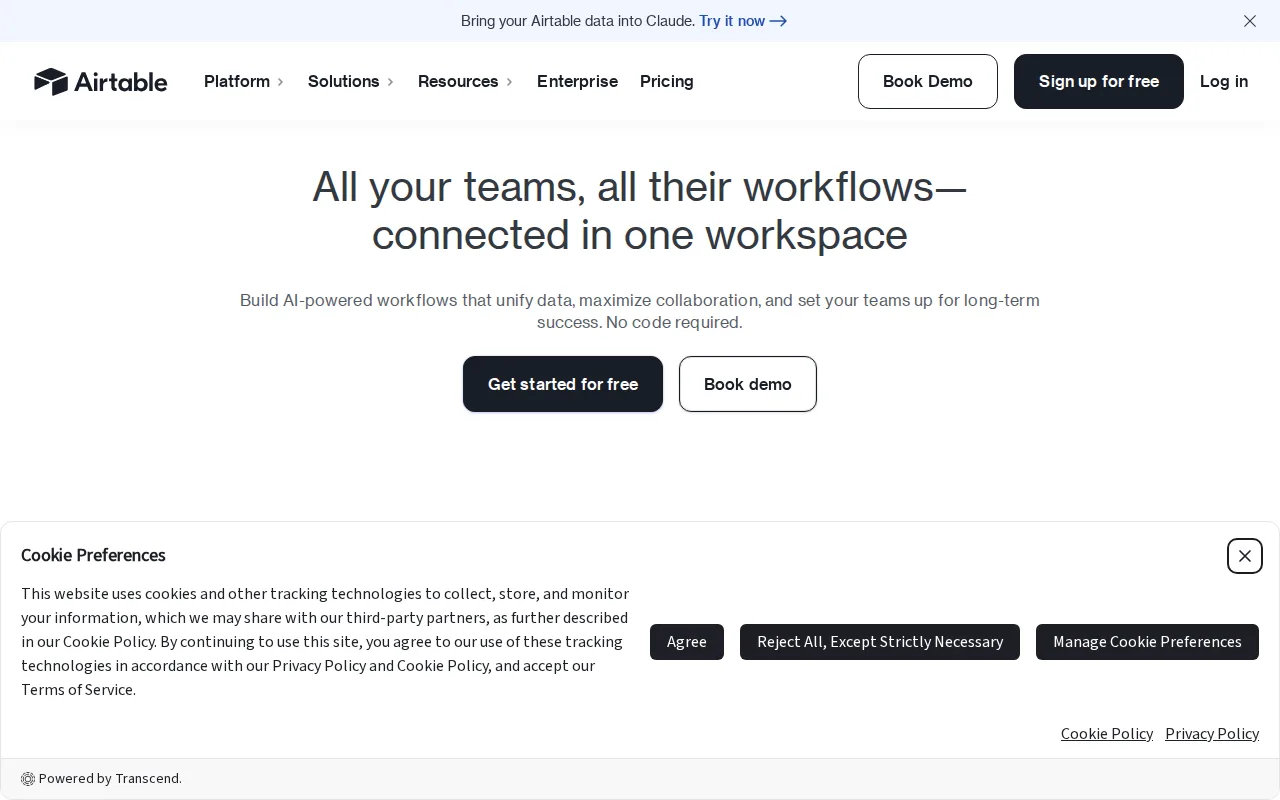
Airtable is the best SmartSuite alternative for teams that want a spreadsheet-simple entry point into no-code databases rather than a governance-heavy Work OS. Airtable's Free plan costs $0/month with no seat minimum, compared with SmartSuite's cheapest Team plan at $15/seat/month billed annually and a mandatory 3-seat minimum, so a solo user or two-person team can start building for free. Airtable's Team plan then starts at $20/seat/month, and its Interface Designer turns bases into shareable internal apps without SmartSuite's GRC/ITSM-specific tooling. Airtable holds a 4.6/5 rating from 2,900 G2 reviews and 4.7/5 from 2,100 Capterra reviews, far more review volume than SmartSuite's 26 Capterra reviews. SmartSuite is still the better choice for regulated teams that specifically need SOC 2 Type II, ISO 27001, GDPR, and HIPAA compliance certifications with EU data residency, or AI workflow agents that monitor and act on running processes automatically — Airtable's automations are rule-based rather than autonomous, and per-seat costs on Airtable's Business tier ($45/seat/month) escalate quickly for larger teams needing SmartSuite's governance features.
Compared to SmartSuite: free tier with no seat minimum vs SmartSuite's $45/month 3-seat floor, Interface Designer builds shareable internal apps directly on your data, far deeper review coverage (2,900 G2 reviews vs 26 Capterra reviews)
Wins:Free tier costs $0/month with no seat minimum; SmartSuite's cheapest plan is $15/seat/month with a 3-user minimum · 2,900 G2 reviews (4.6/5) and 2,100 Capterra reviews (4.7/5), far more review volume than SmartSuite's 26 Capterra reviews · Interface Designer turns bases into shareable internal apps without needing SmartSuite's GRC-specific tooling
Loses:No SOC 2 Type II, ISO 27001, GDPR, or HIPAA compliance certifications or EU data residency, unlike SmartSuite's Enterprise tier · Automations are rule-based rather than SmartSuite's AI workflow agents that monitor and act on processes automatically · Business tier costs $45/seat/month, pricier than SmartSuite's $32/seat/month Professional tier at comparable feature depth
Pros
- Relational linking between tables goes well beyond what a flat spreadsheet like Google Sheets can do
- Built-in automations, interfaces, and reporting reduce the need for separate tools for simple internal apps
- Free plan is usable for individuals and very small teams before any payment is required
- Native integrations with Slack, Google Drive, Salesforce, Jira, and Zendesk plus a documented REST API for custom work
Cons
- Per-editor seat pricing gets expensive fast once a team grows past a handful of active editors
- Free and Team tiers cap records and attachments per base, forcing upgrades as data volume grows
- Enterprise-grade features (SSO, advanced RBAC, unlimited workspaces) are locked behind custom-quoted Enterprise Scale pricing
- Complex bases with many linked tables and automations can become hard to navigate for new users
Pricing: Free tier · paid from $20/mo — $20/seat/month Team (no minimum) vs SmartSuite's $15/seat/month Team (3-seat minimum, $45/month floor) (verified undefined NaN, NaN)
2.monday.com — best SmartSuite alternative for mid-size teams that want one configurable platform to run project tracking, CRM, and IT/HR workflows on visual boards instead of stitching together separate point tools.
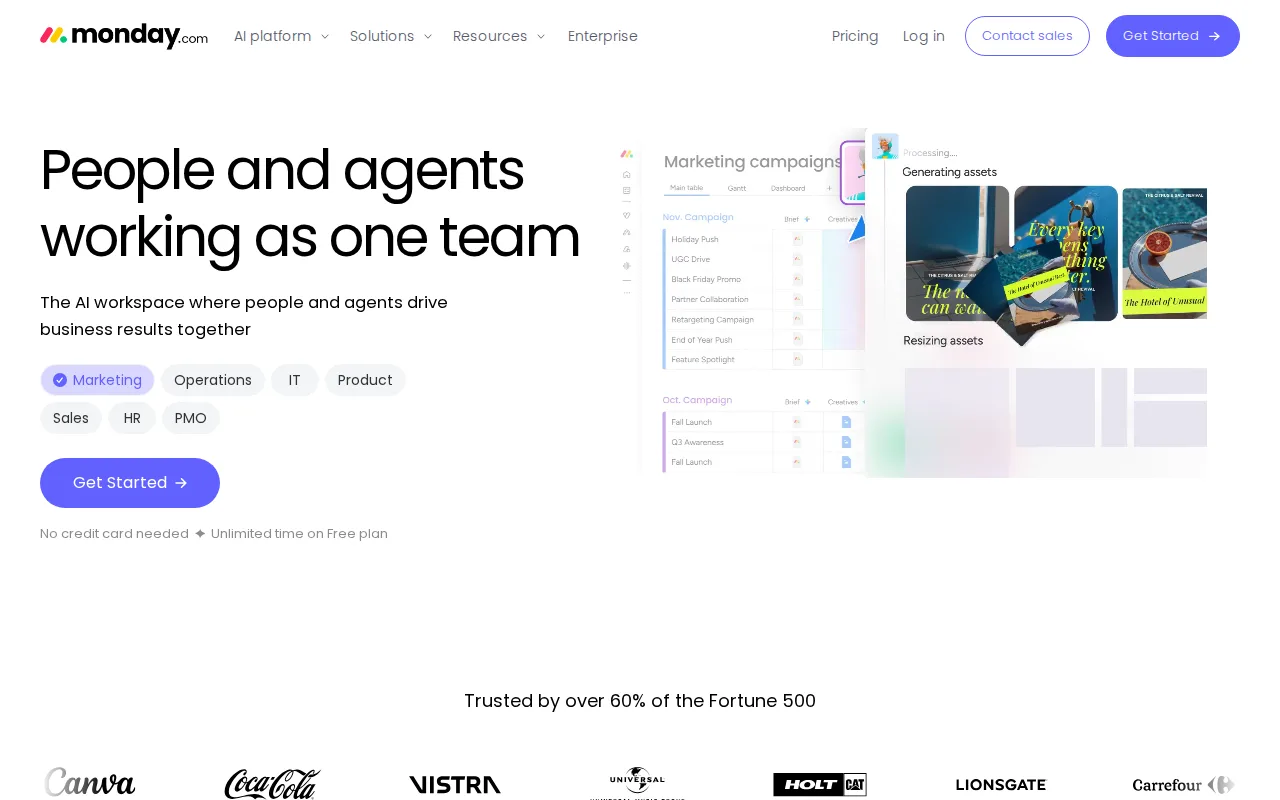
monday.com is the best SmartSuite alternative for non-technical teams that want an approachable, visual work OS instead of SmartSuite's governance-heavy no-code platform. monday.com's Free plan covers 2 seats at $0/month, and its Basic paid tier starts at $9/seat/month, well under SmartSuite's $15/seat/month Team plan, which also carries the 3-seat minimum that monday.com's free tier doesn't require. monday.com holds a 4.7/5 rating from 14,000 G2 reviews and 4.6/5 from 5,600 Capterra reviews, dramatically more review volume than SmartSuite's 26 Capterra reviews. Its 30+ column types and no-code automation recipes give non-technical teams an easier on-ramp than SmartSuite's GRC- and ITSM-oriented database builder. SmartSuite is still the better choice for regulated organizations that need SOC 2 Type II, ISO 27001, GDPR, and HIPAA compliance plus EU data residency, or AI workflow agents that monitor and act on processes automatically. monday.com's own listed weakness is that its 3-seat minimum and per-seat tiers add up fast on paid plans, and its free plan tops out at just 2 seats, tighter than SmartSuite's 14-day trial, which at least lets a team of any size test the full platform before committing.
Compared to SmartSuite: free tier for 2 seats vs no free tier at all, cheaper Basic paid tier ($9/seat/month vs $15/seat/month), far more review volume (14,000 G2 reviews vs 26 Capterra reviews)
Wins:Free plan covers 2 seats at $0/month; SmartSuite has no free tier at all · Basic paid tier starts at $9/seat/month vs SmartSuite's $15/seat/month Team plan · 14,000 G2 reviews (4.7/5) and 5,600 Capterra reviews (4.6/5), dramatically more review volume than SmartSuite's 26 Capterra reviews
Loses:No listed SOC 2, ISO 27001, GDPR, or HIPAA compliance certifications or EU data residency options, unlike SmartSuite · No AI workflow agents that monitor and act on running processes automatically, unlike SmartSuite's AI agents · 3-seat minimum and per-seat tiers add up fast on paid plans, per monday.com's own listed biggest weakness
Pros
- Free plan and all paid tiers include AI credits and iOS/Android apps out of the box
- Highly flexible board and column system covers project management, CRM, and ops without needing separate software
- 200+ templates speed up setup for common use cases
- Dashboards and Gantt/timeline views are included from the Standard tier up
Cons
- Free tier is capped at just 2 seats and 3 boards, too small for most real teams
- Automation and integration action limits (250/month on Standard) are easy for active teams to hit and require an upgrade to Pro
- Per-seat annual billing math (e.g., $9/seat shown as $90 for 10 seats) makes true monthly cost easy to underestimate at checkout
- Enterprise features like advanced permissions and portfolio management require contacting sales for custom pricing
Pricing: Free tier · paid from $9/mo — $9/seat/month Basic vs SmartSuite's $15/seat/month Team (3-seat minimum) (verified undefined NaN, NaN)
3.NocoDB — best SmartSuite alternative for teams wanting an Airtable-style spreadsheet interface over a real MySQL/Postgres database, self-hosted for free with no record caps
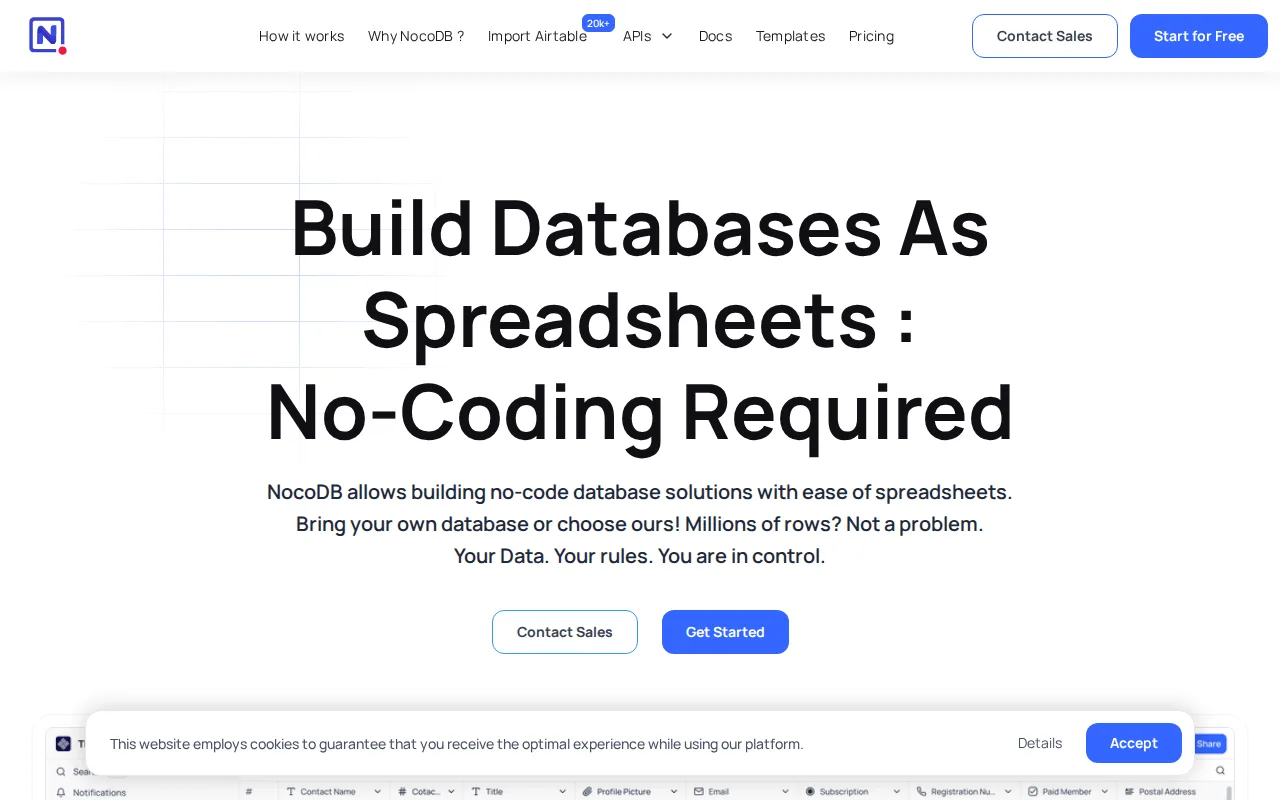
NocoDB is the best SmartSuite alternative for teams that want a no-code database they can self-host for free rather than pay SmartSuite's $15/seat/month minimum. NocoDB's self-hosted Community edition is free forever with unlimited records, storage, and seats under the Sustainable Use License, something SmartSuite doesn't offer at any tier since it requires a 3-seat, $45/month floor with no permanent free plan. NocoDB connects directly to an existing MySQL or PostgreSQL database rather than locking data into a proprietary format, and its cloud Free tier still costs $0/month before scaling to Plus at $12/seat/month, cheaper than SmartSuite's $15/seat/month Team tier. SmartSuite is still the better choice for teams that specifically need AI workflow agents that monitor and act on processes automatically, SOC 2/ISO 27001/HIPAA compliance certifications, or a fully managed experience without Docker: NocoDB's Sustainable Use License is fair-source rather than OSI-approved open source, self-hosting means managing your own deployment and backups, and its only public rating is a single 5/5 Product Hunt score from just 2 reviews, far thinner evidence than SmartSuite's 26-review, 5.0/5 Capterra rating.
Compared to SmartSuite: free self-hosted edition with unlimited records/seats vs no free tier at all, cheaper cloud Plus tier ($12/seat/month vs $15/seat/month), connects directly to an existing MySQL/Postgres database instead of a proprietary format
Wins:Self-hosted Community edition is free forever with unlimited records, storage, and seats; SmartSuite has no free tier and a 3-seat, $45/month minimum spend · Cloud Plus tier costs $12/seat/month vs SmartSuite's $15/seat/month Team tier · Connects directly to an existing MySQL or PostgreSQL database instead of requiring migration into a proprietary format
Loses:Sustainable Use License is fair-source, not OSI-approved open source or SmartSuite's SOC 2/ISO 27001/GDPR/HIPAA-certified governance model · No AI workflow agents that monitor and act on processes automatically, unlike SmartSuite · Only one public rating (5/5 on Product Hunt from 2 reviews), far thinner evidence than SmartSuite's 26-review, 5.0/5 Capterra score
Pros
- Self-hosted Community edition is free forever with unlimited records, storage, and seats.
- Connects directly to an existing MySQL or PostgreSQL database instead of requiring data migration into a proprietary format.
- Multiple views (Grid, Kanban, Gallery, Form, Calendar) over the same underlying data.
- Over 63,000 GitHub stars and an active open-source community driving development.
Cons
- Sustainable Use License is fair-source, not OSI-approved open source, unlike fully permissively-licensed alternatives.
- Free cloud tier is capped at 1,000 records and 1 GB storage, far below the unlimited self-hosted Community edition.
- Self-hosting requires managing your own Docker infrastructure, updates, and backups.
- Higher paid tiers (Scale at $45/user/month) get expensive quickly for teams needing SSO or row-level security at scale.
Pricing: Free tier · paid from $12/mo — $12/seat/month cloud Plus (or $0 self-hosted, unlimited) vs SmartSuite's $15/seat/month Team (3-seat minimum) (verified undefined NaN, NaN)
4.Notion — best SmartSuite alternative for teams that want to consolidate scattered docs, wikis, and lightweight project trackers into one linked workspace, and are willing to spend time designing their own database structure.
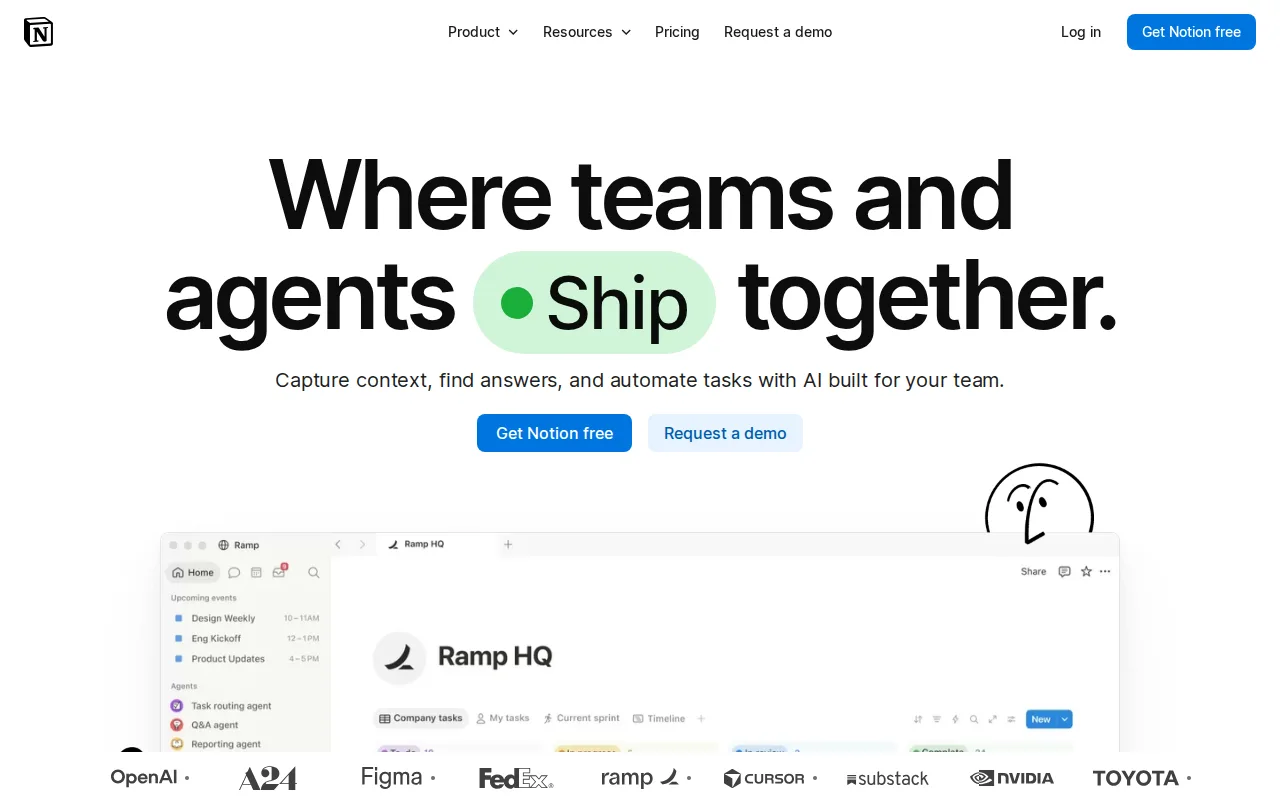
Notion is the best SmartSuite alternative for teams that want a flexible docs-and-database workspace instead of SmartSuite's governance-oriented Work OS, especially teams under SmartSuite's 3-seat minimum. Notion's Free plan costs $0/month with no seat minimum, and its Plus tier runs $10/seat/month, cheaper than SmartSuite's $15/seat/month Team plan, which also forces a 3-seat, $45/month floor that Notion's free tier avoids entirely. Notion's relational databases are embedded directly inside documents, letting a single page act as wiki, docs, and lightweight project tracker. It holds a 4.7/5 rating from 6,100 G2 reviews and 4.7/5 from 2,600 Capterra reviews, far more review volume than SmartSuite's 26 Capterra reviews. SmartSuite is still the better choice for regulated teams that specifically need SOC 2 Type II, ISO 27001, GDPR, and HIPAA compliance certifications with EU data residency, or AI workflow agents that monitor and act on running processes automatically: Notion's performance is known to degrade in large workspaces and its offline mode is unreliable, weaknesses that don't show up in SmartSuite's governance-first architecture.
Compared to SmartSuite: free tier with no seat minimum vs SmartSuite's $45/month 3-seat floor, cheaper Plus tier ($10/seat/month vs $15/seat/month), far more review volume (6,100 G2 reviews vs 26 Capterra reviews)
Wins:Free tier costs $0/month with no seat minimum; SmartSuite's cheapest plan floors at $45/month for 3 seats · Plus tier costs $10/seat/month vs SmartSuite's $15/seat/month Team plan · 6,100 G2 reviews (4.7/5) and 2,600 Capterra reviews (4.7/5), far more review volume than SmartSuite's 26 Capterra reviews
Loses:No SOC 2 Type II, ISO 27001, GDPR, or HIPAA compliance certifications or EU data residency, unlike SmartSuite · No AI workflow agents that monitor and act on processes automatically, unlike SmartSuite's AI agents · Performance degrades in large workspaces and offline mode is unreliable, per Notion's own listed cons
Pros
- Single tool covers docs, wikis, databases, and basic project tracking, reducing tool-switching
- Free plan supports unlimited pages and blocks for solo use, with only multi-member workspaces hitting block limits
- Deep customization through nested pages, linked databases, and templates
- Public API, webhooks, and 1-way database syncs (Jira, GitHub, Asana) for connecting external tools
Cons
- Per-member pricing on paid tiers ($10-$20/month) gets expensive fast for larger teams compared to flat-fee tools
- Offline support is limited to recently viewed or favorited pages on paid plans rather than full offline access
- Flexible block-and-database model has a steep learning curve for teams used to fixed-structure apps
- Meaningful AI features (Notion Agent, Enterprise Search, AI Meeting Notes) require the $20/month Business plan or higher
Pricing: Free tier · paid from $10/mo — $10/seat/month Plus vs SmartSuite's $15/seat/month Team (3-seat minimum, $45/month floor) (verified undefined NaN, NaN)