3 Best Free Alternatives to Simple Analytics in 2026
By Noahlast updated pricing verified
All 5 Simple Analytics alternatives
Compared: free alternatives to Simple Analytics
| Alternative | Best for | Standout | Biggest weakness | Learning curve | Price |
|---|---|---|---|---|---|
| Simple Analyticsreference | privacy-conscious teams and EU-based companies that want cookieless, consent-banner-free analytics and EU-hosted data storage | Cookieless tracking that legally requires no consent banner under GDPR while still measuring the 20-60% of traffic that Google Analytics 4 misses when visitors decline consent. | The Self-Serve plan retains only 1 month of data history and includes just 1 user, with each additional team member costing $20/month; raw data export and SSO require the custom-priced Enterprise plan. | Low | Free tier · paid from $20/mo |
| Google Analytics | businesses that want free, event-based web and app analytics tightly integrated with Google Ads for campaign measurement | Free, unlimited-scale analytics for most businesses, with machine-learning-driven insights and direct integration into Google Ads for measuring campaign ROI without a separate tool. | The GA4 event-based data model and reorganized interface represented a steep relearning curve for teams used to the older Universal Analytics, and standard GA4 properties still apply data sampling and shorter retention windows that only Google Analytics 360's custom, undisclosed pricing removes. | Moderate | Free |
| Matomo | organizations that need GDPR-compliant web analytics with full ownership of raw visitor data, either self-hosted for free or on a paid Cloud/On-Premise support plan | A choice between a genuinely free, unlimited self-hosted Community edition and paid Cloud/On-Premise tiers that include all features (heatmaps, session recording, A/B testing) rather than gating them behind higher-priced plans. | Cloud and On-Premise pricing is published only in EUR, not USD, which complicates budgeting for US-based buyers, and self-hosting the free Community edition requires ongoing server maintenance and updates that a hosted tool like Google Analytics doesn't require. | Moderate | Free |
| Umami | developers and privacy-conscious teams who want cookie-free, GDPR-compliant web analytics they can self-host for free or run as a lightweight paid cloud service | Fully open-source MIT-licensed core that can be self-hosted for free with no usage caps, while the tracking script itself stays under 2KB for minimal site performance impact. | Cloud pricing jumps from free (Hobby, 1 website) to $20/month (Pro, 20 websites) with no smaller intermediate paid tier, and session replay adds a metered per-replay cost on top of the flat monthly fee. | Low | Free tier · paid from $20/mo |
 Simple Analytics
 Google Analytics
 Matomo
 Umami
Umami1.Google Analytics — best Simple Analytics alternative for businesses that want free, event-based web and app analytics tightly integrated with Google Ads for campaign measurement
Google Analytics is the best Simple Analytics alternative for businesses that want free, event-based web and app analytics with no meaningful traffic cap, tightly integrated with Google Ads for campaign measurement, a scale Simple Analytics' $20/month paid Self-Serve plan doesn't match at zero cost. Google Analytics 4 is free for businesses of any size, undercutting even Simple Analytics' own Free Forever plan, which is capped by fair use and 30 days of history, and Google Analytics holds a 4.7/5 rating from 8,101 Capterra reviews, more than 176 times the review volume behind Simple Analytics' own 4.8/5 from 46 reviews. Cross-platform (web plus app) tracking sits in a single GA4 property, and machine-learning-driven insights like predicted churn come built in at no extra cost. Simple Analytics is still the better choice for anyone who specifically needs to avoid a cookie consent banner: Google Analytics doesn't offer Simple Analytics' cookieless, no-personal-data-collection design, so sites using GA4 still need a consent banner under GDPR in ways Simple Analytics' architecture was built specifically to avoid, and GA4's reorganized interface represents a real relearning curve versus Simple Analytics' single-page, no-configuration dashboard.
Compared to Simple Analytics: completely free for businesses of any size vs Simple Analytics' $20/month Self-Serve plan, 4.7/5 rating from 8,101 Capterra reviews vs Simple Analytics' 46 reviews, native Google Ads integration for tying analytics directly to campaign ROI
Wins:Free for businesses of any size, with no meaningful traffic cap, unlike Simple Analytics' paid $20/month Self-Serve tier for higher volume · 4.7/5 rating from 8,101 Capterra reviews vs Simple Analytics' 4.8/5 from 46 reviews — over 176 times the review volume · Deep, native integration with Google Ads for tying analytics directly to campaign performance
Loses:Doesn't offer Simple Analytics' cookieless design; GA4 still requires a cookie consent banner under GDPR · GA4's event-based model and reorganized interface created a steep relearning curve versus Simple Analytics' single-page dashboard · Standard (free) properties apply data sampling and shorter retention windows than a paid enterprise tier
Pros
- Free for businesses of any size, with no meaningful traffic cap for most use cases.
- Deep, native integration with Google Ads for tying analytics directly to campaign performance.
- Cross-platform (web + app) tracking in a single GA4 property.
- Machine-learning-driven insights (predictive metrics, anomaly detection) built in at no extra cost.
Cons
- GA4's event-based model and menu reorganization created a steep relearning curve versus the older Universal Analytics.
- Standard (free) properties apply data sampling and shorter data-retention windows than the paid 360 tier.
- Google Analytics 360 pricing is not published and requires a sales conversation, making budgeting difficult upfront.
- Some users report GA4 reports are harder to pull and customize compared to the legacy interface.
Pricing: Free — $0/month for businesses of any size vs Simple Analytics' $20/month Self-Serve plan (verified undefined NaN, NaN)
2.Matomo — best Simple Analytics alternative for organizations that need GDPR-compliant web analytics with full ownership of raw visitor data, either self-hosted for free or on a paid Cloud/On-Premise support plan
Matomo is the best Simple Analytics alternative for organizations that want full ownership of raw visitor data by self-hosting the analytics platform themselves, rather than relying on Simple Analytics' EU-hosted but still third-party infrastructure. Matomo's self-hosted Community edition is free forever with unlimited users and unlimited monthly hits, going further than Simple Analytics' Free Forever plan, which caps at fair use and 30 days of history. Matomo's GitHub repository has over 21,000 stars and 31,000-plus commits, and it markets all features as included (heatmaps, session recording, A/B testing) across its paid tiers rather than gating them behind higher-priced plans the way some competitors do. Matomo also supports raw, unsampled data access and BigQuery connectors. Simple Analytics is still the better choice for US-based buyers who want pricing in dollars: Matomo's Cloud and On-Premise pricing is published only in EUR, adding currency-conversion friction, while Simple Analytics' $20/month Self-Serve plan is priced directly in USD, and self-hosting Matomo's free edition requires ongoing server maintenance that Simple Analytics' fully-hosted service doesn't require.
Compared to Simple Analytics: free, self-hosted Community edition with unlimited users and hits vs Simple Analytics' 30-day history cap on its Free Forever plan, over 21,000 GitHub stars for an open-source (GPL-3.0) codebase, all features (heatmaps, session recording, A/B testing) included across paid tiers rather than gated
Wins:Free, self-hosted Community edition has unlimited users and unlimited monthly hits, unlike Simple Analytics' 30-day-history Free Forever plan · Over 21,000 GitHub stars and 31,000-plus commits under GPL-3.0, one of the most established open-source analytics projects · All plans include the same core feature set (heatmaps, session recording, A/B testing) rather than gating advanced features behind higher tiers
Loses:Cloud and On-Premise pricing is listed in EUR only, adding currency-conversion friction versus Simple Analytics' direct USD pricing · Self-hosting the free edition requires ongoing server maintenance and updates that Simple Analytics' fully-hosted service doesn't require · Community edition support is limited to community forums, with paid support reserved for Cloud/On-Premise plans
Pros
- Free, self-hosted Community edition has no traffic or user caps and is open source under GPL-3.0.
- All plans include the same core feature set (heatmaps, session recording, A/B testing) rather than gating advanced features behind higher tiers.
- GDPR-friendly first-party and cookieless tracking modes without requiring a separate compliance add-on.
- Raw, unsampled data access and 100+ integrations, including BigQuery data warehouse connectors.
Cons
- Cloud and On-Premise pricing is listed in EUR only, adding currency-conversion friction for USD-budgeting buyers.
- Self-hosting the free edition requires ongoing server maintenance, updates, and scaling that a fully hosted tool avoids.
- Community edition support is limited to community forums, with paid email/priority support reserved for Cloud and On-Premise plans.
- Enterprise-scale pricing (EUR3,400/month and above) is significantly higher than pure-cloud analytics competitors at similar traffic volumes.
Pricing: Free (verified undefined NaN, NaN)
3.Umami — best Simple Analytics alternative for developers and privacy-conscious teams who want cookie-free, GDPR-compliant web analytics they can self-host for free or run as a lightweight paid cloud service
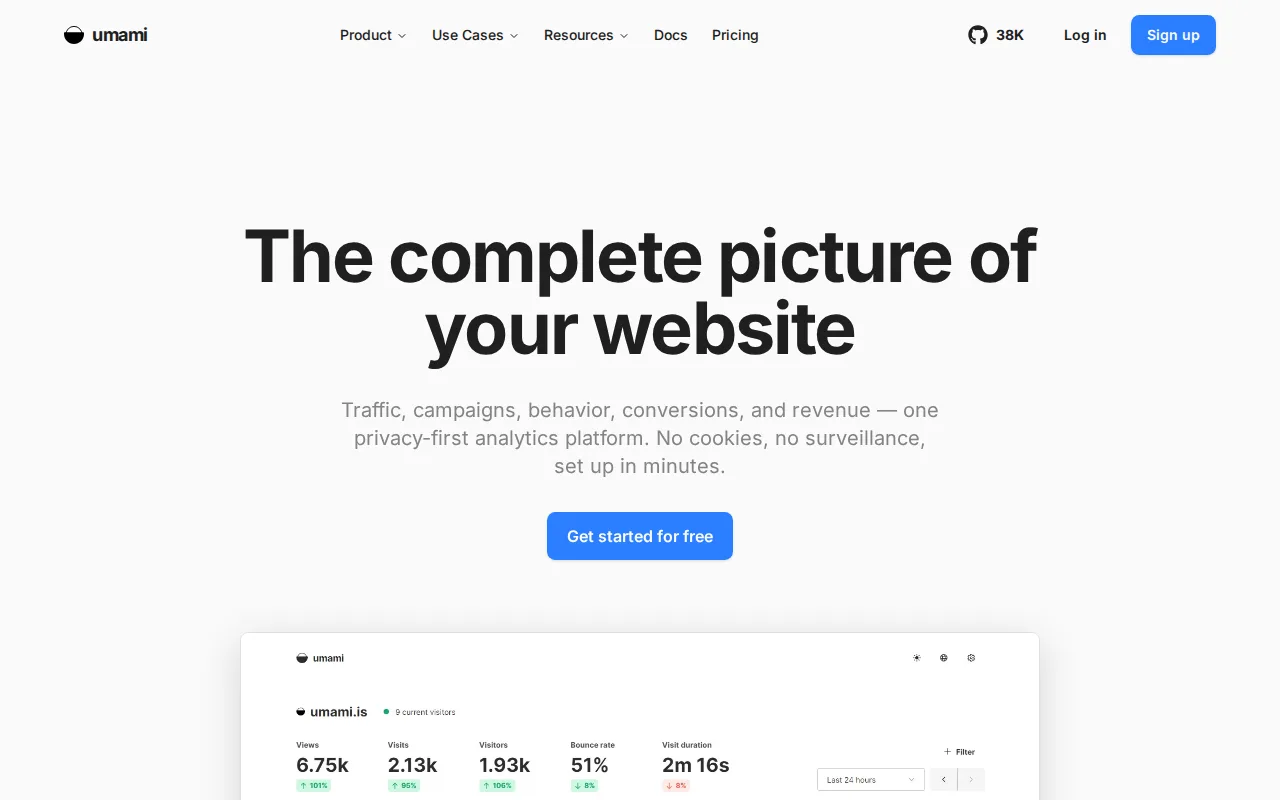
Umami is the best Simple Analytics alternative for developers who want a fully open-source, MIT-licensed analytics core they can self-host for free with no usage caps, going further than Simple Analytics' Free Forever plan, which is bound by a fair-use policy. Umami's self-hosted core can be deployed via Docker at no cost with unlimited websites and events, and its Cloud Hobby tier is also free for one website and up to 100,000 events per month. Umami's tracking script stays under 2KB, and its Cloud Pro tier costs $20/month for 20 websites, matching Simple Analytics' $20/month Self-Serve price point but covering 4 times as many sites (20 vs Simple Analytics' 5). Both tools avoid cookies and cross-site tracking by design. Simple Analytics is still the better choice for teams that want a longer default data-retention window without upgrading: Umami's Cloud Hobby tier retains only 6 months of data before requiring the $20/month Pro tier, while Simple Analytics' paid Self-Serve plan is the one with the shorter 1-month retention, so buyers should compare retention needs directly against price before choosing either.
Compared to Simple Analytics: fully open-source (MIT) self-hosted core with unlimited websites and events, tracking script under 2KB, Cloud Pro plan covers 20 websites for the same $20/month price as Simple Analytics' Self-Serve plan (5 websites)
Wins:Self-hosted core is fully open source (MIT license) with no event or website caps beyond your own server capacity · Tracking script stays under 2KB, minimizing performance impact · Cloud Pro tier covers 20 websites for $20/month, versus Simple Analytics' 5 websites at the same $20/month price
Loses:Cloud Hobby tier retains only 6 months of data before requiring the paid Pro tier · Cloud pricing jumps from free (Hobby, 1 website) to $20/month (Pro, 20 websites) with no smaller intermediate tier · Self-hosting requires running and maintaining your own Docker deployment and database rather than a fully managed service
Pros
- Self-hosted core is fully open source (MIT license) with no event or website caps beyond your own server capacity.
- Tracking script is under 2KB, minimizing performance impact compared to heavier analytics scripts.
- No cookies, no cross-site tracking, GDPR-compliant by default.
- Cloud Hobby tier is free for one website and 100,000 events/month with no credit card required.
Cons
- Cloud pricing jumps from free (Hobby, 1 website) to $20/month (Pro, 20 websites) with no smaller intermediate tier.
- Session replay is metered on top of the flat monthly fee ($0.005 per replay beyond the 5,000 included on Business).
- Self-hosting requires running and maintaining your own Docker deployment and database rather than a fully managed service.
Pricing: Free tier · paid from $20/mo — $20/month Cloud Pro (20 websites) vs Simple Analytics' $20/month Self-Serve (5 websites) (verified undefined NaN, NaN)