3 Best Free Alternatives to Salesforce in 2026
By Noahlast updated pricing verified
Compared: free alternatives to Salesforce
| Alternative | Best for | Standout | Biggest weakness | Learning curve | Price |
|---|---|---|---|---|---|
| Salesforcereference | mid-market to enterprise sales teams that need a highly customizable CRM with pipeline management, forecasting, and AI-driven automation, and can dedicate admin resources to configuring it | Deep customization of objects, workflows, and reporting combined with Agentforce AI automation and the largest CRM integration ecosystem (Slack, Tableau, thousands of AppExchange apps). | Pricing climbs steeply across tiers, from $25/user/month at Starter Suite to $550/user/month for the fully AI-enabled Agentforce 1 plan, and Pro Suite and above require annual billing commitments; reviewers consistently describe onboarding and admin training as extensive and time-consuming, and the platform's customization depth often requires a dedicated Salesforce admin to maintain properly. | Steep | From $25/mo |
| HubSpot | small businesses that start on the free CRM and want marketing, sales, and service tools sharing one contact database as they grow, and can absorb the price jump into Professional tiers | A free, seat-unlimited core CRM that every paid Hub (Marketing, Sales, Service) plugs into, so contact and deal data stays unified without separate integrations. | Pricing jumps sharply between tiers — Marketing Hub goes from about $20/seat/month at Starter to an $800+/month Professional bundle plus a mandatory $3,000 onboarding fee — and Trustpilot reviewers report unexpected charges and difficulty canceling subscriptions. | Moderate | Free tier · paid from $7/mo |
| Zoho CRM | sales teams already using or considering other Zoho apps (Books, Desk, Campaigns) who want a CRM with deep AI automation without per-app vendor sprawl | Zia AI agents built into Professional and Enterprise tiers handle lead scoring, deal-engagement suggestions, and process automation without a separate AI add-on purchase. | Users on Capterra cite frequent bugs and reliability issues, including search glitches and inconsistent data saving; the free tier is capped at 3 users, forcing a jump to paid plans quickly for any growing team. | Moderate | Free tier · paid from $14/mo |
| monday.com | Mid-size teams that want one configurable platform to run project tracking, CRM, and IT/HR workflows on visual boards instead of stitching together separate point tools. | Highly customizable boards with dozens of column types, automations, and dashboards that adapt to almost any workflow (projects, sales, hiring, IT tickets) without custom development. | Per-seat pricing is billed in blocks (plans are sold for minimum team sizes like 3 seats), and the sticker price jumps once you add real automation or integration volume: Standard caps at 250 automation actions/month while Pro jumps to 25,000, forcing many growing teams to upgrade a full tier just for usage limits rather than features. | Moderate | Free tier · paid from $9/mo |
 Salesforce
 HubSpot
 Zoho CRM
 monday.com
1.HubSpot — best Salesforce alternative for small businesses that start on the free CRM and want marketing, sales, and service tools sharing one contact database as they grow, and can absorb the price jump into Professional tiers
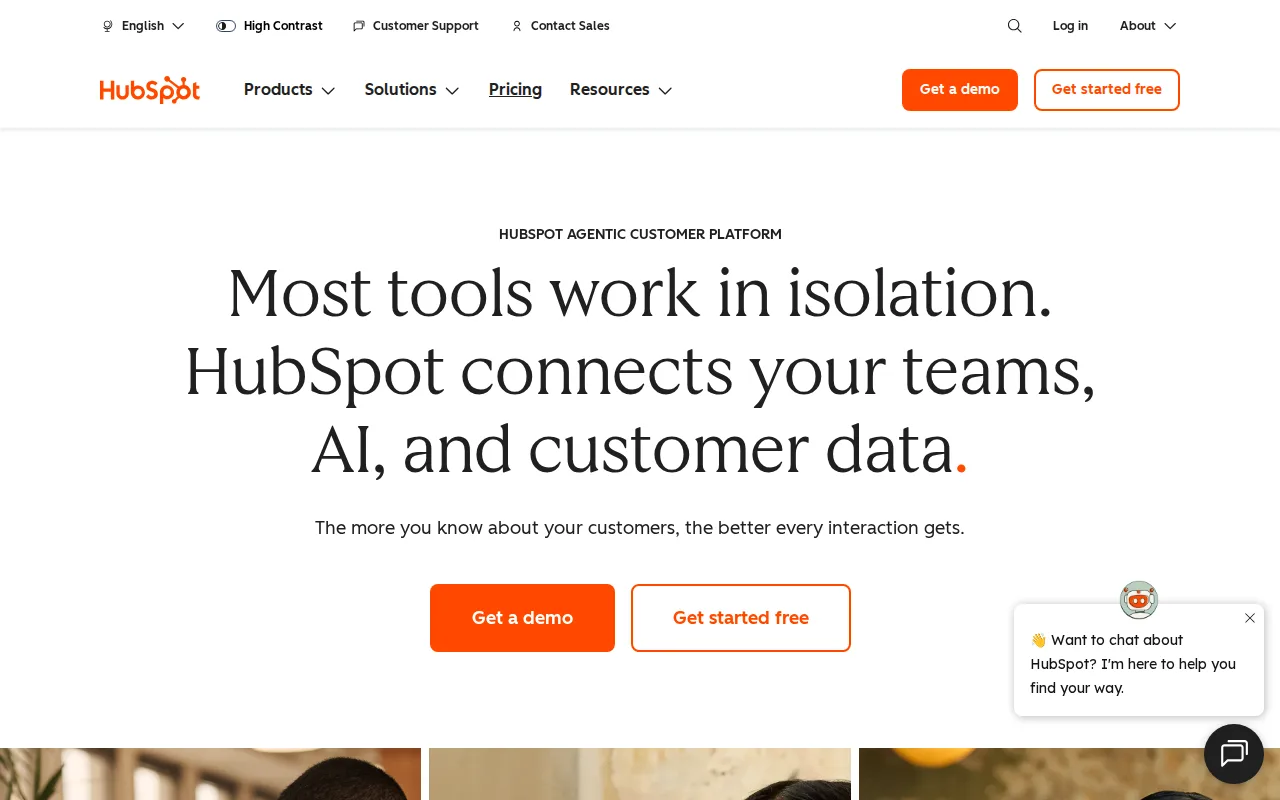
HubSpot is the best Salesforce alternative for small and mid-sized teams that want to start on a CRM at no cost, since HubSpot's Free CRM has no seat limit at all, while Salesforce offers no permanent free plan and only a 30-day trial before every tier converts to paid billing starting at $25/user/month. HubSpot holds a 4.5/5 rating from 4,480 Capterra reviews, a smaller but still substantial sample against Salesforce's own 18,803 Capterra reviews. Where Salesforce scales up to $550/user/month for its fully AI-enabled Agentforce 1 plan, HubSpot's Marketing Hub Starter runs about $20/month per seat billed monthly ($7/month billed annually), a dramatically lower entry point for teams that don't need Salesforce's deepest customization. HubSpot's free CRM shares one contact database across separate Marketing, Sales, and Service Hubs a team can add later without re-entering data. Salesforce is still the better choice for large or complex sales organizations that need deep object customization and the AppExchange's thousands of integrations: HubSpot's Marketing Hub Professional jumps to an $800+/month bundle plus a one-time $3,000 onboarding fee, and Trustpilot reviewers report unexpected charges and difficulty canceling, concerns that don't offset Salesforce's far greater configurability for enterprise-scale sales operations.
Compared to Salesforce: permanently free, seat-unlimited CRM vs Salesforce's $25-$550/user/month tiers with no free plan, but far less deep customization for large sales orgs
Wins:Free CRM has no seat limit, unlike Salesforce, which has no permanent free tier and starts at $25/user/month · One shared contact database across Marketing, Sales, and Service Hubs, avoiding duplicate data entry across departments · Lower entry price for small teams that don't need Salesforce's deepest customization
Loses:Far less deep object, workflow, and reporting customization than Salesforce's Pro Suite, Enterprise, and Unlimited tiers · Marketing Hub Professional jumps to an $800+/month bundle plus a one-time $3,000 onboarding fee · Smaller integration ecosystem than Salesforce's thousands of AppExchange apps
Pros
- Free CRM has no user-seat limit, unlike most competitors' free tiers.
- Marketing, Sales, and Service Hubs share one contact record, avoiding duplicate data entry across departments.
- AI Customer Agent and prospecting agents are built into paid tiers without separate integration work.
- Large ecosystem of native integrations and a certified-partner network for implementation help.
Cons
- Steep price jump from Starter to Professional tier, plus mandatory one-time onboarding fees ($3,000-$7,000) at Professional and Enterprise.
- Trustpilot reviewers report unexpected charges and difficulty canceling, a stark contrast to its high G2/Capterra ratings.
- Running Marketing, Sales, and Service Hubs together multiplies per-seat costs quickly for a growing team.
- Advanced customization and reporting are gated behind Professional/Enterprise tiers, not available on Starter.
Pricing: Free tier · paid from $7/mo — Free CRM ($0, unlimited seats) vs Salesforce's $25/user/month Starter Suite with no free tier (verified undefined NaN, NaN)
2.Zoho CRM — best Salesforce alternative for sales teams already using or considering other Zoho apps (Books, Desk, Campaigns) who want a CRM with deep AI automation without per-app vendor sprawl
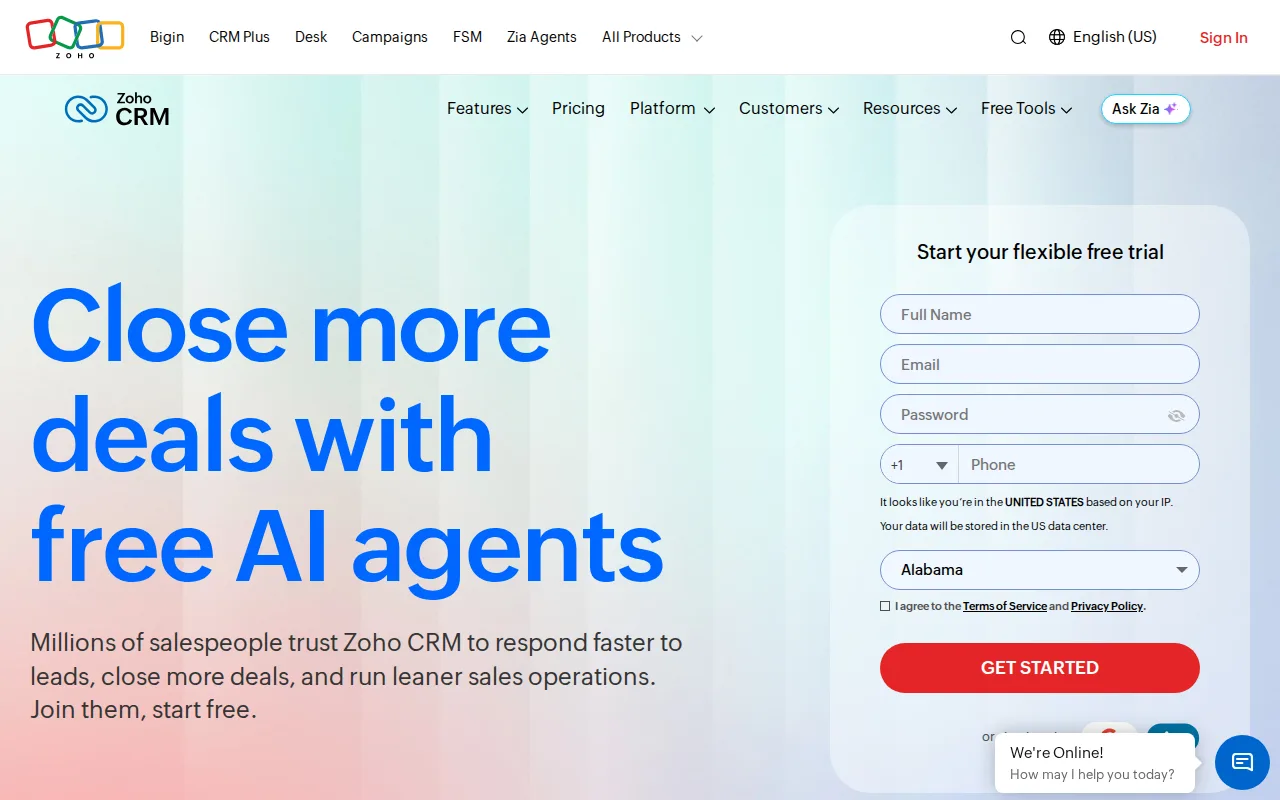
Zoho CRM is the best Salesforce alternative for small teams and startups that want a genuinely free starting tier, since Zoho CRM offers a permanent free plan for up to 3 users with real workflow automation, while Salesforce has no permanent free tier at all, only a 30-day trial before pricing starts at $25/user/month. Zoho CRM's paid Standard tier costs $14/user/month billed annually, close to half Salesforce's Starter Suite price, and its Professional tier at $23/user/month adds Zia AI agents for lead scoring, a lighter equivalent to Salesforce's Agentforce automation that costs up to $550/user/month at the top tier. Zoho CRM holds a 4.3/5 rating from 6,992 Capterra reviews, a smaller sample than Salesforce's 18,803 but still substantial. Zoho CRM connects to 1,200+ third-party apps including QuickBooks, Shopify, and Mailchimp. Salesforce is still the better choice for large enterprises that need the deepest customization and the broadest integration ecosystem: Zoho CRM's Capterra reviewers report frequent bugs affecting search and data-saving reliability, and its free plan caps out at 3 users, forcing a jump to paid tiers for any growing team well before it could match Salesforce's scale.
Compared to Salesforce: a permanent free 3-user tier vs Salesforce's trial-only model, Standard at $14/user/month vs $25/user/month Starter Suite, but with more reported reliability bugs
Wins:Free tier for up to 3 users with real workflow automation, unlike Salesforce, which has no permanent free plan · Standard tier costs $14/user/month, close to half Salesforce's $25/user/month Starter Suite · 1,200+ pre-built integrations including QuickBooks, Shopify, and Mailchimp
Loses:Capterra reviewers report frequent bugs affecting search and data-saving reliability, a complaint Salesforce's listing doesn't carry at the same scale · Deep AI and automation features are locked behind Professional and Enterprise tiers, and top out well below Salesforce's Agentforce 1 capabilities · Free plan caps out at 3 users, forcing a jump to paid tiers quickly for any growing team
Pros
- Free tier for up to 3 users with real workflow automation, not just a trial.
- 1,200+ pre-built integrations including QuickBooks, Shopify, and Mailchimp.
- Zia AI agents for lead qualification and deal suggestions included from the Professional tier up.
- Bundles cleanly with other Zoho apps (Desk, Books, Campaigns) under Zoho One pricing.
Cons
- Capterra reviewers report frequent bugs affecting search and data saving reliability.
- Free plan caps out at 3 users, pushing growing teams to a paid tier quickly.
- Deep AI and automation features are locked behind Professional and Enterprise tiers, not Standard.
- Heavy reliance on the broader Zoho ecosystem can mean lock-in for teams that adopt multiple Zoho apps.
Pricing: Free tier · paid from $14/mo — Free for 3 users, Standard $14/user/month vs Salesforce's $25/user/month Starter Suite (no free tier)
3.monday.com — best Salesforce alternative for mid-size teams that want one configurable platform to run project tracking, CRM, and IT/HR workflows on visual boards instead of stitching together separate point tools.
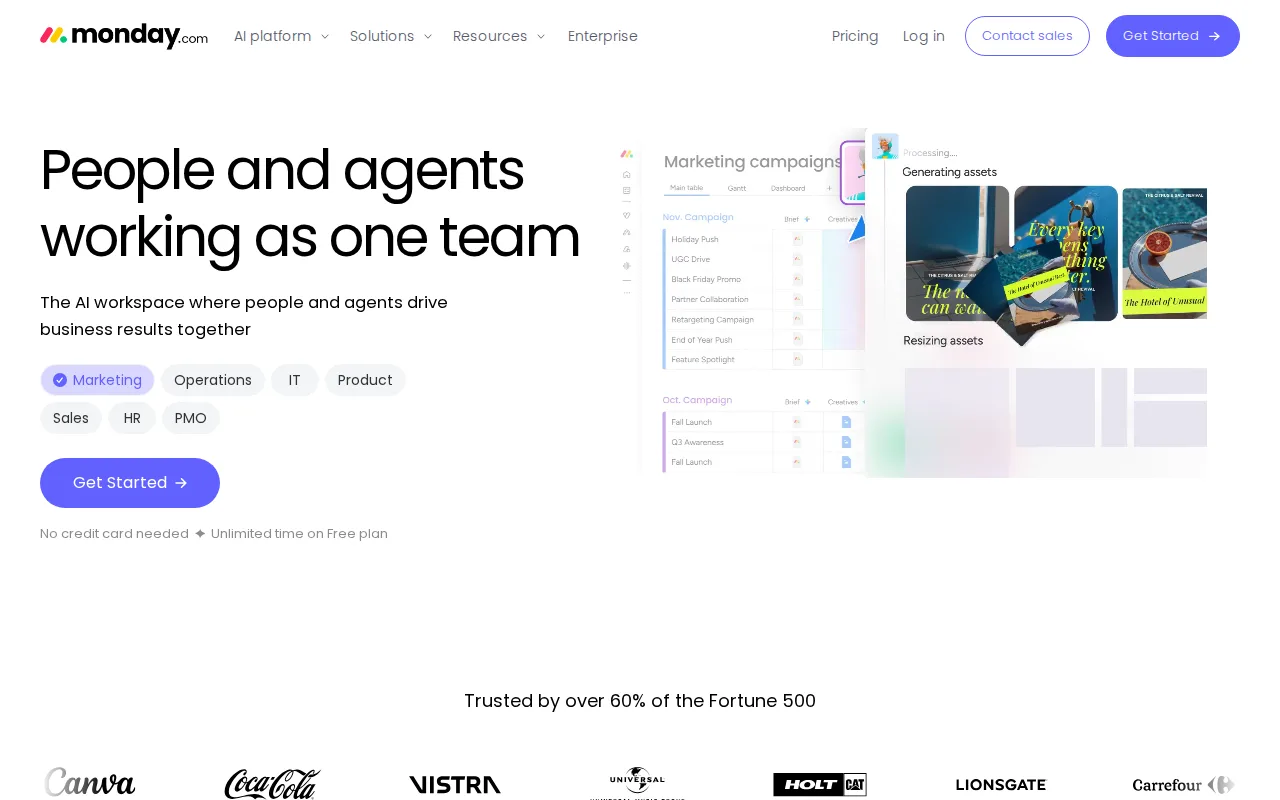
monday.com is the best Salesforce alternative for non-technical teams that want to shape their own CRM out of flexible, visual boards rather than configure Salesforce's object model, since monday.com's Work OS uses 30+ column types and no-code automation recipes that teams can adapt into a CRM, tracker, or project hub without a dedicated administrator the way Salesforce's customization typically requires. monday.com's Basic plan starts at $9/user/month, well under Salesforce's $25/user/month Starter Suite, and its Free plan covers 2 seats at $0, a tier Salesforce does not offer at any level. monday.com holds a 4.7/5 rating from 14,000 G2 reviews and 4.6/5 from 5,600 Capterra reviews, a combined sample approaching Salesforce's own 18,803 Capterra reviews. Salesforce is still the better choice for sales organizations that need purpose-built CRM features like opportunity forecasting, territory management, and deep AppExchange integrations: monday.com's boards are general-purpose and require more manual setup to replicate dedicated sales-pipeline functionality, and its free plan caps out at 2 seats with a 3-seat minimum on paid plans, adding cost friction for very small teams.
Compared to Salesforce: flexible no-code boards from $9/user/month vs Salesforce's $25/user/month object-based CRM, approaching its review volume, but no purpose-built sales-pipeline features out of the box
Wins:Free plan covers 2 seats at $0, a tier Salesforce does not offer at any level · Basic plan starts at $9/user/month, well under Salesforce's $25/user/month Starter Suite · 30+ column types and no-code automation let non-technical teams adapt boards into a CRM without a dedicated admin
Loses:No purpose-built sales-pipeline features like territory management or opportunity forecasting the way Salesforce's Sales Cloud has natively · Free plan caps out at 2 seats, and paid tiers carry a 3-seat minimum, adding cost friction for very small teams · Pricing tiers gate key features behind Standard and Pro, requiring careful plan comparison the way Salesforce's tiered model also does
Pros
- Free plan and all paid tiers include AI credits and iOS/Android apps out of the box
- Highly flexible board and column system covers project management, CRM, and ops without needing separate software
- 200+ templates speed up setup for common use cases
- Dashboards and Gantt/timeline views are included from the Standard tier up
Cons
- Free tier is capped at just 2 seats and 3 boards, too small for most real teams
- Automation and integration action limits (250/month on Standard) are easy for active teams to hit and require an upgrade to Pro
- Per-seat annual billing math (e.g., $9/seat shown as $90 for 10 seats) makes true monthly cost easy to underestimate at checkout
- Enterprise features like advanced permissions and portfolio management require contacting sales for custom pricing
Pricing: Free tier · paid from $9/mo — Free (2 seats) or Basic $9/user/month vs Salesforce's $25/user/month Starter Suite with no free tier (verified undefined NaN, NaN)