2 Best Free Alternatives to RingCentral in 2026
By Noahlast updated
All 6 RingCentral alternatives
Compared: free alternatives to RingCentral
| Alternative | Best for | Standout | Biggest weakness | Learning curve | Price |
|---|---|---|---|---|---|
| RingCentralreference | mid-size to large businesses replacing a legacy office phone system with a single platform for calling, video meetings, and team chat | AI Receptionist and AI Conversation Expert layer automated call handling and conversation analytics on top of the core phone system, sold as add-ons rather than bundled into the base price. | Month-to-month billing costs 50% more than the advertised annual rate ($30 vs $20/user for Core), and AI add-ons like AI Receptionist add another $39/user/month on top of the base plan, so the effective cost climbs quickly past the advertised entry price. | Moderate | From $20/mo |
| Zoom | hybrid teams that need reliable HD video meetings, phone, and chat under one login, from solo users on the free plan up to 1,000-participant company town halls | AI Companion generates meeting summaries, smart chapters, and next-step suggestions automatically, included free on every paid plan rather than sold as a separate add-on. | Zoom's own pricing page no longer publishes exact per-tier dollar amounts for Pro and Business, pushing buyers toward sales calls or third-party trackers to get a real number, and the free Basic plan's 40-minute group-meeting cap pushes small teams to upgrade quickly. | Low | Free tier · paid from $14.16/mo |
| Microsoft Teams | organizations already using Microsoft 365 that need chat, video meetings, and calling tightly integrated with Word, Excel, Outlook, and SharePoint, from small teams under 300 people up to large enterprises | Native integration with the rest of Microsoft 365 (SharePoint, OneDrive, Office apps, Loop components) plus Copilot-generated meeting notes and Teams Phone calling add-ons in one platform. | Reviewers report recurring bugs — crashes, login errors, sync failures, and unreliable presence/status indicators — and the free tier caps group video calls at 60 minutes; unlocking the full desktop Office apps requires bundling into a Microsoft 365 Business plan at $23.50/user/month rather than a standalone upgrade, and there's no official Linux client. | Moderate | Free tier · paid from $4/mo |
 RingCentral
 Zoom
Zoom Microsoft Teams
1.Zoom — best RingCentral alternative for hybrid teams that need reliable HD video meetings, phone, and chat under one login, from solo users on the free plan up to 1,000-participant company town halls
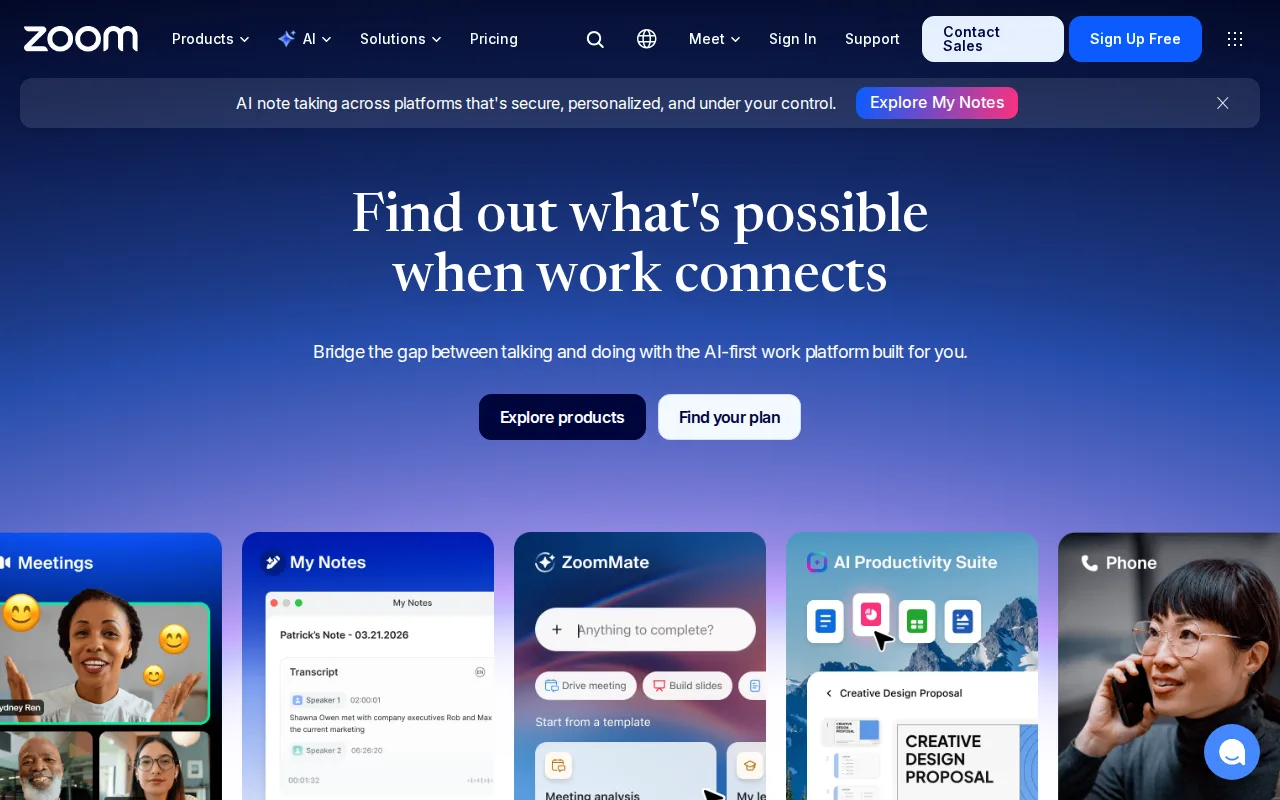
Zoom is the best RingCentral alternative for teams whose day runs on meetings rather than on inbound phone calls. Zoom Pro is reported at about $14.16/user/month billed annually, roughly 30% under RingCentral Core's $20/user/month, and Zoom Basic is free forever with unlimited one-to-one meetings, where RingCentral has no free tier at any price. Zoom's AI Companion generates meeting summaries, smart chapters, and follow-up suggestions and is included on every paid plan, while RingCentral sells AI Receptionist from $39/user/month and Conversation Intelligence from $60/user/month as separate per-user add-ons. Zoom also has far more review evidence behind it: 4.6/5 from 14,659 Capterra reviews against RingCentral's 4.2/5 from 1,205. Zoom ships a native Linux client; RingCentral's apps cover web, Windows, macOS, iOS, and Android only. RingCentral is still the better choice for a business that is genuinely replacing a phone system, because RingCentral Core bundles a business number and unlimited US and Canada calling into its $20/user/month price while Zoom Phone is a separate add-on on top of the Zoom license. Zoom also stopped publishing exact Pro and Business rates on its own pricing page, so those figures come from third-party trackers rather than the vendor.
Compared to RingCentral: a free Basic tier where RingCentral has none, AI Companion included on every paid plan instead of AI add-ons from $39/user/month, and a native Linux client RingCentral does not ship
Wins:Free Basic plan gives unlimited one-to-one meetings and 100-participant group calls capped at 40 minutes, where RingCentral has no free tier · AI Companion meeting summaries and smart chapters are included on every paid plan, while RingCentral prices AI Receptionist from $39/user/month and Conversation Intelligence from $60/user/month separately · 4.6/5 from 14,659 Capterra reviews against RingCentral's 4.2/5 from 1,205, plus a native Linux client RingCentral does not offer
Loses:Zoom Phone is a separate paid add-on, where RingCentral Core bundles a business number and unlimited US and Canada calling into its $20/user/month price · Zoom's own pricing page no longer publishes Pro and Business dollar figures, so the ~$14.16 and ~$18.33 annual rates come from third-party trackers rather than the vendor's rate card · Free group meetings stop at 40 minutes, and webinars and large-meeting capacity are further add-ons on top of the per-user license
Pros
- AI Companion (meeting summaries, smart chapters, follow-up suggestions) is included free on paid plans rather than a paid add-on.
- Consistently reliable HD video and audio even on weaker connections, thanks to adaptive bandwidth handling.
- One platform covers meetings, phone (Zoom Phone), team chat, whiteboard, and docs instead of stitching together separate tools.
- Native apps for Windows, macOS, Linux, iOS, and Android, including a full Linux client many competitors skip.
Cons
- Free Basic plan limits group meetings to 40 minutes, forcing an upgrade for most recurring team calls.
- Exact Pro and Business pricing is no longer published on Zoom's own site, requiring a sales conversation or third-party source to confirm.
- Zoom Phone, large-meeting capacity, and webinar capabilities are separate paid add-ons on top of the base per-user license.
- Business Plus was folded into a bundled add-on rather than sold as its own standalone tier, complicating plan comparisons.
Pricing: Free tier · paid from $14.16/mo — About $14.16/user/month for Pro billed annually (third-party tracker figure) vs RingCentral Core's $20/user/month billed annually
2.Microsoft Teams — best RingCentral alternative for organizations already using Microsoft 365 that need chat, video meetings, and calling tightly integrated with Word, Excel, Outlook, and SharePoint, from small teams under 300 people up to large enterprises
Microsoft Teams is the best RingCentral alternative for companies whose files, email, and identity already live in Microsoft 365. Teams Essentials costs $4/user/month billed annually against RingCentral Core's $20, which is $40 a month versus $200 a month for a ten-person team, and it still covers chat, VoIP calling, video conferencing, file sharing, 10GB of storage, and meeting recordings with transcripts. Teams Free adds a floor RingCentral does not have at all: unlimited one-to-one messaging and calling with group video capped at 60 minutes. Because Teams runs on Microsoft's own identity and storage stack, it opens SharePoint, OneDrive, Word, Excel, and Loop components inside a chat without a connector, where RingCentral reaches Microsoft 365 through one of its 500+ third-party integrations. Review evidence favors Teams too: 4.5/5 from 11,129 Capterra reviews against RingCentral's 4.2/5 from 1,205. RingCentral remains the better choice when the job is replacing a real phone system. Teams Essentials is not a PSTN line; business numbers require Teams Phone licensing on top, while RingCentral Core includes the number and unlimited US and Canada calling at $20/user/month. Teams reviewers also report recurring crashes, login errors, and sync failures.
Compared to RingCentral: $4/user/month for Teams Essentials against RingCentral Core's $20, a free tier with 60-minute group video calls where RingCentral has none, and native SharePoint, OneDrive, and Office integration instead of a third-party connector
Wins:Teams Essentials is $4/user/month billed annually against RingCentral Core's $20, or $40 versus $200 a month at ten seats · Teams Free covers unlimited one-to-one messaging and calling with 60-minute group video calls, where RingCentral has no free tier · 4.5/5 from 11,129 Capterra reviews against RingCentral's 4.2/5 from 1,205, plus native SharePoint, OneDrive, Word, Excel, and Loop integration
Loses:Teams Essentials is not a PSTN phone system: business lines require Teams Phone licensing on top, where RingCentral Core includes a business number and unlimited US and Canada calling at $20/user/month · Reviewers report recurring crashes, login errors, sync failures, and unreliable presence indicators · Full desktop Office apps require the $23.50/user/month Microsoft 365 Business Standard plan, and like RingCentral there is no official Linux client
Pros
- Free tier is usable for small teams with unlimited 1:1 messaging and calling.
- Tight native integration with Word, Excel, PowerPoint, Outlook, and SharePoint.
- AI-generated meeting notes, live captions, and real-time translation on paid tiers.
- Scales from a $4/user/month Essentials plan up to enterprise-grade Teams Phone and Teams Premium add-ons.
Cons
- Users report recurring bugs: crashes, login errors, sync failures, and unreliable status indicators.
- Free tier caps group video calls at 60 minutes.
- Full desktop Office apps require a $23.50/user/month Microsoft 365 Business Standard plan, not a lower-cost Teams-only upgrade.
- No official native Linux client.
Pricing: Free tier · paid from $4/mo — $4/user/month for Teams Essentials billed annually vs RingCentral Core's $20/user/month billed annually (verified undefined NaN, NaN)