5 Best Free Alternatives to Riff in 2026
By Noahlast updated
Compared: free alternatives to Riff
| Alternative | Best for | Learning curve | Price |
|---|---|---|---|
| Riffreference | drafting daily comments on LinkedIn and X posts that add value and lightly pitch your own service, without pasting posts into a cloud chatbot or paying for an AI plan | Low | Free |
| ChatGPT | individuals and teams who want a general-purpose AI assistant for writing, coding, research, and file analysis inside one chat interface | Low | Free tier · paid from $8/mo |
| Google Gemini | individuals and developers already inside the Google ecosystem who want an AI assistant with deep Google Workspace and Google One storage integration | Low | Free |
| Claude | developers and knowledge workers who need strong coding assistance and long-document reasoning, particularly teams already using Claude Code | Low | Free tier · paid from $17/mo |
| Buffer | a solo creator or small business scheduling posts to a handful of social channels without paying per user | Low | Free tier · paid from $5/mo |
| Microsoft Copilot | Windows and Microsoft 365 users who want an AI assistant already built into their browser, OS, and Office apps rather than a separate standalone chat product | Low | Free tier · paid from $18/mo |
 Riff
Riff ChatGPT
 Google Gemini
 Claude
 Buffer
 Microsoft Copilot
1ChatGPT — best Riff alternative for individuals and teams who want a general-purpose AI assistant for writing, coding, research, and file analysis inside one chat interface
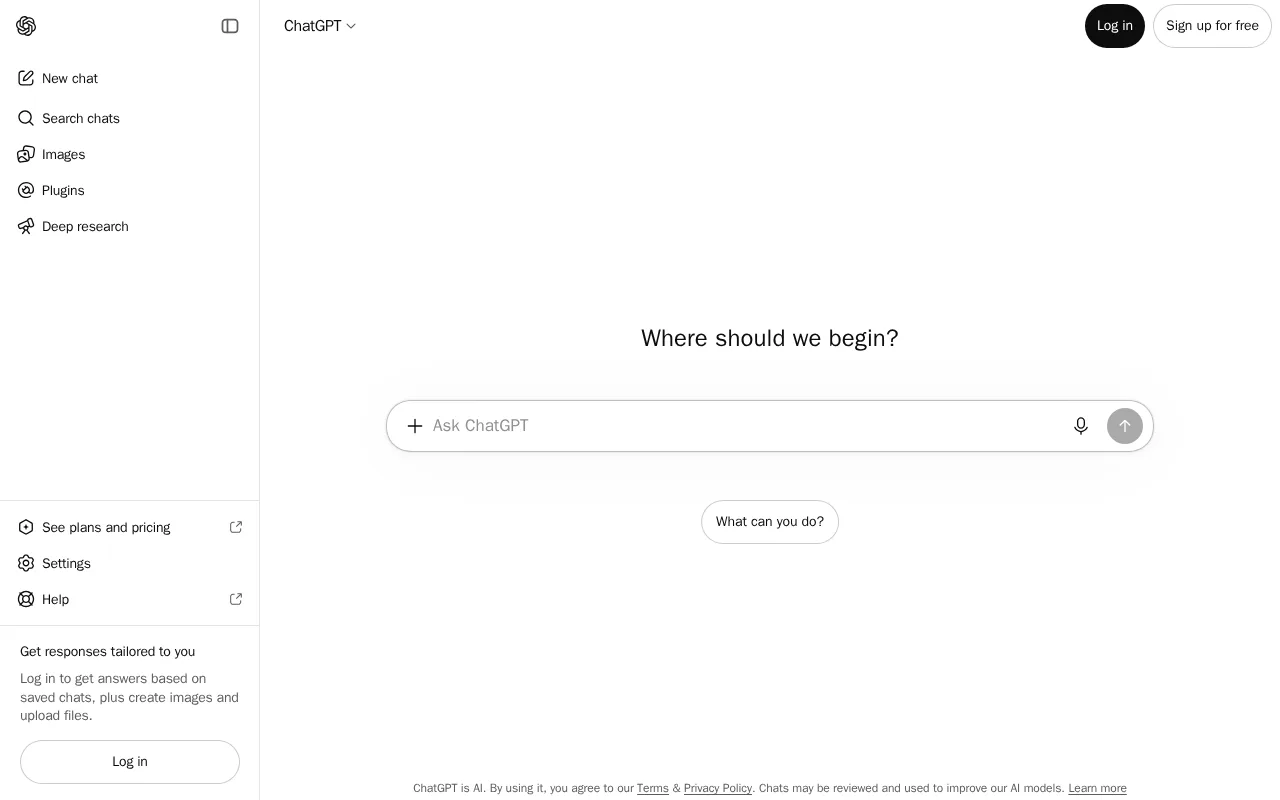
ChatGPT is the best Riff alternative for someone who wants one assistant for every kind of draft, on any device, and does not mind working outside the page. ChatGPT runs as a chat app on web, Windows, macOS, iOS and Android, so ChatGPT still works on a phone or on a laptop below Riff's bar of 22 GB of free disk space and a GPU with more than 4 GB of video memory or 16 GB of RAM and 4 CPU cores. The free tier includes chat, file upload and image generation under periodic usage caps, Go costs $8/month and Plus $20/month, and the same chat can draft a LinkedIn comment, a cold DM, a long post and an image to go with it. ChatGPT also has the largest Capterra review base on this page, 4.4/5 from 389 reviews, against Riff's one Chrome Web Store rating. ChatGPT's listing describes a chat interface, not an extension beside the Reply button, so each reply means pasting the post or conversation in and copying the draft back out. Riff is still the better choice for daily LinkedIn and X commenting on a capable desktop: Riff reads the post on screen, sizes the draft to the site's limit, sets how hard to pitch, costs $0 with no account and drafts on-device with no network requests, while ChatGPT lists a no-training-by-default guarantee only for Business and Enterprise plans.
Compared to Riff: web, desktop and mobile apps instead of desktop Chrome 138 or newer only, drafts in a separate chat window where Riff drafts beside the post at the site's limit, free with periodic usage caps or $8/month for Go against Riff's $0 for every feature
Wins:Runs on web, Windows, macOS, iOS and Android, where Riff needs desktop Chrome 138 or newer, 22 GB of free disk space and a GPU with more than 4 GB of video memory or 16 GB of RAM and 4 CPU cores · One chat covers posts, replies and DMs plus file upload, web browsing, code execution and image generation, where Riff's drafts come only from Gemini Nano with no option to switch to a larger cloud model · 4.4/5 from 389 Capterra reviews, against Riff's one 5-star rating from 33 Chrome Web Store users · Conversation history stays consistent across devices, where Riff moves settings between computers only through a manual backup file
Loses:Works in its own chat window, so each comment or DM means pasting the post in and copying the draft back, where Riff reads the post on screen and fills the reply box · Free tier usage caps reset periodically and can interrupt longer sessions, and paid plans run from $8/month (Go) to $200/month (Pro), where Riff is free with no account or API key · The no-training-by-default guarantee is listed only for Business and Enterprise plans, where Riff drafts on-device and makes no network requests
Pros
- Broad feature set (chat, image generation, code execution, voice, web browsing) under one subscription.
- Free tier is genuinely usable for casual, low-volume use, not just a demo.
- Business and Enterprise plans exclude workspace conversations from model training by default.
- Available on web, desktop, and mobile with consistent conversation history across devices.
Cons
- Can produce confident-sounding but factually incorrect answers, requiring users to verify important claims.
- Large price jump from Plus ($20/month) to Pro ($200/month) for users who outgrow Plus's usage caps.
- Free tier usage limits reset periodically and can interrupt longer work sessions.
- Business plan monthly pricing (versus annual) is noticeably higher per seat.
Pricing: Free tier · paid from $8/mo — Free with periodic usage caps, then $8/month for Go or $20/month for Plus, vs Riff's $0 for every feature (verified )
2Google Gemini — best Riff alternative for individuals and developers already inside the Google ecosystem who want an AI assistant with deep Google Workspace and Google One storage integration
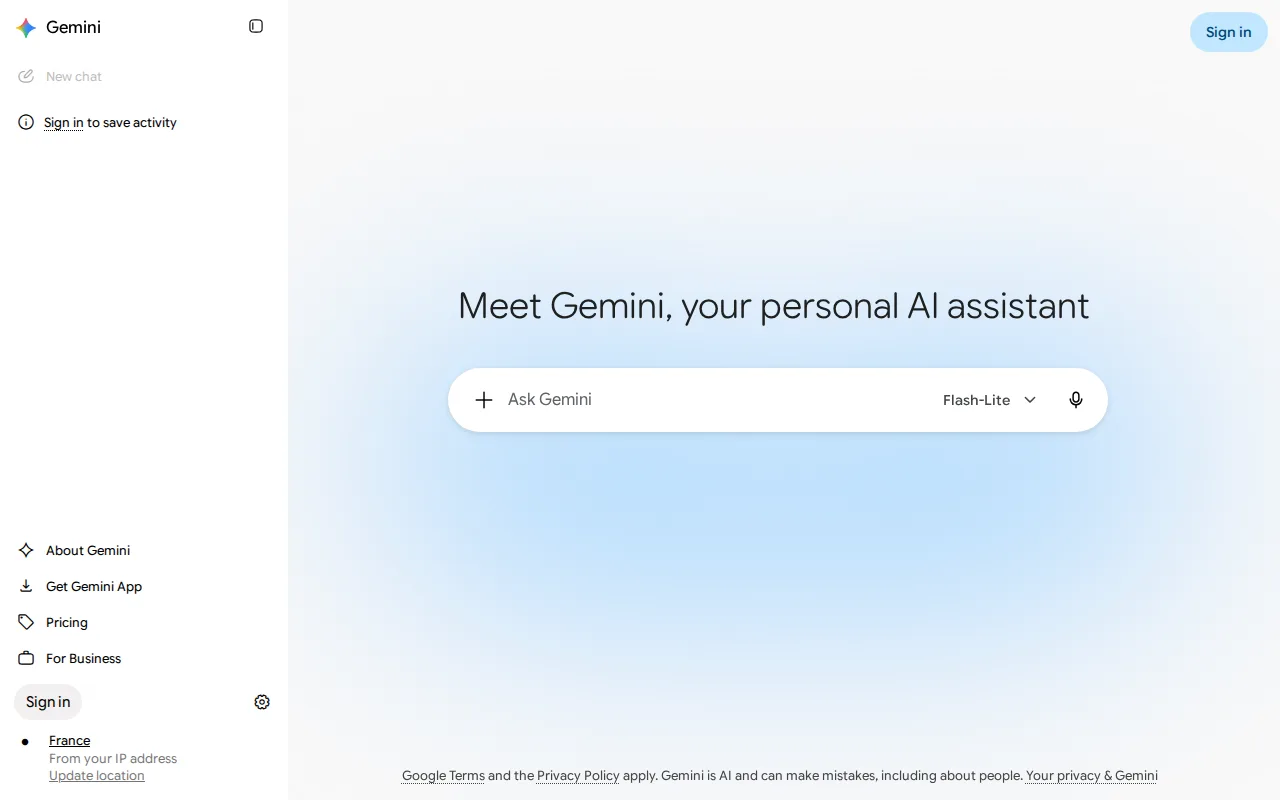
Google Gemini is the best Riff alternative for people who already work in Gmail and Google Docs and want a free assistant that also runs on a phone. The Gemini app is free on web, iOS and Android with standard usage limits and no credit card required, and Gemini's listing cites deep integration with Gmail, Docs and Workspace, none of which appear on Riff's list of supported sites. Riff already drafts with Gemini Nano, the model built into Chrome, but Riff cannot switch to a larger cloud model; Google's Gemini API serves Gemini 2.5 Pro and 3.7 Flash, with a free tier under rate limits and paid 3.7 Flash use at $0.75 per million input tokens and $3.75 per million output tokens through December 31, 2026. Like ChatGPT, Google Gemini works in its own app, so a LinkedIn or X comment means pasting the post in and copying the draft back out. Riff is still the better choice for in-page drafting on a desktop: Gemini has no native desktop app and no review rating on record here, and Google does not publish monthly prices for AI Plus, Pro or Ultra in plain text, so the cost of going past the free limits is unclear before checkout, while Riff is $0 for every feature with no account.
Compared to Riff: free on web, iOS and Android with no credit card instead of desktop Chrome only, Gemini 2.5 Pro and 3.7 Flash through the API where Riff drafts only with Gemini Nano, paid Google AI plan prices not published where Riff costs $0
Wins:Free app on web, iOS and Android with no credit card required, usable on a phone or on a machine below Riff's 22 GB disk and GPU or 16 GB RAM requirement · Deep integration with Gmail, Docs and Workspace, none of which are on Riff's list of supported sites · Gemini API free tier for 2.5 Pro and 3.7 Flash under rate limits, then $0.75/$3.75 per million input/output tokens for 3.7 Flash through December 31, 2026, where Riff offers no option to switch to a larger cloud model
Loses:Works in its own app, so drafting a LinkedIn or X comment means pasting the post in and copying the draft back, where Riff reads the post on screen and sizes the draft to the site's limit · No native desktop app, since the consumer product is web and mobile only, and no review rating on record here · Monthly prices for AI Plus, Pro and Ultra are not published in plain text, so the cost past the free limits is unclear before checkout, where Riff is $0 for every feature
Pros
- Free tier covers real day-to-day chat use with no credit card required.
- Paid plans bundle Google One storage (5TB on Pro, 20TB+ on Ultra) alongside AI usage limits, adding value beyond the assistant itself.
- Deep integration with Gmail, Docs, and Workspace for users already in the Google ecosystem.
- Gemini API offers a genuinely free tier for developers to prototype before paying per token.
Cons
- Exact monthly prices for the AI Plus, Pro, and Ultra consumer plans are not shown in plain text on Google's own comparison page, requiring a purchase flow to see the charge.
- No native desktop app; the consumer product is web- and mobile-only.
- Highest-usage Ultra tier bundles YouTube Premium and Project Genie, features unrelated to AI assistant use that some buyers don't want but pay for anyway.
- Gemini API pricing for Flash models is time-limited (rates rise January 1, 2027), adding future cost uncertainty for developers budgeting long-term.
Pricing: Free — Free app with standard usage limits vs Riff's $0 for every feature; AI Plus, Pro and Ultra monthly prices are not published
3Claude — best Riff alternative for developers and knowledge workers who need strong coding assistance and long-document reasoning, particularly teams already using Claude Code

Claude is the best Riff alternative for founders who write longer posts from their own material, such as turning an article, transcript or product doc into a LinkedIn post or an X thread. Claude's tagline cites strong writing performance, its listing highlights long-context document handling, and the Free tier already includes content creation, file creation, web search, memory and connectors. Pro costs $17/month billed annually ($20 billed monthly) and adds higher usage, unlimited projects and Microsoft 365 integration. Claude holds 4.4/5 from 53 Capterra reviews, the same score as ChatGPT on a smaller sample, against Riff's one Chrome Web Store rating. Claude runs on web, Windows, macOS, iOS and Android, so Claude works on phones and on machines below Riff's 22 GB disk and GPU or 16 GB RAM bar. Riff is still the better choice for the short, frequent work of comments and DMs: Claude, like the other chat assistants here, sits in its own window rather than beside the Reply button, Pro usage limits feel tight to heavy users per Capterra reviews, and the next step up, Max 5x, costs $100/month, while Riff drafts on-device for $0 with no account and checks each draft against your Never-say list and your last 60 replies.
Compared to Riff: long-context document handling and content creation on the Free tier, web, desktop and mobile apps instead of desktop Chrome 138 or newer only, Pro at $17/month billed annually against Riff's $0 for every feature
Wins:Long-context handling for large documents, with content creation, file creation, web search, memory and connectors on the Free tier · Runs on web, Windows, macOS, iOS and Android, so Claude is available on phones and on machines below Riff's 22 GB disk and GPU or 16 GB RAM requirement · 4.4/5 from 53 Capterra reviews, against Riff's one 5-star rating from 33 Chrome Web Store users
Loses:Sits in its own chat window, so each comment or DM means pasting the post in and copying the draft back, where Riff reads the post on screen and fills the reply box without sending · Pro usage limits feel tight for heavy daily users per Capterra reviews, and moving up to Max 5x costs $100/month · Claude's listing describes no on-device drafting, where Riff keeps posts, conversations and drafts on the computer and makes no network requests
Pros
- Claude Code brings agentic coding assistance into the terminal and IDE, not just a chat window.
- Long-context handling suits large document analysis and research tasks well.
- Free tier is usable for casual work, with a clear upgrade path to Pro.
- Enterprise tier offers a HIPAA-ready configuration and a Compliance API for regulated industries.
Cons
- Pro plan usage limits feel tight for heavy daily users, per Capterra reviews.
- Can lose context on large files or ambiguously worded prompts, per user reports.
- Jumping from Pro ($17-20/month) to Max ($100+/month) is a steep price increase for users who outgrow Pro's limits.
- Smaller third-party plugin and integration ecosystem than ChatGPT's.
Pricing: Free tier · paid from $17/mo — Free tier, then $17/month for Pro billed annually ($20 billed monthly), vs Riff's $0 for every feature (verified )
4Buffer — best Riff alternative for a solo creator or small business scheduling posts to a handful of social channels without paying per user

Buffer is the best Riff alternative for the posting half of Riff's job, when you want posts written, queued and published on a schedule instead of drafted and sent by hand. Buffer's AI Assistant writes or repurposes posts, the queue and calendar publish automatically at set times to 12 networks including LinkedIn, X, Instagram, Facebook, Threads and Bluesky, and the Community inbox handles replies to comments. The Free plan covers 3 channels with 10 scheduled posts per channel at a time, the AI Assistant and 30 days of insights, and Essentials costs $5 per channel per month billed yearly ($6 billed monthly). Buffer's iOS app holds 4.7/5 from 35K App Store ratings, and Buffer reports 302,755 monthly active users against Riff's 33 Chrome Web Store users. Riff is still the better choice for engaging with other people: Riff drafts comments on X, LinkedIn, Facebook and Instagram posts and answers DMs in LinkedIn Messaging, Messenger, Instagram Direct and X Chat, while Buffer's listing describes comment replies in its inbox but no DM replies and no commenting on other people's posts. Buffer also bills per channel, so 10 channels cost $60 a month on Essentials at monthly billing, and nothing in Buffer's listing describes on-device drafting.
Compared to Riff: AI-written posts queued and published automatically to 12 networks where Riff never presses Post, comment replies in an inbox but no DM replies listed, free for 3 channels then $5 per channel per month billed yearly
Wins:Schedules and publishes posts to 12 networks, including LinkedIn, X, Instagram, Facebook, Threads, Bluesky and Substack, where Riff only drafts and the user presses Post · Insights tracks follower growth, engagement and post performance, and Start Page builds a link-in-bio site, neither of which appears in Riff's feature list · iOS and Android apps, with the iOS app at 4.7/5 from 35K App Store ratings, where Riff has no phone version
Loses:No DM replies or commenting on other people's posts in Buffer's listing, which is Riff's core use: comments on X, LinkedIn, Facebook and Instagram posts and DMs in four messengers · Per-channel billing adds up: 10 channels cost $60 a month on Essentials and $120 on Team at monthly billing, where Riff is free · The Free plan keeps only 30 days of analytics and 10 queued posts per channel, and nothing in Buffer's listing describes on-device drafting
Pros
- Free-forever plan for 3 channels with scheduling, AI Assistant, insights, comment replies and API access.
- Publishes to 12 networks, including Bluesky, Mastodon, Threads, Substack and Google Business Profile.
- The Team plan adds unlimited users at no per-seat cost, with approval workflows and channel-level access.
- Volume discounts cut the per-channel rate after 10 channels, and nonprofits get 50% off paid plans.
- Buffer publishes its revenue, salaries and pricing rationale openly.
Cons
- Per-channel billing adds up for agencies and multi-brand teams: 25 channels cost $180 a month on Team billed monthly.
- No social listening, brand monitoring or competitor benchmarking.
- The free plan keeps only 30 days of analytics and 10 queued posts per channel, and approval workflows require Team.
- Card payments only: Buffer does not accept PayPal, checks or bank transfers.
Pricing: Free tier · paid from $5/mo — Free for 3 channels, then $5 per channel per month billed yearly ($6 monthly) on Essentials, vs Riff's $0 for every feature (verified )
5Microsoft Copilot — best Riff alternative for windows and Microsoft 365 users who want an AI assistant already built into their browser, OS, and Office apps rather than a separate standalone chat product
Microsoft Copilot is the best Riff alternative for people who browse in Edge or answer most messages in Outlook and Microsoft Teams, places Riff covers partly or not at all. Riff has no Edge version and works in Teams only in a Chrome tab, not the desktop app, while Copilot is built into Windows 11 and Edge, where its listing cites Copilot Vision and tab analysis, and Microsoft 365 Copilot embeds drafting and summarization inside Word, Outlook and Teams. The free tier covers chat, web-grounded answers and image generation with everyday usage limits on web, Windows, macOS, iOS and Android, with no separate signup for basic use in Windows 11 and Edge. The business add-on costs $21/user/month billed annually at its regular price, since the $18 promotional rate ran through September 30, 2026, and requires a qualifying Microsoft 365 plan. Riff is still the better choice for social engagement: Copilot's listing does not describe drafting into LinkedIn, X, Facebook or Instagram reply boxes, Copilot rests on a 3/5 rating from 2 Product Hunt reviews, and the Copilot brand spans several products at different prices, including a Copilot Pro plan whose current price is unverified. Copilot's access to work data and PC activity also raises data-governance questions, where Riff makes no network requests and costs $0.
Compared to Riff: built into Windows 11 and Edge where Riff has no Edge version, drafting inside Outlook and Teams through a $21/user/month business add-on, a 3/5 rating from 2 Product Hunt reviews and no social reply-box drafting in its listing
Wins:Built into Windows 11 and Edge with Copilot Vision and tab analysis, where Riff has no Edge version and runs only in desktop Chrome 138 or newer · Microsoft 365 Copilot drafts and summarizes inside Word, Outlook and Teams, where Riff covers Teams only in a Chrome tab and does not list Outlook · Free tier with chat, web-grounded answers and image generation on web, Windows, macOS, iOS and Android, where Riff needs a 22 GB Gemini Nano download and a GPU with more than 4 GB of video memory or 16 GB of RAM
Loses:Copilot's listing does not describe drafting comments or DMs on LinkedIn, X, Facebook or Instagram, the core of Riff's job · The business add-on costs $21/user/month billed annually at its regular price and requires a qualifying Microsoft 365 plan on top, where Riff is free · Rests on a 3/5 rating from 2 Product Hunt reviews, and the Copilot brand spans several products at different prices, so it is unclear which Copilot a price or review applies to
Pros
- Free tier is built directly into Windows 11 and Edge with no separate signup for basic use.
- Microsoft 365 Copilot embeds AI drafting and analysis directly inside Word, Excel, PowerPoint, and Outlook rather than a separate chat window.
- Available across web, Windows, macOS, iOS, and Android.
- Bundled Business Standard/Premium-with-Copilot plans offer a lower blended per-user rate than adding Copilot separately.
Cons
- The Copilot brand covers several distinct products (free assistant, Copilot Pro, Microsoft 365 Copilot) at different prices, which is confusing to compare against single-product competitors.
- Microsoft 365 Copilot requires an existing qualifying Microsoft 365 subscription on top of its own per-user fee.
- Promotional per-user pricing ($18 vs. the regular $21) is time-limited (through September 30, 2026), so published prices are not stable.
- Deep integration with a user's work data and PC activity raises data-governance questions some organizations need to review before rollout.
Pricing: Free tier · paid from $18/mo — Free tier; Microsoft 365 Copilot at $21/user/month billed annually at regular price plus a qualifying Microsoft 365 plan, vs Riff's $0 for every feature