1 Best Open-Source Alternatives to Pixelmator Pro in 2026
By Noahlast updated pricing verified
All 4 Pixelmator Pro alternatives
Compared: open-source alternatives to Pixelmator Pro
| Alternative | Best for | Standout | Biggest weakness | Learning curve | Price |
|---|---|---|---|---|---|
| Pixelmator Proreference | Mac and iPad users who want professional-grade, layer-based photo editing and AI retouching without a Photoshop subscription | AI-powered Super Resolution, background removal, Auto Enhance, and Intelligent Denoise built directly into a one-time-purchase image editor. | Apple acquired the Pixelmator Team in 2024, and the app requires macOS 26 or iPadOS 26 or later, locking out older hardware; it remains Mac- and iPad-only with no Windows, Linux, or Android version, and Apple's long-term roadmap for the app as a standalone product is less publicly documented than it was as an independent company. | Moderate | From $12.99/mo |
| GIMP | photographers, illustrators, and designers who want a full-featured, scriptable photo editor without paying a subscription or license fee | A scripting API in Python, C, C++, and Scheme lets users automate batch processing and build custom filters and plugins, backed by a large community library of scripts built up over the project's history. | No official vendor support: there is no paid support tier or SLA, so troubleshooting relies entirely on community forums and documentation, and the interface is widely considered less approachable for beginners than Photoshop or Affinity Photo. | Steep | Free |
 Pixelmator Pro
 GIMP
GIMP1.GIMP — best Pixelmator Pro alternative for photographers, illustrators, and designers who want a full-featured, scriptable photo editor without paying a subscription or license fee
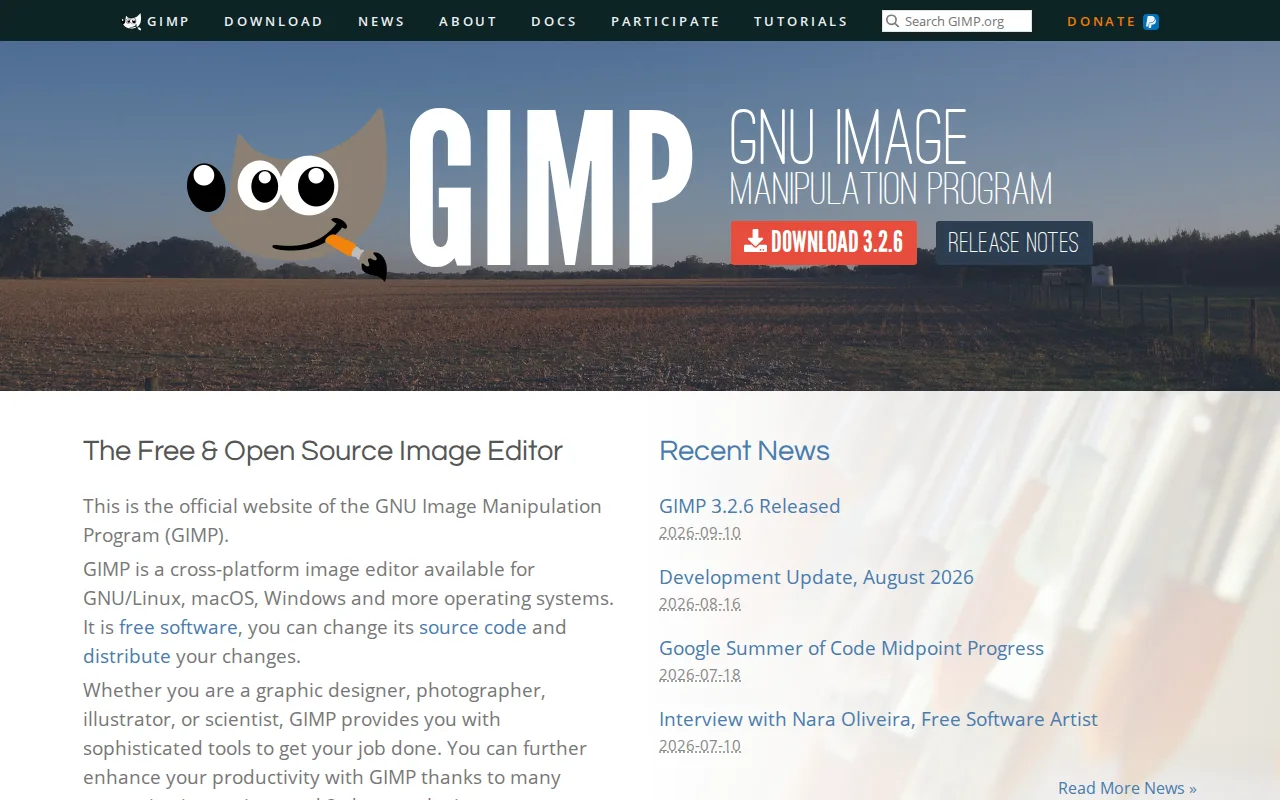
GIMP is the best Pixelmator Pro alternative for anyone who wants a $0 image editor on any operating system, since GIMP is licensed under the GPLv3 and runs natively on Windows, macOS, and Linux, while Pixelmator Pro costs a one-time $49.99 and works only on Mac and iPad. GIMP's source code is public and auditable, and it adds a scripting API in Python, C, C++, and Scheme for batch processing, a capability Pixelmator Pro's closed-source app does not expose. Pixelmator Pro requires macOS 26 or iPadOS 26 or later, locking out older Apple hardware, while GIMP has no such version-gating restriction across its supported platforms. Pixelmator Pro is still the better choice for Mac and iPad users who want AI-powered Super Resolution, Intelligent Denoise, and a more approachable interface: GIMP has no external ratings on record to compare against Pixelmator Pro's 4.8/5 score from 48 Capterra reviews, and GIMP's interface and non-destructive editing workflow are widely considered less approachable for beginners than Pixelmator Pro's Mac-native design.
Compared to Pixelmator Pro: completely free under GPLv3 vs a one-time $49.99 purchase, native Windows and Linux support, but a steeper interface for beginners
Wins:Completely free under the GPLv3, versus Pixelmator Pro's one-time $49.99 purchase · Runs on Windows, macOS, and Linux, unlike Pixelmator Pro's Mac- and iPad-only availability requiring macOS 26 or iPadOS 26 · Scripting API in Python, C, C++, and Scheme for batch processing, a capability Pixelmator Pro's closed-source app doesn't expose
Loses:No external ratings on record, versus Pixelmator Pro's 4.8/5 score from 48 Capterra reviews · Interface and non-destructive editing workflow are widely considered less approachable for beginners than Pixelmator Pro's · No AI-powered Super Resolution or Intelligent Denoise tools built into the core app the way Pixelmator Pro has
Pros
- Completely free with no license fee, subscription, or feature paywall.
- Fully cross-platform on Linux, macOS, and Windows with the same feature set on each.
- Scriptable via Python, C, C++, and Scheme for custom filters and batch automation.
- Open-source license means the software can be audited, modified, and redistributed without restriction.
Cons
- No official vendor support or SLA; help comes only from community forums and documentation.
- Interface and non-destructive editing workflow are less approachable for beginners than Photoshop or Affinity Photo.
- Native file compatibility with Photoshop's .psd format is imperfect for complex layered files.
- Smaller plugin and brush ecosystem than commercial competitors, despite community contributions.
Pricing: Free (verified undefined NaN, NaN)